
Asana design examples
Explore Asana UI design examples. The easiest way for teams to track their work
Product screens
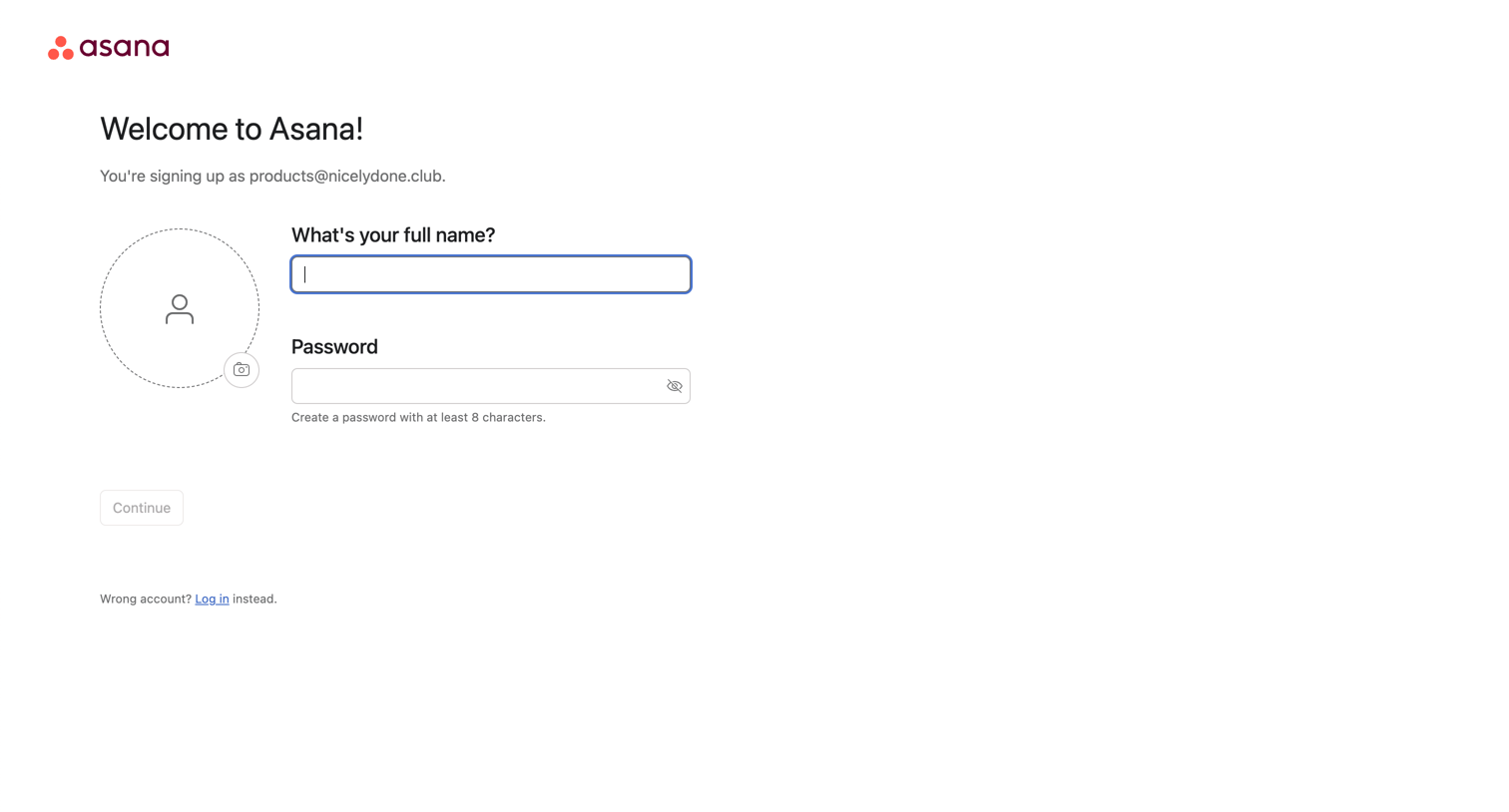
Signup screen where the user enters their full name, sets a password, and optionally uploads an avatar to complete account creation.
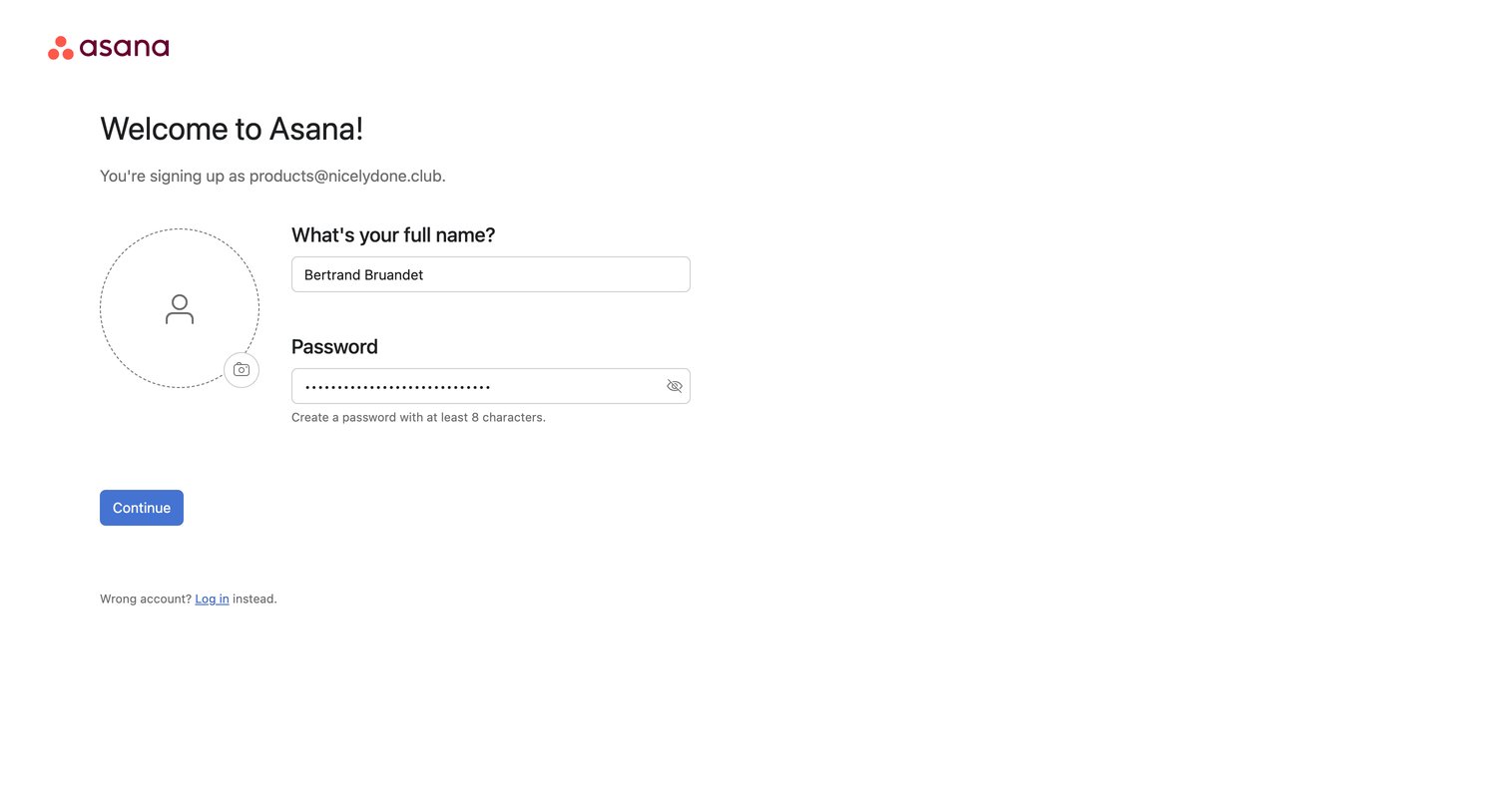
Signup page where the user sets their full name, password, and profile picture to complete account creation.
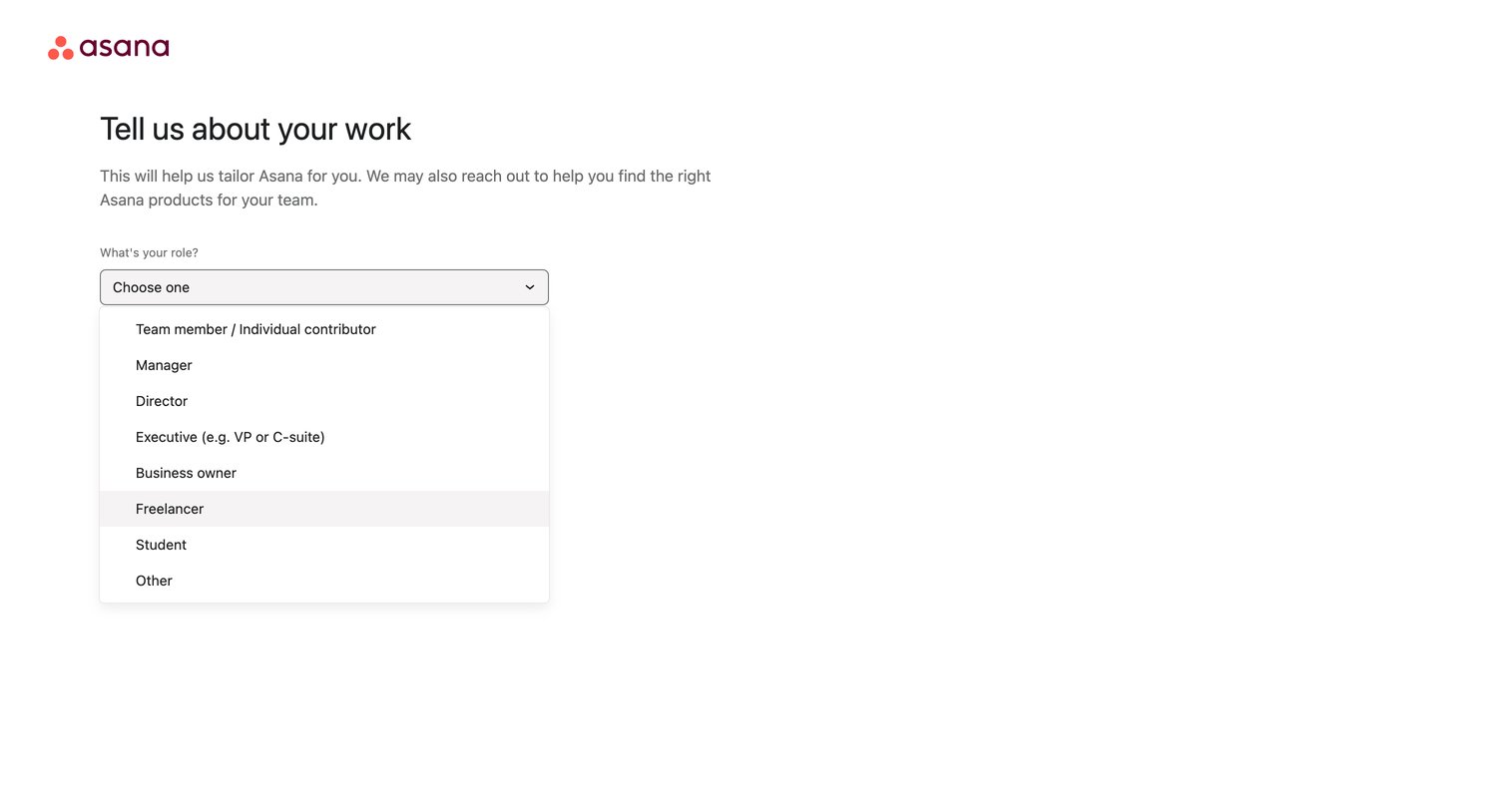
Onboarding step where the user selects their role from an open dropdown menu to tailor their workspace experience.
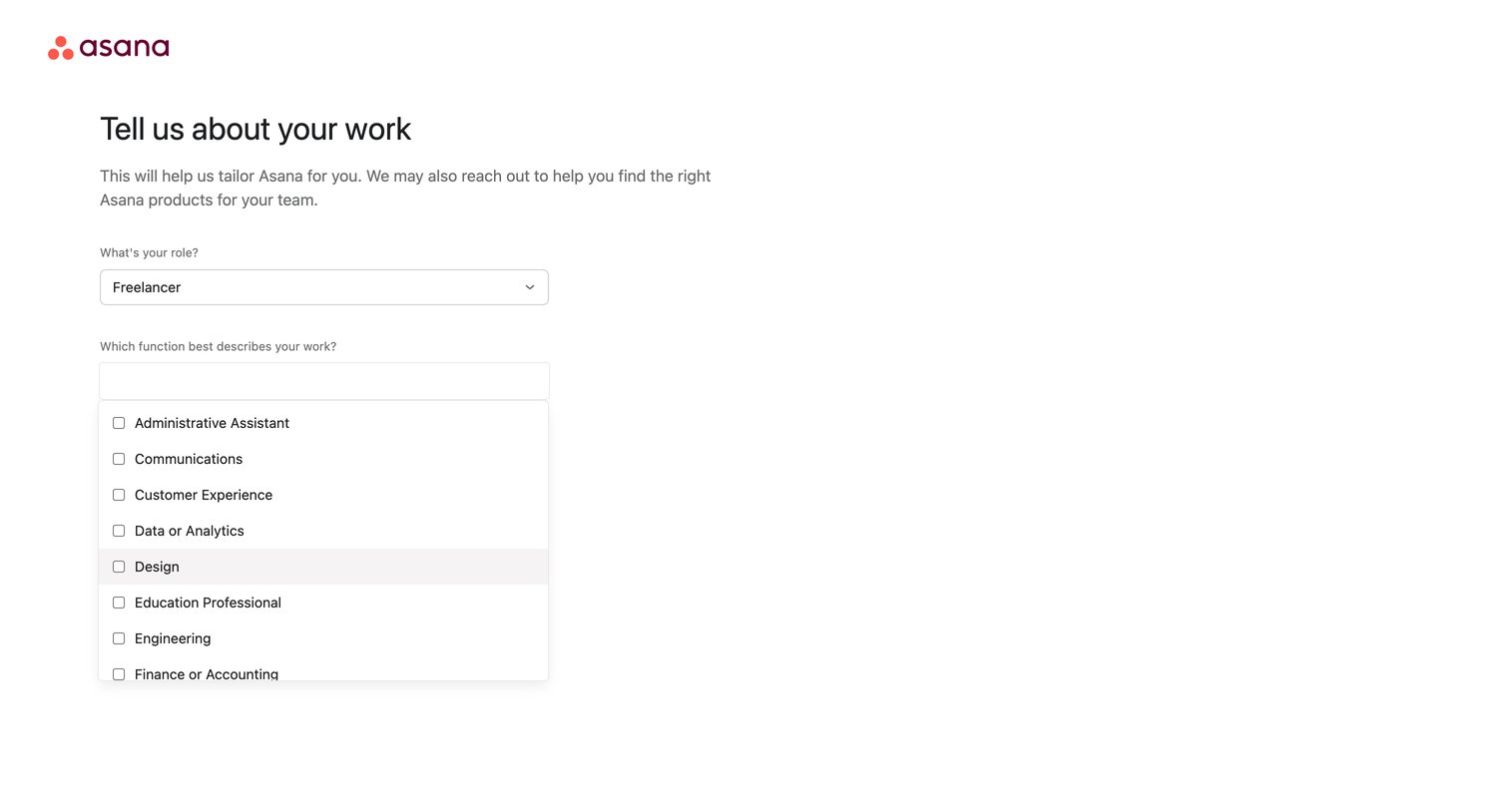
Onboarding step where the user selects their role and function via a multi-select combobox to tailor their workspace.
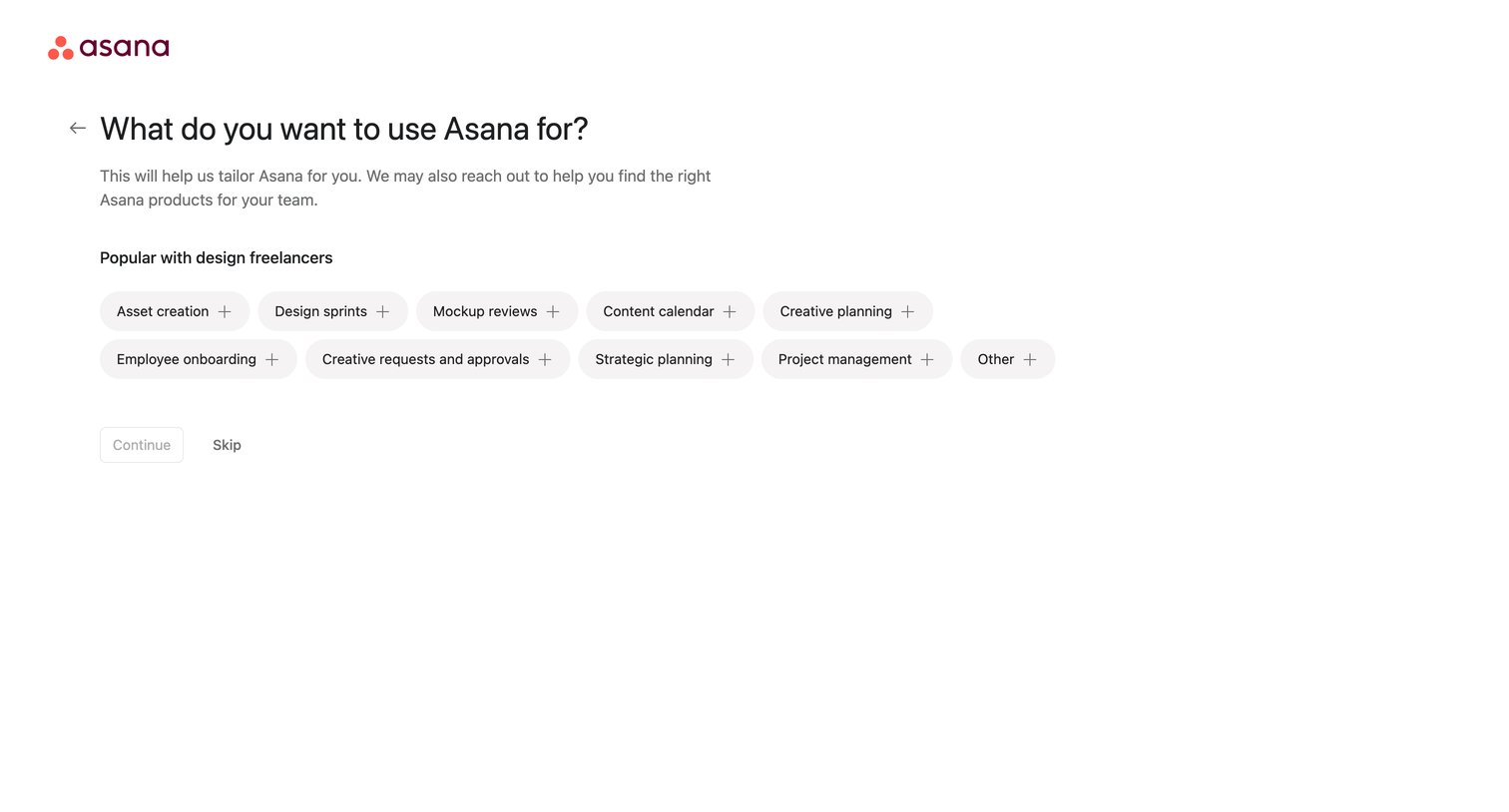
Onboarding step where the user selects their primary use cases, such as asset creation or design sprints, to tailor their workspace experience.
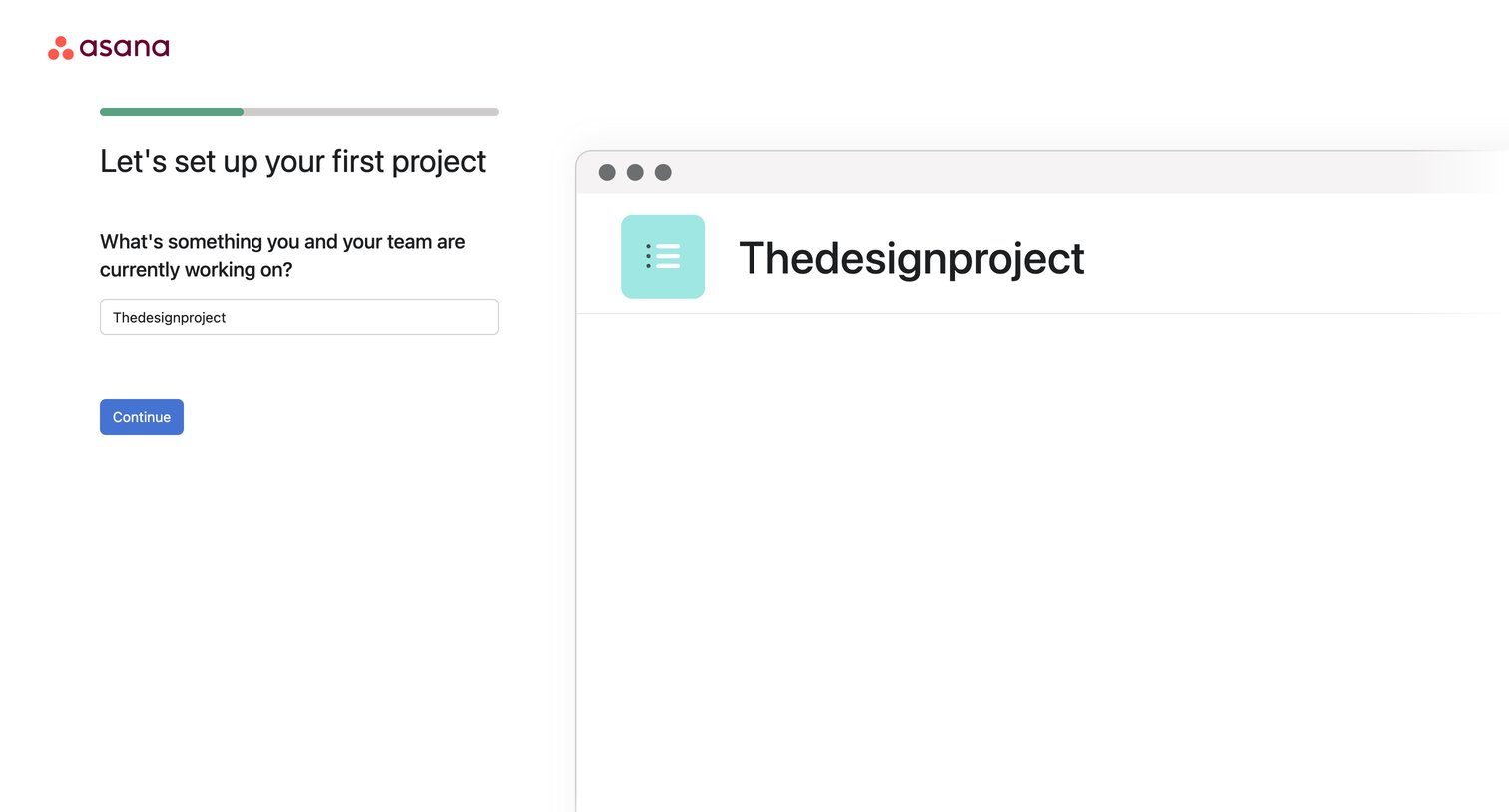
Onboarding step where the user names their first project and sees a live preview of the project header.
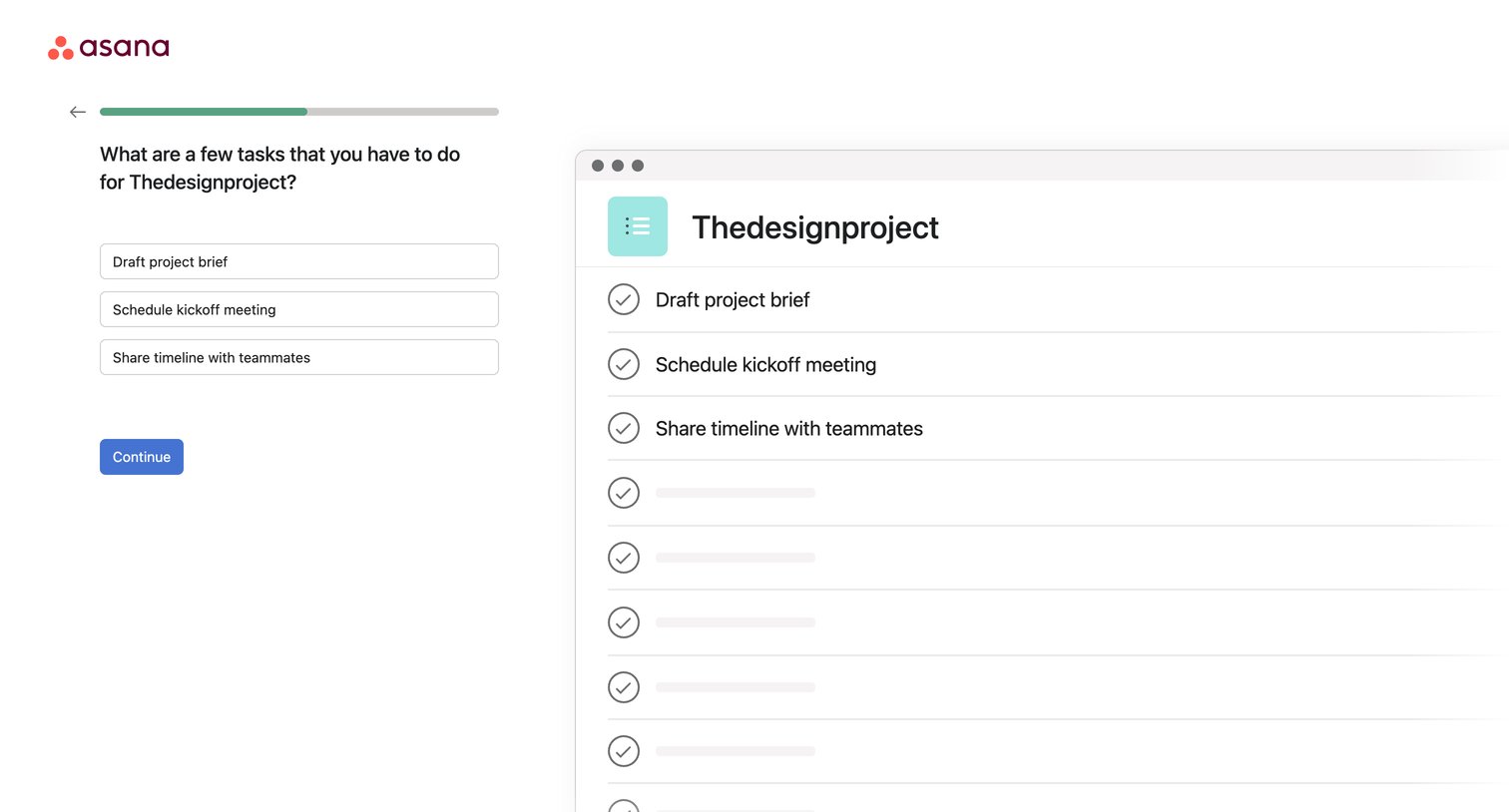
Onboarding step where the user inputs their first few tasks for a new project, with a live preview updating on the right.
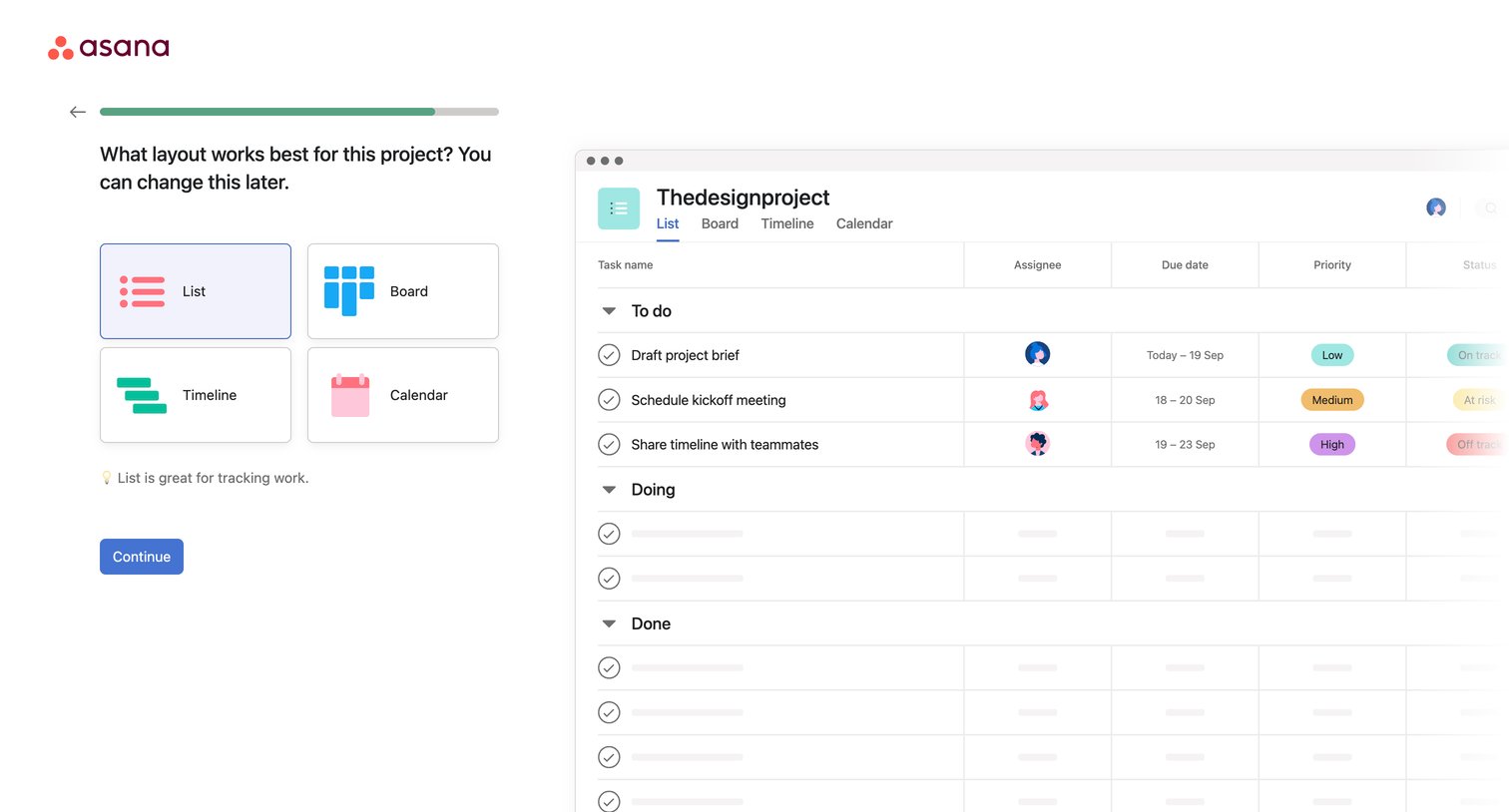
Onboarding step where the user selects their preferred project layout between List, Board, Timeline, and Calendar, with a live preview updating on the right.
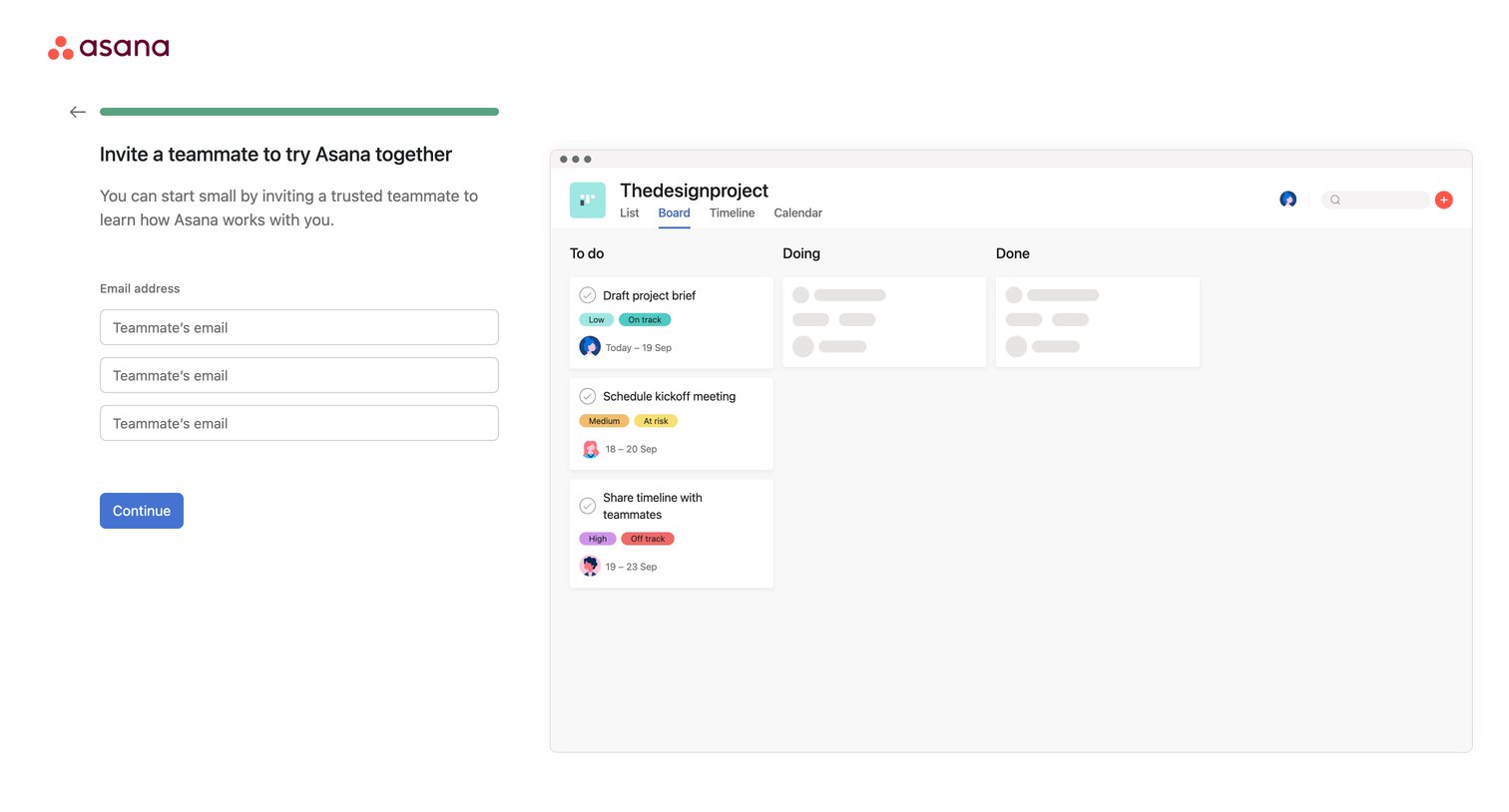
Onboarding step where the user is prompted to invite teammates via email, featuring a mockup preview of a project board on the right.
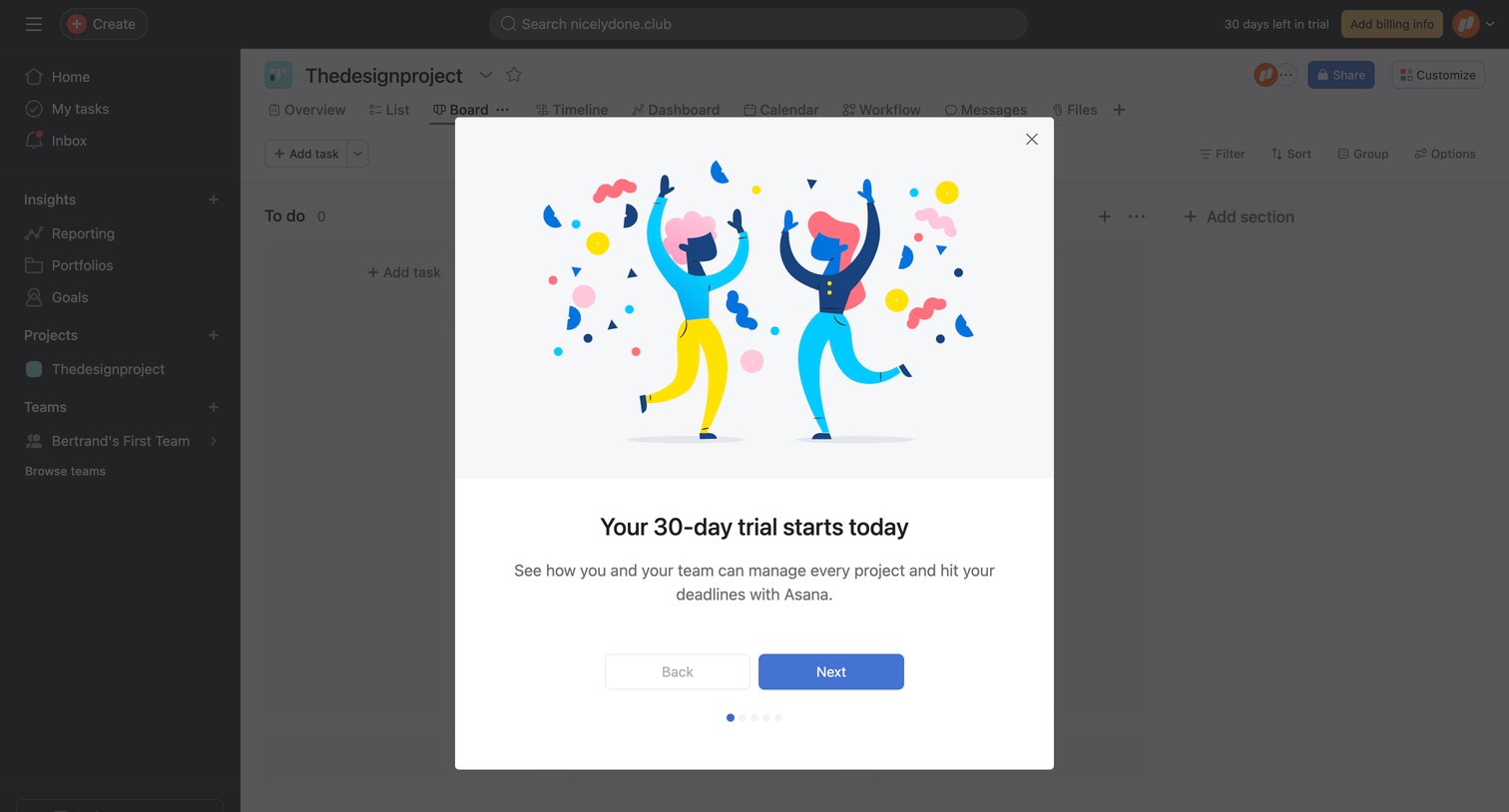
Onboarding modal welcoming the user to their 30-day trial with a stepper to continue the tour, overlaying a project board.
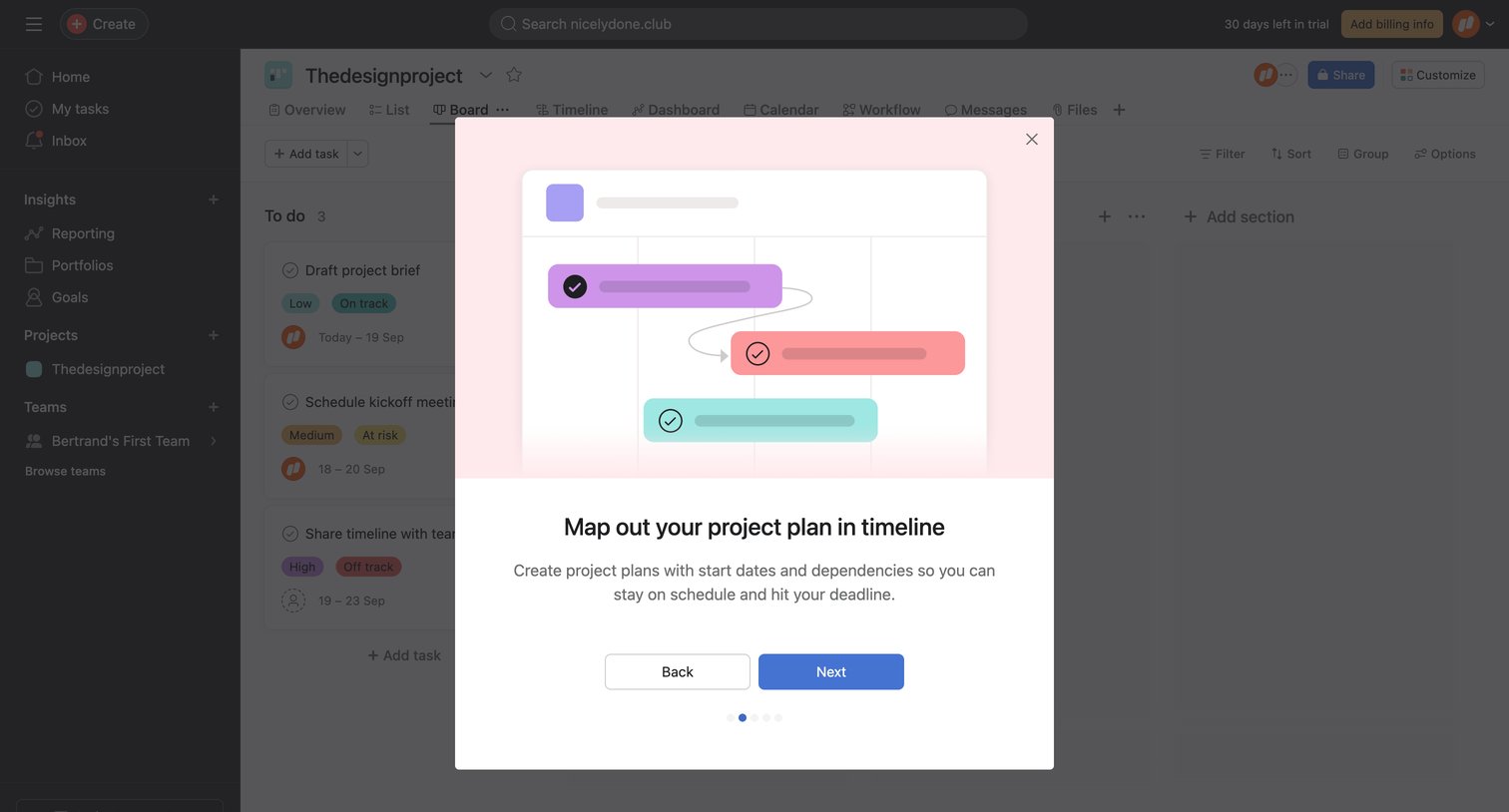
Onboarding step where a modal prompts the user to map out their project plan in a timeline, overlaying a project kanban board.
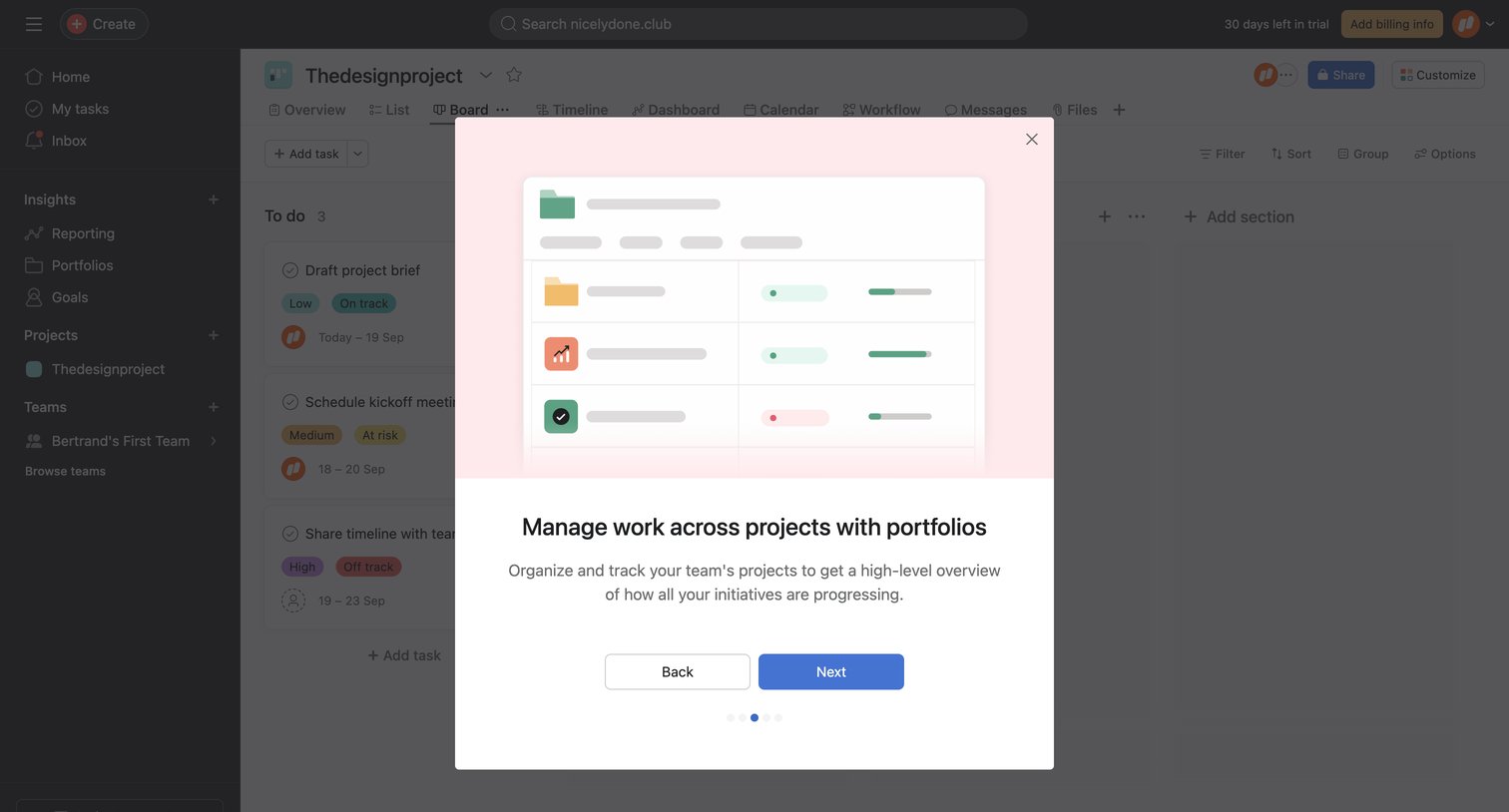
List view of a project board where a product tour modal introduces the portfolios feature to the user.
Browse the full SaaS app library
Explore real SaaS apps with their product screens, marketing screens, flows, and components.
Trusted by the best teams







