Shortcuts screen examples
Shortcuts screen design examples from SaaS apps. See how apps introduce keyboard commands and other shortcuts. Explore how command names, key combinations, and groups are presented for reference within the…
Explore the examples
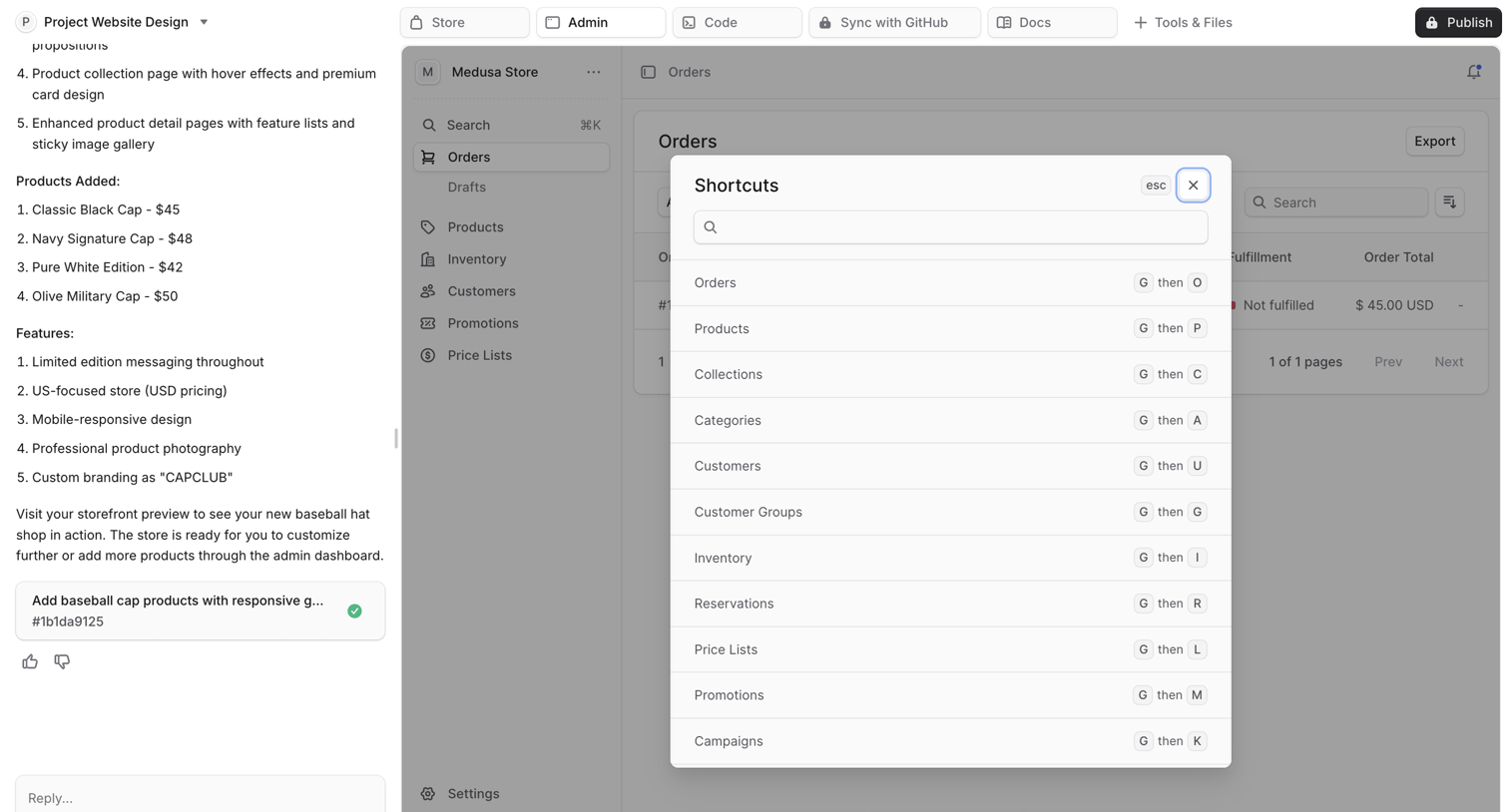

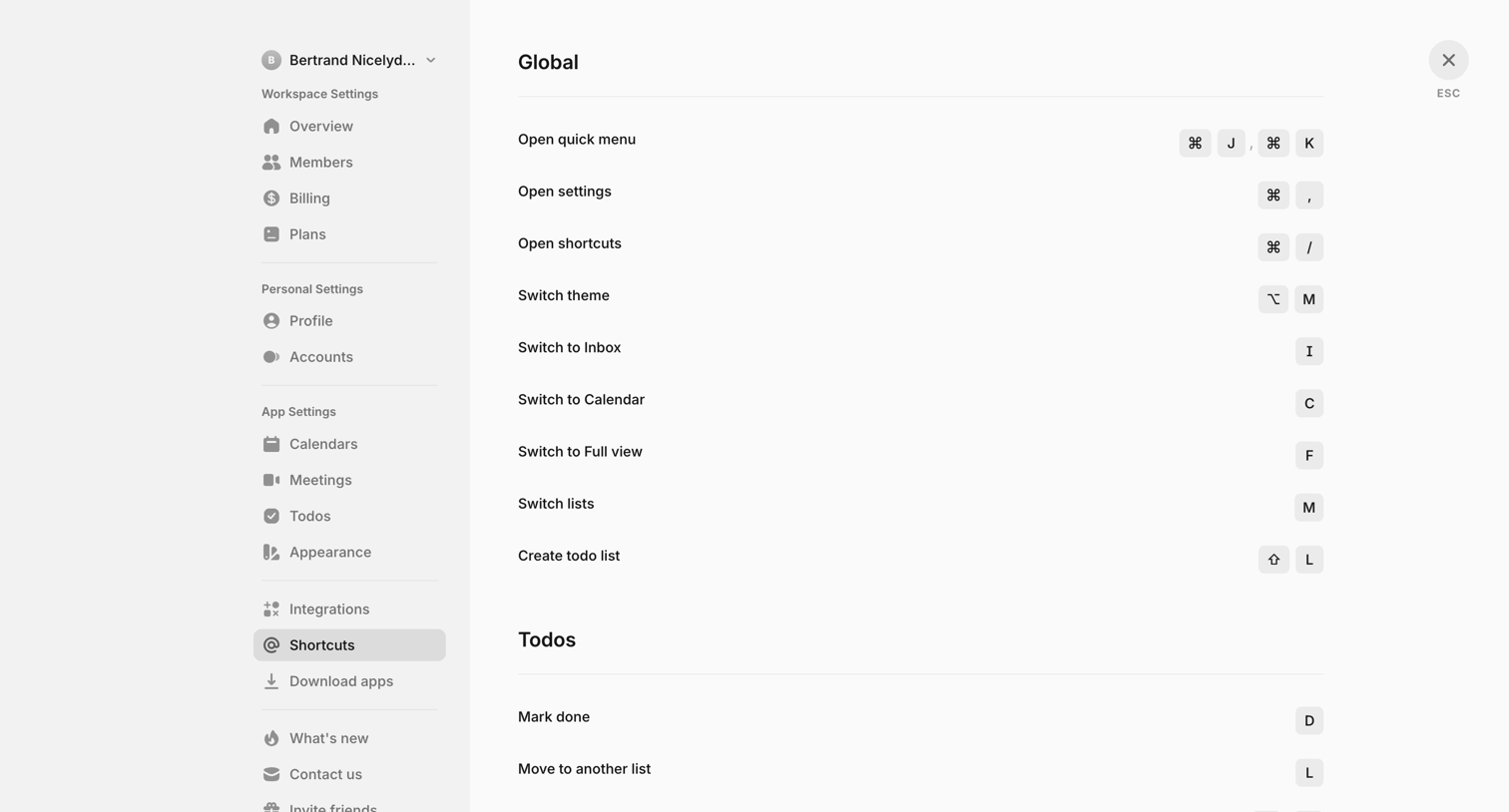

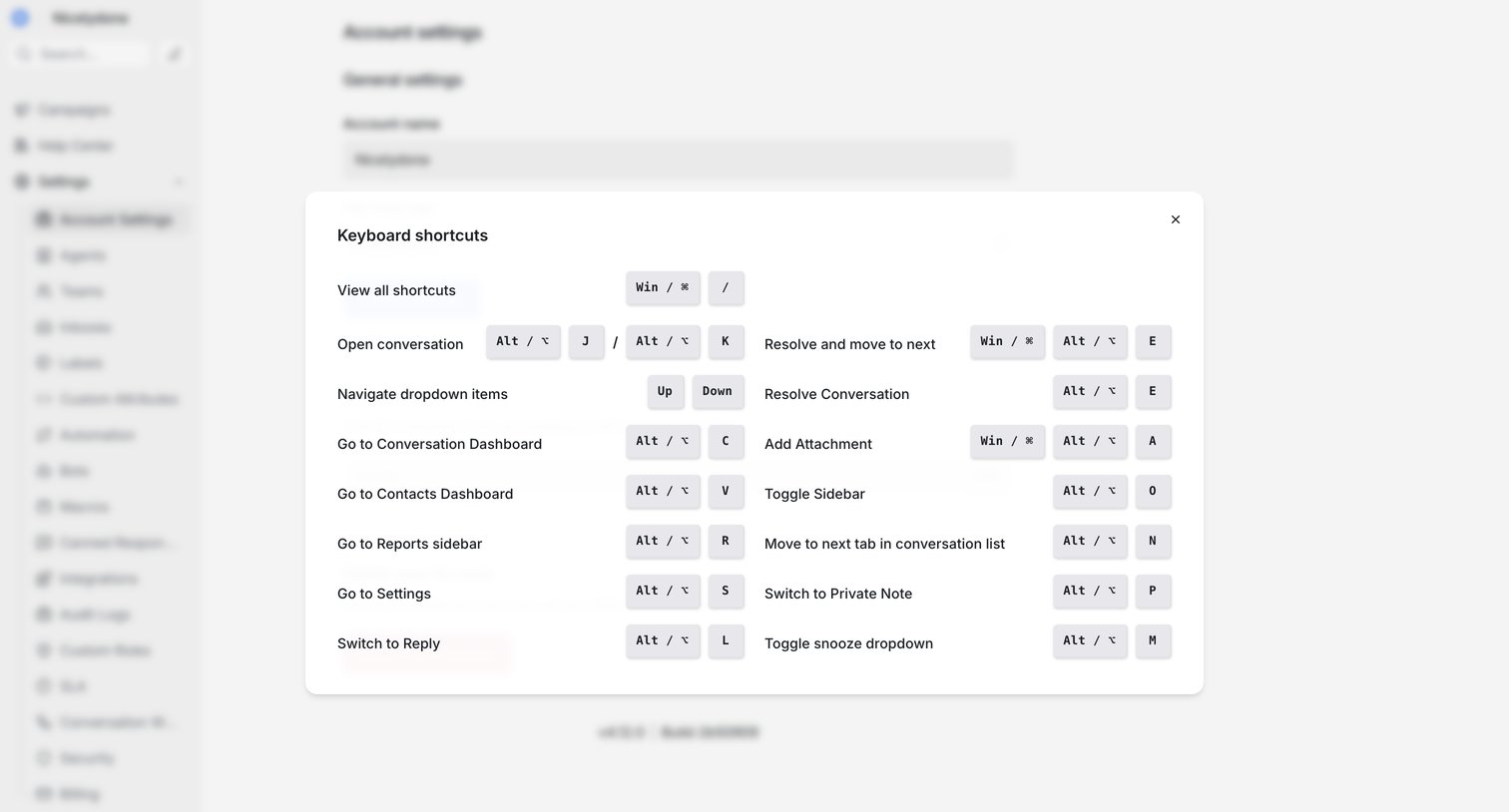

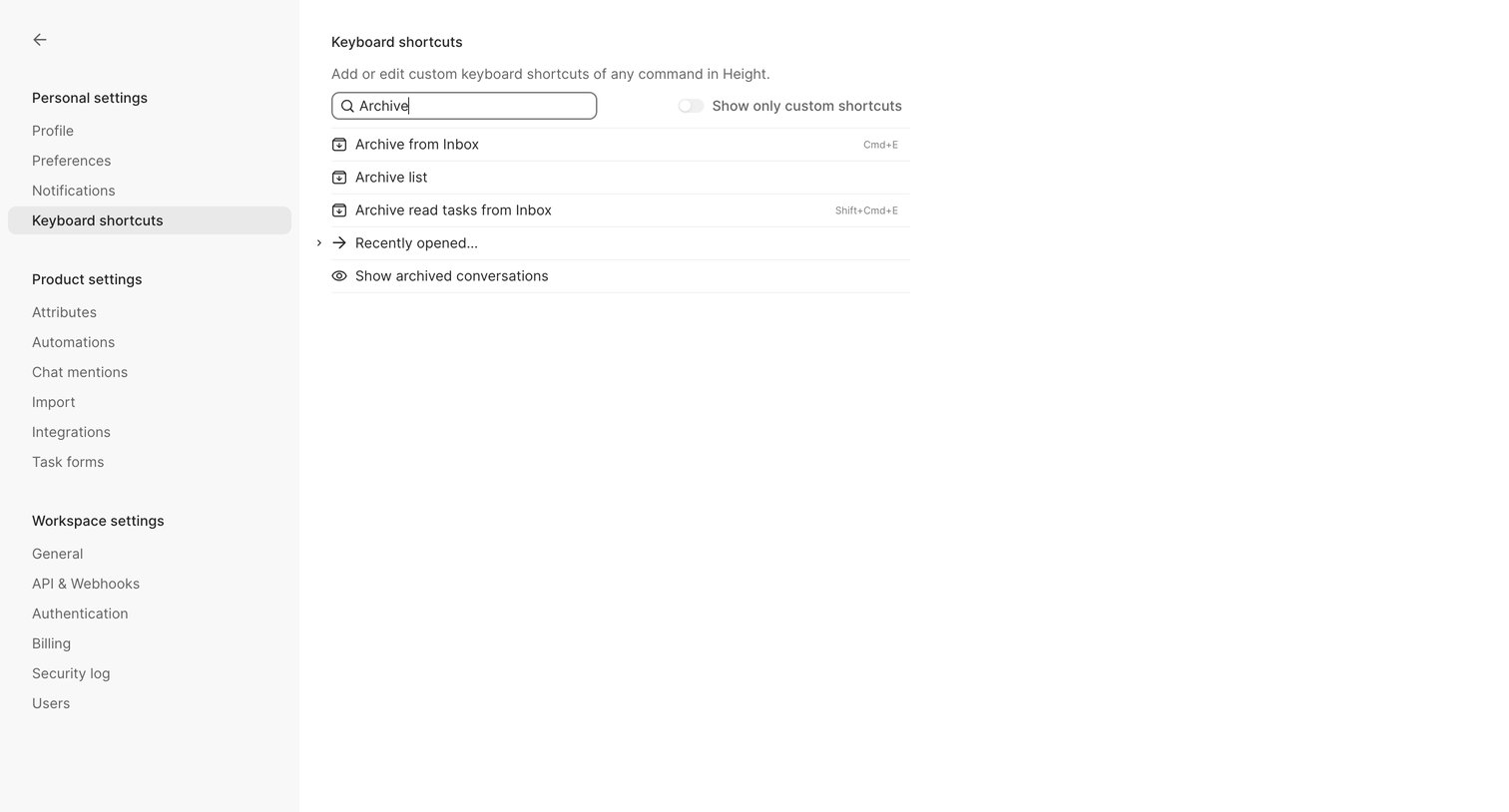
Settings page where a modal displays a comprehensive list of available keyboard shortcuts for navigating and operating the application.
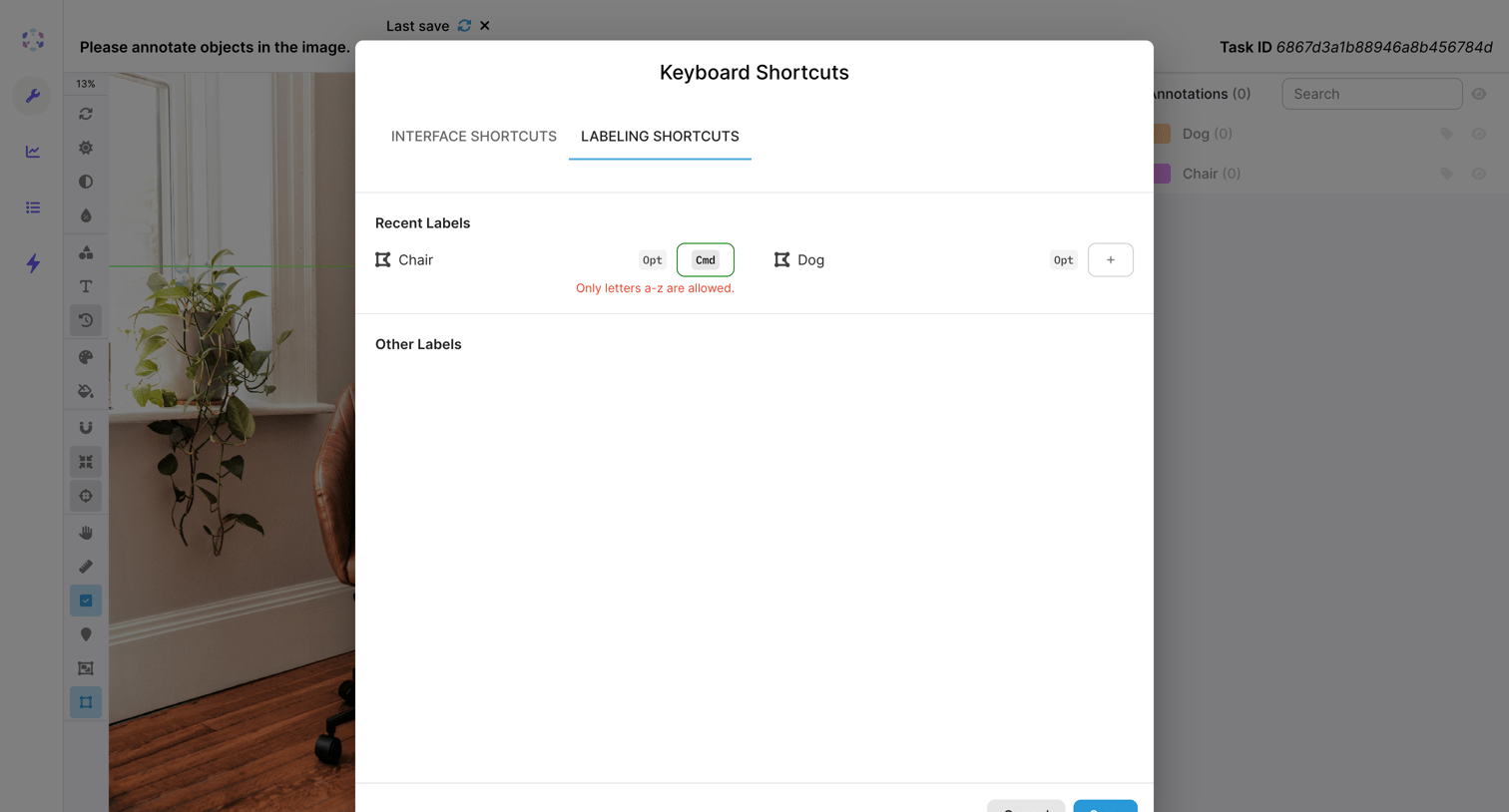

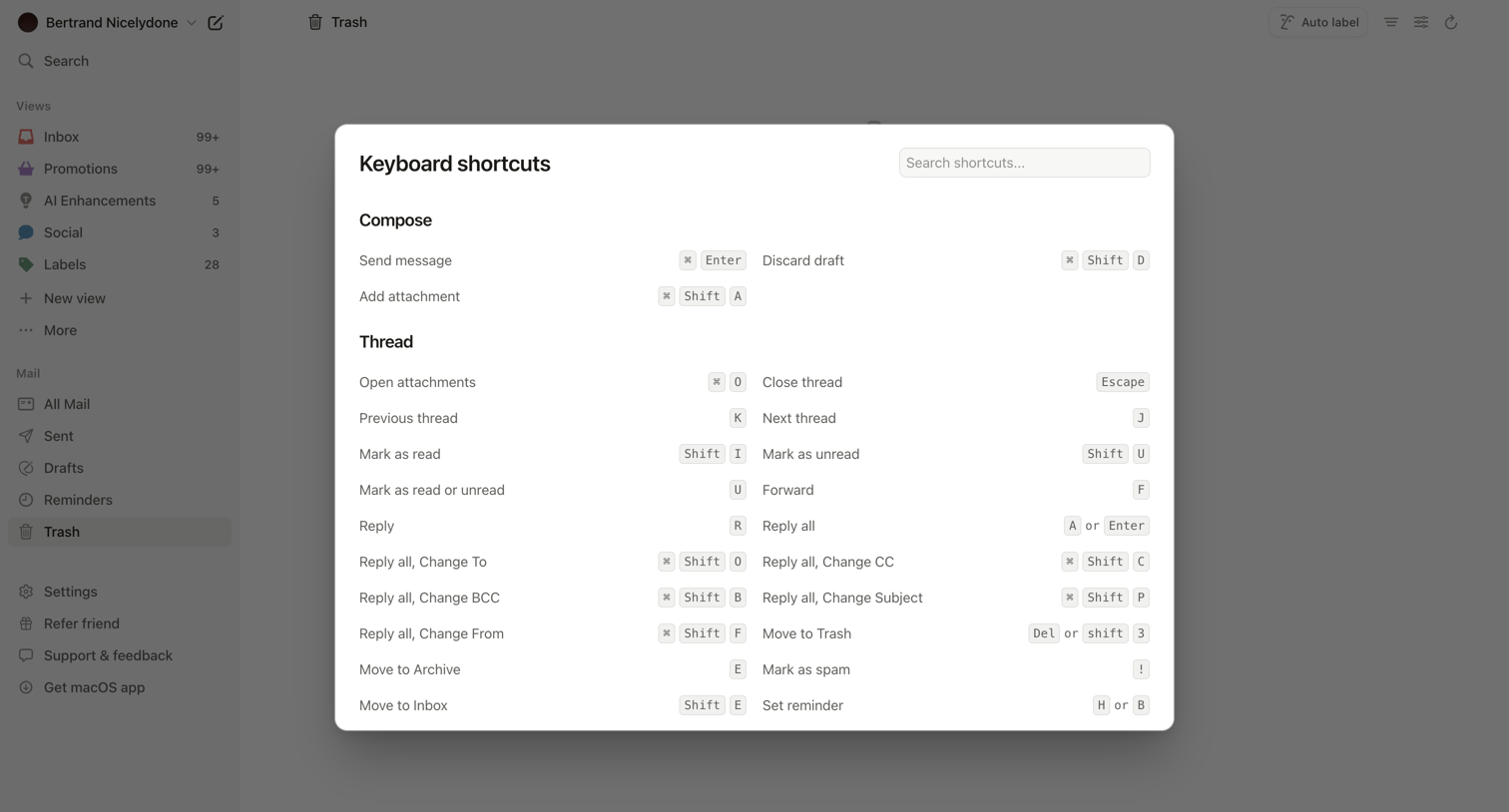

Email inbox where the user is viewing a modal listing all available keyboard shortcuts for composing and managing threads.
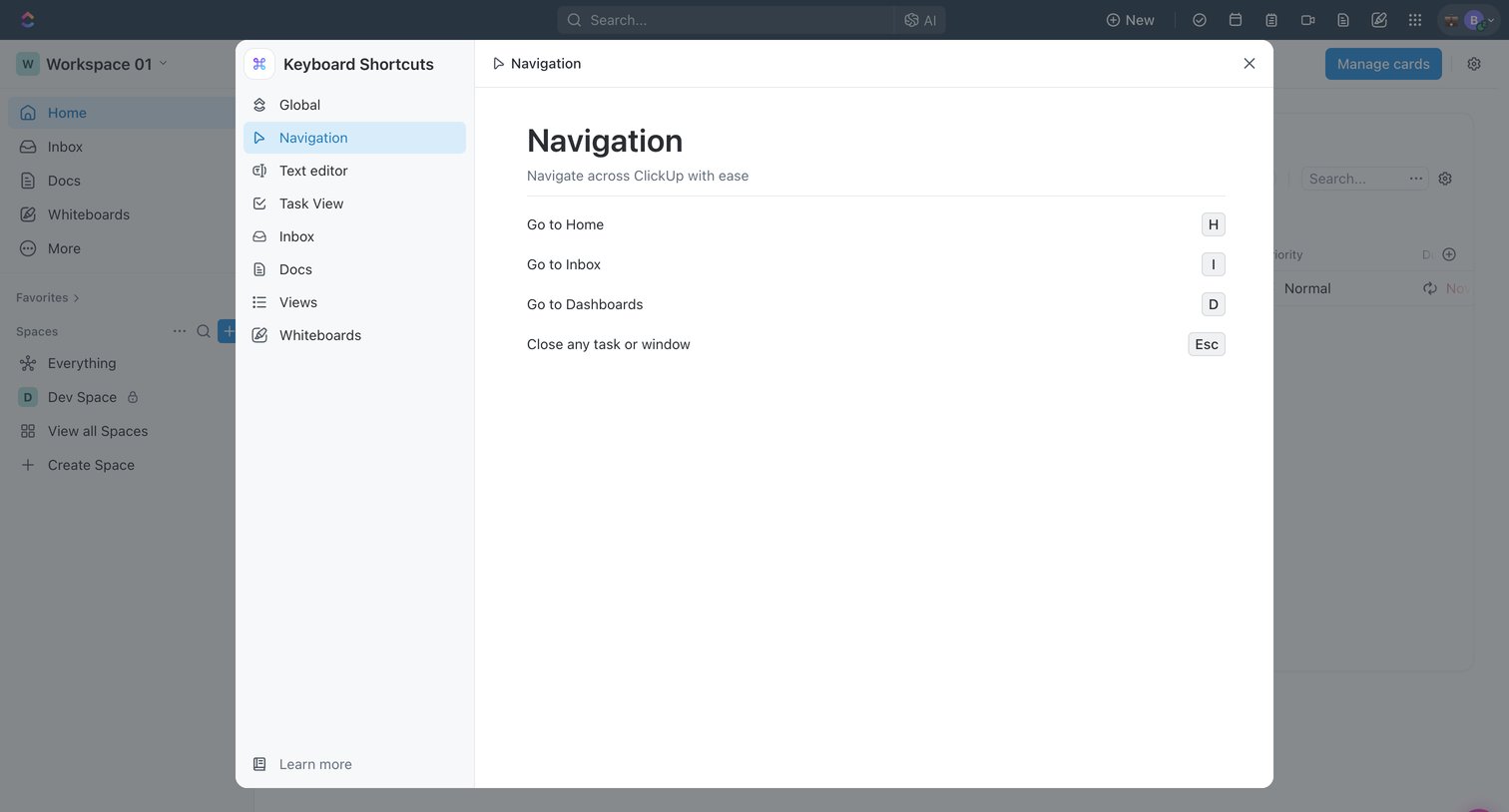

Home screen with a keyboard shortcuts modal open, showing navigation-specific hotkeys like 'Go to Home' and 'Go to Inbox'.
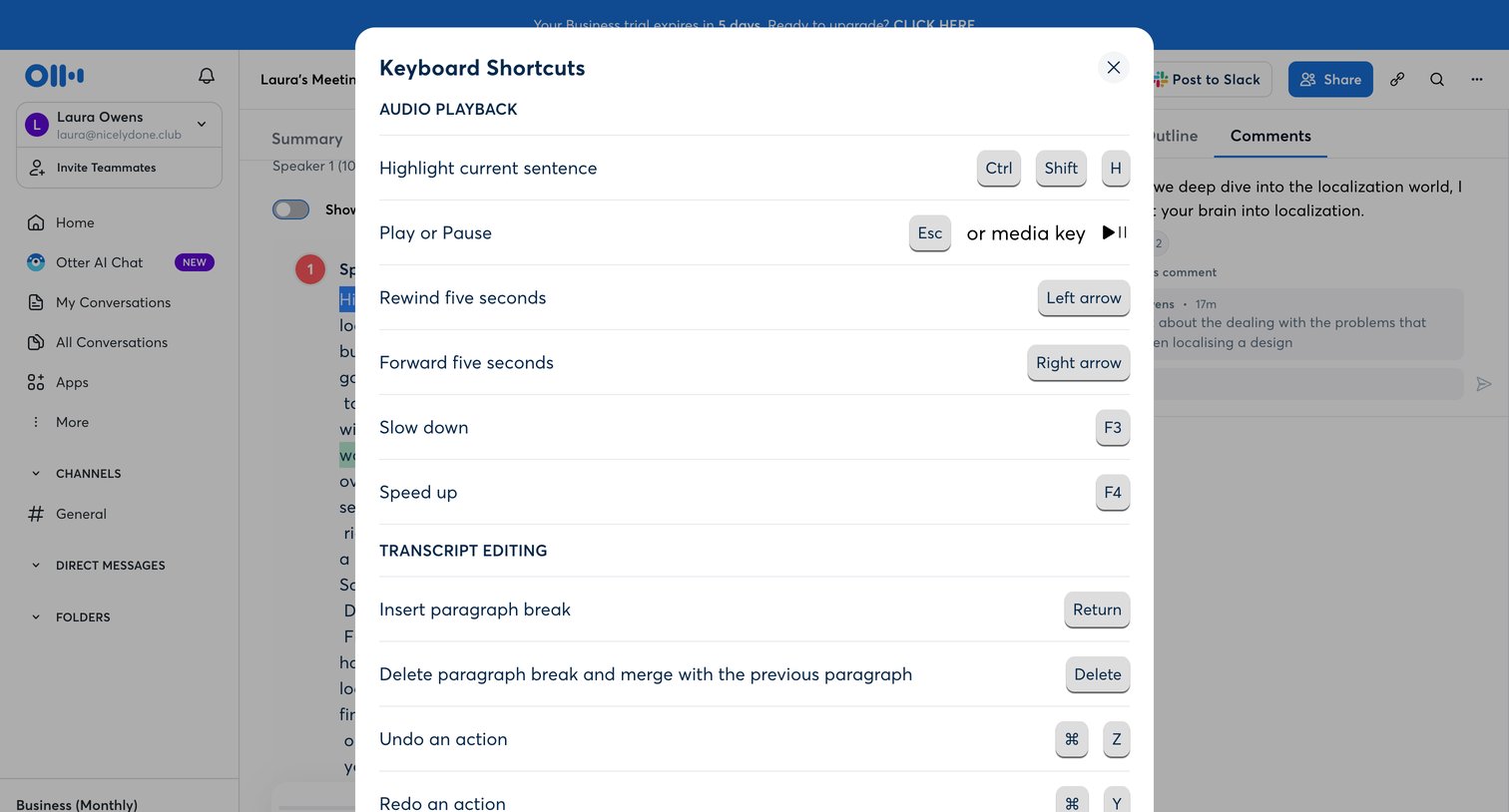

Detail page for a recorded meeting where the user is viewing keyboard shortcuts for audio playback and transcript editing over a three-pane layout.

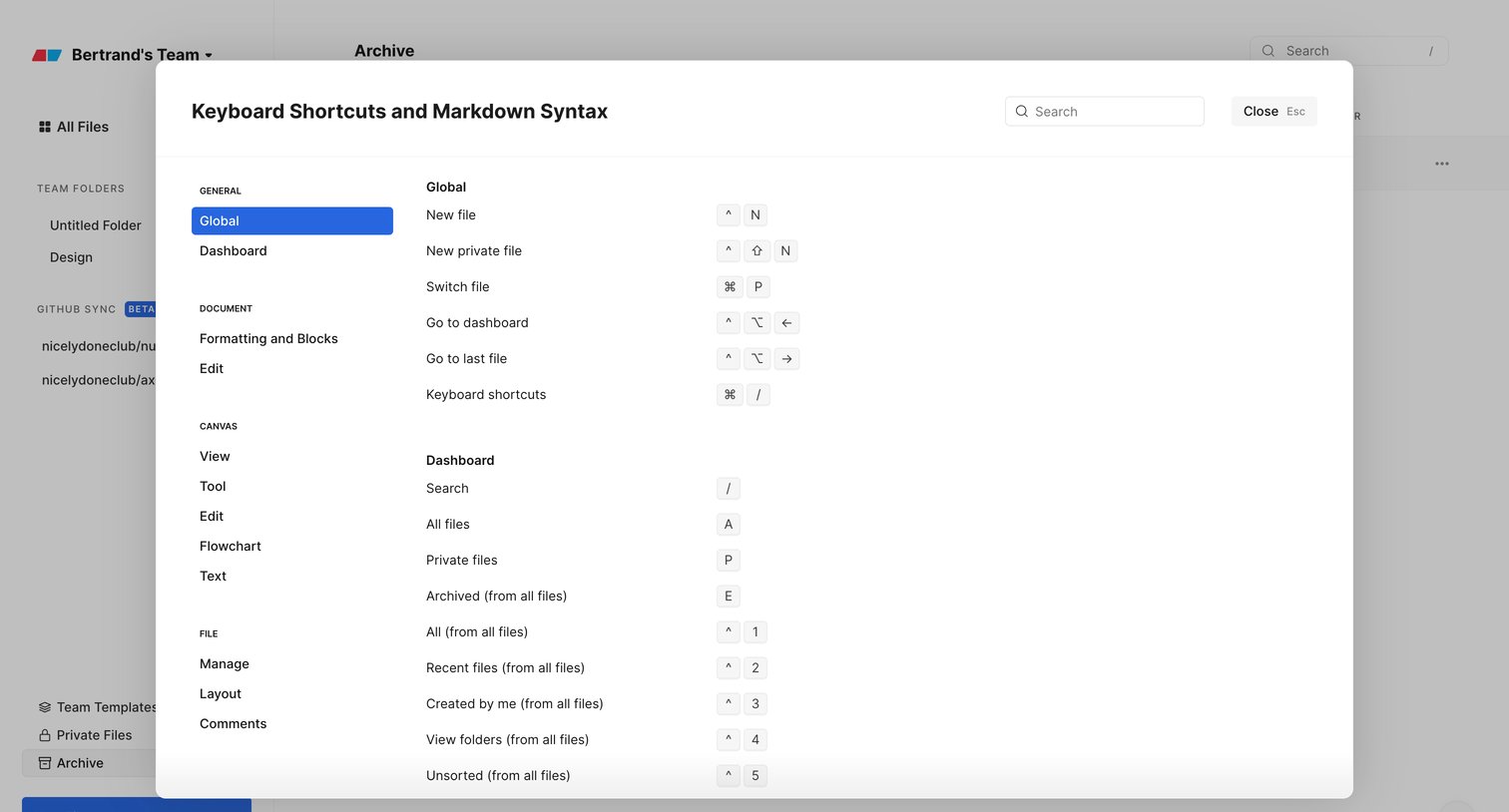

Dashboard overlay displaying a comprehensive list of keyboard shortcuts and markdown syntax, categorized by feature areas like global, document, and canvas.
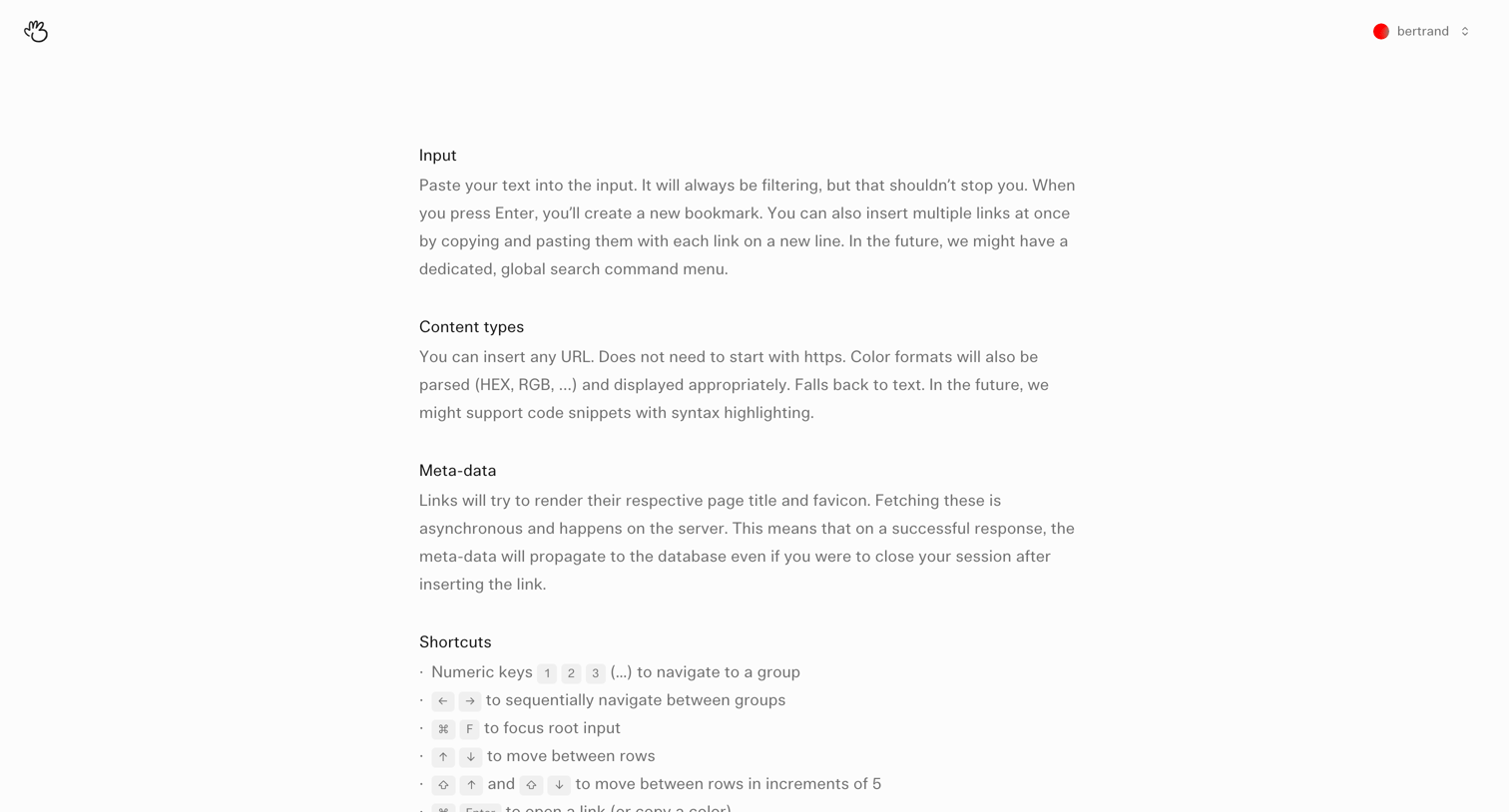

Help center article explaining input behavior, content types, metadata rendering, and keyboard shortcuts for managing bookmarks.
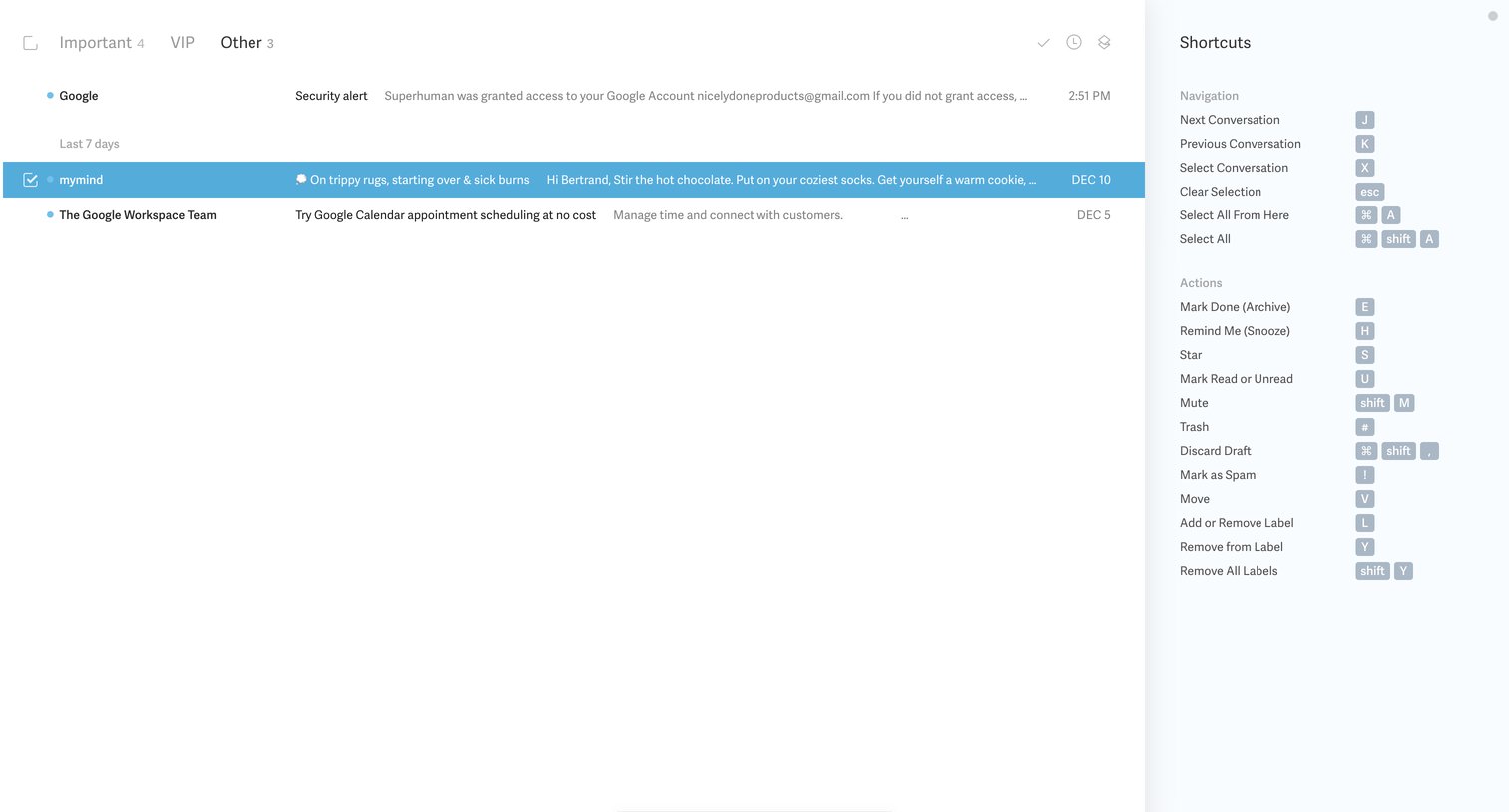

Email inbox list where the user is viewing the 'Other' category with a right sidebar displaying available keyboard shortcuts for navigation and actions.
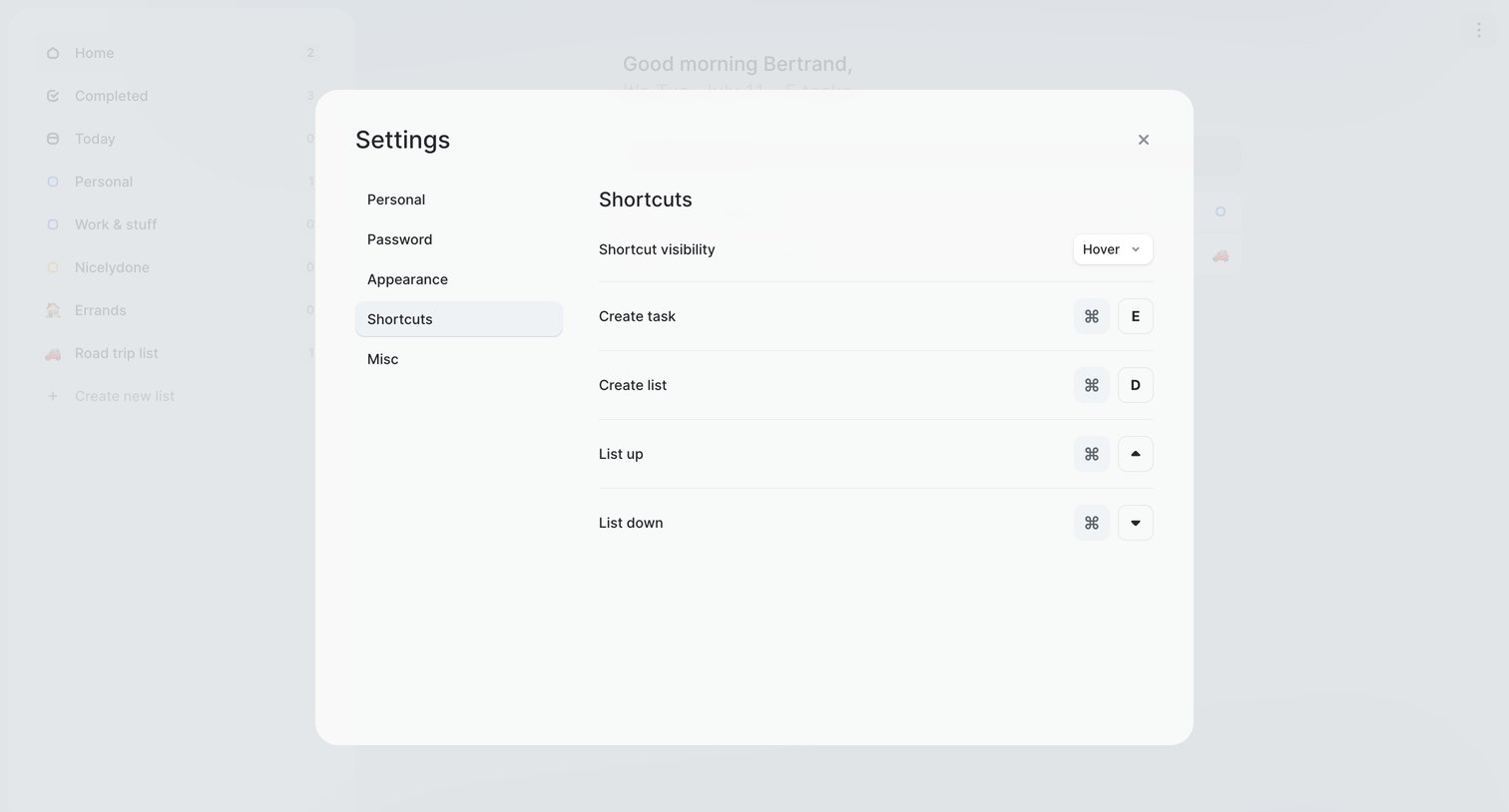

Explore the full SaaS screen library
Upgrade to unlock the full library.
Trusted by the best teams








About Shortcuts
See how apps introduce keyboard commands and other shortcuts. Explore how command names, key combinations, and groups are presented for reference within the product.