Notification Settings screen examples
Notification Settings screen design examples from SaaS apps. See how SaaS apps let people choose which updates they receive. Explore how notification types, delivery channels, and preferences are grouped within the…
Explore the examples
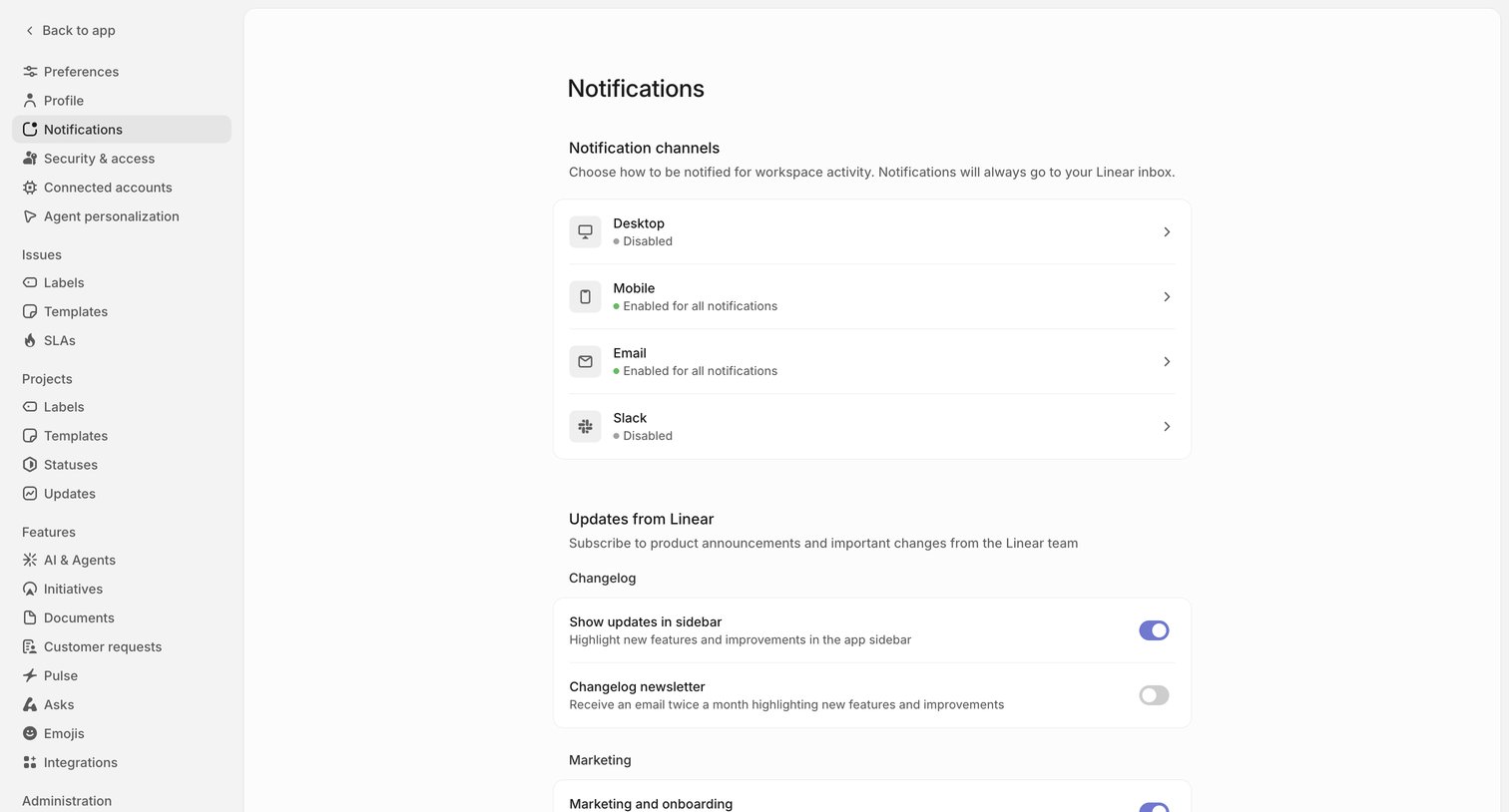

Settings page where the user configures notification channels like desktop, mobile, email, and Slack, and manages subscriptions to product updates and marketing emails.
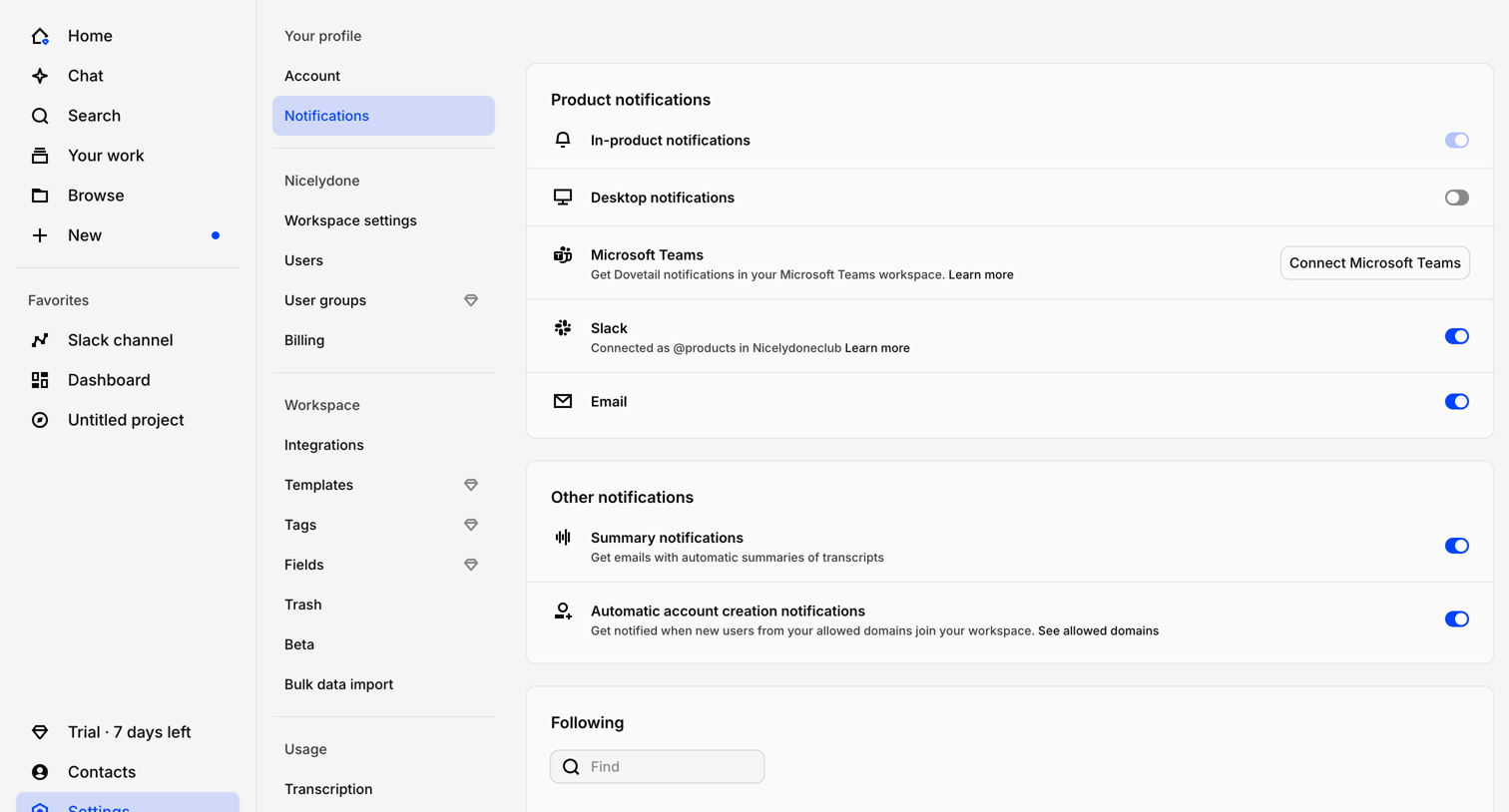

Settings page where the user configures product and email notification preferences, connects integrations like Slack or Teams, and manages alerts for followed items.
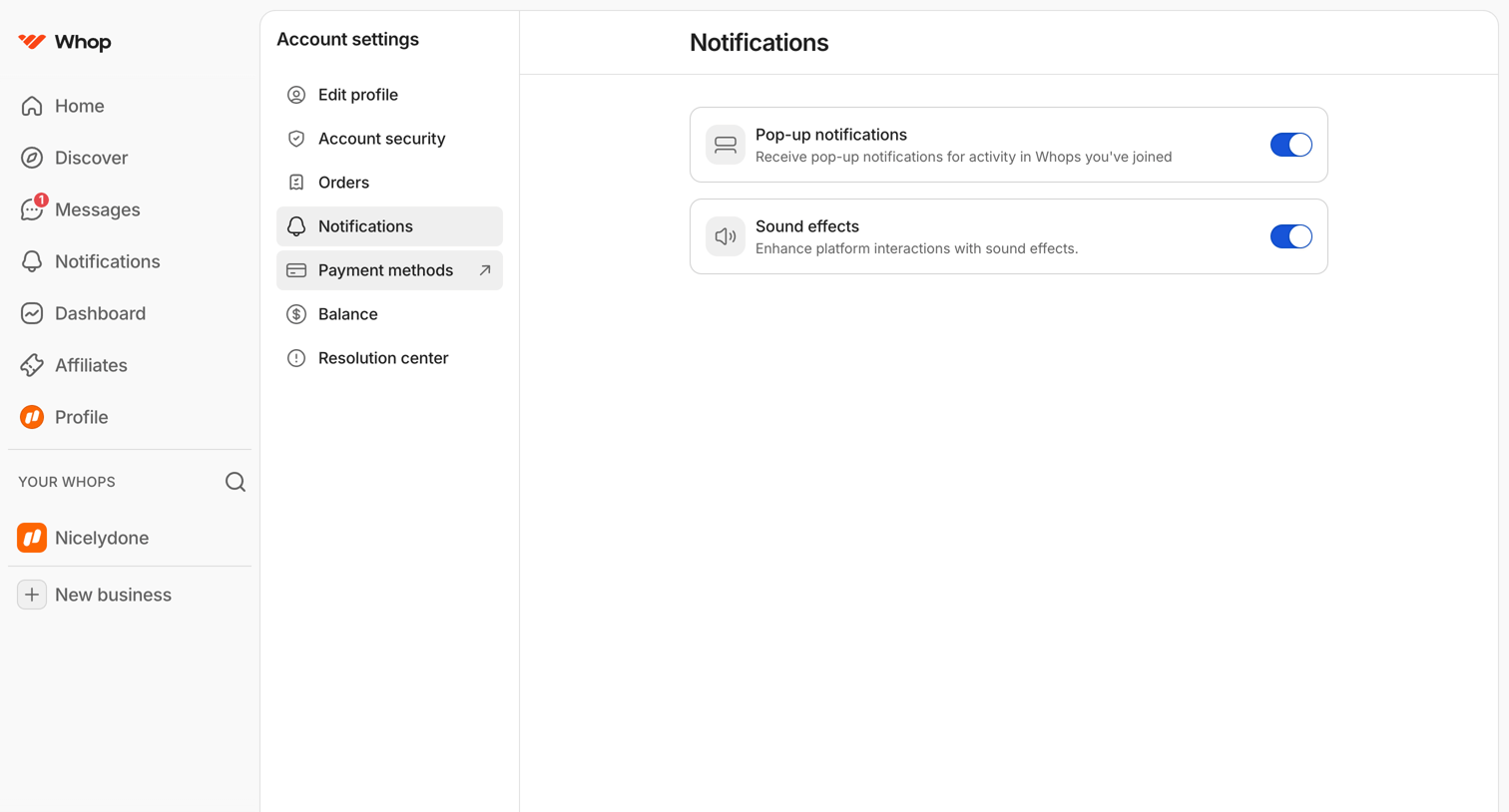

Settings page where the user configures platform interactions by toggling pop-up notifications and sound effects.
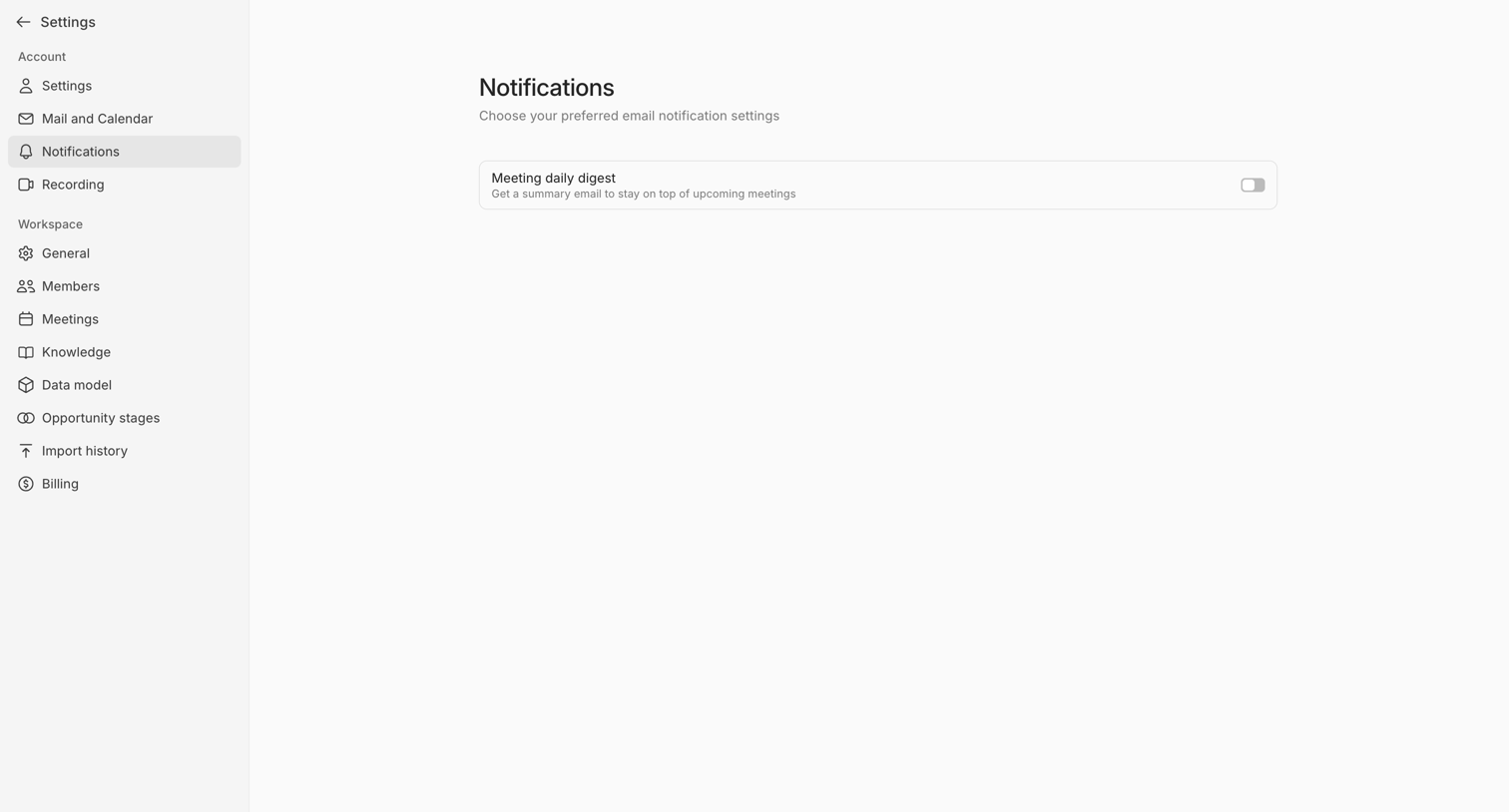

Settings page where the user configures their email notification preferences, specifically toggling a daily meeting digest.
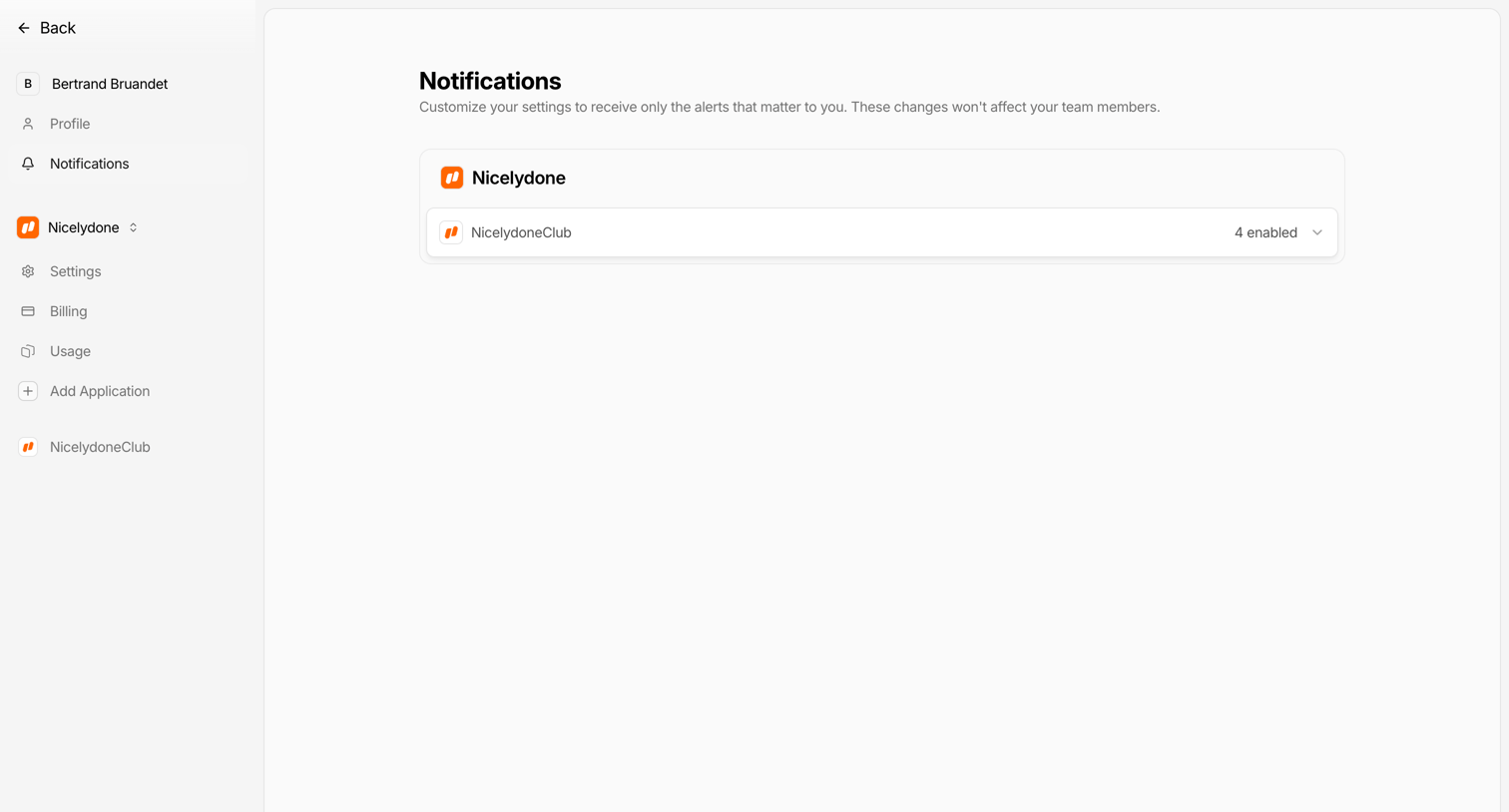

Settings page where the user configures notification preferences for specific applications, currently showing an expandable list for Nicelydone.
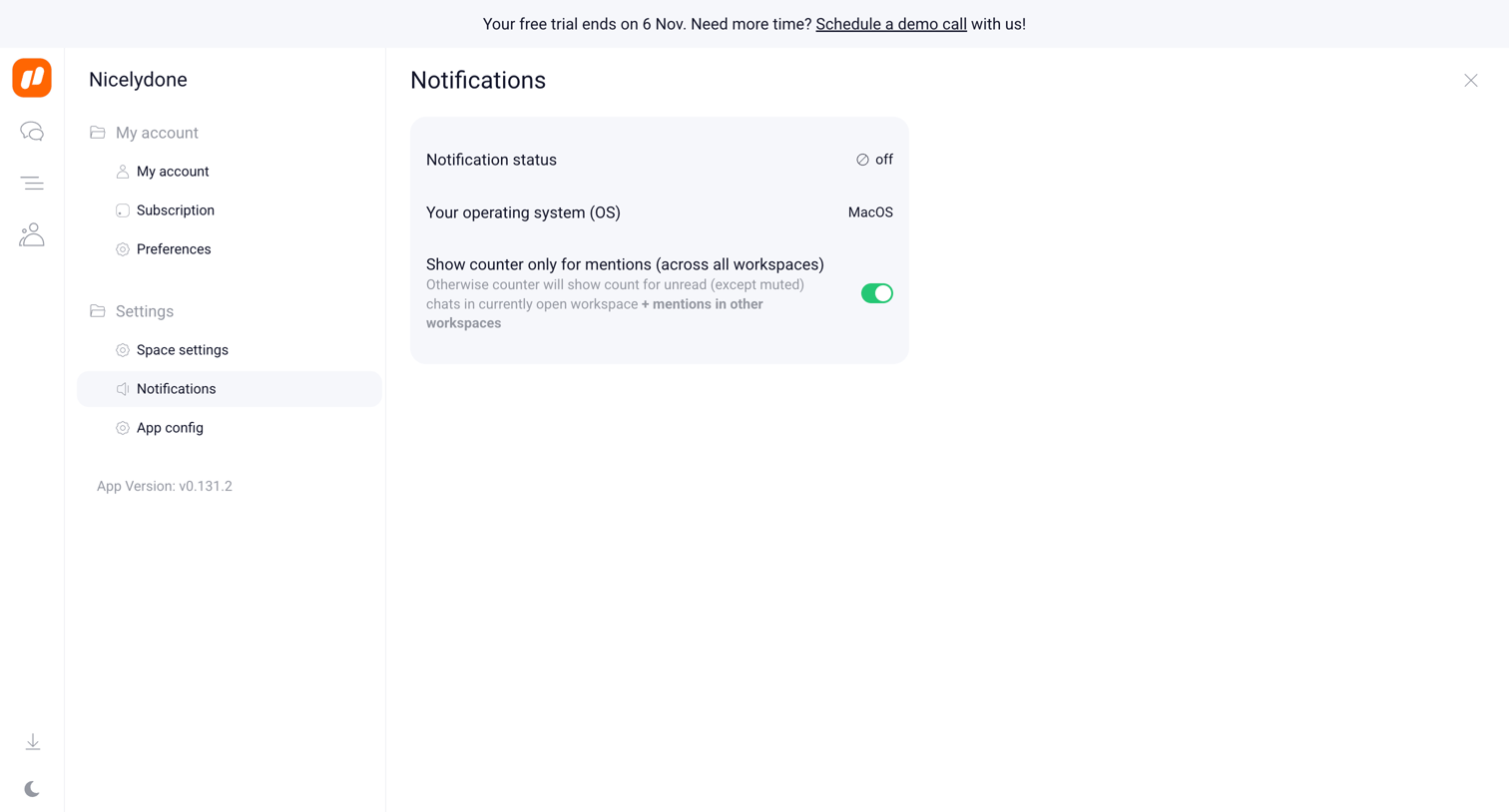

Settings page where the user configures notification preferences, including OS settings and mention counters.
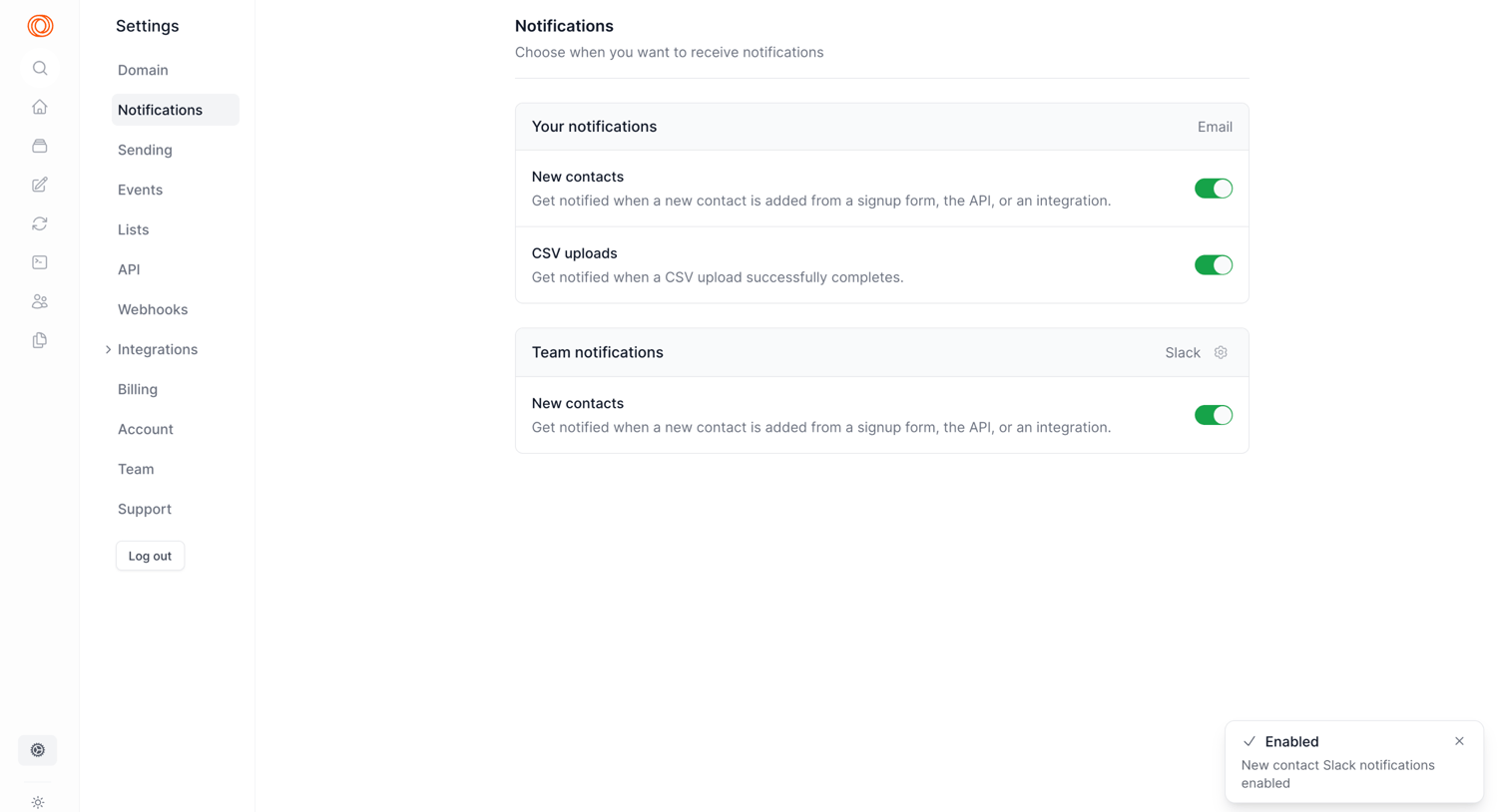

Settings page where the user configures email and Slack notifications for new contacts and CSV uploads.
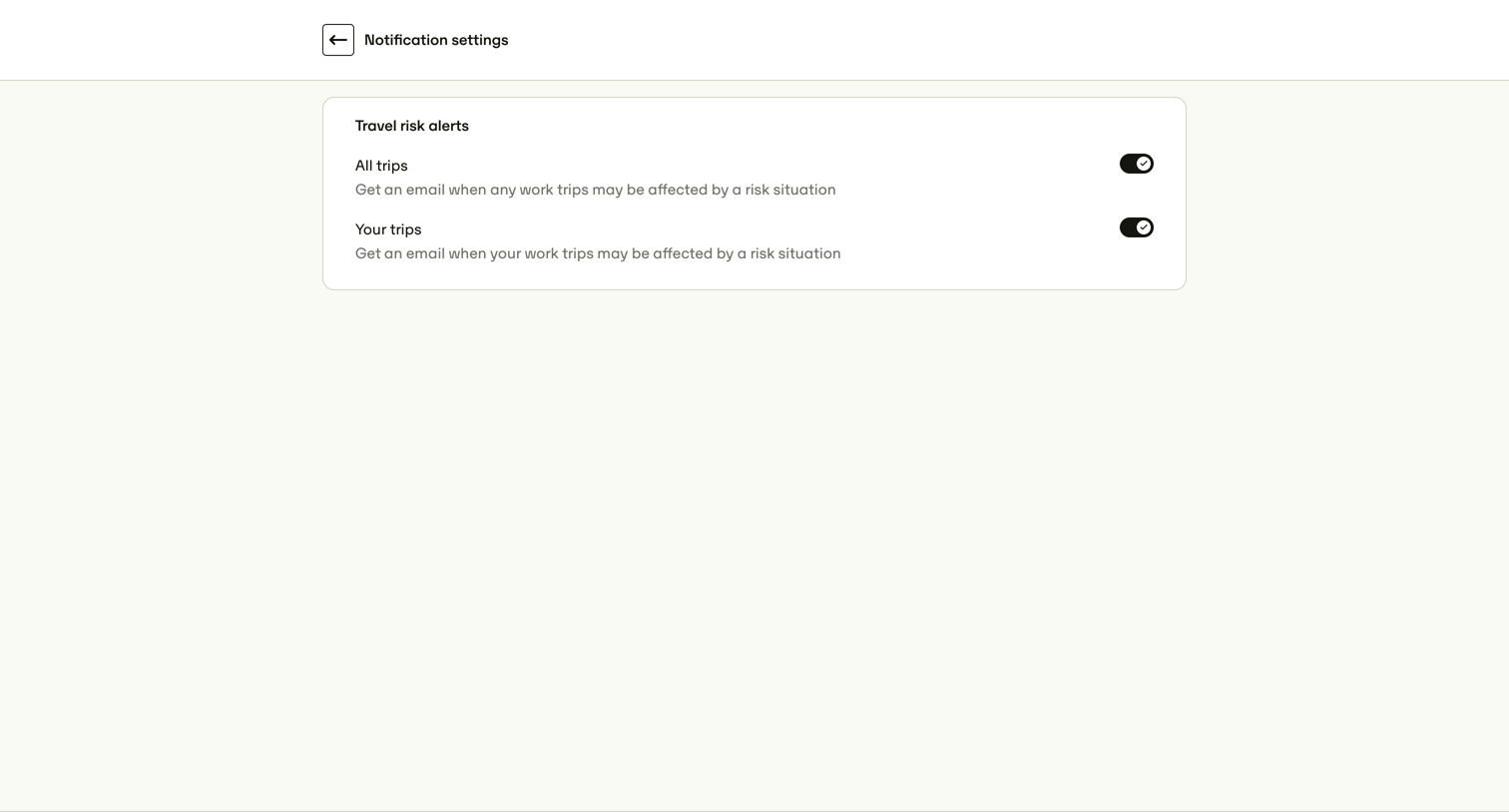

Settings page where the user configures email alerts for travel risks affecting all trips or just their own.
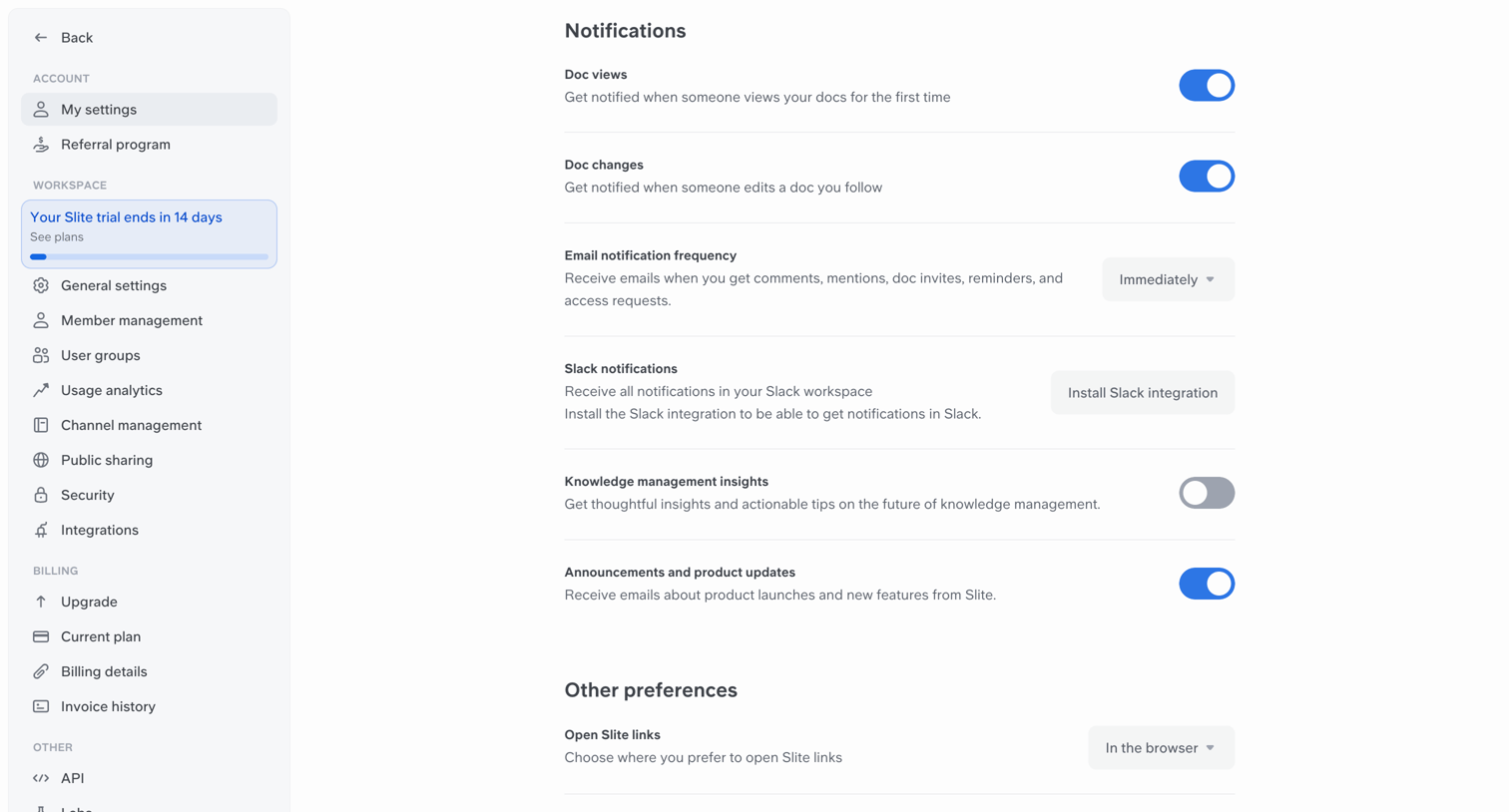

Settings page where the user configures doc view alerts, email frequency, Slack integration, and app color theme.
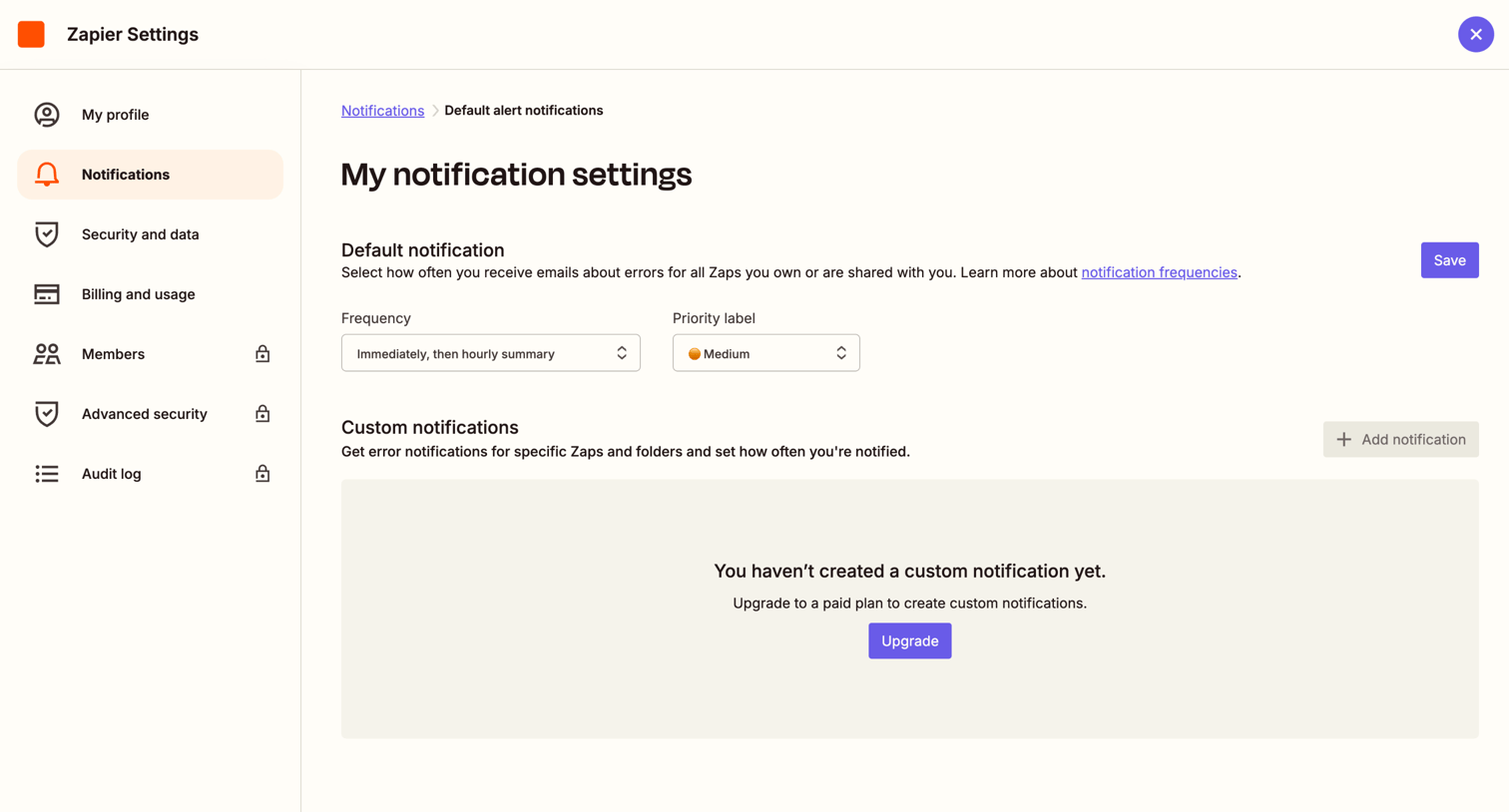

Settings page where the user configures default alert frequencies and priority labels for their workflows, with an inline upsell to unlock custom notifications.
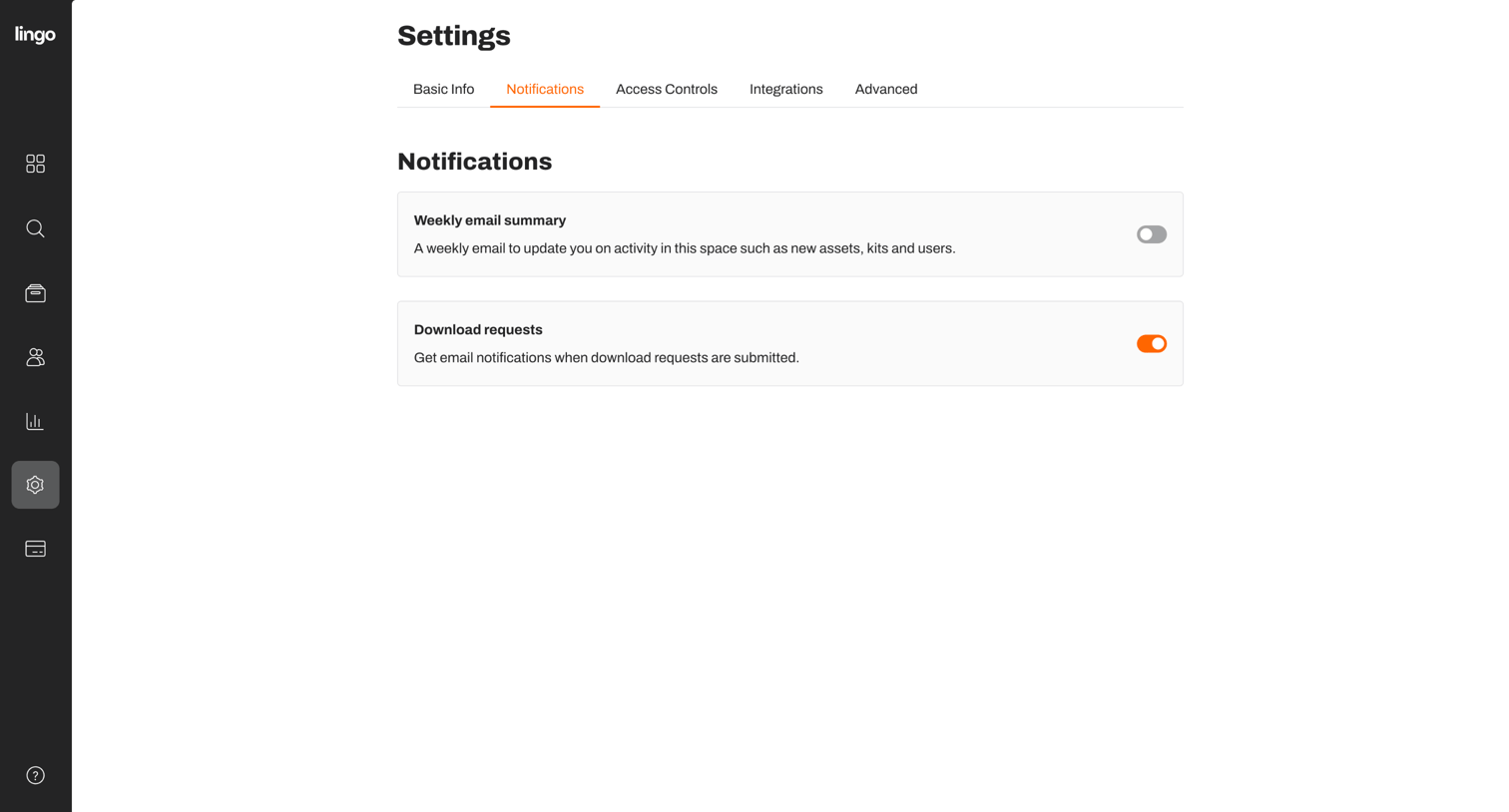

Settings page where the user configures email notifications for weekly summaries and download requests via toggle switches.
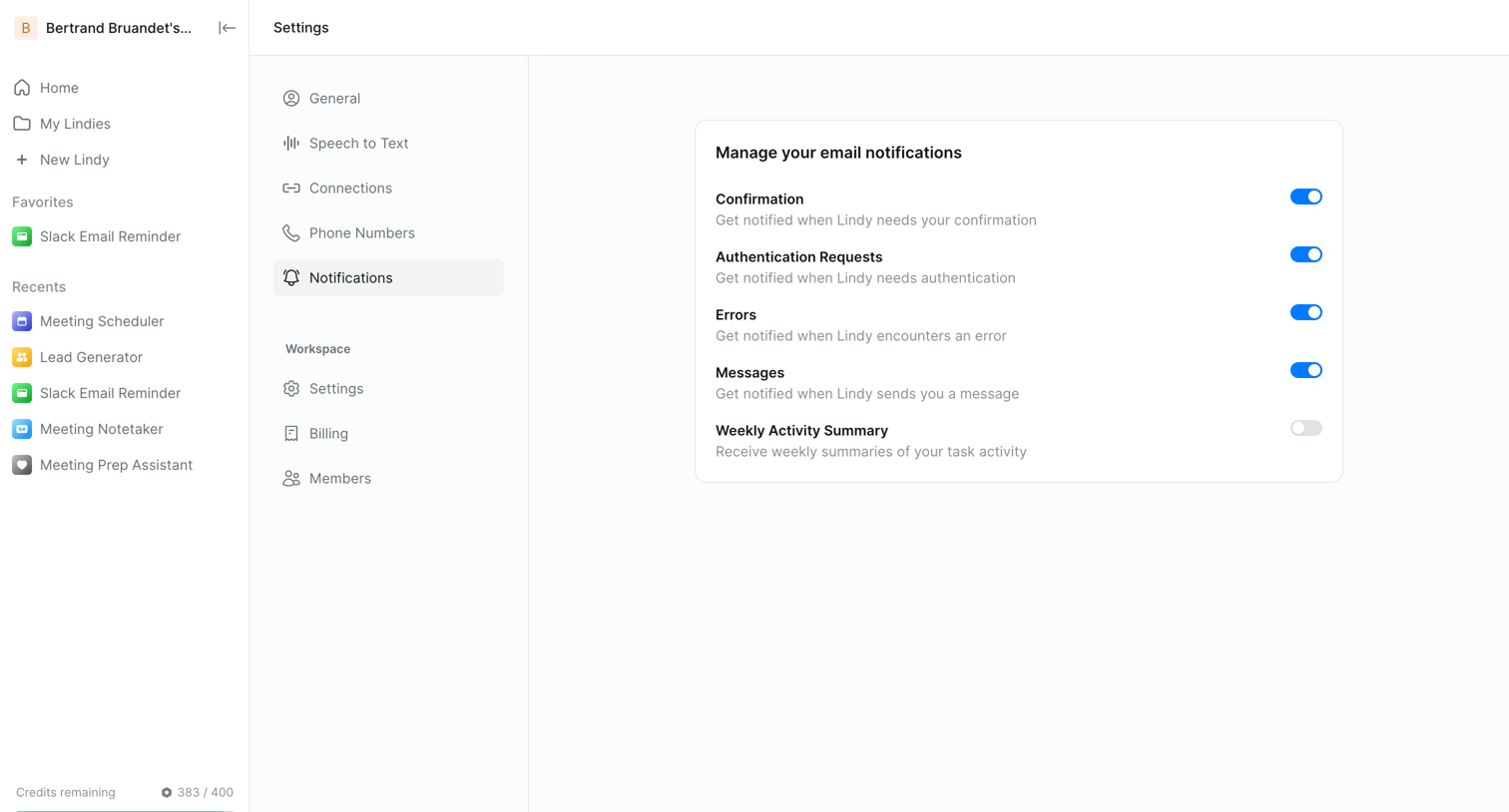

Settings page where the user configures their email notification preferences for events like confirmations, authentication requests, errors, and messages.
Explore the full SaaS screen library
Upgrade to unlock the full library.
Trusted by the best teams








About Notification Settings
See how SaaS apps let people choose which updates they receive. Explore how notification types, delivery channels, and preferences are grouped within the settings interface.