SSO integration screen examples
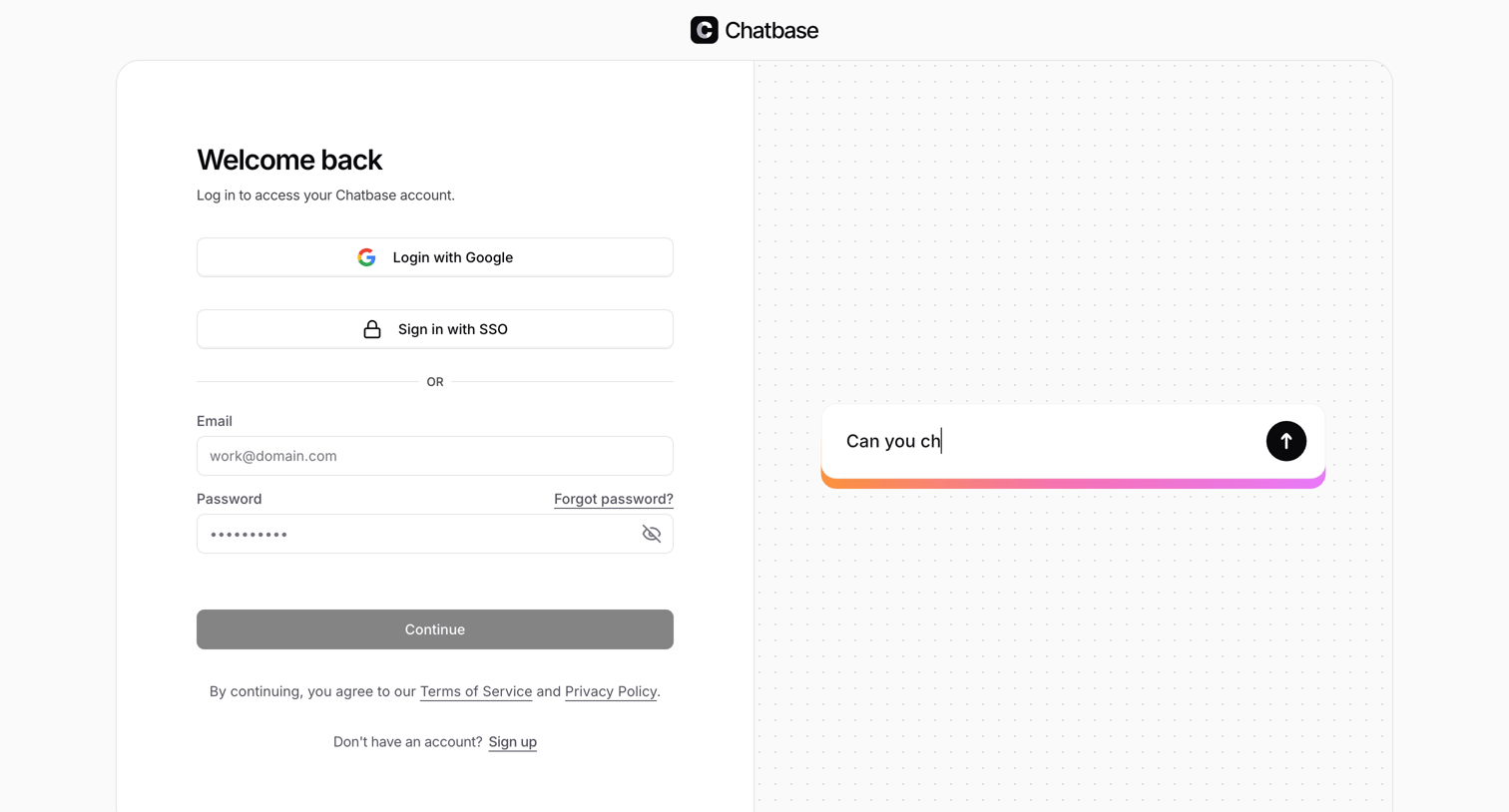
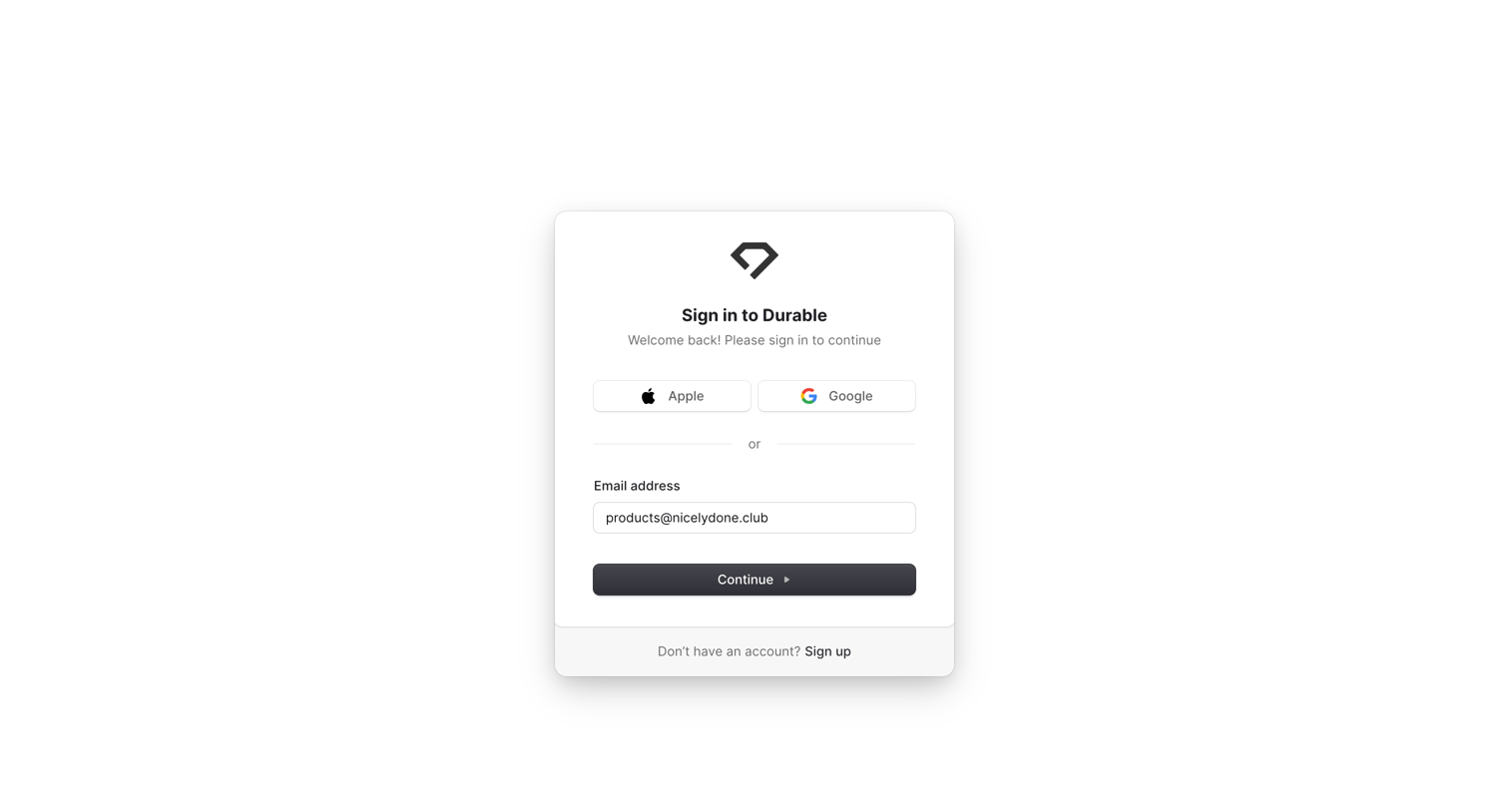
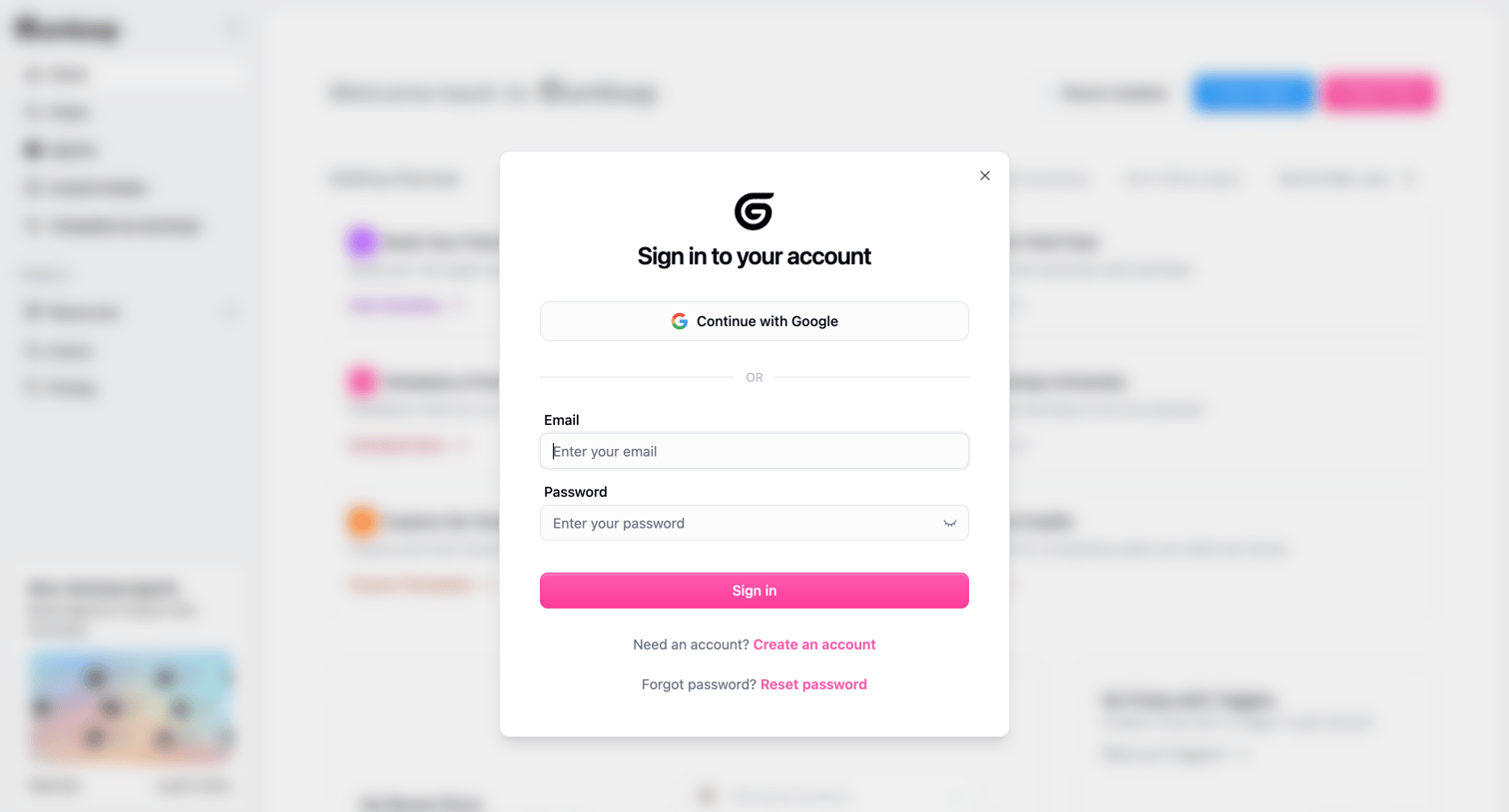
SSO integration screen design examples from SaaS apps. Browse examples from Magnific, Appwrite, Assembly AI App Builder.
Explore the examples
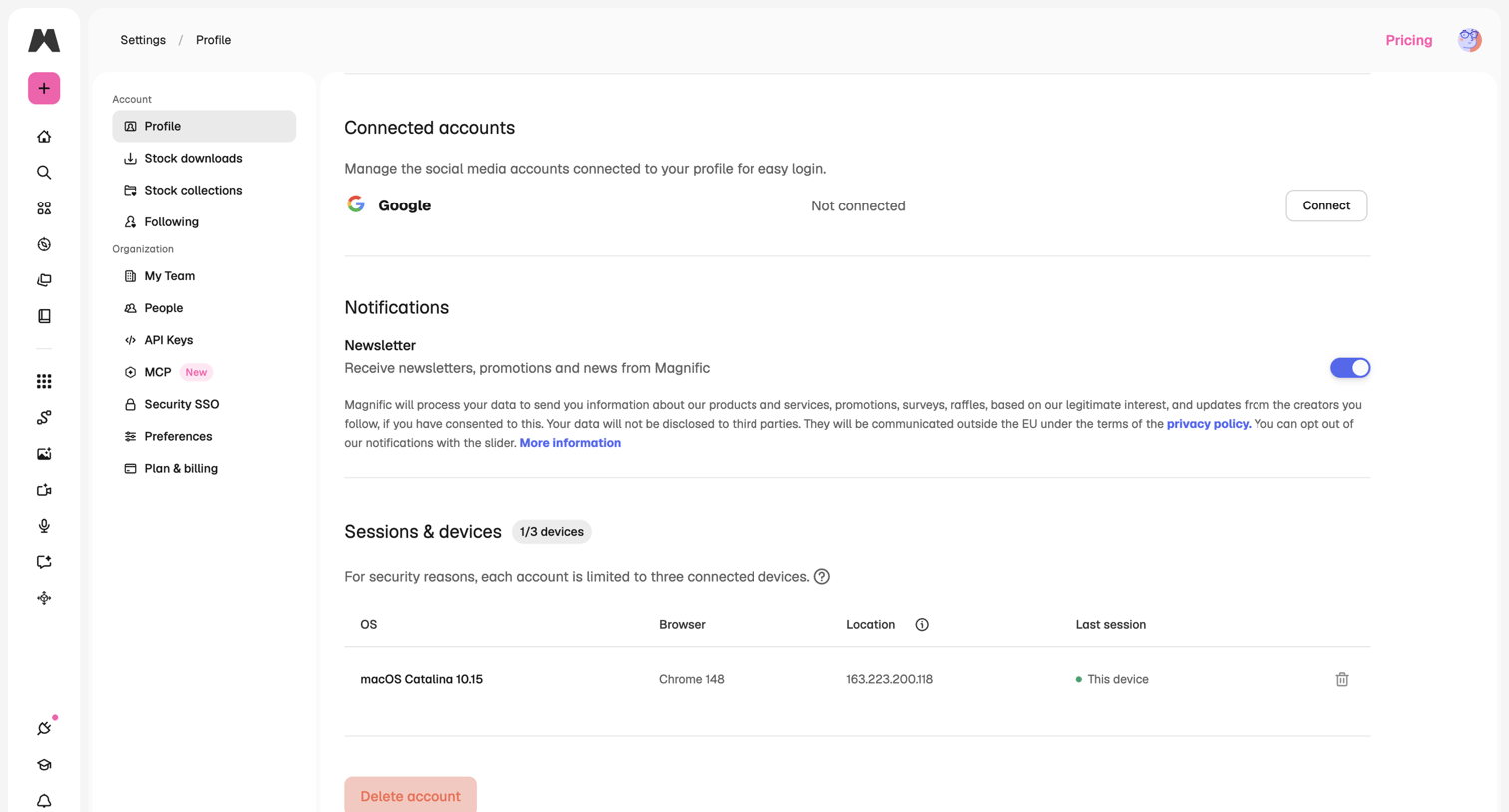

Settings page where the user manages connected accounts, notification preferences, and active device sessions.
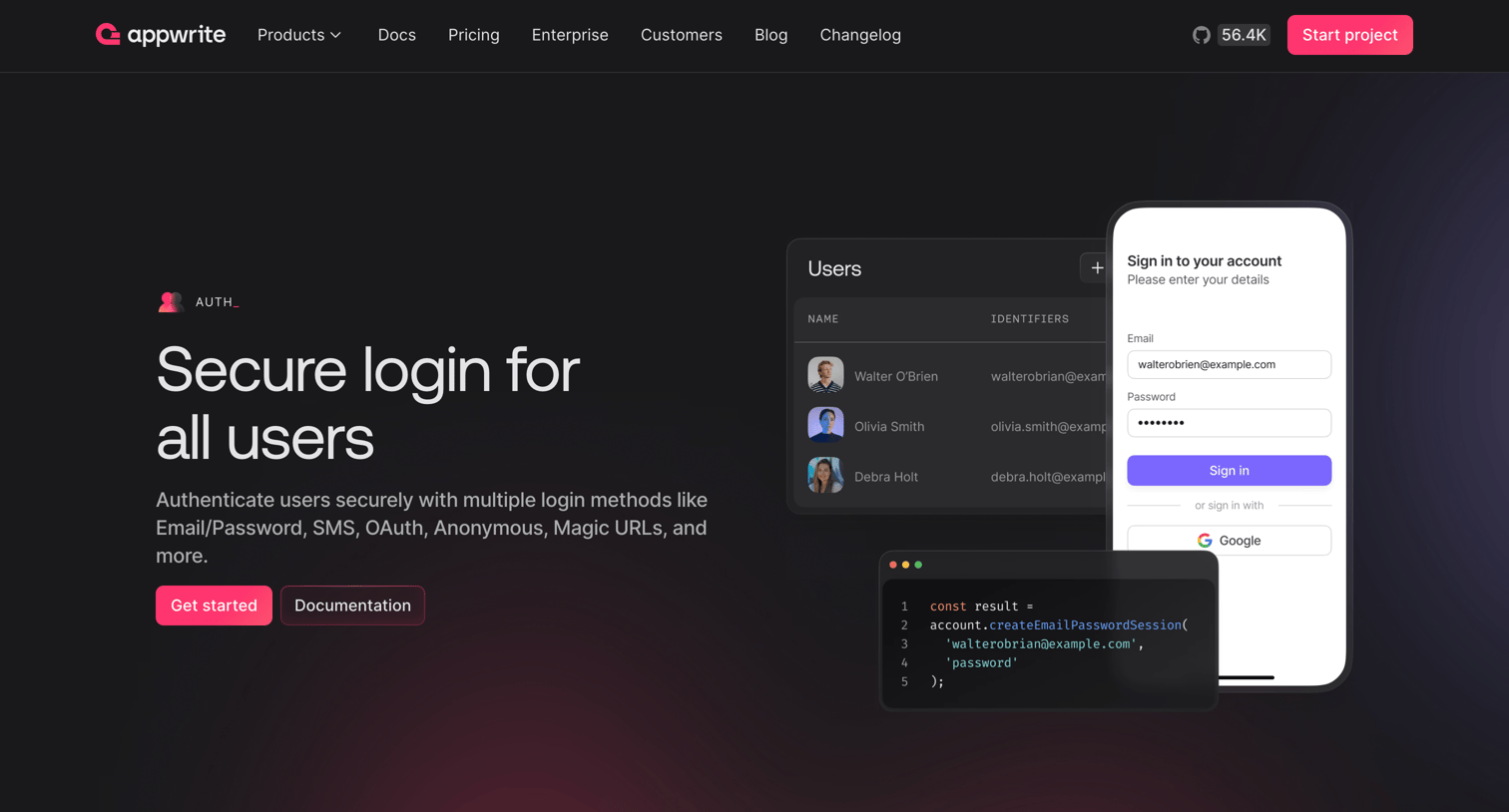

it includes a dark-themed page with multiple sections showcasing product features, typography using a sans-serif font, with large headings (font size ~48-60px, font weight bold) and smaller body text (font size ~16px, font weight regular), a clean hierarchy, a color palette…
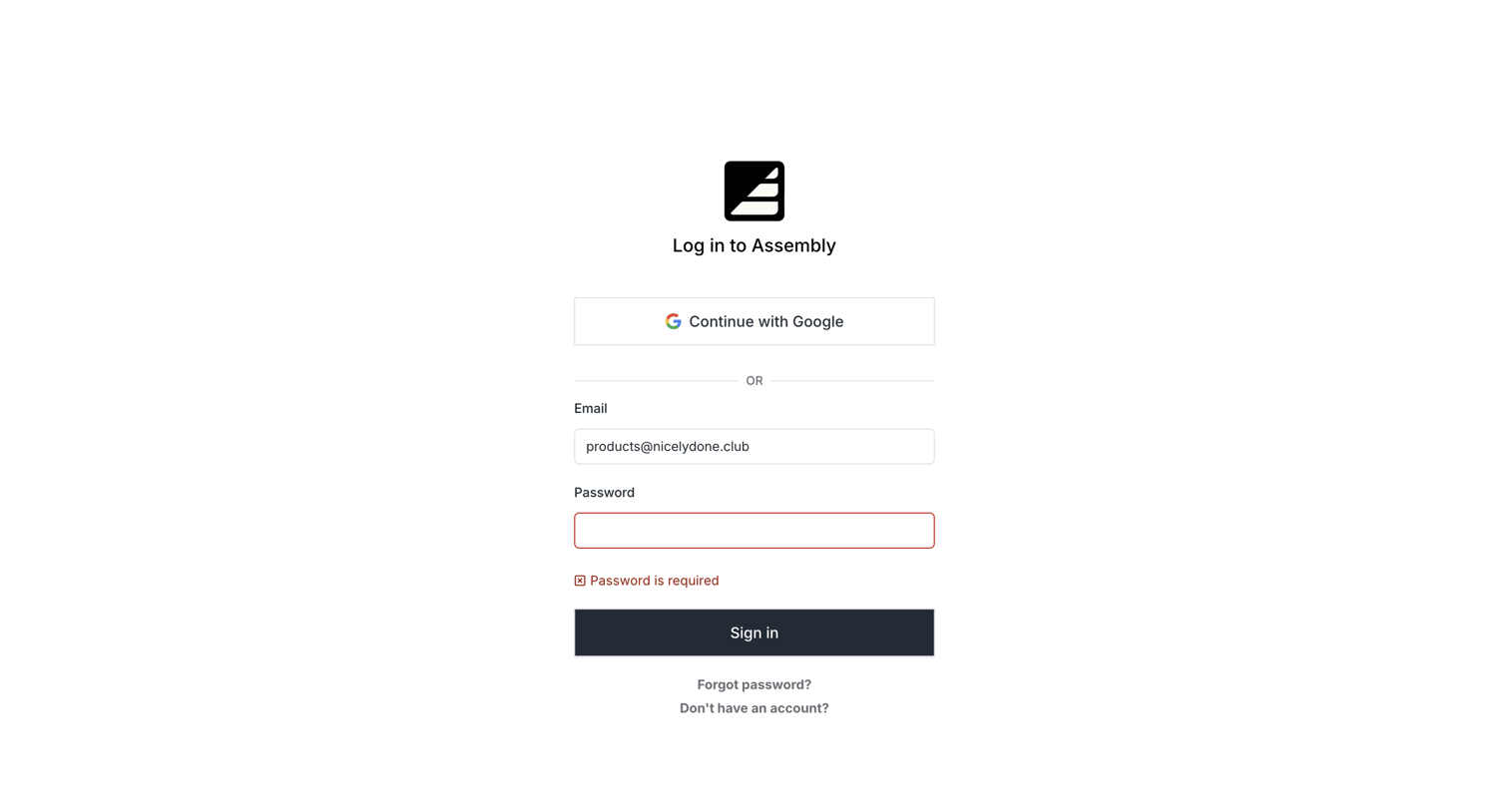

Sign-in screen where the user is blocked by a validation error indicating the password field is required.
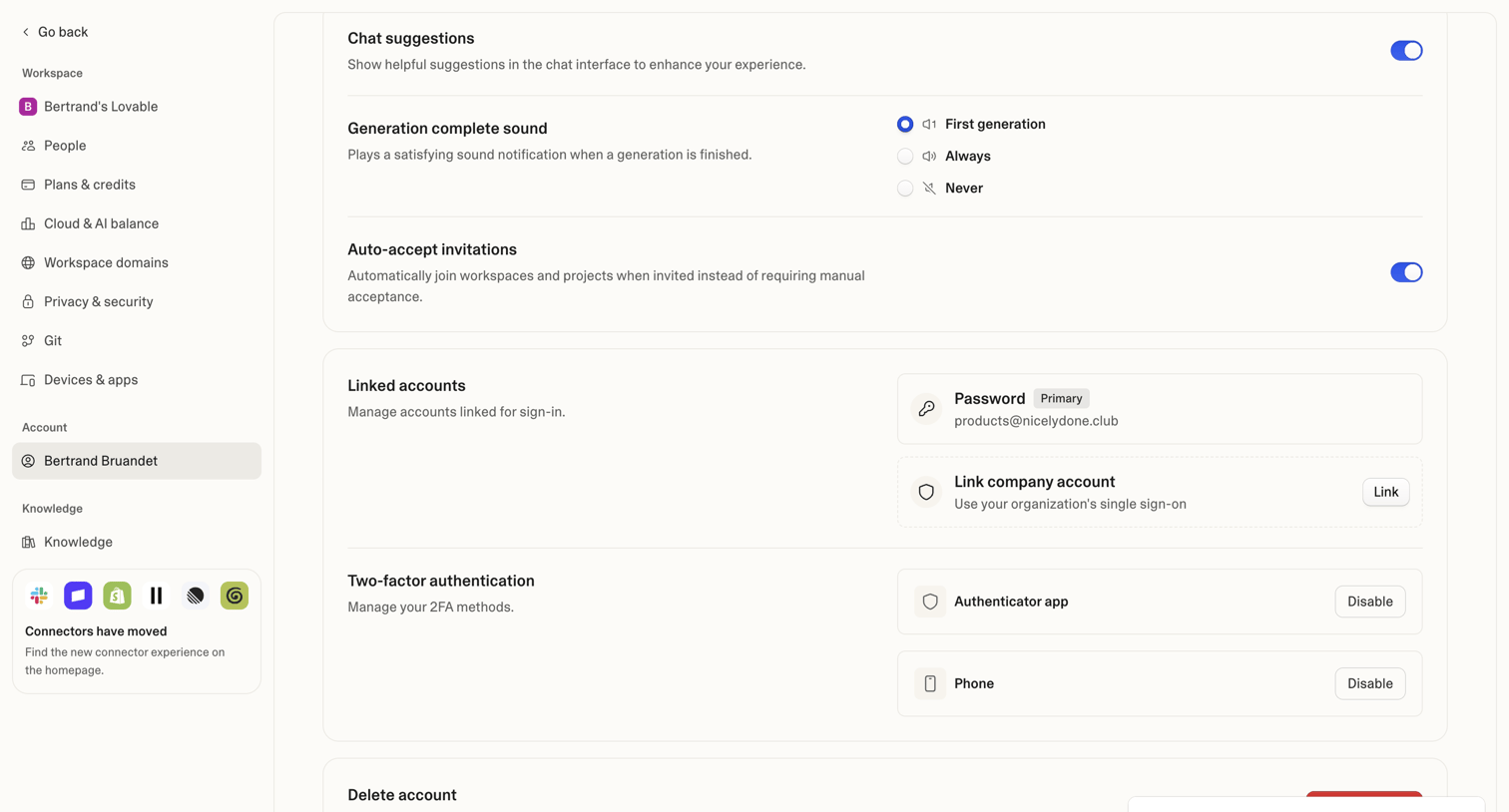

Settings page where the user manages chat suggestions, linked sign-in accounts, two-factor authentication methods, and account deletion.
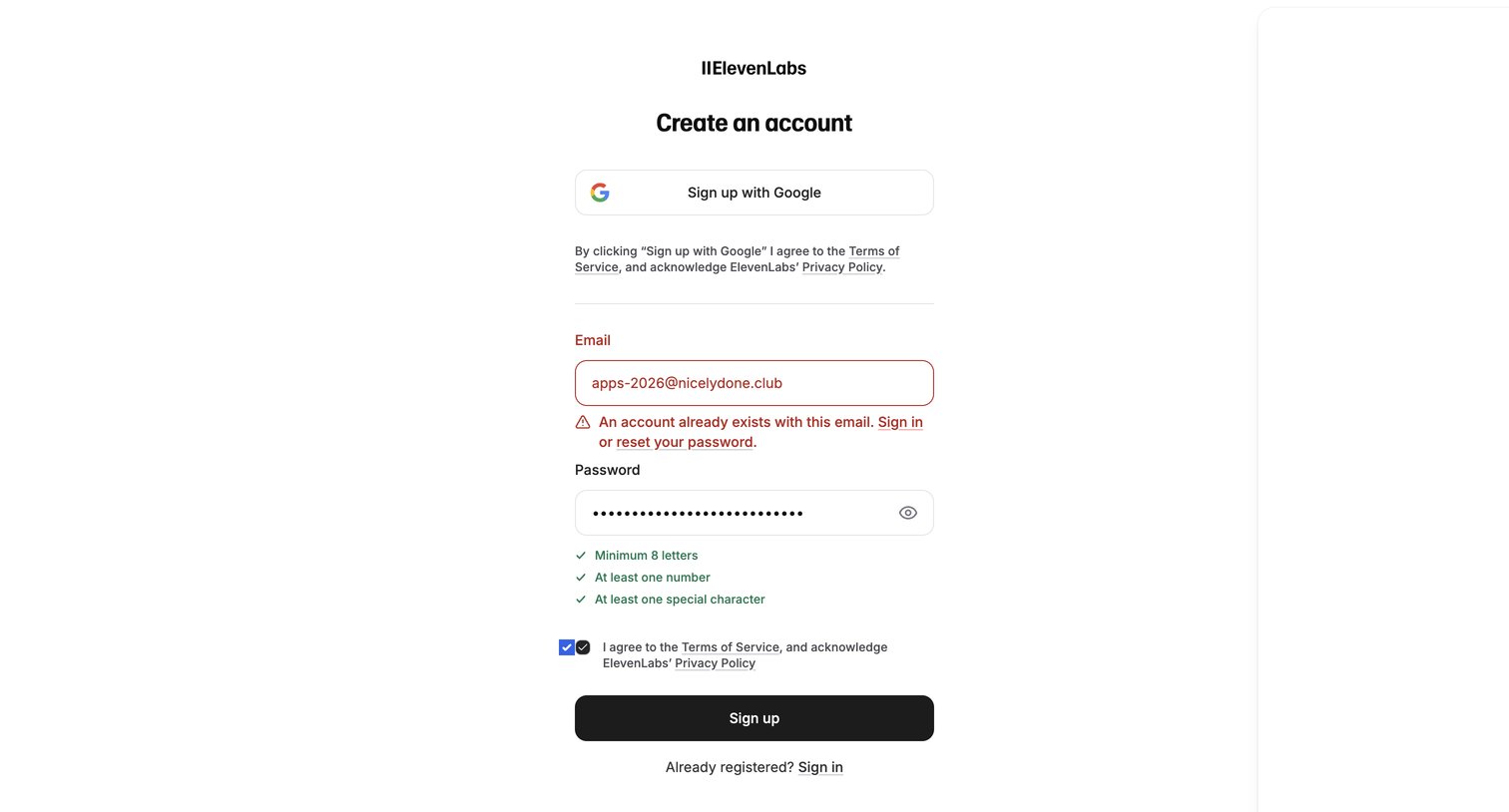

Signup page where the user is blocked from creating an account because their email is already registered, prompting them to sign in or reset their password.
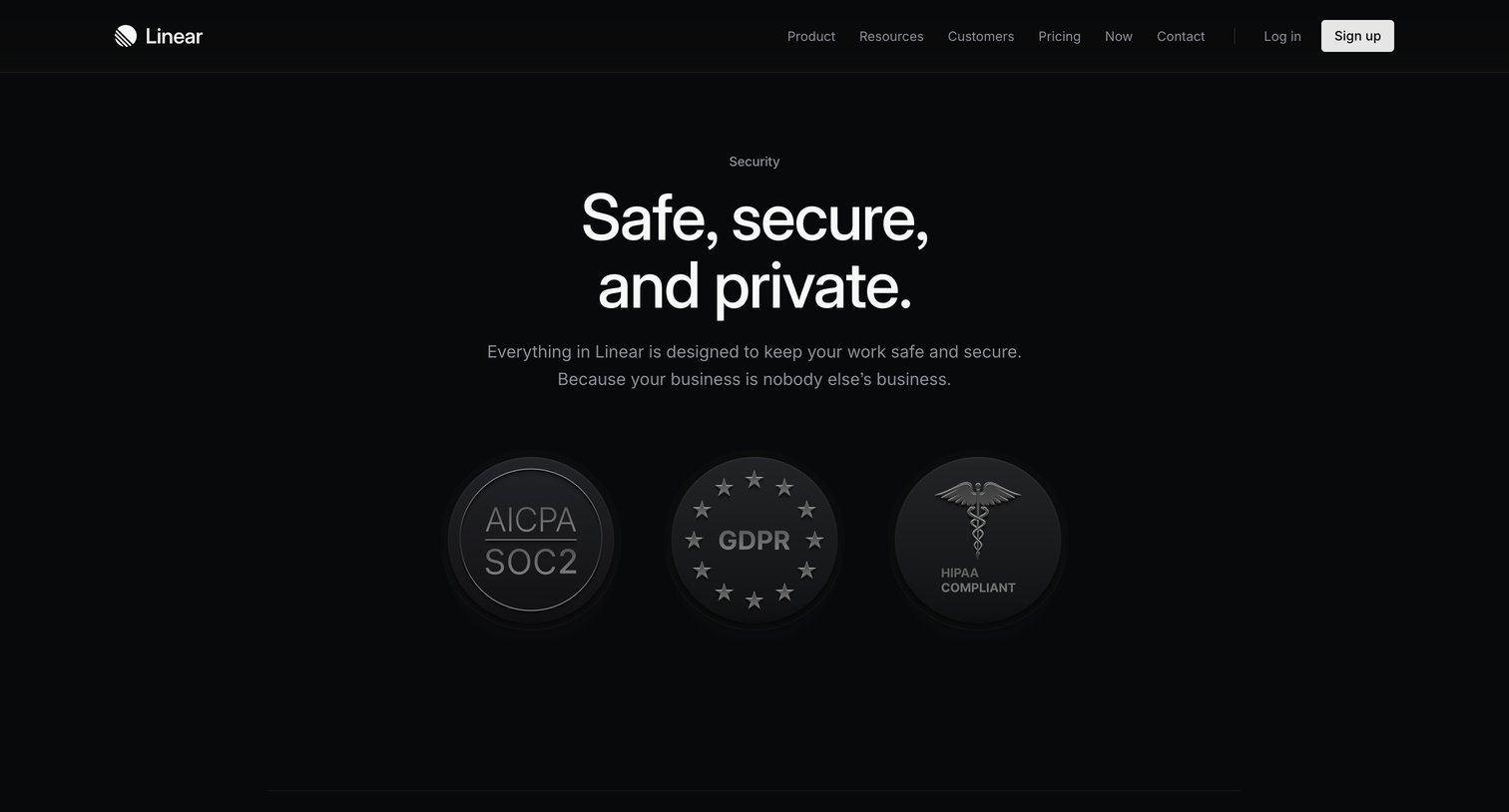

Security page detailing the platform's compliance certifications, identity management features, and privacy controls.
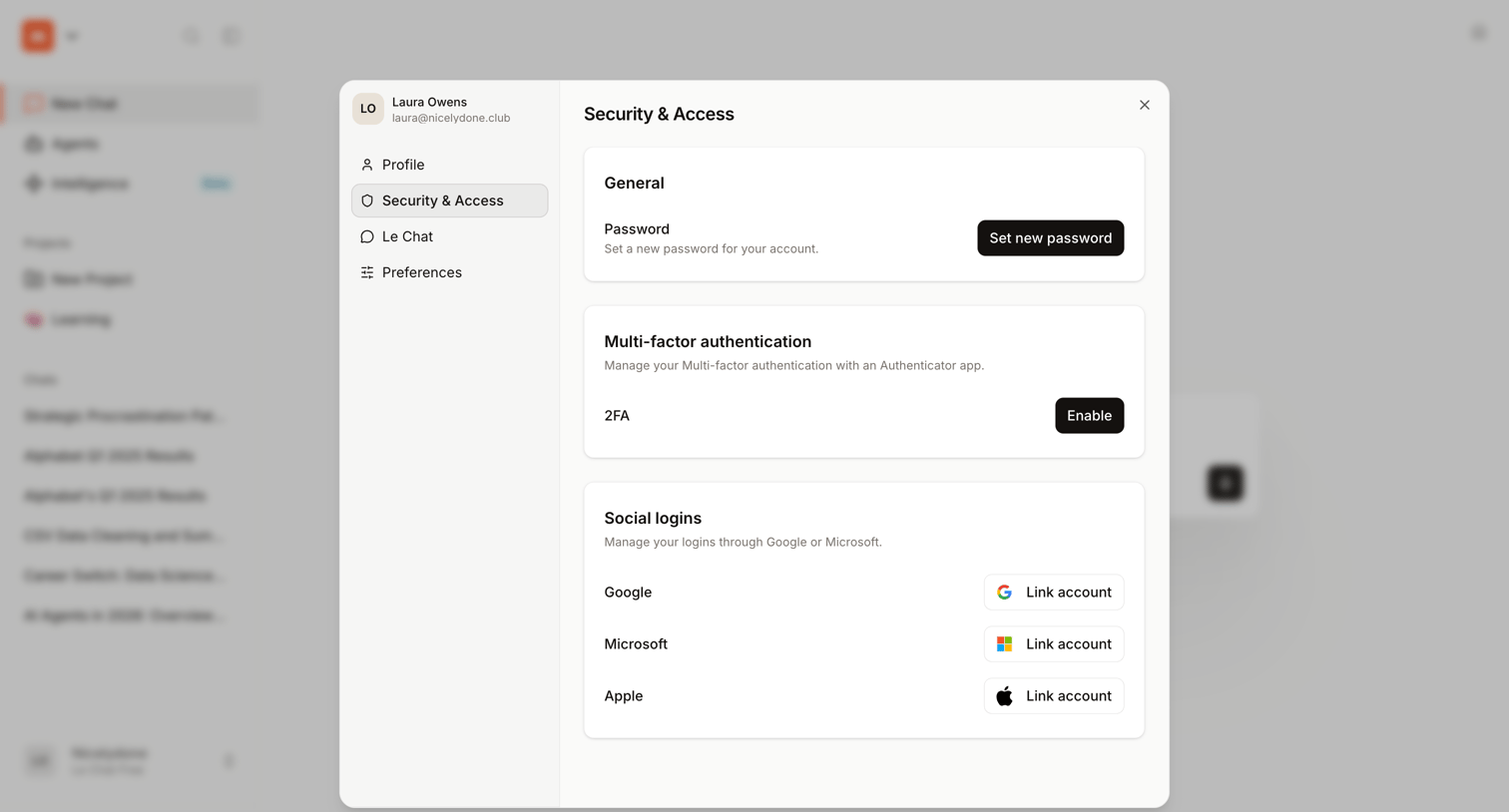

Settings modal where the user manages account security, including password resets, two-factor authentication, and connected social logins.
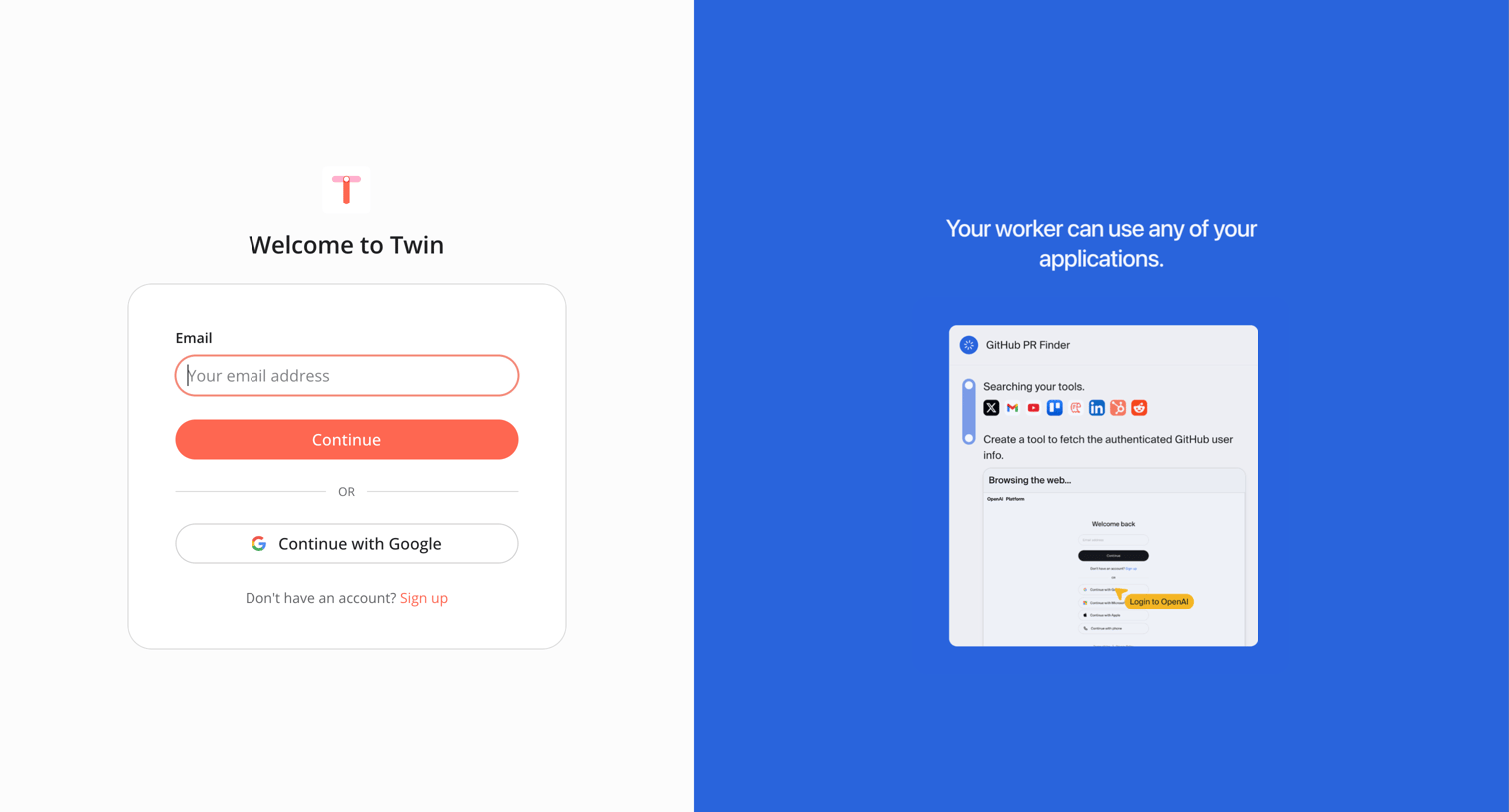



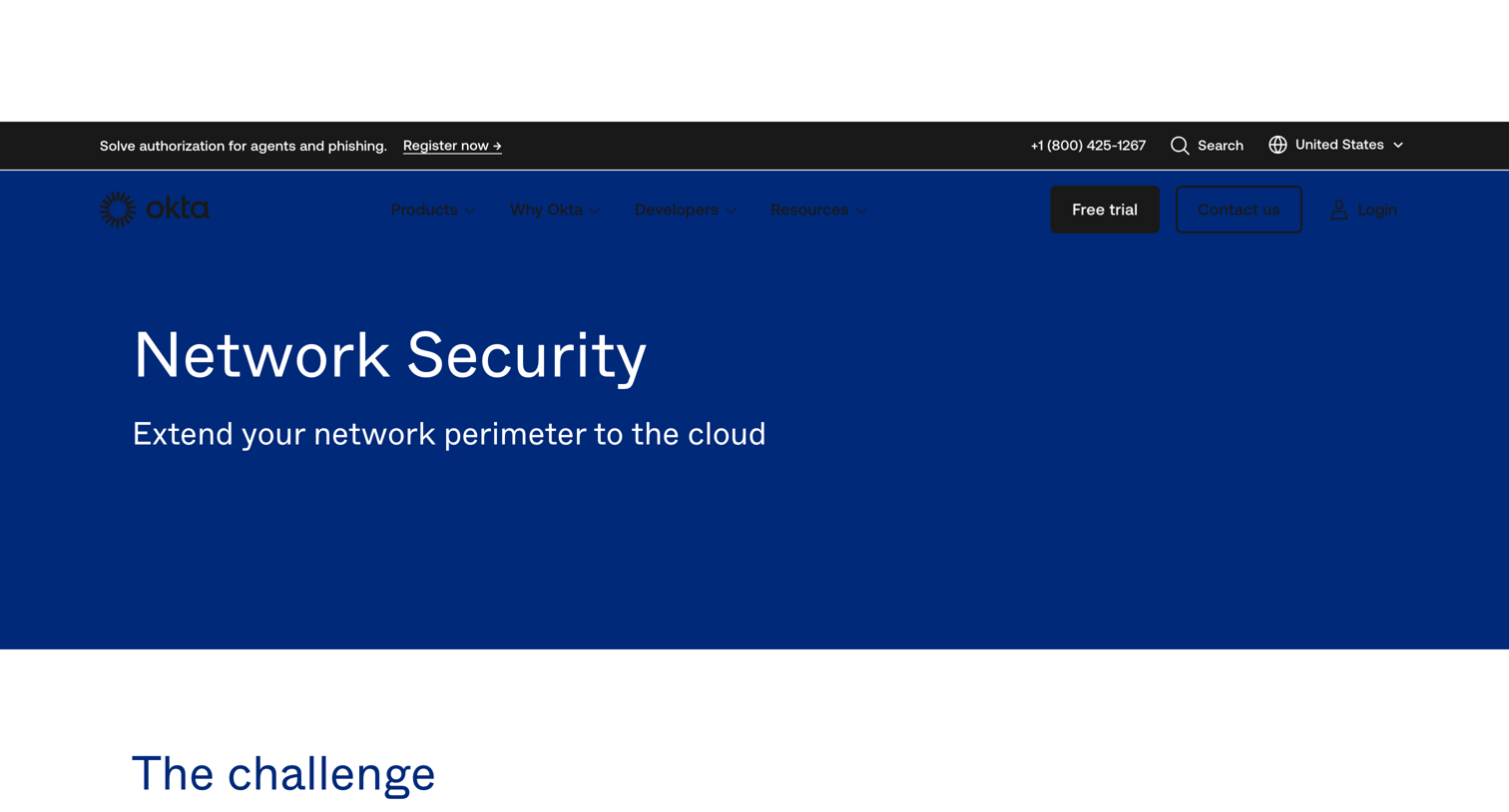

Feature page detailing Okta's network security capabilities, outlining the shift from traditional perimeters to cloud security and showcasing integrations with partners like Cisco and Palo Alto Networks.

Explore the full SaaS screen library
Upgrade to unlock the full library.
Trusted by the best teams







