Profile creation screen examples
Profile creation screen design examples from SaaS apps. Browse examples from Visitors, Dock, Family.
Explore the examples
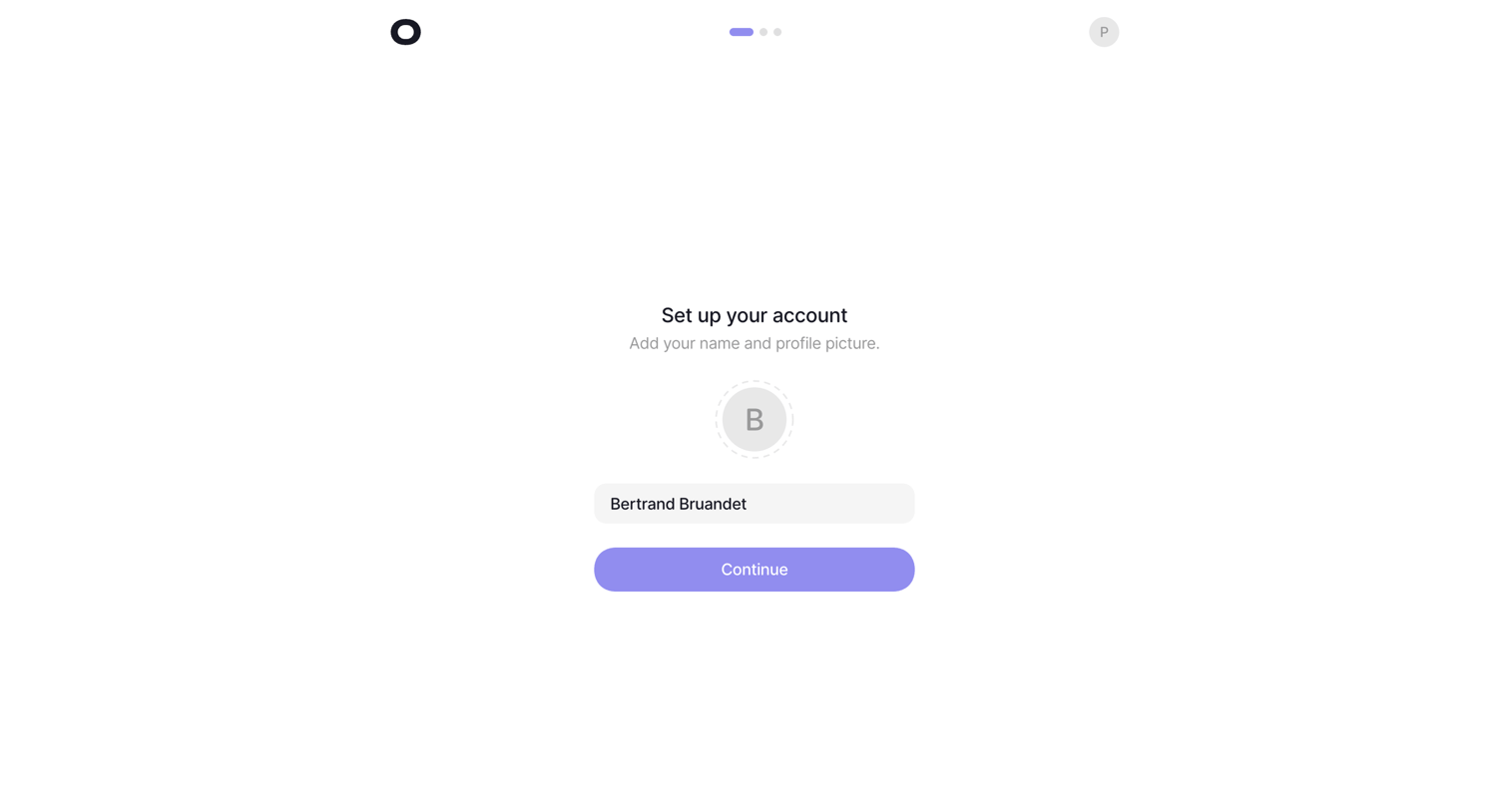

Onboarding step where the user sets their name and uploads a profile picture before continuing.
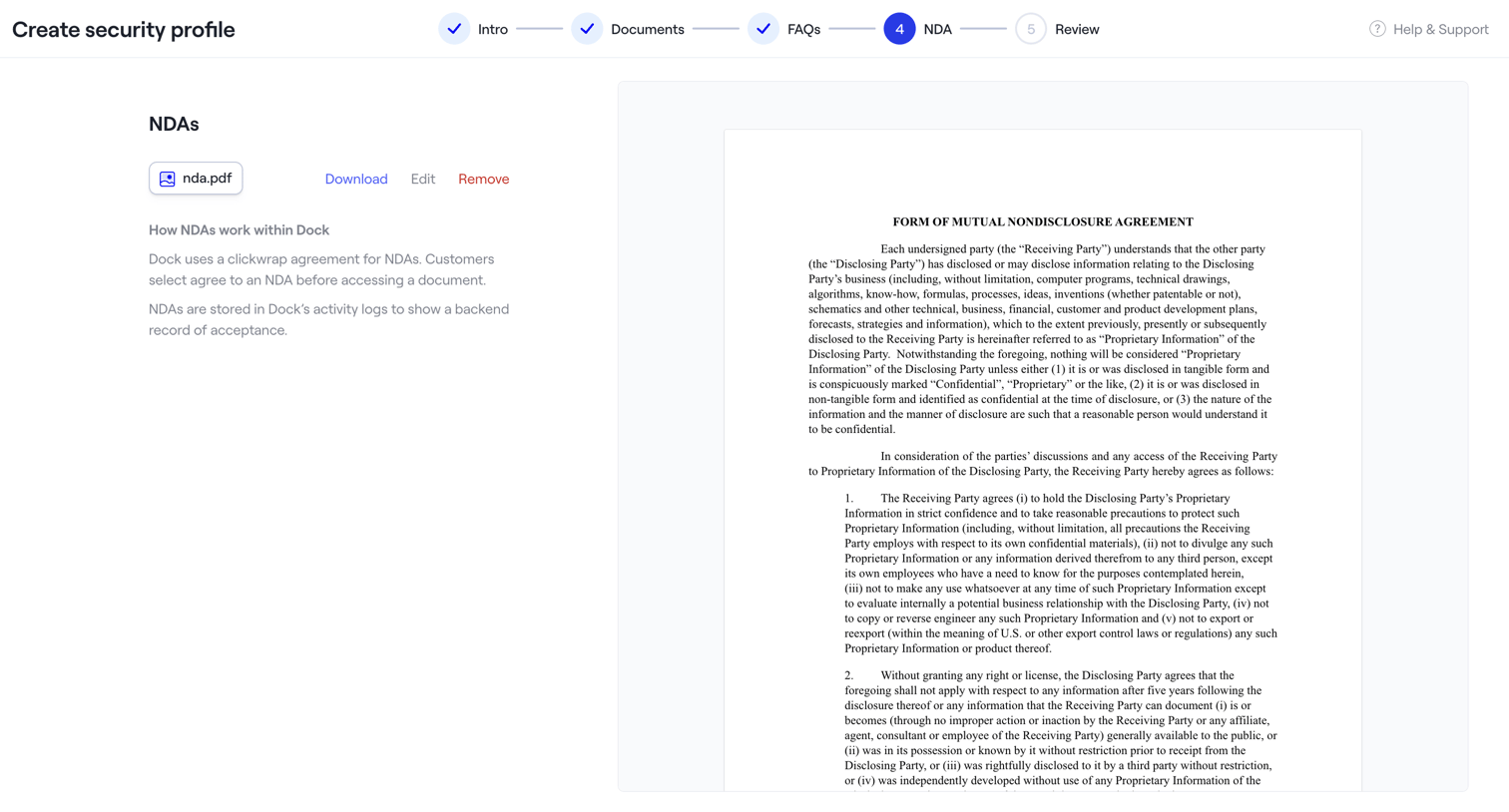

The screen is part of a multi-step wizard titled "Create security profile". A horizontal stepper at the top indicates the current progress: "Intro", "Documents", and "FAQs" steps are marked as completed with a checkmark, while "NDA" is the active step (4) highlighted in blue,…
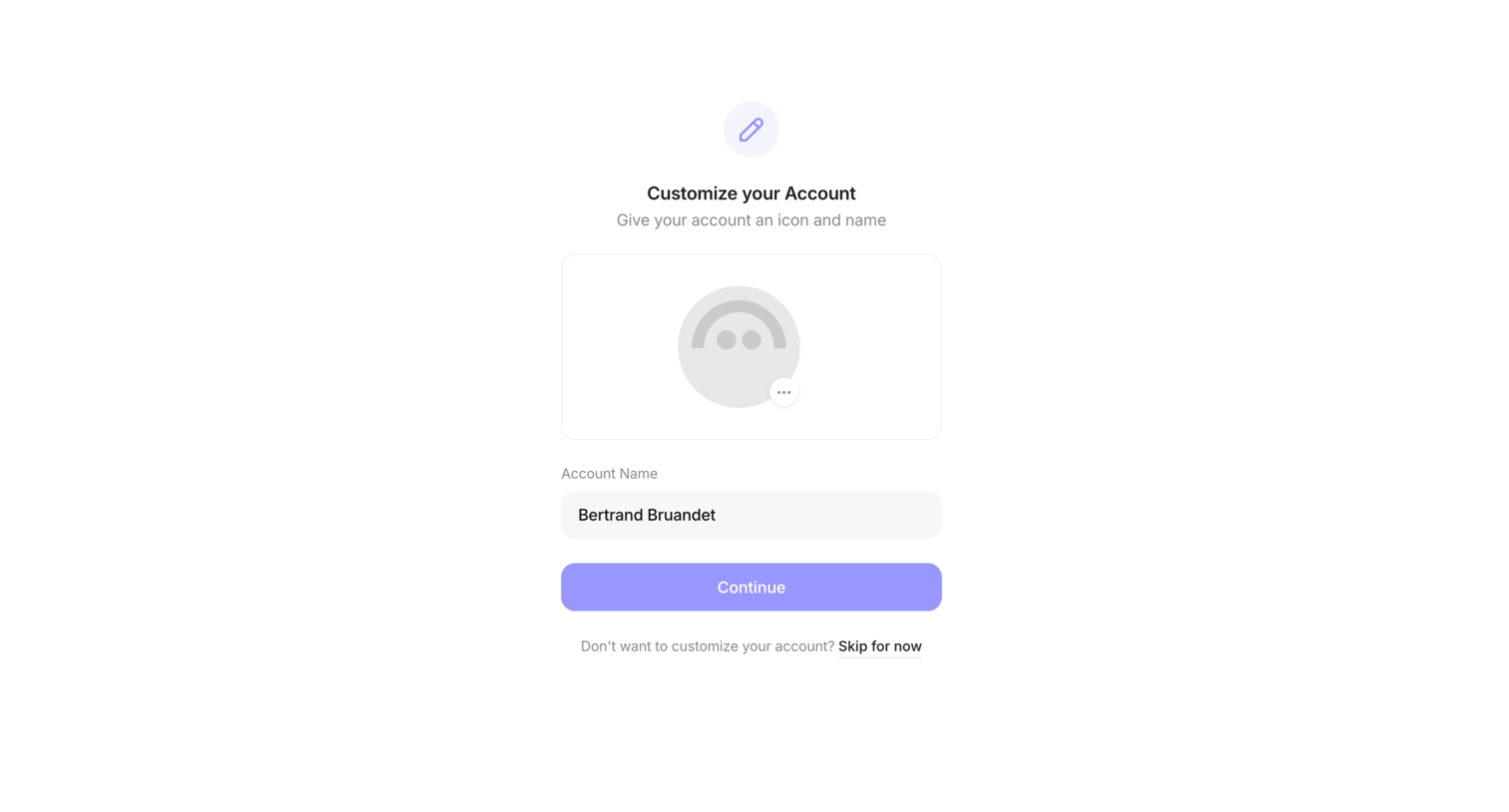

Onboarding step where the user customizes their account profile by uploading an icon and setting an account name, with an option to skip.
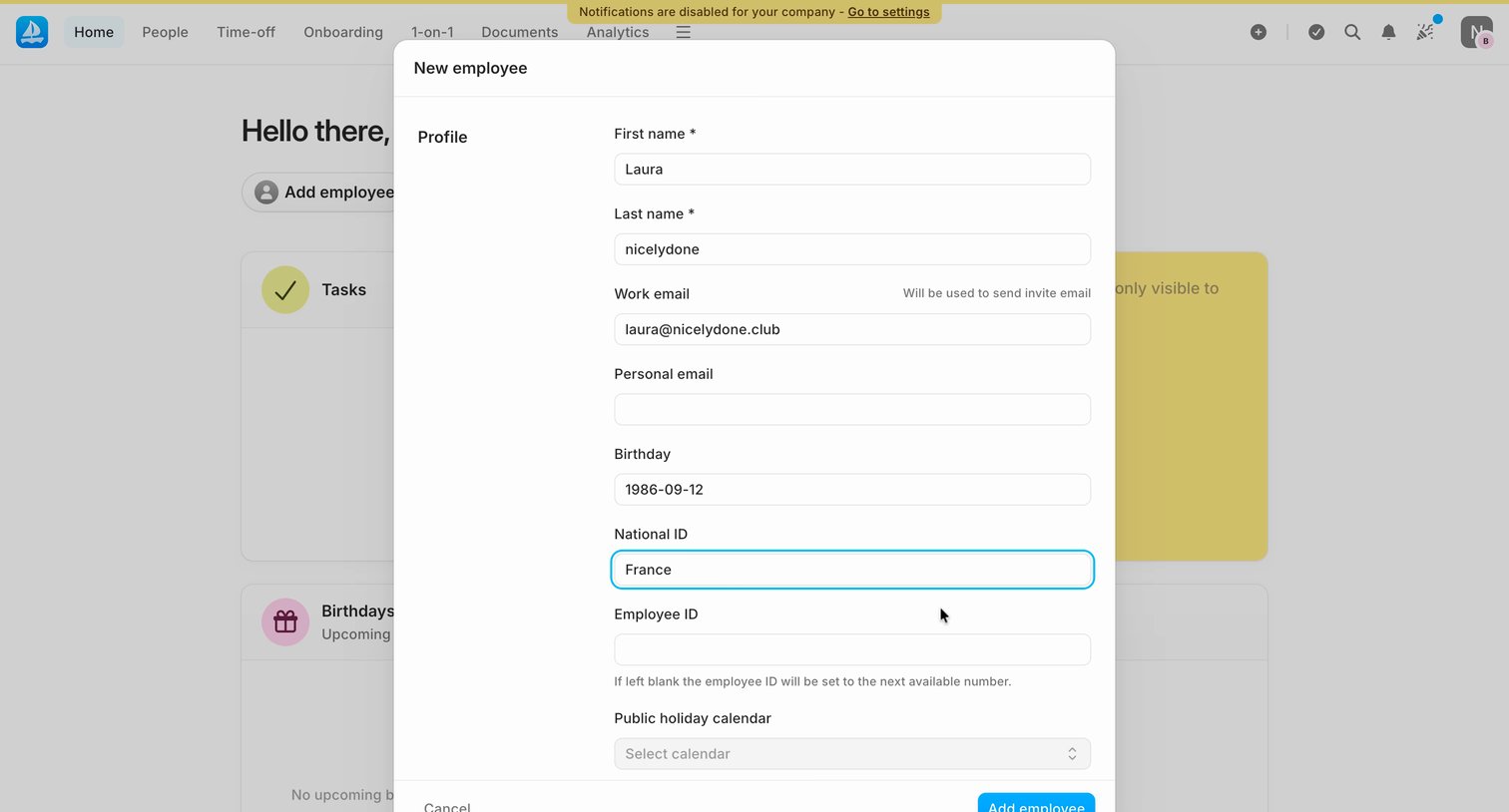

Dashboard with an open modal for creating a new employee profile, requiring details like name, work email, birthday, and national ID.
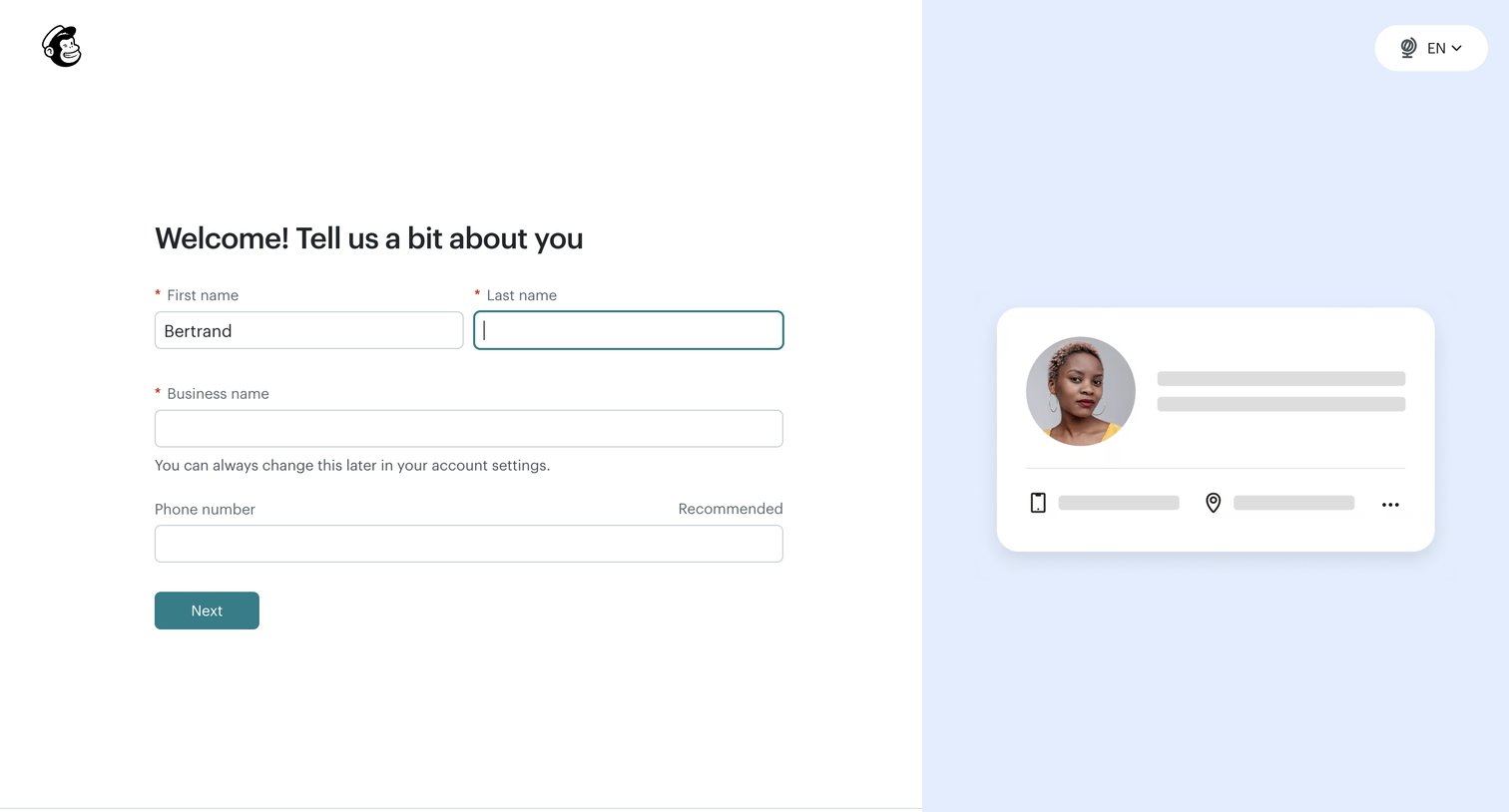

Onboarding step where the user provides their first name, last name, business name, and phone number to set up their profile.
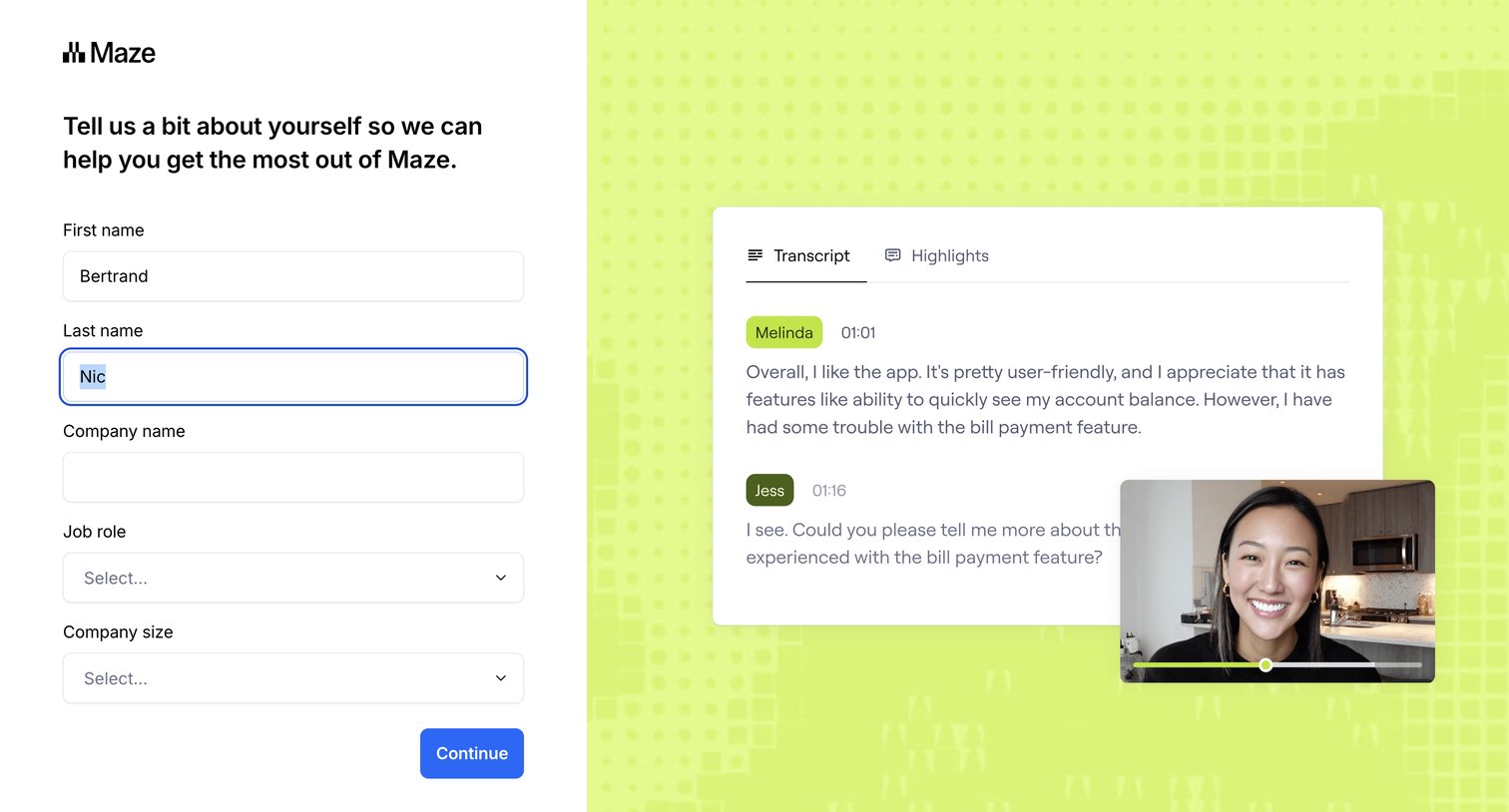

Signup step where the user provides their name, company, and role to personalize their experience, alongside a product preview.
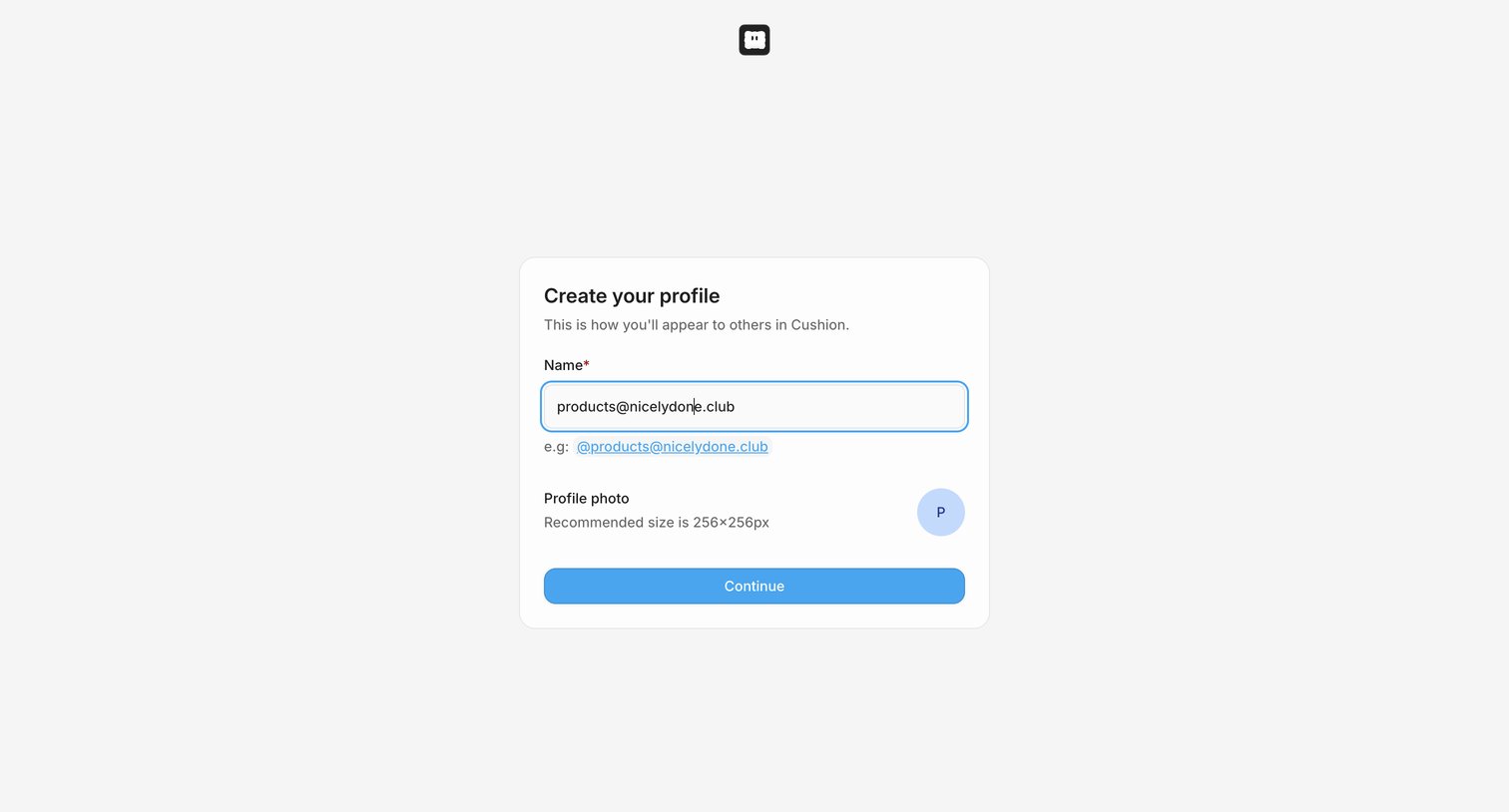

Onboarding step where the user sets their display name and uploads a profile photo before entering the app.
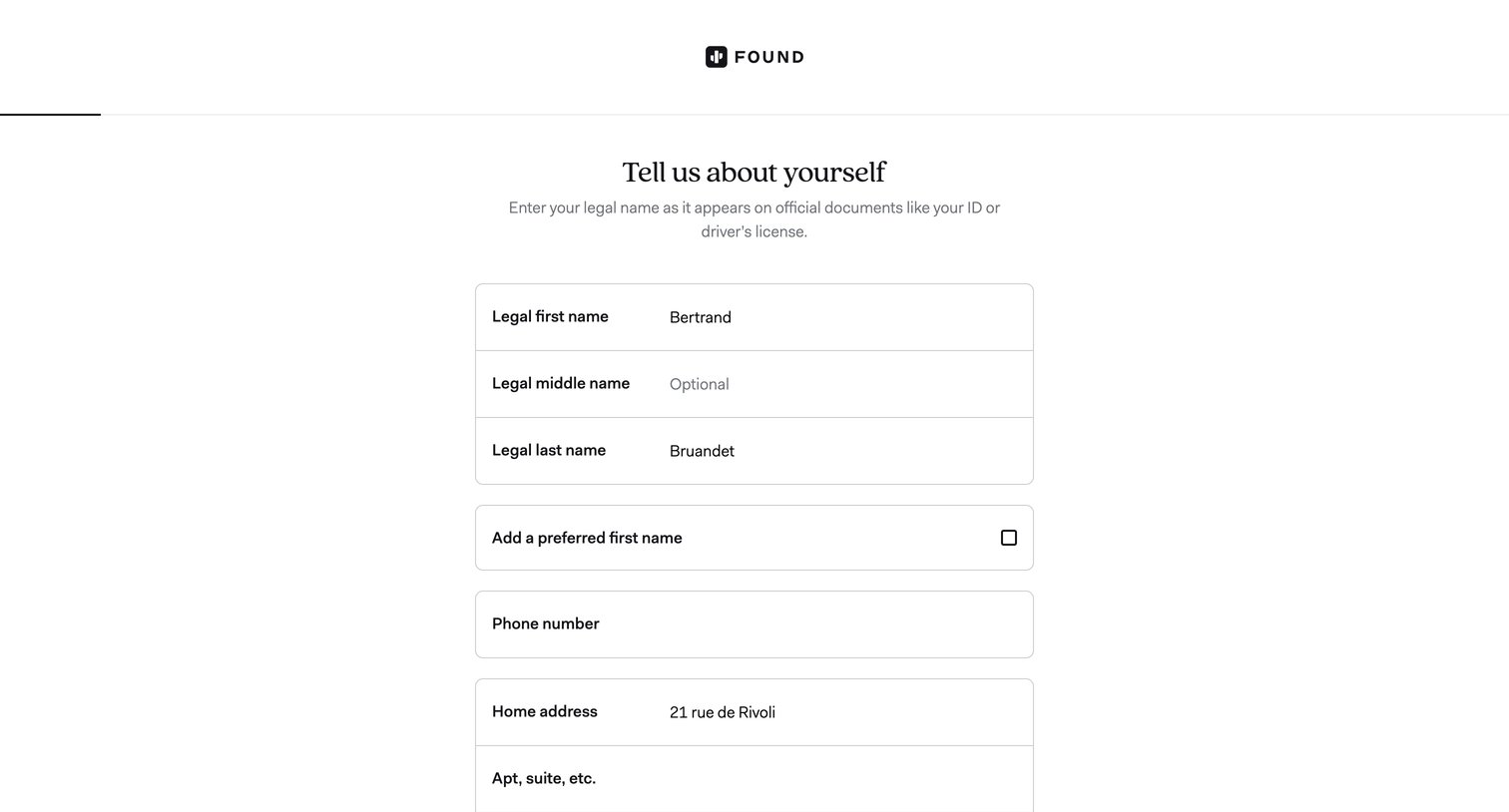

Onboarding step where the user provides their legal name, phone number, and home address to set up their account.
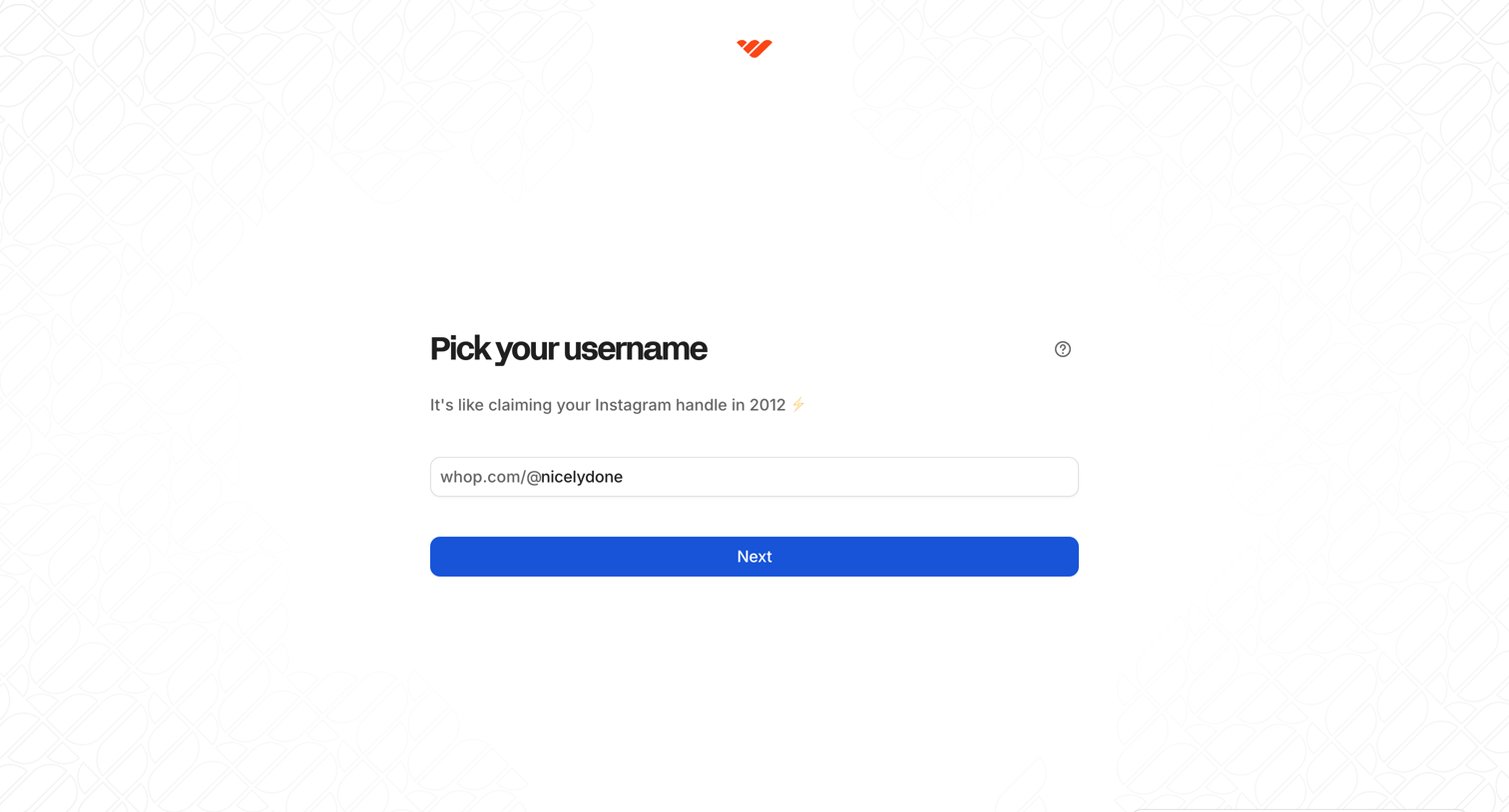

Onboarding step where the user attempts to claim a unique username but receives a toast error indicating the handle is already taken.
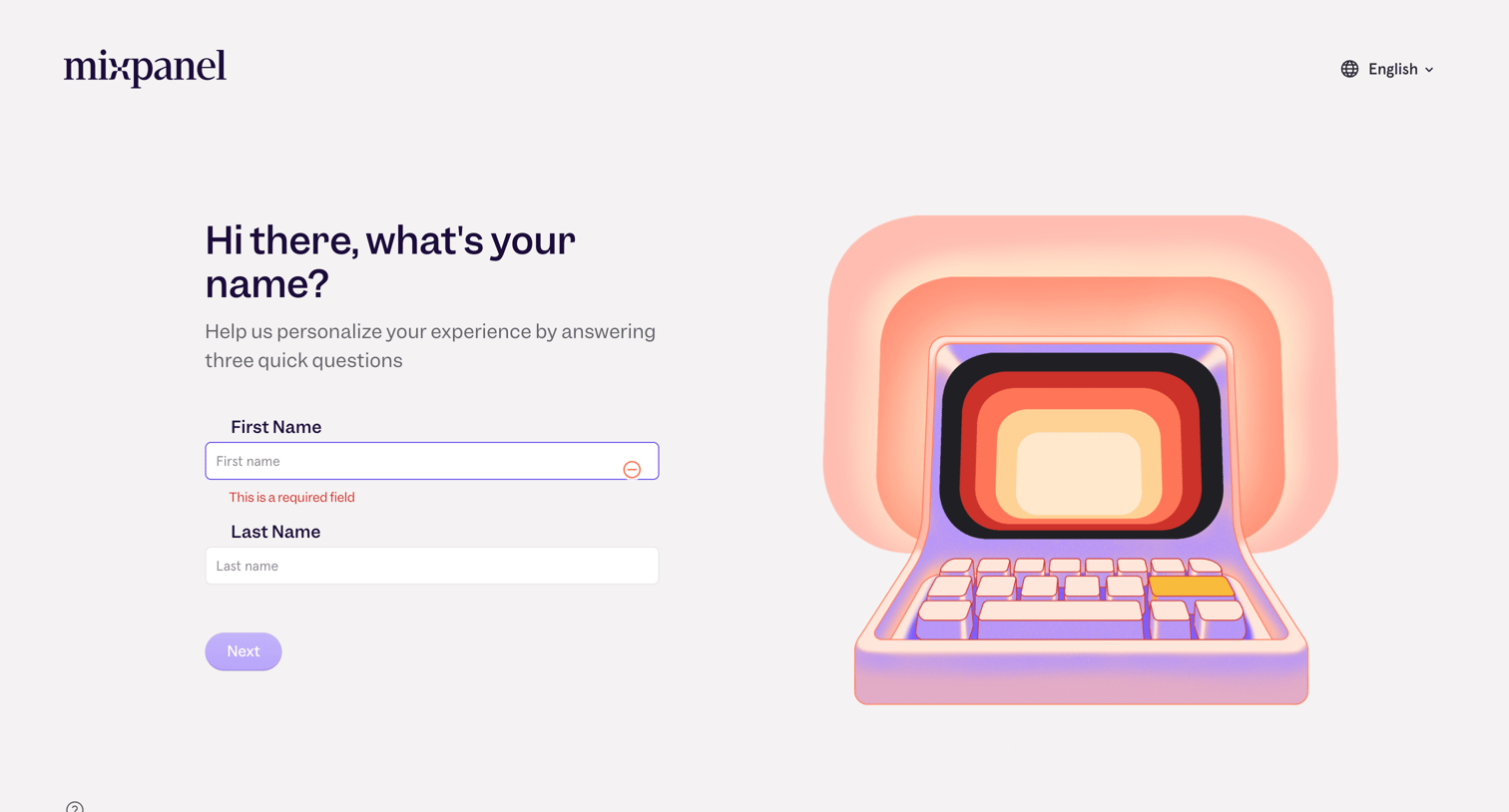

Onboarding step where the user enters their first and last name to personalize their experience, currently showing a validation error on the required first name field.
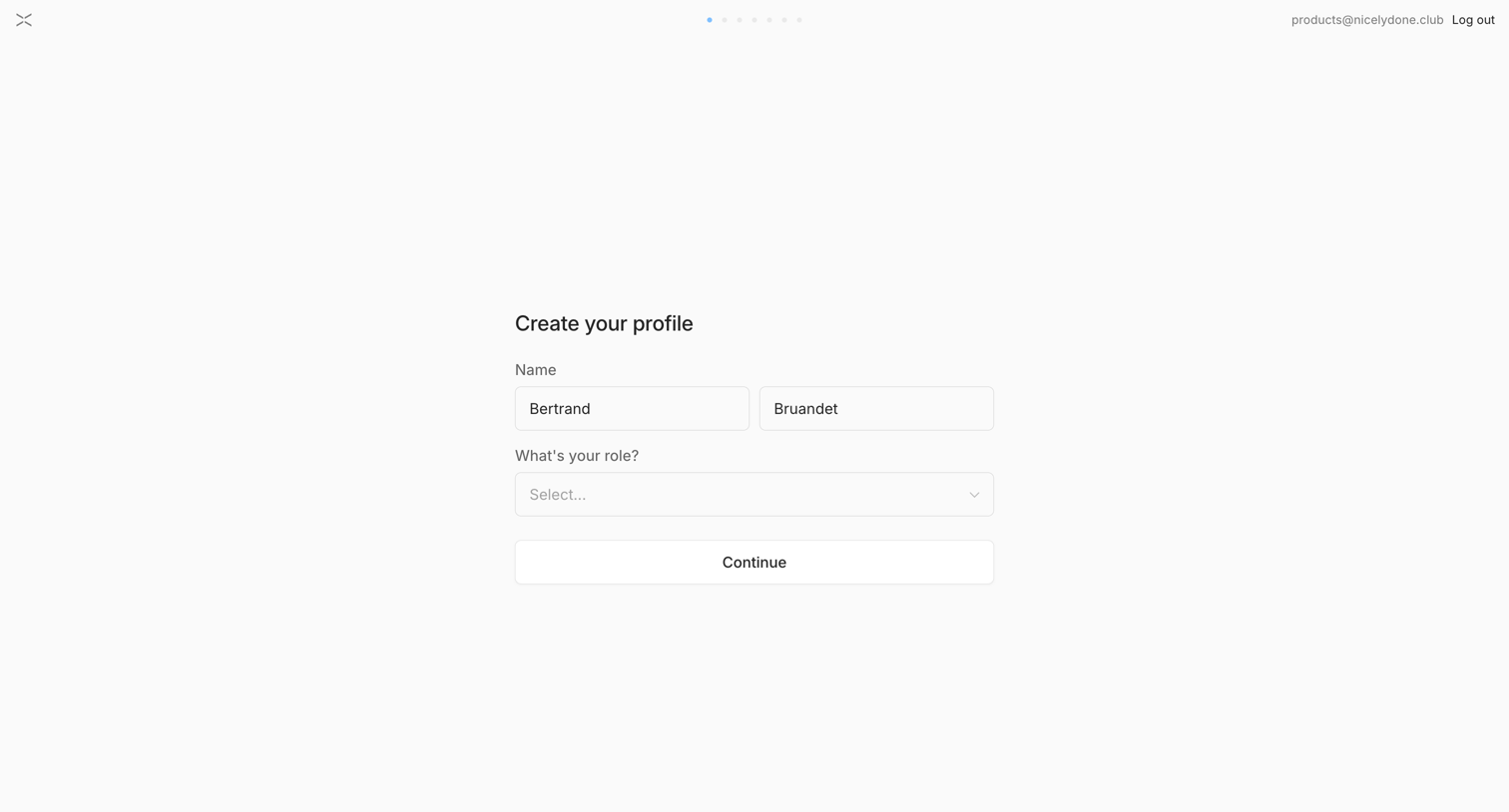

Onboarding step where the user enters their name and selects their role to create their profile.
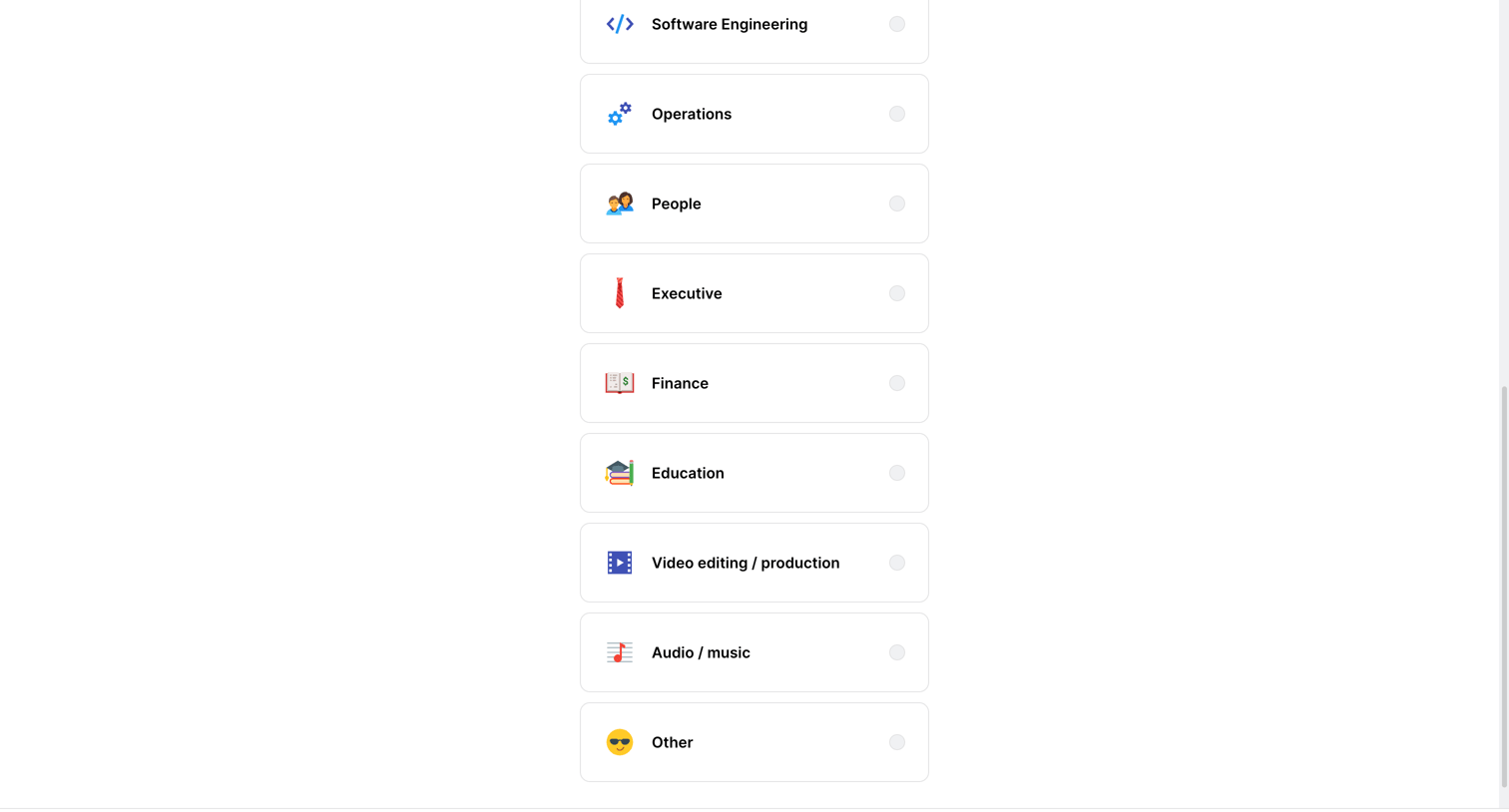

Onboarding step where the user selects their professional role or industry from a list of options like Software Engineering, Operations, and Finance.
Explore the full SaaS screen library
Upgrade to unlock the full library.
Trusted by the best teams







