Chrome extension screen examples
Chrome extension screen design examples from SaaS apps. Browse examples from Dock, Liveblocks, Super.
Explore the examples
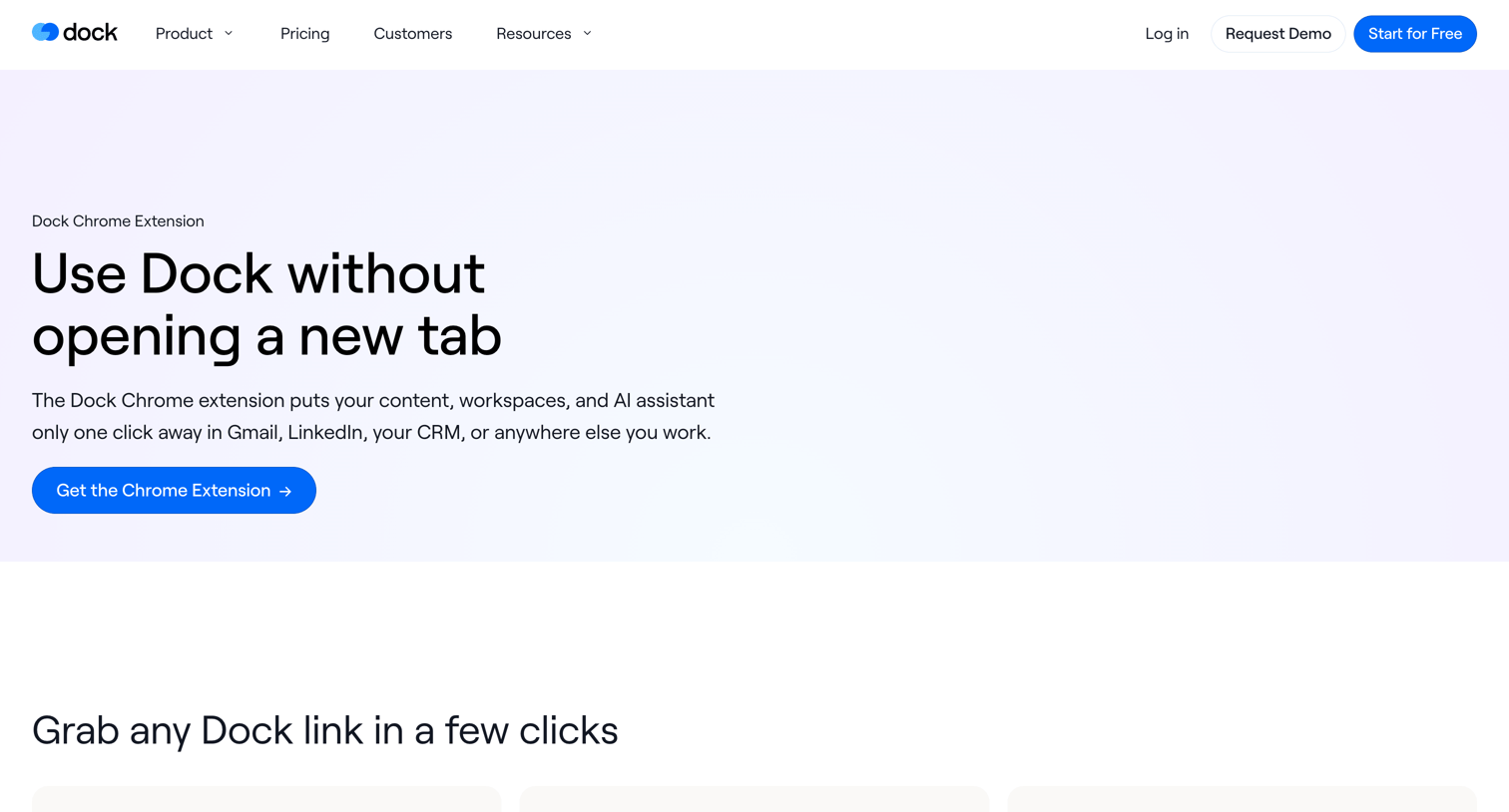

Application download page for a Chrome extension that provides quick access to workspaces and an AI assistant.
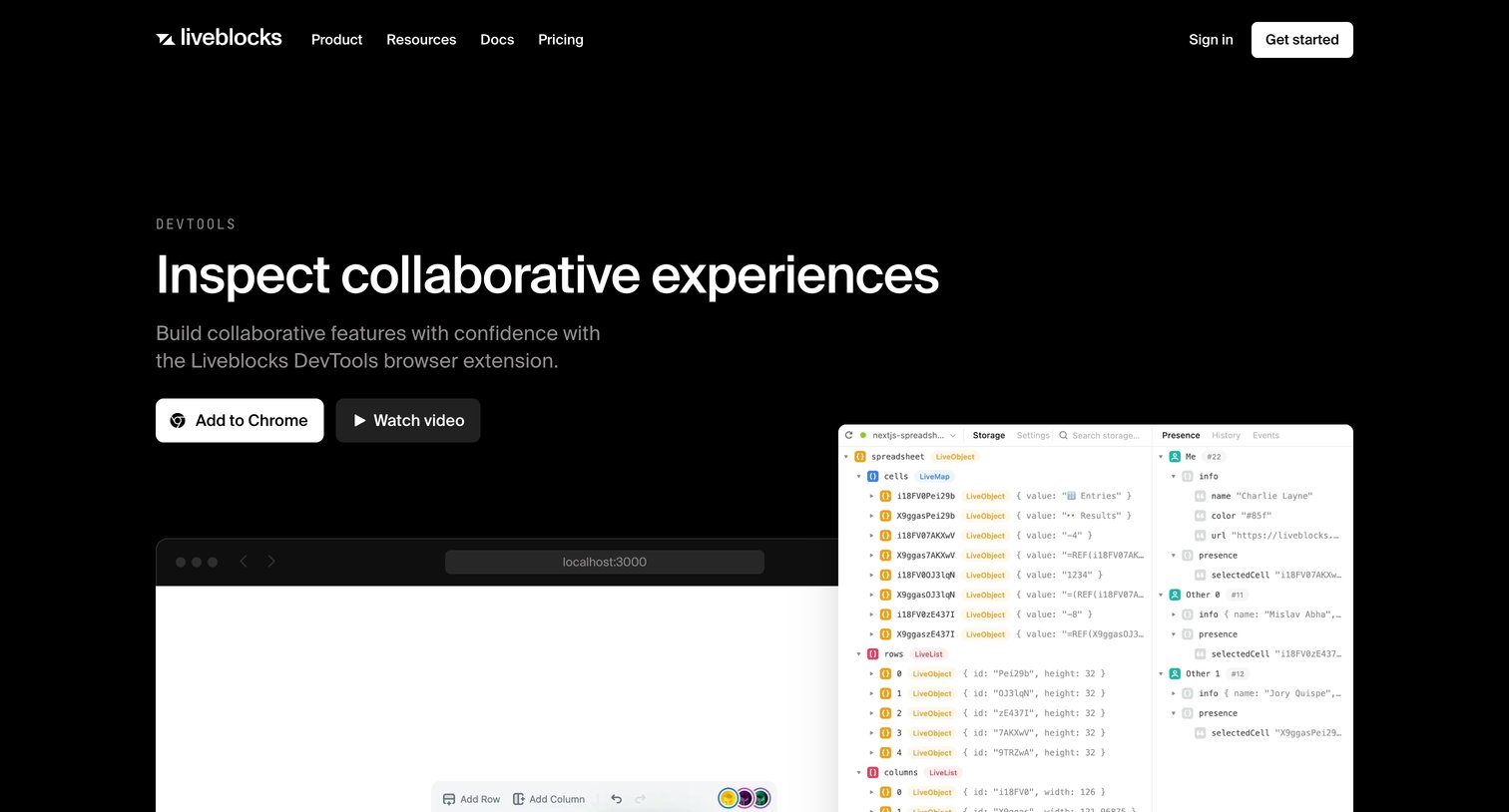

Application download page for the Liveblocks DevTools browser extension, featuring a hero with an 'Add to Chrome' CTA, a feature grid explaining capabilities like conflict-free data types, and a bottom CTA to get started.
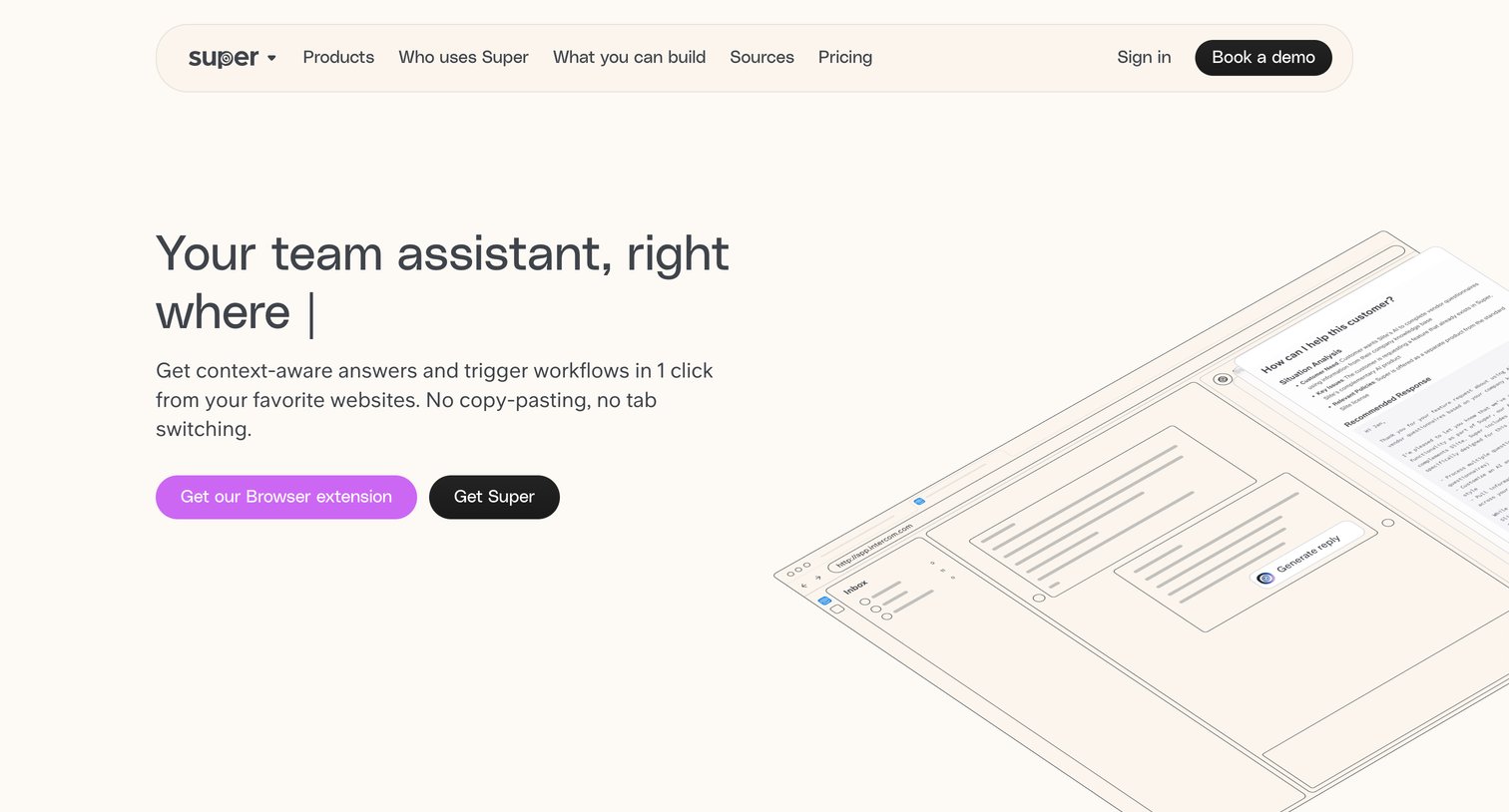

Feature page for a browser extension AI assistant detailing one-click workflows, custom buttons, and integrations with tools like Google Drive, Slack, and Notion.
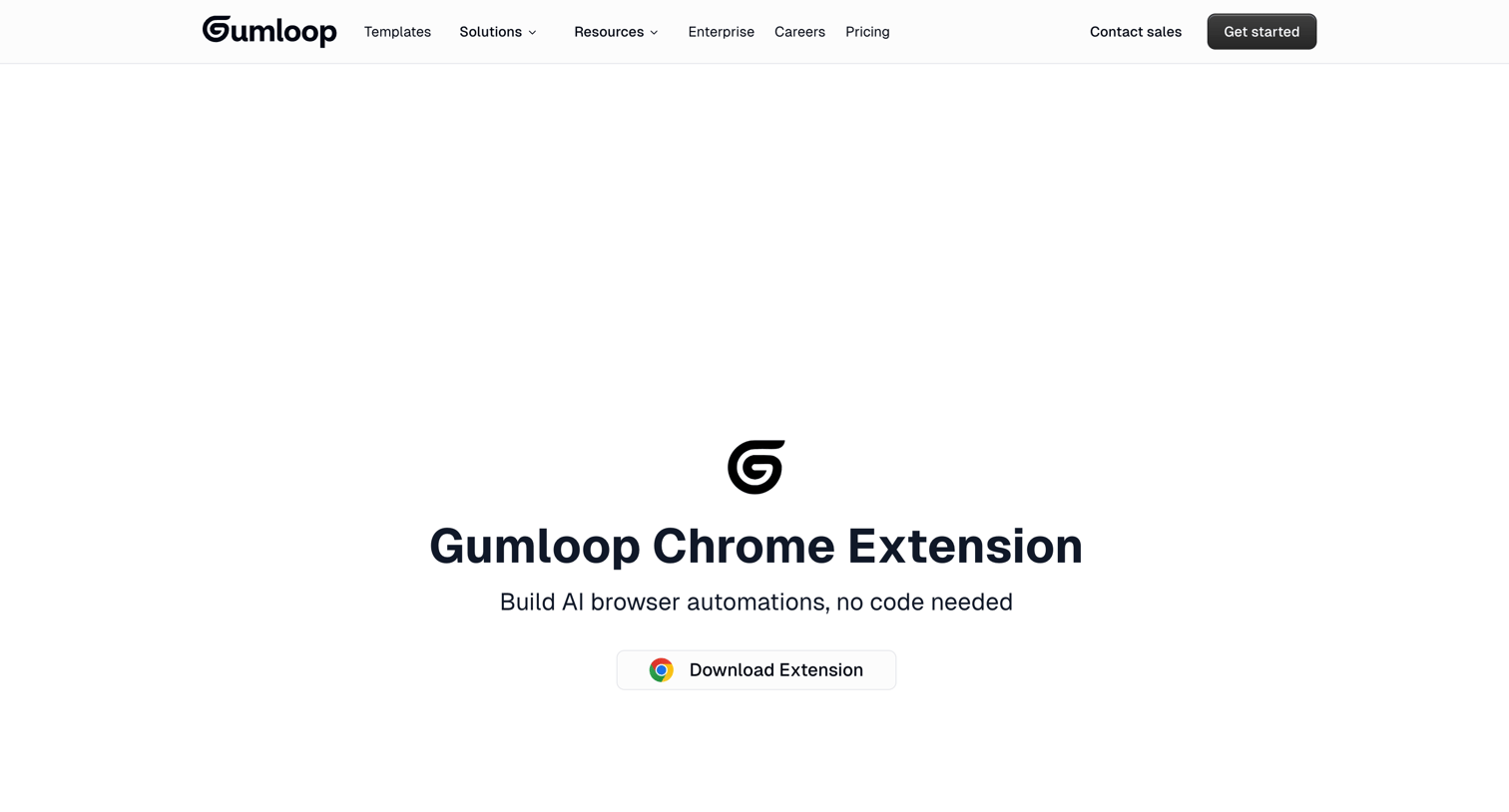

Application download page for a Chrome extension where the user can install the tool, browse features like browser recordings and web scraping, and search for prebuilt automation templates.
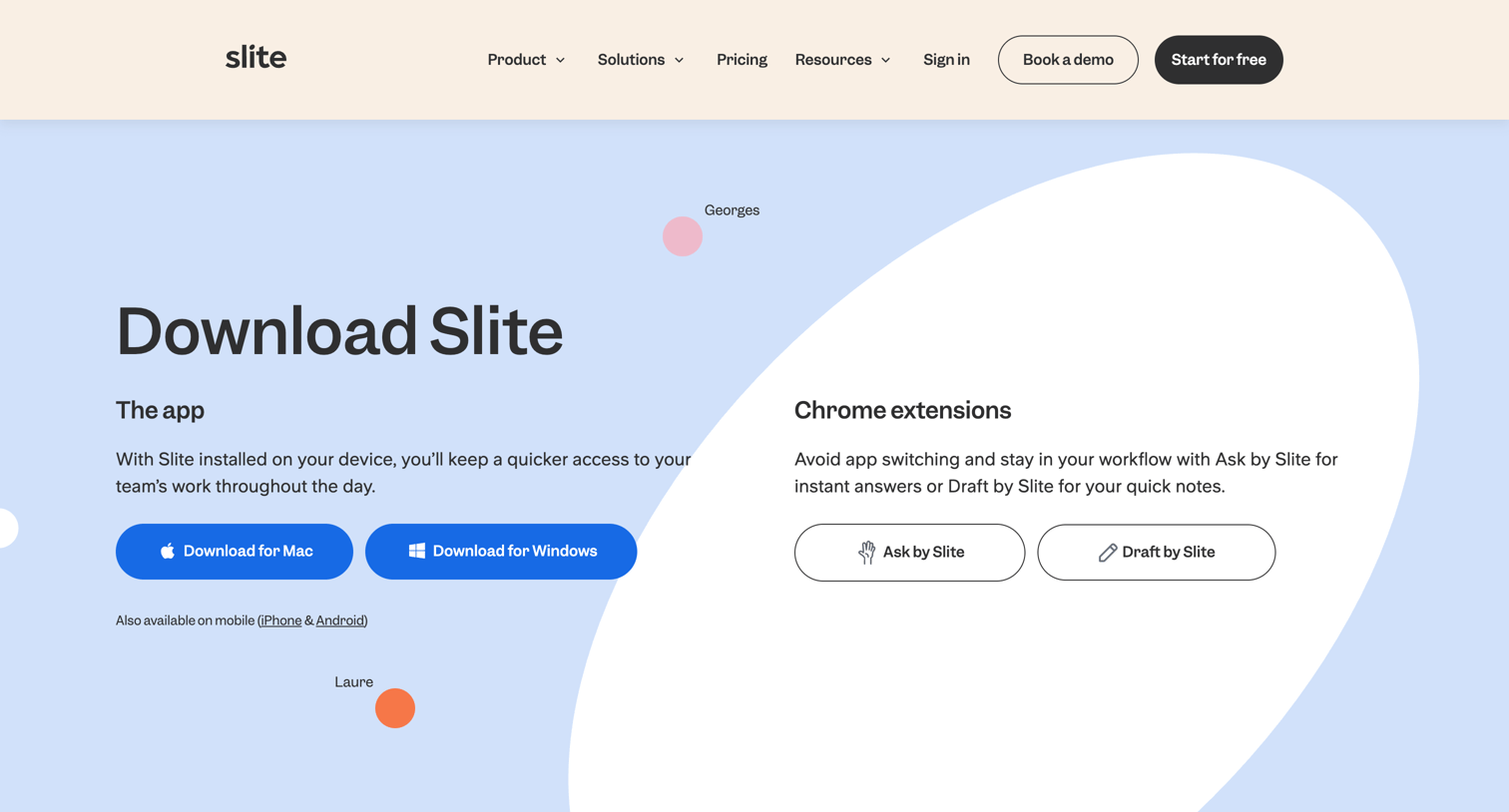

Application download page where the user can choose to install the desktop app for Mac or Windows, or get Chrome extensions.
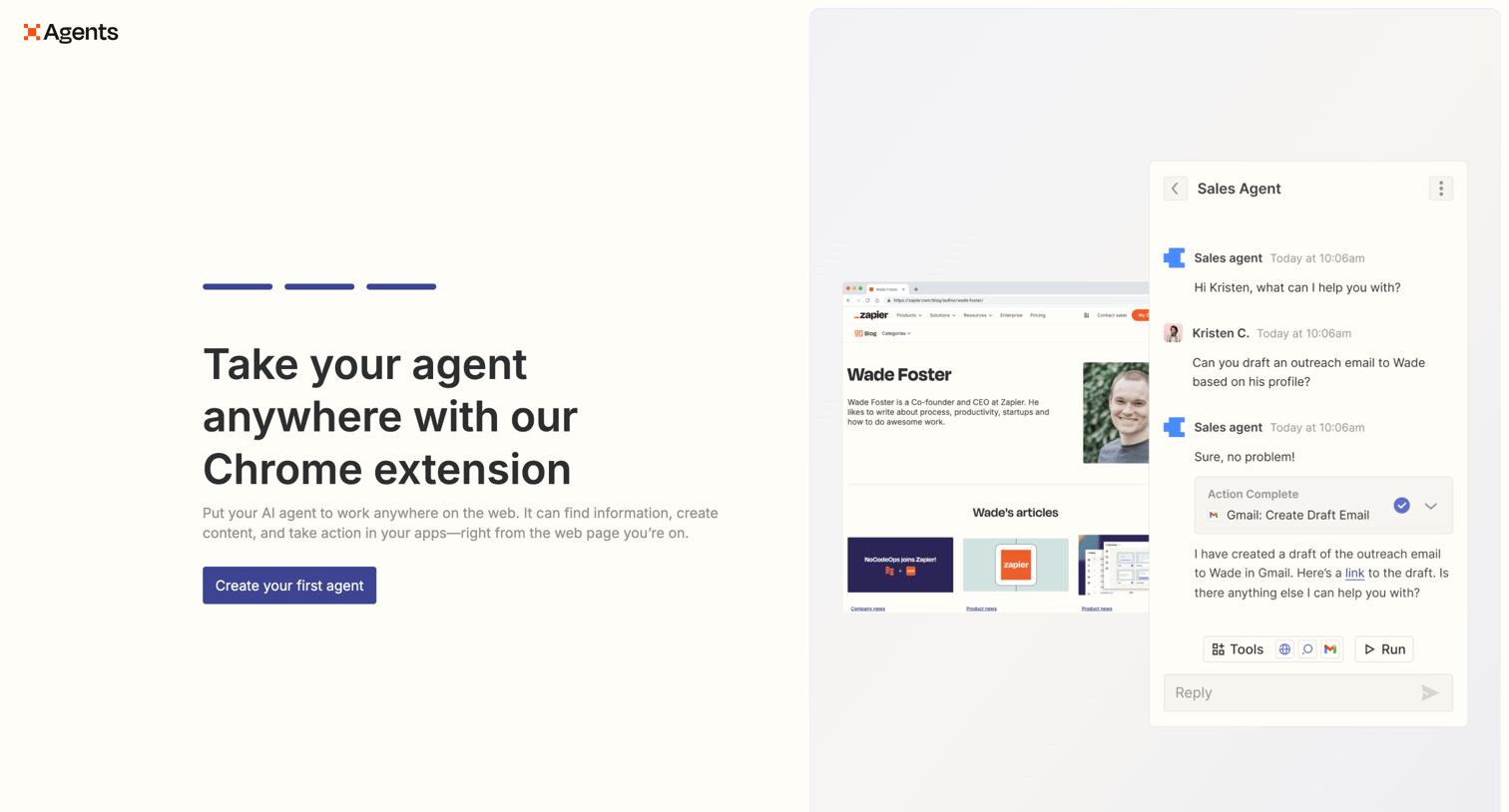

Feature page highlighting a Chrome extension that lets users run their AI agent anywhere on the web, showing a mock conversation where a sales agent drafts a Gmail outreach email.
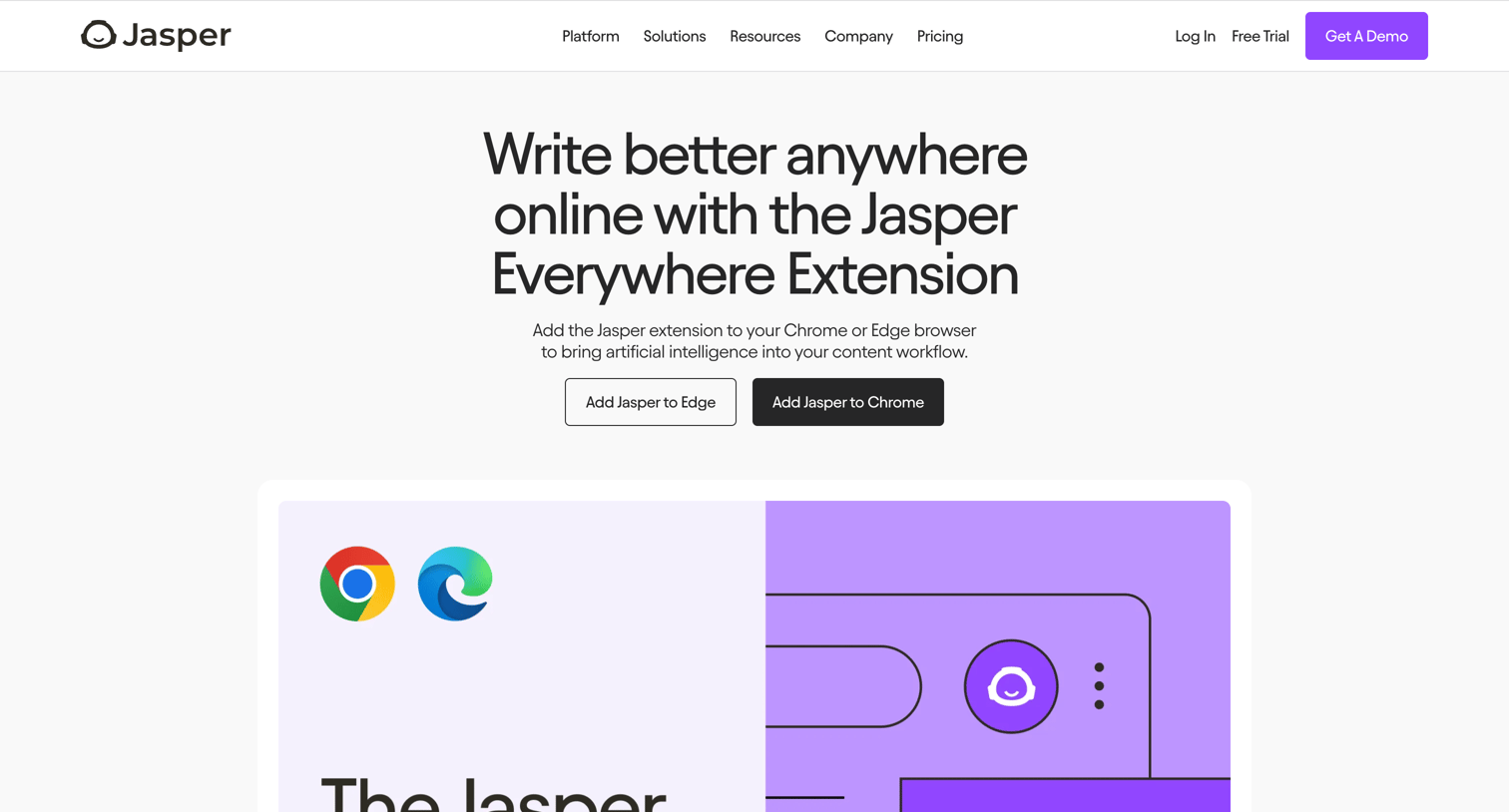

Marketing page where the user can download the Jasper browser extension for Chrome or Edge and learn about its features across different platforms.
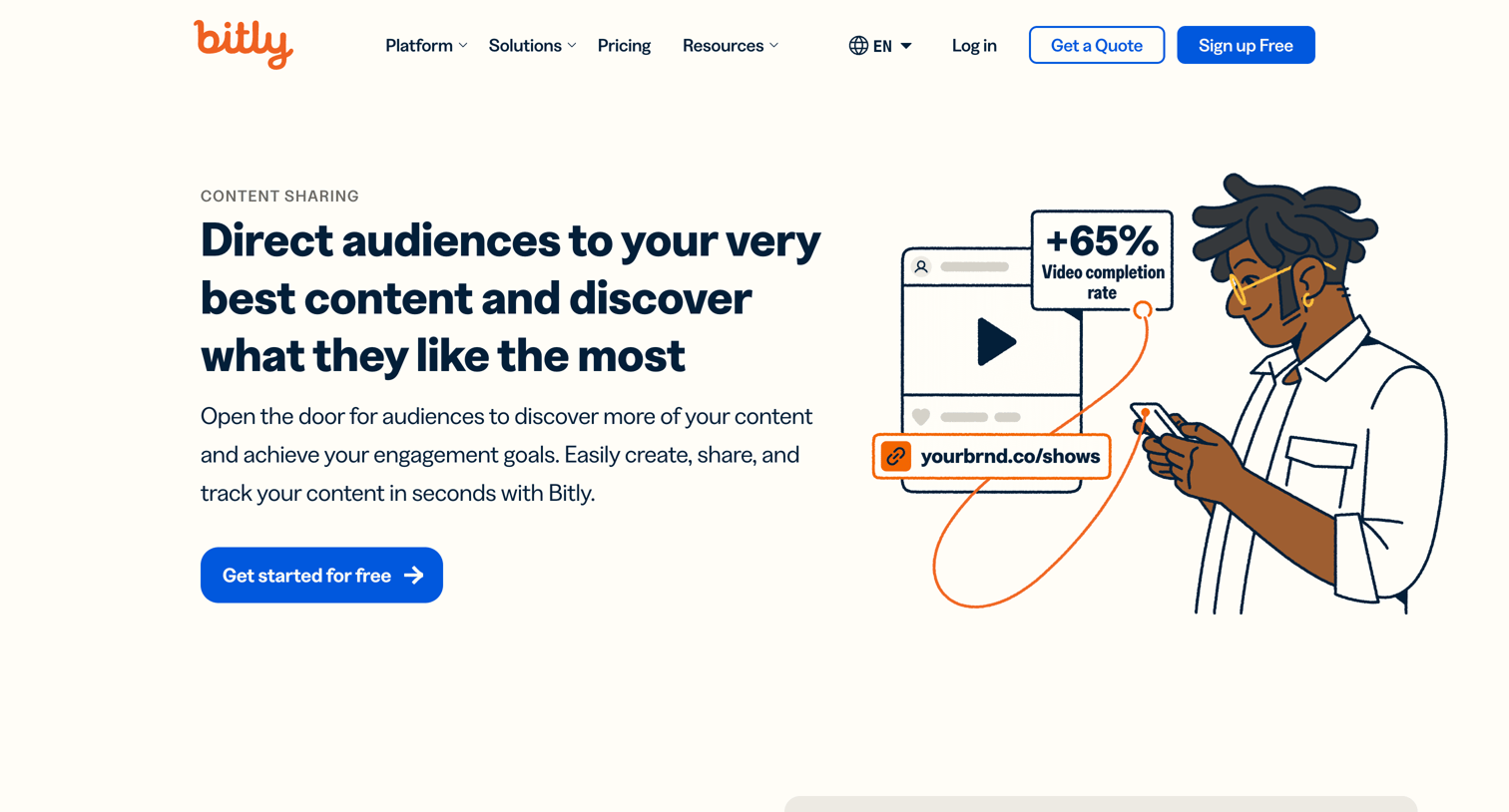

Marketing use case page explaining how to direct audiences and track content using branded links, QR codes, and landing pages.
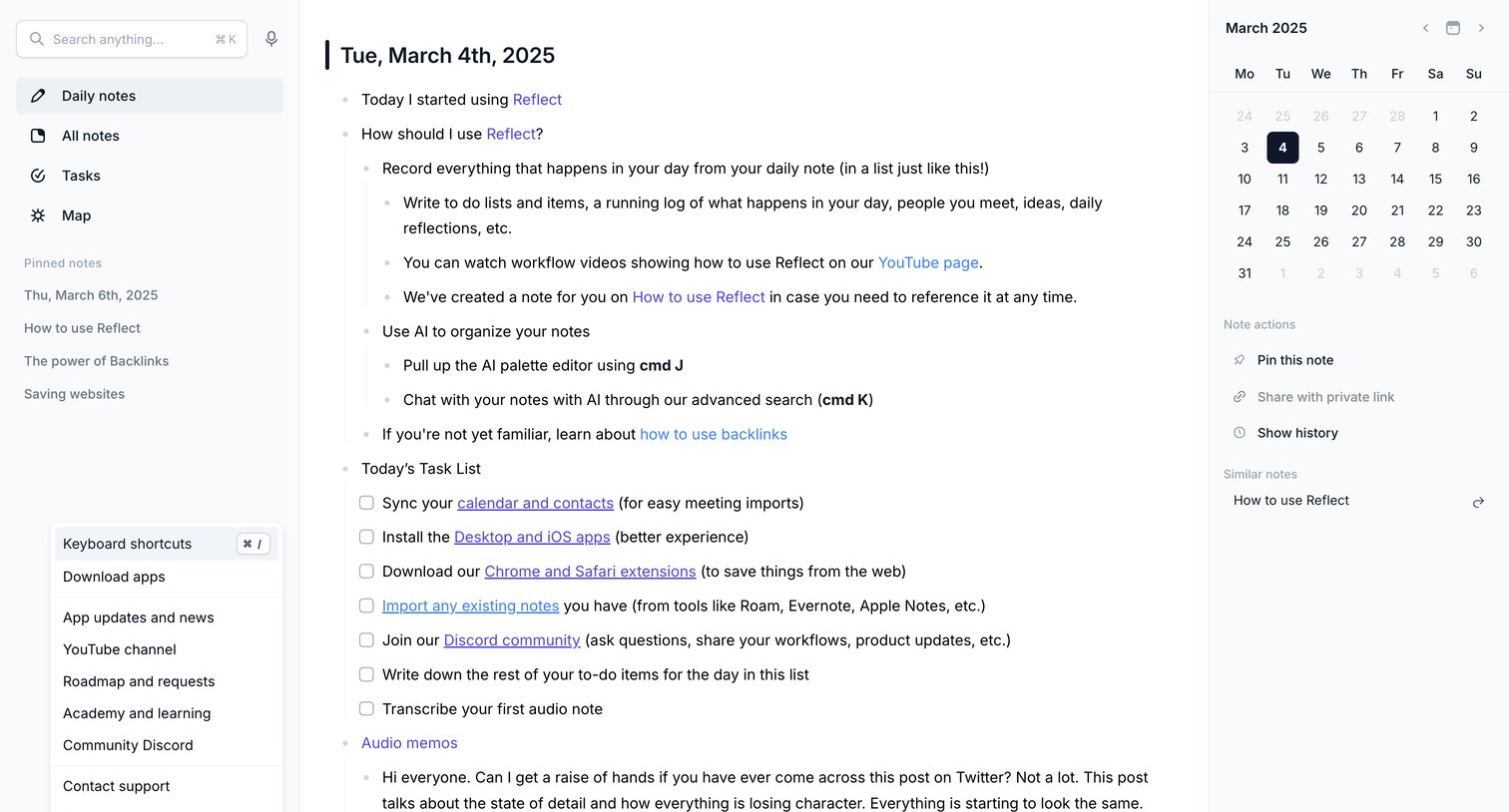

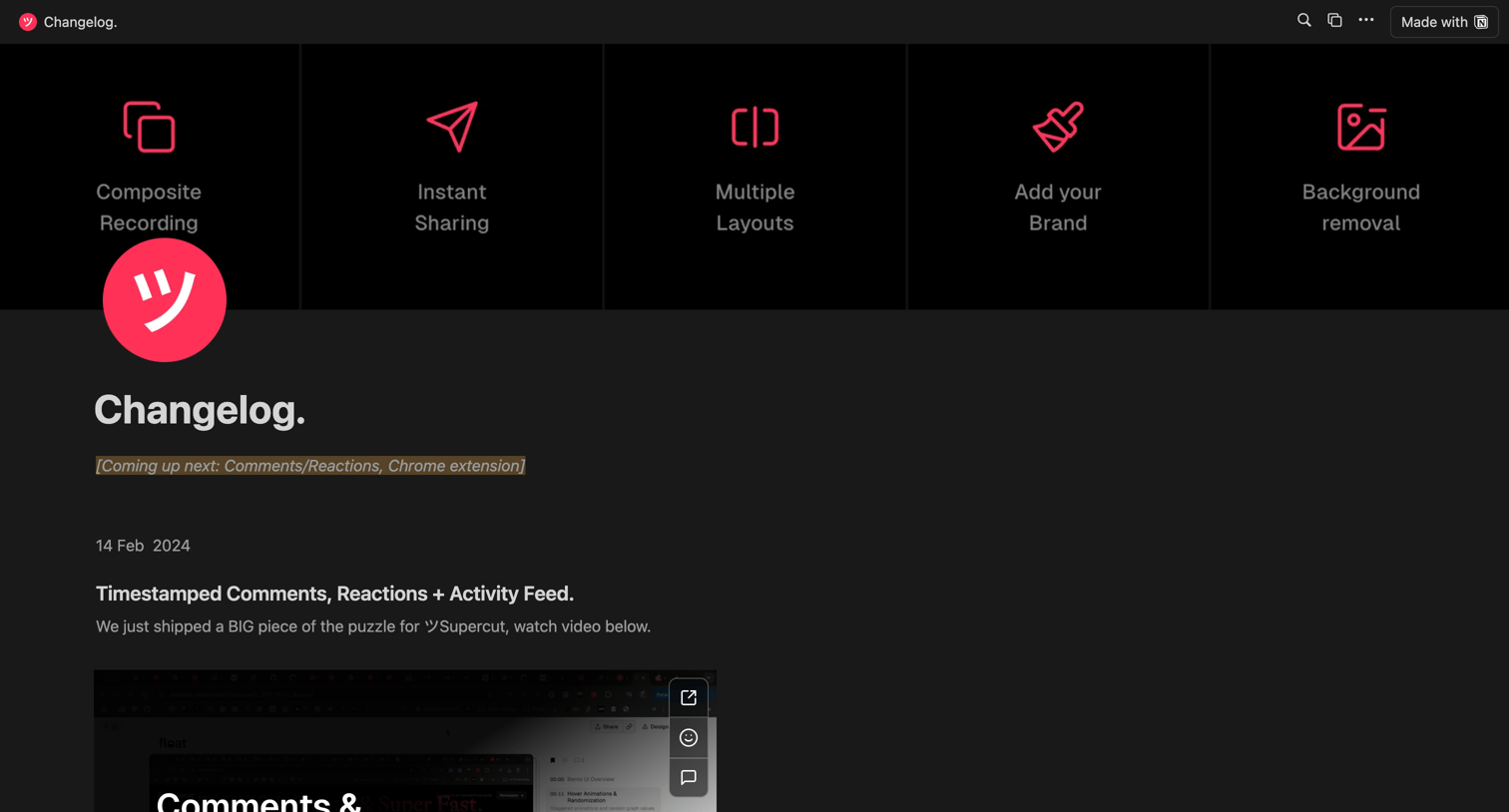

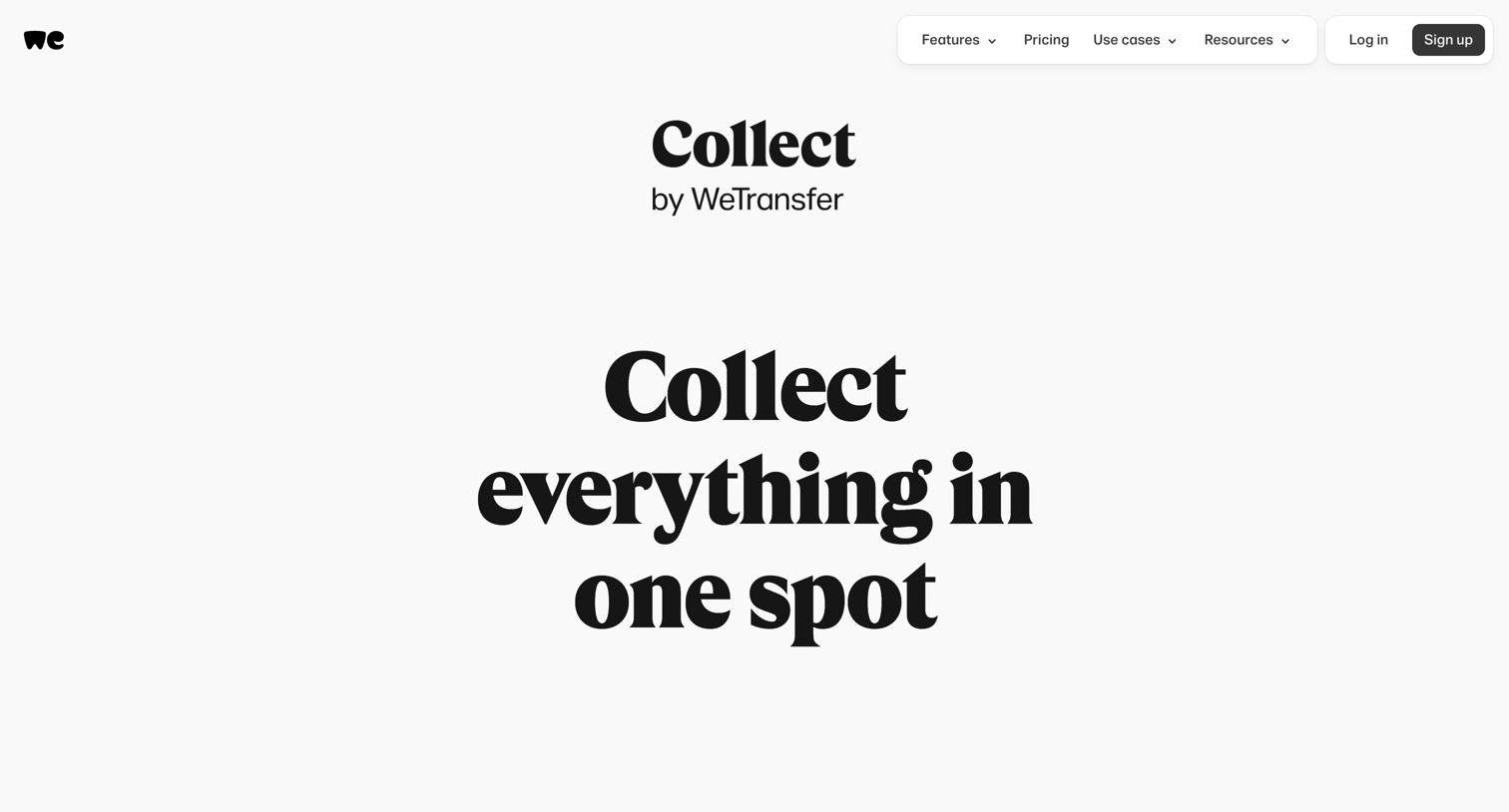

Product page for Collect by WeTransfer, detailing features for saving, organizing, and sharing inspiration, with CTAs to download the mobile apps and browser extension.
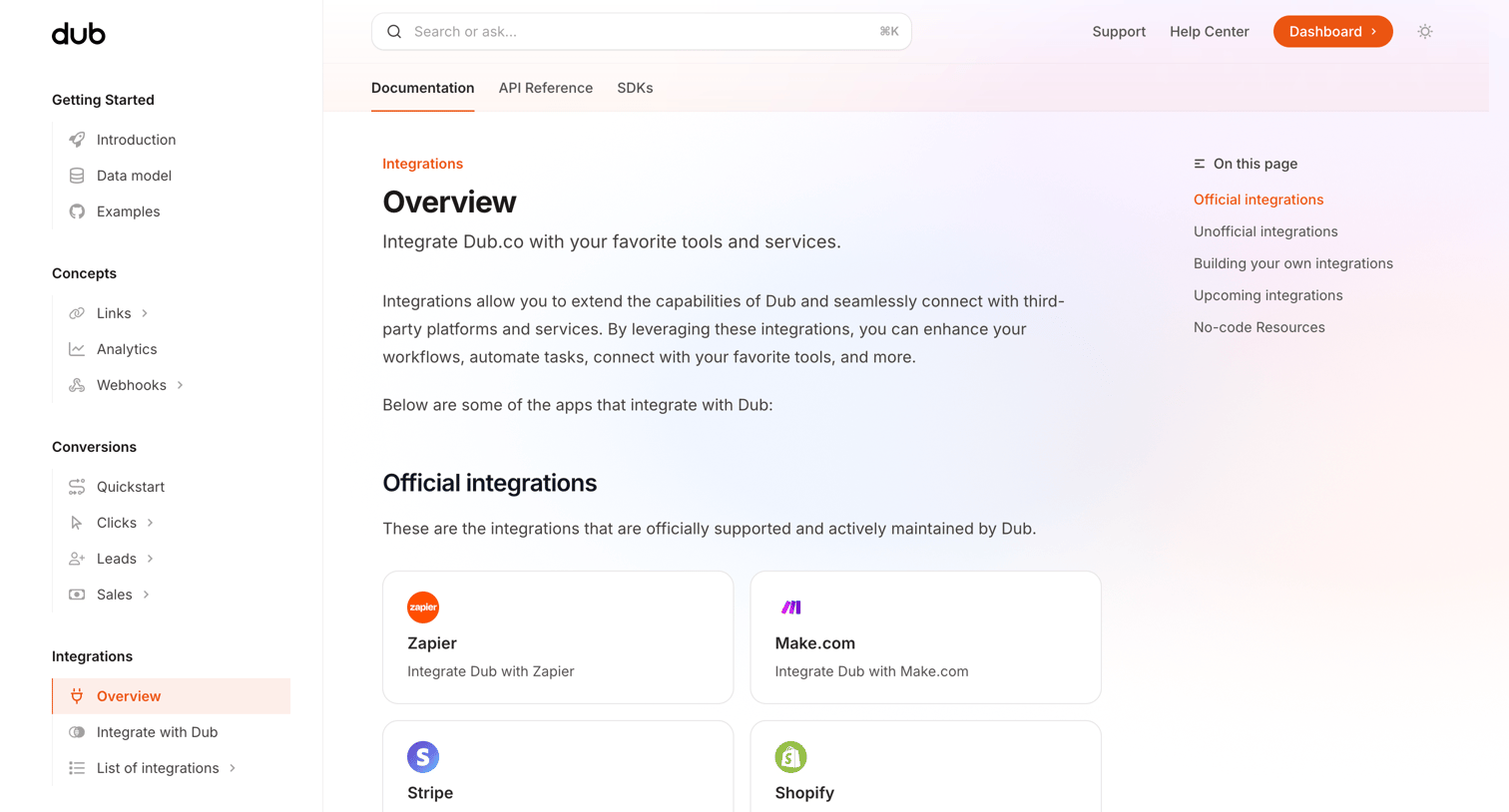

Documentation page where the user browses a categorized directory of official, unofficial, and upcoming integrations for the platform.
Explore the full SaaS screen library
Upgrade to unlock the full library.
Trusted by the best teams







