Changelog screen examples
Changelog screen design examples from SaaS apps. Browse examples from Polar, Axiom, Town.
Explore the examples


Changelog page detailing recent product updates, new features, and bug fixes organized chronologically.


Changelog page listing new features, product updates, and integrations in a chronological timeline format.
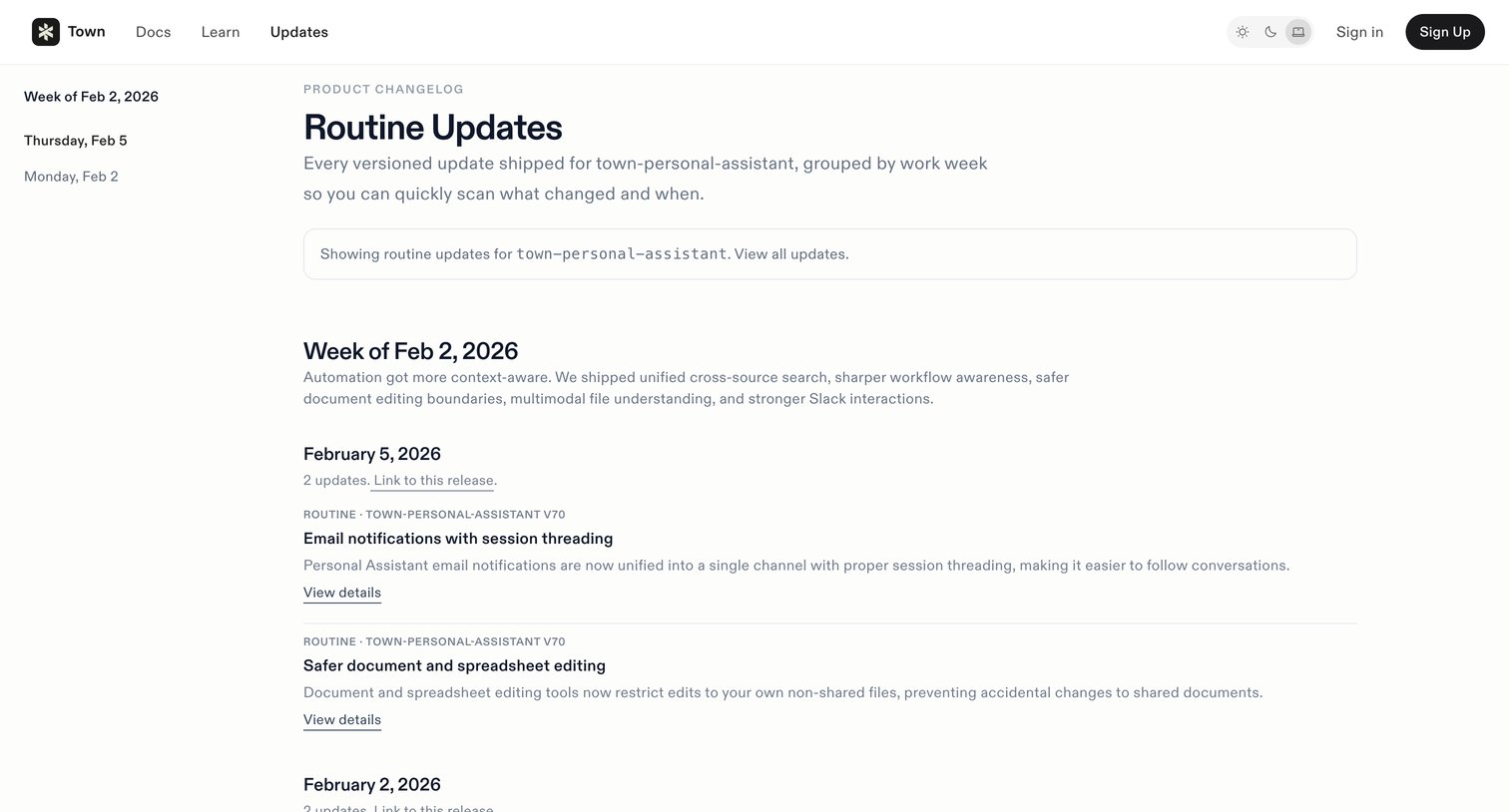

Changelog page where the user views routine updates for the town-personal-assistant workflow grouped by date.
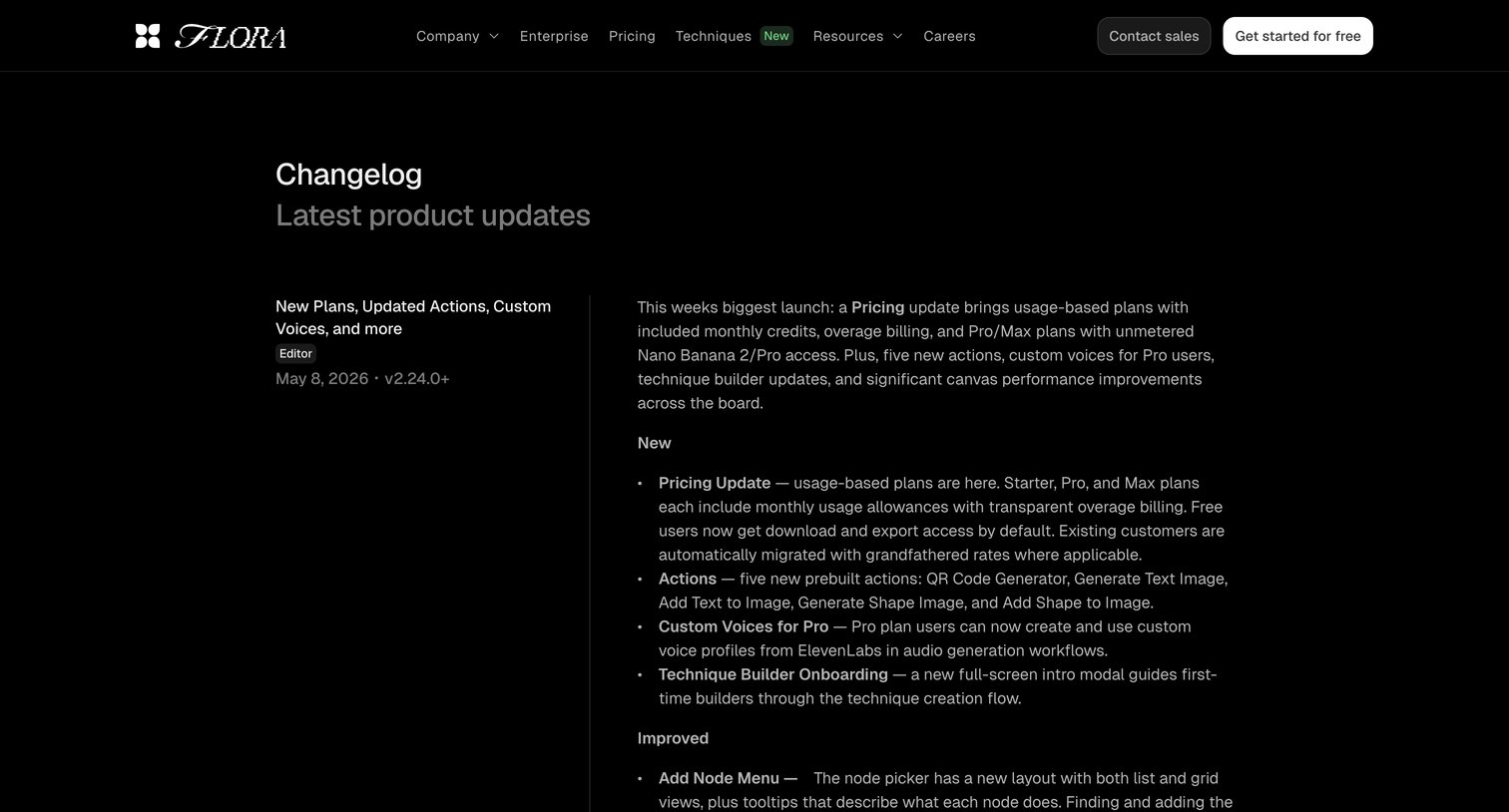

Changelog page where the user reads chronological release notes detailing new features like bulk parameters, updated actions, and custom voices for the Flora platform.
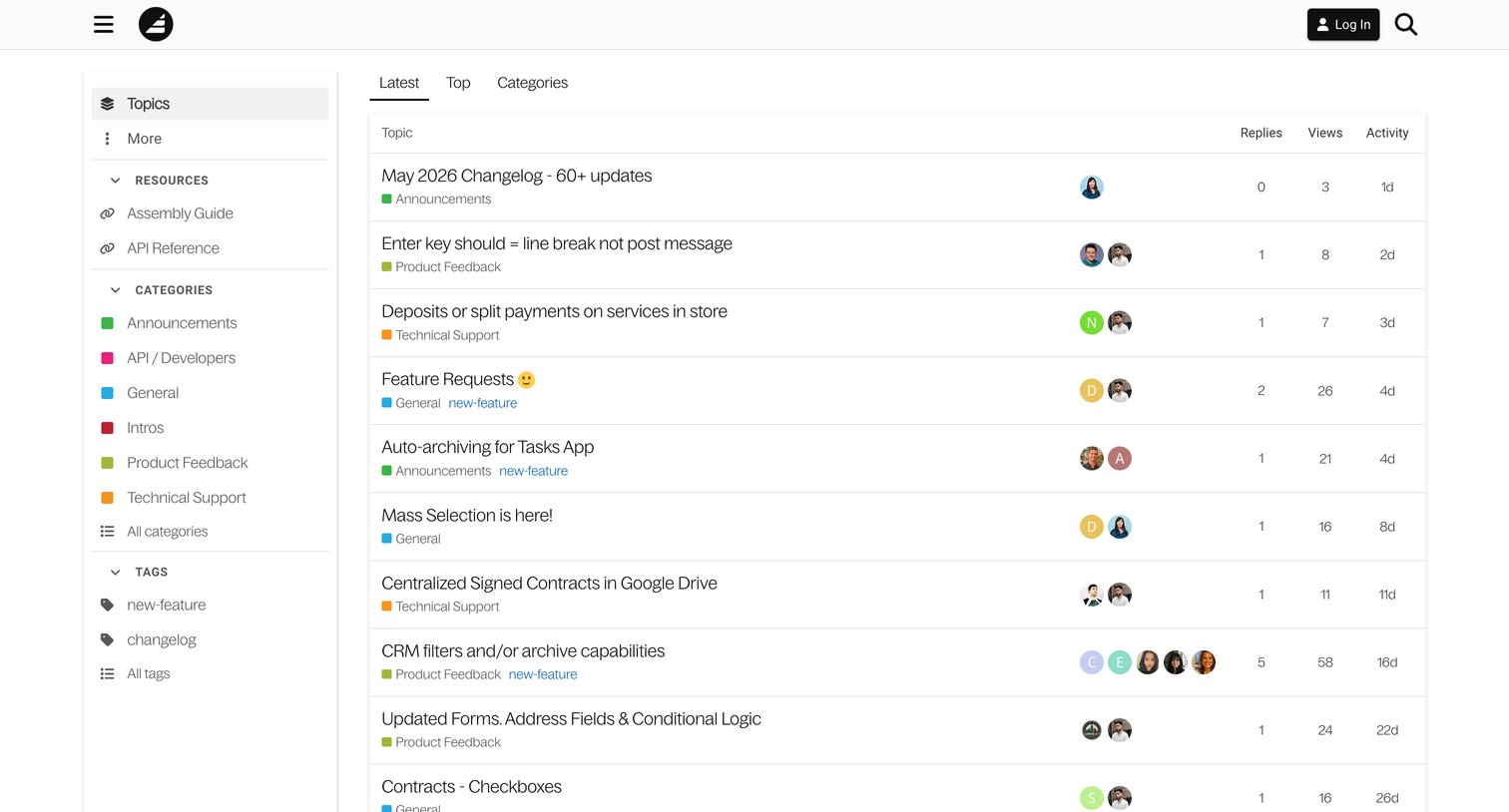

Community forum where users can browse the latest discussion topics, filter by categories like Product Feedback and Technical Support, and view reply activity.


Changelog page where users can read about the latest product updates, bug fixes, and new features, organized chronologically with a sidebar for quick navigation.
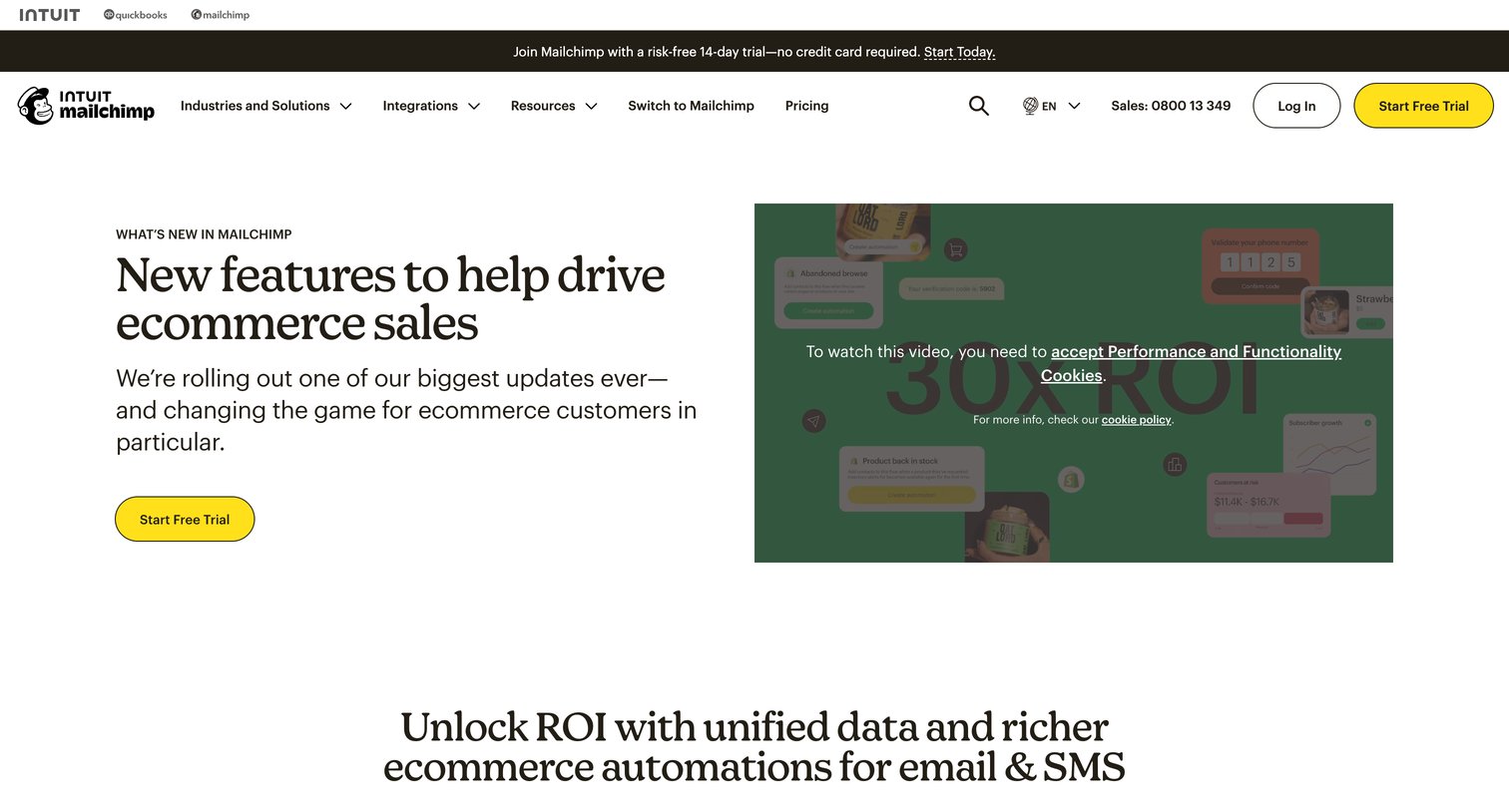

Changelog page where the user browses recent product updates, new features, and enhancements for ecommerce marketing.
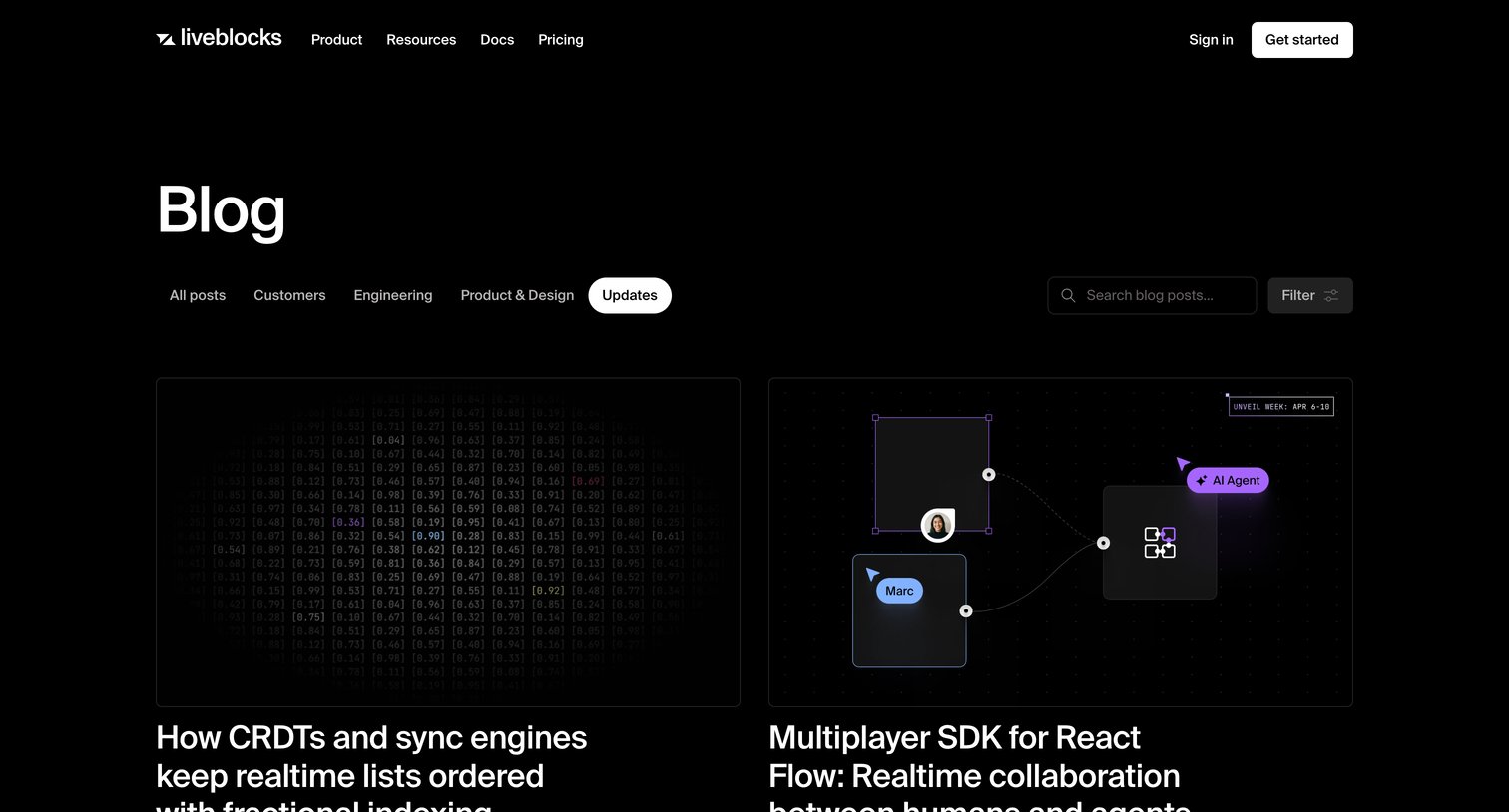

Blog index page filtered by the Updates category, displaying a grid of recent product release articles with a search and filter bar.
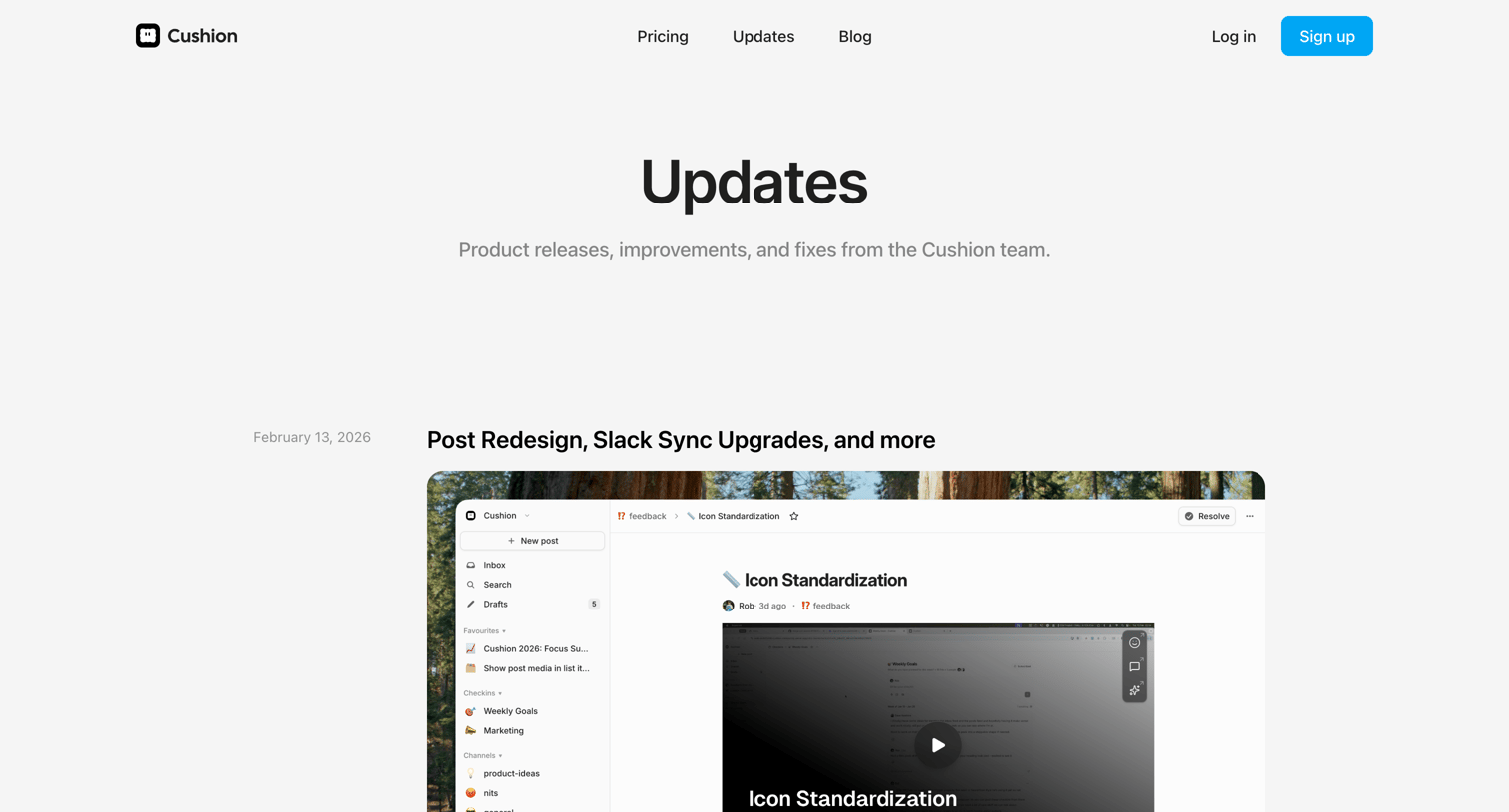

Changelog page where the user browses chronological product updates like post redesigns, Slack sync upgrades, and guest accounts.
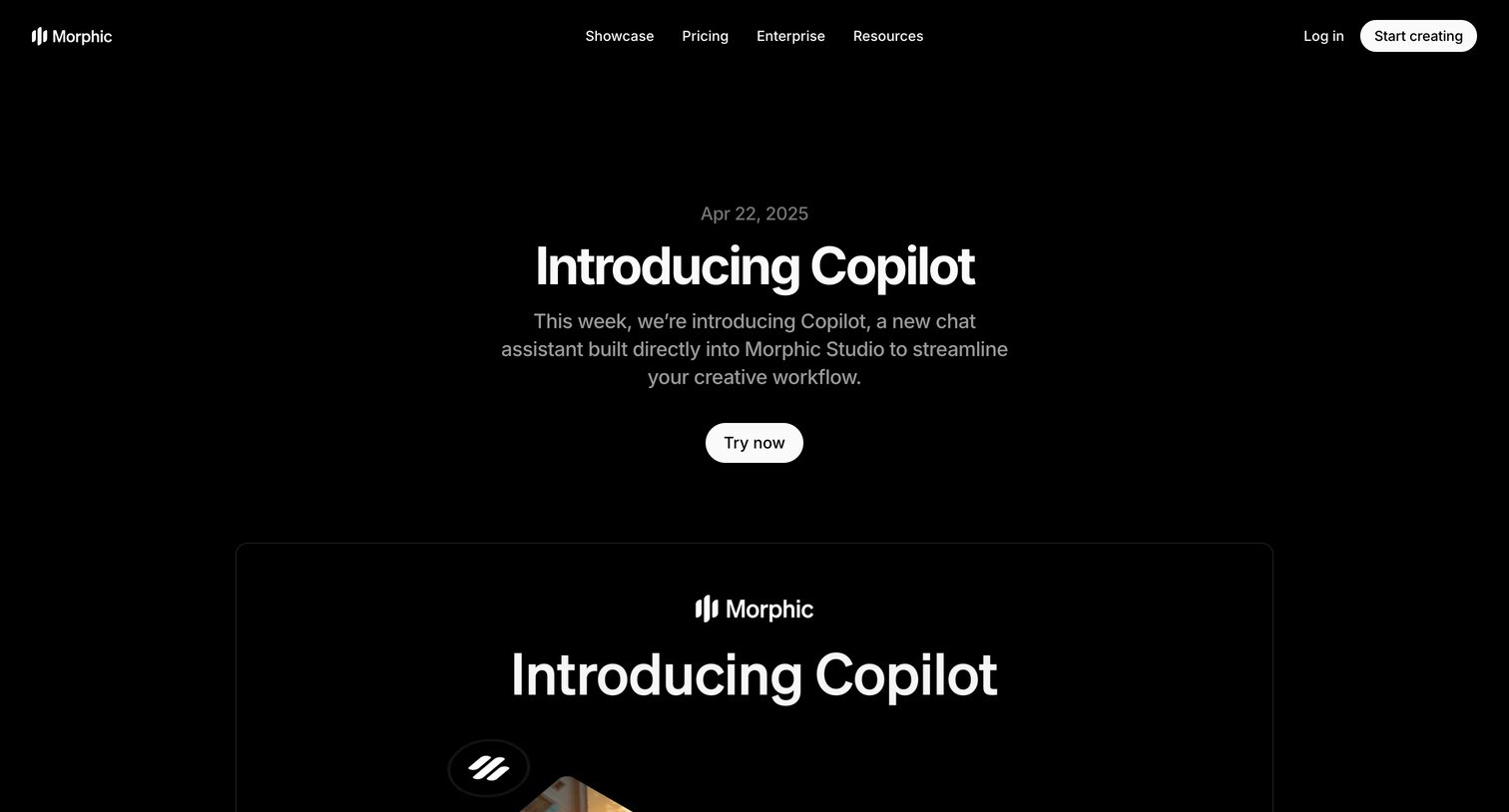

Blog post announcing a new AI chat assistant feature called Copilot for Morphic Studio, detailing its capabilities and use cases.
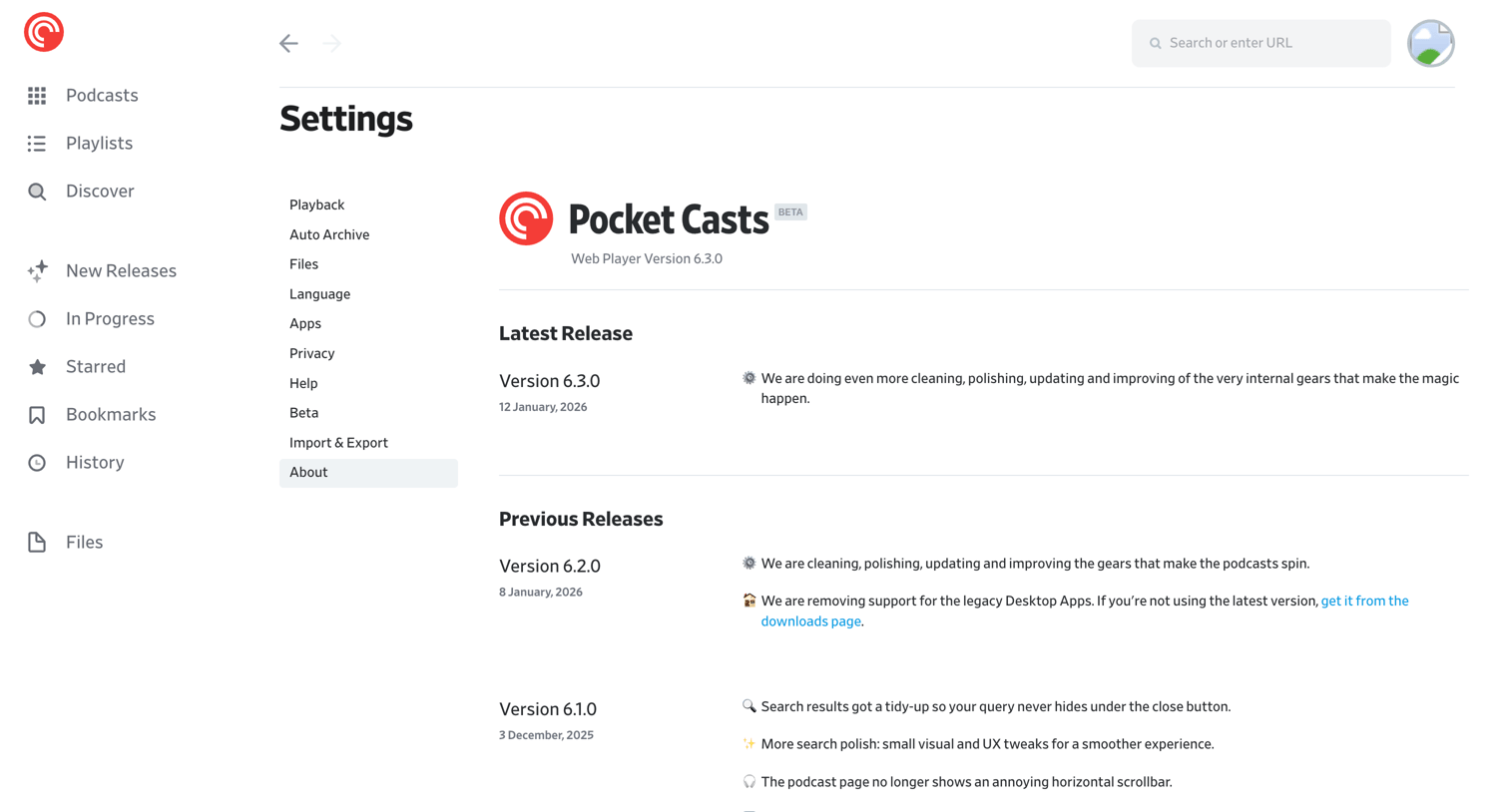

Settings page where the user views the current web player version and reads release notes for the latest and previous updates.
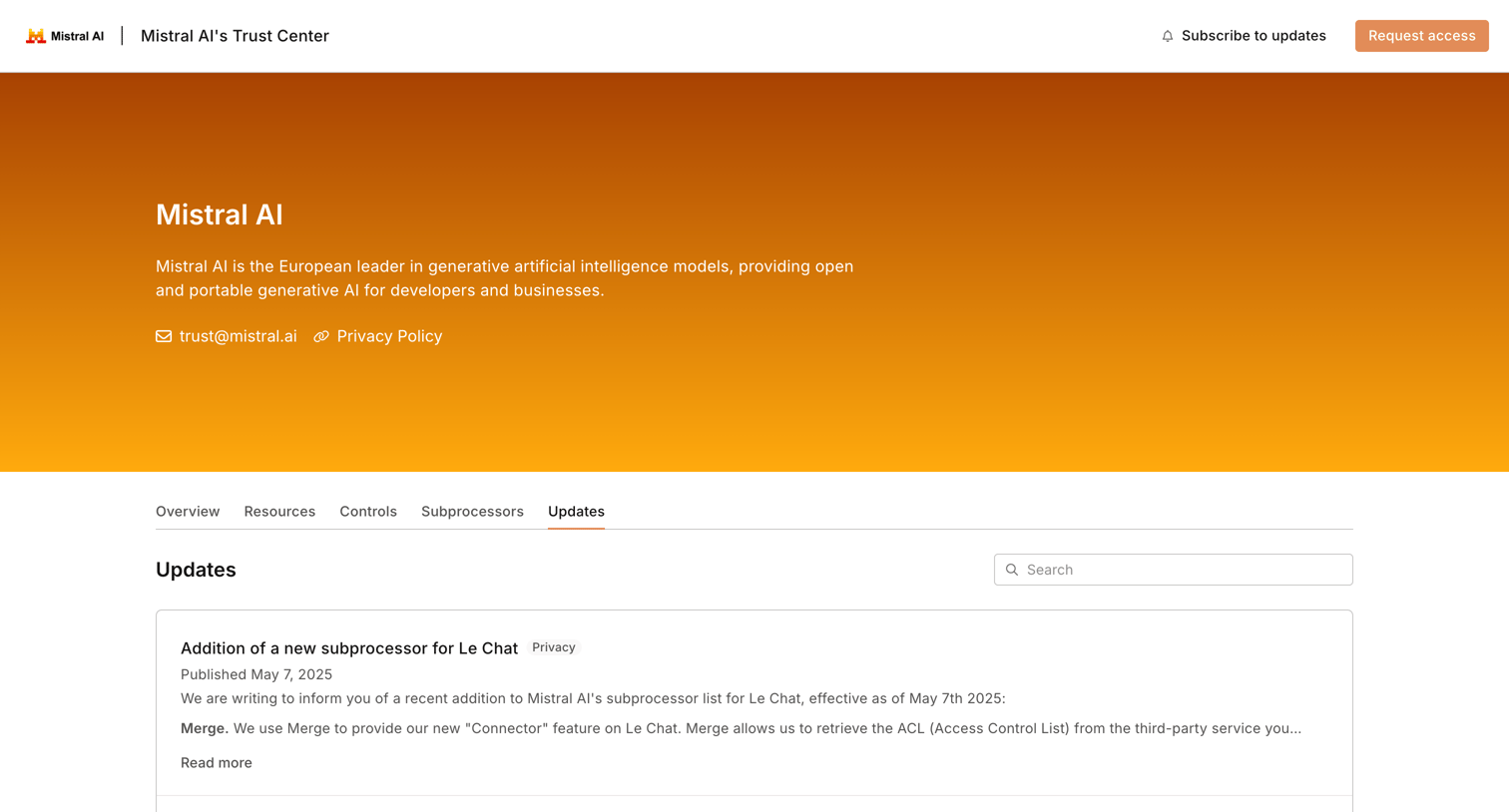

Security trust center page listing recent updates regarding subprocessors and subscription options.
Explore the full SaaS screen library
Upgrade to unlock the full library.
Trusted by the best teams







