Billing automation screen examples
Billing automation screen design examples from SaaS apps. Browse examples from Voiceflow, Exa, Expensify.
Explore the examples
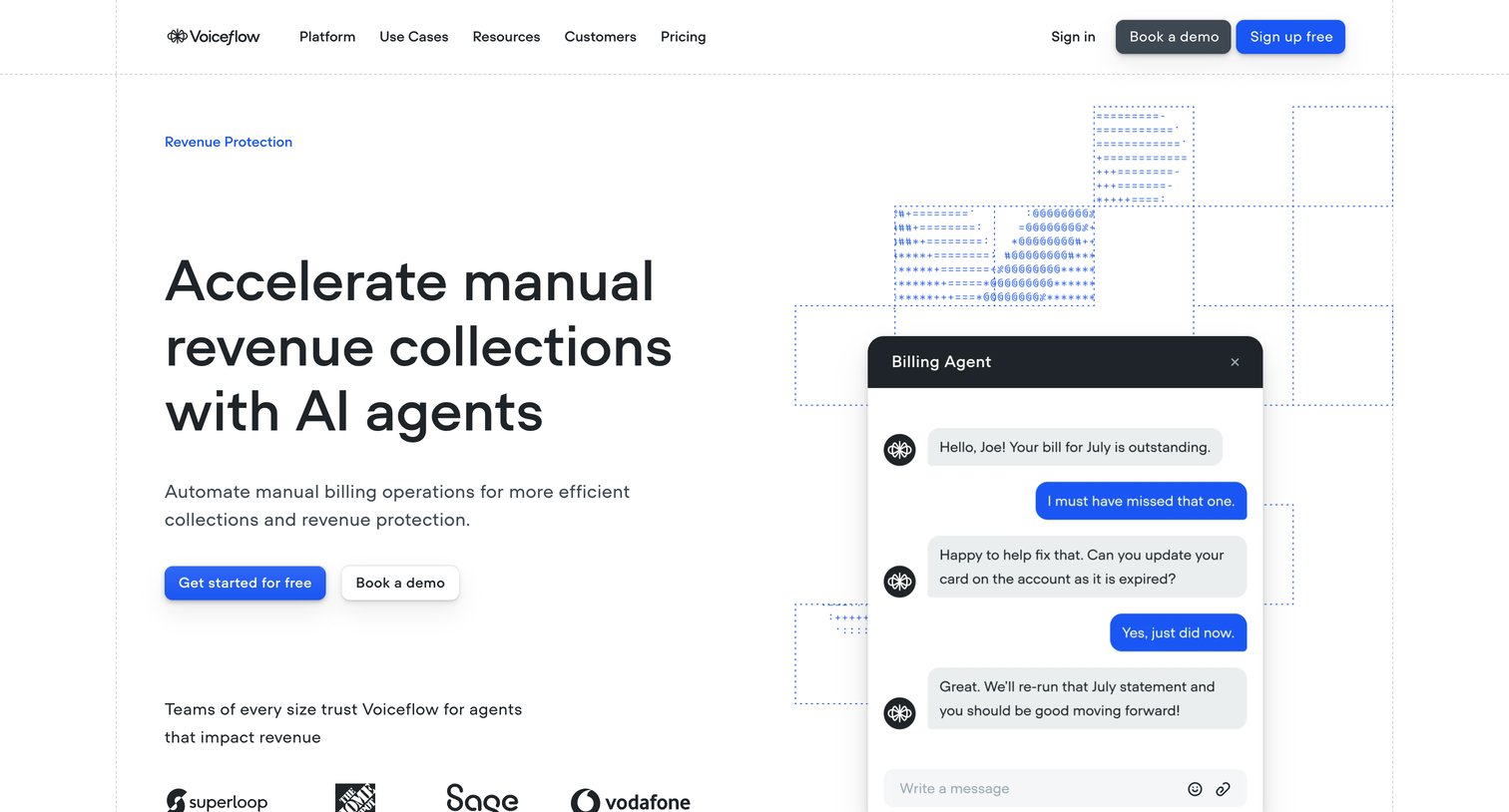

Use case page explaining how to automate manual billing operations and revenue collections with AI agents, featuring feature grids, a customer story with an area chart, and an enterprise upsell section.
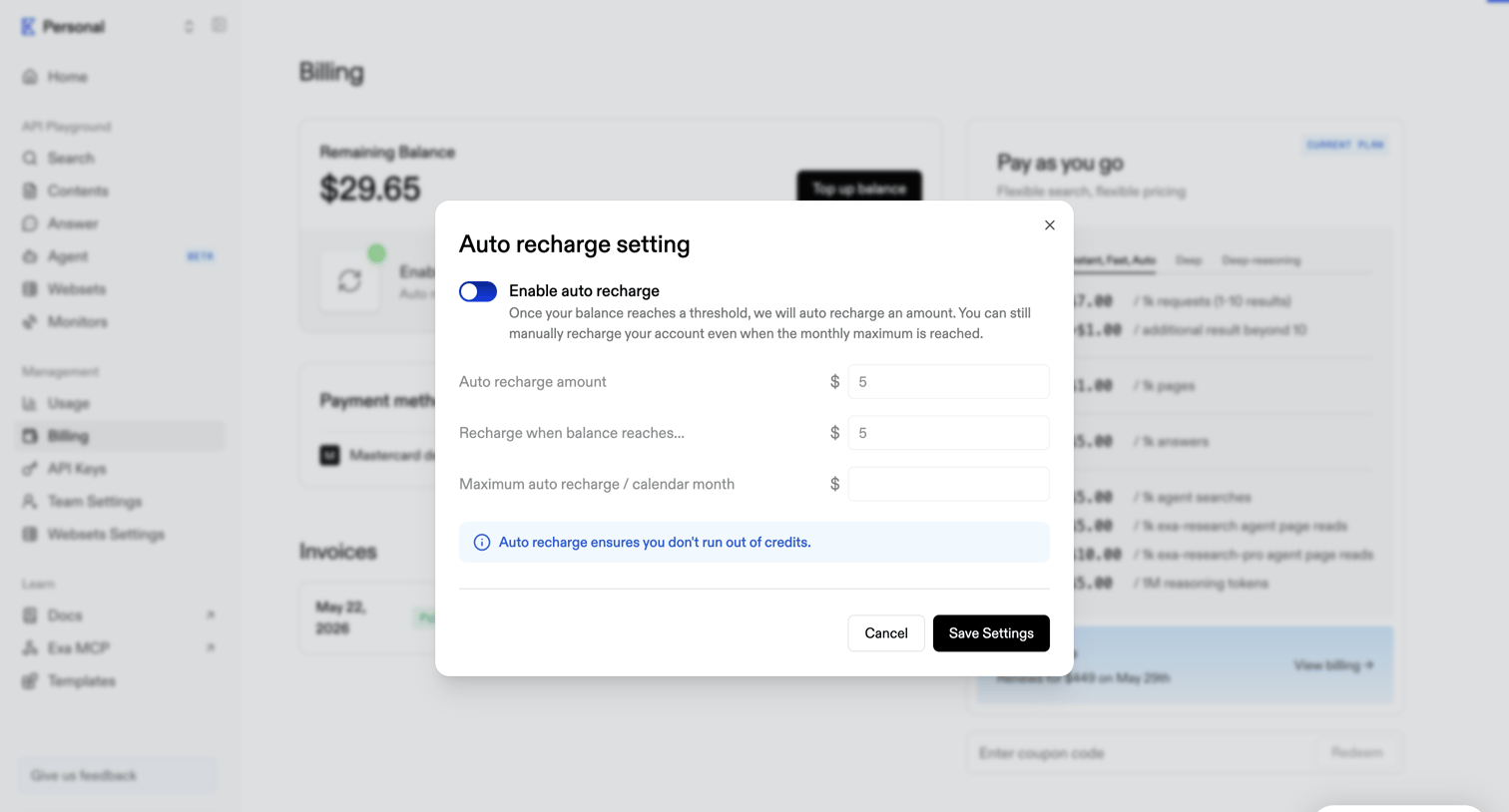

Billing settings modal where the user configures auto-recharge amounts and thresholds to prevent running out of API credits.
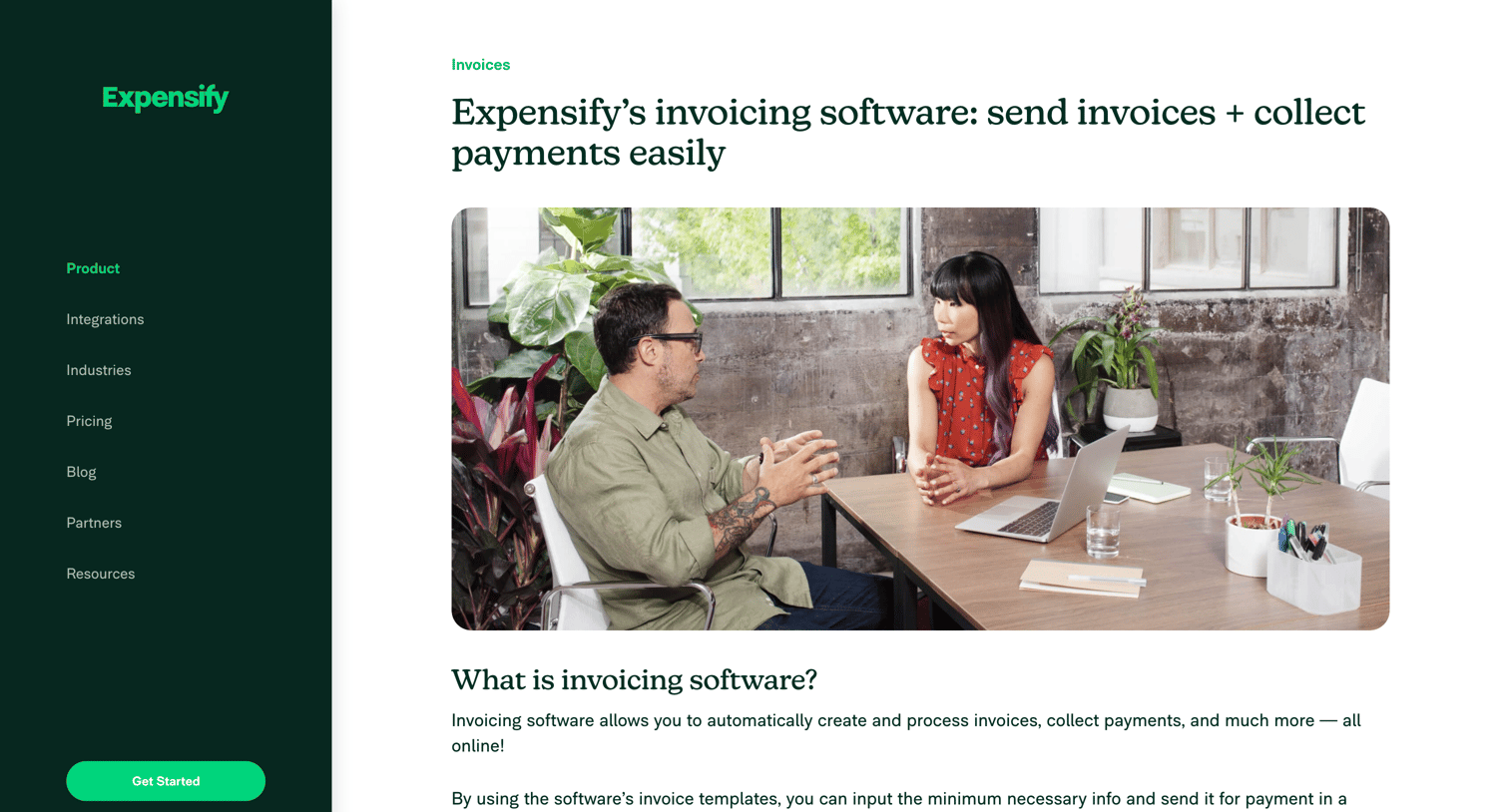

Feature page explaining Expensify's invoicing software with a breakdown of benefits, customer reviews, an FAQ section, and multiple signup forms.
![Stripe - Revenue recovery – nicelydone.club – Stripe [Test] screen](https://assets.nicelydone.club/cdn-cgi/image/g=top,w=1512,h=814,f=webp,fit=cover/https://assets.nicelydone.club/f/aa8592d4-688d-414e-a007-3d5ff6c89760.png)

Creation drawer where the user configures a retry policy for failed card and bank debit payments, setting the number of retries and timeframe.
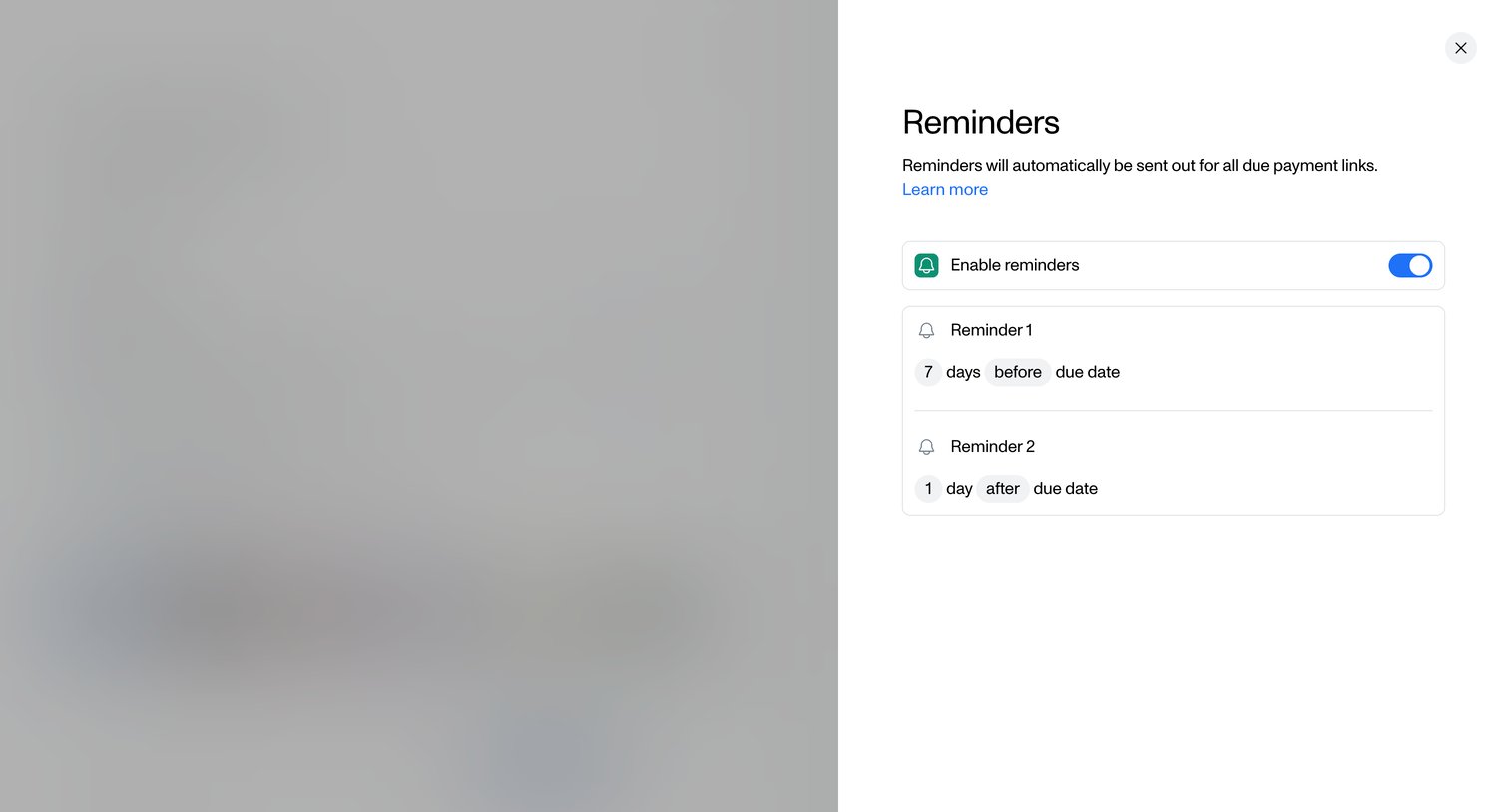

Drawer where the user configures automated email reminders for due payment links, setting specific days before or after the due date.
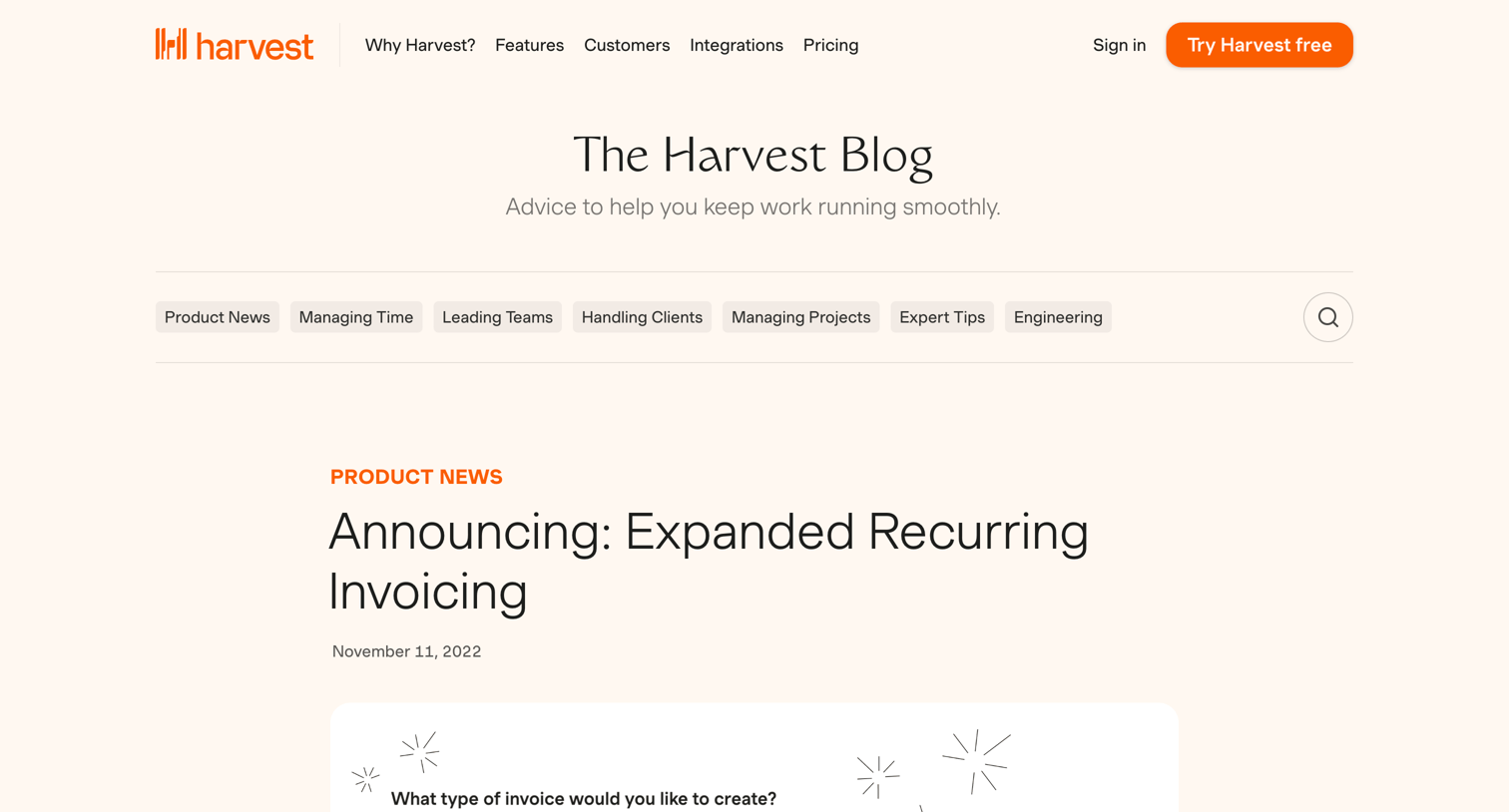

Article announcing expanded recurring invoicing capabilities with product screenshots and setup instructions.
Explore the full SaaS screen library
Upgrade to unlock the full library.
Trusted by the best teams







