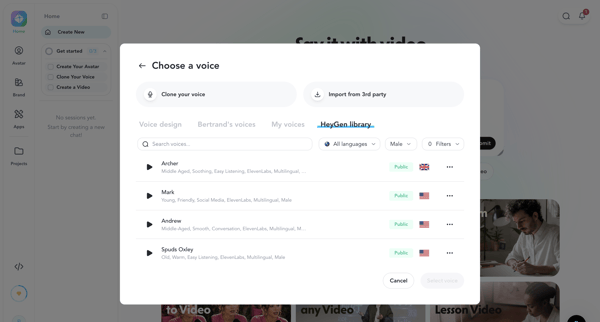
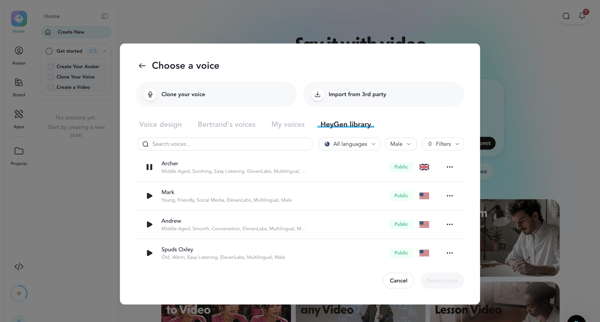
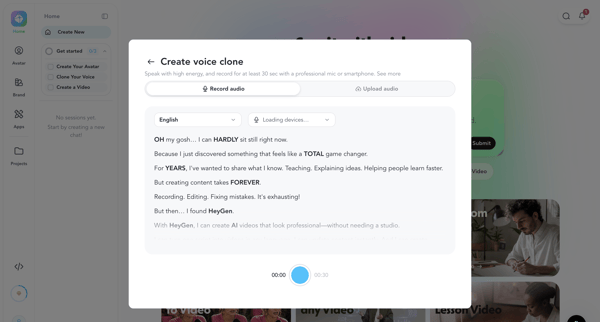
HeyGen Flow Example: Configuring avatar voice
Preview this HeyGen user flow: Configuring avatar voice. Explore the opening screens.
Preview these flows

Related user flows

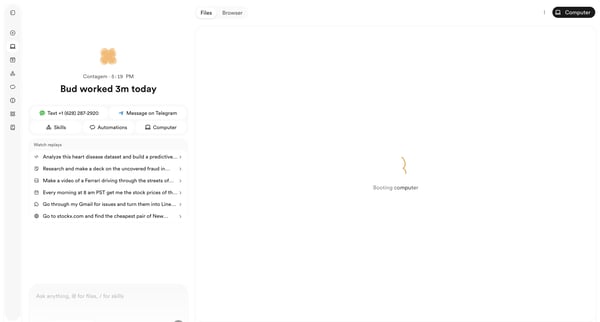
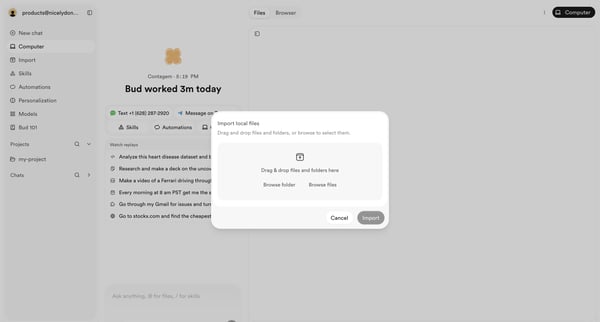
User opens file import modal from AI agent workspace dashboard to select local files or folders via drag-and-drop or browse

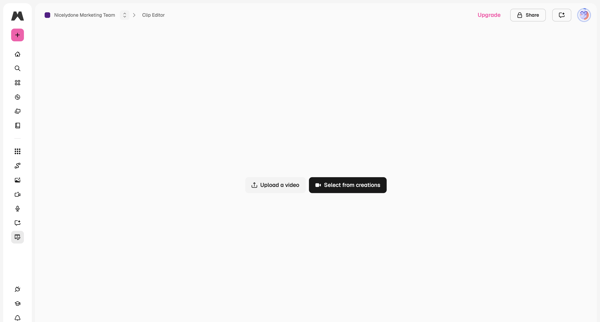
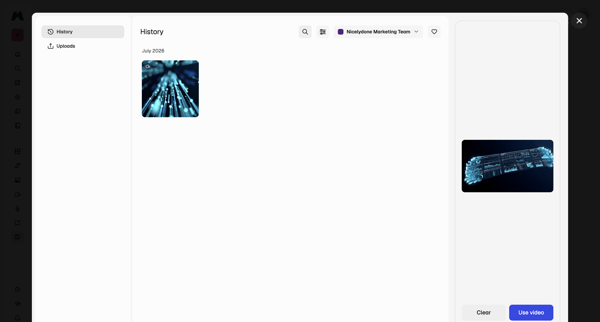
From video editor empty state, open history modal to browse generations, filter by team, preview, and select a video for editing

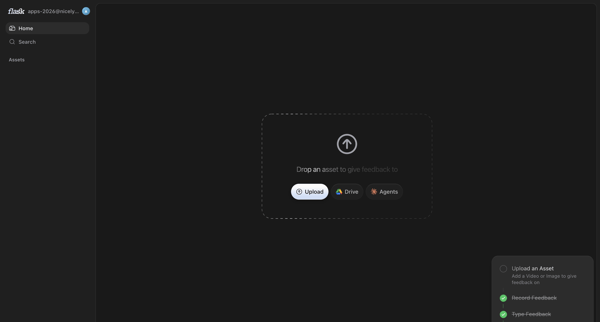
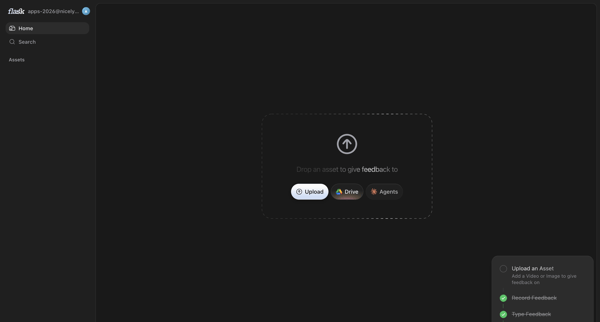
User prompted on home screen to upload asset via local file, Drive or Agents to begin feedback

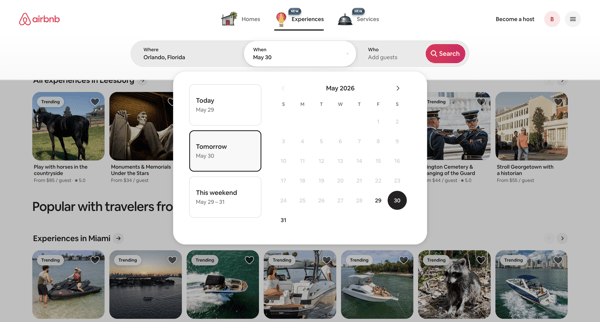
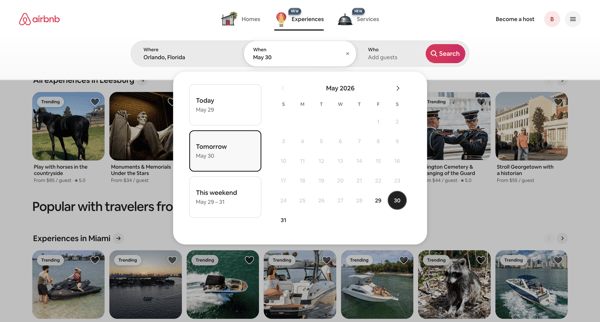
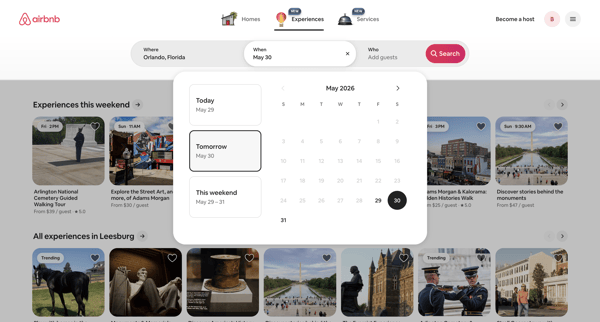
Guest selects date range or quick option in popover calendar to filter Airbnb experiences search results

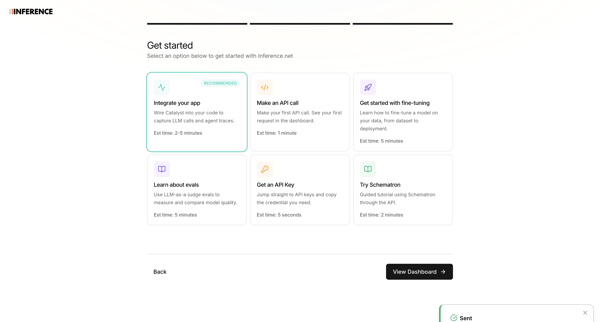
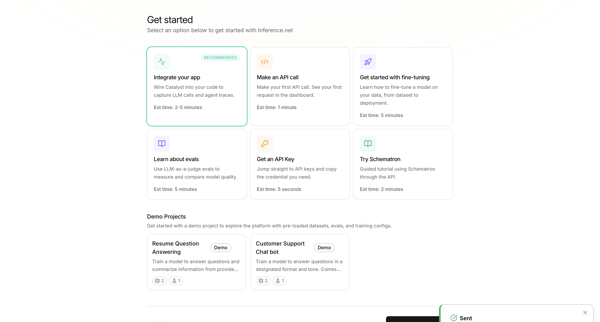
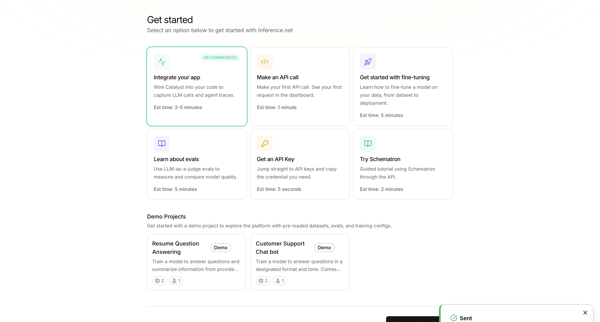
User selects primary goal such as integrating an app or making an API call during onboarding, with a toast confirming teammate invitation

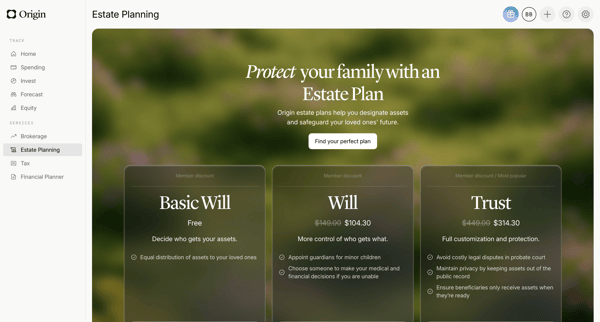
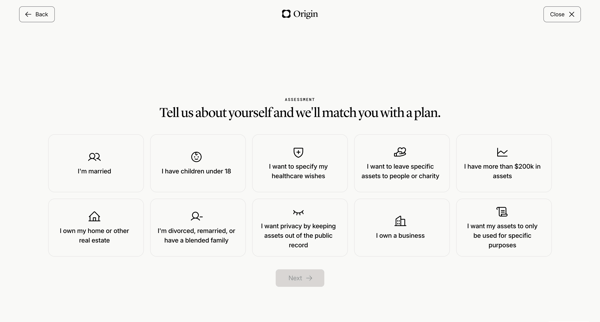
User views estate planning pricing tiers then completes life circumstances questionnaire to match an estate plan

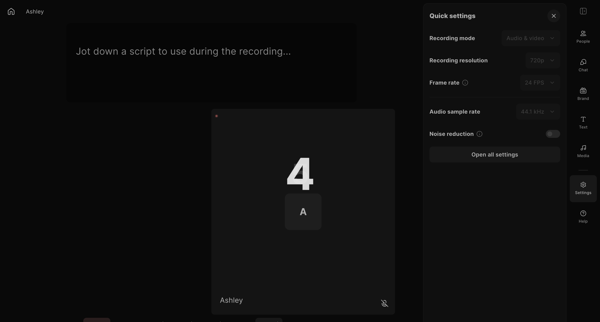
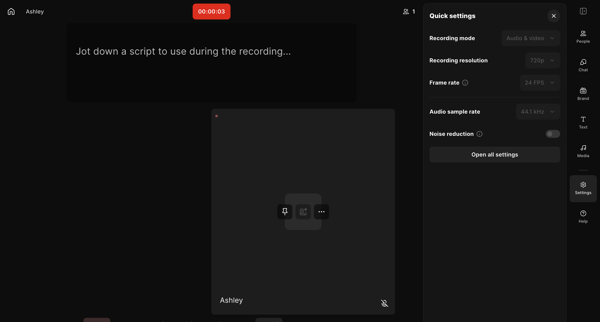
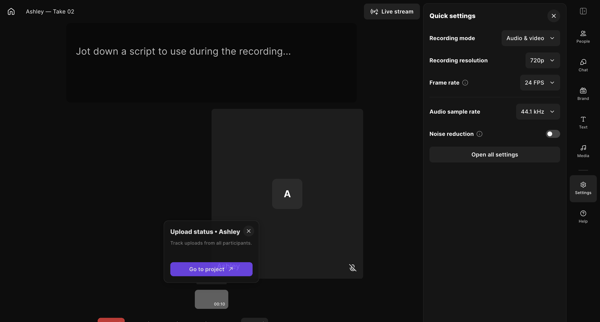
Creator enters live recording studio, manages quick settings and script, starts and monitors audio/video capture with timer and upload status visible

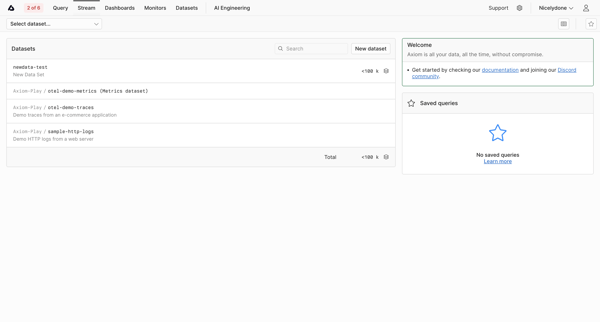
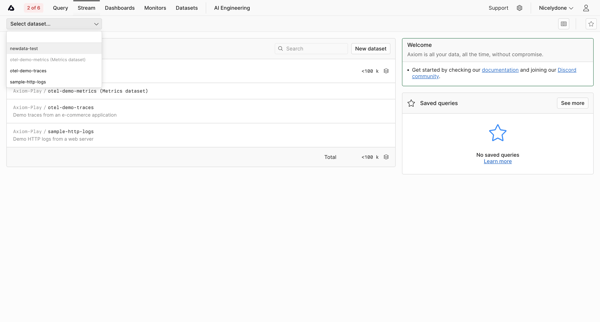
User searches and selects a dataset to stream logs or metrics from a list view that includes onboarding resources and saved queries


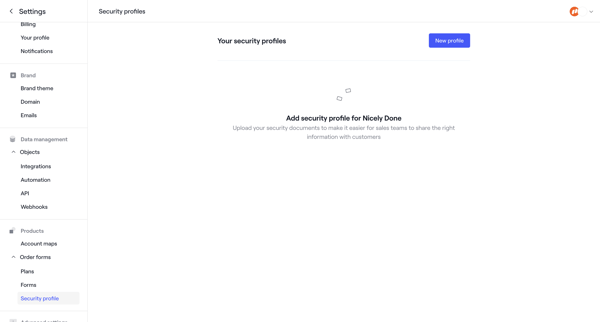
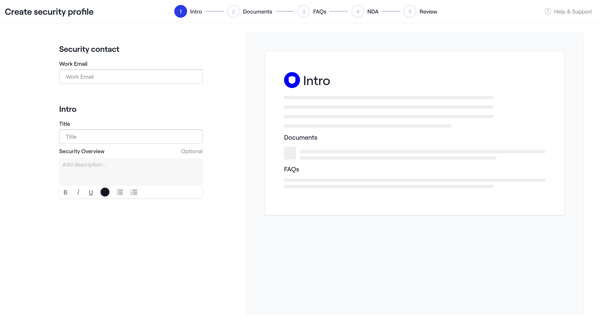
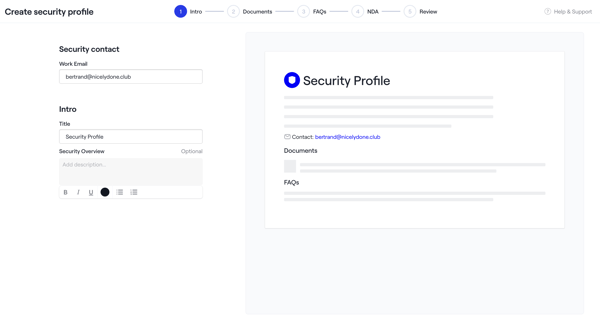
Admin creates a security profile via multi-step wizard starting from empty settings, configuring intro, uploading documents and NDAs, adding FAQs, reviewing, activating, then managing in settings

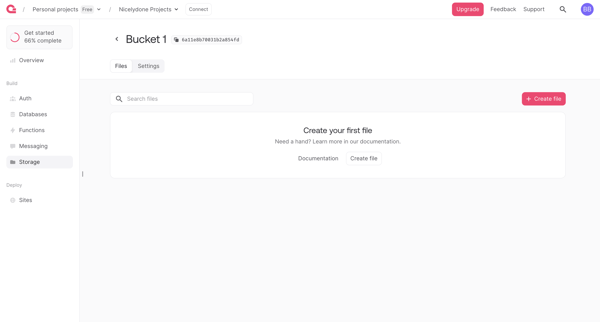
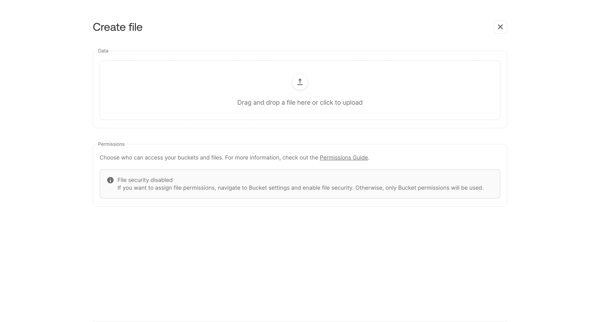
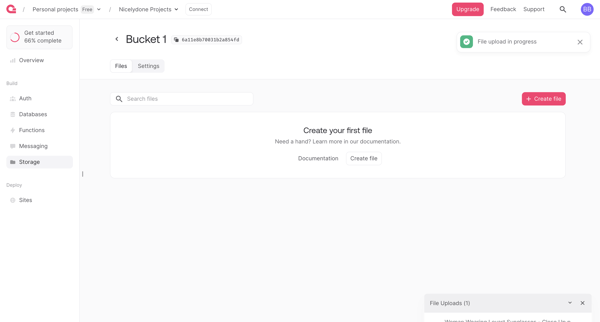
User uploads a file to an empty storage bucket via drag-and-drop form, monitors progress, and views the updated file list

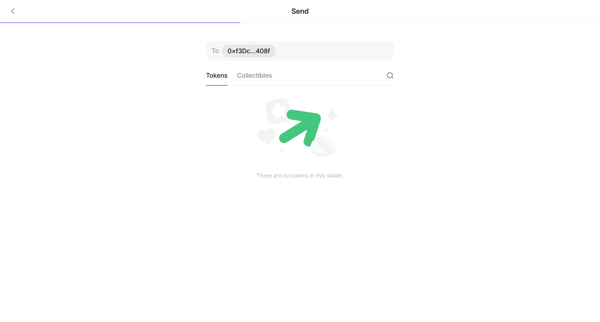
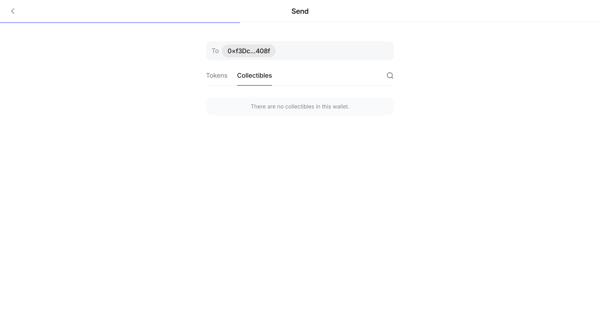
User views empty states while selecting token or collectible in send transaction wizard
Explore the full SaaS flow library
Browse the full SaaS flow library.
Trusted by the best teams







