Connecting PayPal integration
This user flow facilitates the integration of a PayPal account with Stripe, enabling users to configure where revenue from PayPal transactions should be sent within the Stripe platform.
Preview these flows

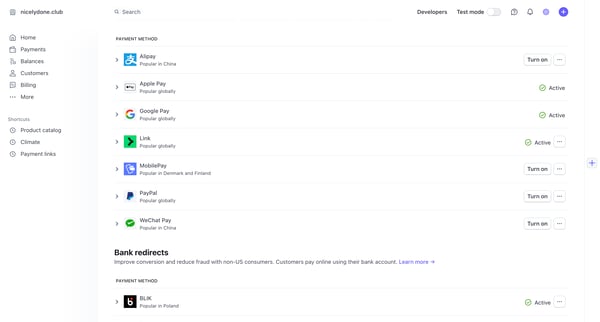
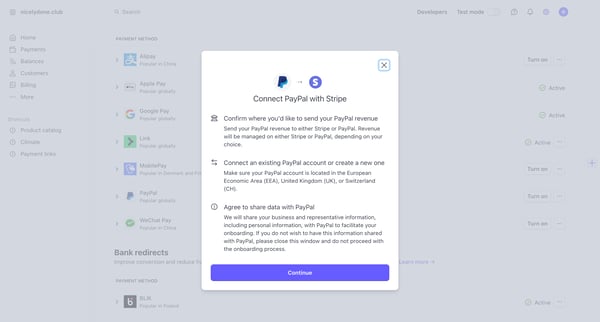
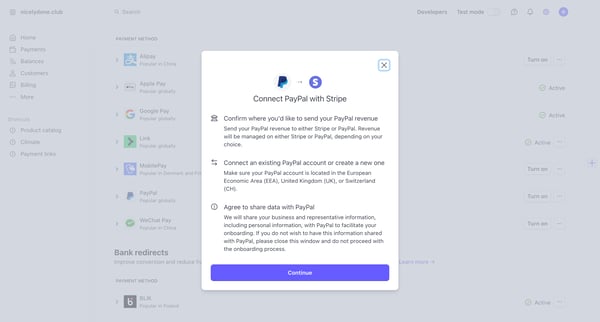
This user flow facilitates the integration of a PayPal account with Stripe, enabling users to configure where revenue from PayPal transactions should be sent within the Stripe platform.
Related user flows




Marketing feature page sequence presenting MCP server URL, setup instructions, capabilities, and FAQ for connecting Magnific to AI clients like Claude and ChatGPT

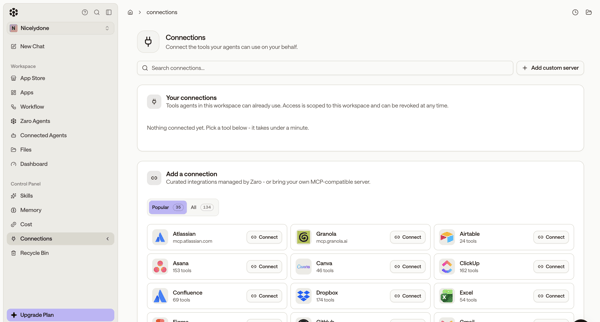
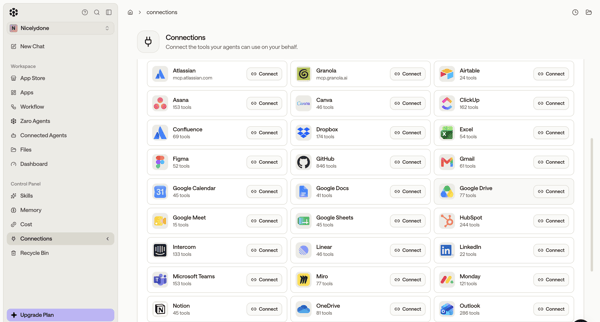
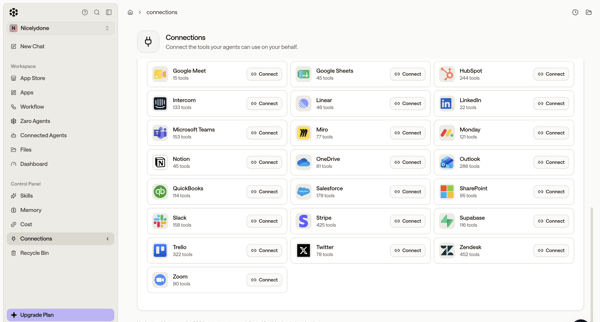
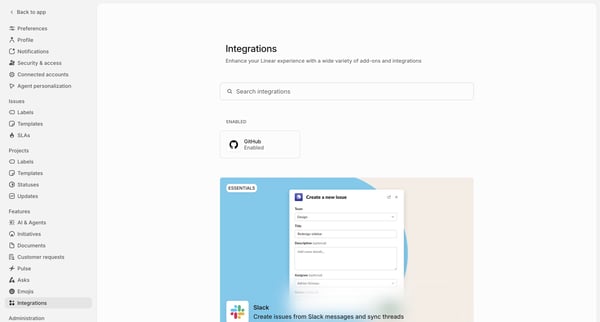
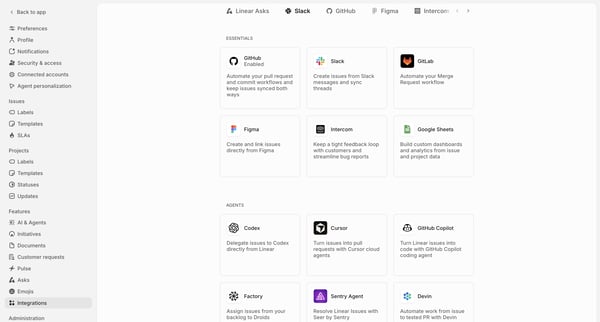
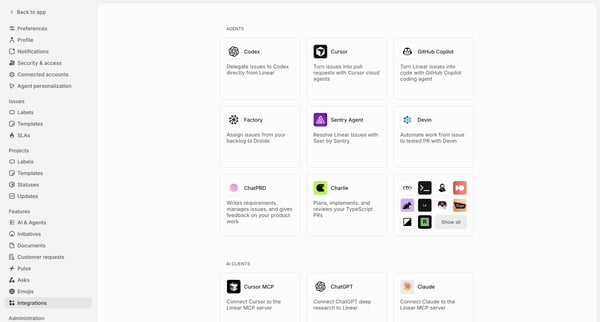
User browses integration directory in settings and connects third-party tools like Atlassian, GitHub, Figma, Asana, Slack for AI agents

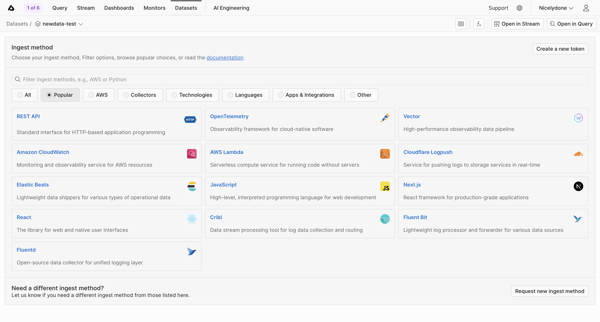
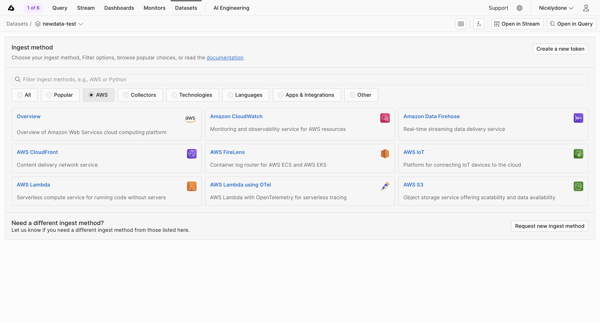
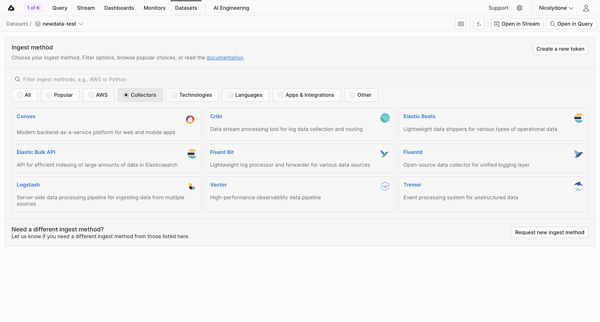
User searches, filters, and selects an ingest method from categorized grids of integrations for a specific dataset


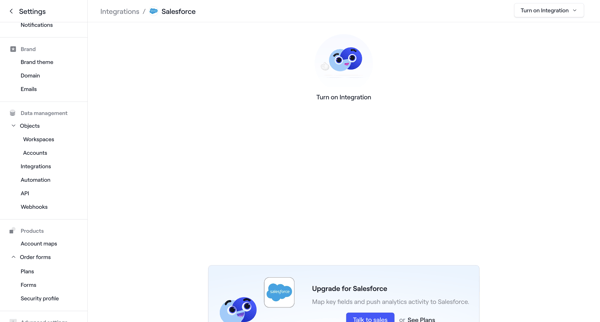

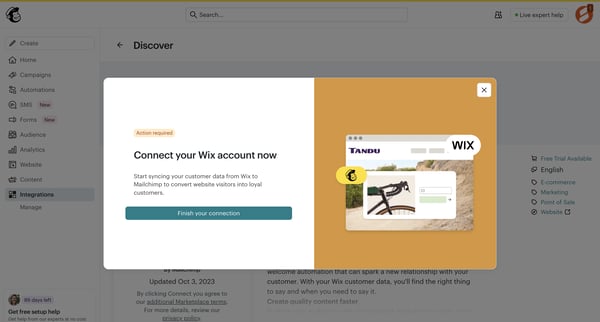
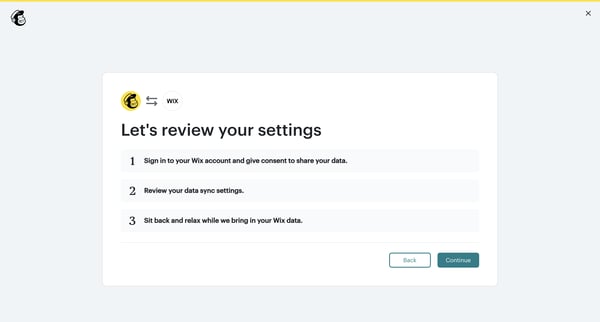
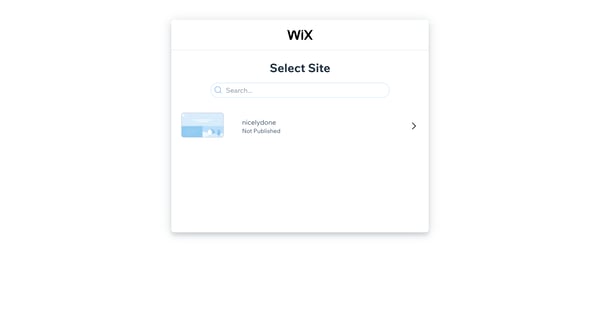
User browses integrations directory, encounters paywalled HubSpot settings, completes OAuth auth and consent flow, then configures object sync settings

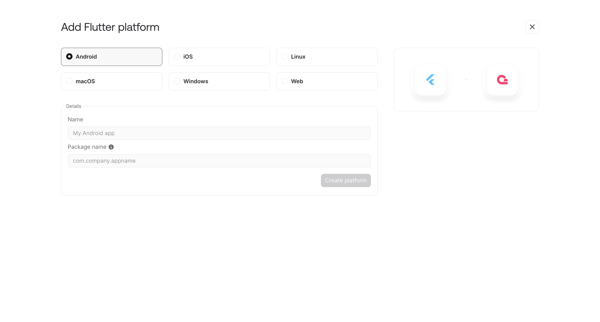
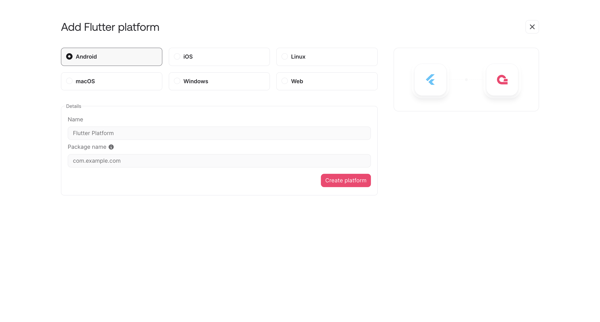
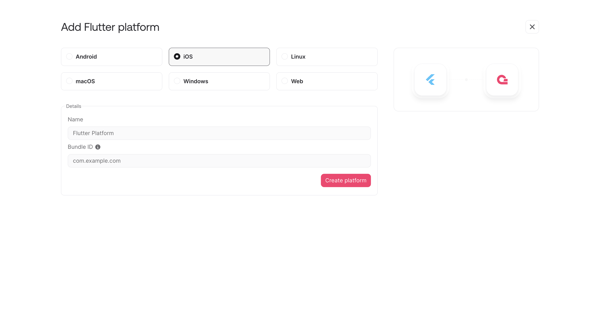
User opens add platform modal or onboarding step to register a new Flutter integration by selecting target OS and entering app details like name, package ID or bundle ID

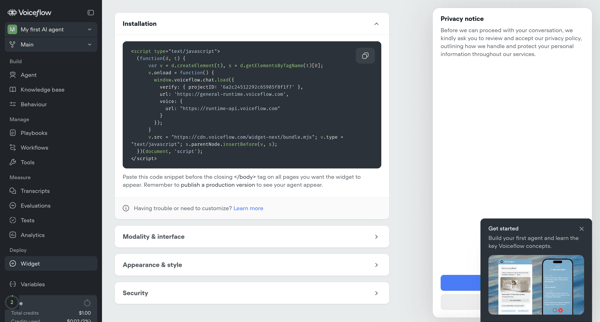
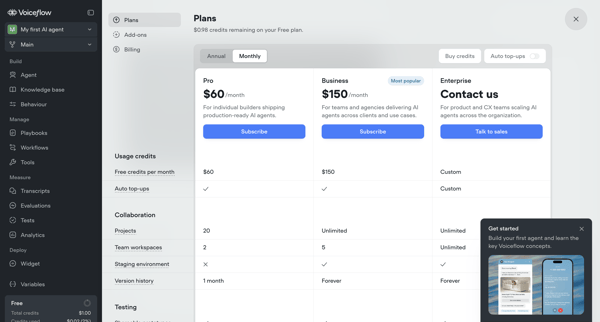
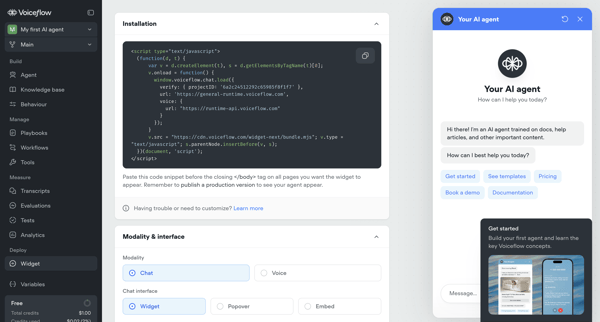
User configures installation snippet, appearance, security, and deployment options for Voiceflow AI agent's webchat widget across multiple settings screens, with upgrade prompts for advanced features

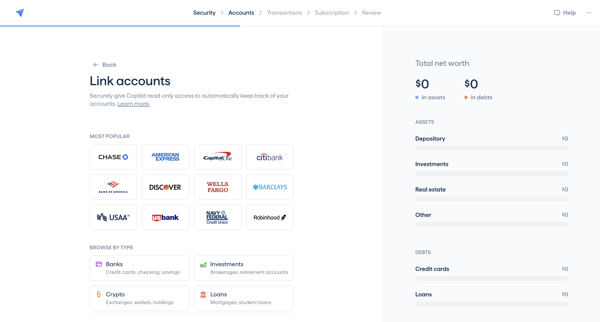
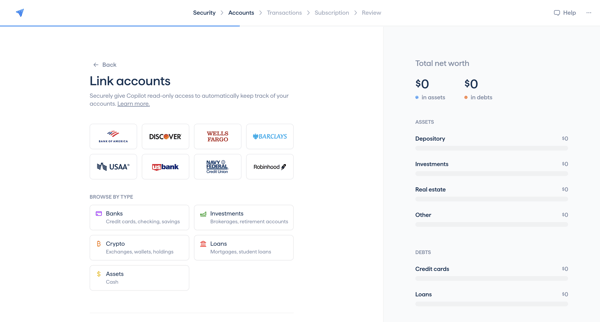
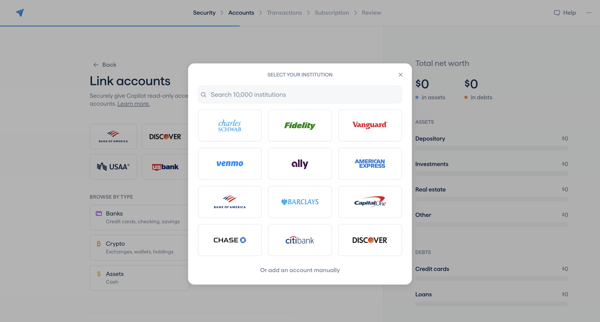
Onboarding sequence linking banks, investments, crypto, loans via Plaid or manual entry to populate net worth dashboard

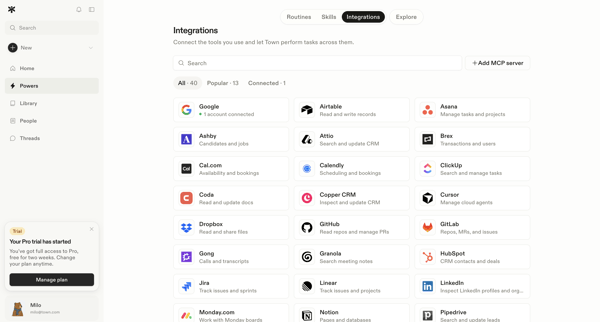
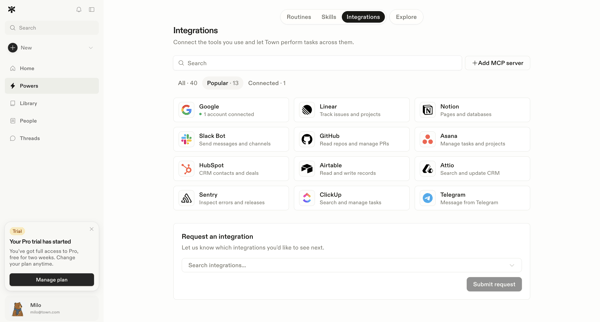
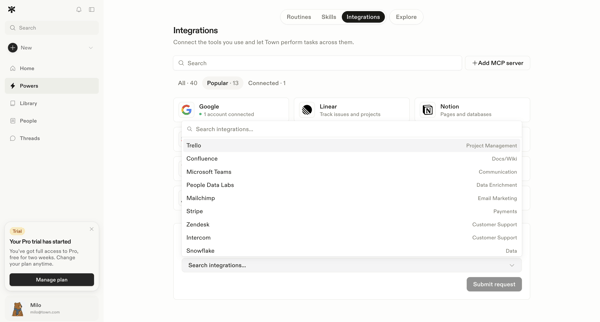
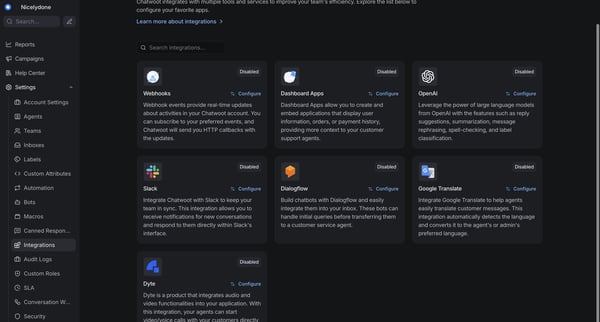
User browses the integrations directory in settings, filters and searches available tools, views connected accounts, opens a request modal for missing integrations, and submits a request for an unsupported tool.

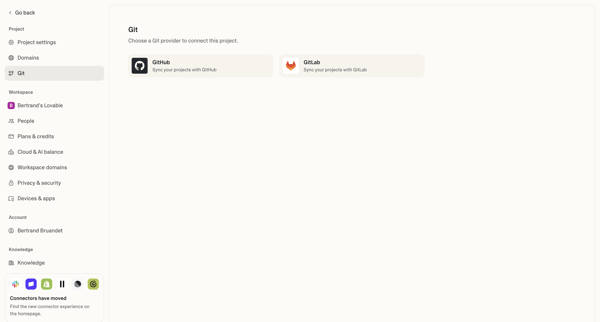

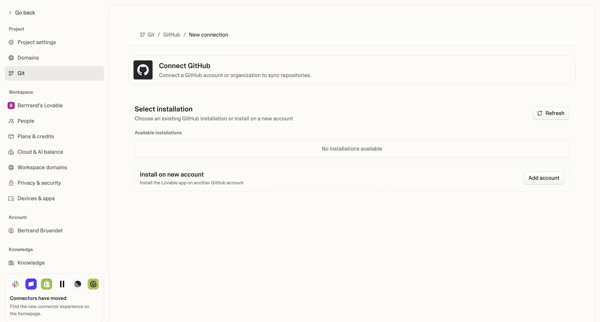





Explore the full SaaS flow library
Browse the full SaaS flow library.
Trusted by the best teams







