Appwrite Flow Example: Importing project data
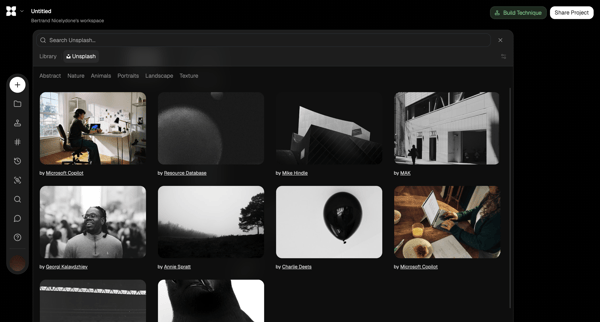
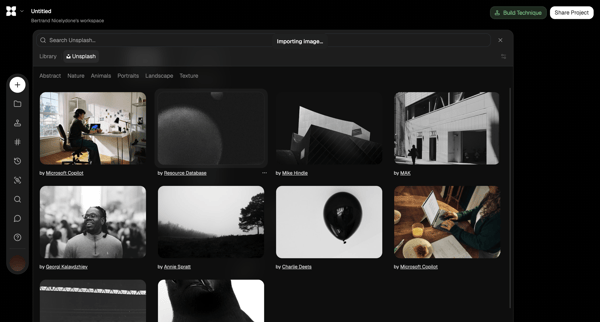
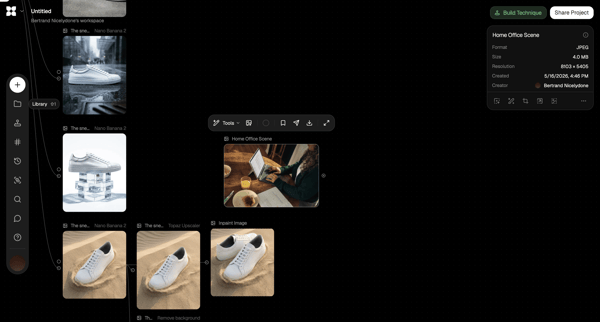
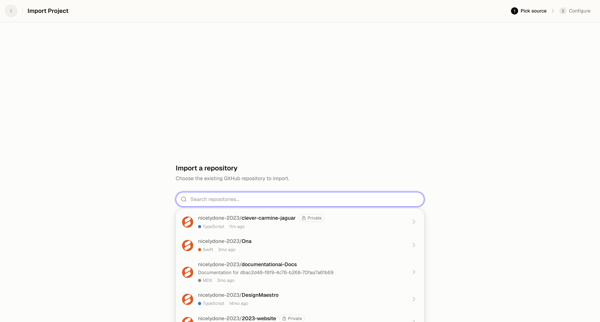
Preview this Appwrite user flow: Importing project data. Explore the opening screens.
Preview these flows

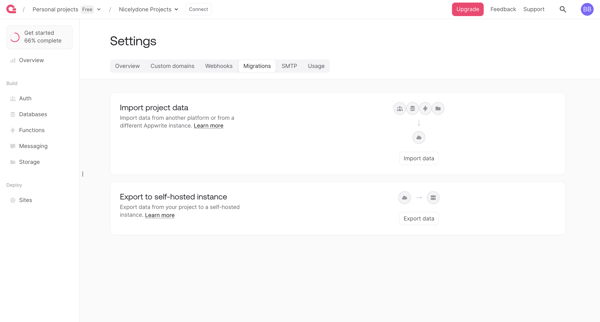
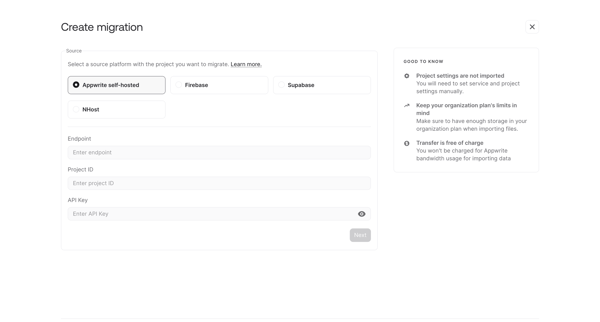
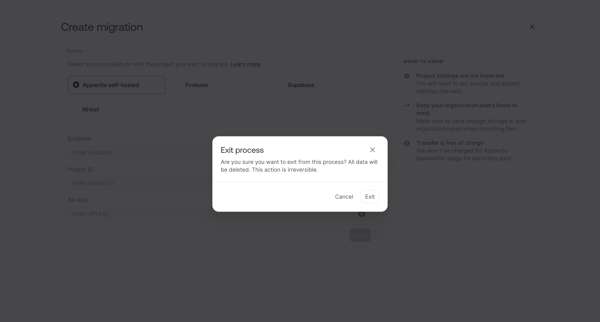
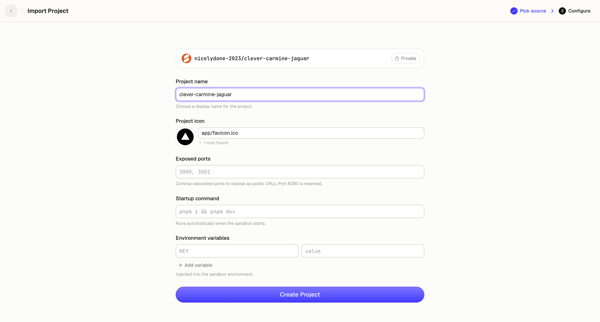
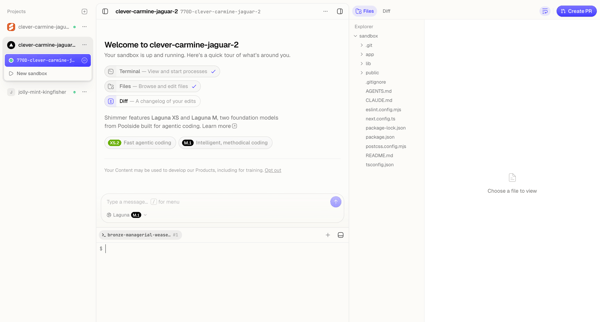
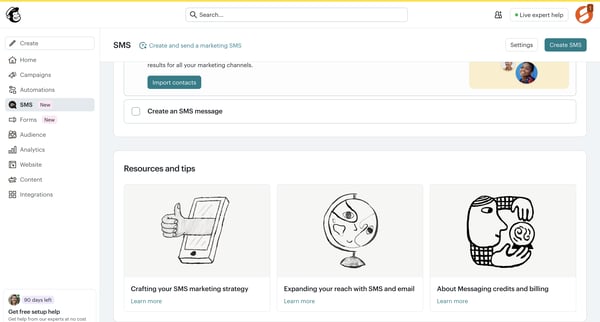
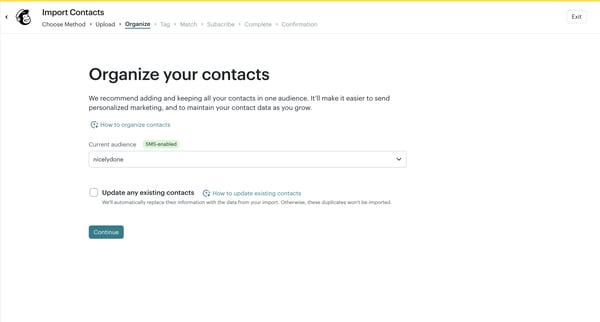
User starts data migration from Migrations Settings, configures source platform and credentials in wizard, and may exit with confirmation
Related user flows

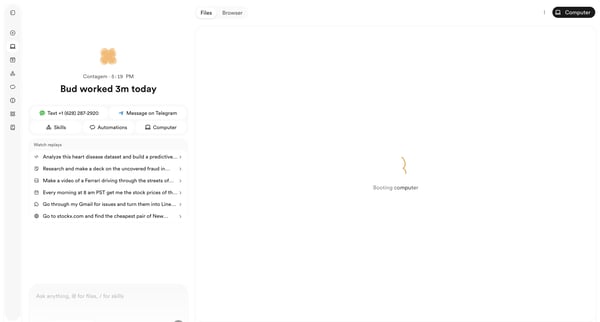
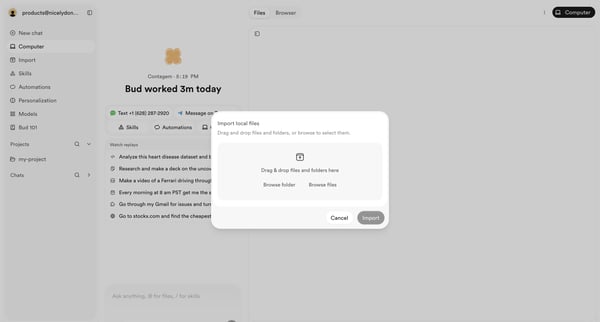
User opens file import modal from AI agent workspace dashboard to select local files or folders via drag-and-drop or browse

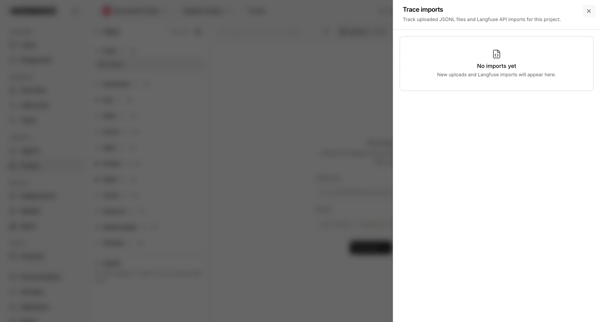
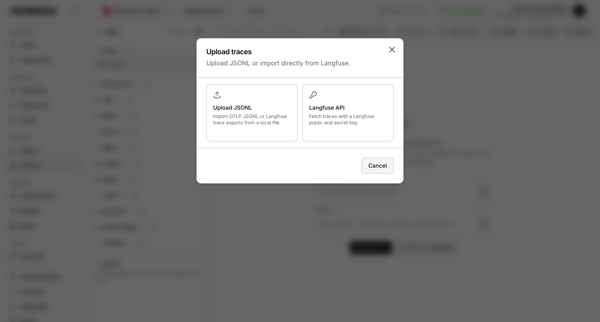
User opens trace imports drawer showing empty state then opens upload modal to choose JSONL file or Langfuse API import

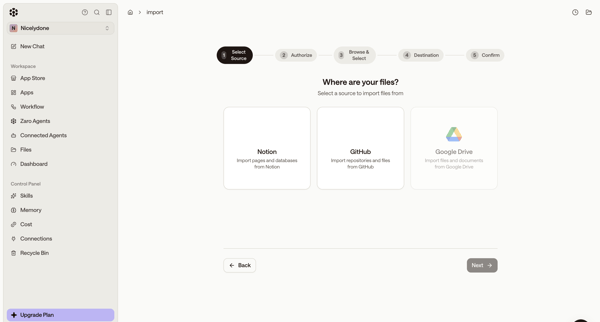
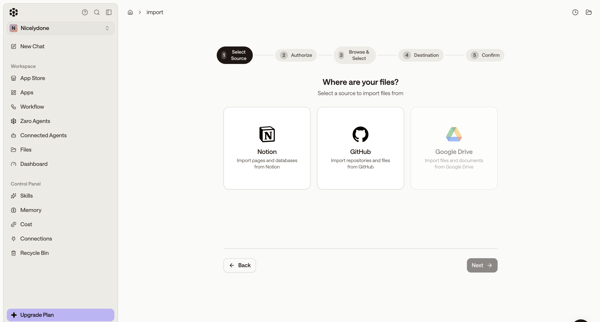
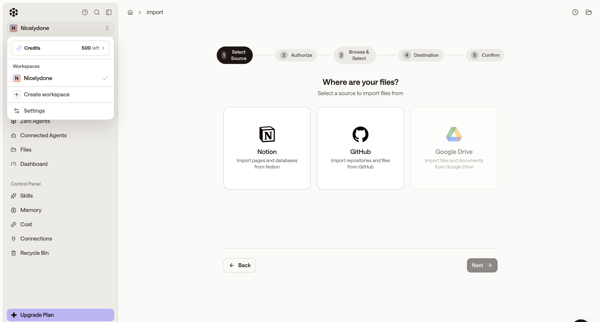
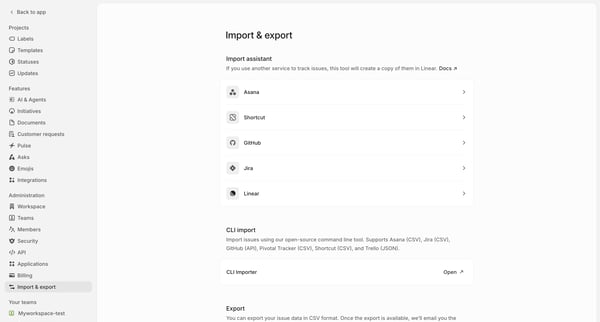
Wizard-based selection of third-party data source to import files into workspace

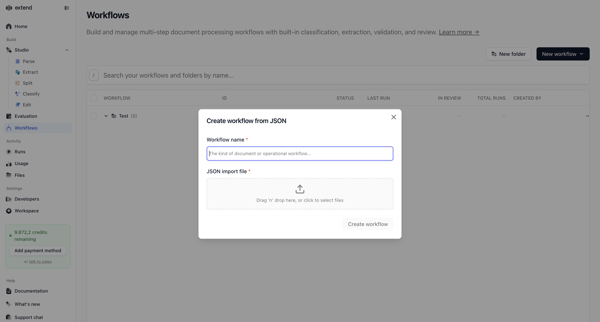
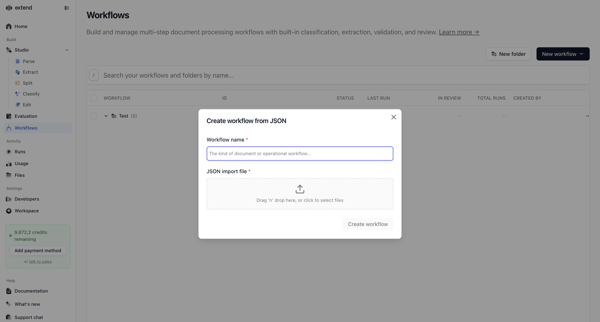
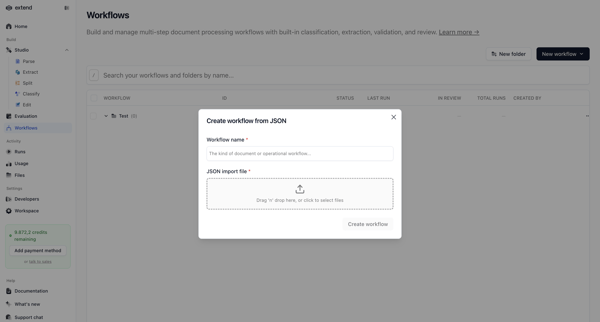
Creating a new document processing workflow by naming it and uploading a JSON configuration file via modal overlay on the workflows list

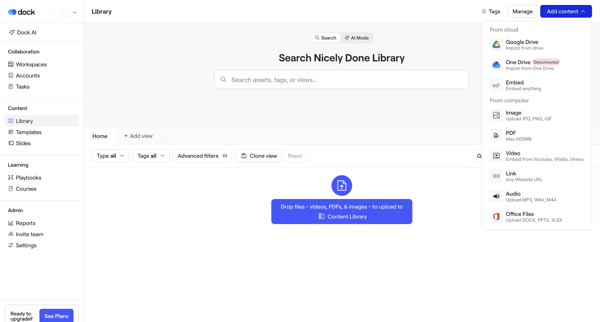
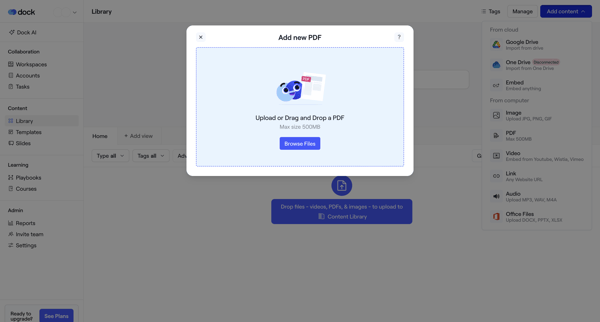
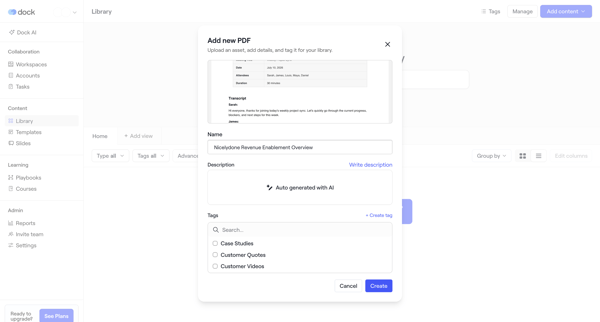
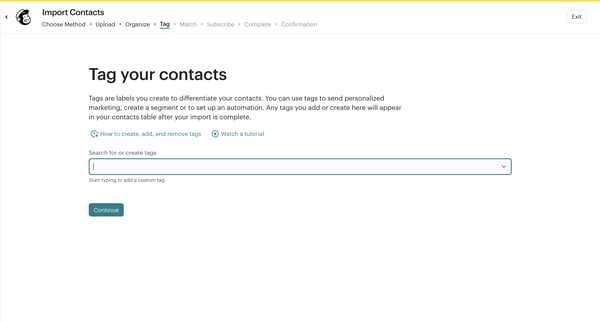
User uploads a PDF via drag-and-drop or import menu in the asset library, adds name, description, and tags including new tag creation, then views the updated library

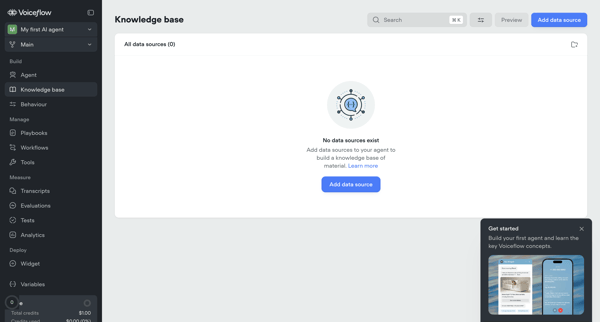
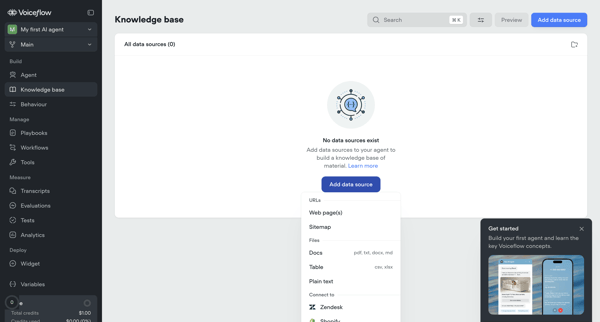
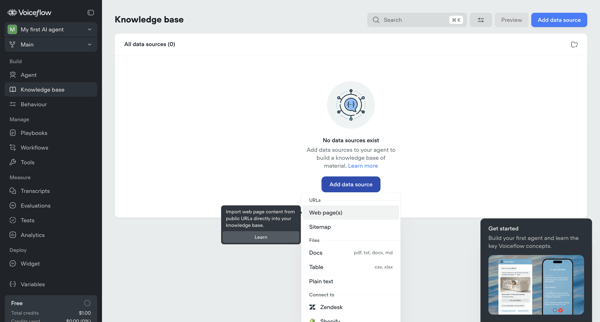
User starts from empty knowledge base state and adds/configures data sources via import modals for URLs and sitemaps, setting sync, chunking, and system prompt options before managing sources in list and settings views

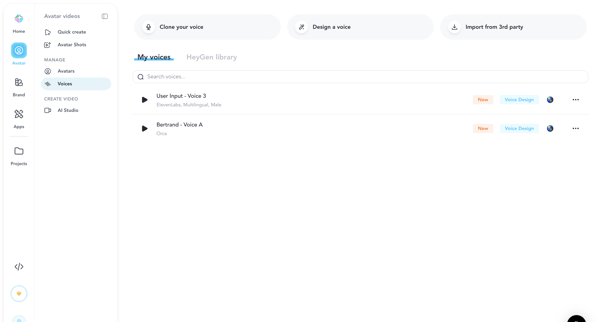

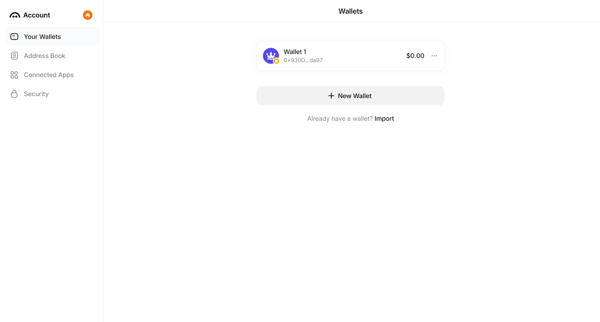
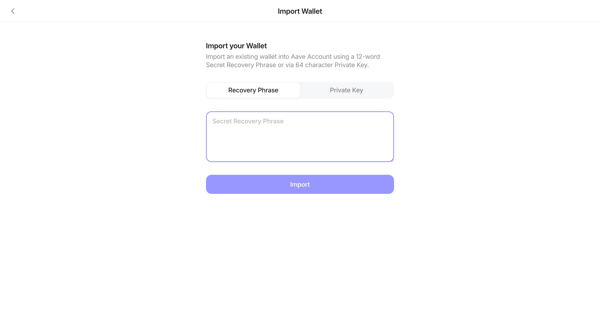
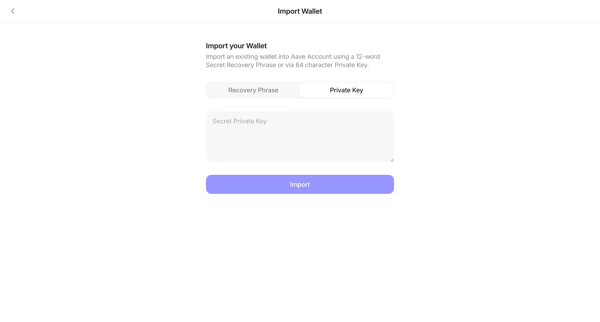
User starts on wallet settings screen and navigates to import form to enter recovery phrase or private key




Explore the full SaaS flow library
Browse the full SaaS flow library.
Trusted by the best teams







