Appwrite user flows examples
Explore Appwrite user flow examples. Preview the opening screens and steps for each task. Open-source backend platform for building and scaling apps with Auth, Database, Storage, Functions, Realtime, Messaging, and Sites.
Preview these flows

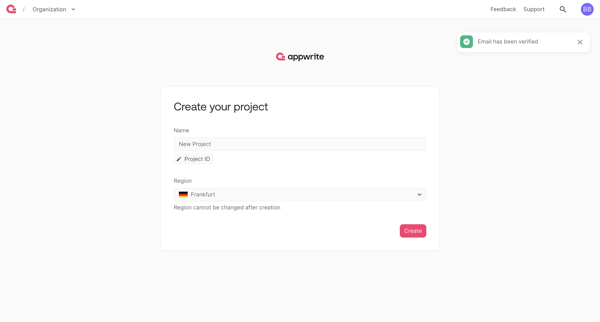
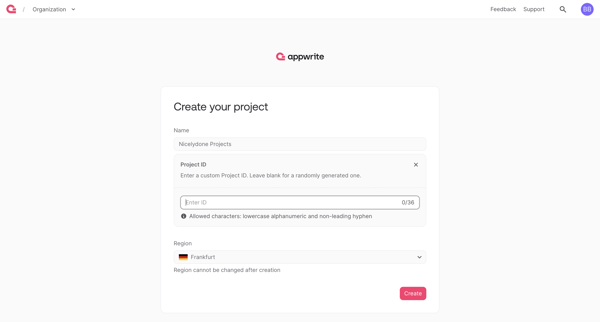
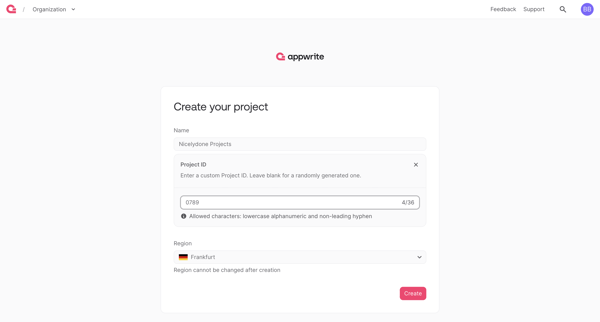
User creates a new Appwrite project by naming it, optionally setting a custom ID, and selecting a hosting region
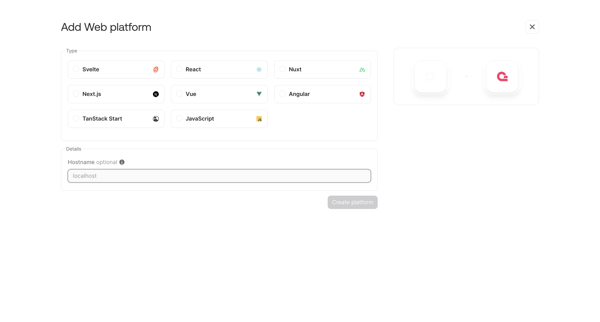
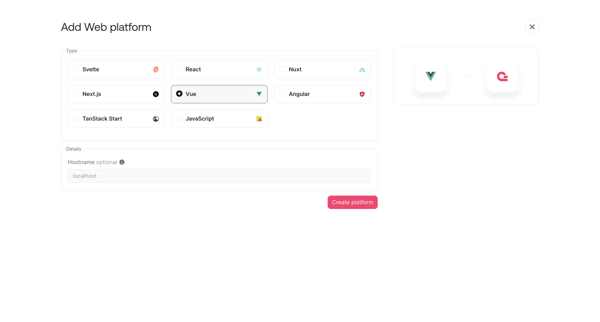
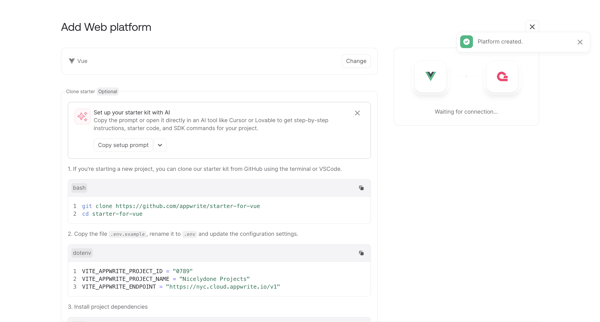
User adds a web platform to an Appwrite project by selecting a framework and hostname in a modal then completing multi-step onboarding setup with code snippets and starter kit
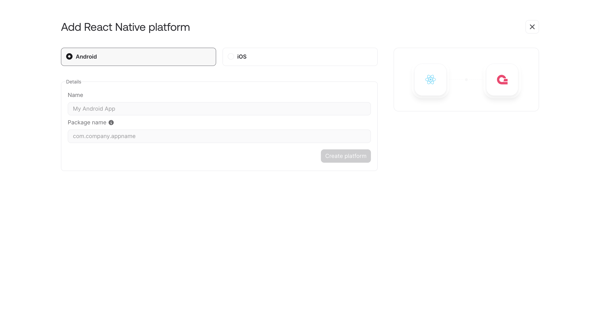
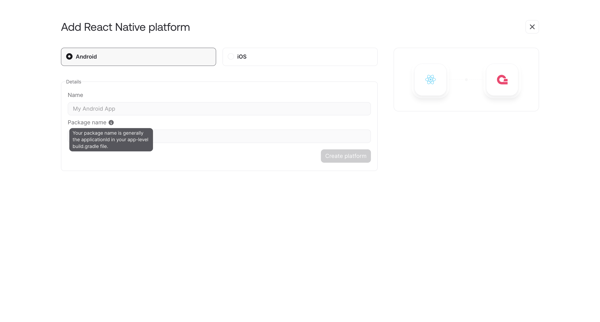
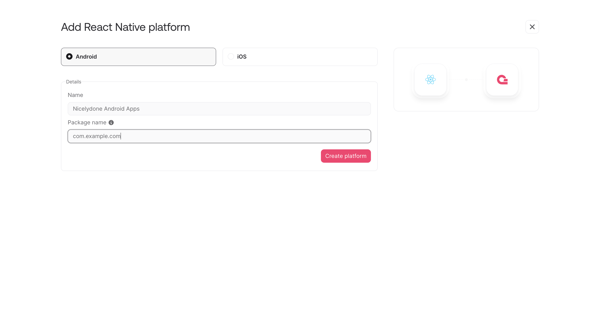
User adds and configures a React Native platform integration via modal and form screens then completes onboarding with code snippets and connection wait state
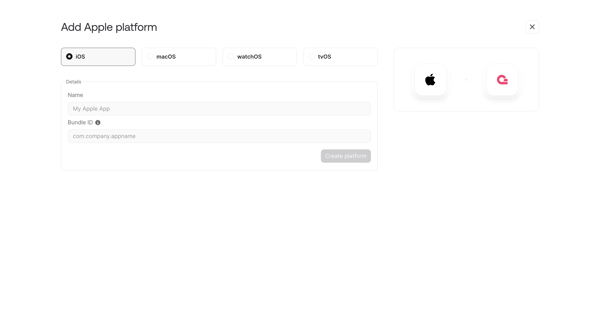
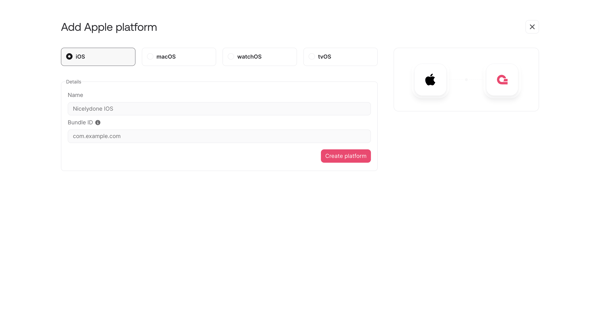
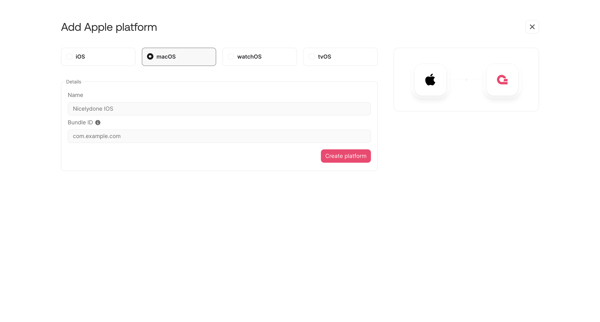
User adds and configures an Apple platform integration (iOS/macOS/tvOS) to an Appwrite project via form, modal, and wizard steps
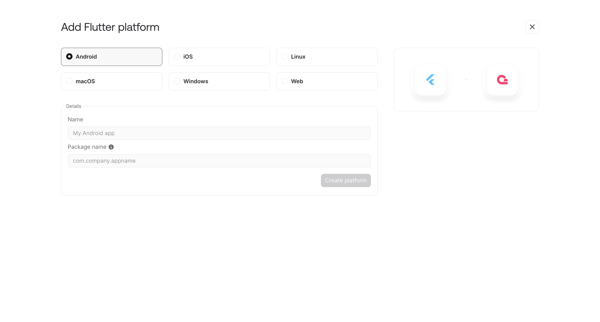
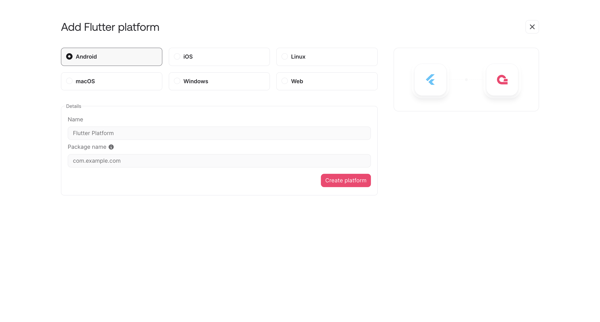
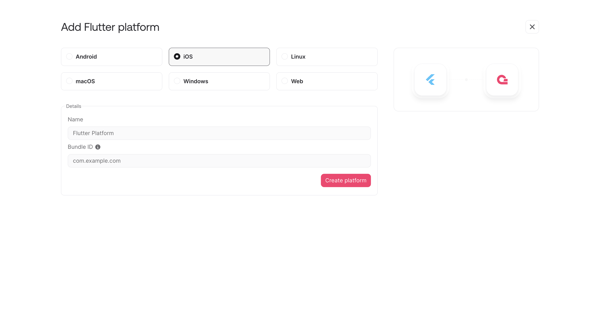
User opens add platform modal or onboarding step to register a new Flutter integration by selecting target OS and entering app details like name, package ID or bundle ID
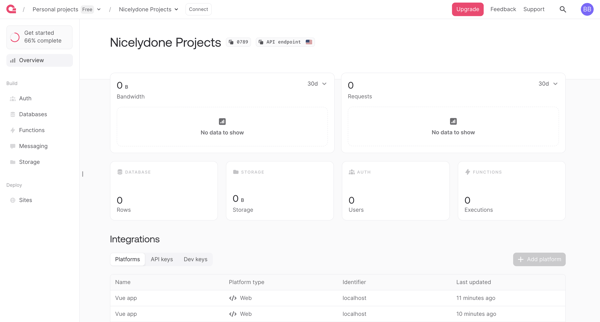
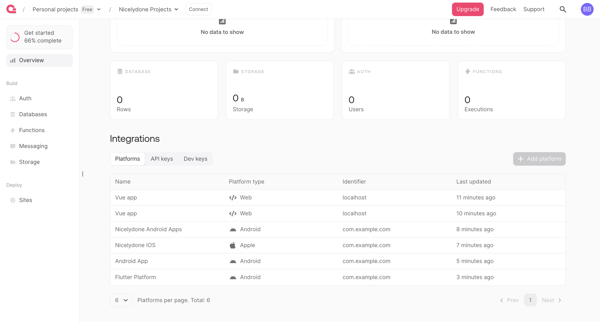
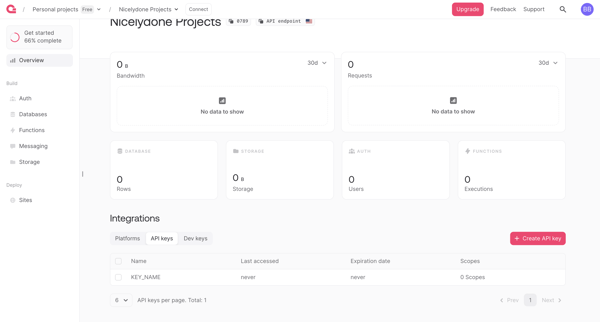
Reviewing project bandwidth, request, storage, and database metrics with integrations and API keys on Appwrite dashboard
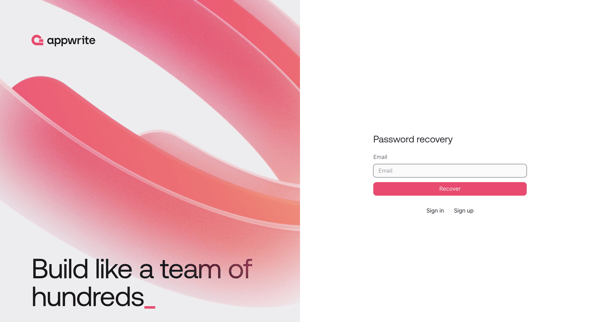
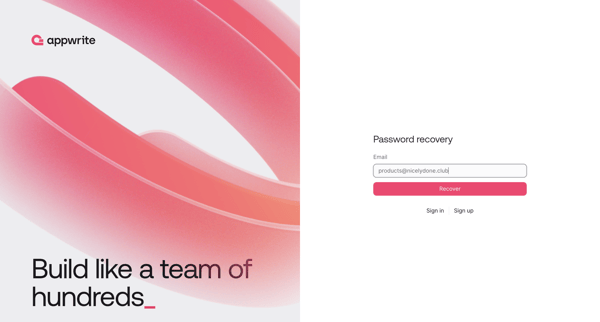
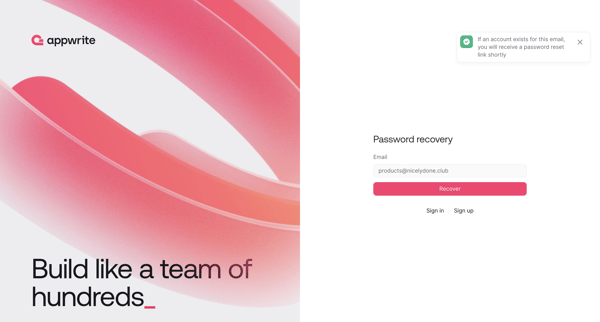
Password recovery flow where user requests reset link via email then sets new password
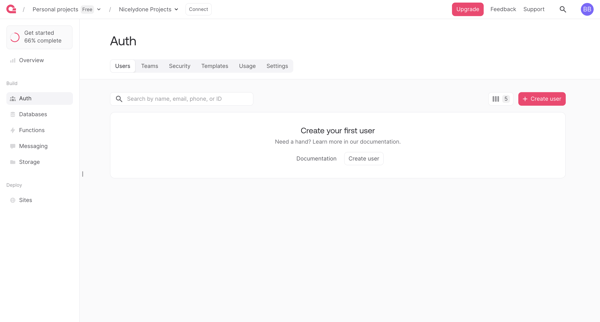
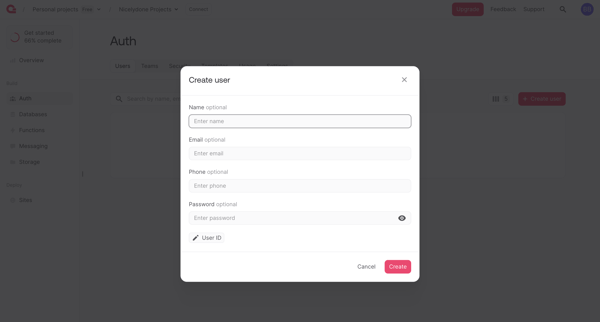
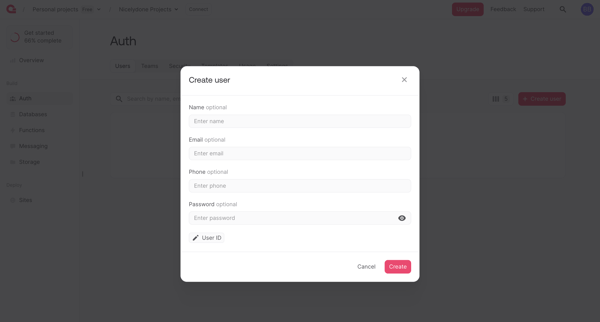
Developer creates first or additional auth user from empty list via modal form, then lands on user detail with success confirmation
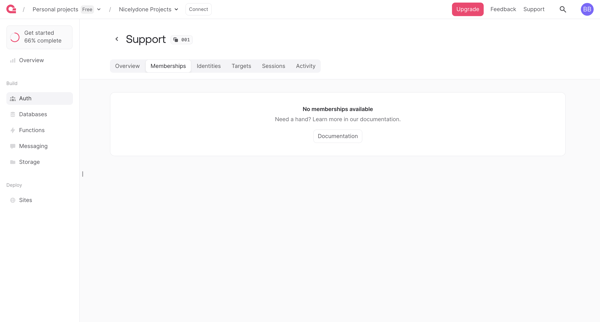
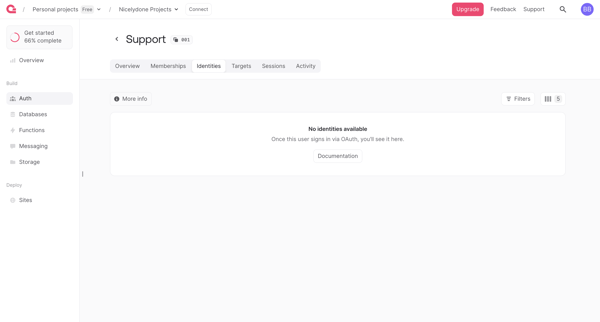
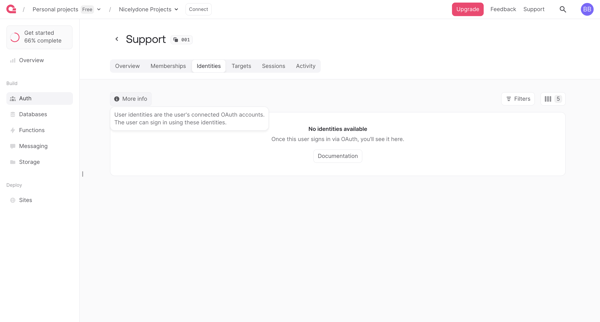
Navigating tabs on an auth user detail page across empty states for memberships, identities, sessions, activity and populated targets view
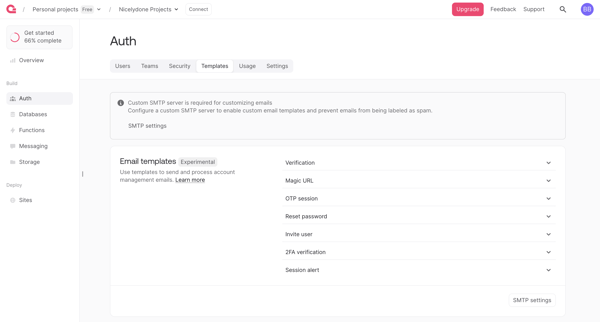
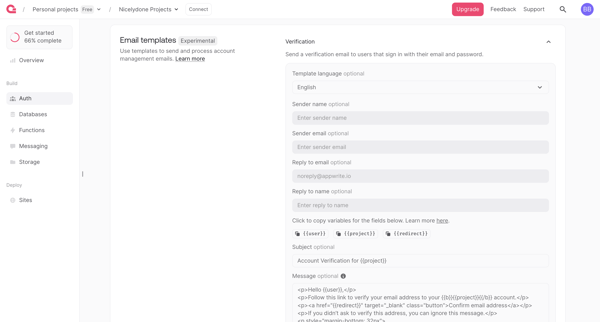
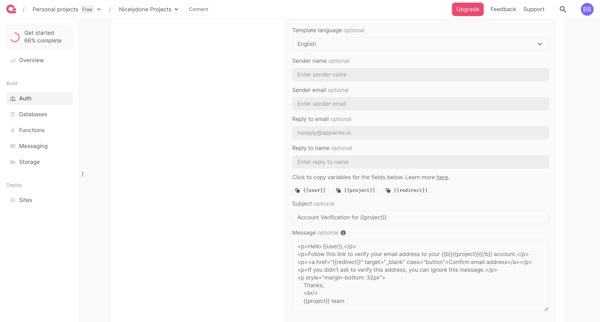
User navigates Auth settings to review and edit email templates for verification, magic URL, OTP, password reset and other auth flows, with SMTP requirement and upgrade gate for branding removal
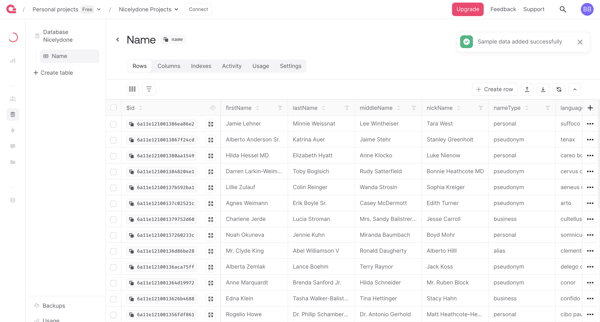
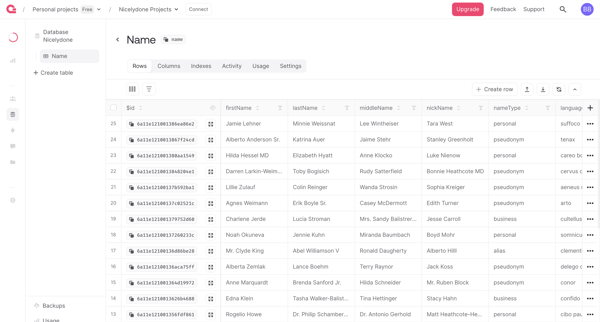
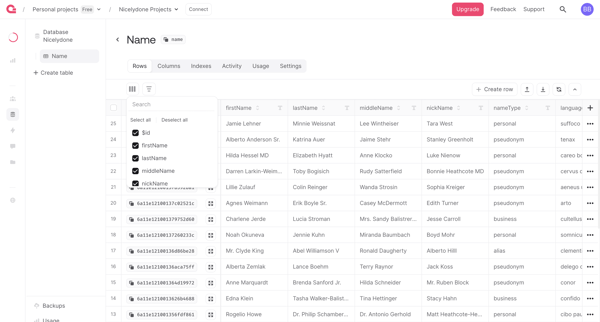
User opens filter builder popover on database table rows view and configures multi-condition rules to refine visible data
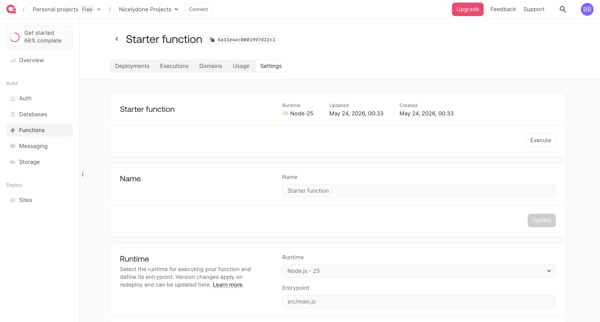
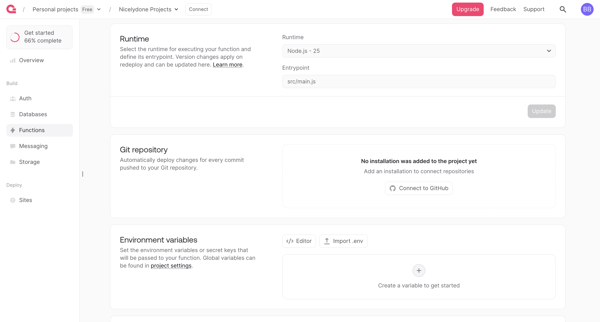
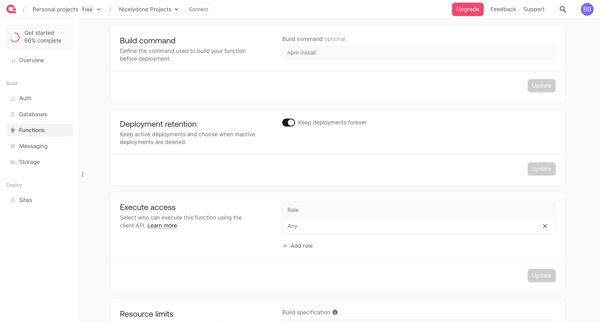
User configures serverless function runtime, integrations, permissions, limits and scopes across sequential settings screens in Appwrite console
Explore the full SaaS flow library
Browse the full SaaS flow library.
Trusted by the best teams







