Appwrite product screens examples
Browse Appwrite screen design examples. Preview the interface screenshots and explore related UI patterns. Open-source backend platform for building and scaling apps with Auth, Database, Storage, Functions, Realtime, Messaging, and Sites.
Explore the examples

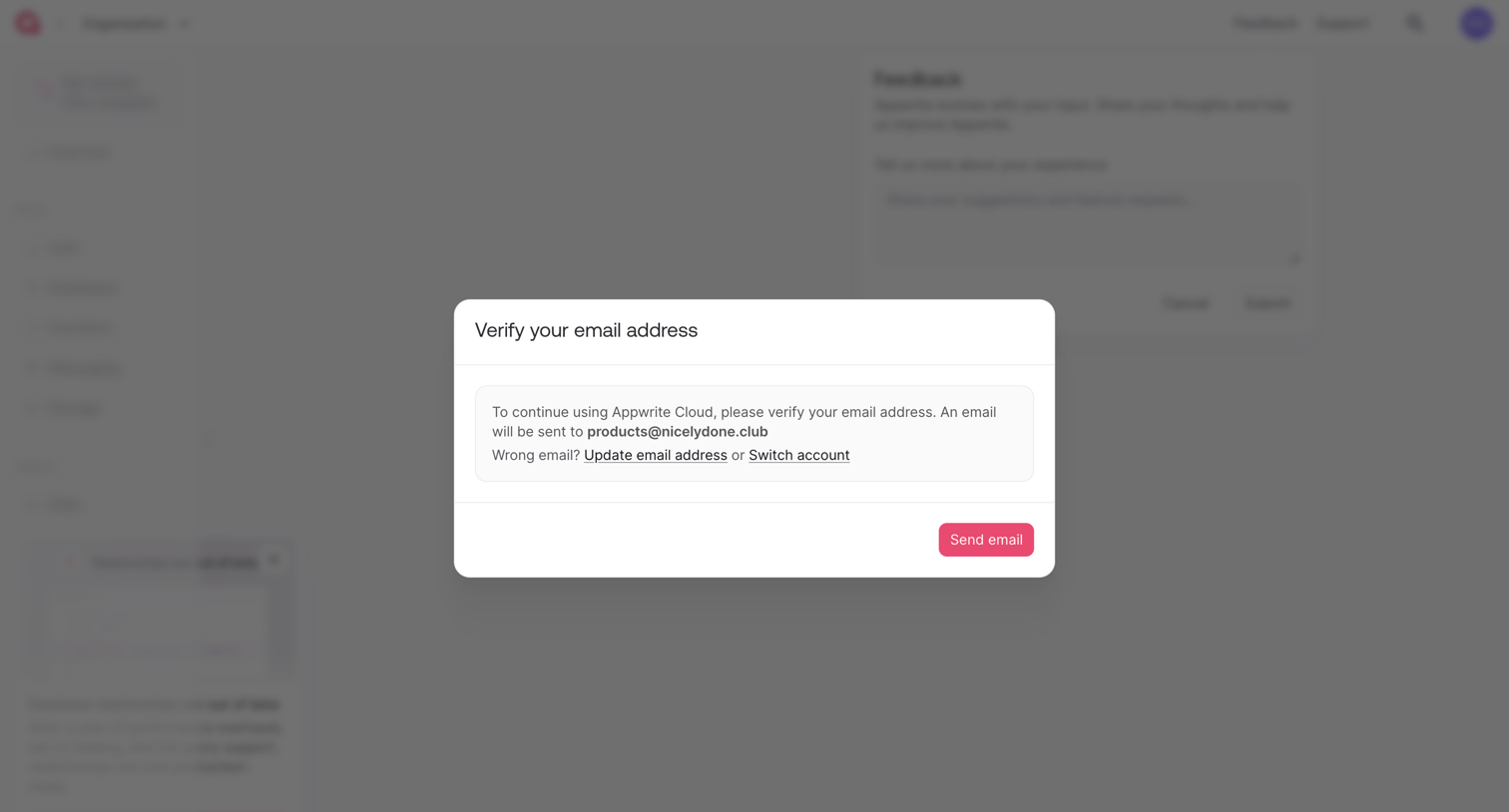

Verification screen where the user is prompted to send a verification link to their email address to continue using the cloud service, with options to update the email or switch accounts.
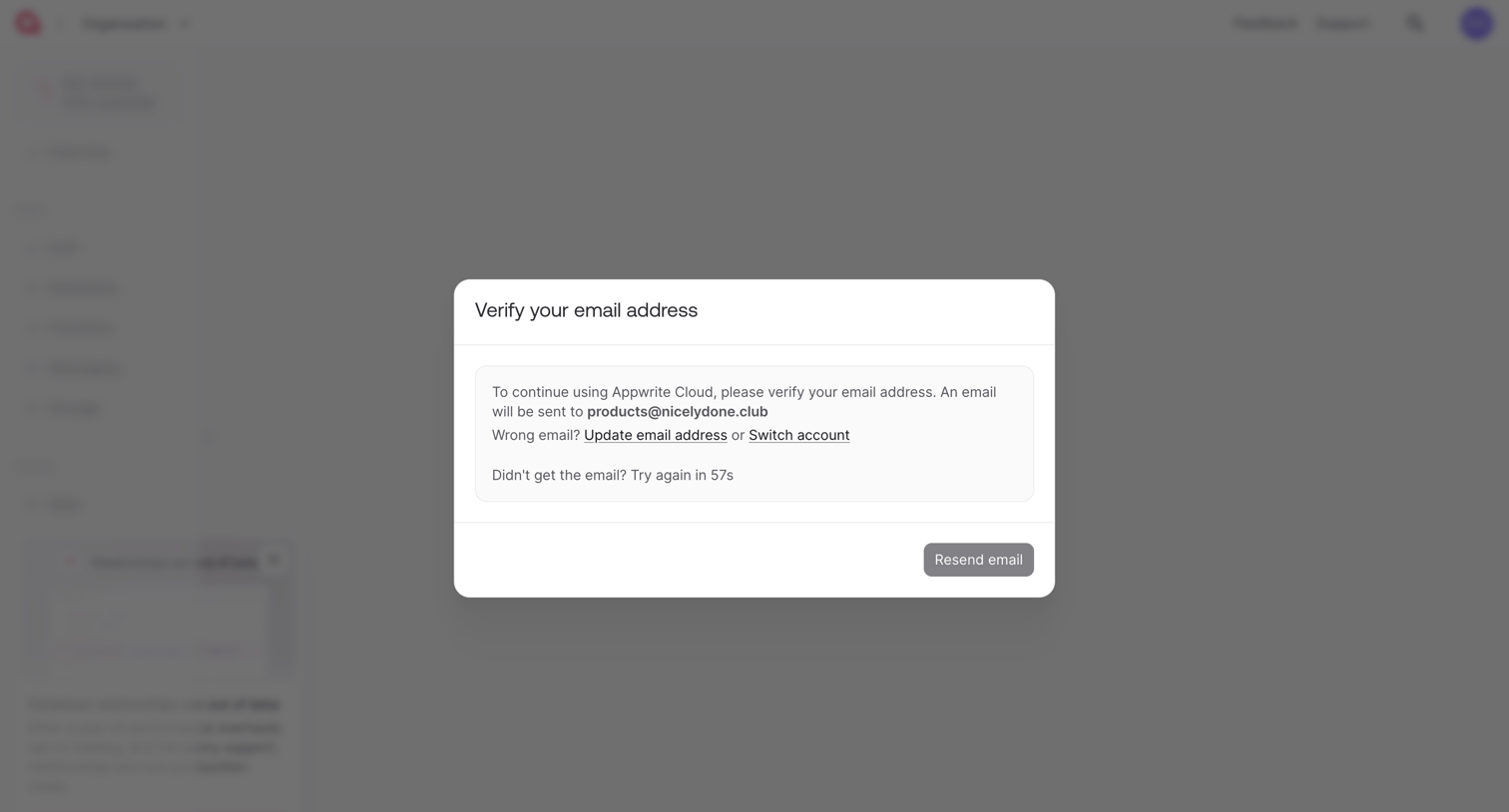
Verification screen where the user is prompted to check their inbox or resend the email to continue using the cloud platform.

Verification screen displaying a large loading spinner while processing the user's email confirmation link.
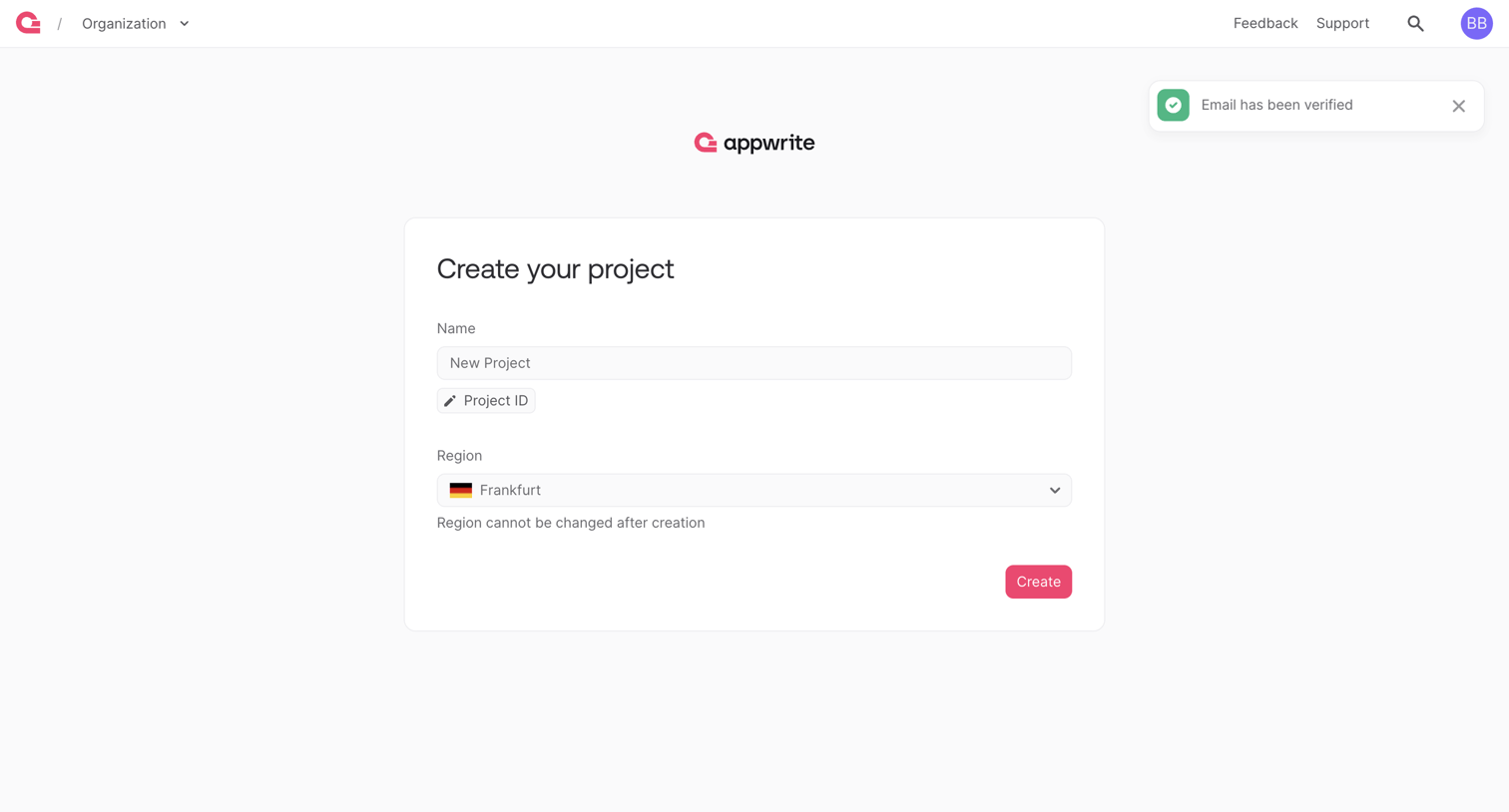
Create page where the user names their new project and selects a hosting region.
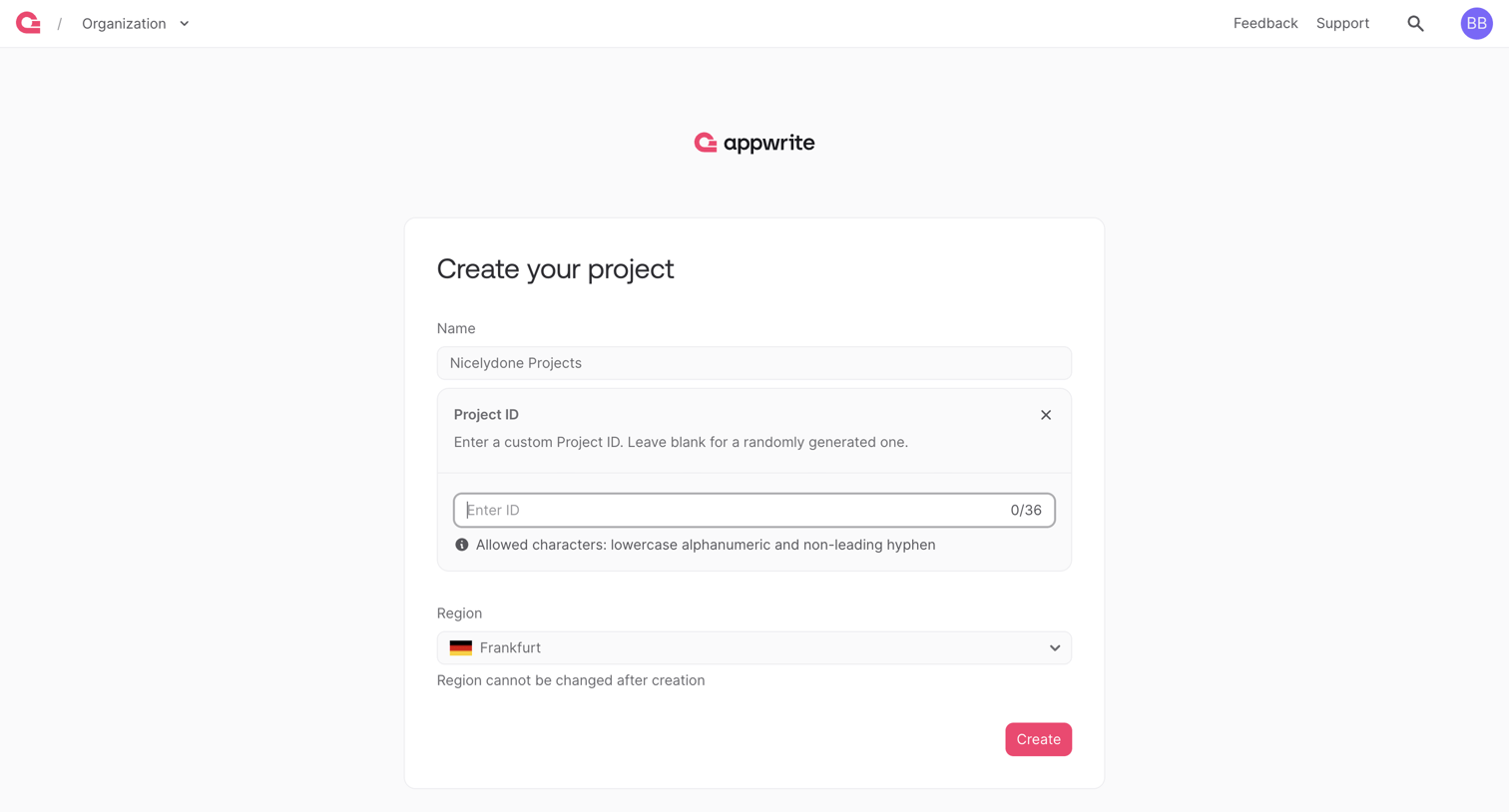
Creation screen where the user sets up a new project by providing a name, an optional custom ID, and selecting a hosting region.
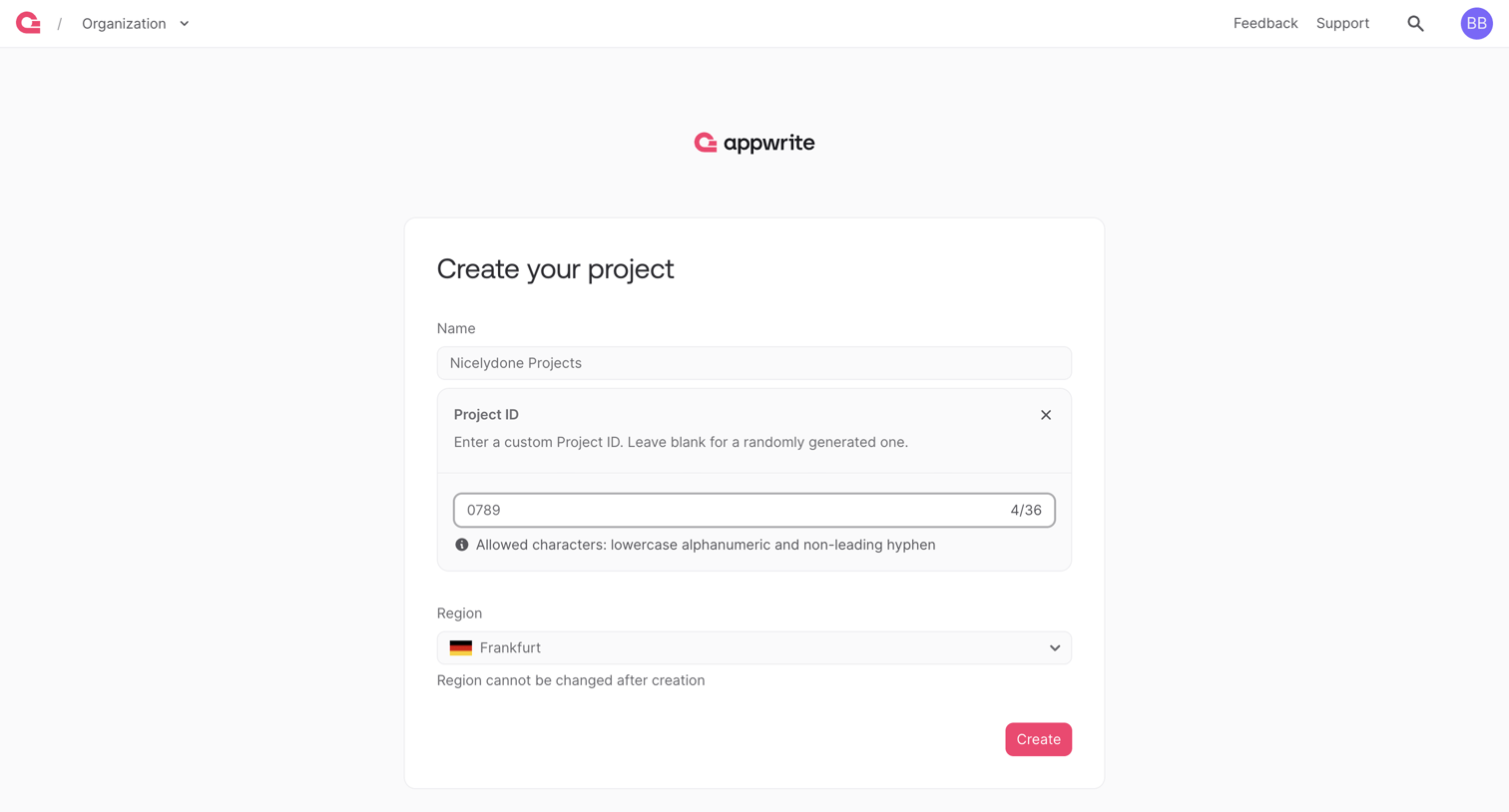
Creation screen where the user sets up a new project by providing a name, an optional custom Project ID, and selecting a hosting region.
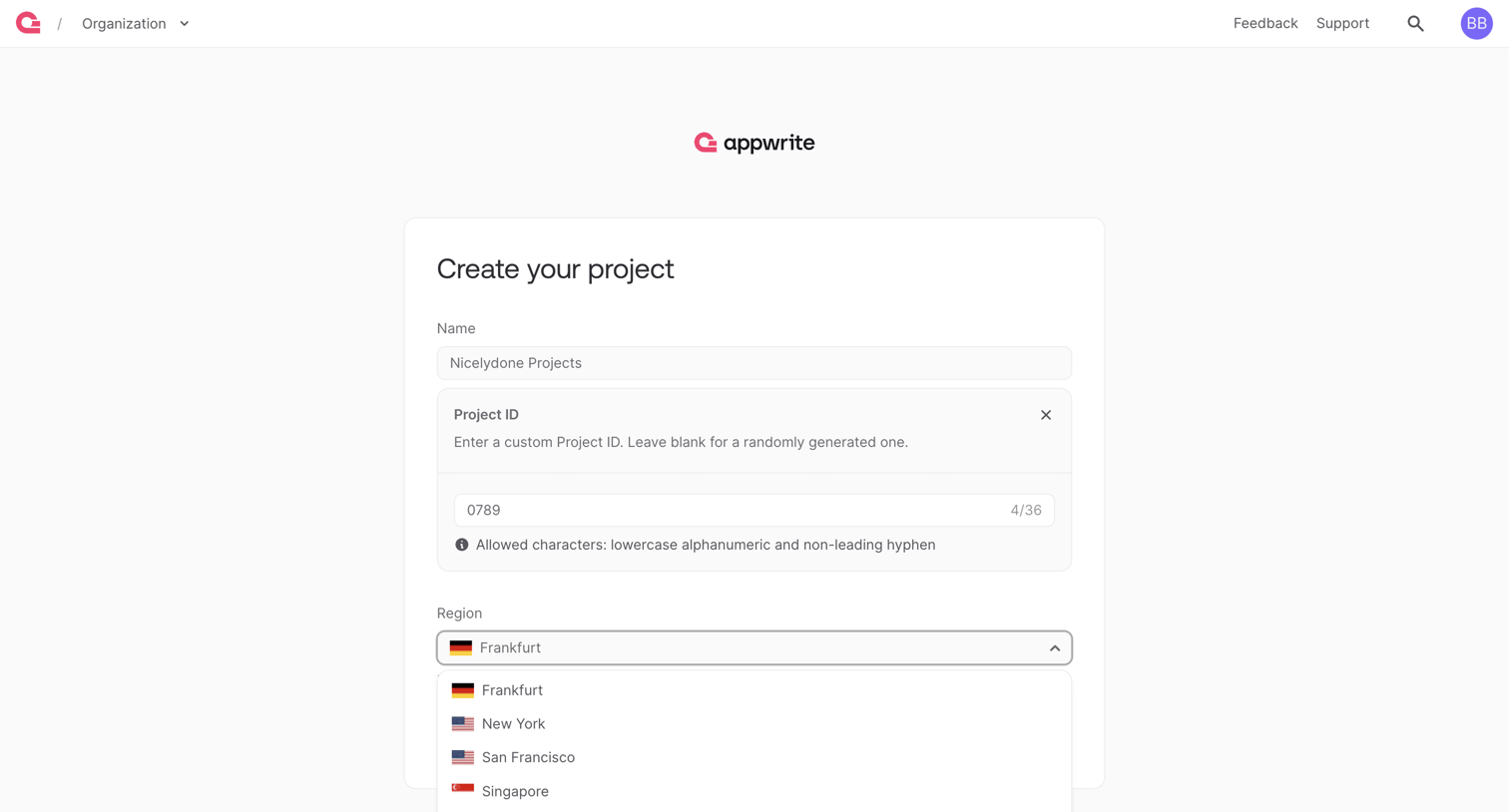
Create page where the user sets up a new project by providing a name, optional custom ID, and selecting a server region.
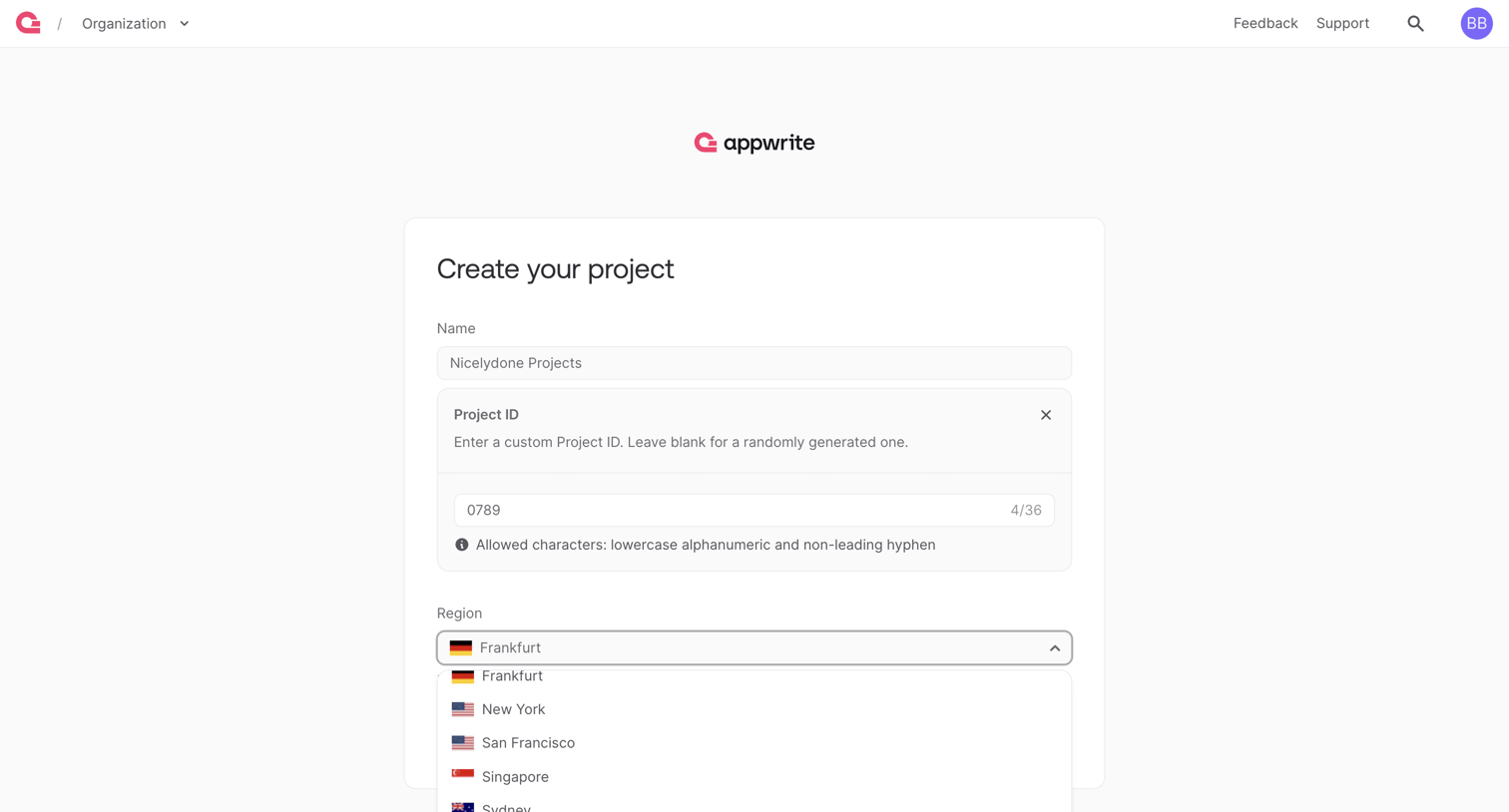
Creation screen where the user names their new project, optionally sets a custom Project ID, and selects a hosting region.
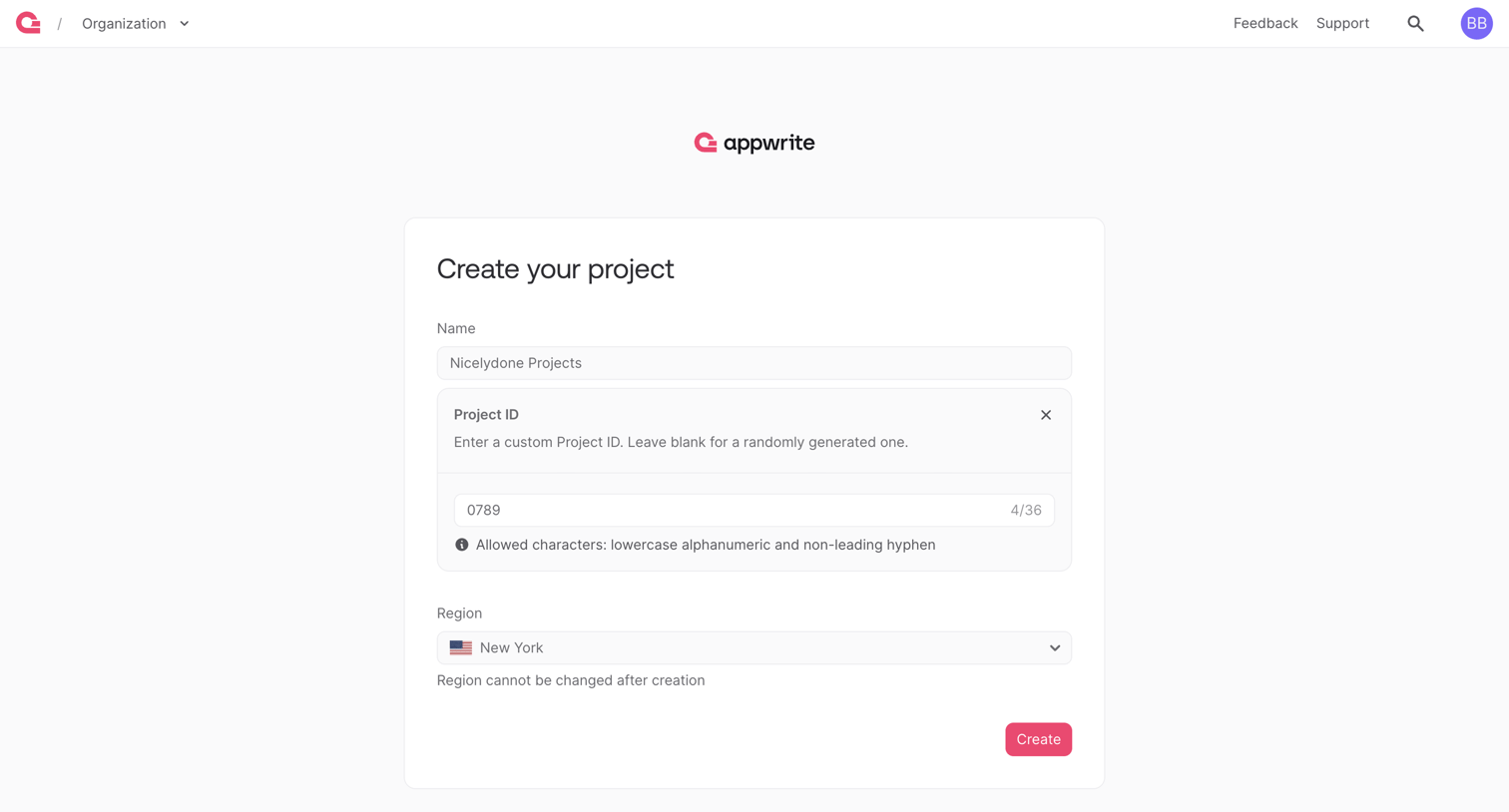
Create page where the user names their new project, optionally sets a custom Project ID, and selects a hosting region.
Onboarding welcome screen greeting the user before they proceed to create their first project.
Onboarding screen welcoming the user to Appwrite with a centered logo and grid background before project creation begins.
Explore the full SaaS screen library
Upgrade to unlock the full library.
Trusted by the best teams







