Appwrite UI components examples
Browse Appwrite UI component design examples. Preview individual interface elements and explore related component categories. Open-source backend platform for building and scaling apps with Auth, Database, Storage, Functions, Realtime, Messaging, and Sites.
Explore the examples

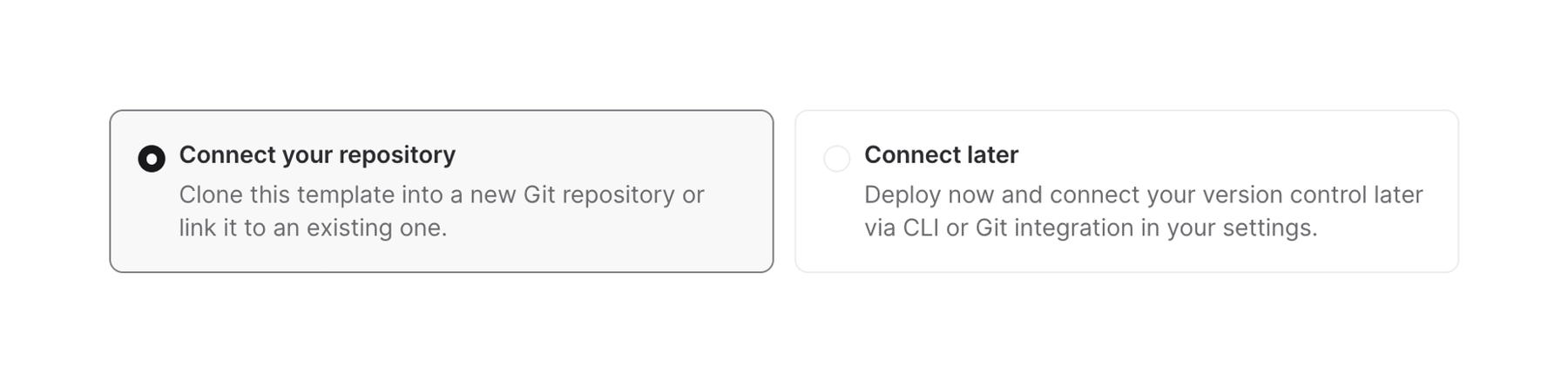

Two selectable cards presenting options for connecting a Git repository or deferring the connection.
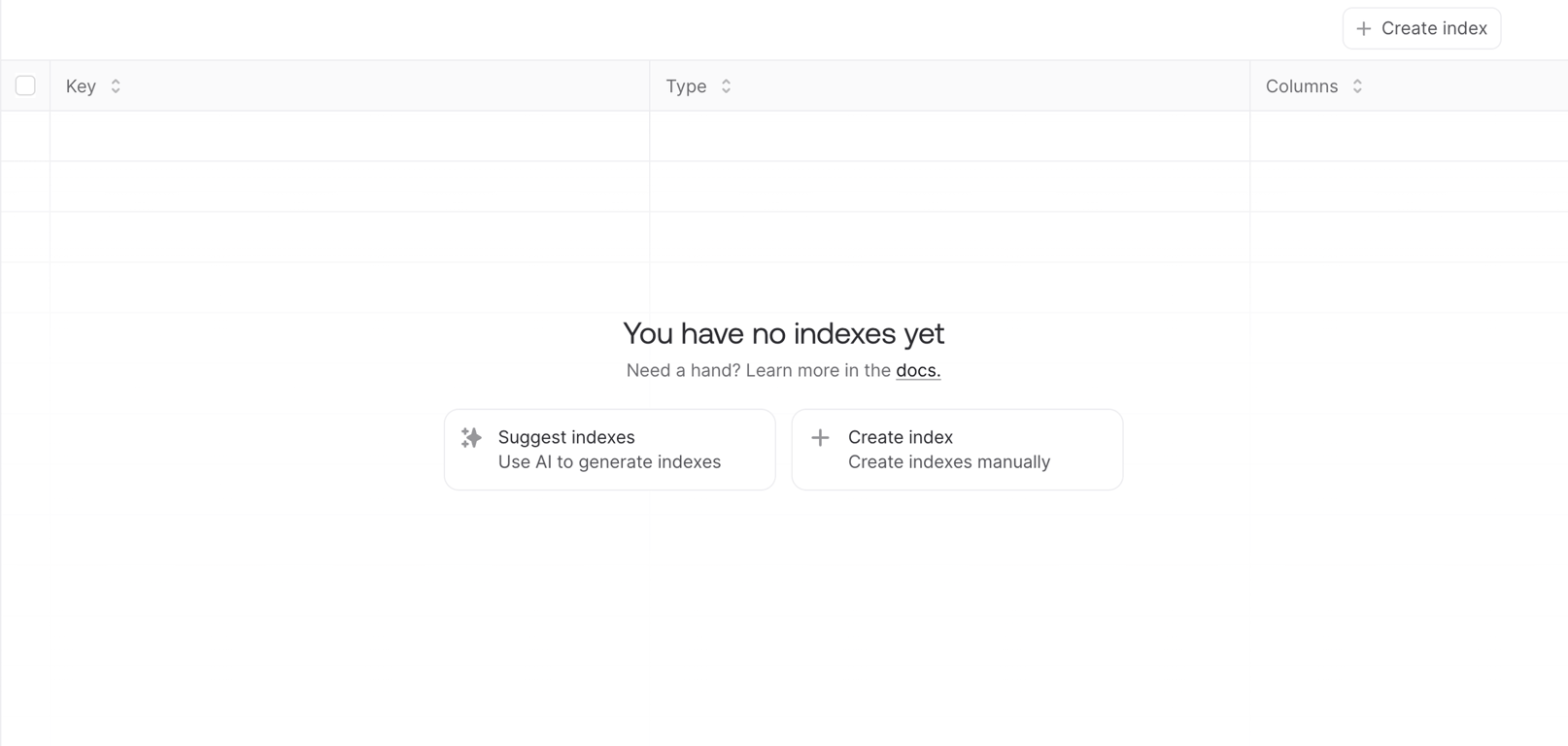
A data management interface displaying an empty state for indexes, offering options to create new indexes manually or with AI assistance.
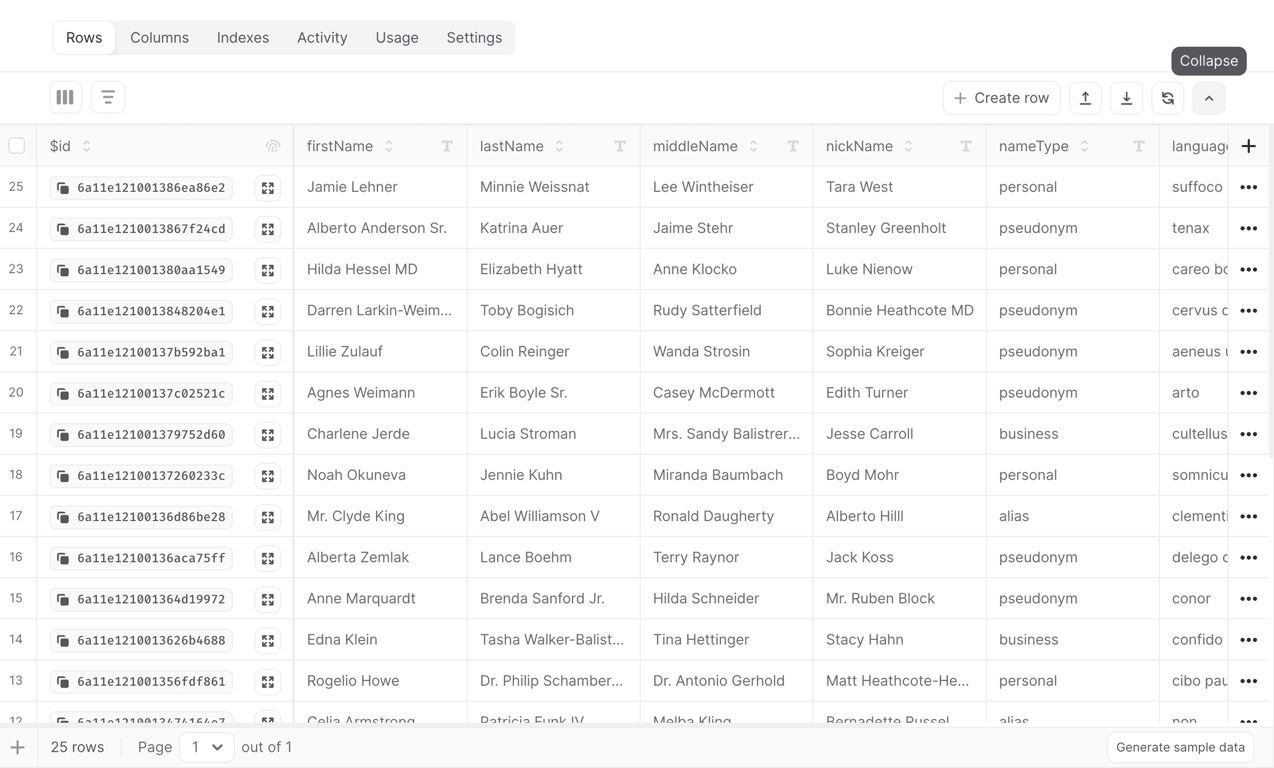
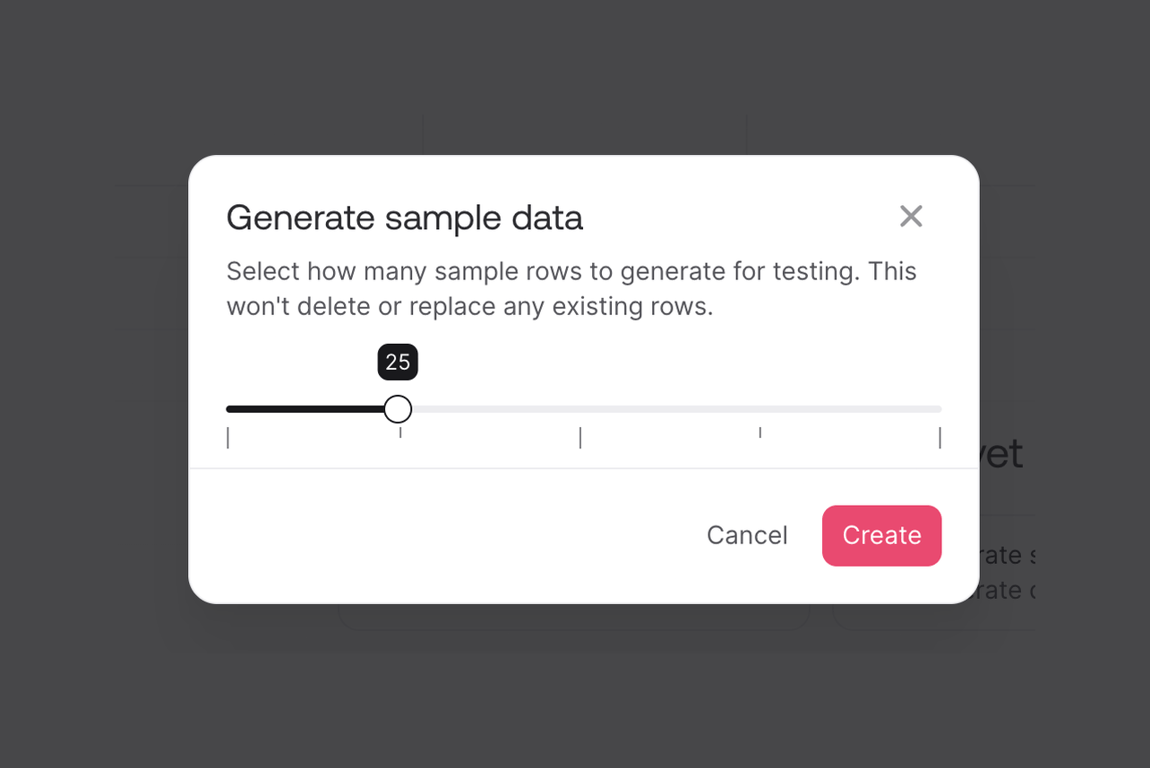
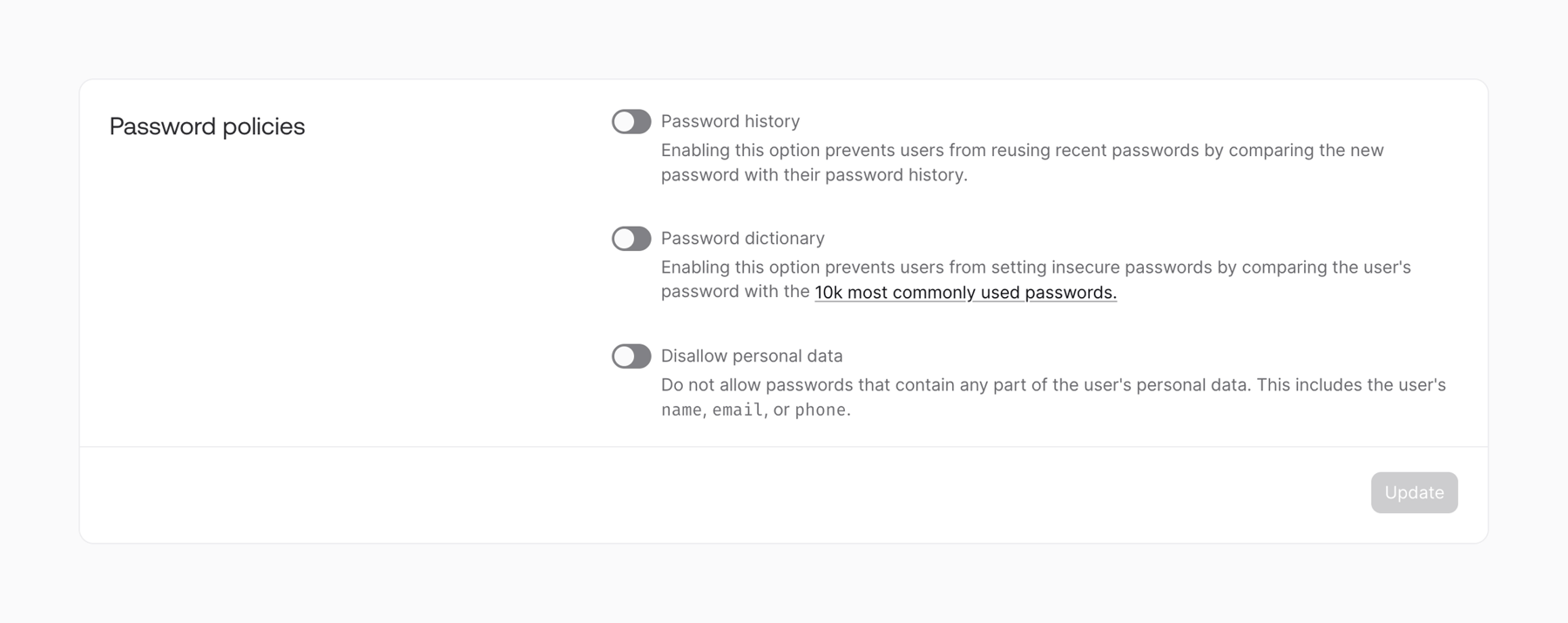
A user interface displaying password policy settings with toggle switches and an update button within a card component.
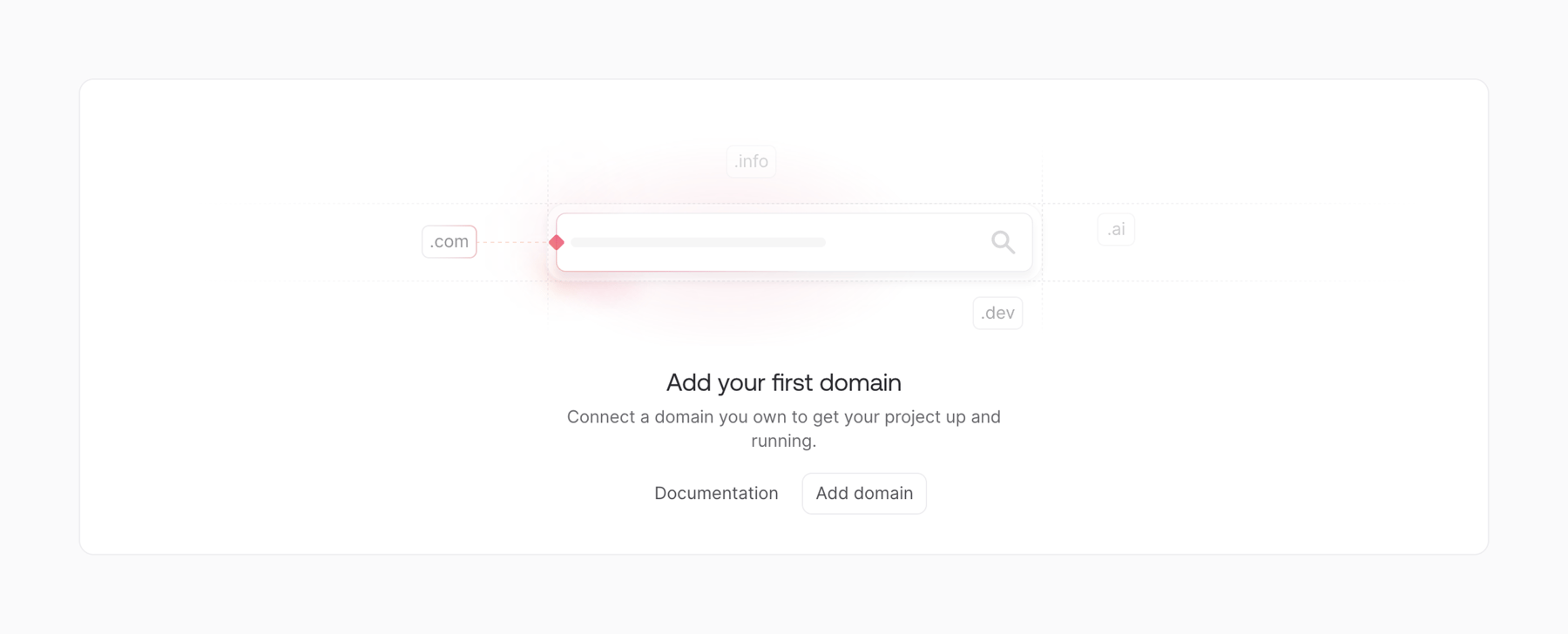
An interface for adding a domain to a project, featuring a search input and call to action.
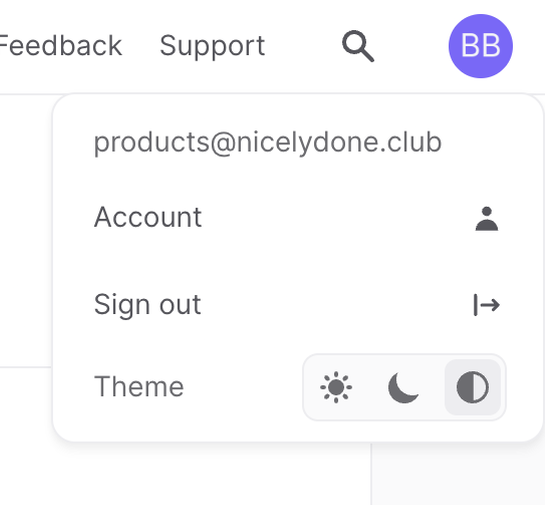
A user profile dropdown menu displaying account details, sign out option, and a theme selection toggle.
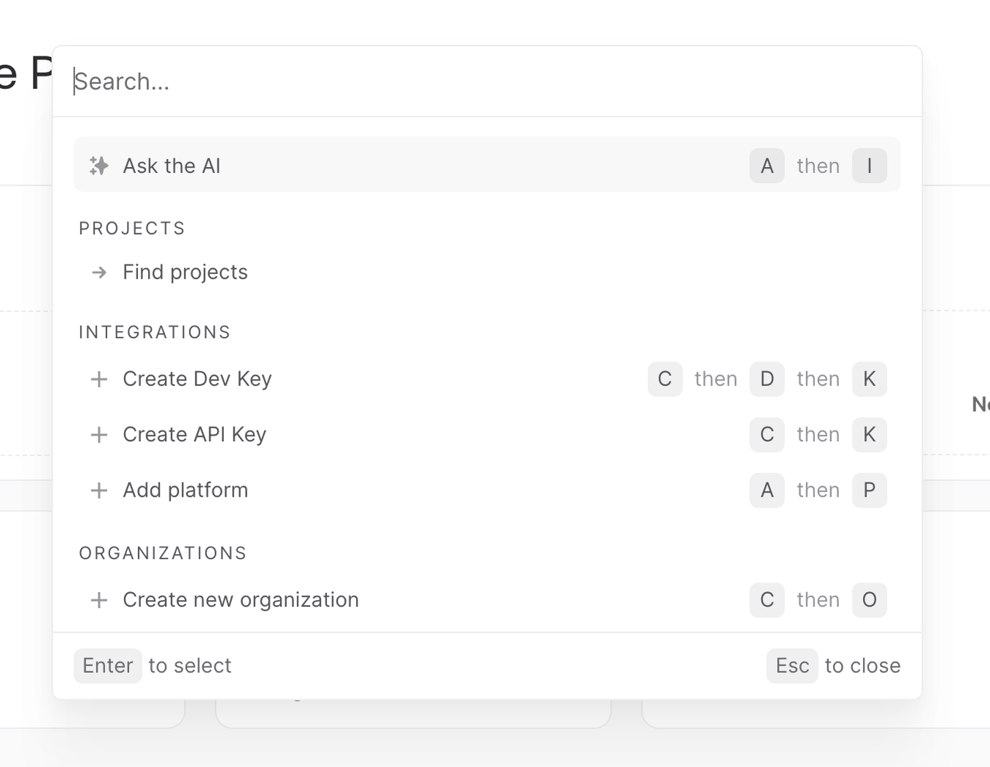
A command palette or quick search interface with categorized actions and keyboard shortcuts.
Browse the full component library
Browse the full UI component library.
Trusted by the best teams







