Copilot Flow Example: Updating transactions in bulk
Preview this Copilot user flow: Updating transactions in bulk. Explore the opening screens.
Preview these flows

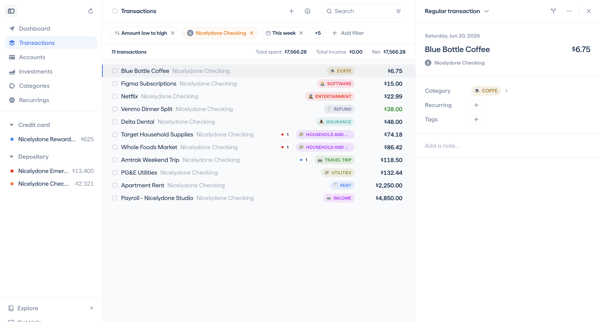
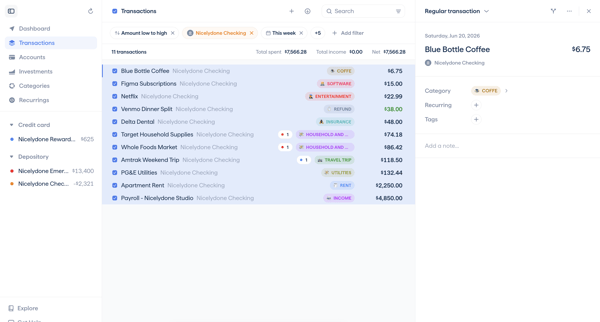
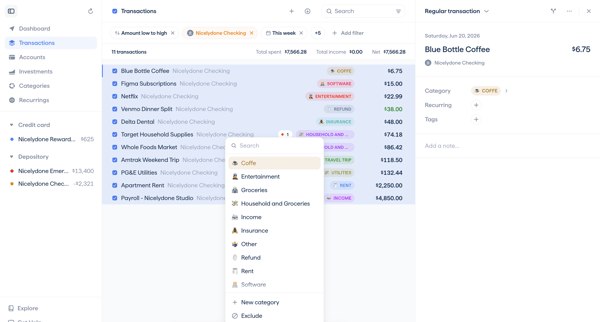
Selecting multiple transactions from the list view and applying bulk category or tag updates via the detail panel or action bar
Related user flows

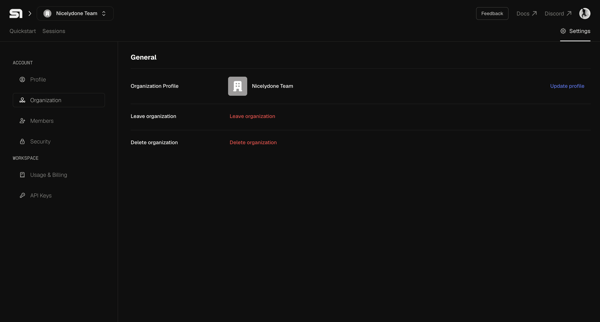
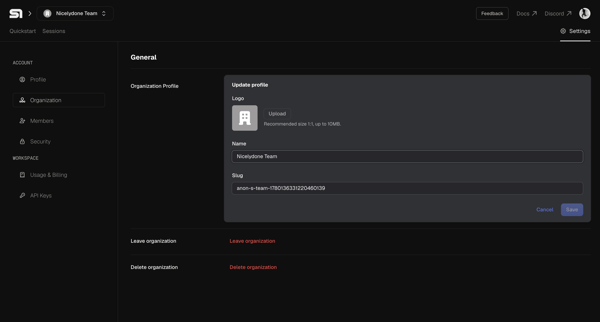

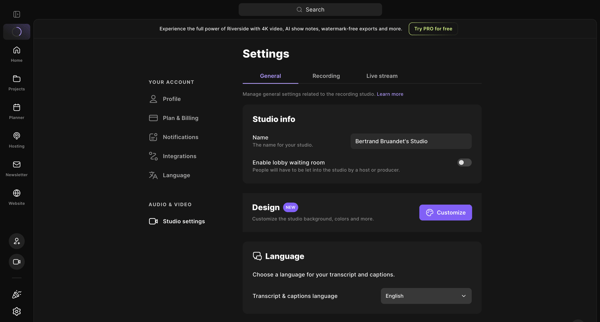
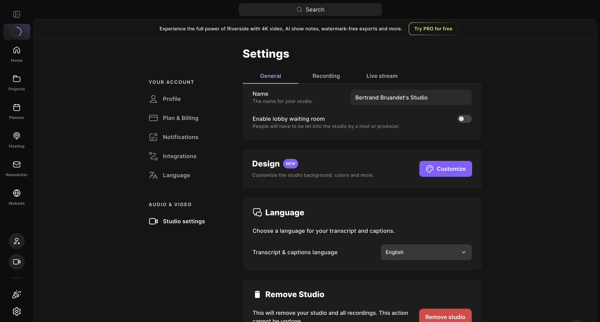
User opens studio settings general tab to review and edit name, lobby waiting room, design customization, transcript language, and remove studio option

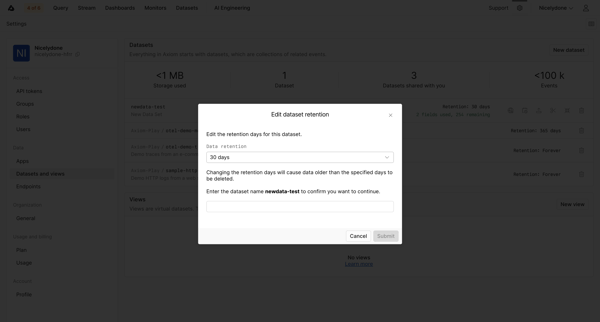
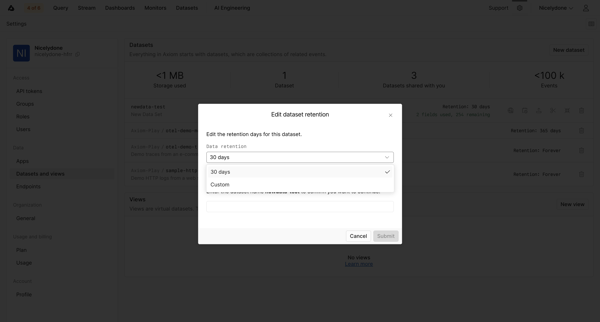
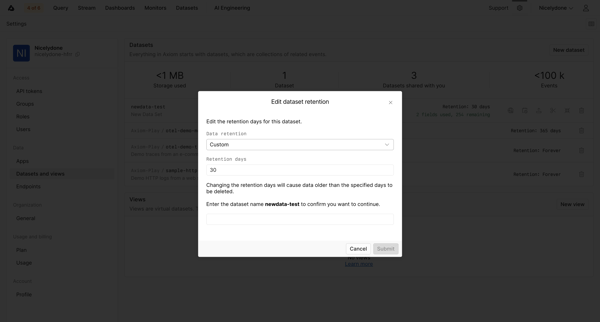
User opens edit retention modal from datasets settings and configures retention period with name confirmation for a dataset

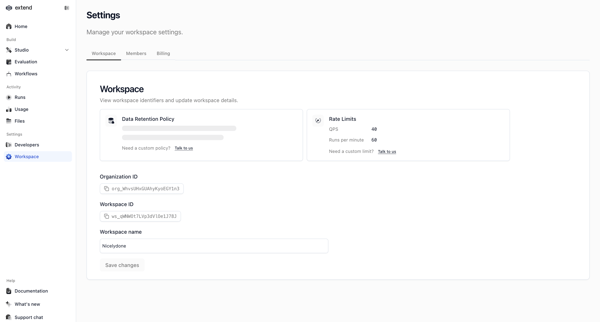
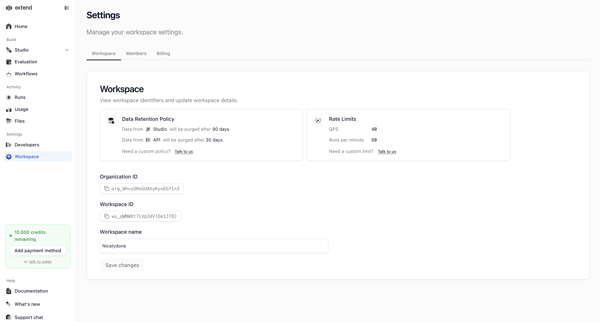
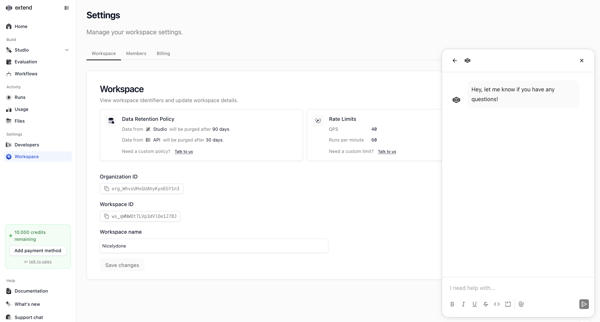

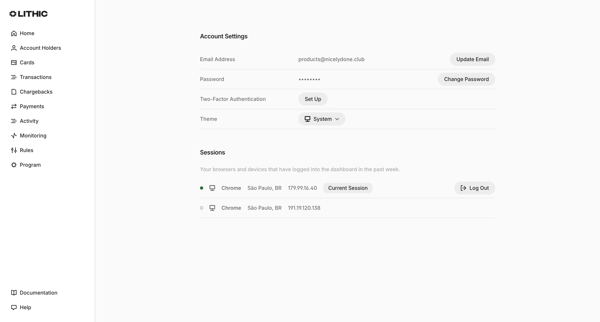
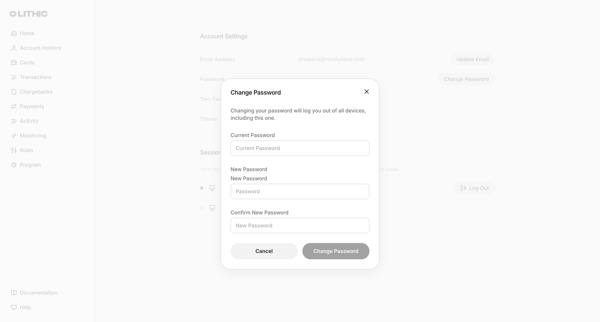
User opens account settings page and triggers change password modal requiring current password plus new password confirmation

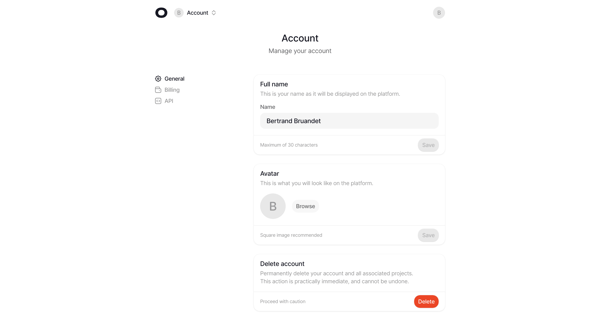
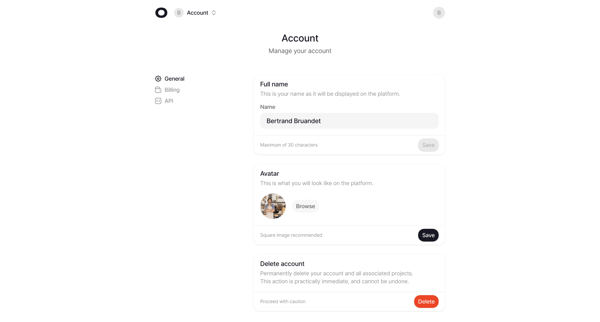
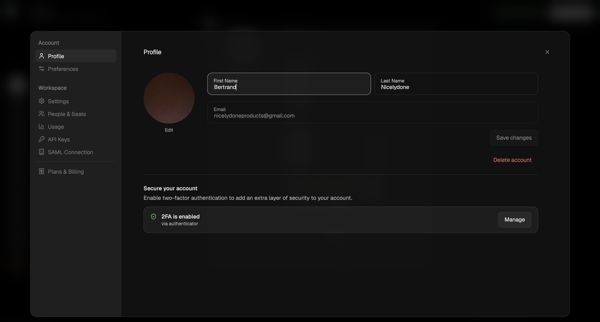
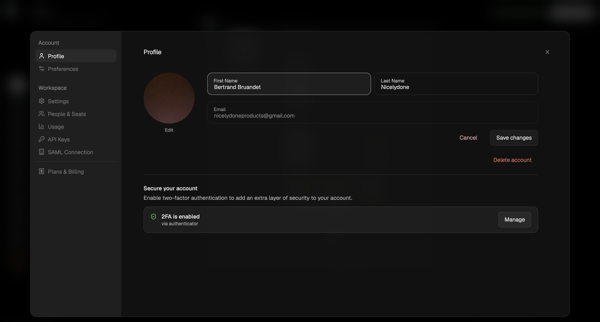
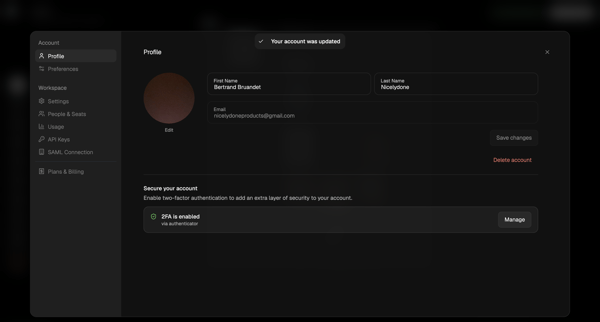
Accessing account settings page to edit full name, upload avatar, and access account deletion option

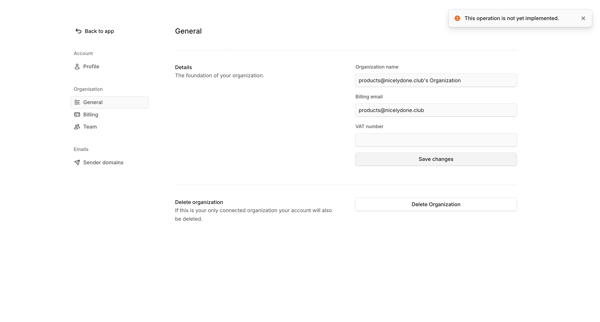
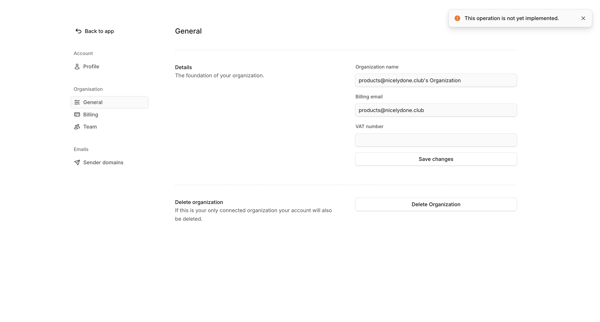
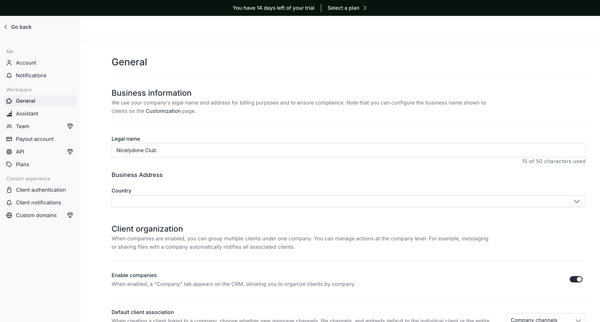
User views and edits organization name, billing email, and VAT number on the General settings page in Bloom, with an error shown on save attempt

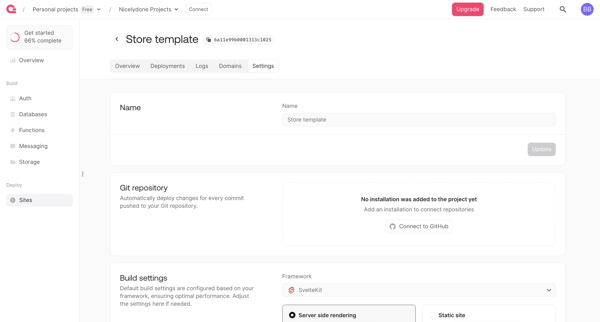
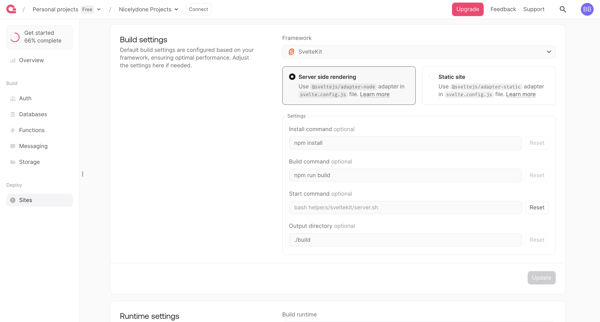
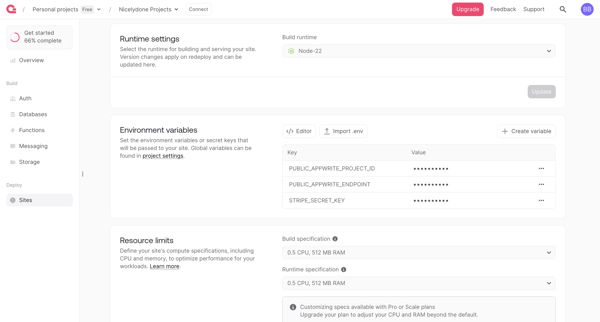

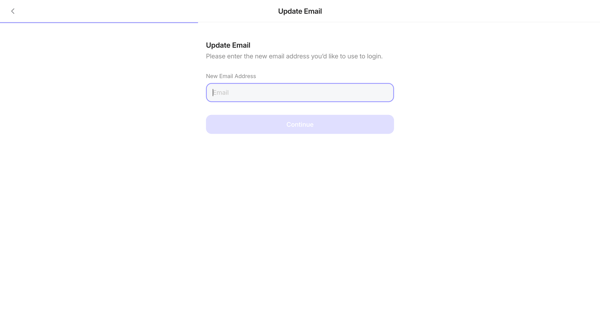
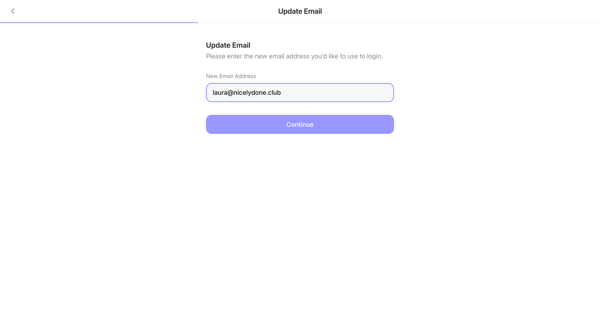
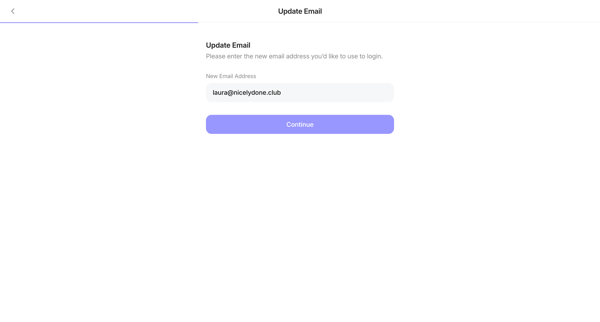
User opens update email form from settings, enters new address, and submits for login credential change



Explore the full SaaS flow library
Browse the full SaaS flow library.
Trusted by the best teams







