Bard Flow Example: Sharing positive feedback
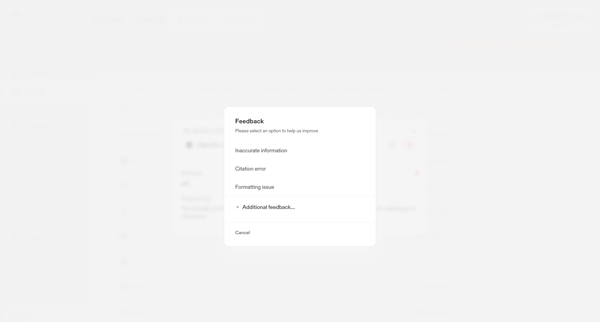
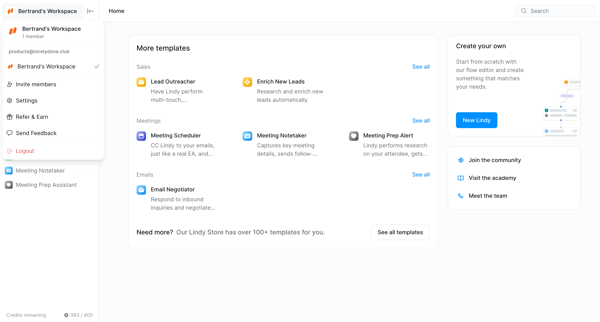
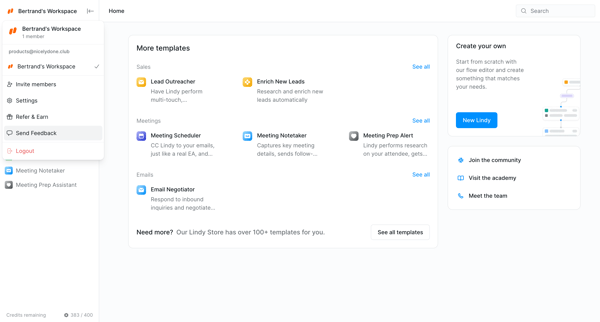
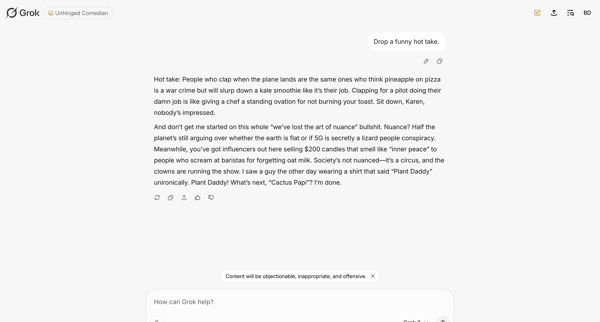
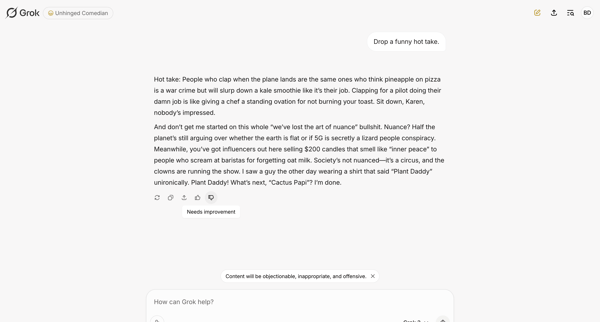
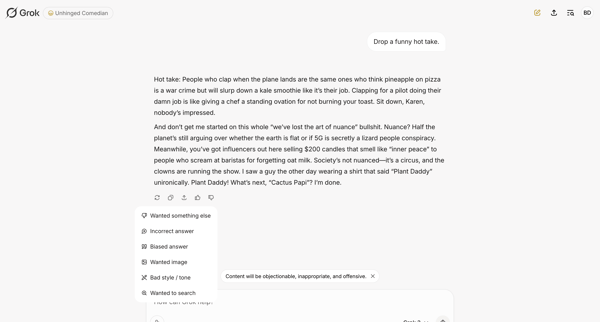
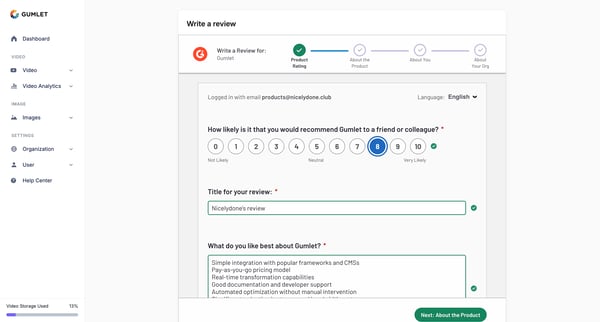
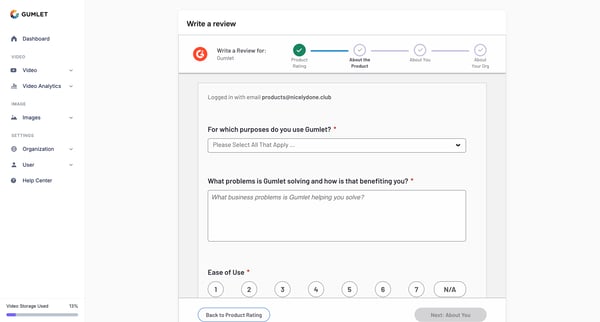
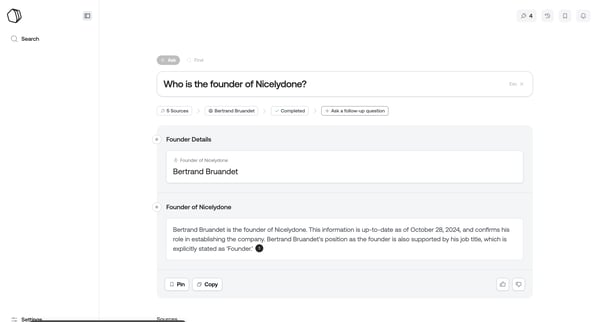
Preview this Bard user flow: Sharing positive feedback. Explore the opening screens.
Preview these flows

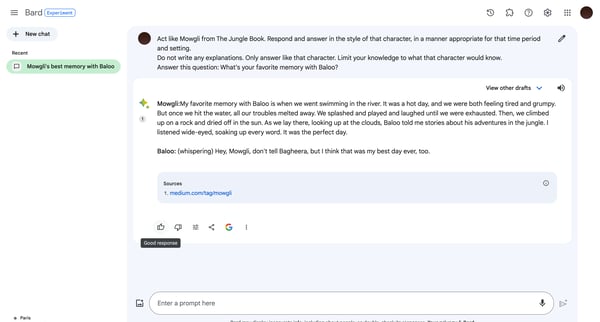
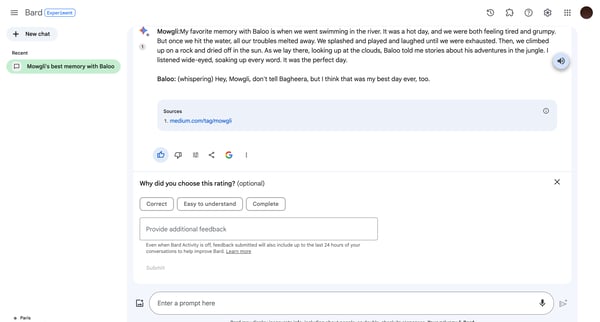
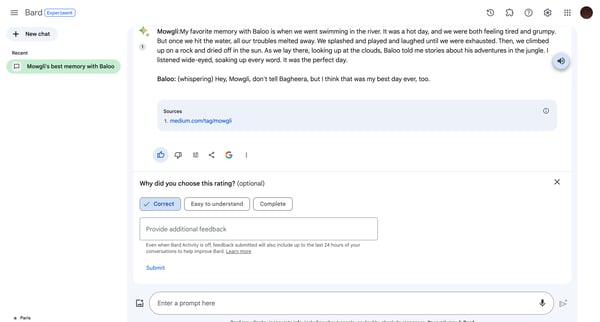
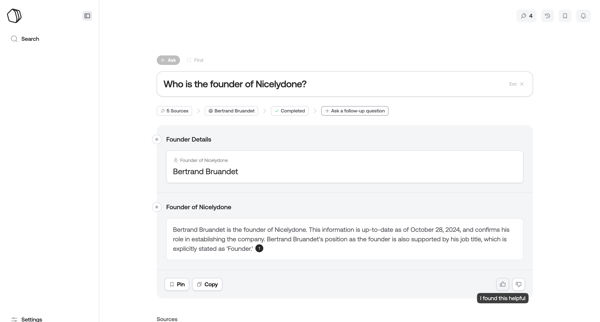
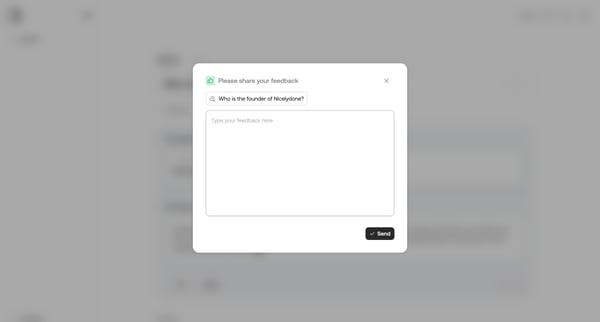
This flow enables the user to provide feedback on an AI-generated response based on a specific prompt, highlighting the interface's ability to collect user evaluations and additional comments
Related user flows

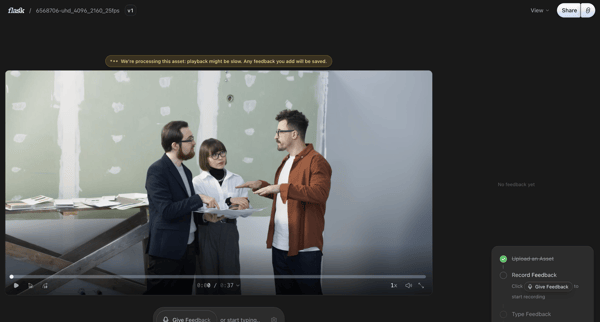
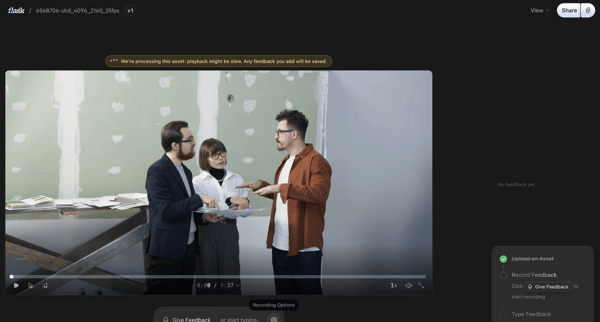
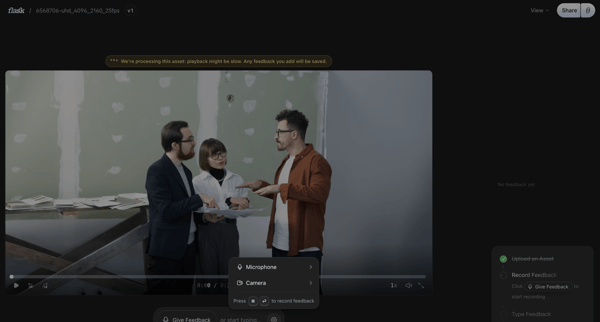
Reviewing a video asset on the detail page and recording timestamped voice or text feedback via a floating composer

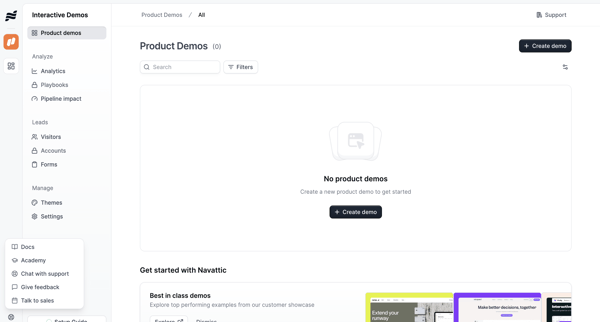
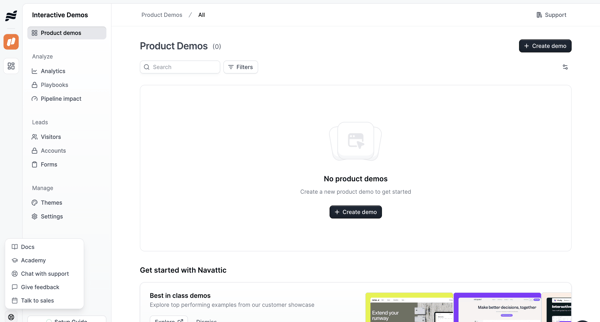
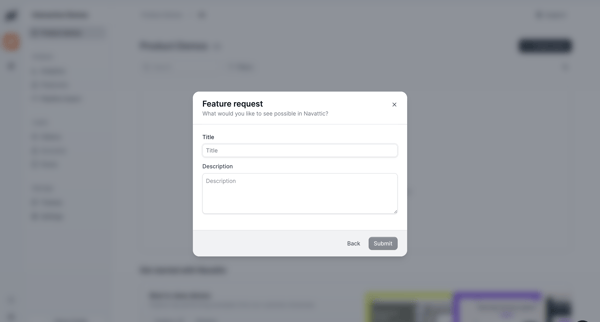



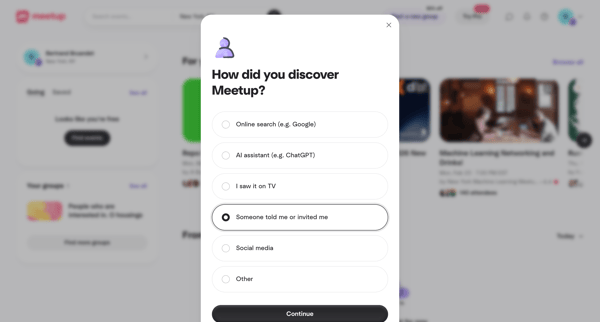

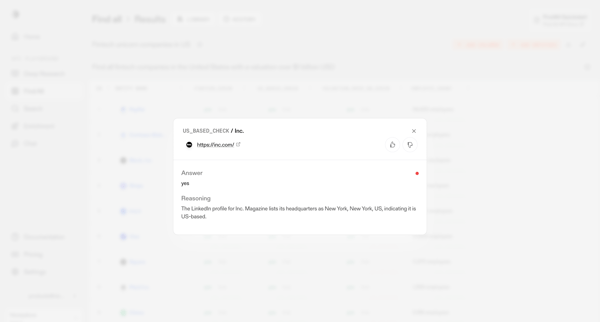
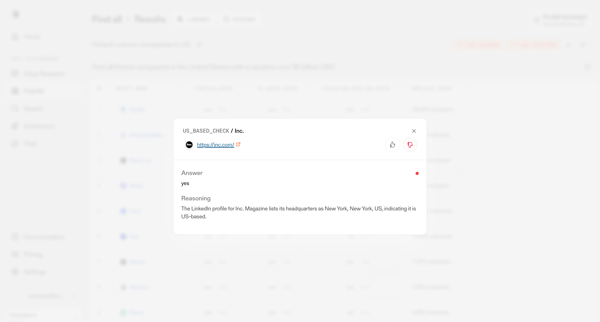



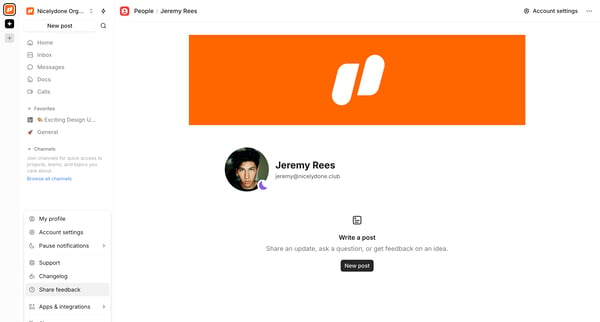
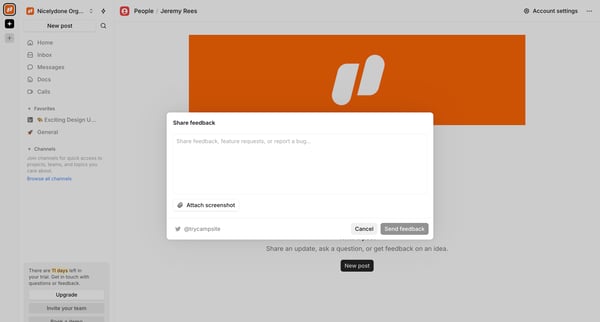
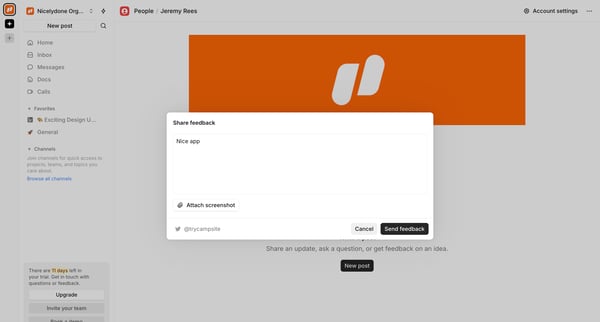

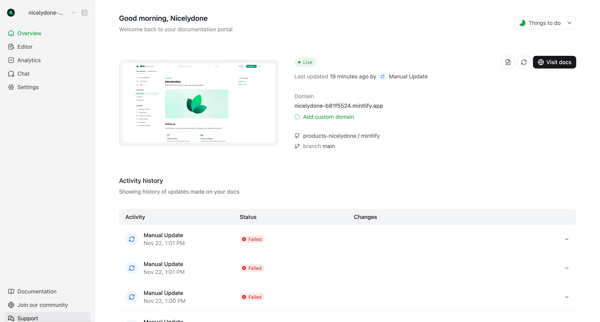
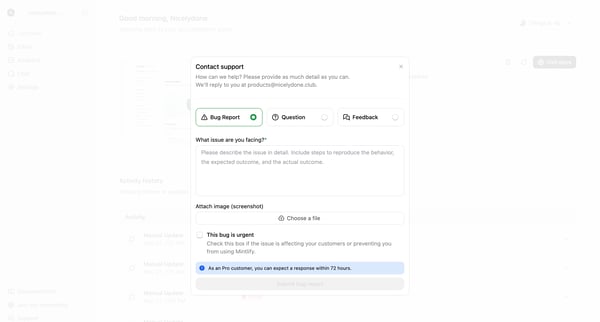
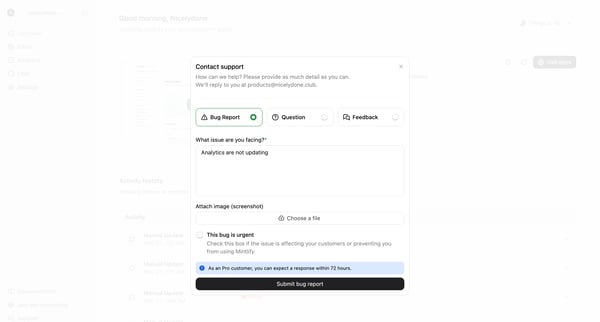

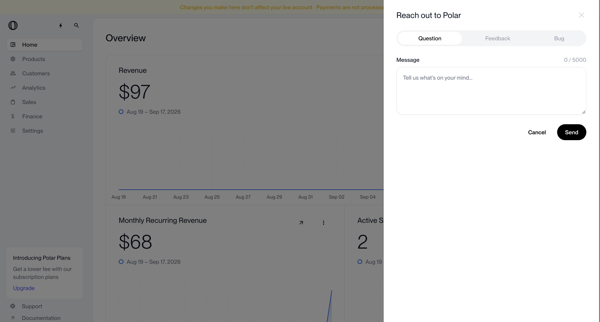
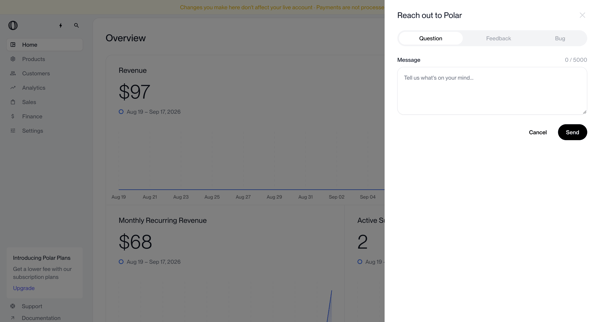
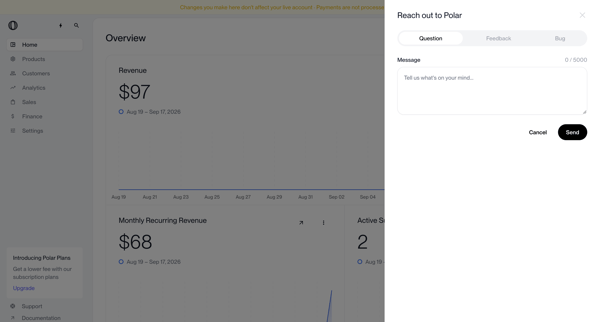
User opens support drawer from dashboard metrics view to submit a question, feedback, or bug report via segmented form

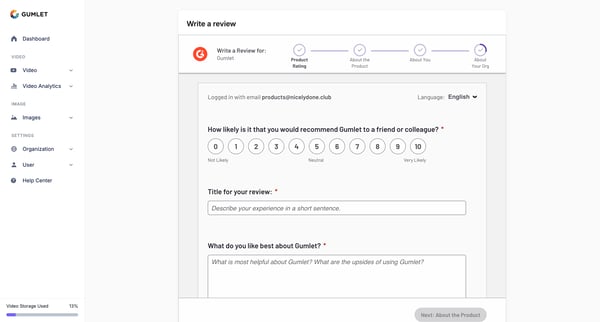

Explore the full SaaS flow library
Browse the full SaaS flow library.
Trusted by the best teams







