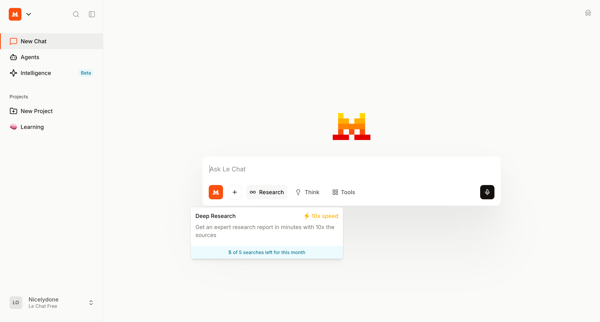
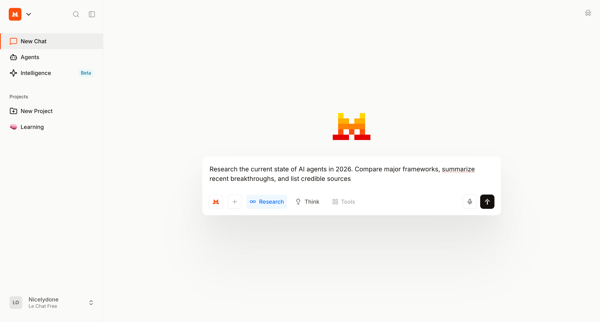
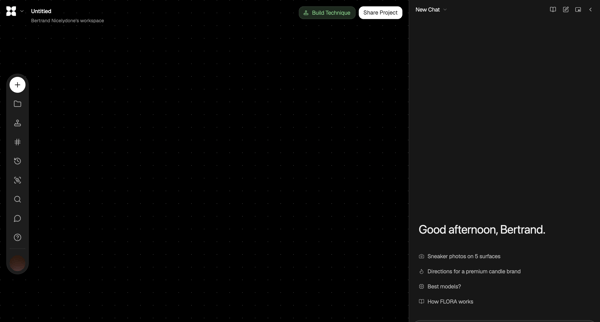
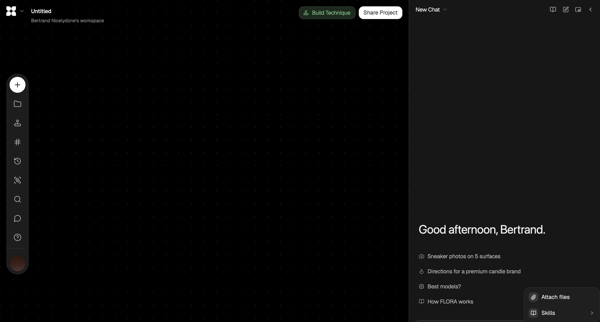
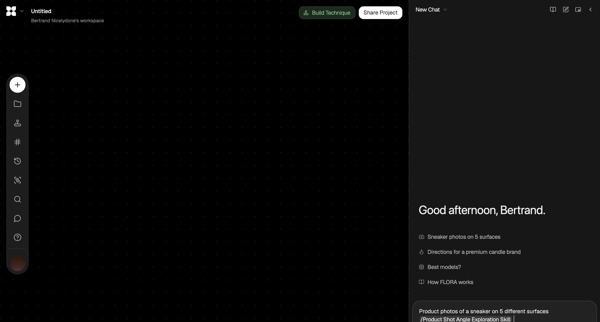
Mistral Flow Example: Chatting with deep research
Preview this Mistral user flow: Chatting with deep research. Explore the opening screens.
Preview these flows

Related user flows

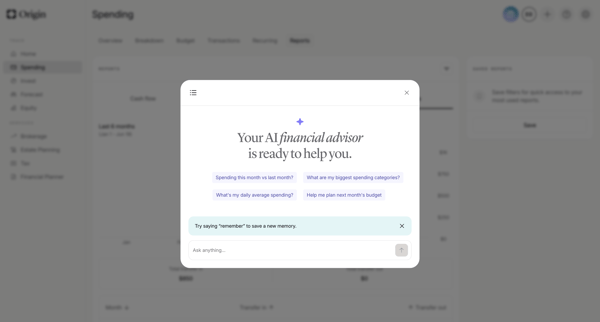
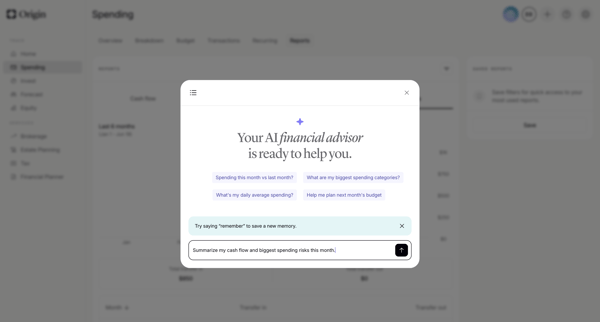
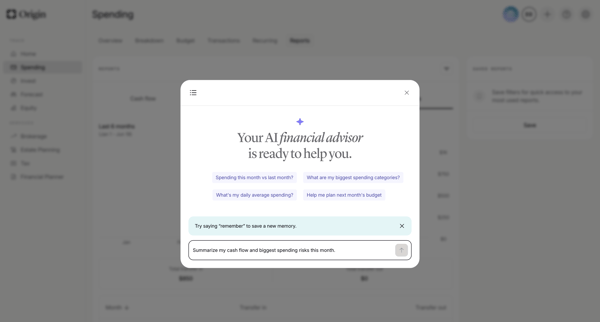
User opens AI advisor modal from dashboard and engages in multi-turn chat to request spending analysis, cash flow summaries, subscription insights, forecasts, and personalized recommendations with generated charts and reasoning steps

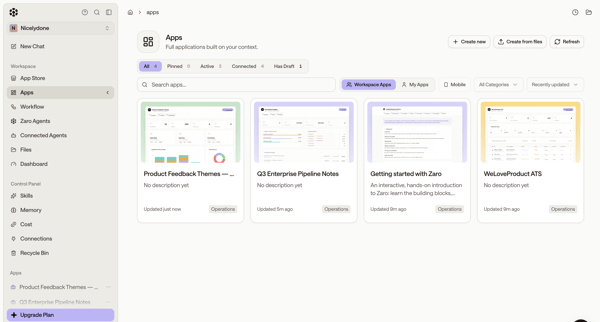
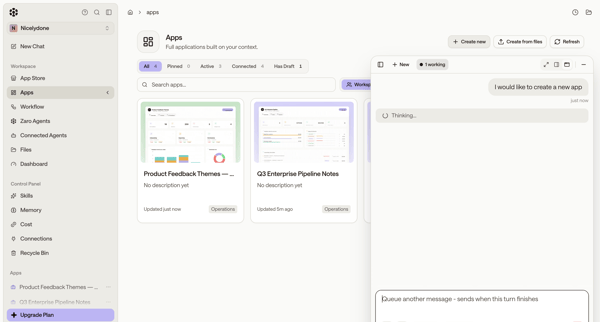
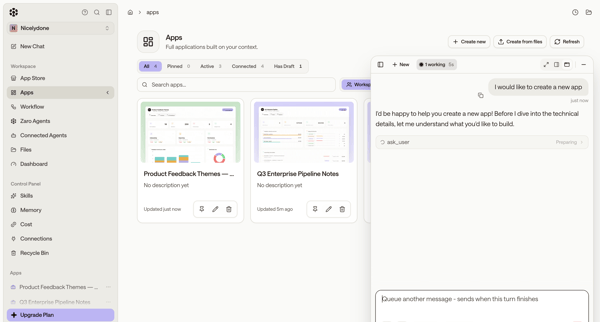
User browses app directory or list and uses floating AI assistant panel to generate new custom applications via conversation and agent execution

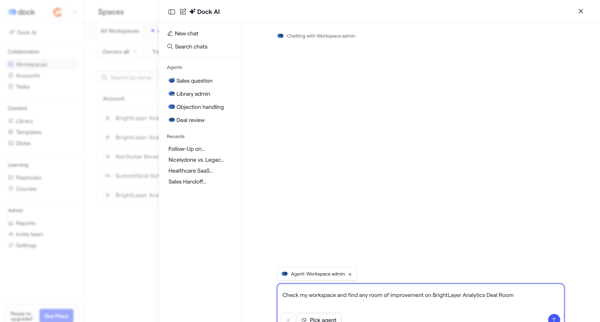
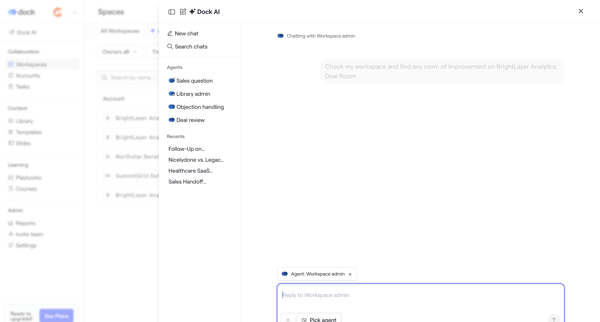
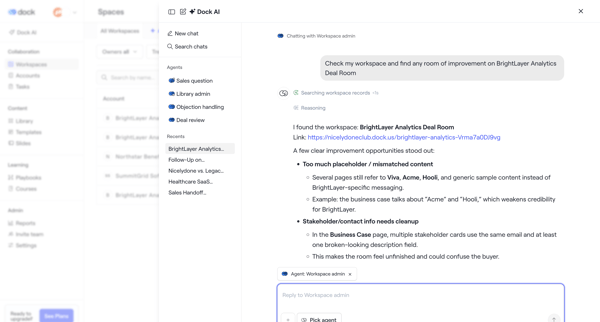
User opens AI chat drawer or overlay to converse with Workspace admin agent for deal room analysis, recommendations, metrics review, and rewrite planning

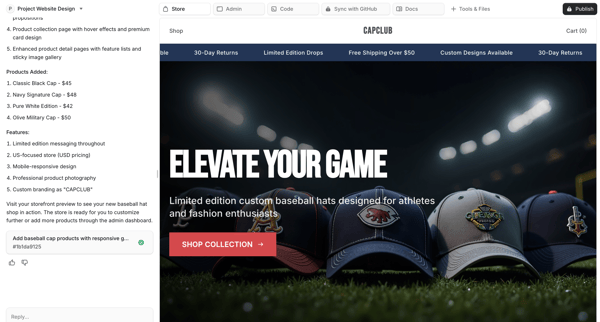
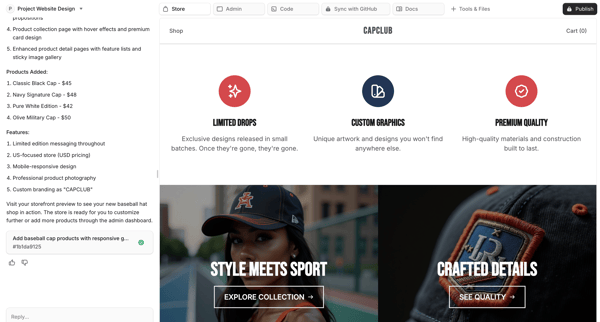
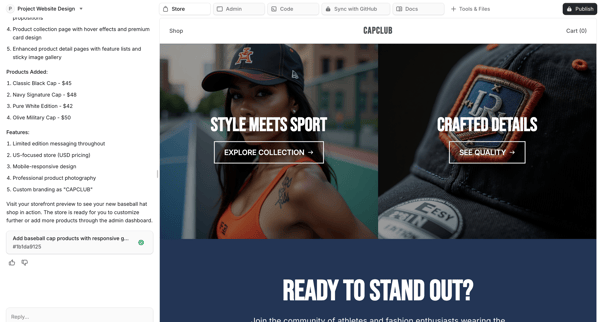
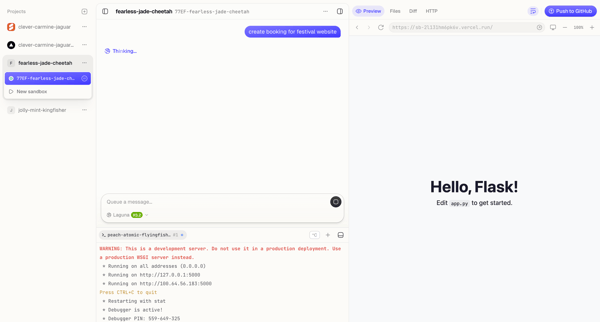
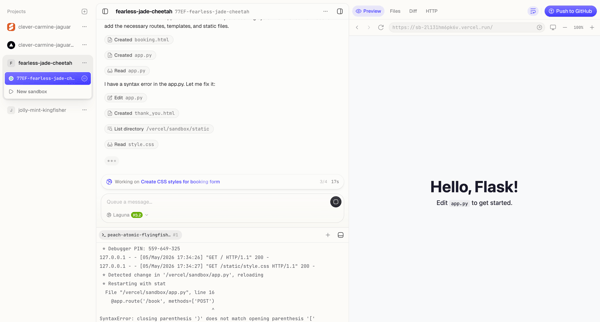
Chatting with AI to generate, iterate, preview, and publish a custom e-commerce storefront with live canvas

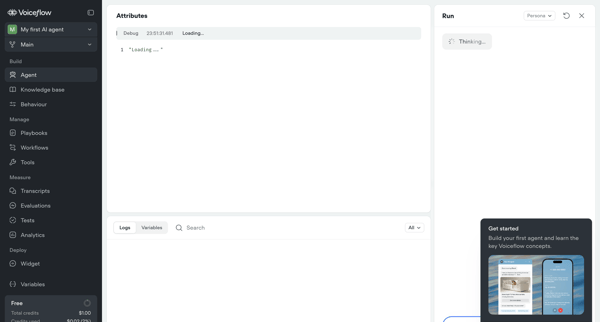
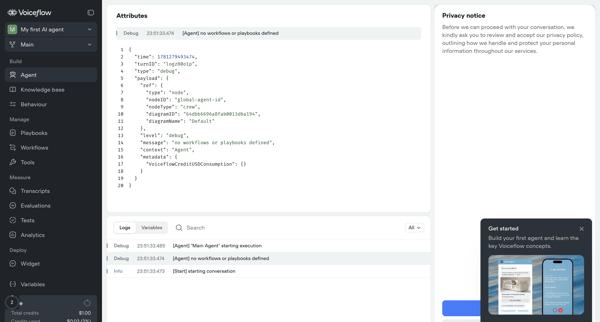
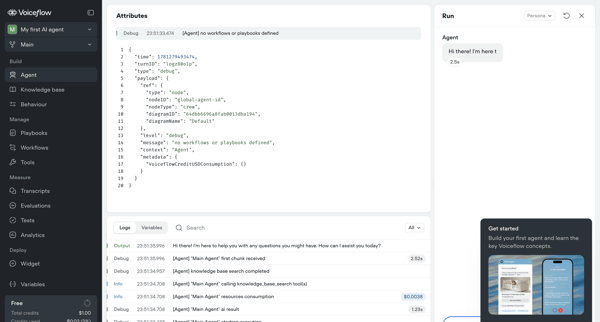
Testing and inspecting live AI agent execution through trace logs, JSON payloads, variables, and real-time chat panel

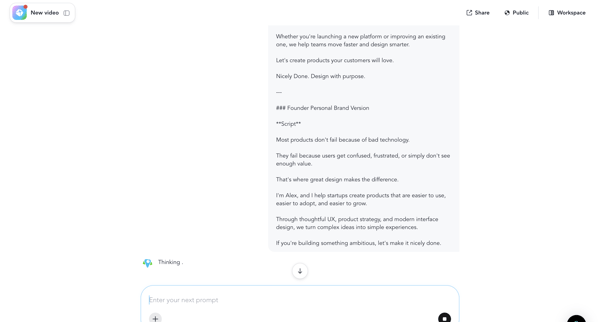
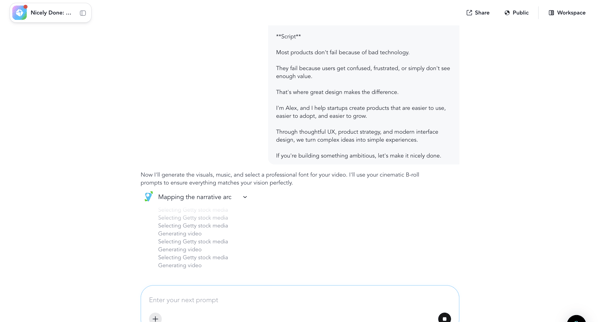
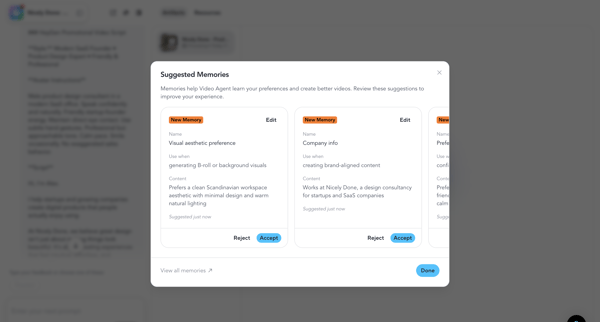
User chats with video agent to generate script, configures memories, monitors rendering, reviews and edits output, then downloads final video

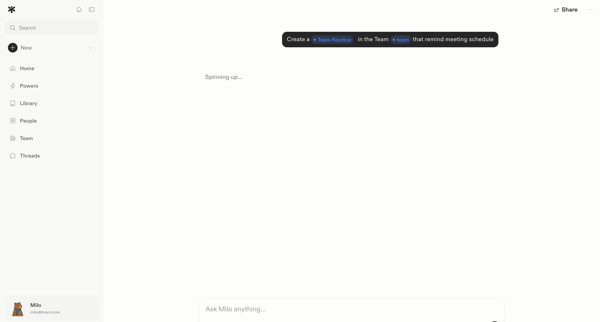
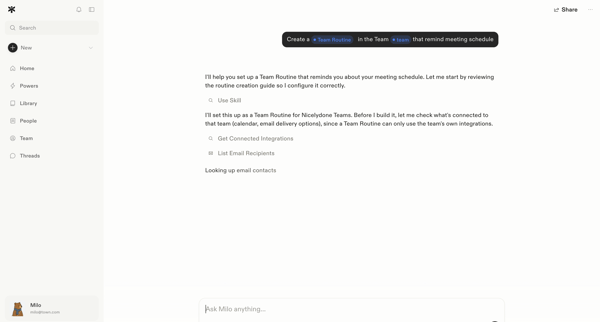
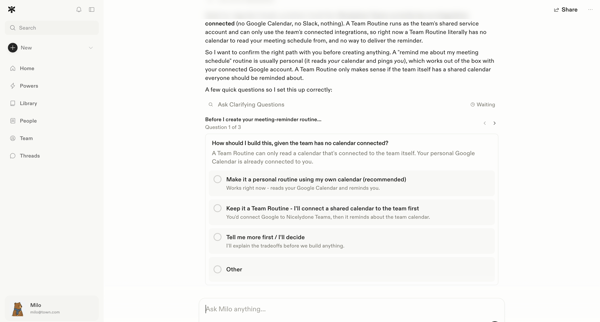
User prompts AI assistant in chat to create a meeting-reminder team routine; agent reviews integrations, asks three clarifying questions via embedded forms, and submits answers to begin setup.





Explore the full SaaS flow library
Browse the full SaaS flow library.
Trusted by the best teams







