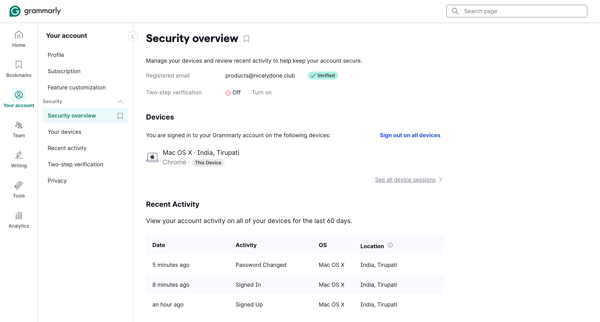
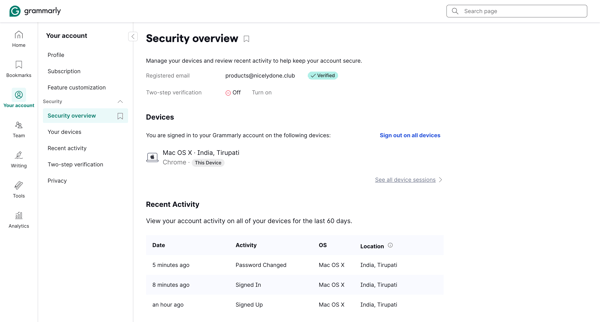
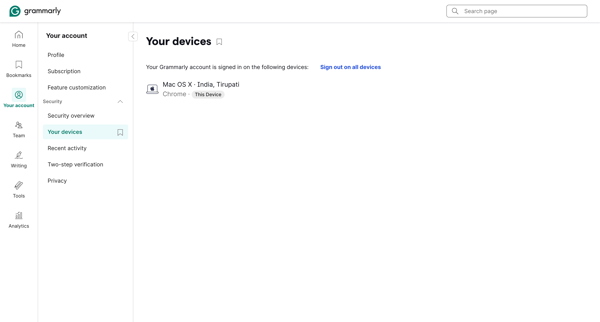
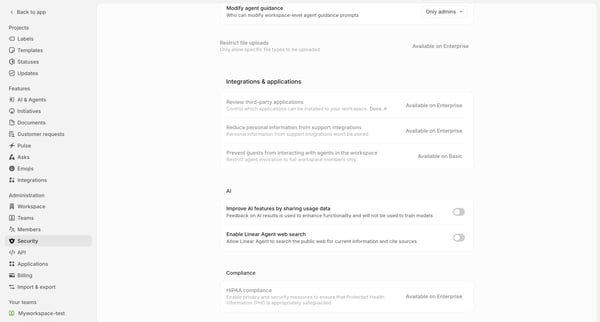
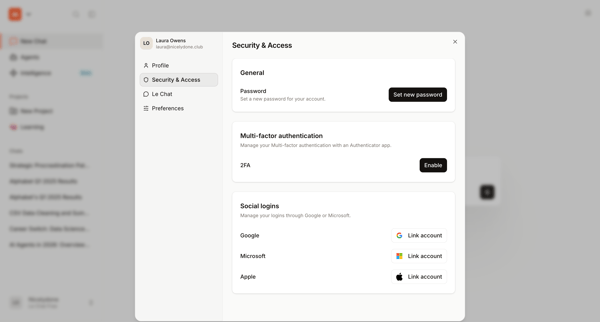
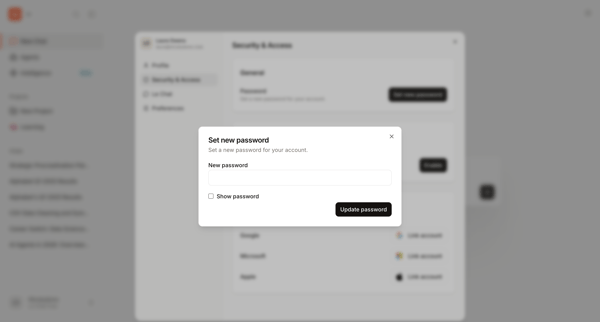
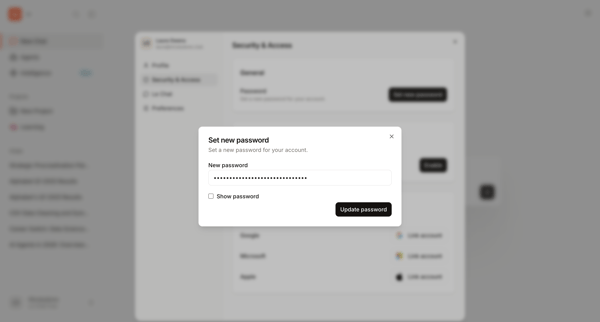
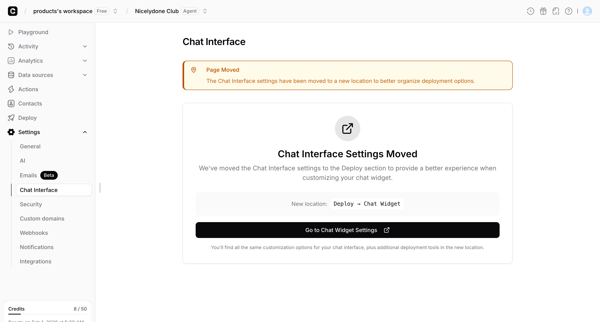
Grammarly Flow Example: Reviewing security overview
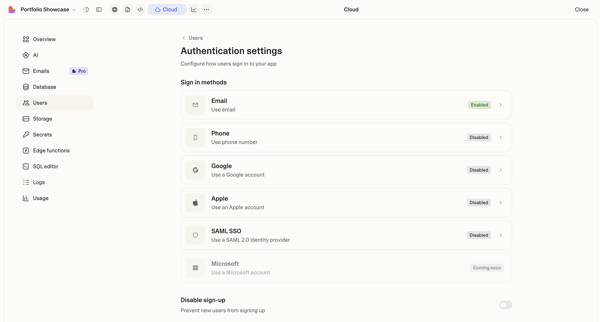
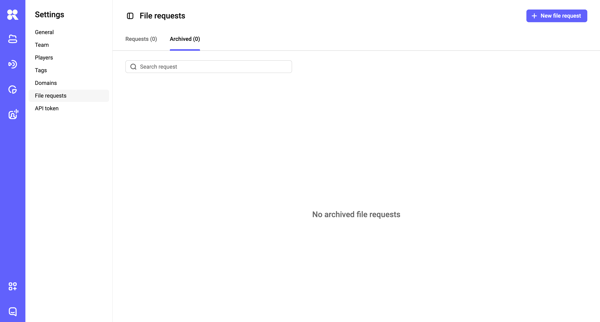
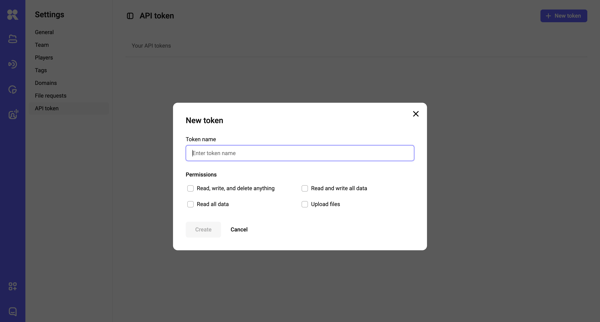
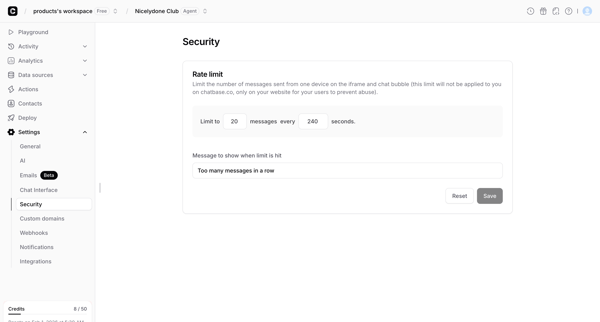
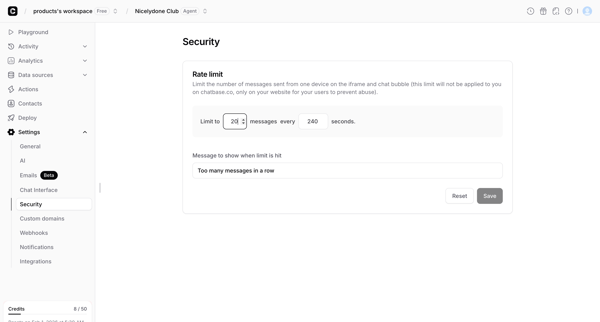
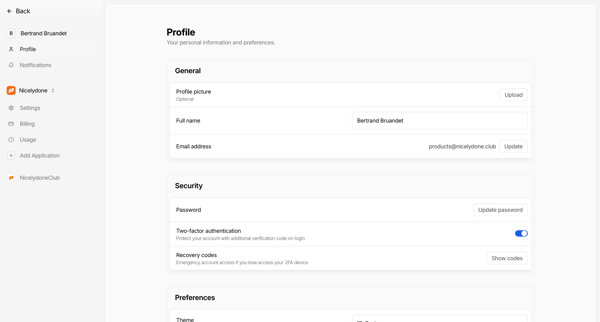
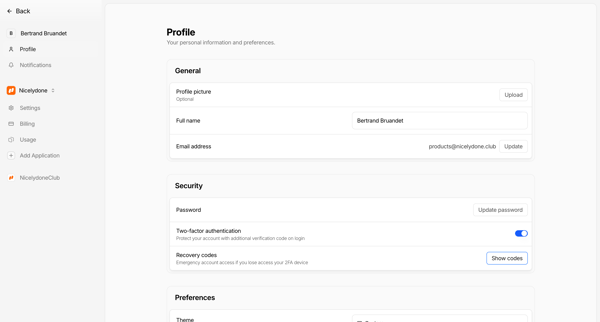
Preview this Grammarly user flow: Reviewing security overview. Explore the opening screens.
Preview these flows

Related user flows

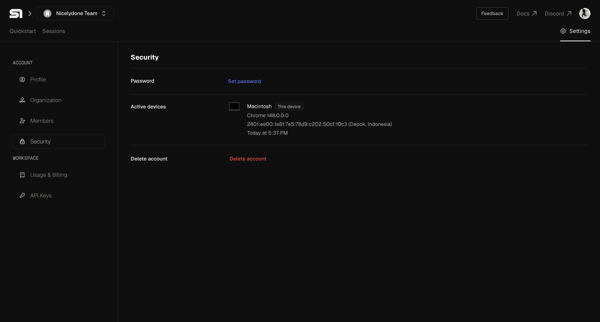
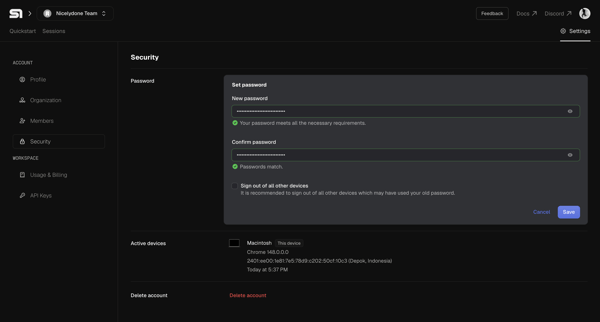
User views and edits security settings including password and active device sessions in Steel app

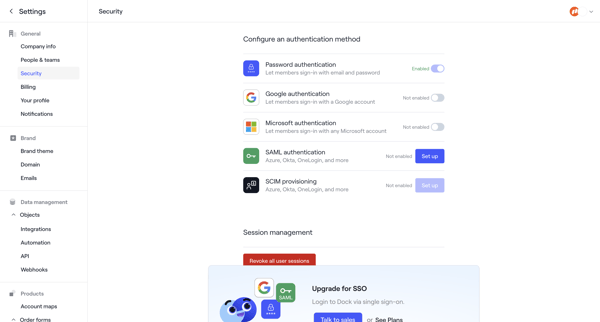
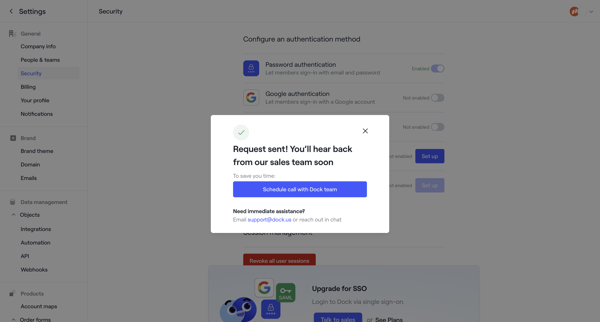
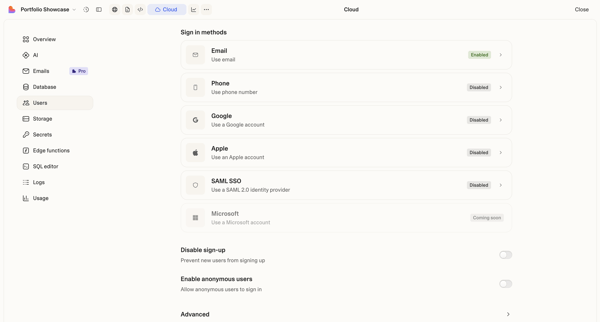
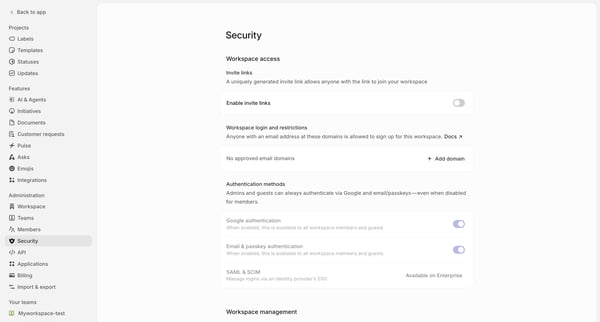
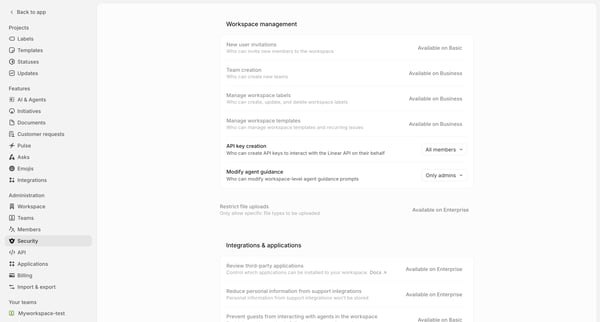
User opens Security in settings sidebar, reviews and toggles authentication methods (password enabled, Google/Microsoft/SAML not enabled), views session management and SSO upgrade prompt, then triggers sales contact request resulting in success modal

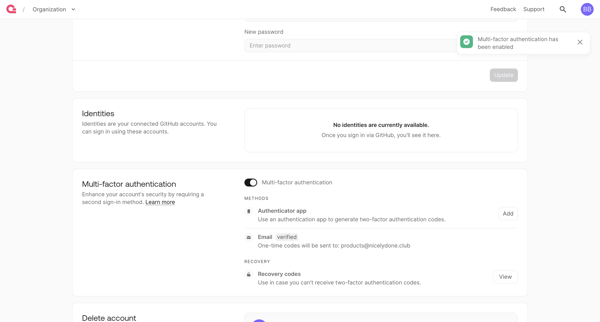
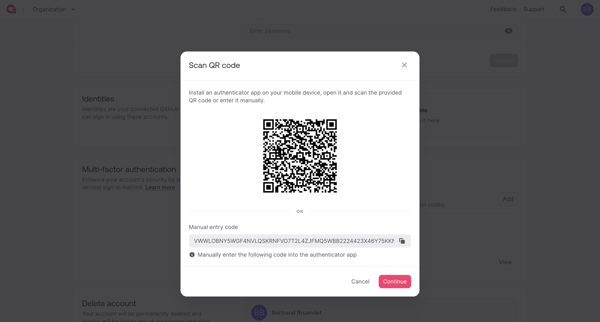
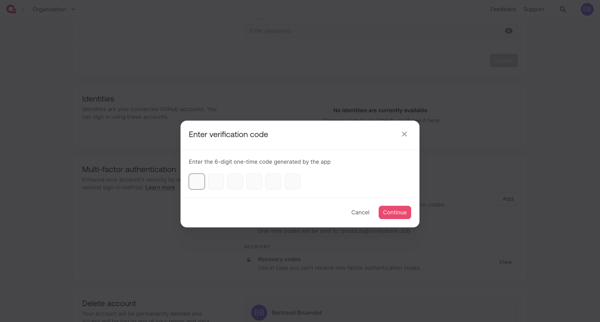
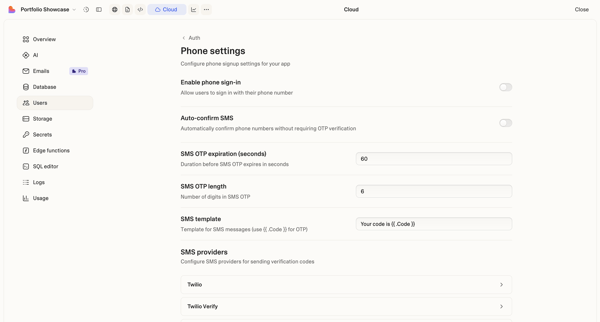
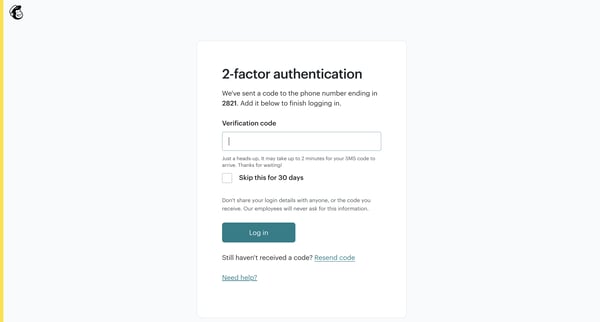
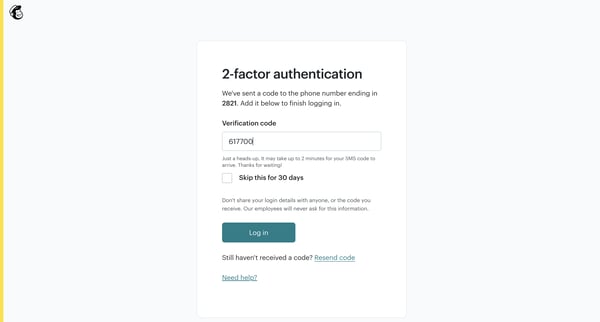
User enables multi-factor authentication from account security settings by scanning QR code, verifying OTP, and saving recovery codes

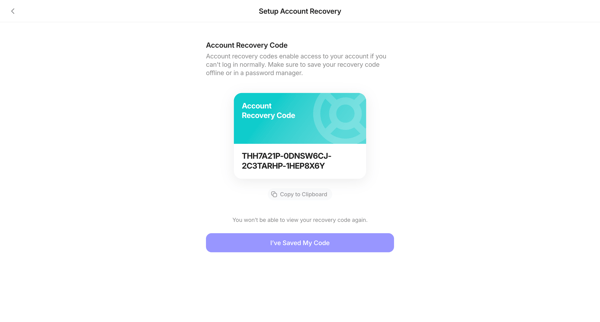
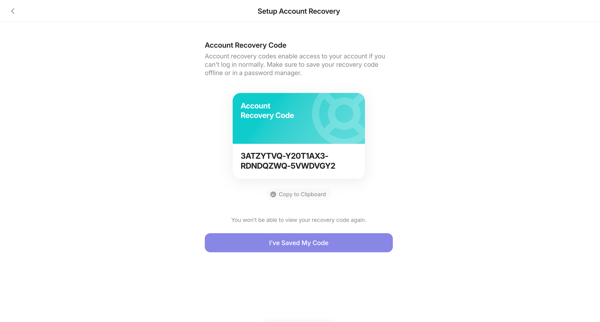
User generates and confirms secure storage of an account recovery code from security settings for backup access








Explore the full SaaS flow library
Browse the full SaaS flow library.
Trusted by the best teams







