Skip to content
Visitors logo

Visitors product screens examples

Browse Visitors screen design examples. Preview the interface screenshots and explore related UI patterns. Revenue-first web analytics

Explore the examples
Create account - Visitors from Visitors
Visitors logo
Visitors

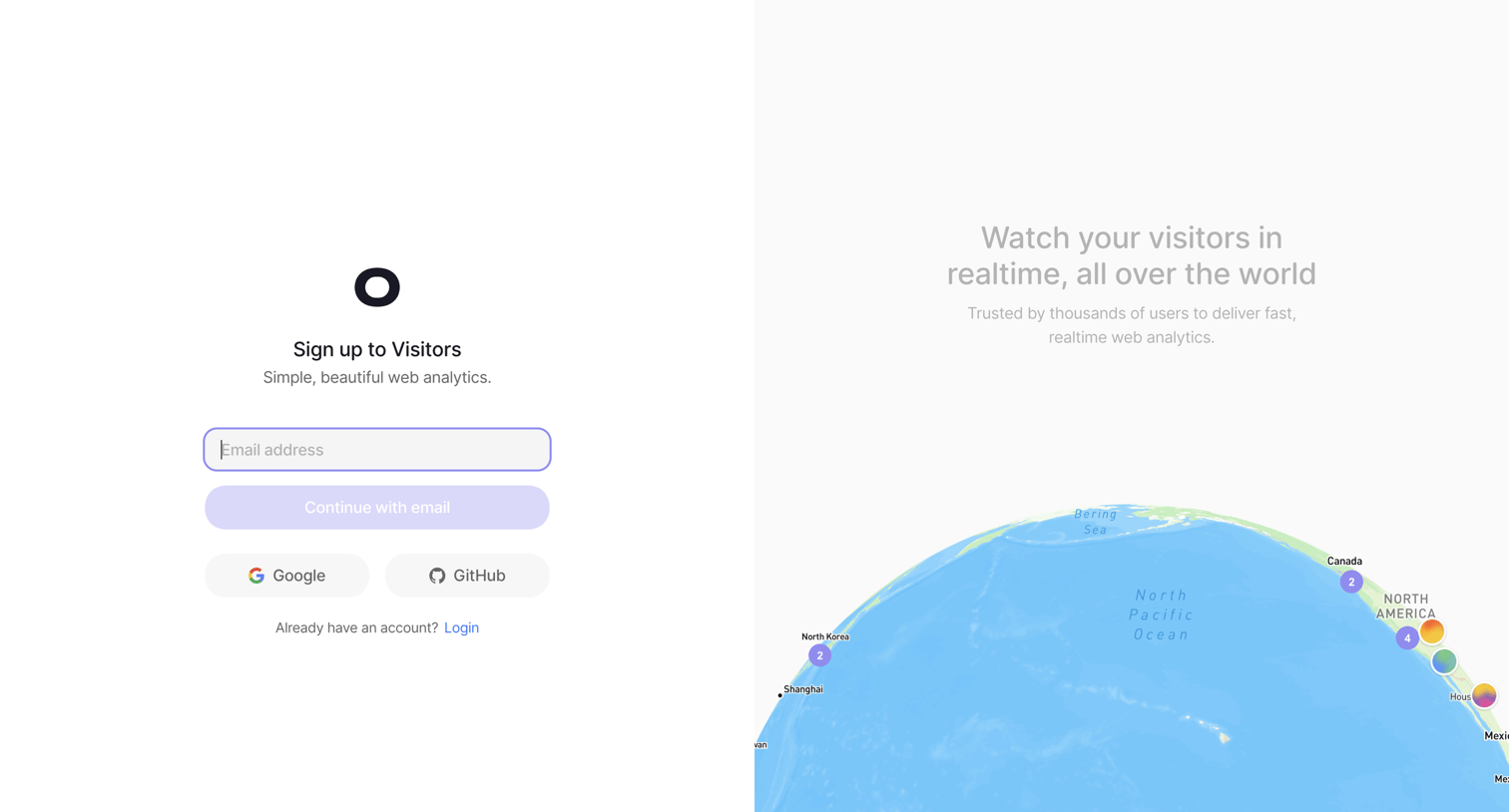
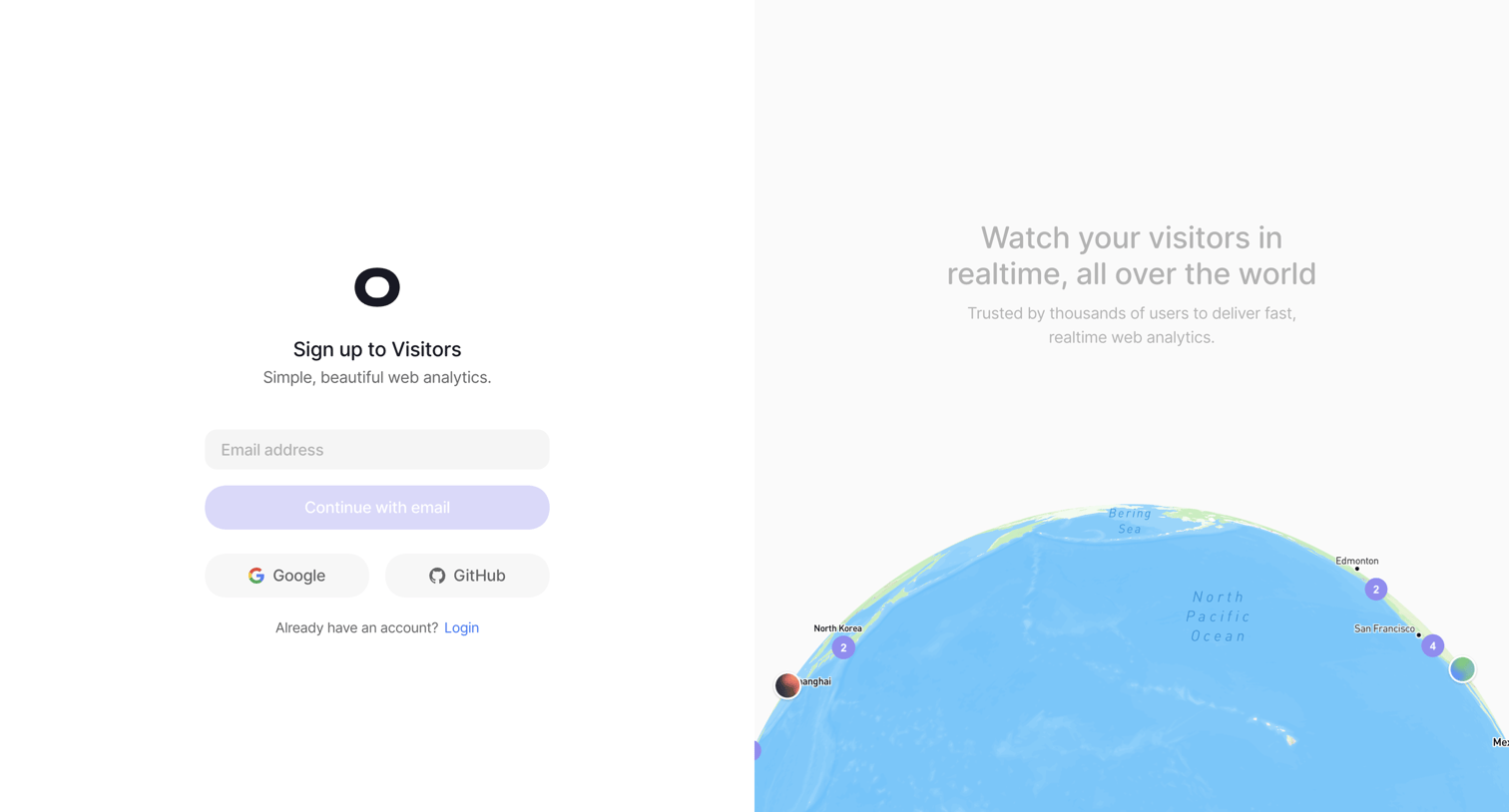
Signup page where the user creates an account using email, Google, or GitHub, alongside a live 3D globe visualization of web traffic.

Create account - Visitors from Visitors
Visitors logo
Visitors

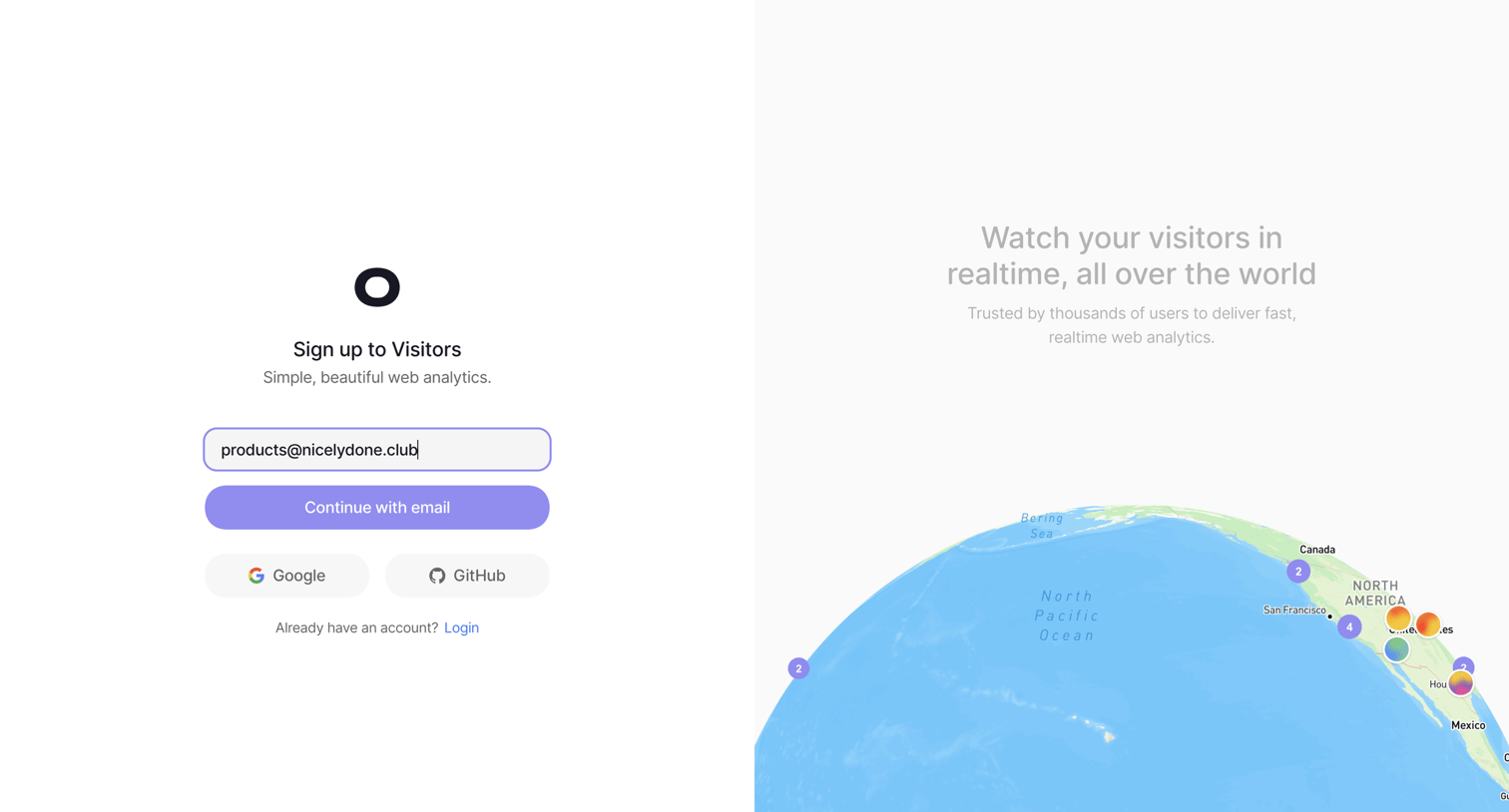
Signup screen where the user can create an account using their email address, Google, or GitHub, alongside a live 3D globe visualization of web traffic.

Create account - Visitors from Visitors
Visitors logo
Visitors

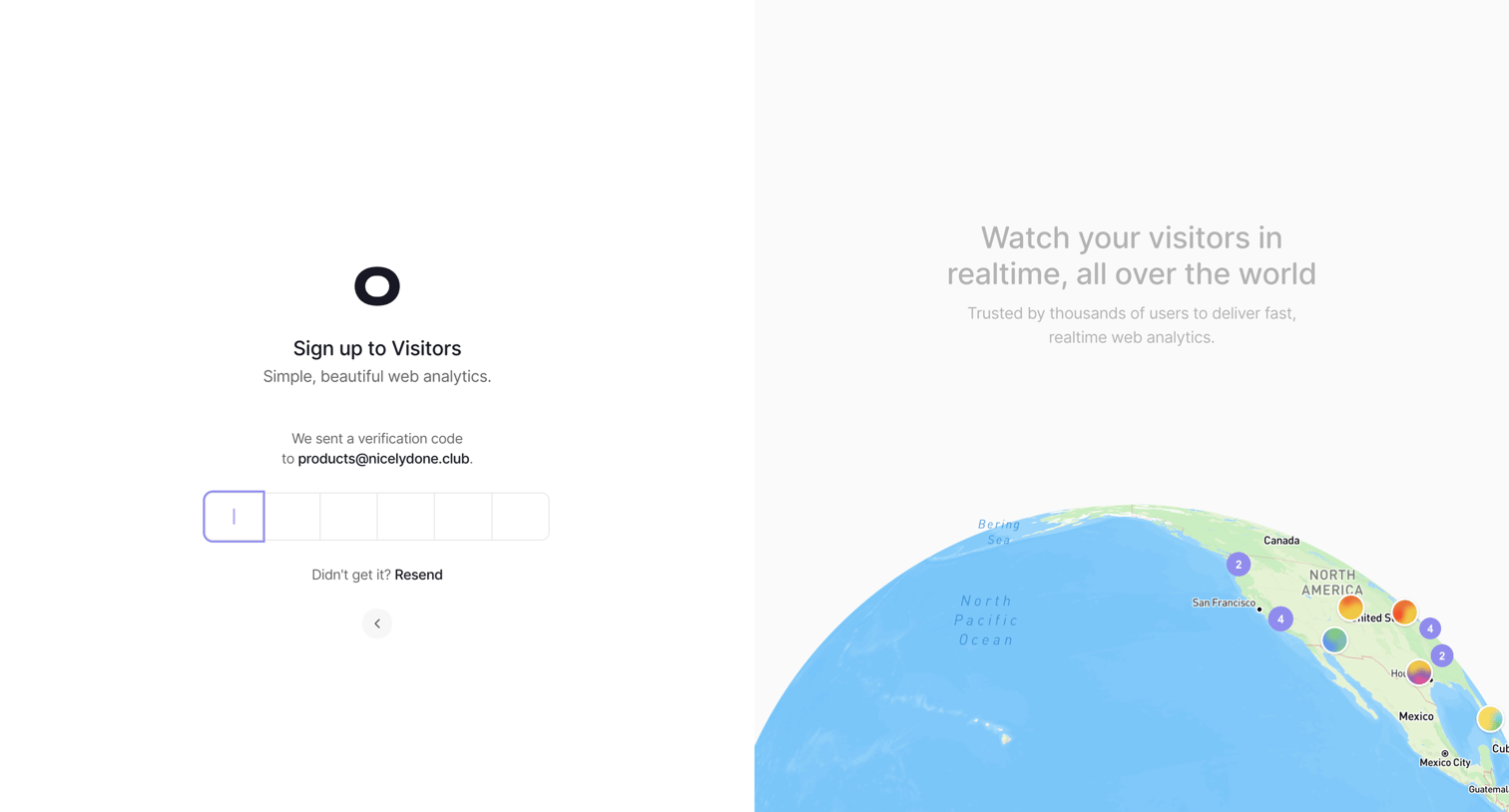
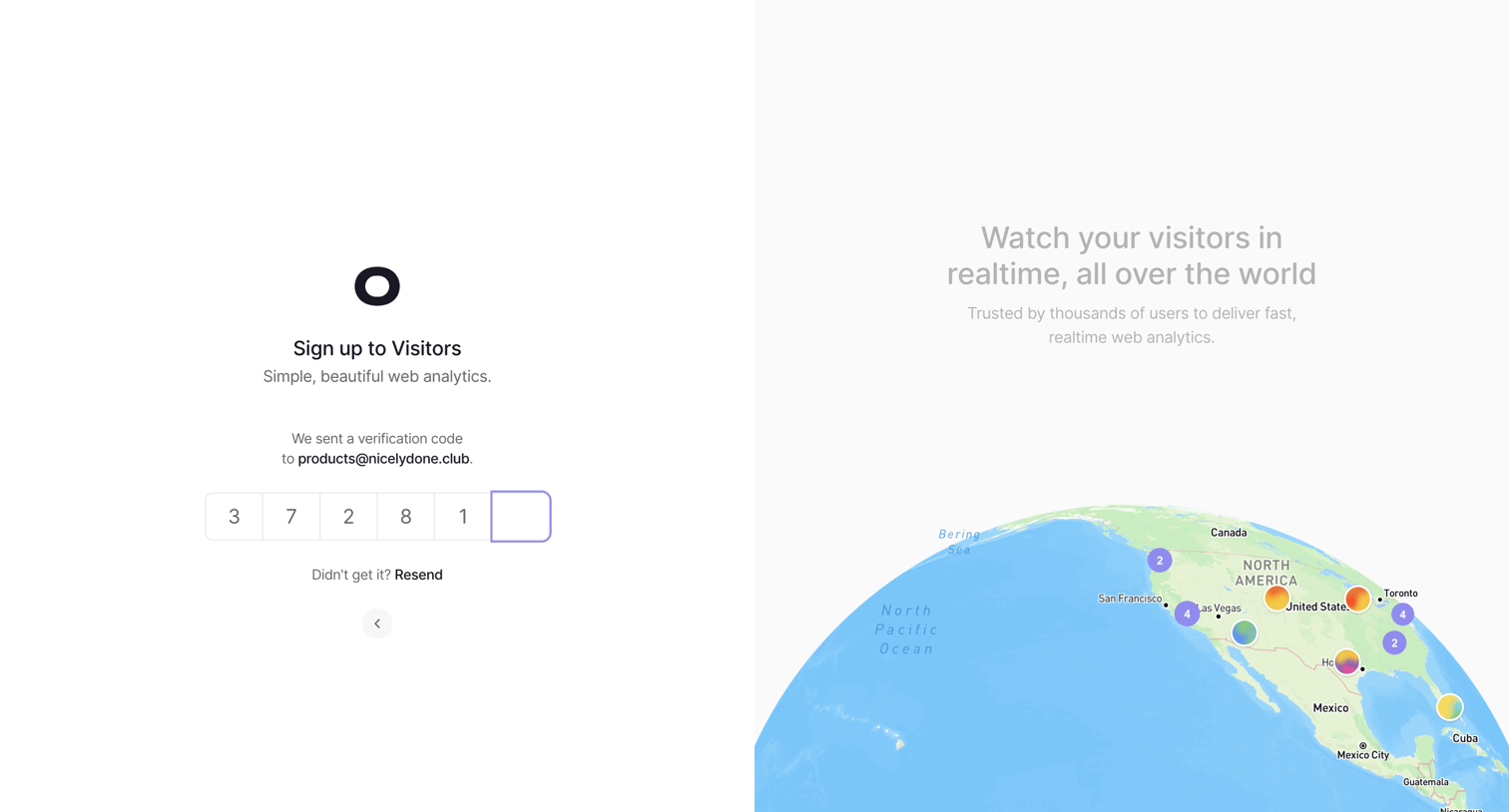
Auth screen where the user enters a 6-digit verification code sent to their email to complete signup, featuring a realtime globe visualization on the side.
visitors.now/onboarding/account from Visitors
Visitors logo
Visitors

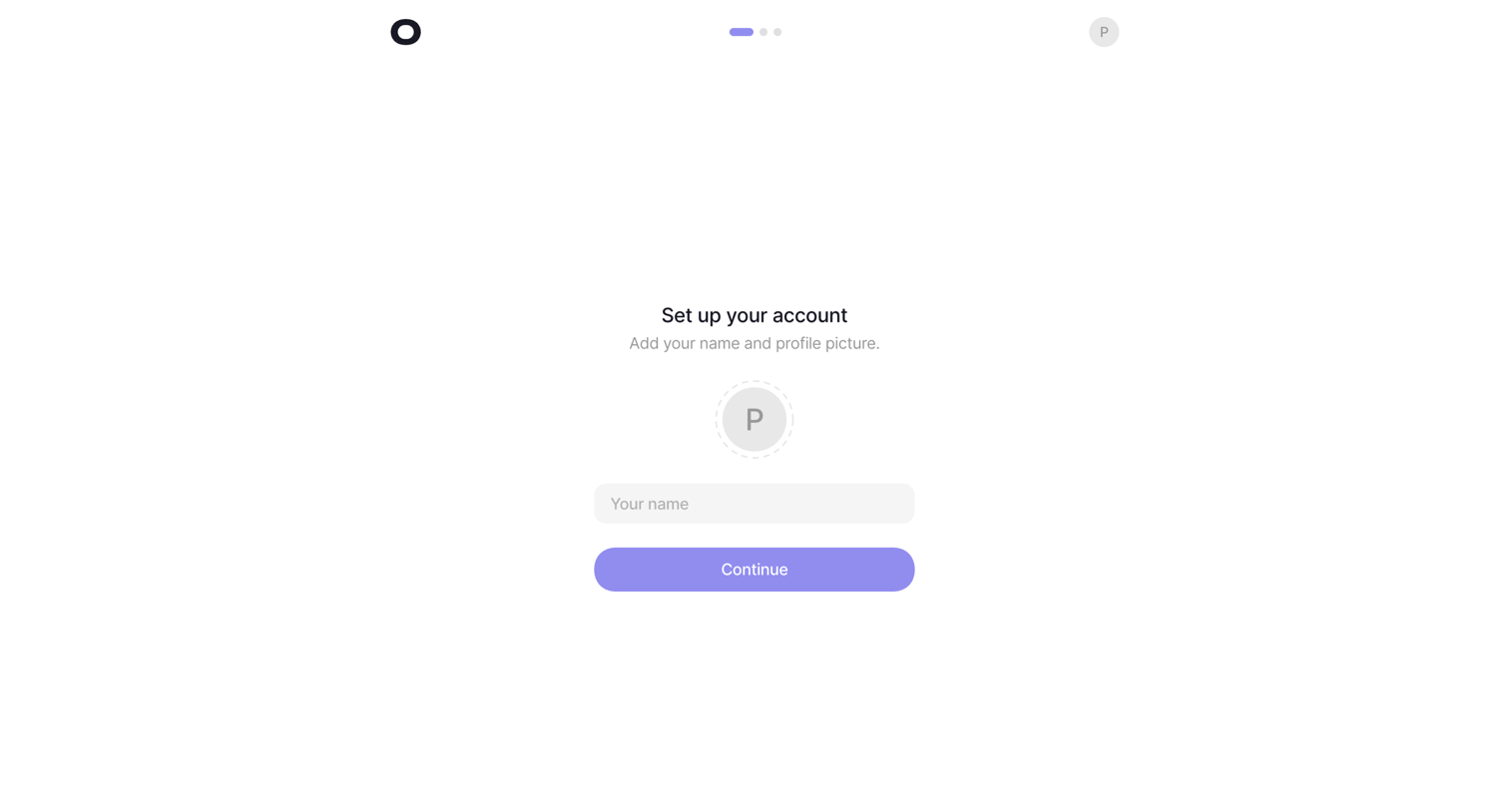
Onboarding step where the user sets up their account by adding their name and profile picture.
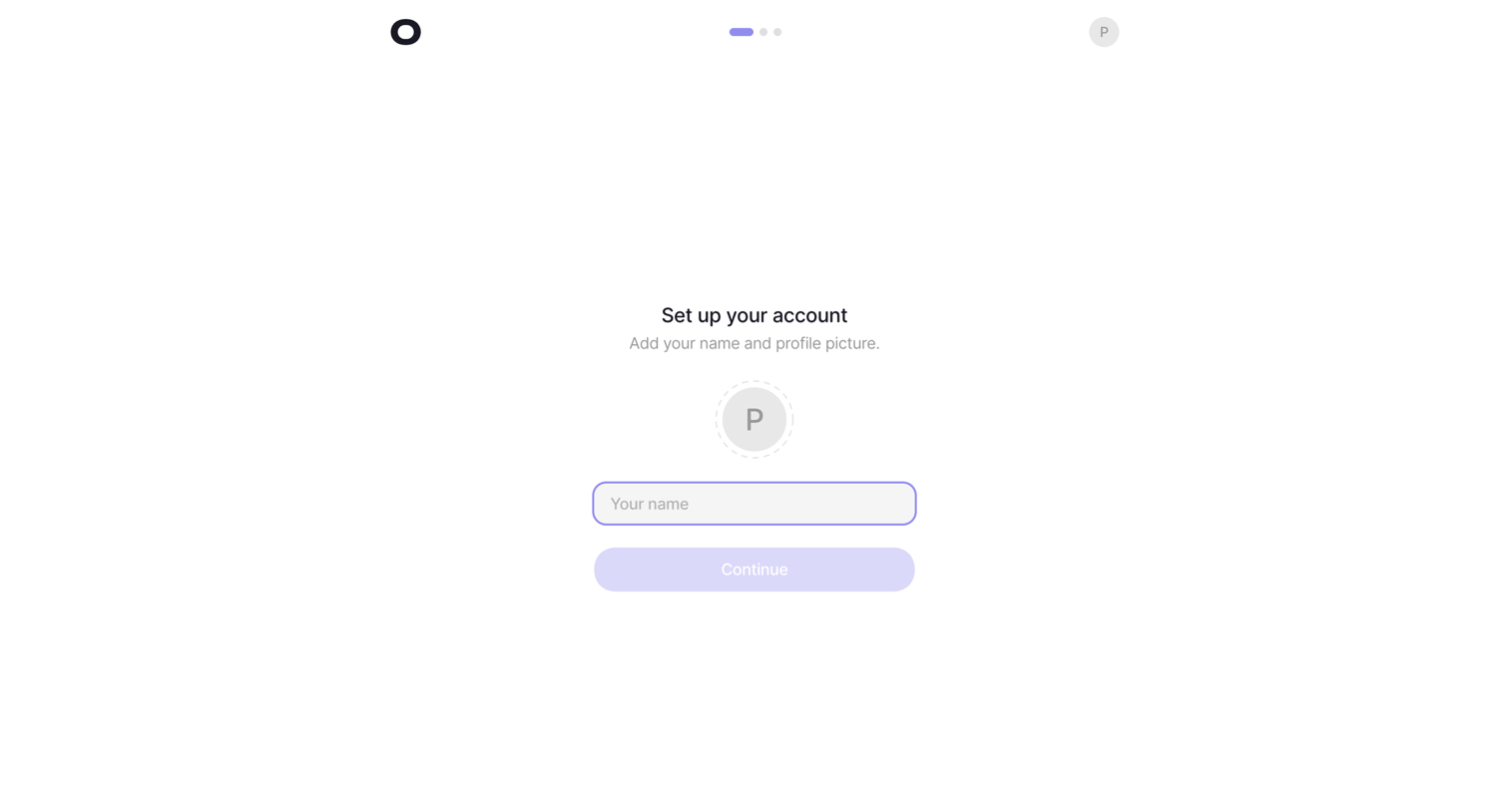
visitors.now/onboarding/account from Visitors
Visitors logo
Visitors

Onboarding step where the user sets up their account by adding their name and a profile picture.
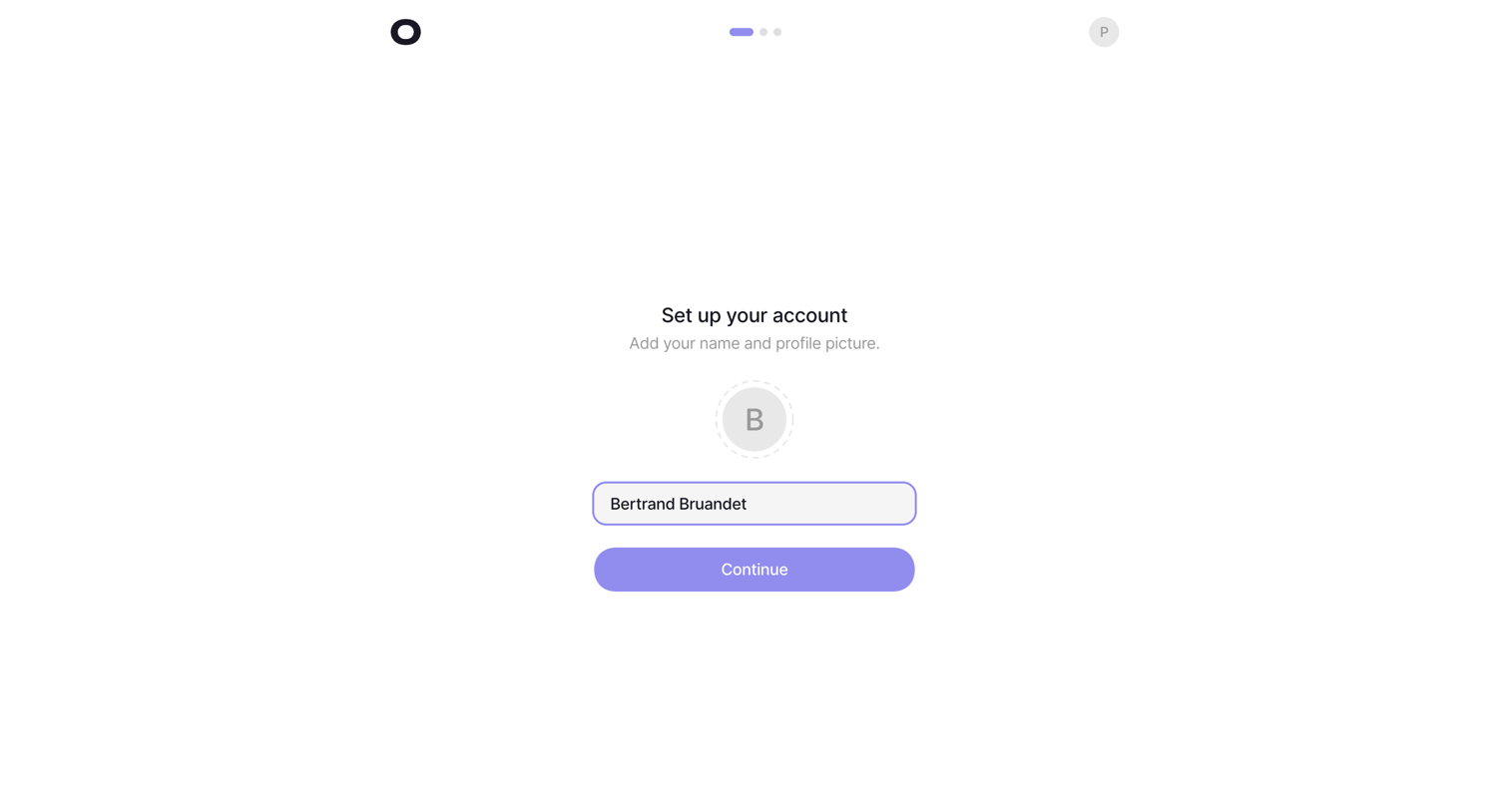
visitors.now/onboarding/account from Visitors
Visitors logo
Visitors

Onboarding step where the user sets up their account by adding a profile picture and confirming their pre-filled name.
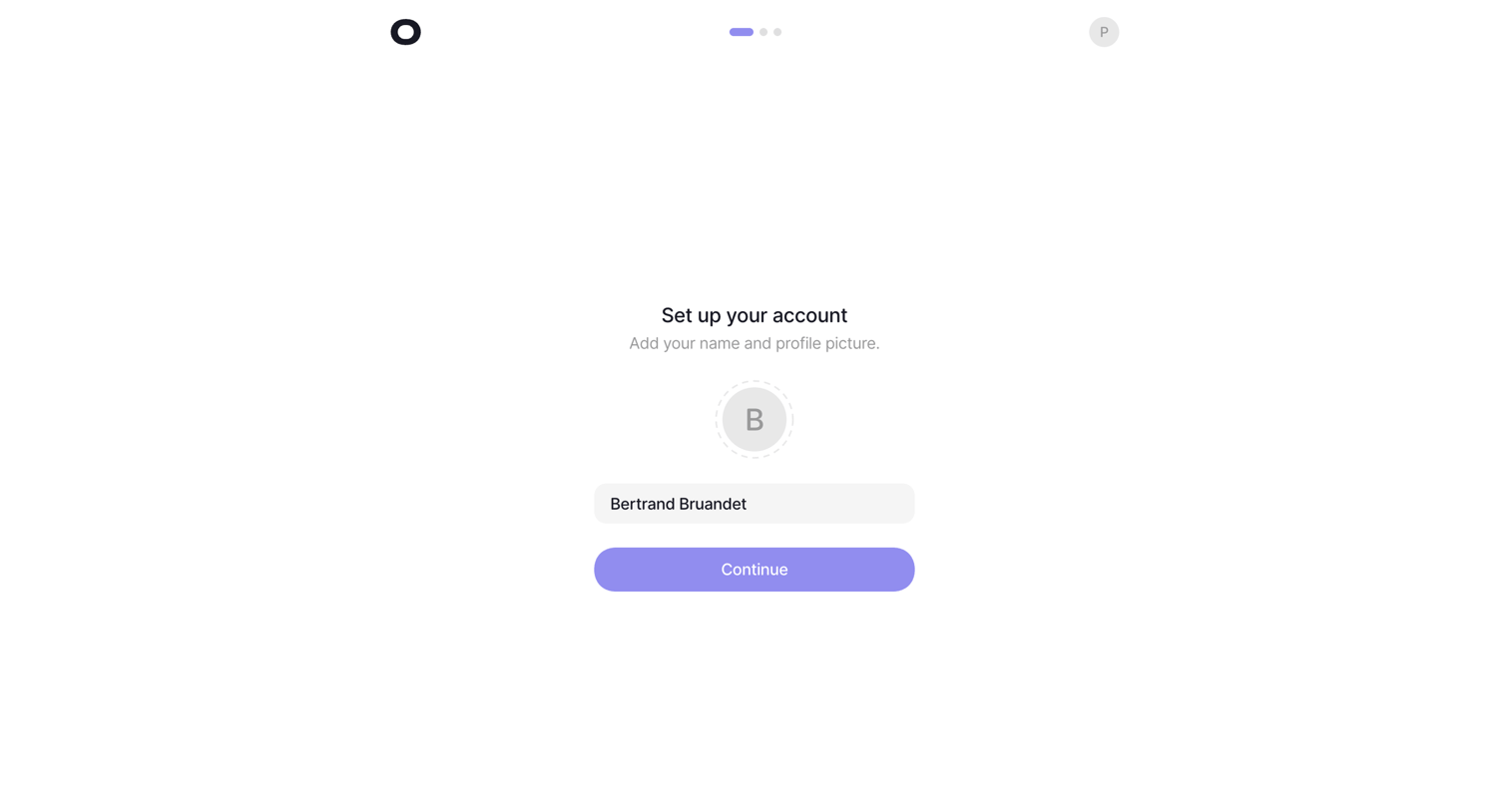
visitors.now/onboarding/project from Visitors
Visitors logo
Visitors

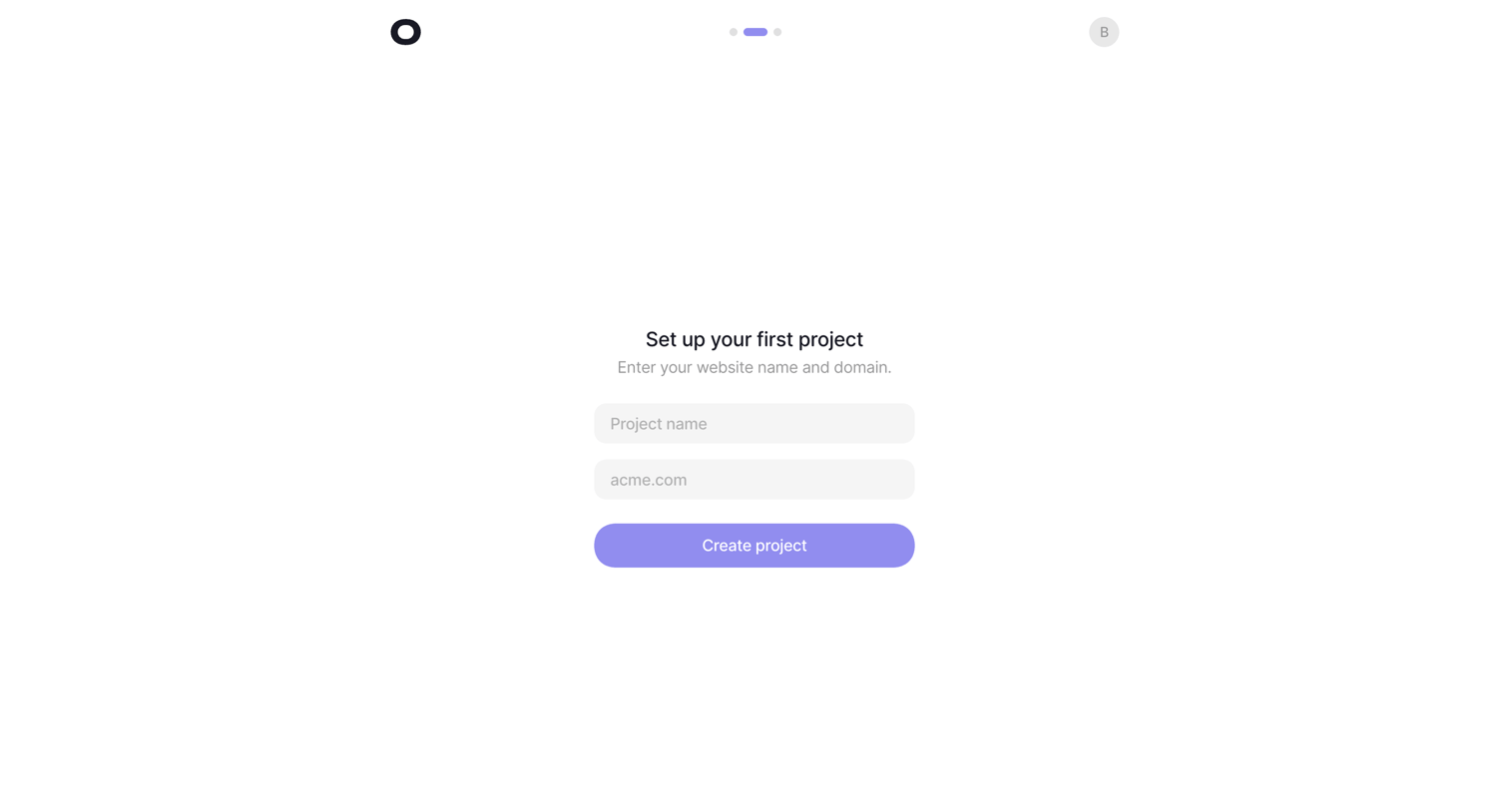
Onboarding step where the user names their first project and provides a website domain to complete setup.
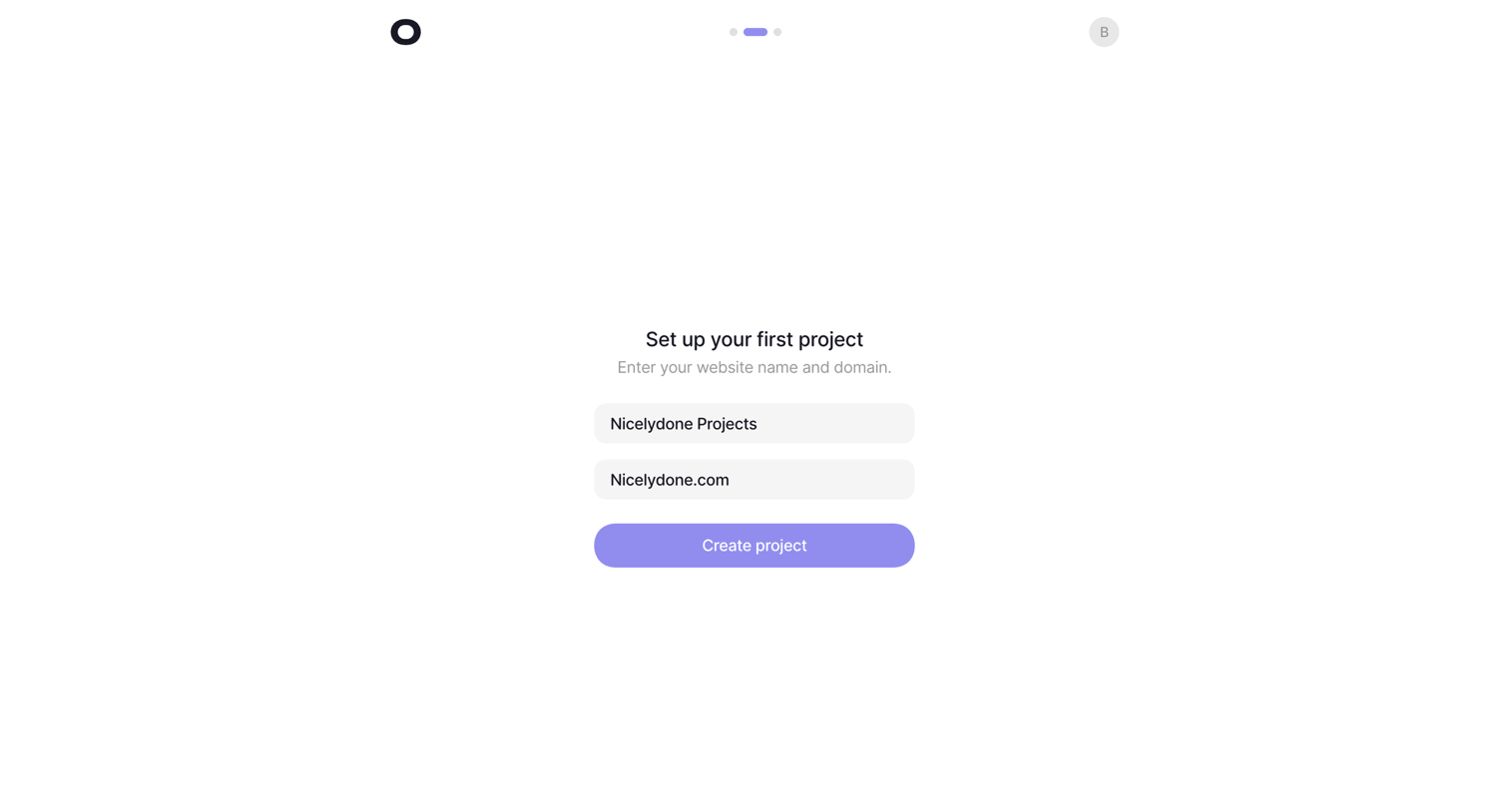
visitors.now/onboarding/project from Visitors
Visitors logo
Visitors

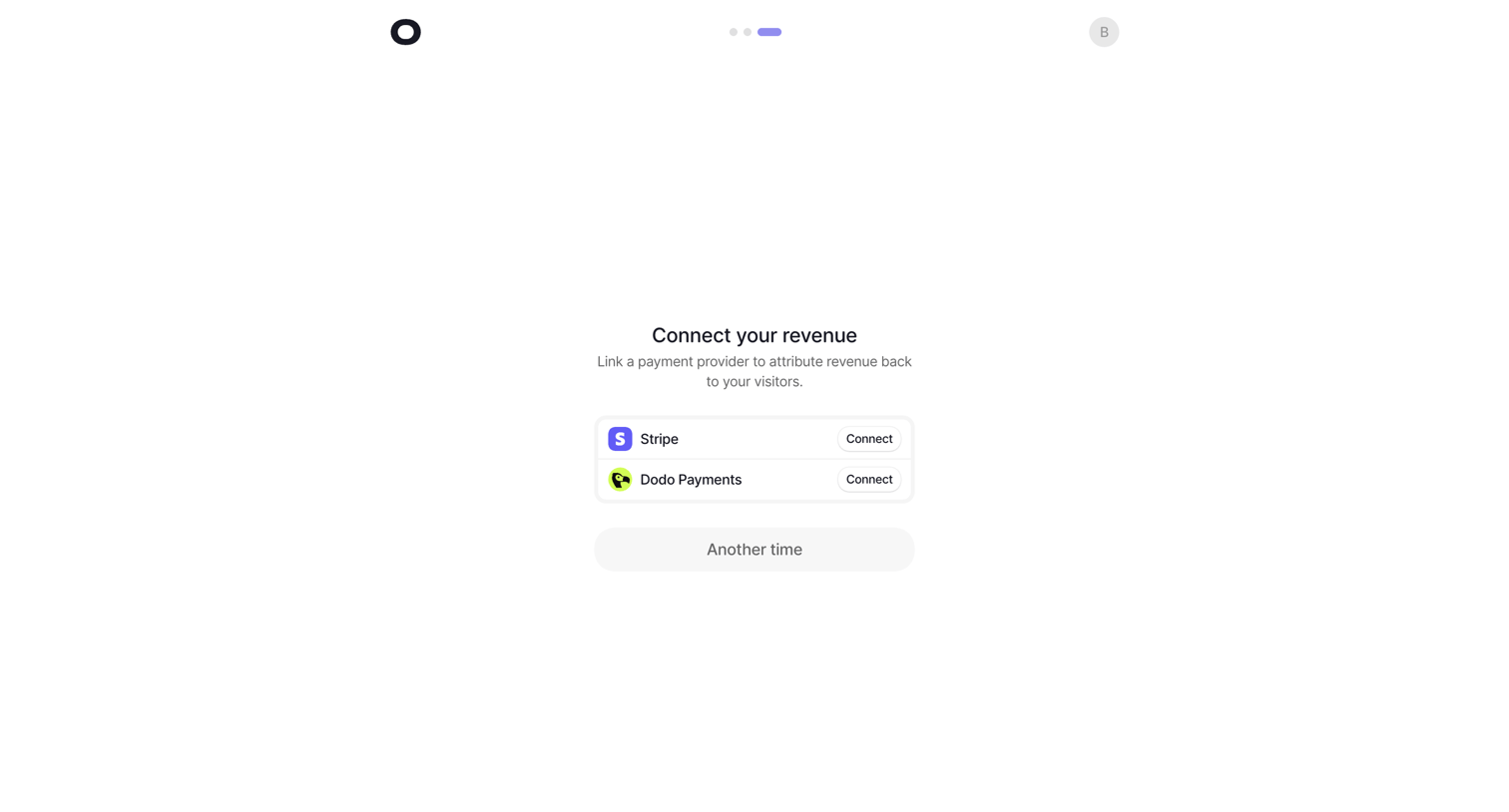
Onboarding step where the user connects a payment provider like Stripe or Dodo Payments to attribute revenue, or skips for another time.

Realtime on Nicelydone Projects - Visitors from Visitors
Visitors logo
Visitors

Dashboard map view showing an empty state modal prompting the user to install the tracking script to see real-time events.

Settings on nicelydone.com - Visitors from Visitors
Visitors logo
Visitors

Settings page where the user configures general project details like name, token, currency, and public stats visibility.

Settings on nicelydone.com - Visitors from Visitors
Visitors logo
Visitors

Settings page where the user configures general project details like the API token, display currency, public stats visibility, and project deletion.

Settings on nicelydone.com - Visitors from Visitors
Visitors logo
Visitors

Settings page where the user configures their project token, display currency, and can permanently delete the project.

Explore the full SaaS screen library

Upgrade to unlock the full library.

Trusted by the best teams