Strut design examples
Explore Strut UI design examples. The all-in-one AI workspace for writers
Product screens
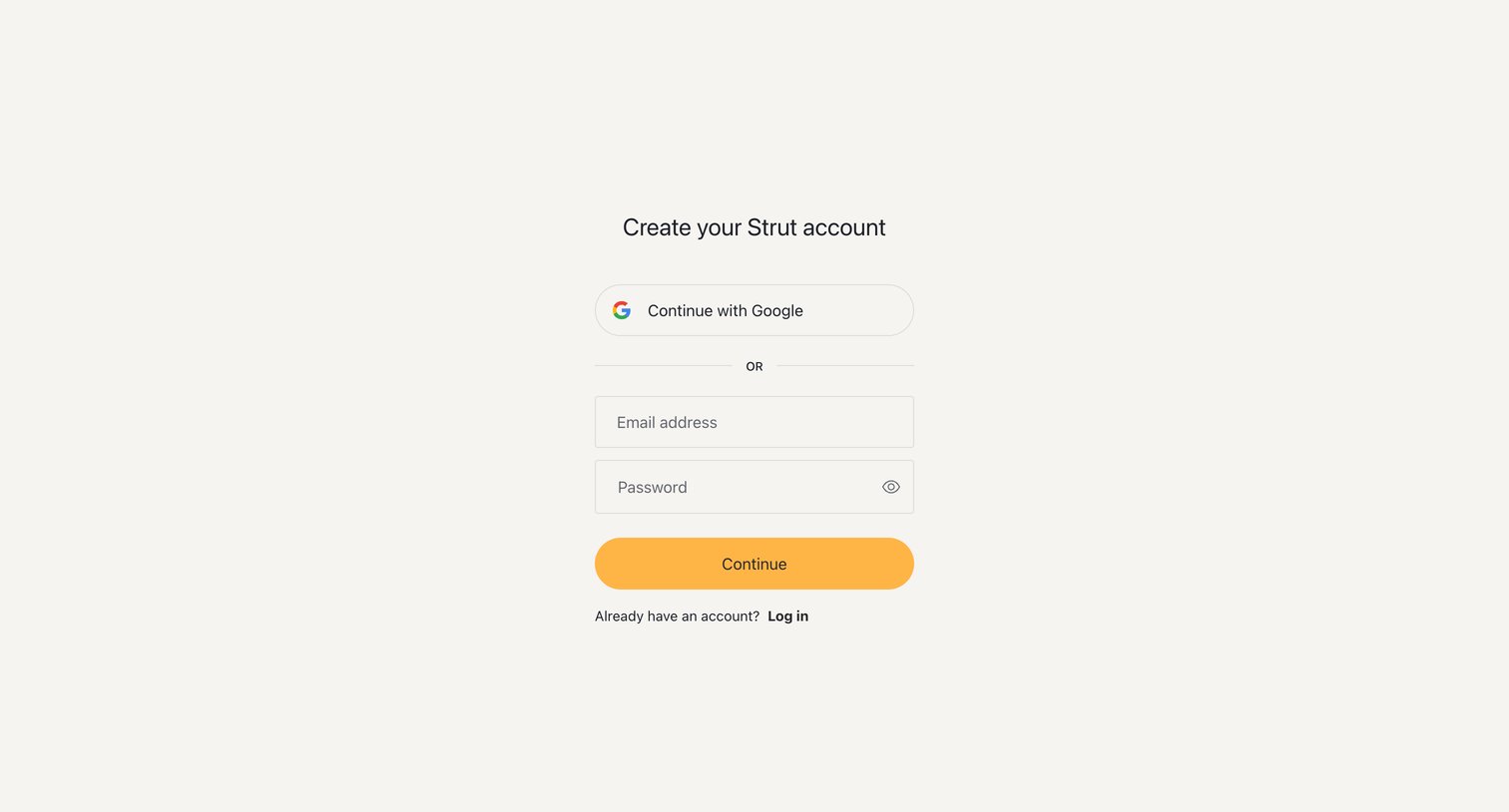
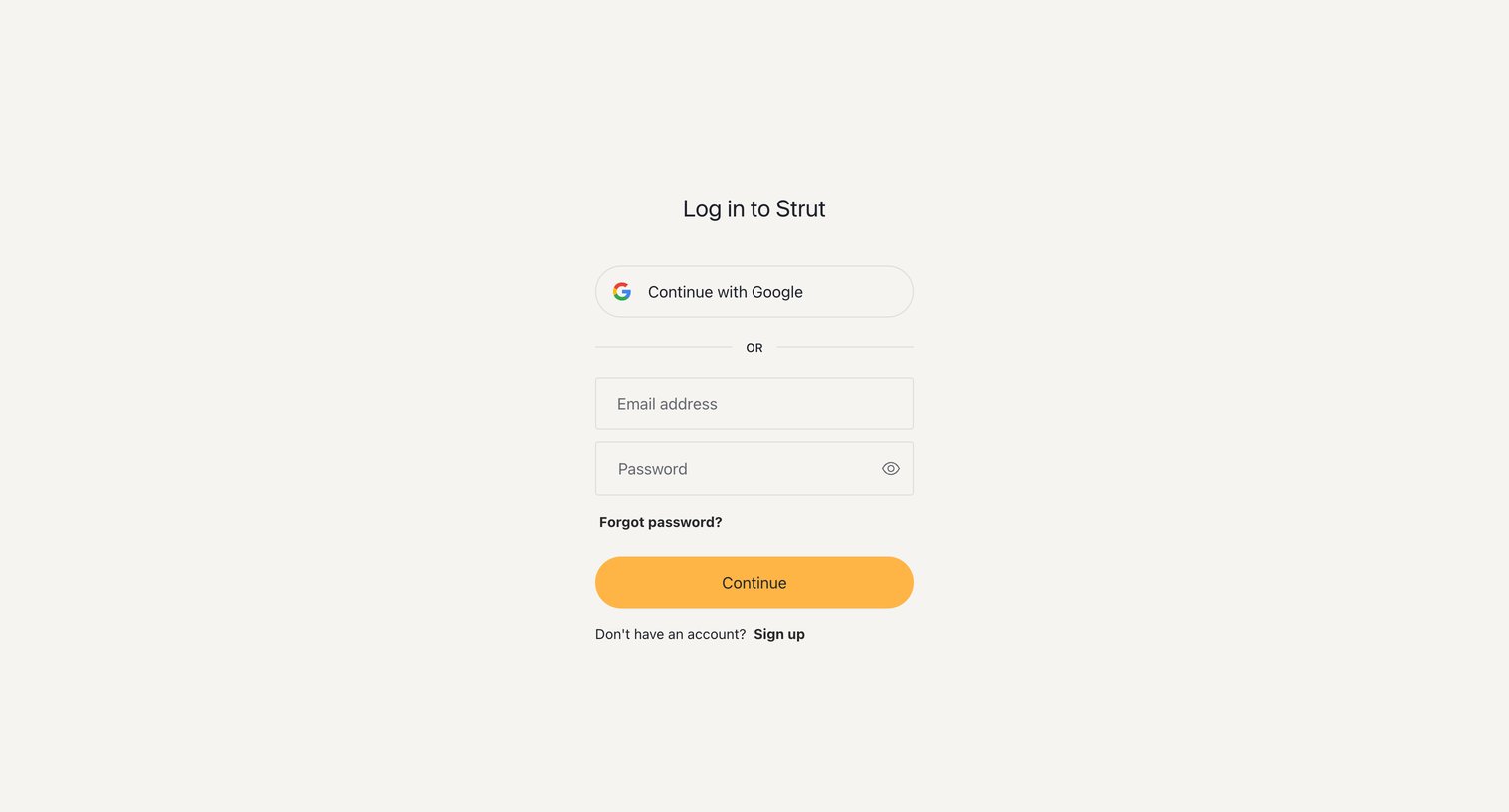

Sign-in screen where the user authenticates with Google or their email address and password.
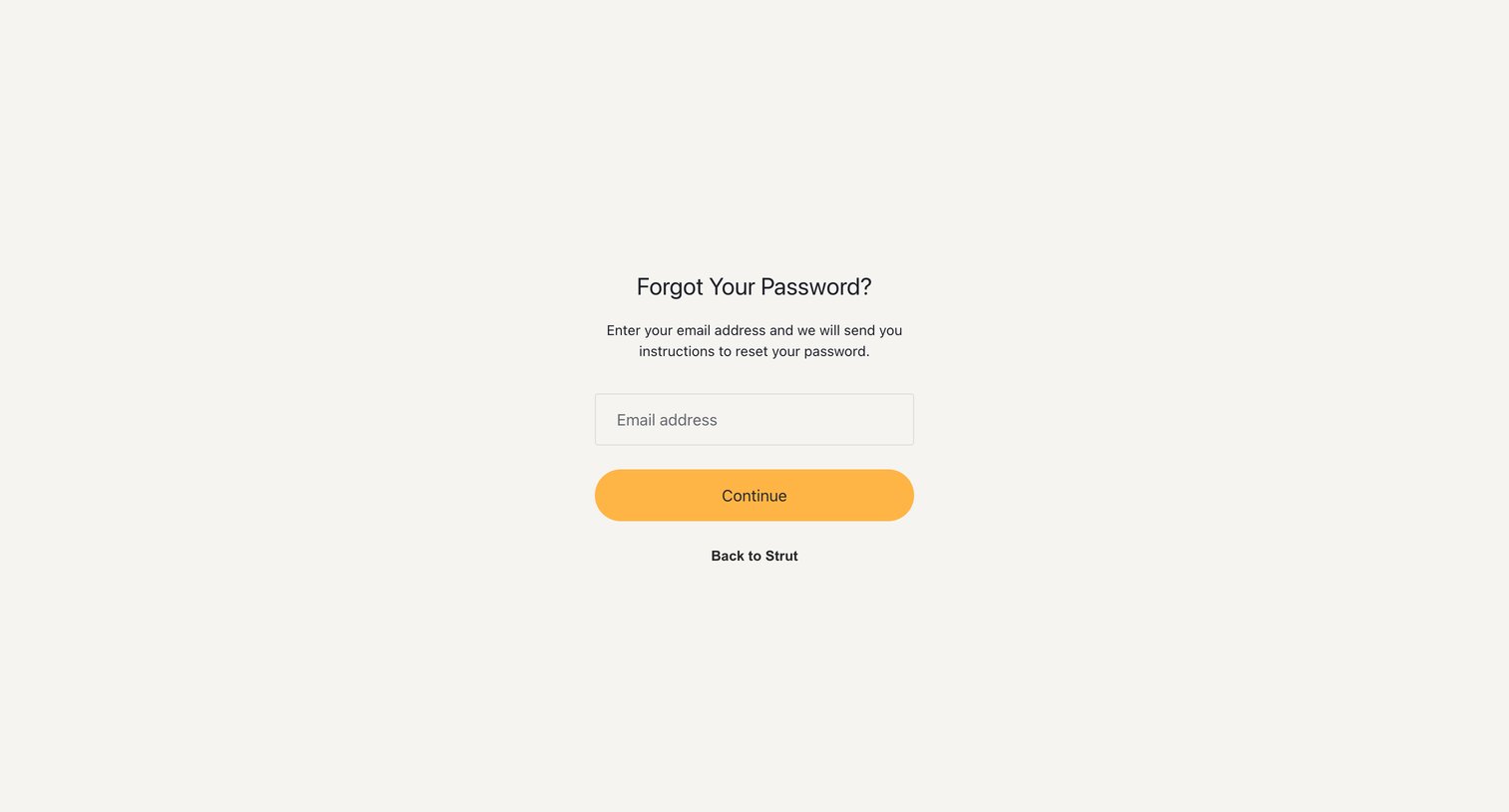
Password recovery screen where the user enters their email address to receive reset instructions.
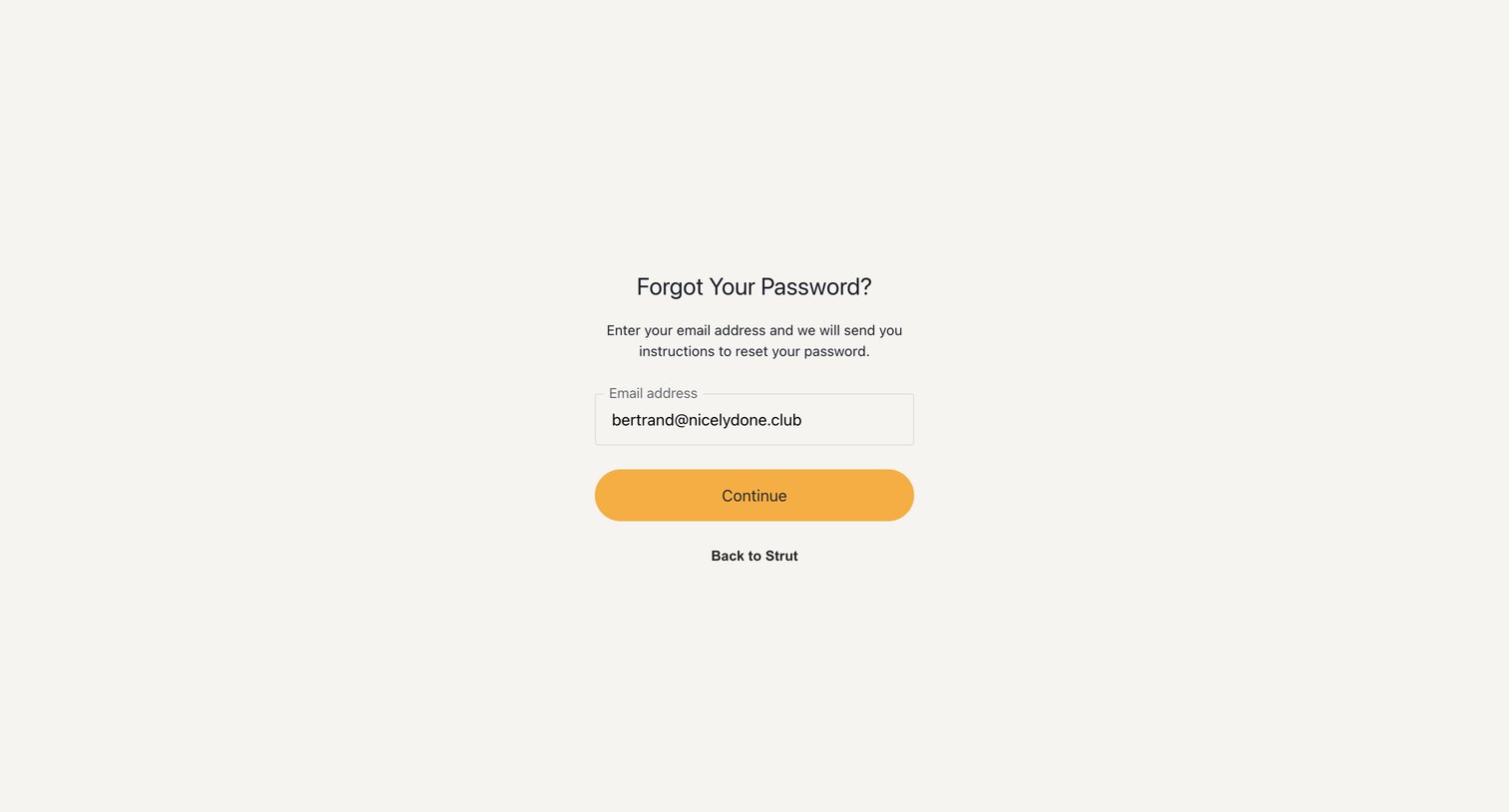
Password recovery screen where the user enters their email address to receive reset instructions.
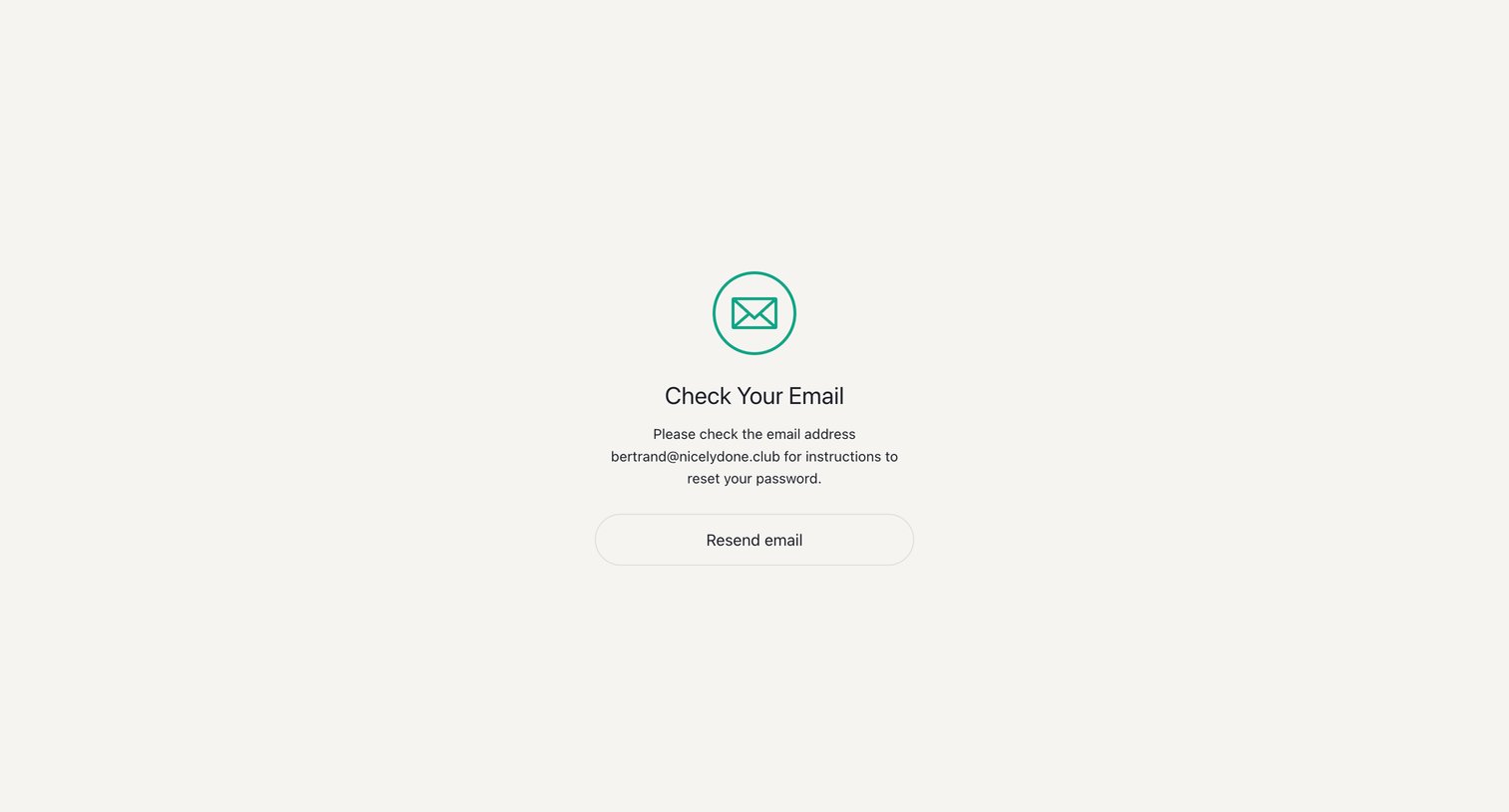
Password recovery screen instructing the user to check their email for reset instructions.
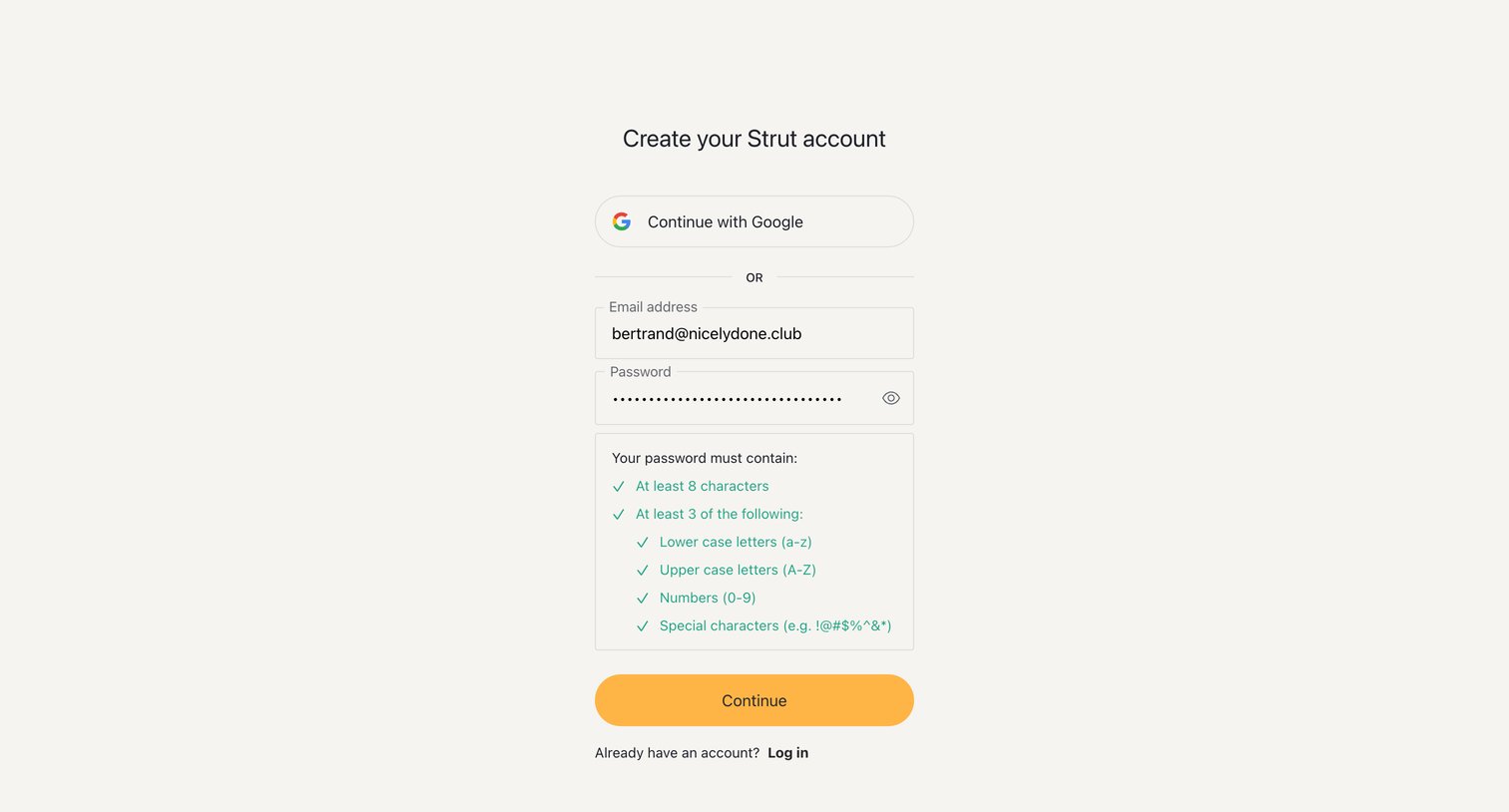
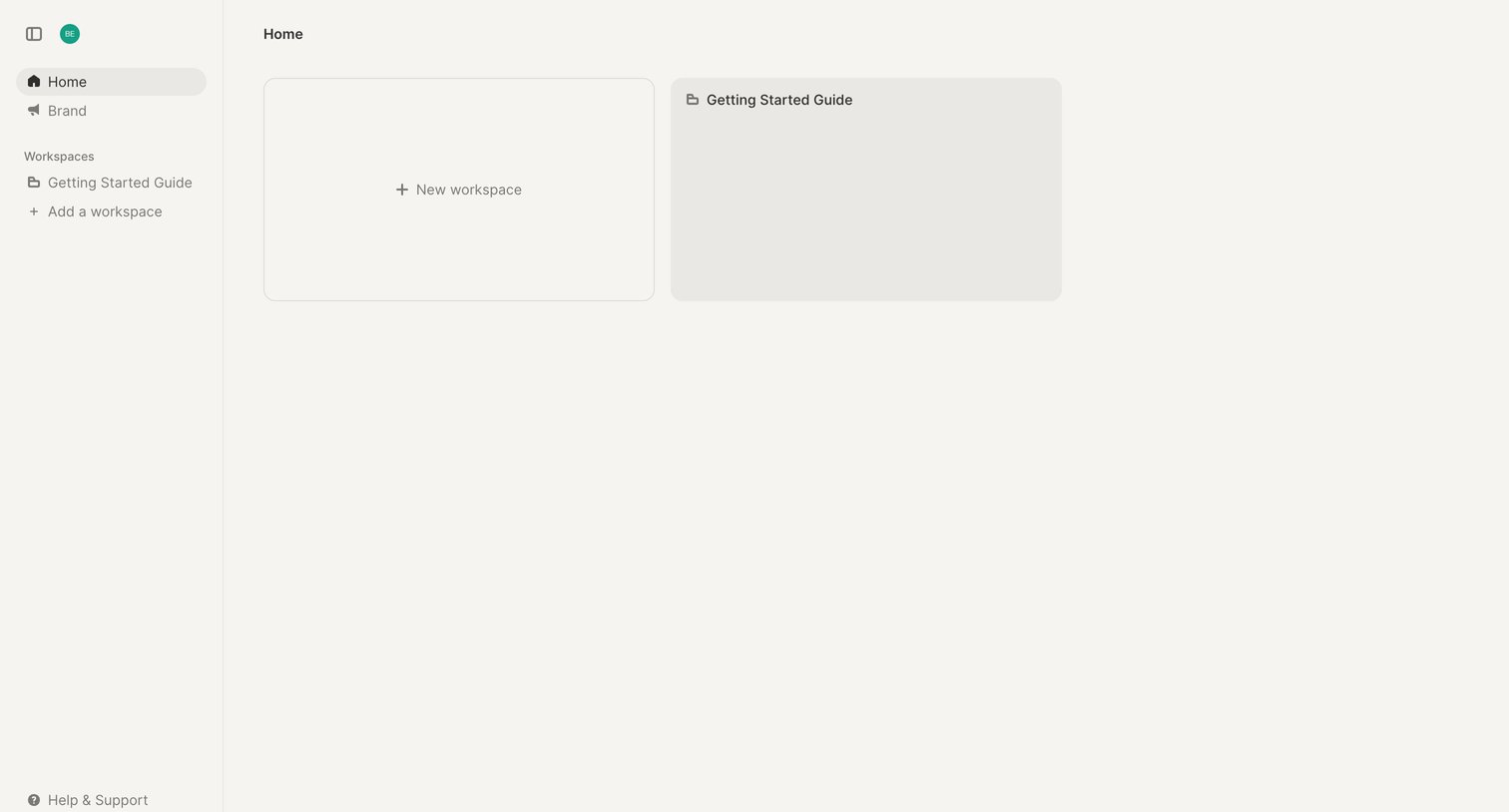
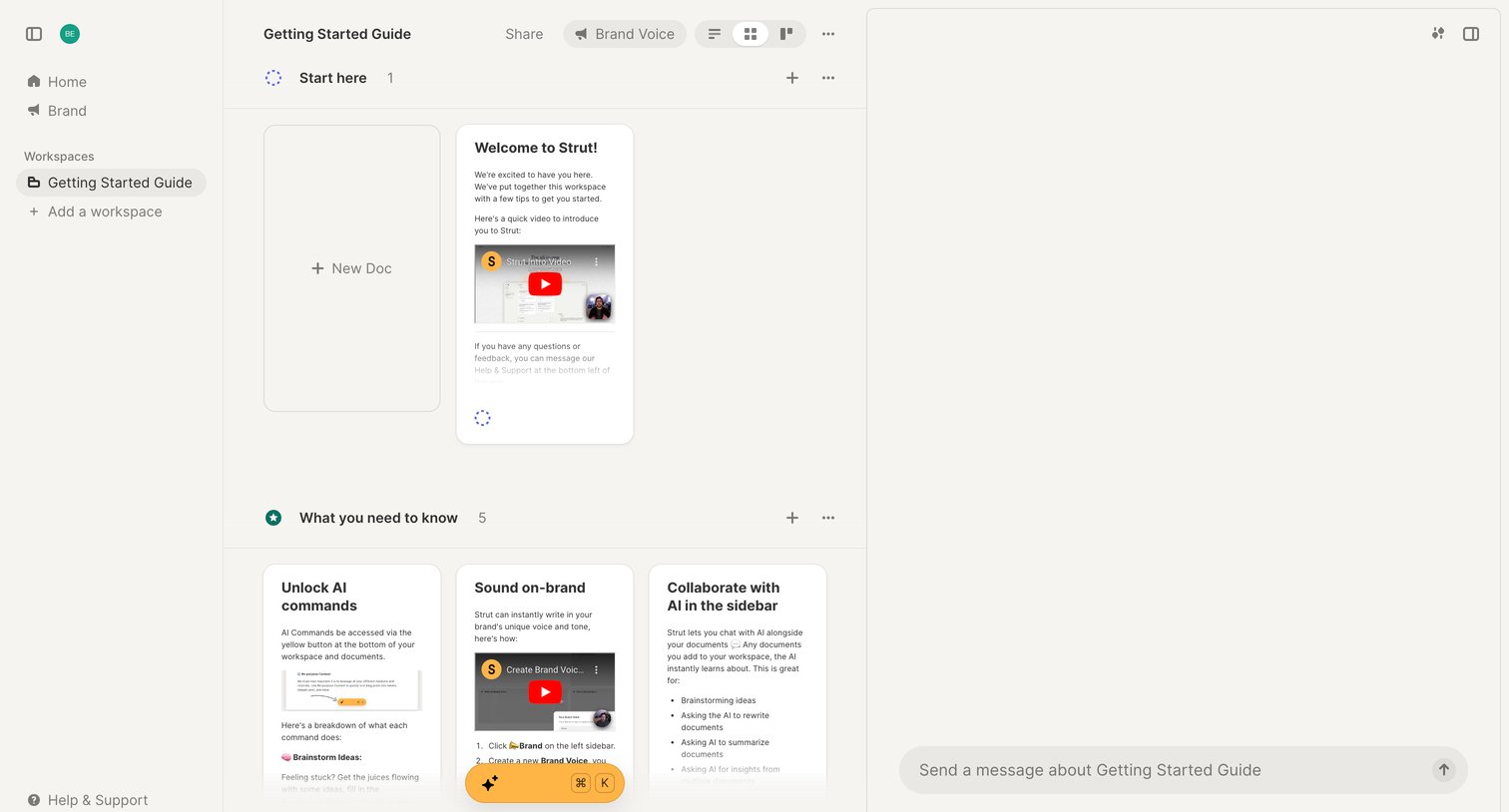
Workspace view where the user browses onboarding documents and tutorial videos alongside an AI chat sidebar.
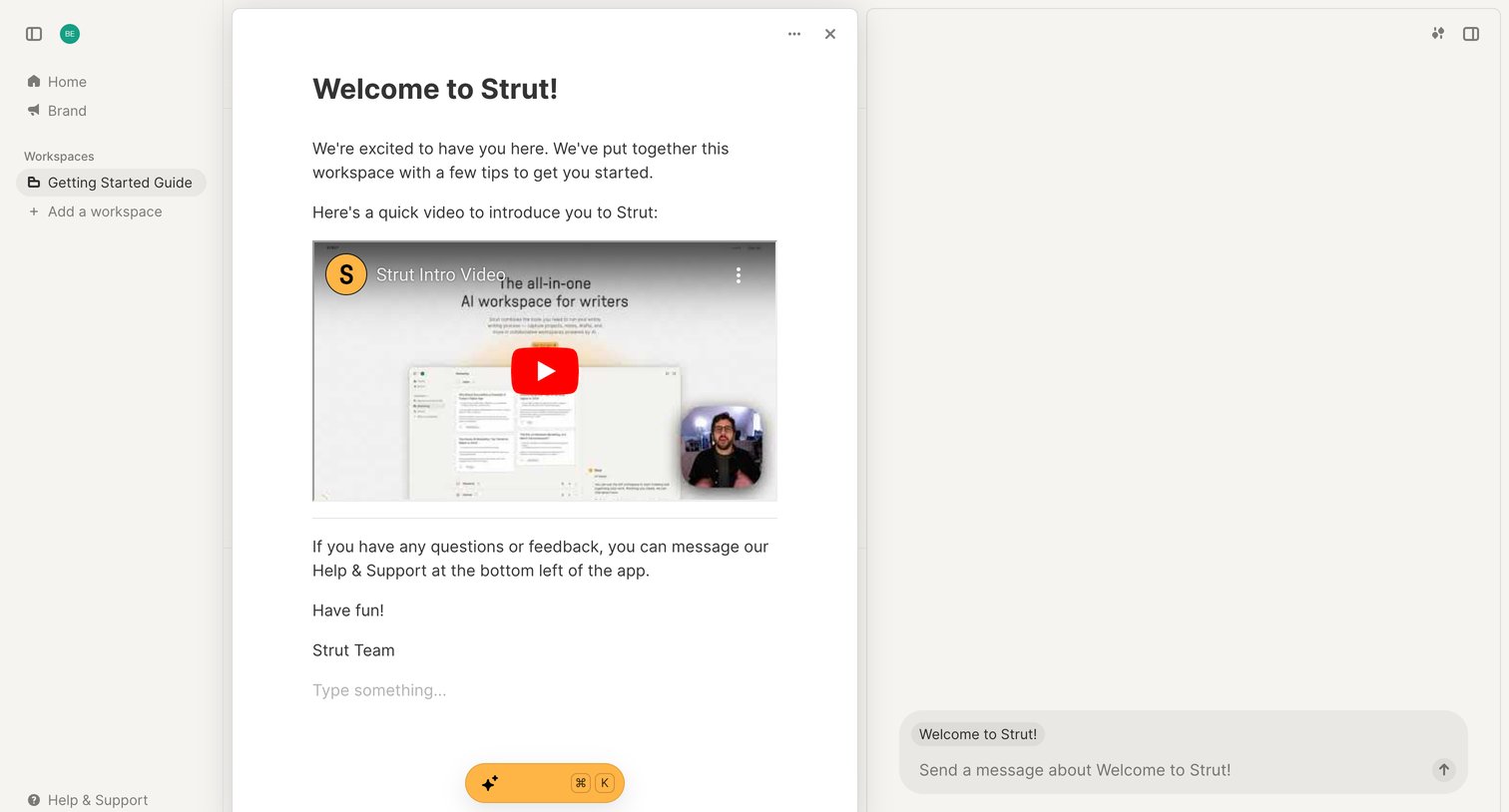
Content editor where the user reads a welcome guide containing an introductory video and can ask an AI assistant questions about the document.
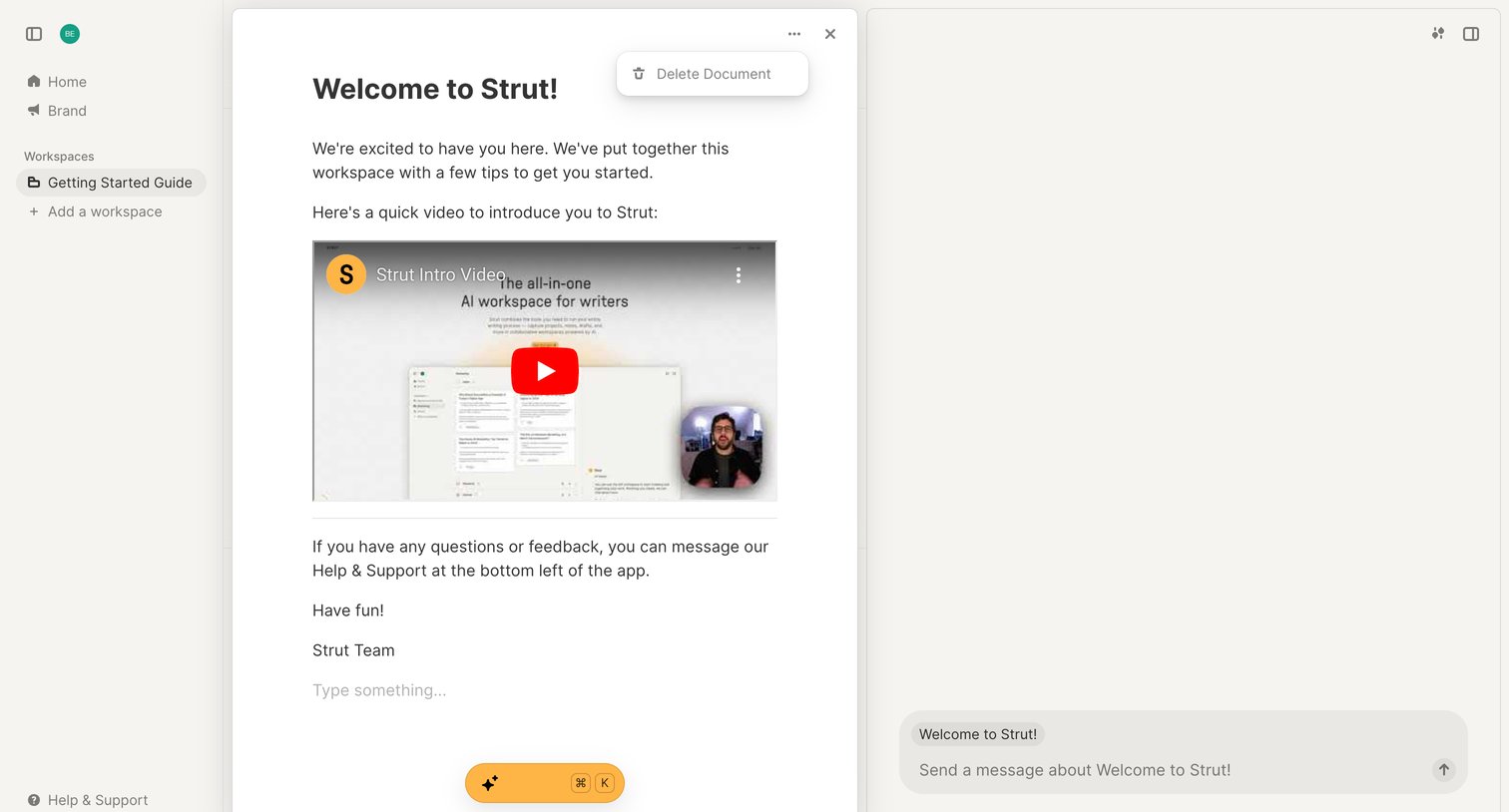
Content editor displaying a welcome onboarding document with an embedded video, alongside a persistent AI assistant chat panel.
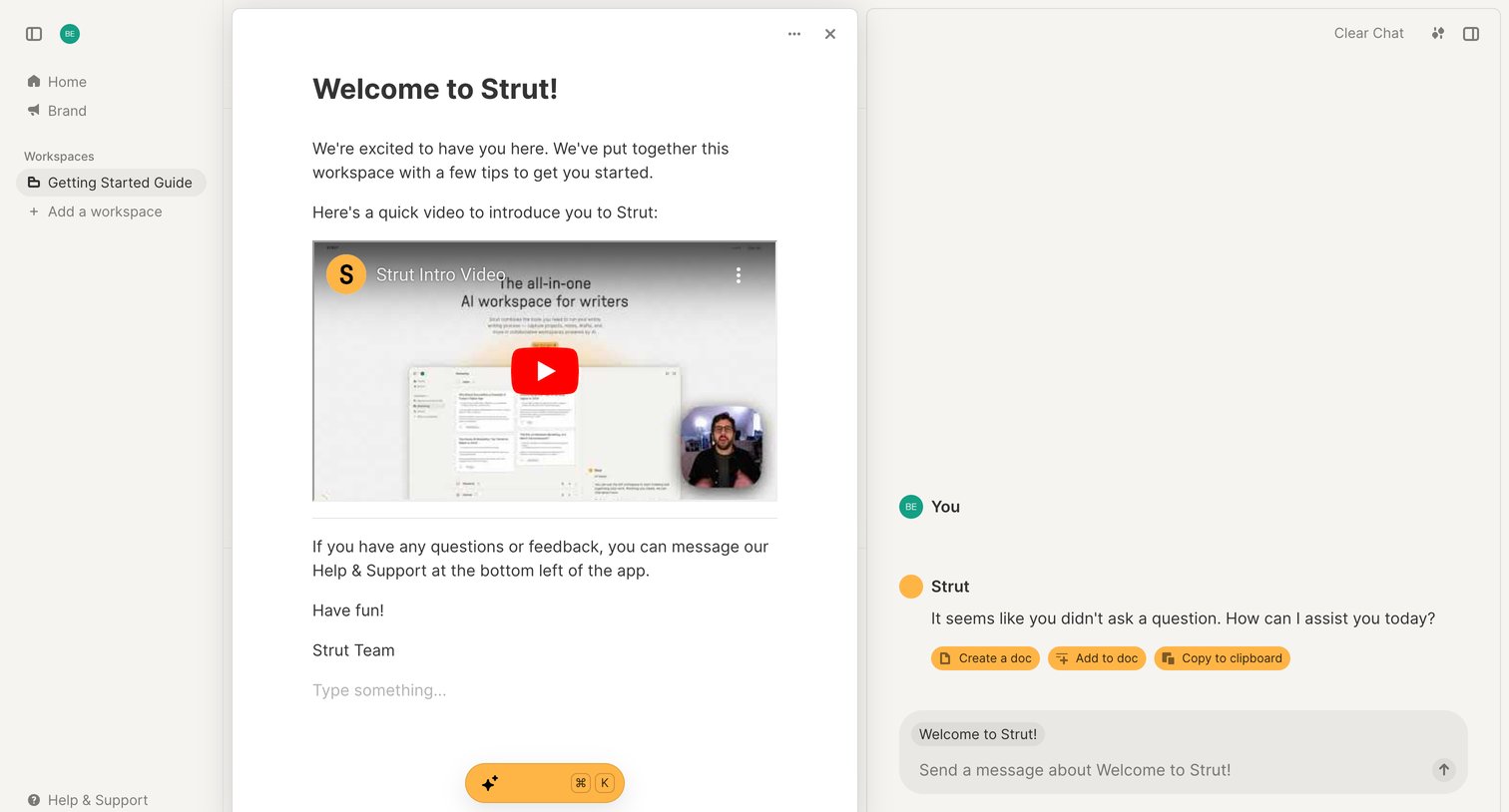
Onboarding document editor showing a welcome guide with an embedded video, alongside an AI chat sidebar for assistance.
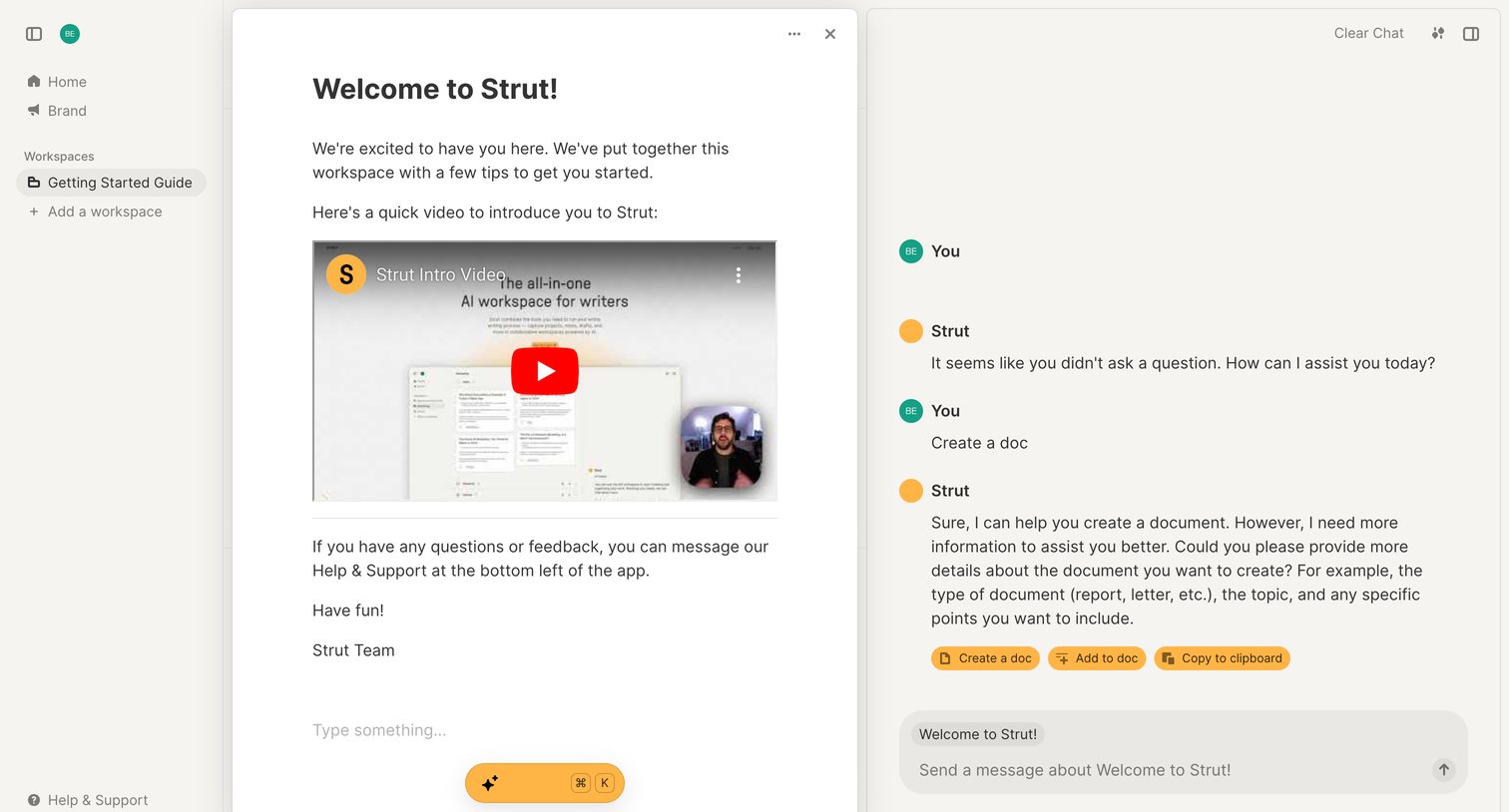
Content editor showing a welcome guide with an embedded video, alongside an AI assistant panel for contextual chat and document actions.
Browse the full SaaS app library
Explore real SaaS apps with their product screens, marketing screens, flows, and components.
Trusted by the best teams







