Strut UI components examples
Browse Strut UI component design examples. Preview individual interface elements and explore related component categories. The all-in-one AI workspace for writers
Explore the examples
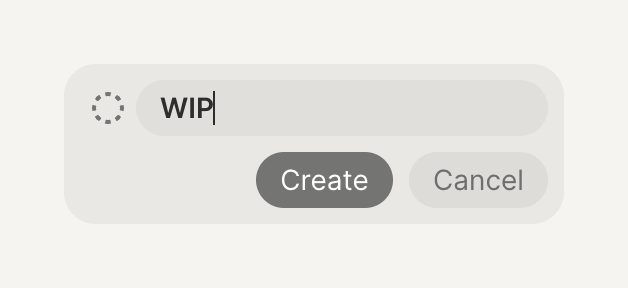

A small inline form used to create a new item, featuring a text input field currently containing the text 'WIP', a dashed circle icon, and 'Create' and 'Cancel' buttons.
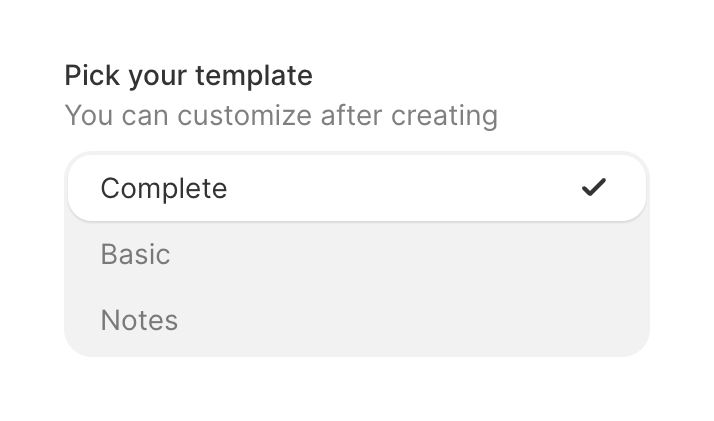
A vertical list of template options with a title and helper text. The selected option is highlighted with a white background and a checkmark icon.
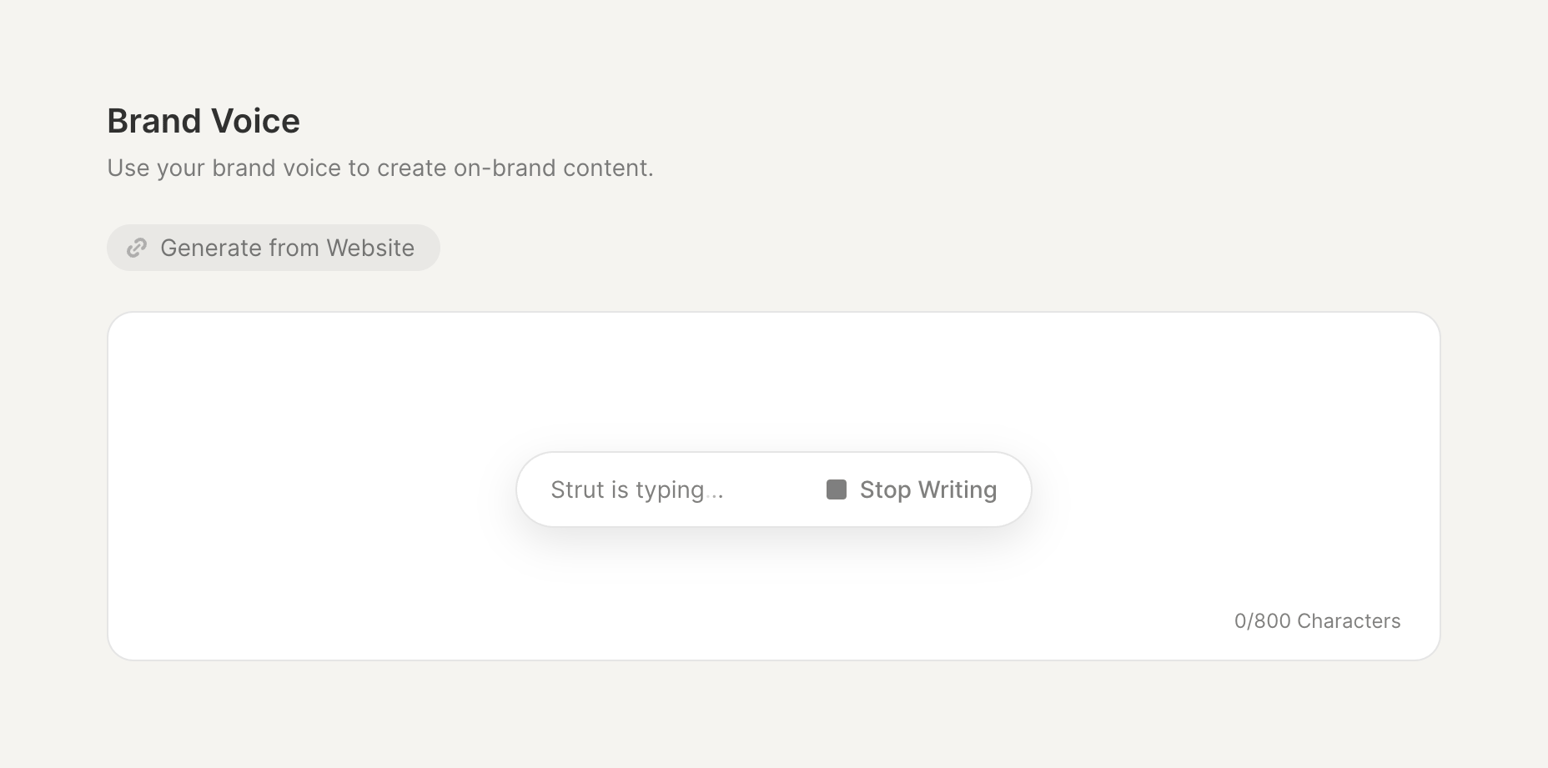
A section showing an AI actively generating content. It includes a title, a description, a button to generate from a website, and a large text area with a floating 'Stop Writing' control indicating the AI is typing.
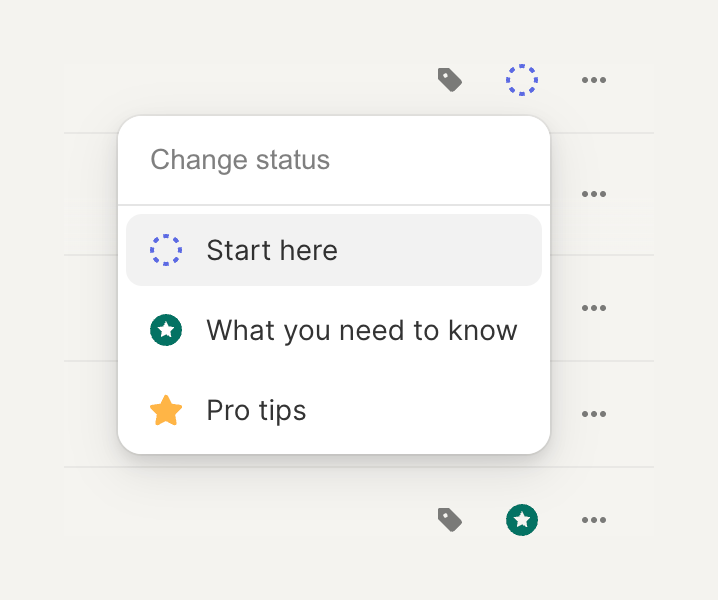
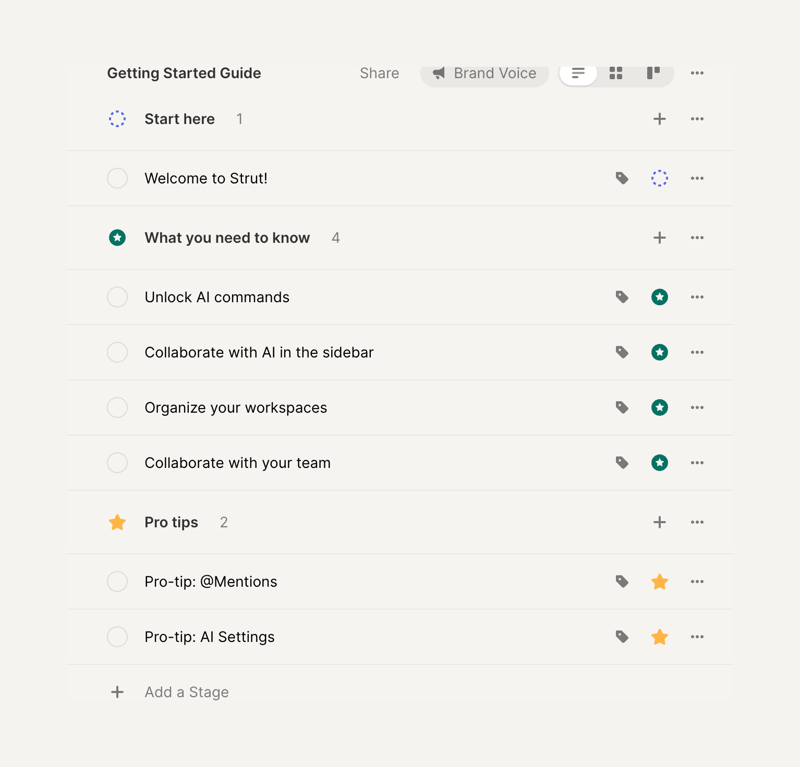
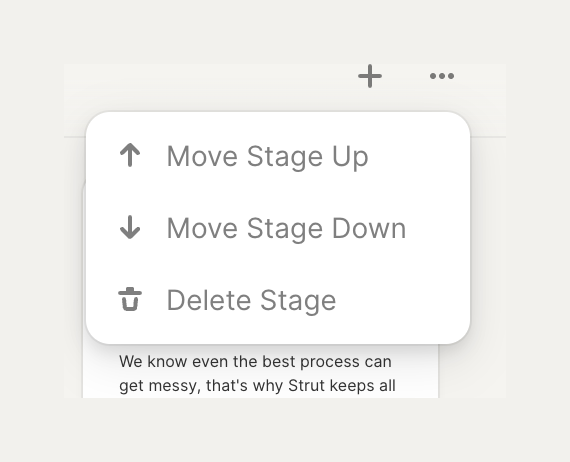
A dropdown menu providing actions to manage a stage, including moving it up or down, and deleting it.
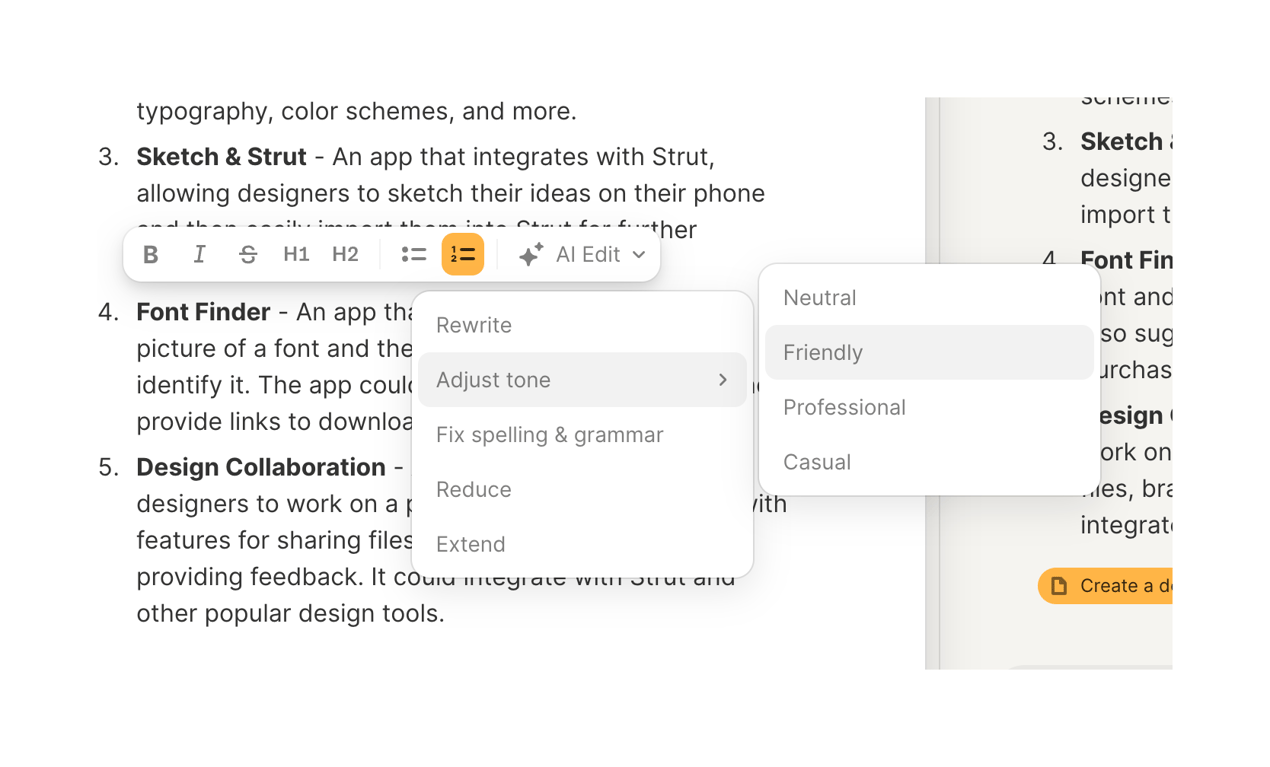
A floating rich text formatting toolbar with an AI Edit dropdown menu. The menu is expanded, showing options like Rewrite and Adjust tone. The Adjust tone option is hovered, revealing a nested submenu with tone options like Friendly.
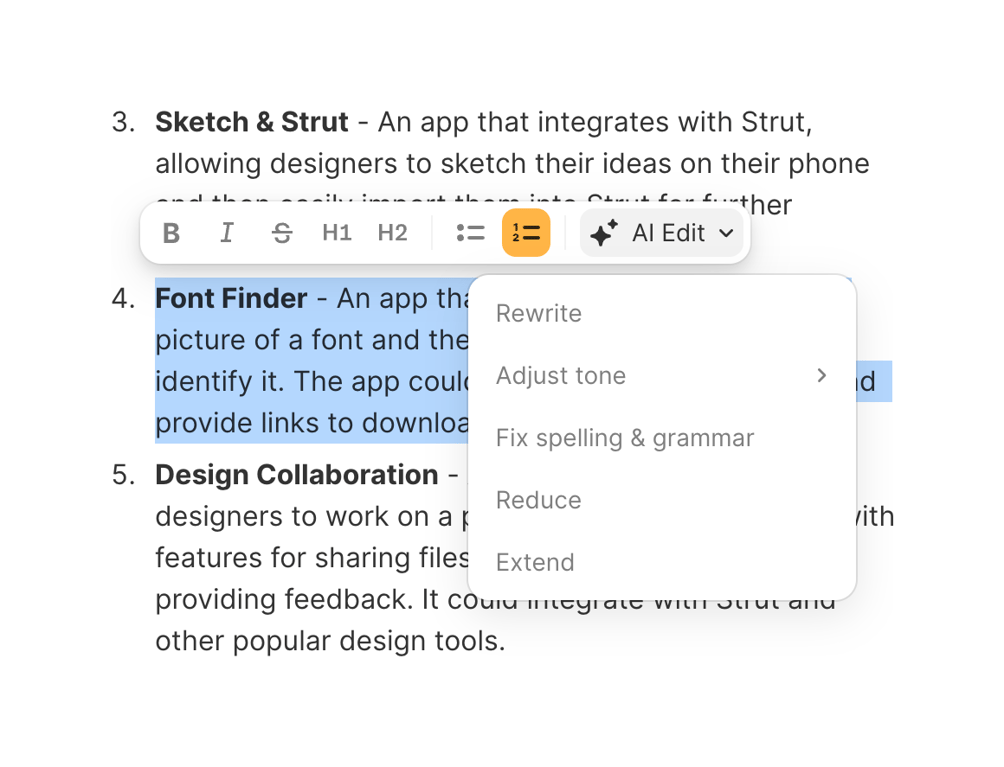
An inline text formatting toolbar with an active AI Edit dropdown menu, displayed over selected text in a document editor.
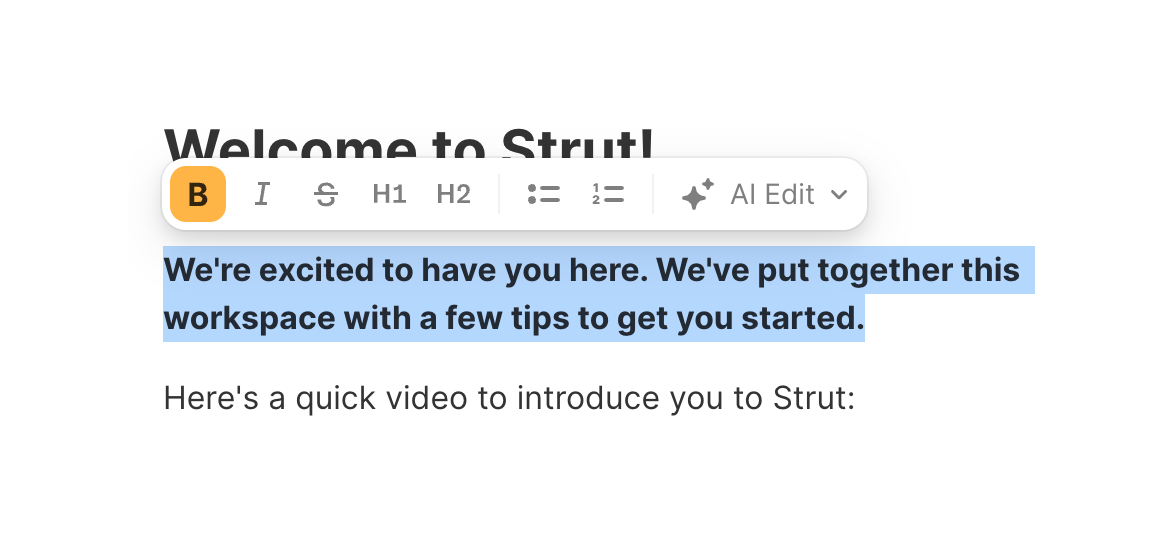
A floating toolbar that appears above selected text in a rich text editor, offering formatting options like bold, italic, headings, lists, and an AI edit menu.
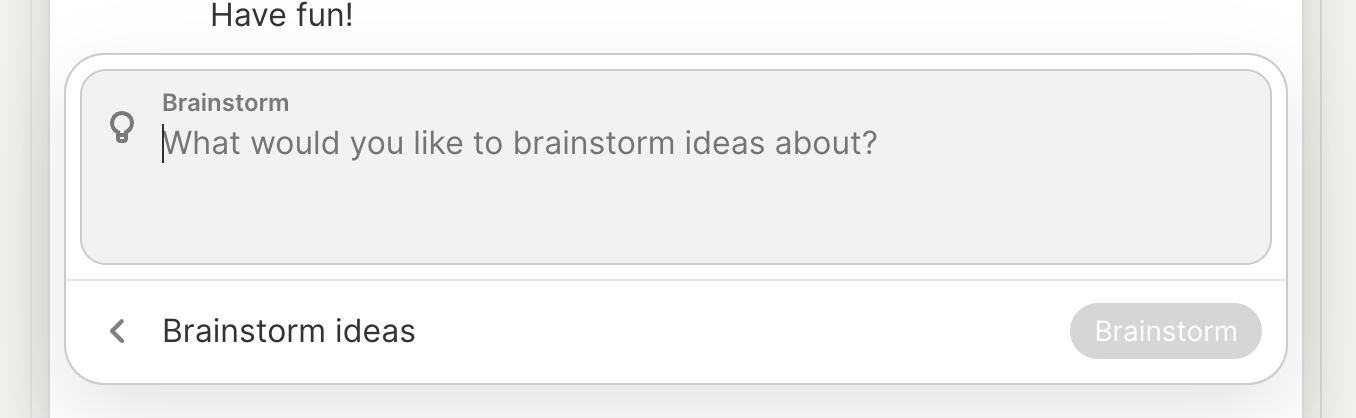
A text input field designed for brainstorming with an AI assistant. It features a light bulb icon, a placeholder asking what to brainstorm about, and a bottom action bar with a back button and a disabled 'Brainstorm' submit button.
Browse the full component library
Browse the full UI component library.
Trusted by the best teams







