Read.cv product screens examples
Browse Read.cv screen design examples. Preview the interface screenshots and explore related UI patterns. An ever extensible professional profile and personal archive
Explore the examples
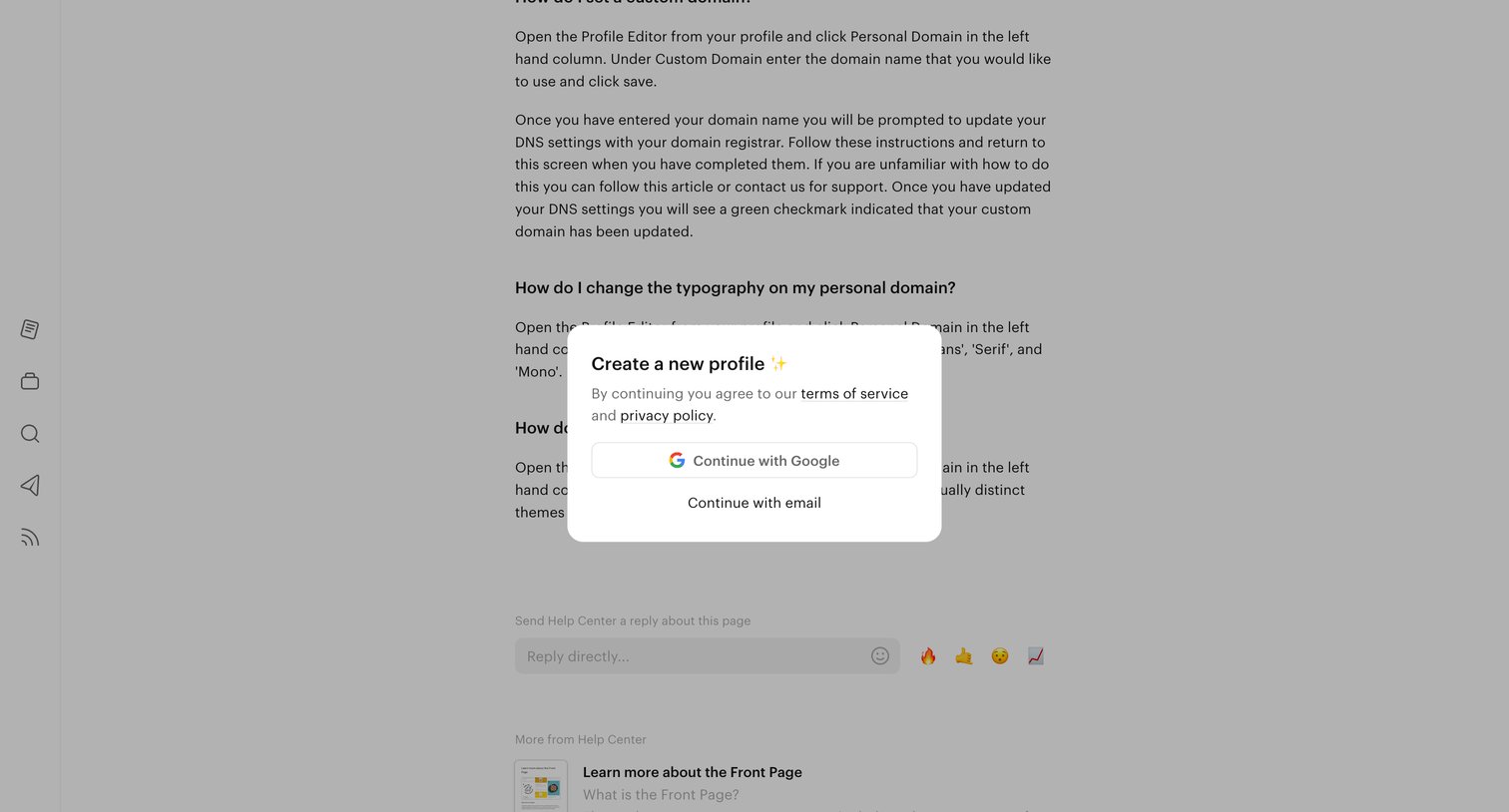

Signup modal overlaying a help center article where the user can create a new profile using Google or email.
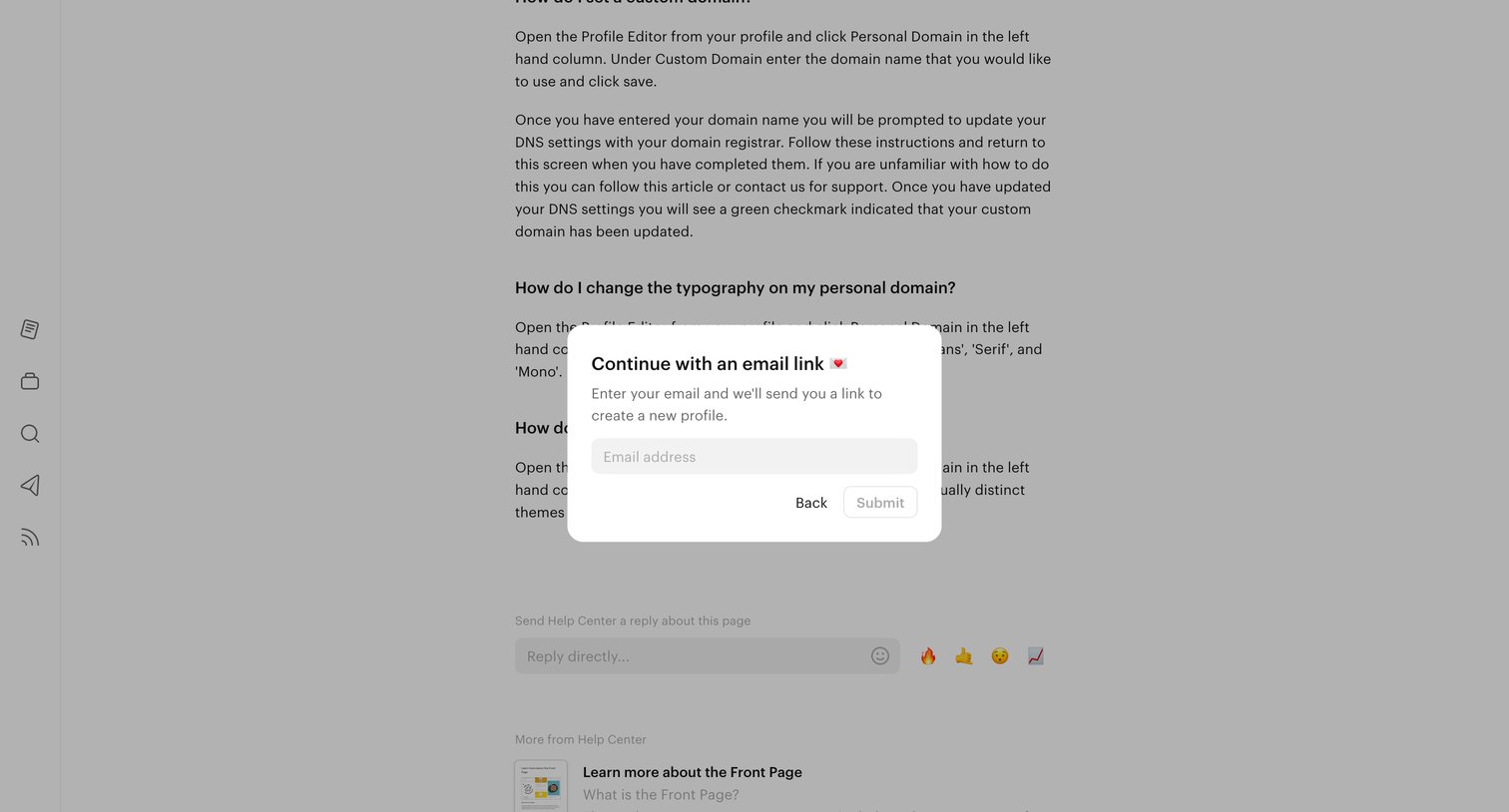
Signup modal where the user enters their email address to receive a magic link to create a new profile.
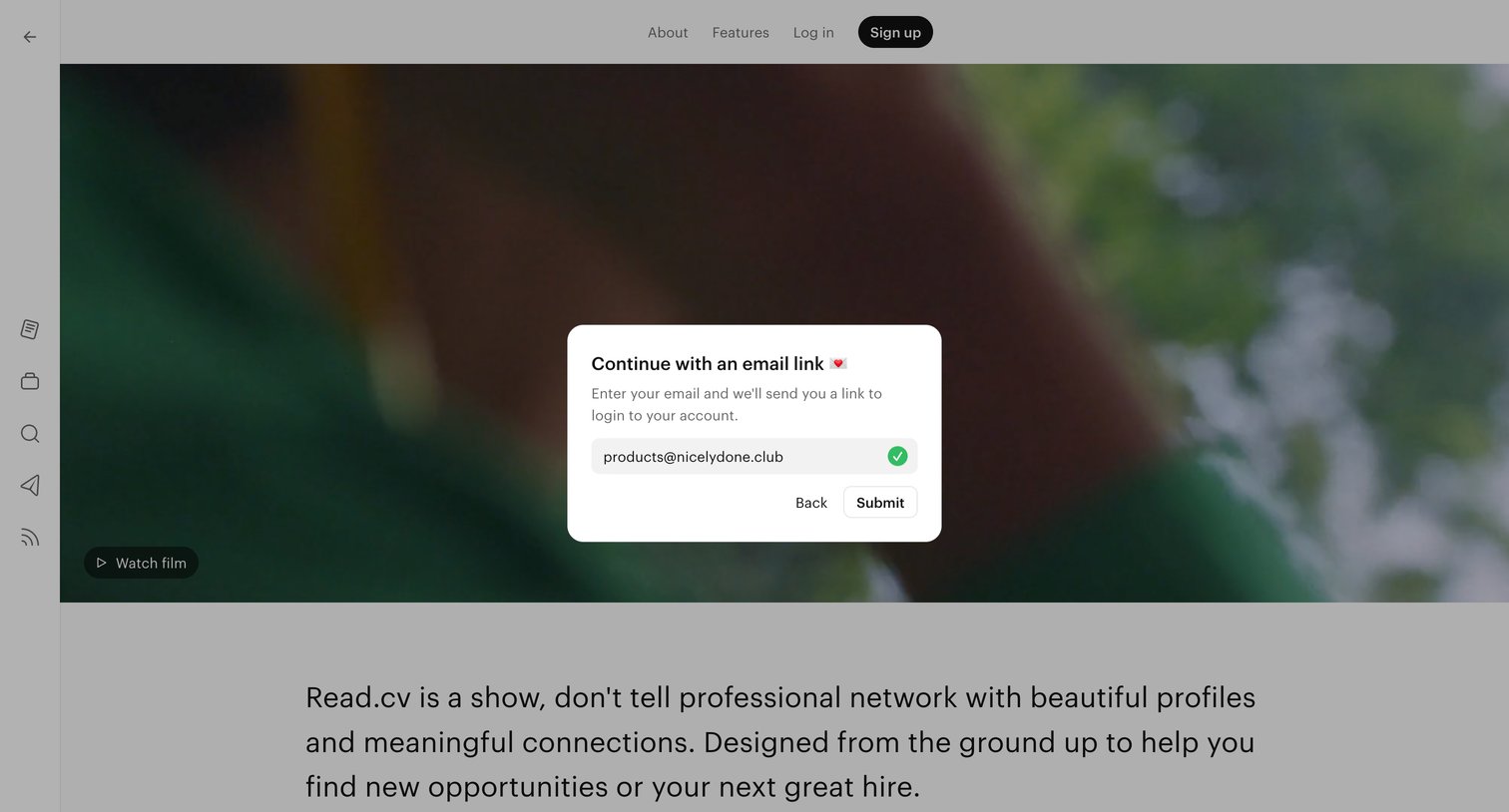
Sign-in modal where the user enters their email to receive an authentication link, overlaid on the marketing about page.
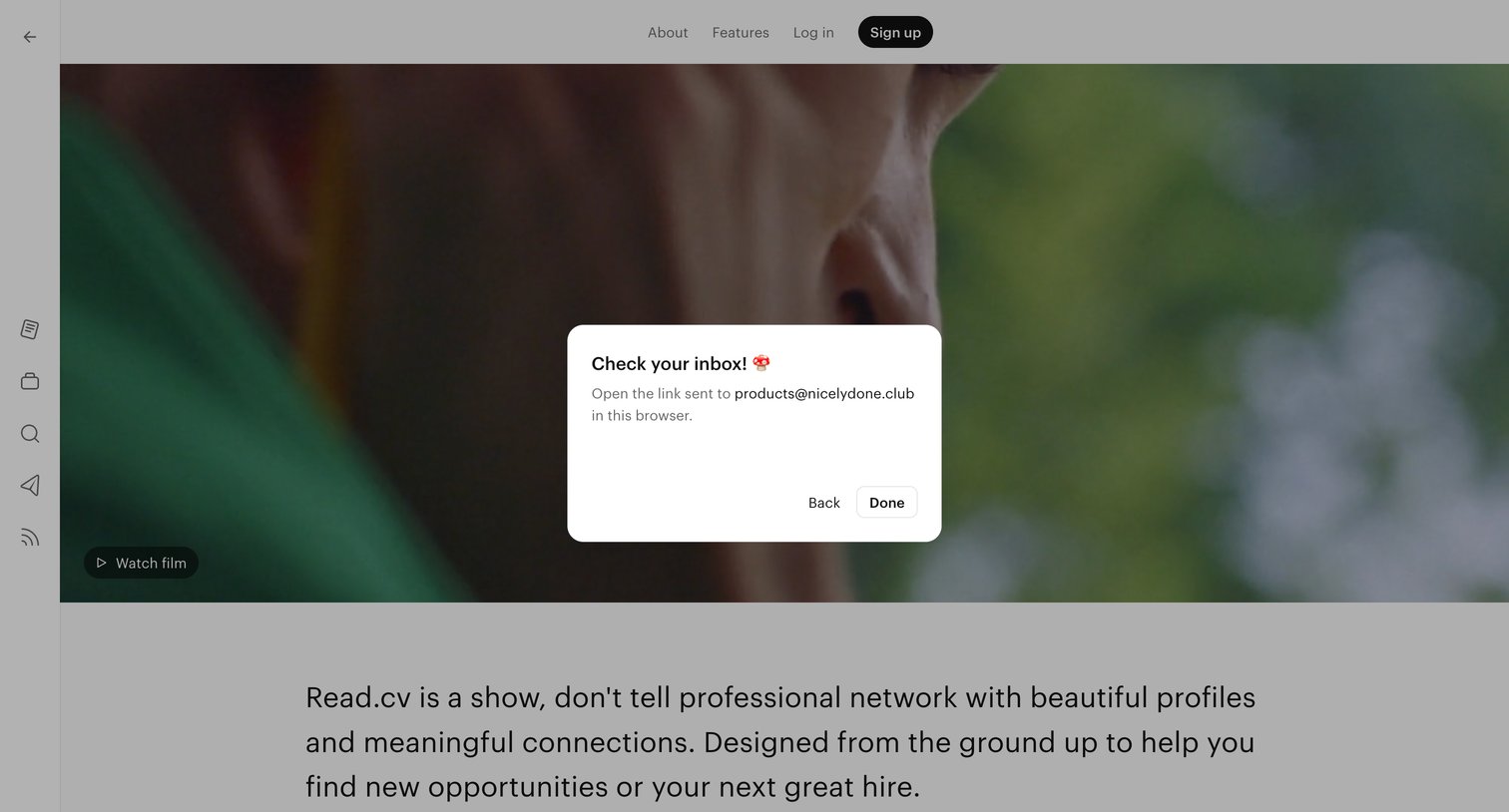
Verification modal prompting the user to check their inbox for a magic link to complete authentication, overlaid on the marketing about page.
Verification screen where the system processes the user's login attempt with a centered loading spinner.

Onboarding step where the user sets their unique username and display name to finish creating their account, displayed over a feed of professional updates and open roles.
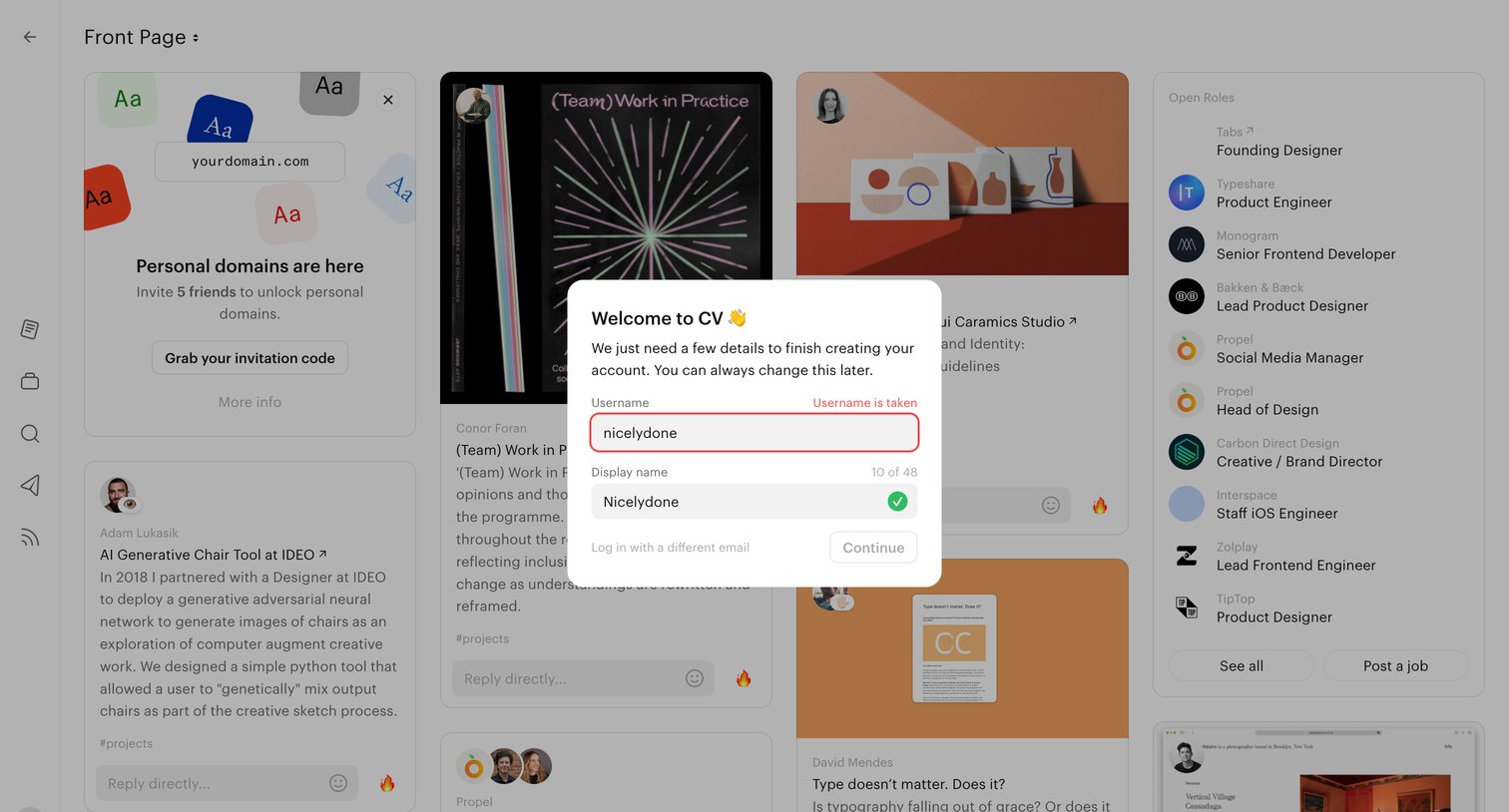
Onboarding step where the user sets their username and display name over a feed of design projects and open roles, encountering a taken-username error.
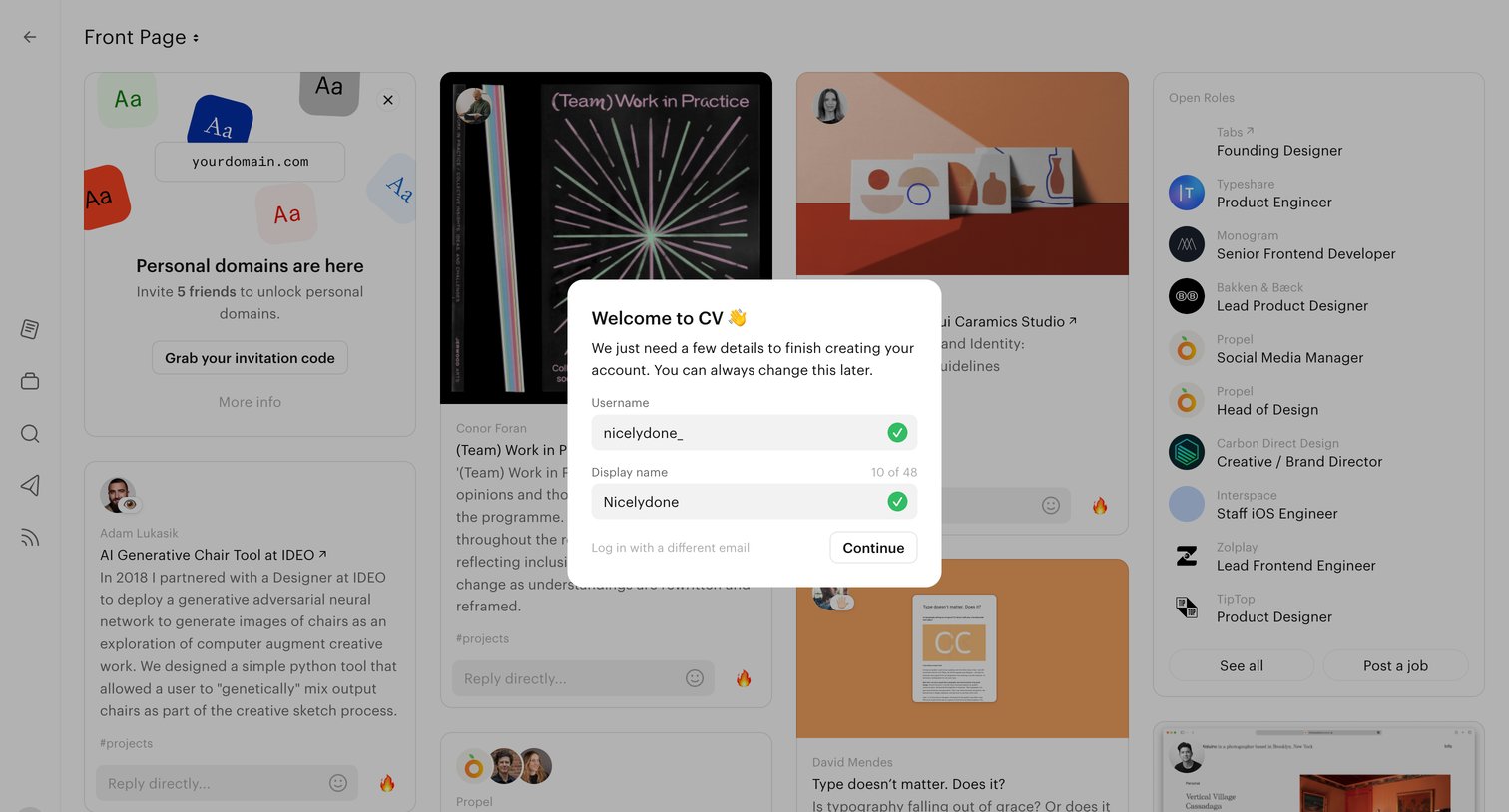
Onboarding step where the user finishes creating their account by choosing a username and display name over a dimmed content feed.
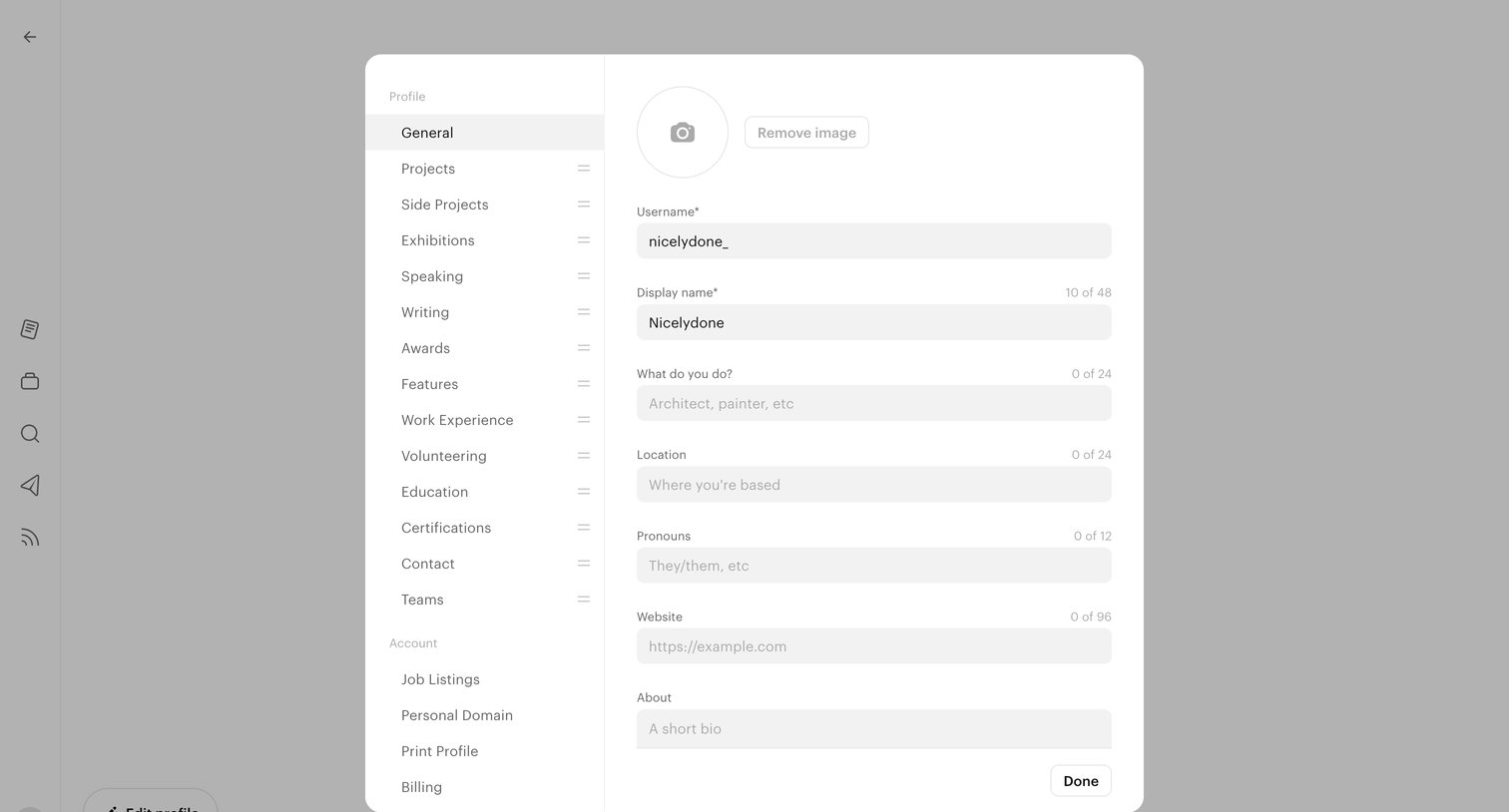
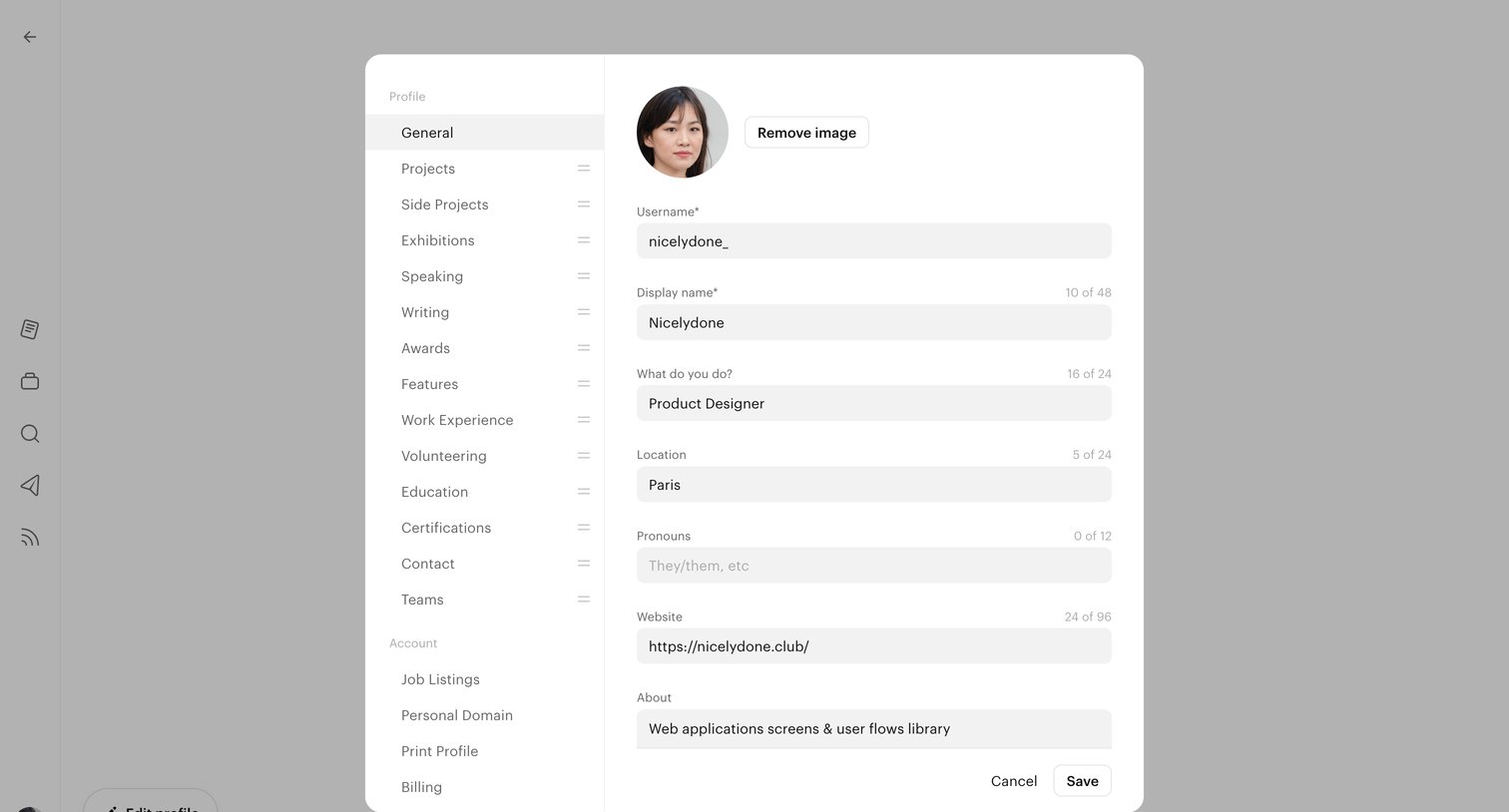
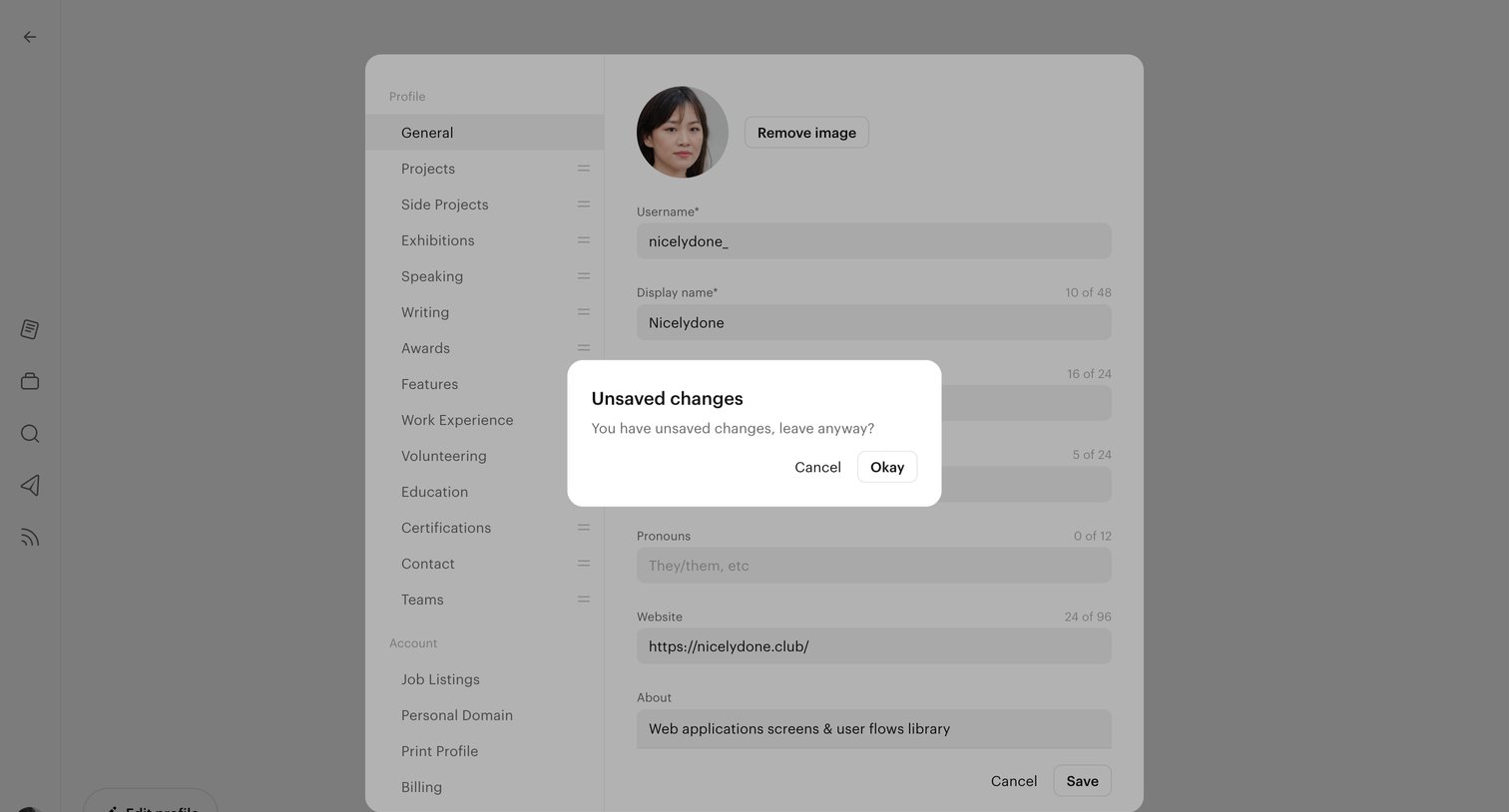
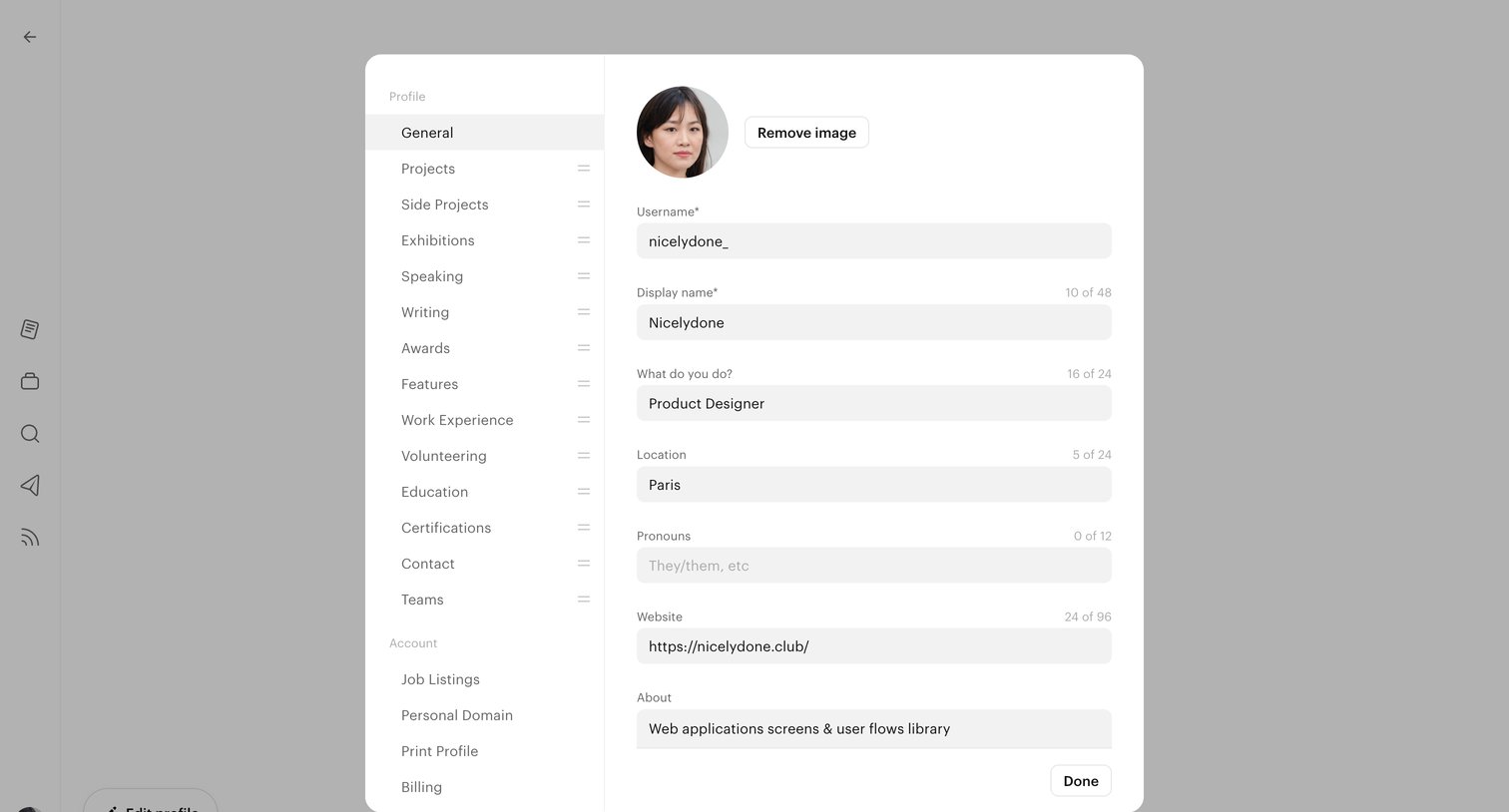
Settings page where the user is prompted to confirm leaving with unsaved changes to their profile details like username and display name.
Explore the full SaaS screen library
Upgrade to unlock the full library.
Trusted by the best teams







