PhantomBuster design examples
Explore PhantomBuster UI design examples. PhantomBuster opens a new era of lead generation
Product screens
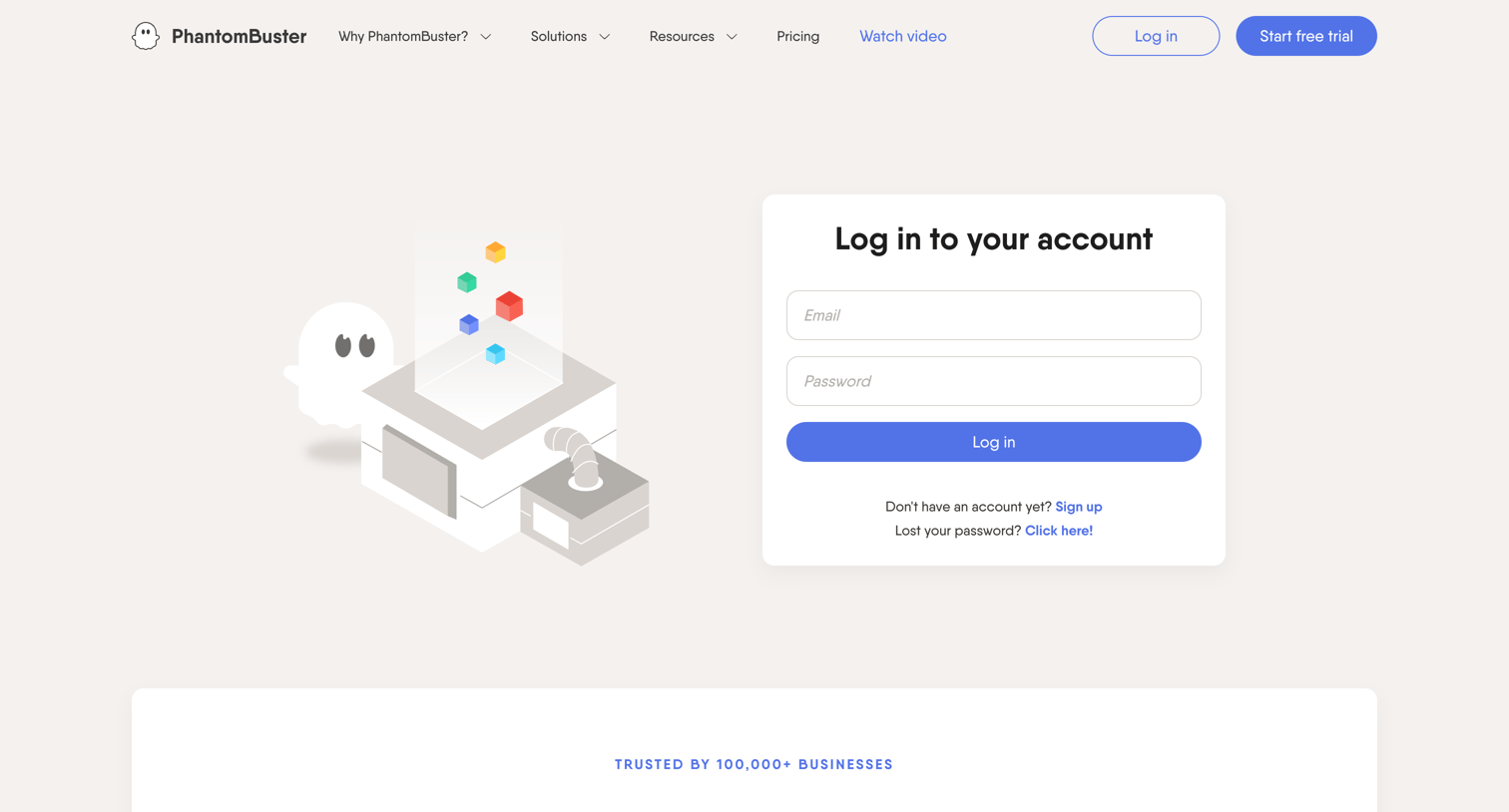

Sign-in screen where the user authenticates with their email and password, featuring a promotional logo wall to build trust.
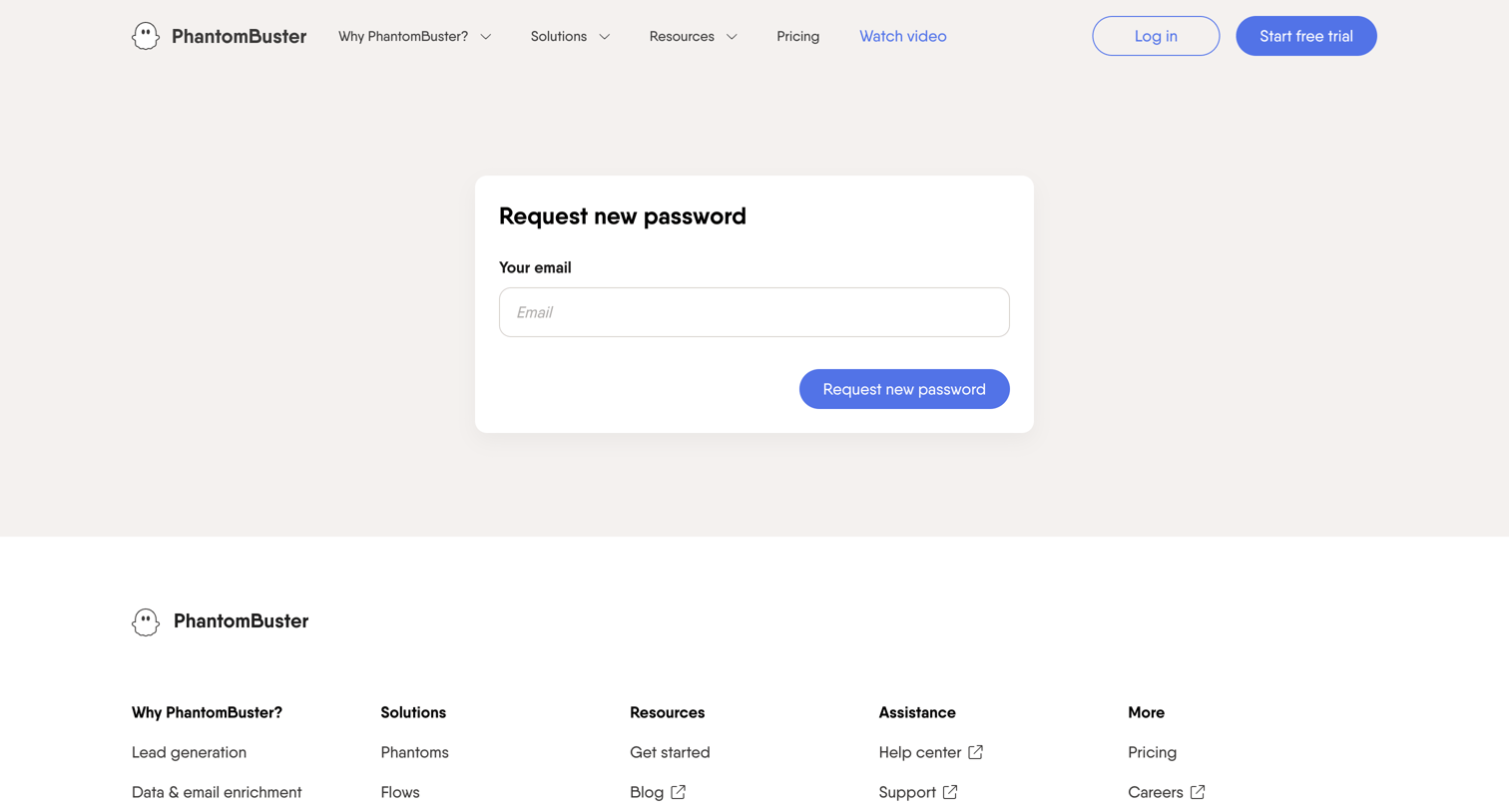
Password recovery screen where the user enters their email address to request a reset link.
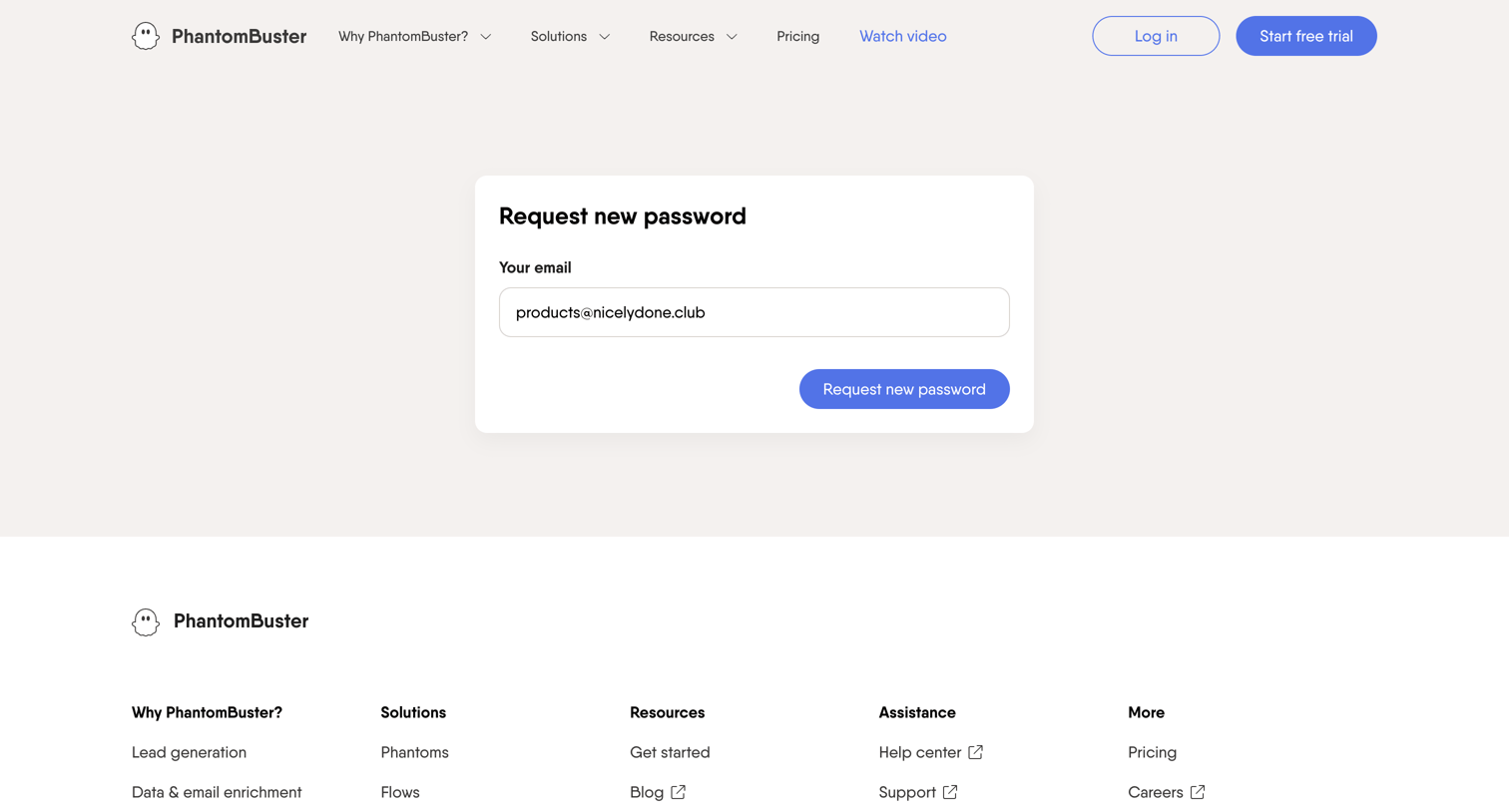
Password recovery page where the user enters their email address to request a reset link, featuring full site navigation and a comprehensive footer.
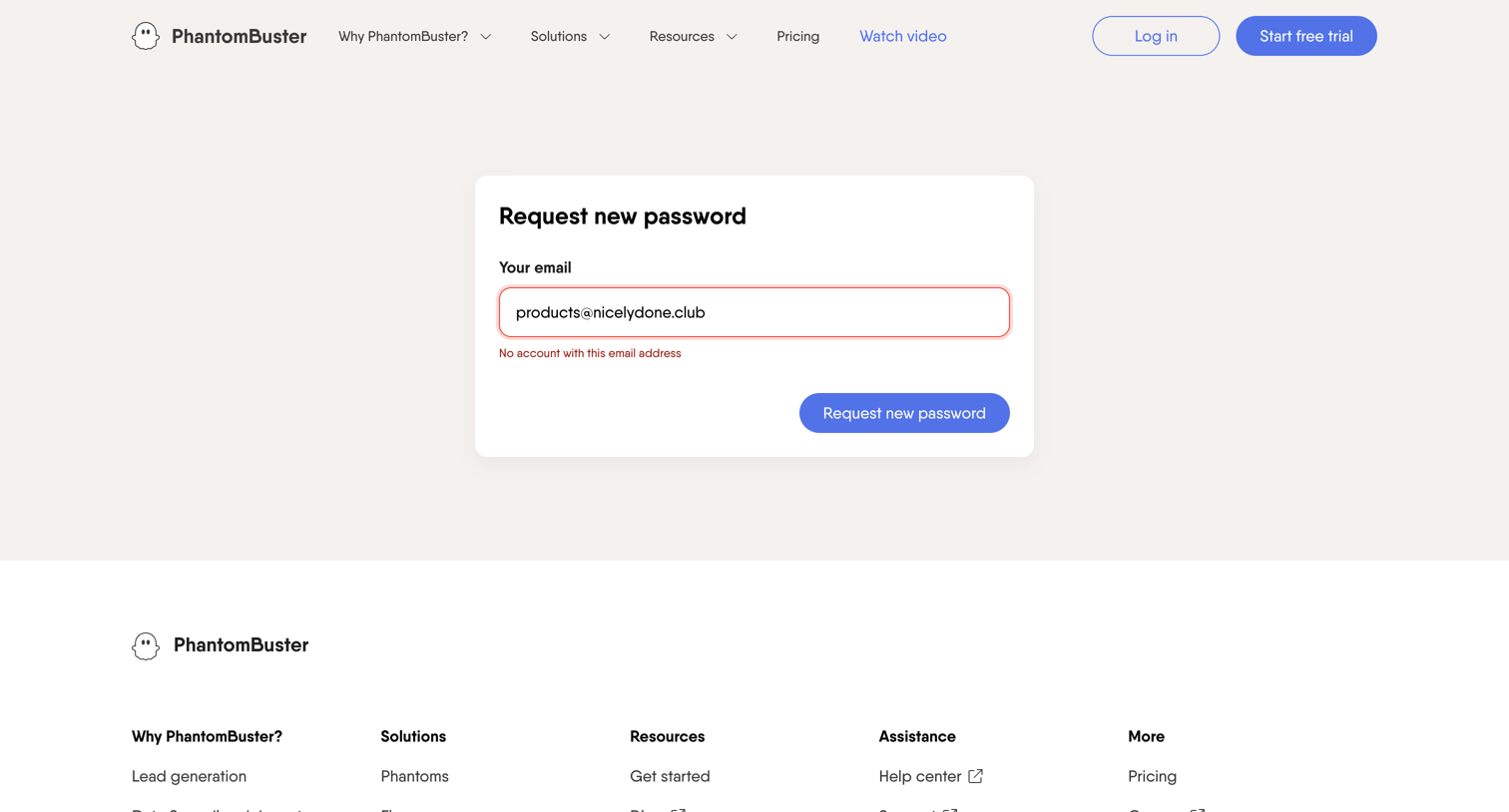
Password recovery screen showing an error message because the entered email address does not have an associated account.
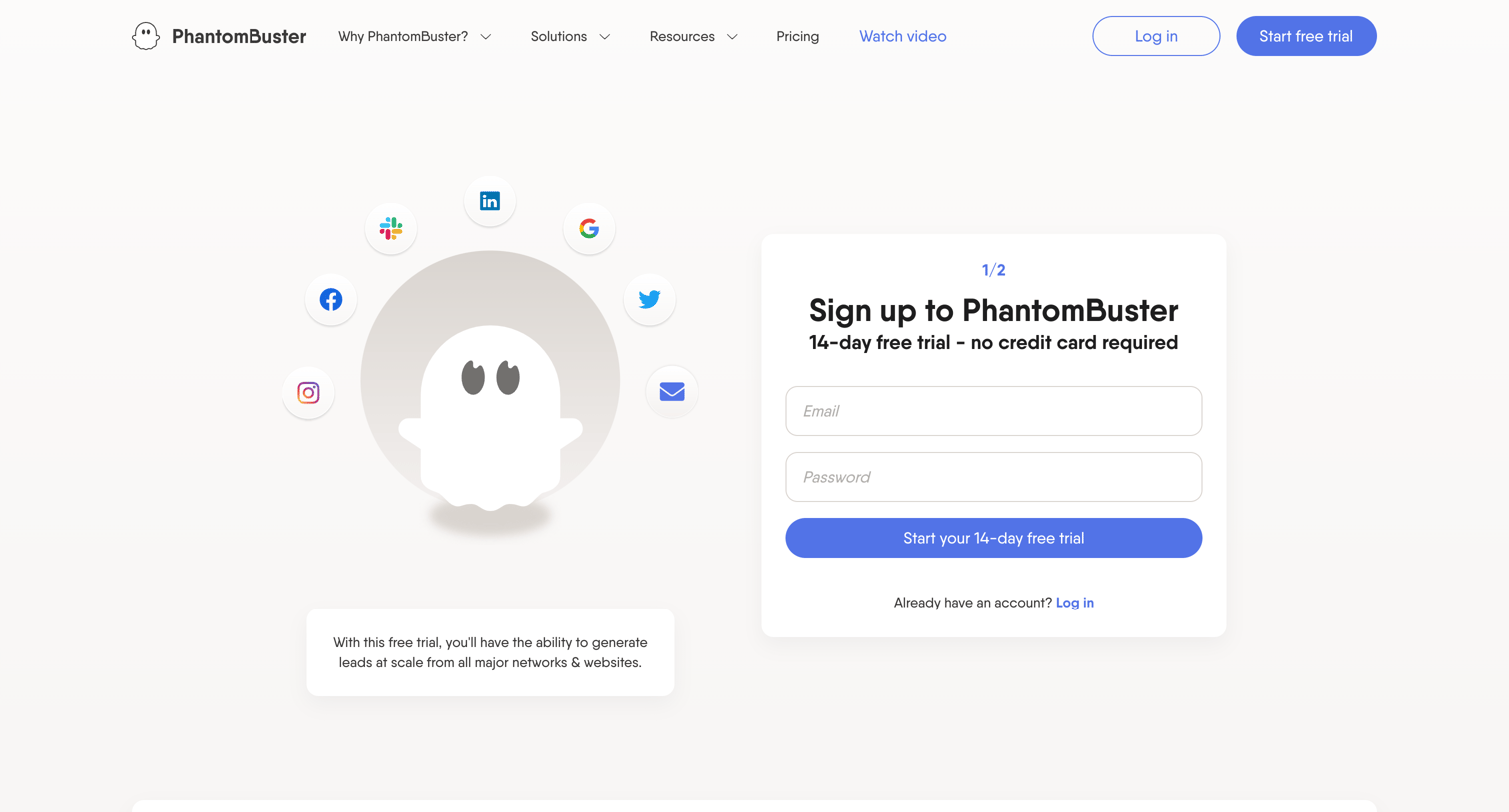
Signup page where the user creates an account to start a 14-day free trial for a lead generation tool.
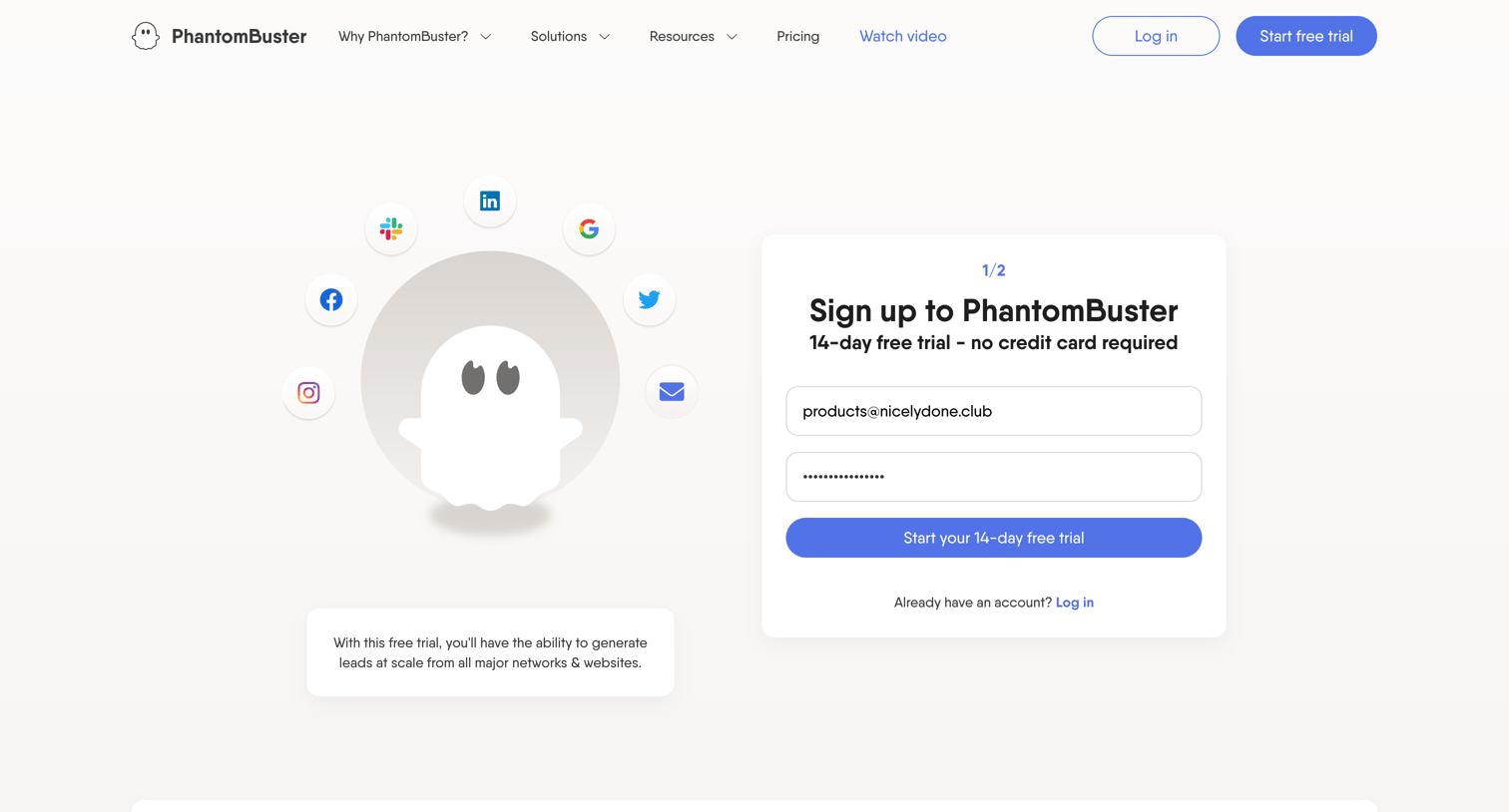
Signup page where the user enters their email and password to start a 14-day free trial for a lead generation platform.
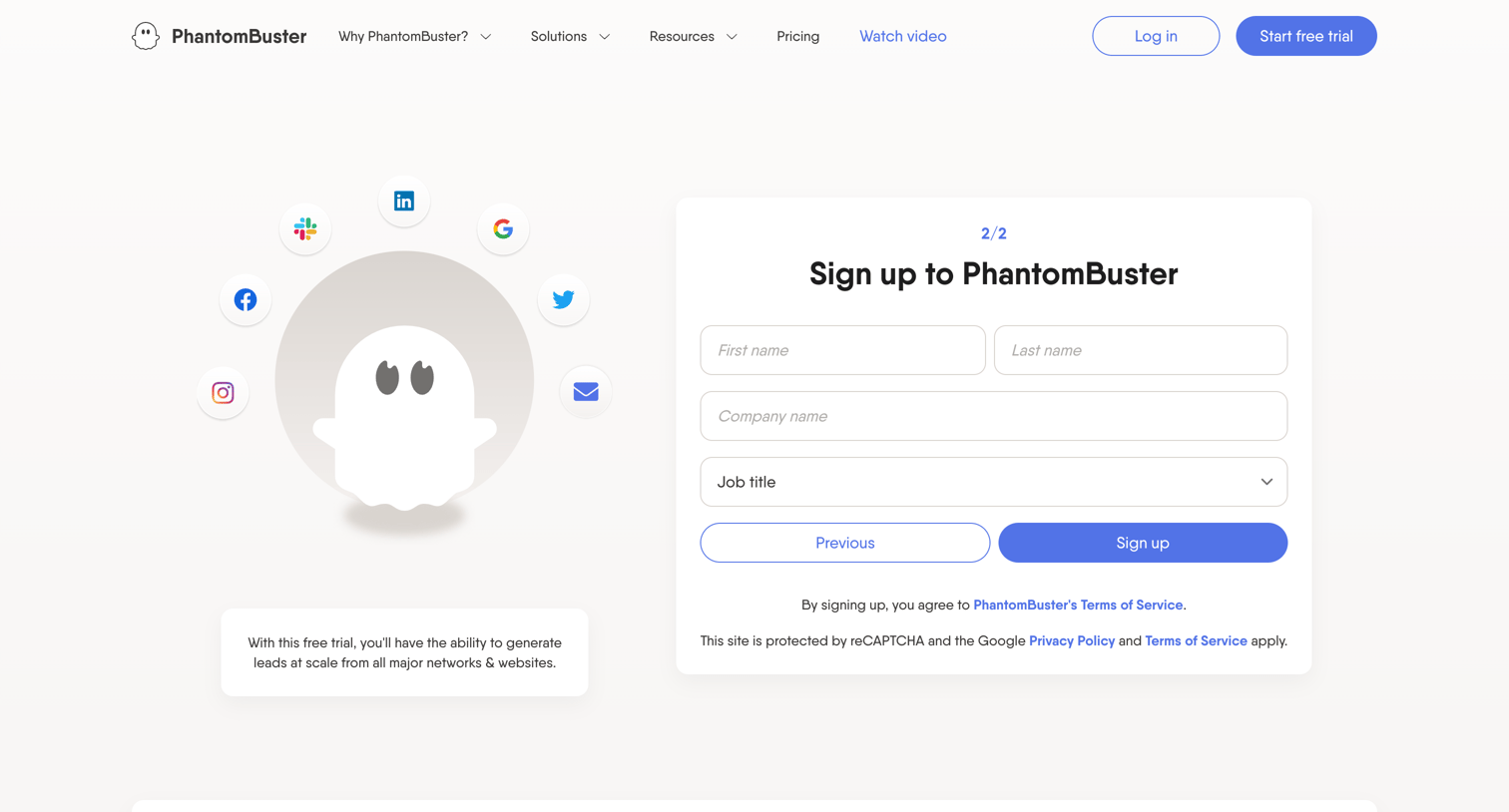
Signup screen where the user completes step two of account creation by entering their name, company, and job title.
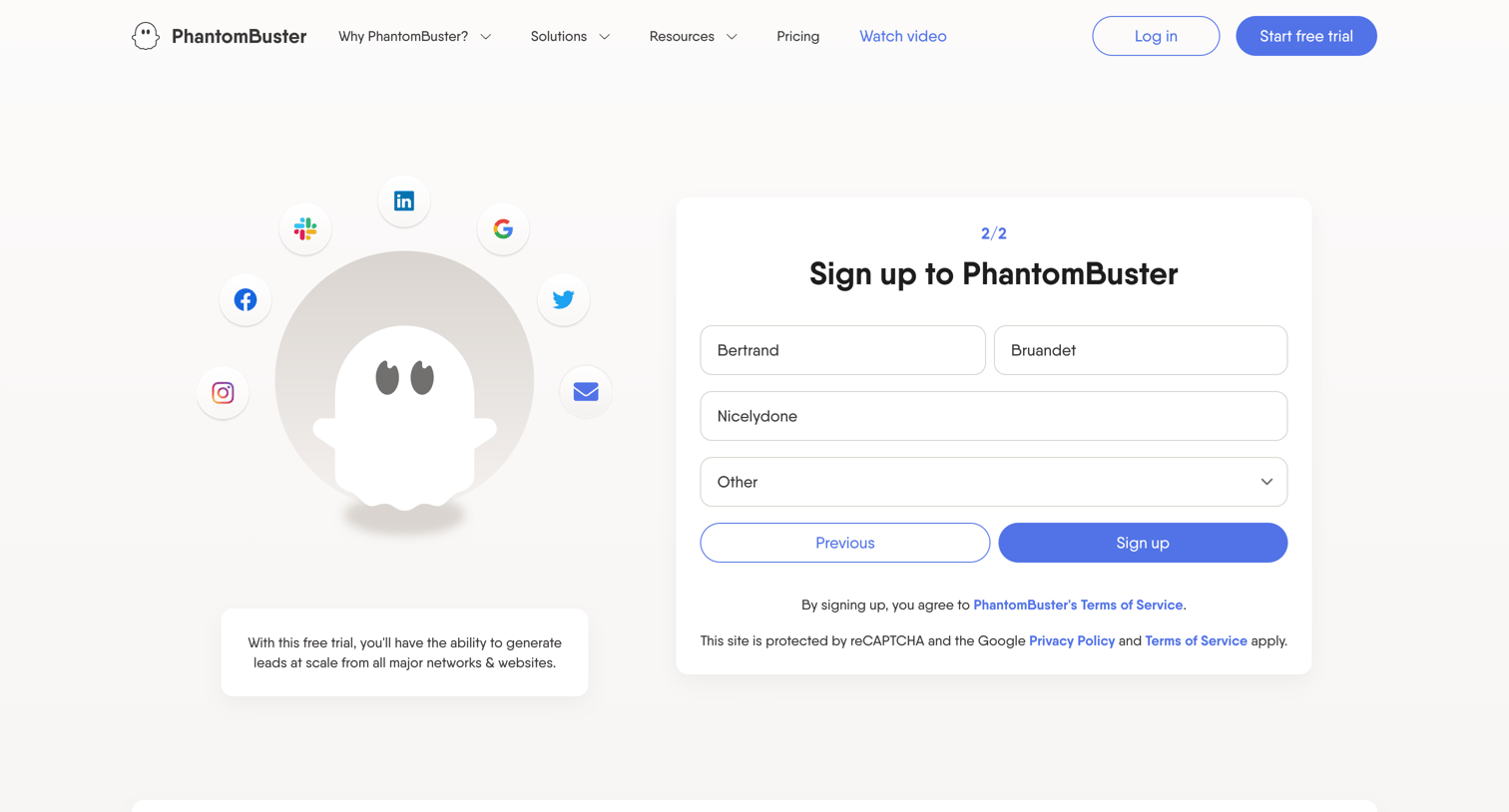
Signup page where the user completes the second step by entering their name, company, and role to create an account.
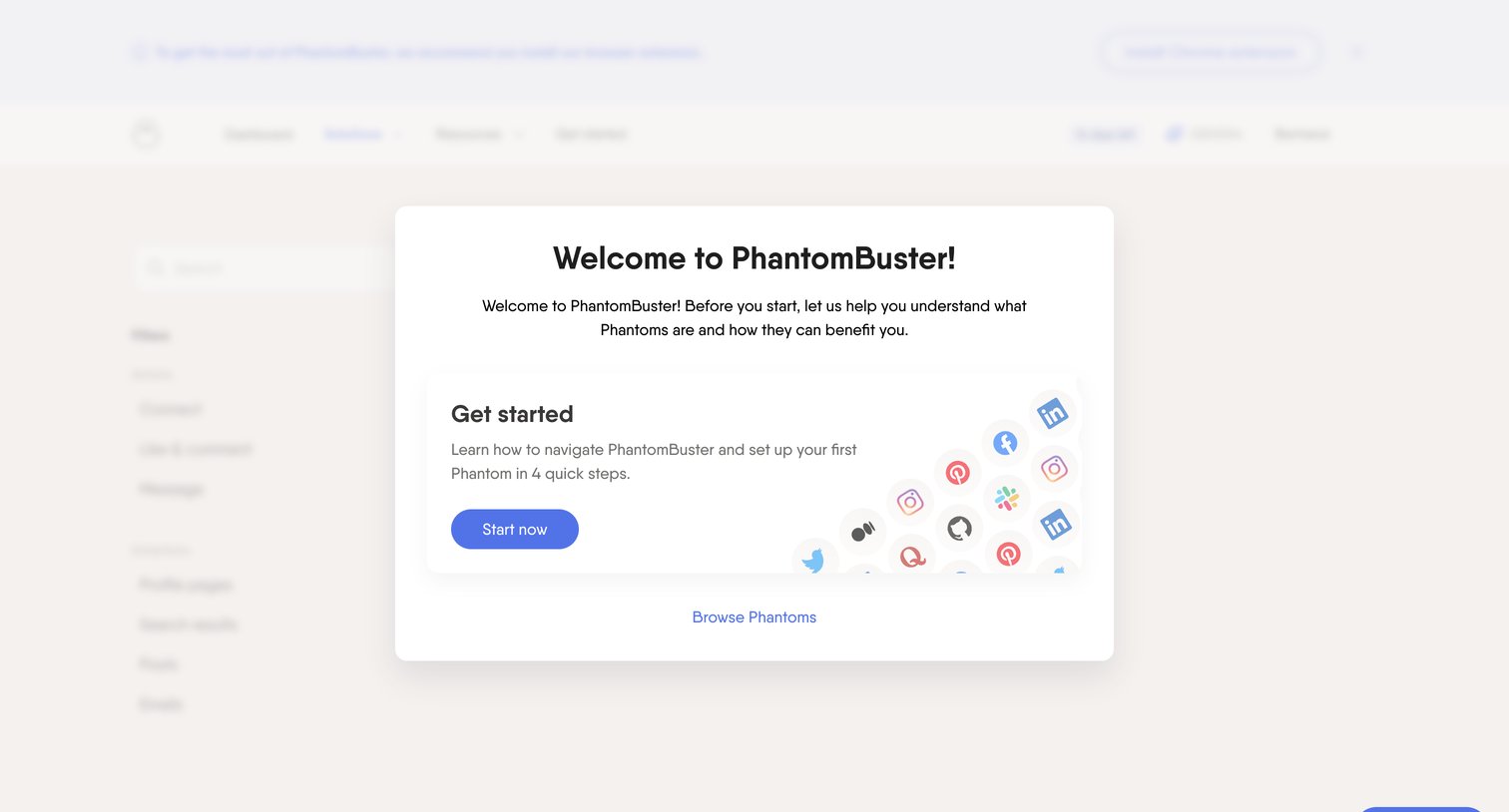
Onboarding step where a welcome modal prompts the user to start a quick setup guide or browse available Phantoms.
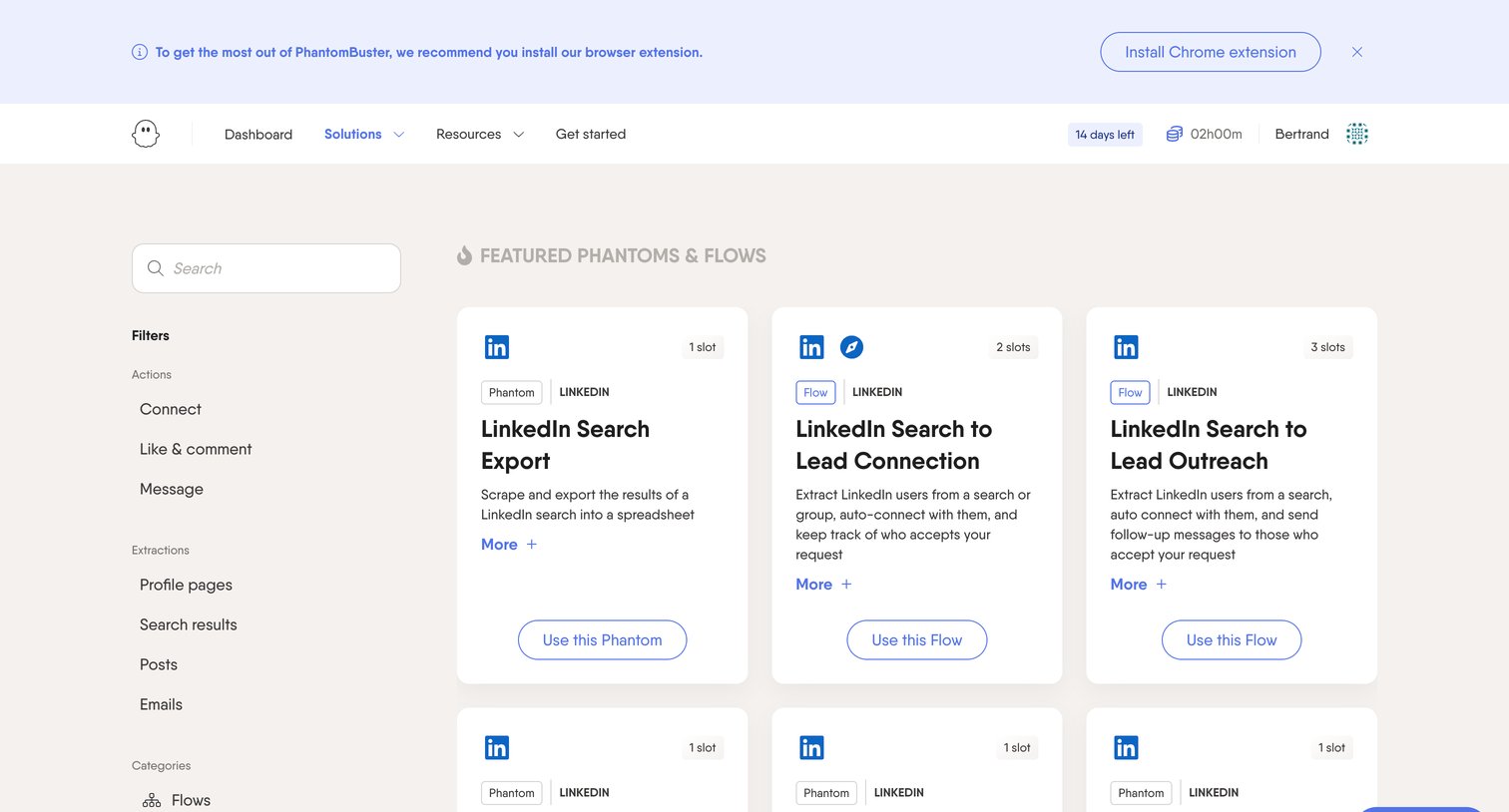
Template directory where the user browses and filters LinkedIn automation flows by action and extraction type.
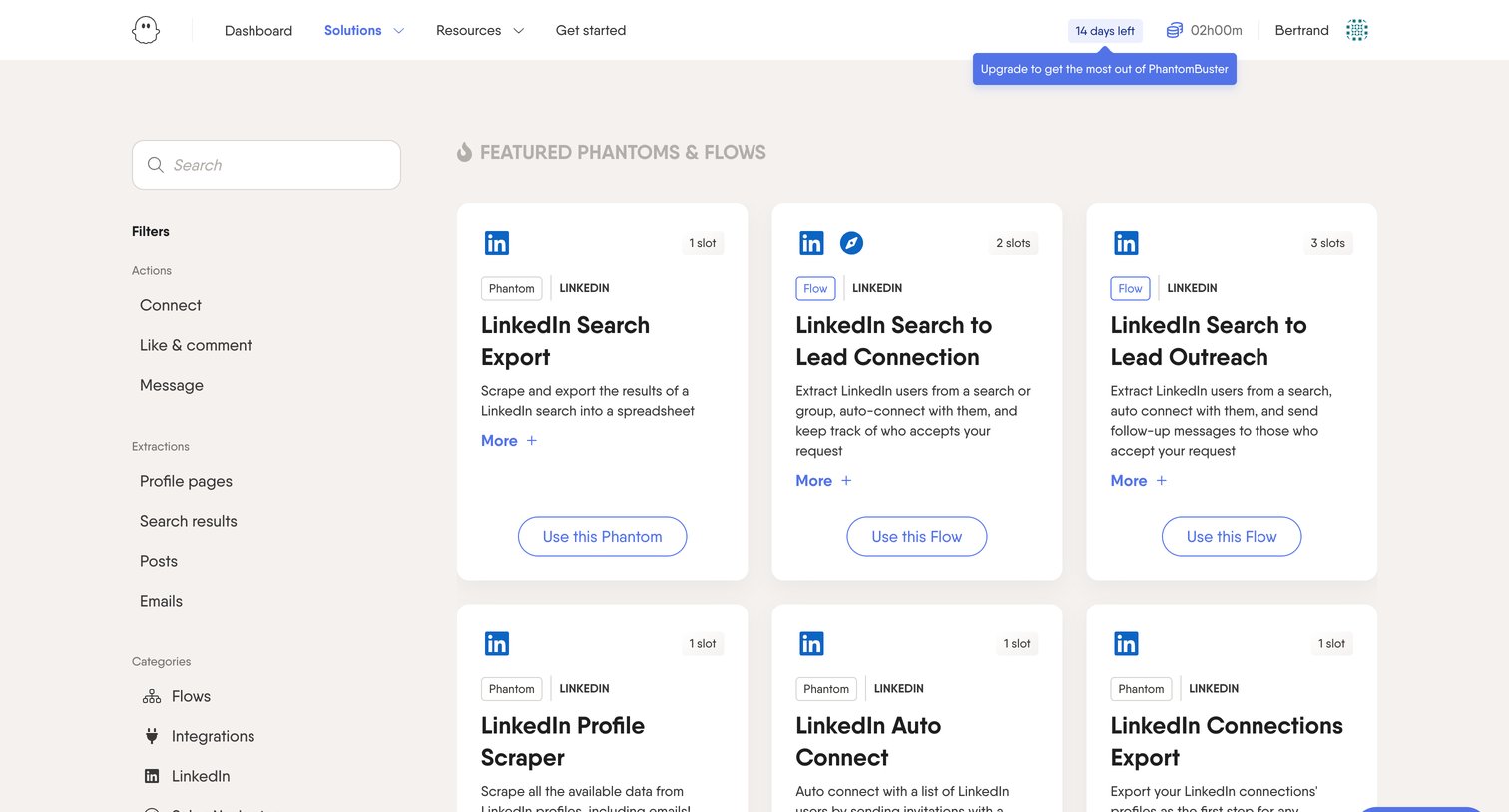
Search and filter view where the user browses featured LinkedIn automation templates like profile scrapers and auto-connect flows to add to their workspace.
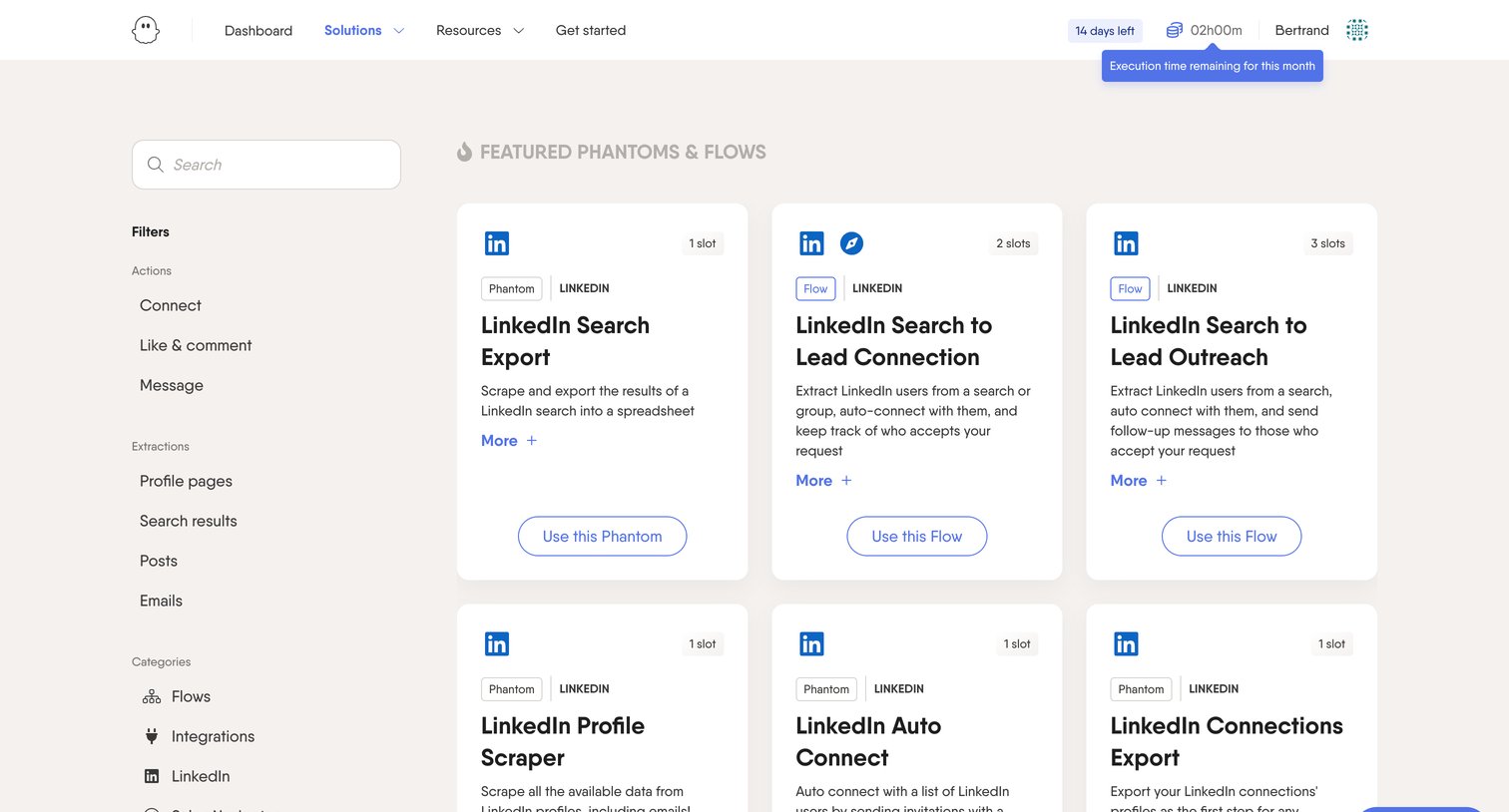
List view where the user searches and filters a marketplace of pre-built automation templates for LinkedIn and other platforms.
Browse the full SaaS app library
Explore real SaaS apps with their product screens, marketing screens, flows, and components.
Trusted by the best teams







