Skip to content

Overloop product screens examples

Browse Overloop screen design examples. Preview the interface screenshots and explore related UI patterns. Turn conversations into customers, at scale

Explore the examples
Overloop - Log In • Overloop screen
Overloop logo
Overloop

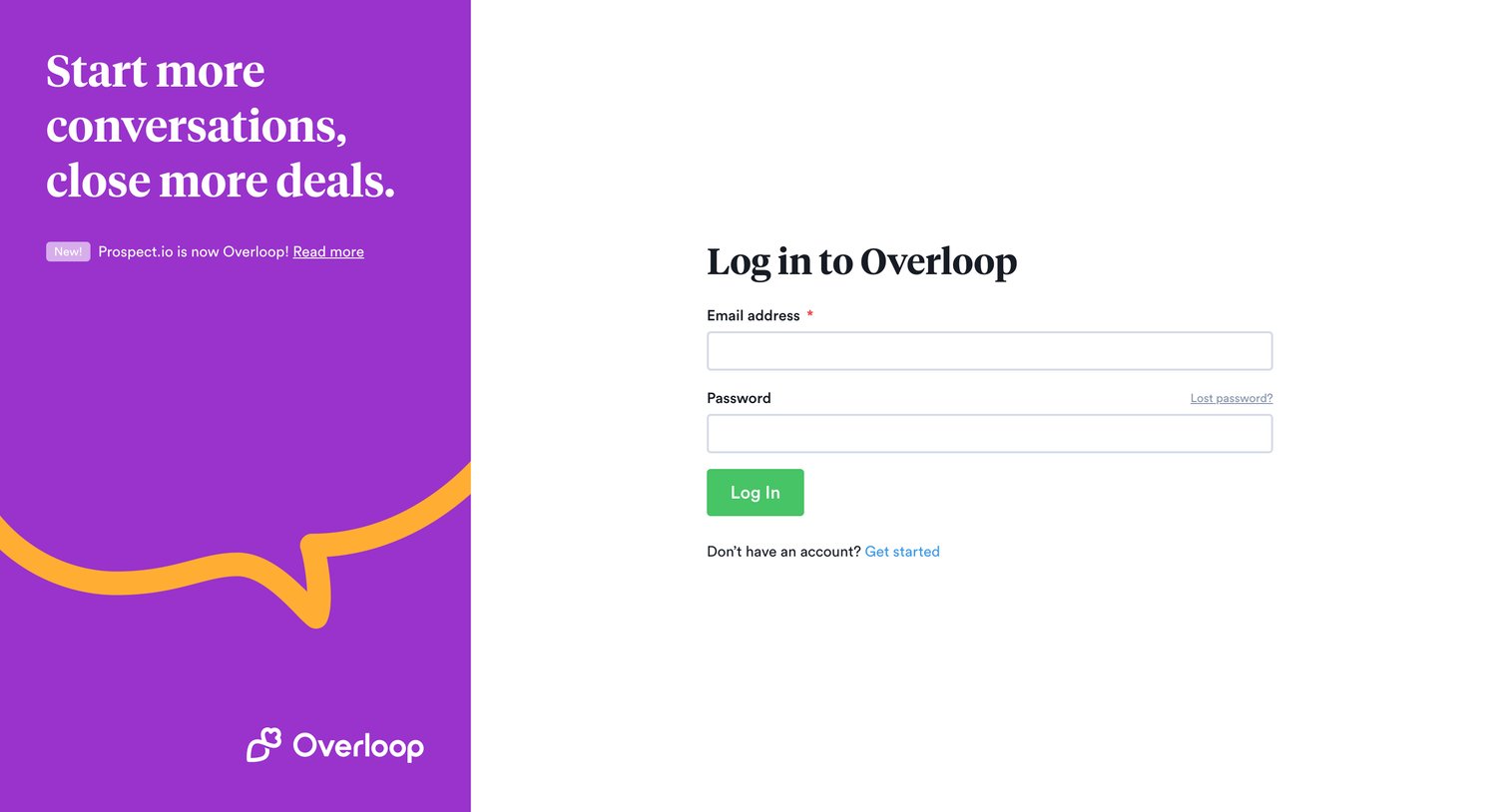
Sign-in screen where the user authenticates with their email address and password.

Overloop - Reset your password • Overloop screen
Overloop logo
Overloop

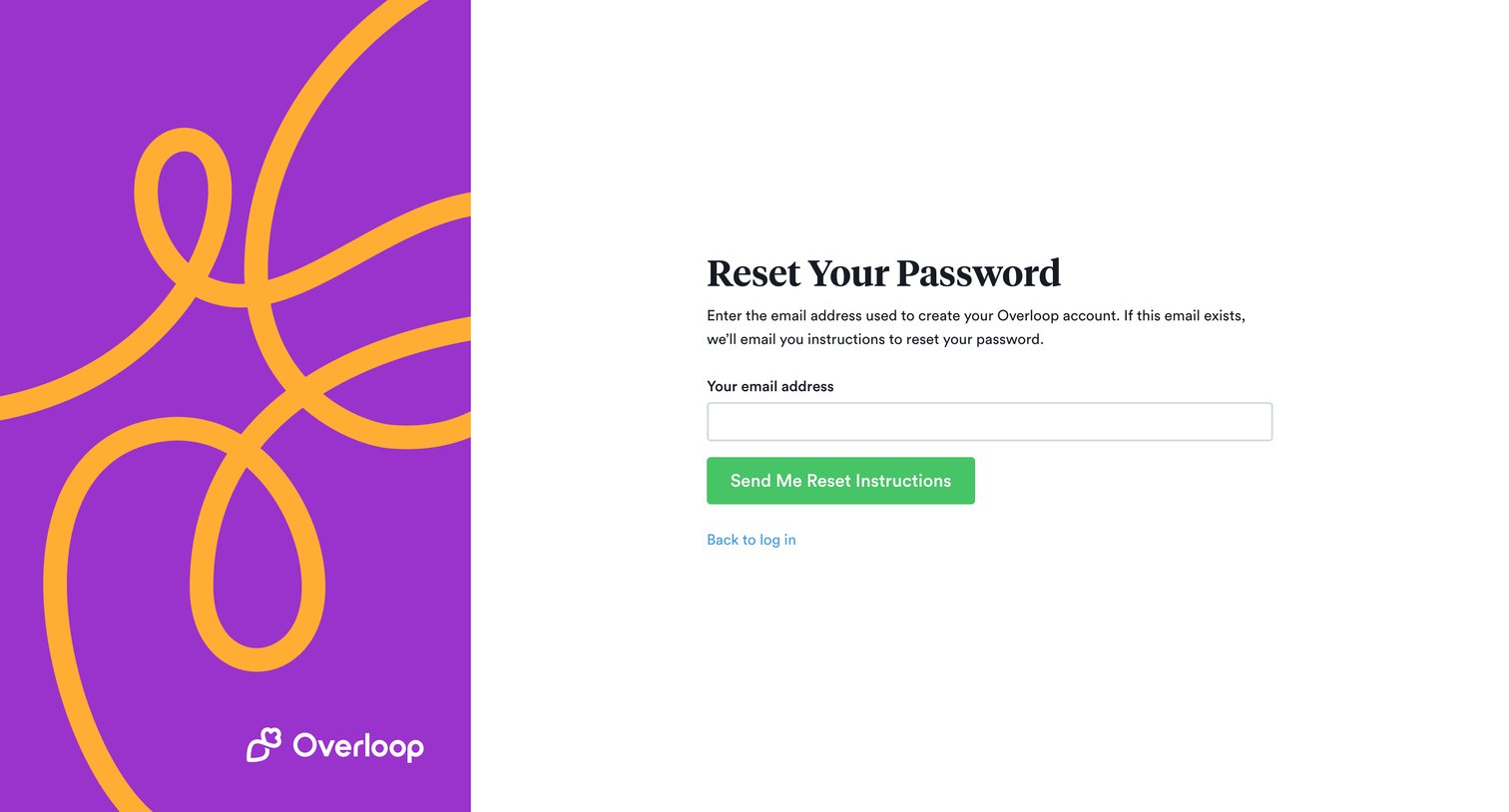
Password recovery screen where the user enters their email address to receive reset instructions.
Overloop - Sign up • Overloop screen
Overloop logo
Overloop

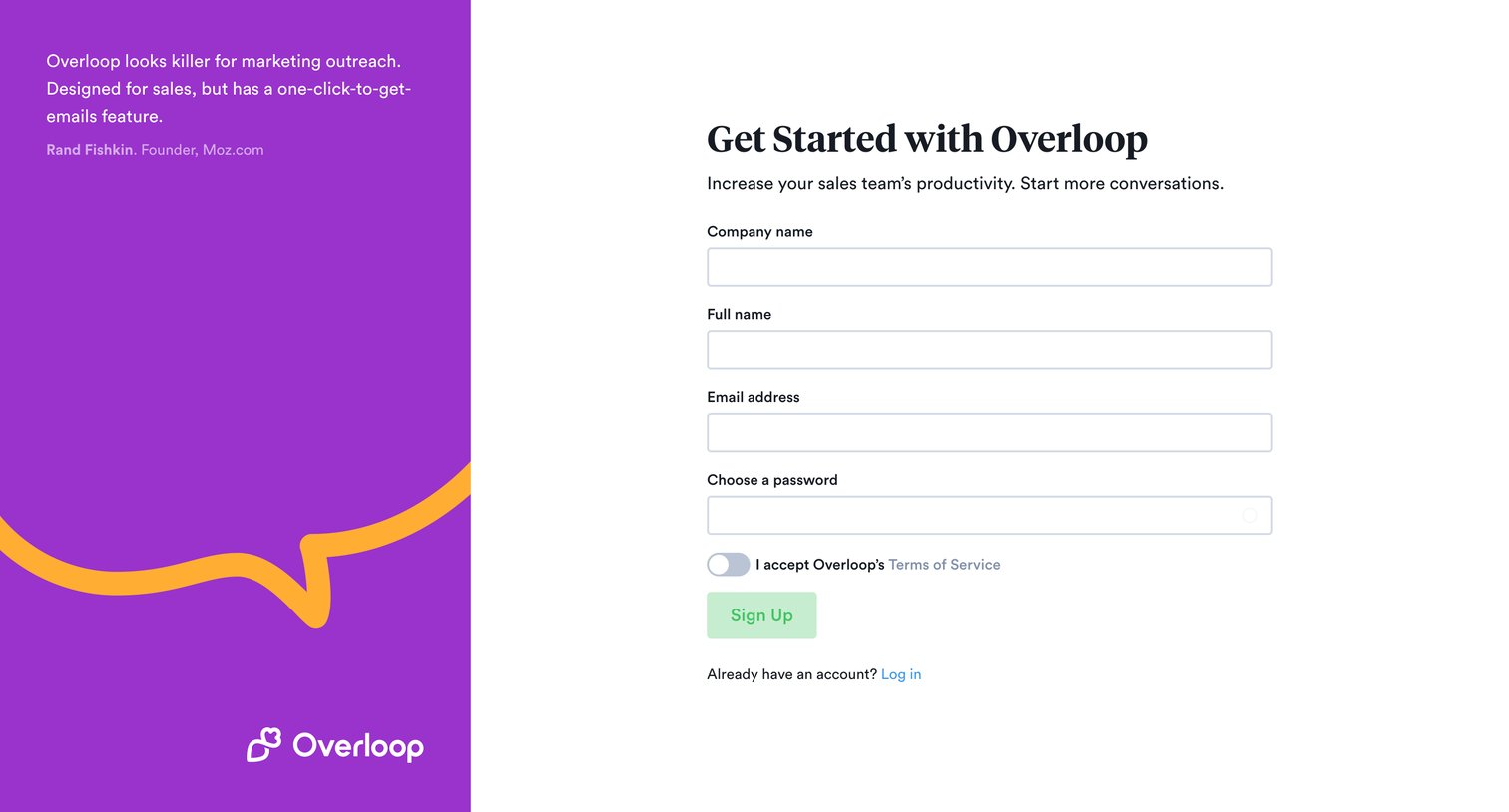
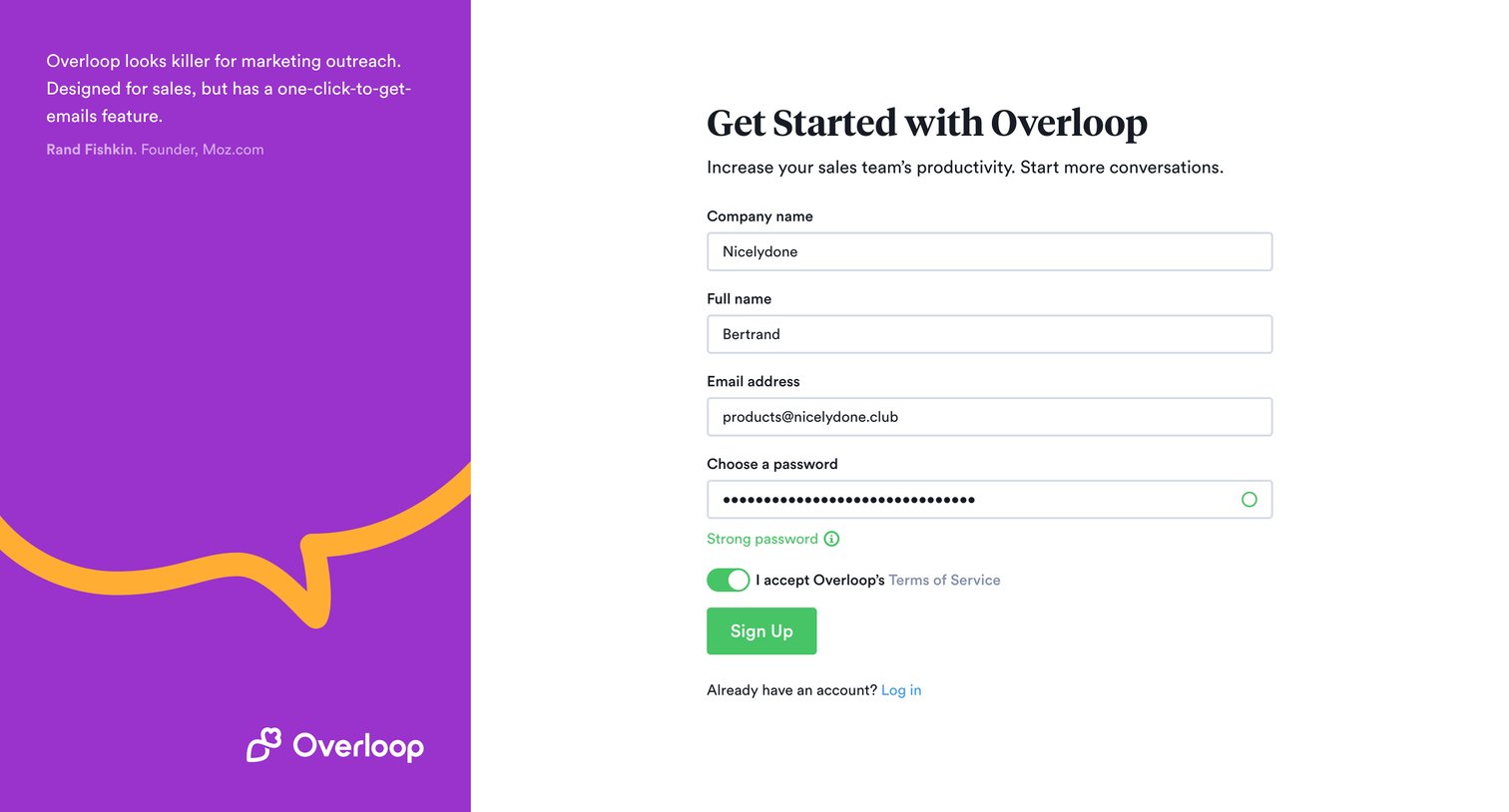
Signup page where the user creates an account by providing their company name, full name, email, and password, alongside a customer testimonial.

Overloop - Sign up • Overloop screen
Overloop logo
Overloop

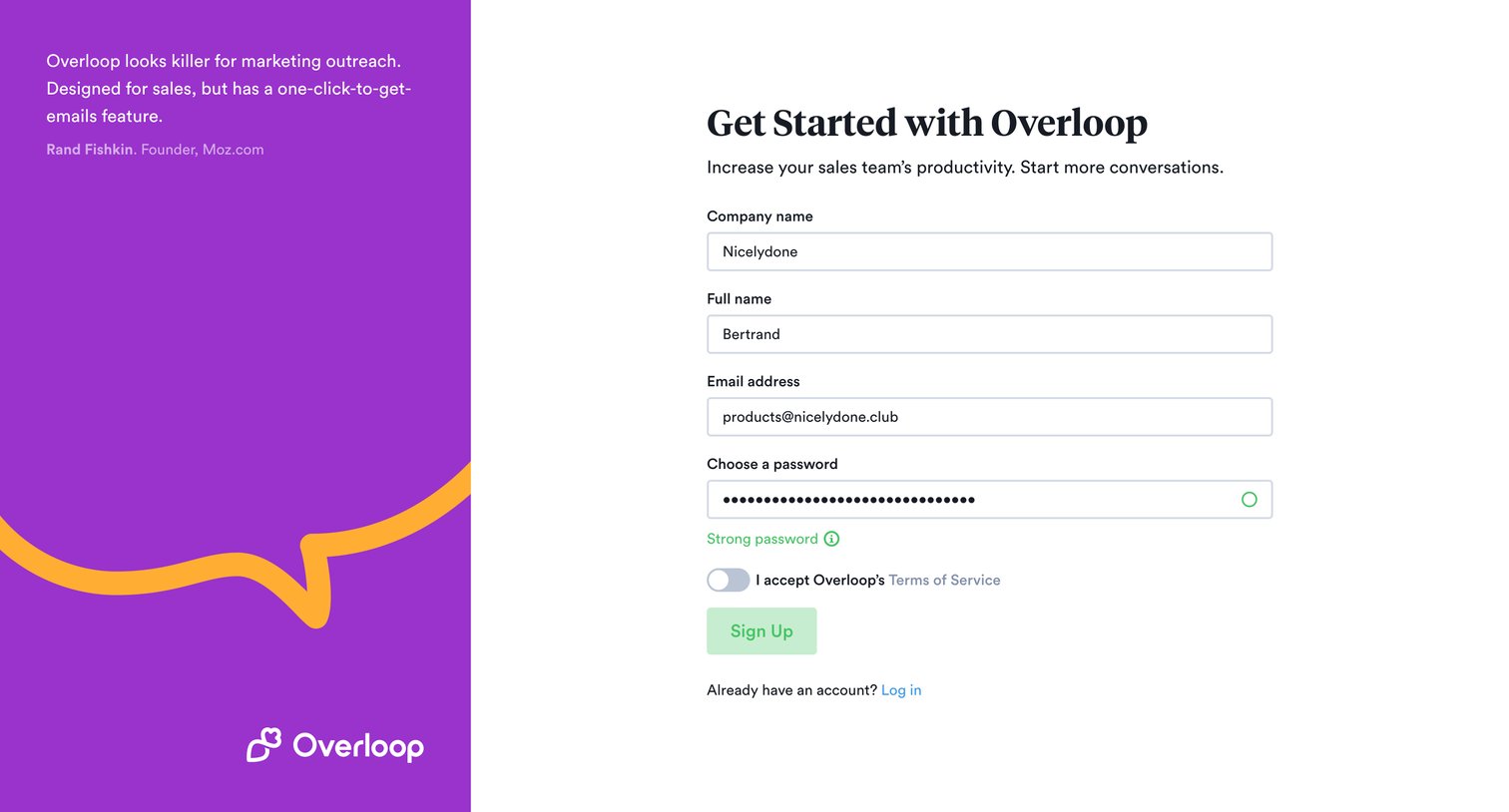
Signup screen where the user enters their company, name, email, and password to create an account, featuring a customer testimonial on the side.
Overloop - Sign up • Overloop screen
Overloop logo
Overloop

Signup screen where the user creates an account by providing their company name, full name, email, and password.

Overloop - Conversations • Overloop screen
Overloop logo
Overloop

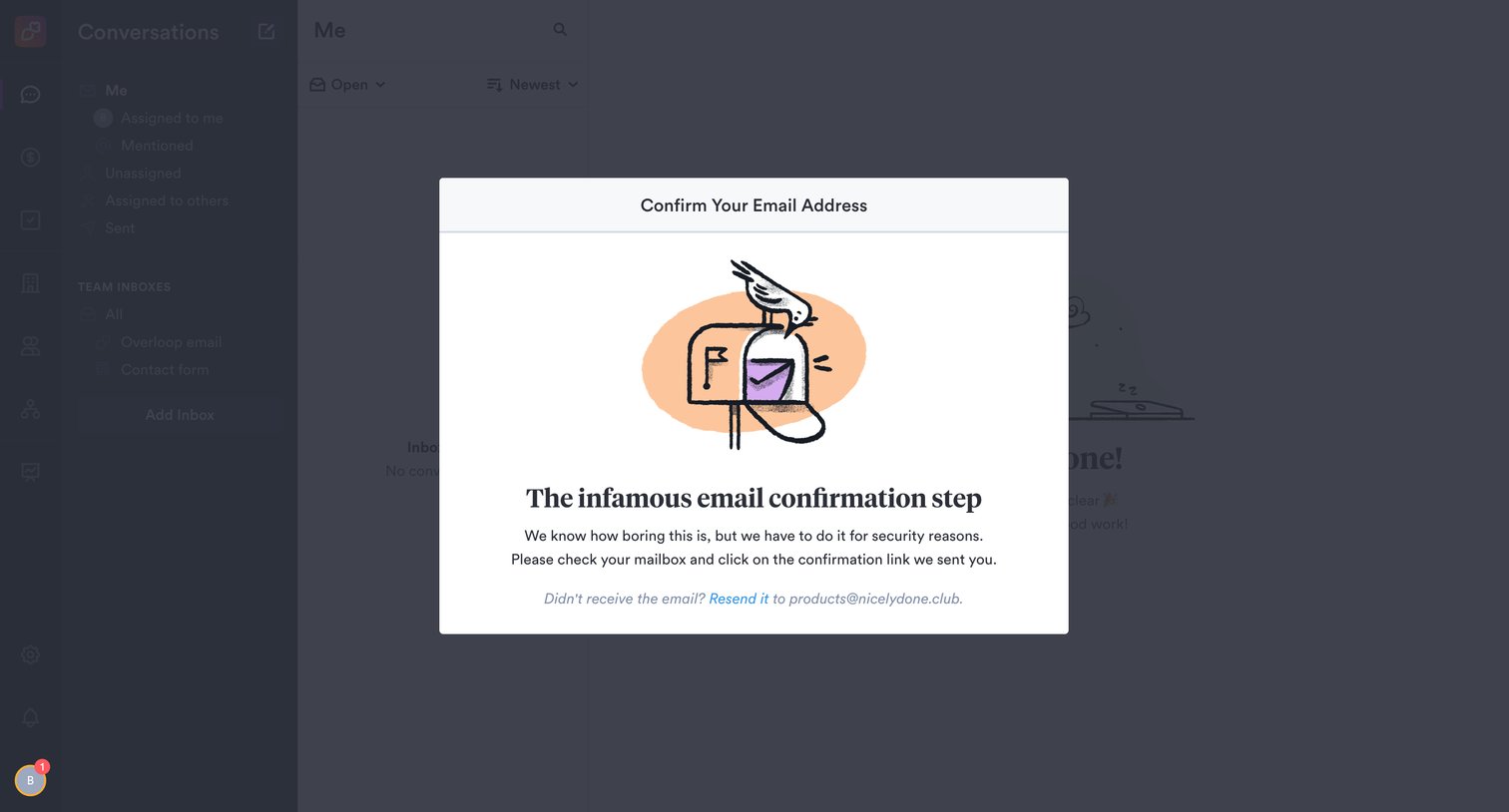
Inbox screen gated by a modal requiring the user to confirm their email address before continuing.
Overloop - Conversations • Overloop screen
Overloop logo
Overloop

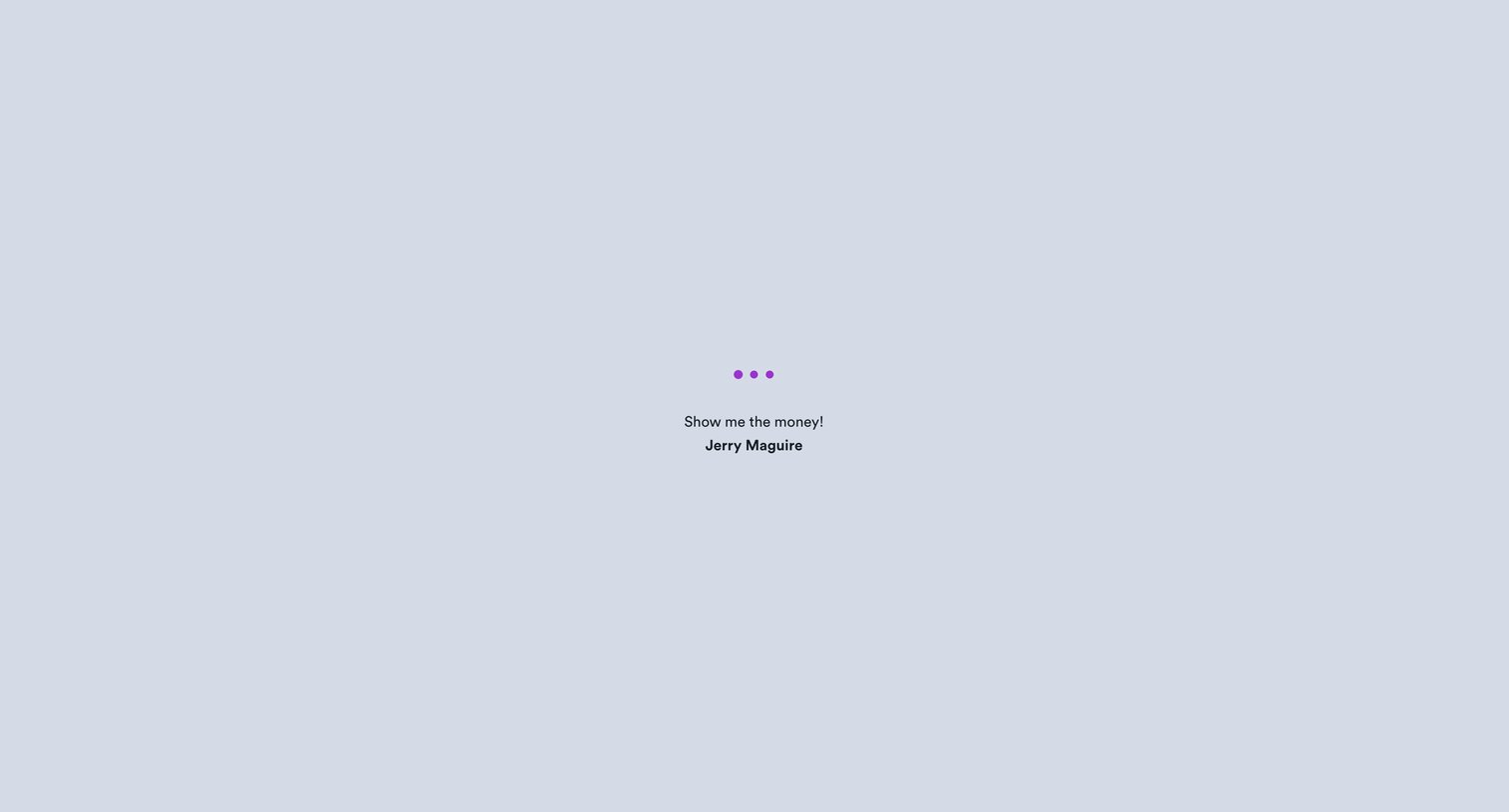
Loading screen for the conversations inbox displaying a movie quote while data fetches.

Overloop - Conversations • Overloop screen
Overloop logo
Overloop

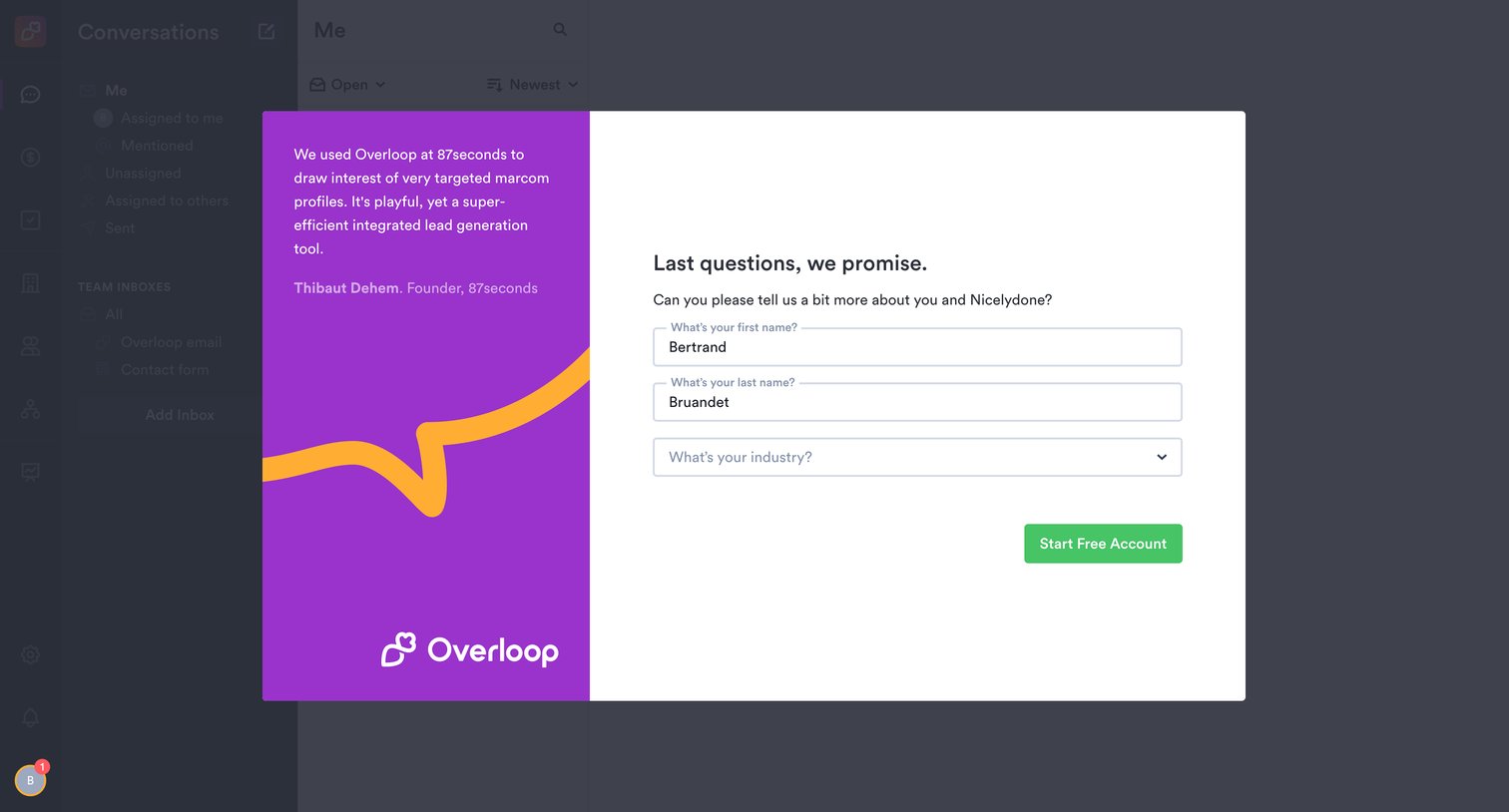
Onboarding step where the user provides their name and industry to finish creating a free account.
Overloop - Conversations • Overloop screen
Overloop logo
Overloop

Onboarding step where the user provides their first and last name along with their industry to finish creating their free account, presented in a split modal over the main app interface.
Overloop - Conversations • Overloop screen
Overloop logo
Overloop

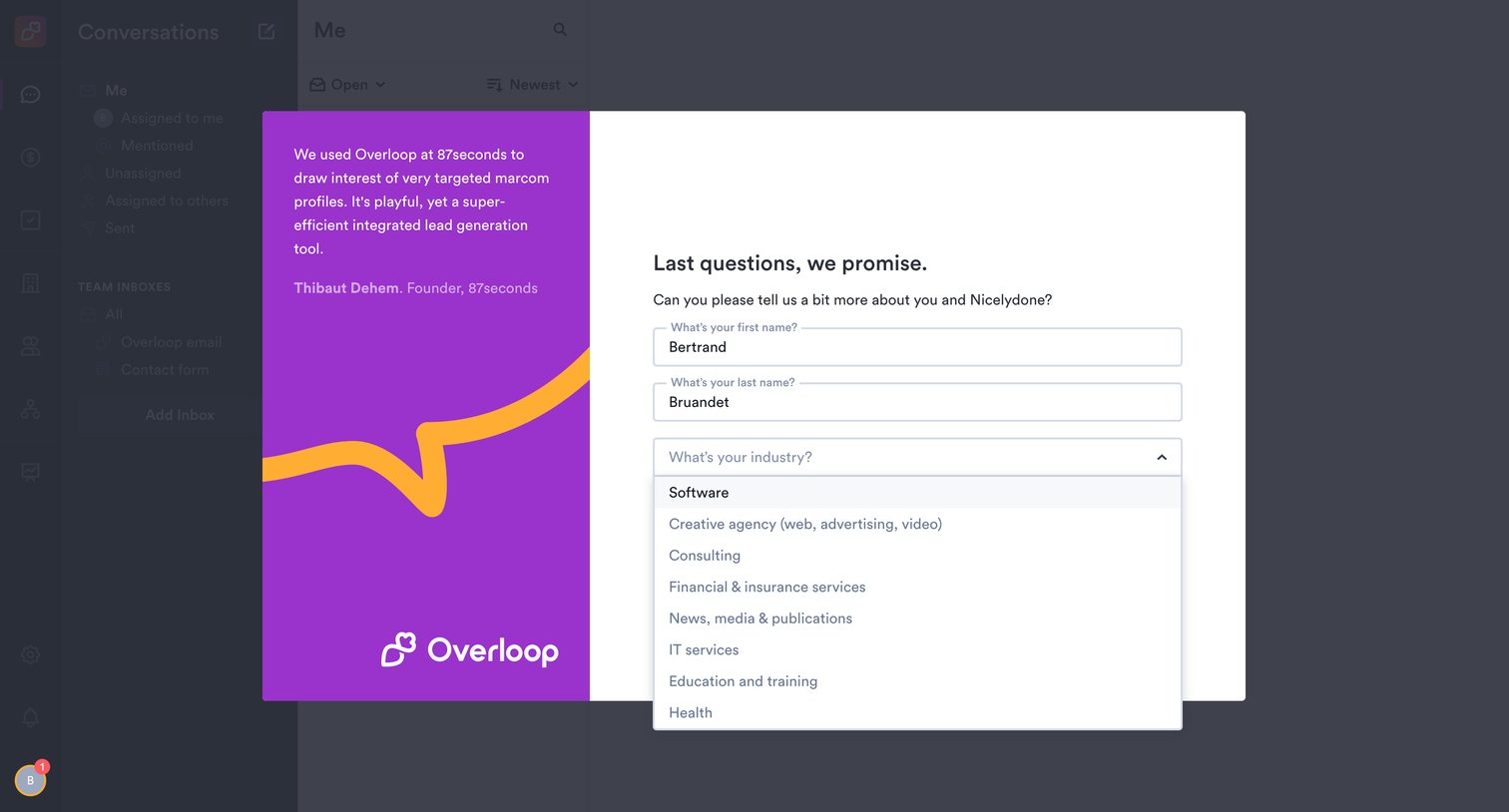
Onboarding step where the user provides their first and last name and selects their industry from an open dropdown menu to complete their profile.
Overloop - Conversations • Overloop screen
Overloop logo
Overloop

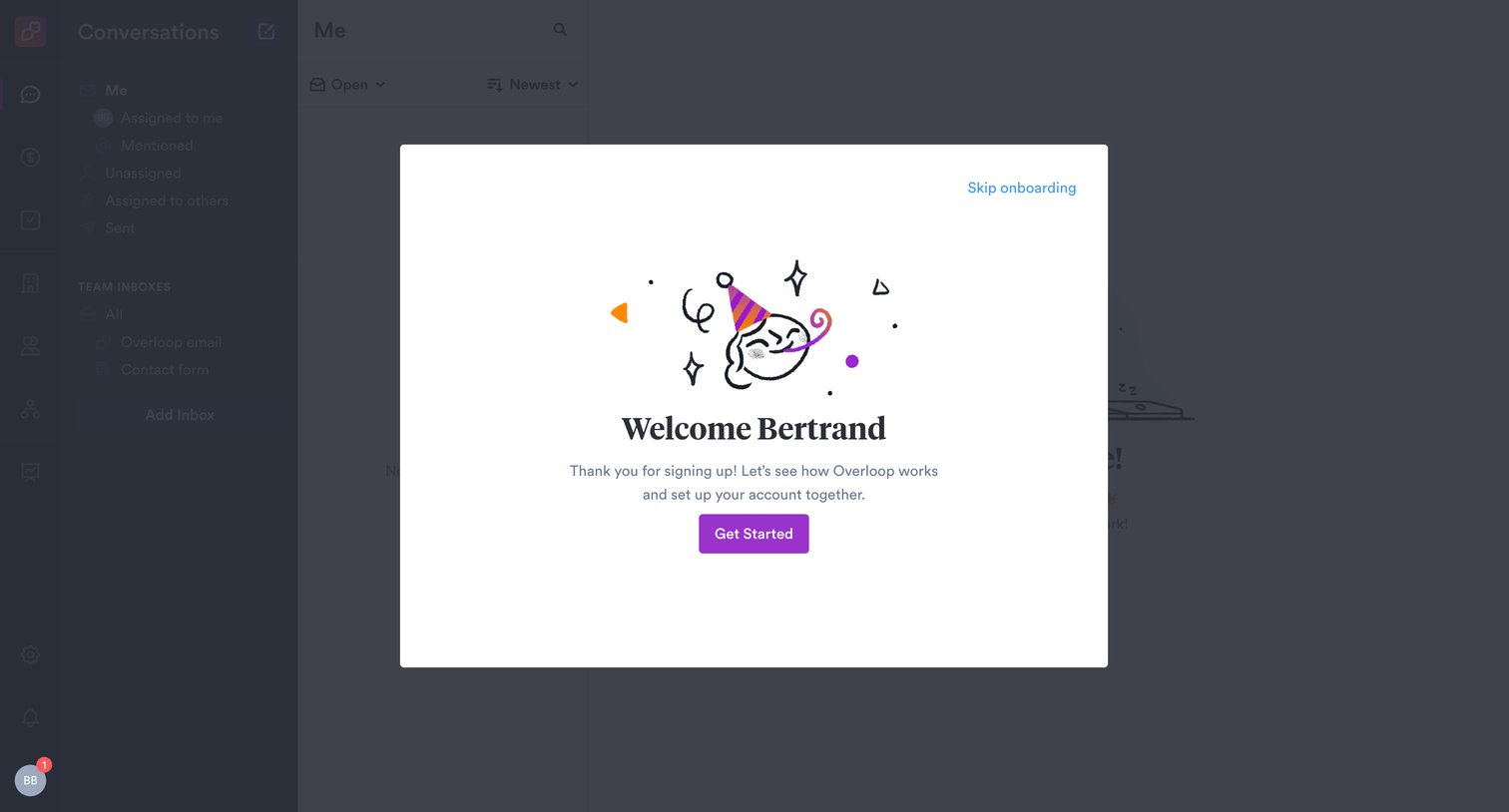
Onboarding step where a welcome modal prompts the user to get started or skip the setup process.

Overloop - Conversations • Overloop screen
Overloop logo
Overloop

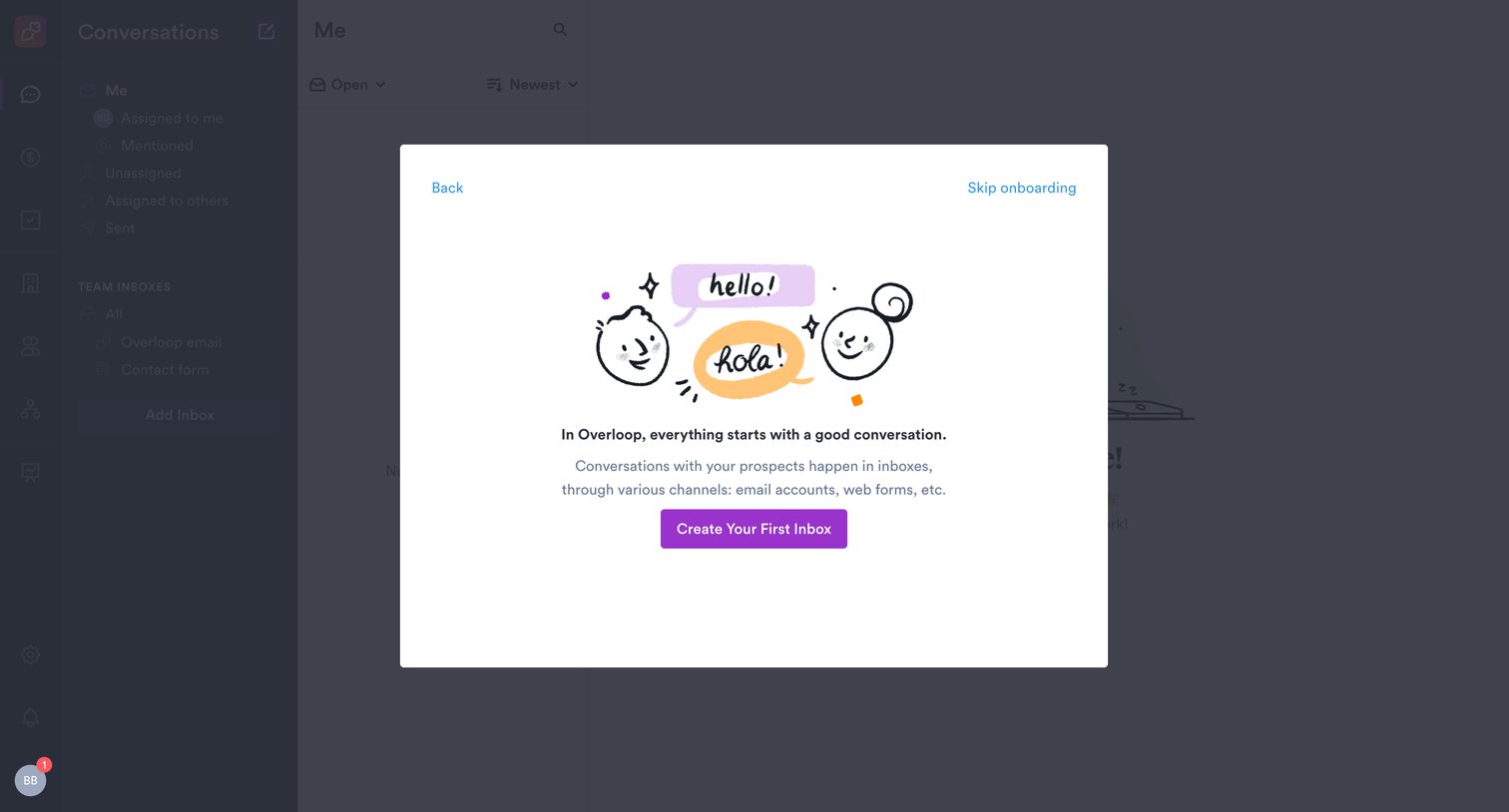
Onboarding step where the user is prompted to create their first inbox for managing conversations.

Explore the full SaaS screen library

Upgrade to unlock the full library.

Trusted by the best teams