Overloop marketing pages examples
Explore Overloop website design examples. Preview marketing pages and browse related SaaS page designs. Turn conversations into customers, at scale
Explore the examples
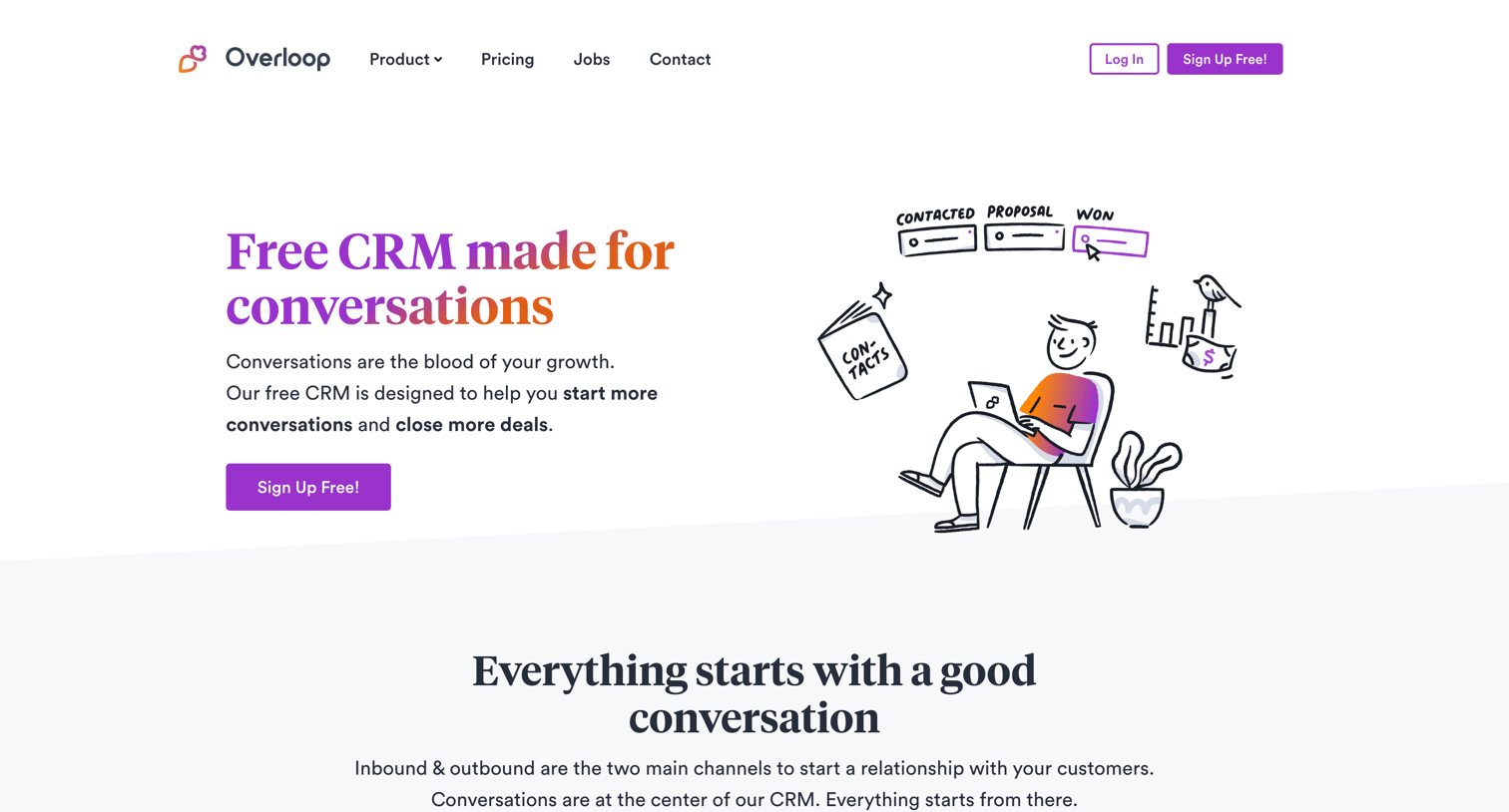

Landing page for a conversational CRM highlighting features like pipelines, workflows, and reporting, alongside integrations and customer testimonials.
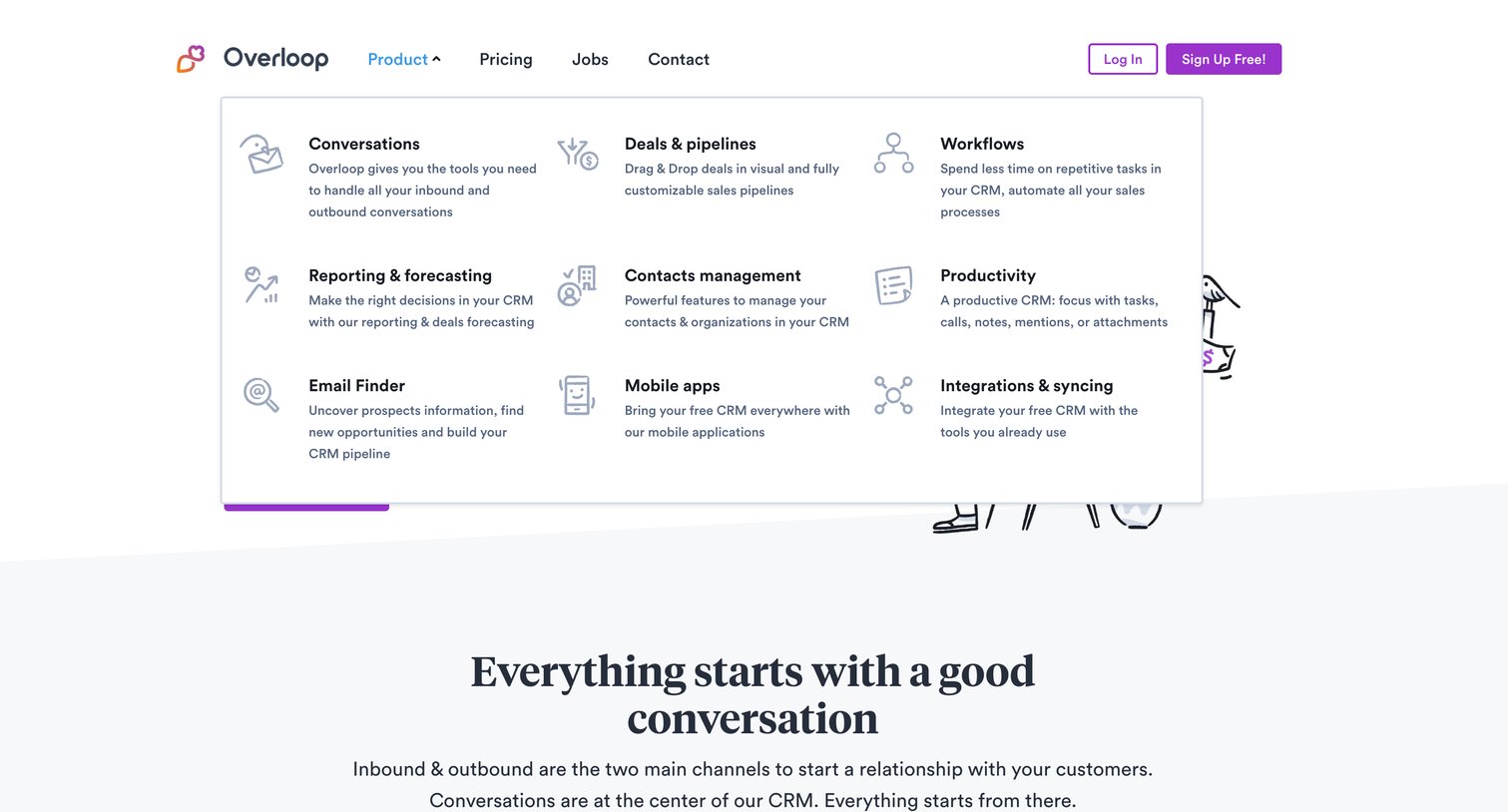
Landing page where the user has opened the product navigation dropdown to view a grid of core features like conversations, pipelines, and workflows.
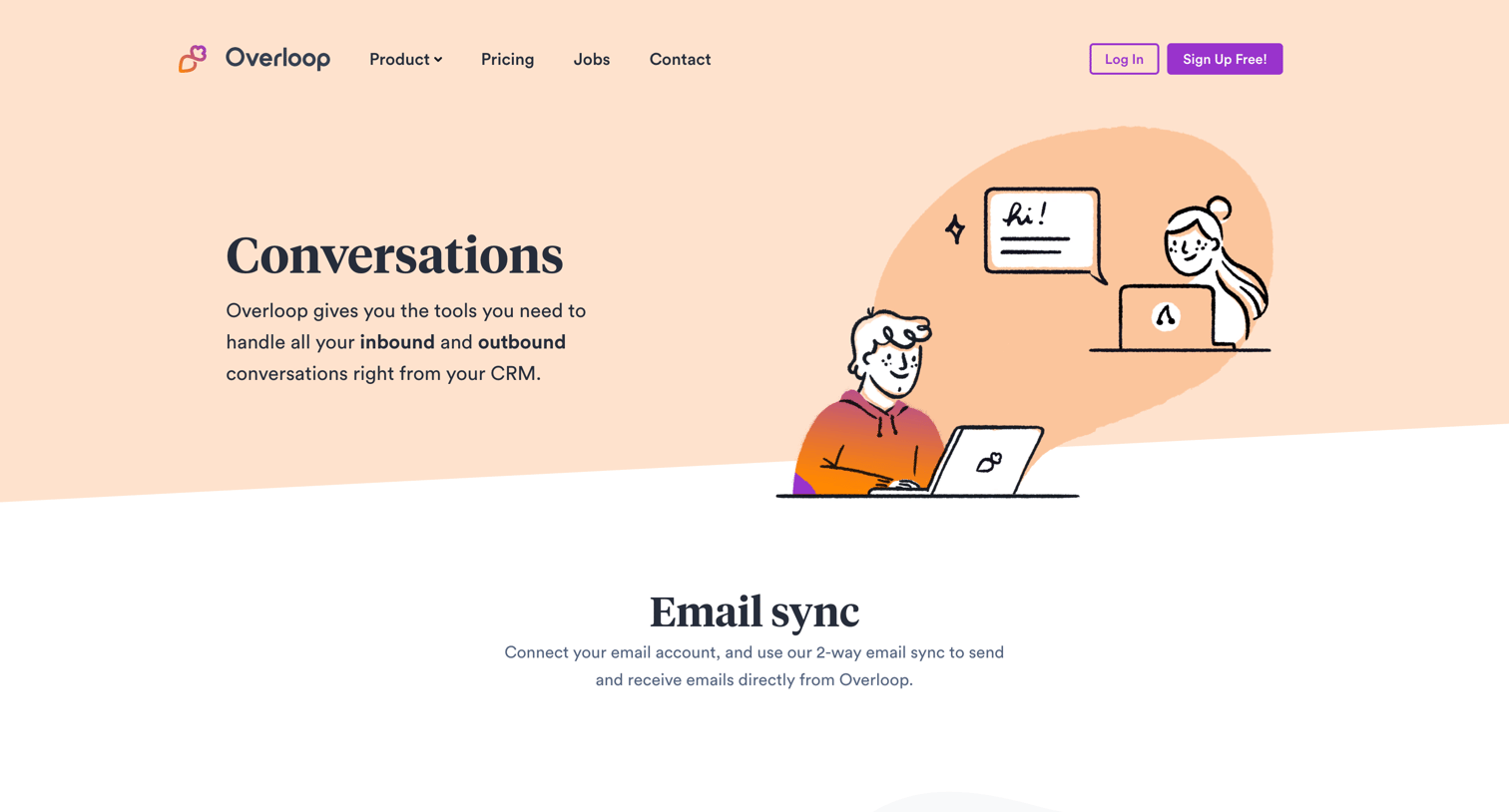
Feature page detailing the conversations capabilities of a CRM, highlighting tools like email sync, outbound campaigns, live chat, and team inboxes.
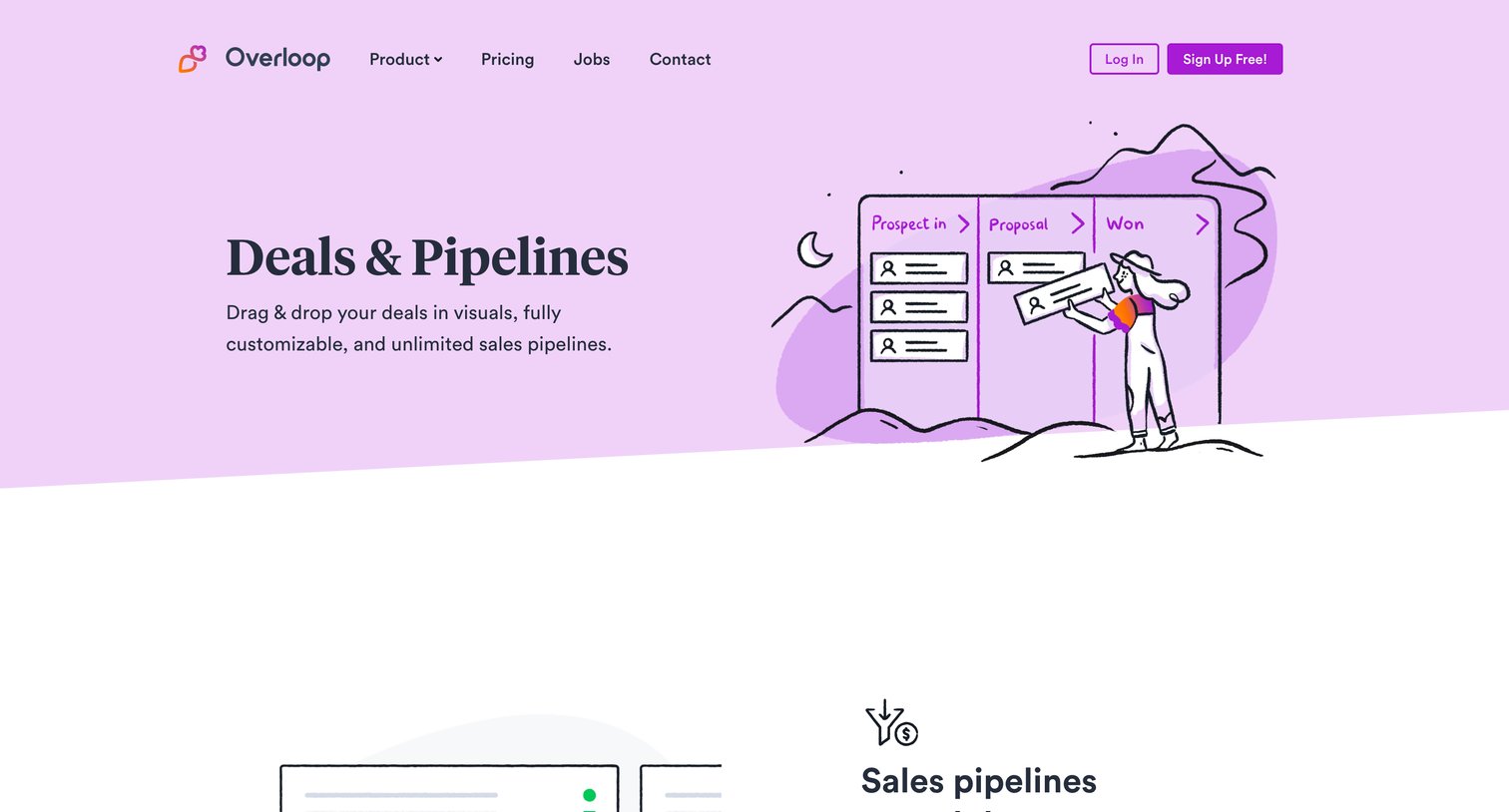
Feature page detailing sales pipeline management, deal forecasting, and related CRM capabilities with a prompt to sign up.
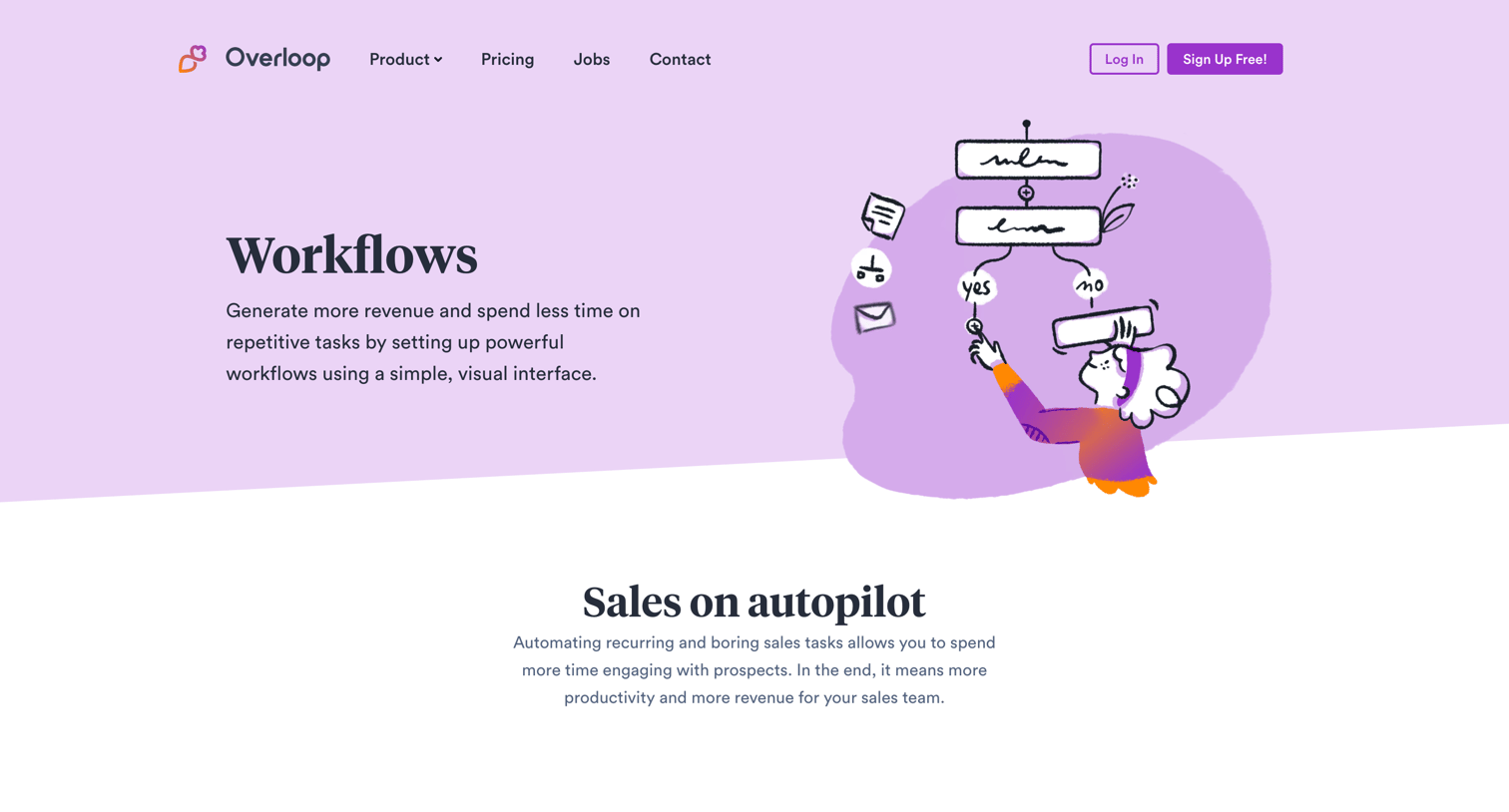
Feature page explaining the visual workflow builder, highlighting automatic enrollment, conditional logic, and action blocks for sales automation.
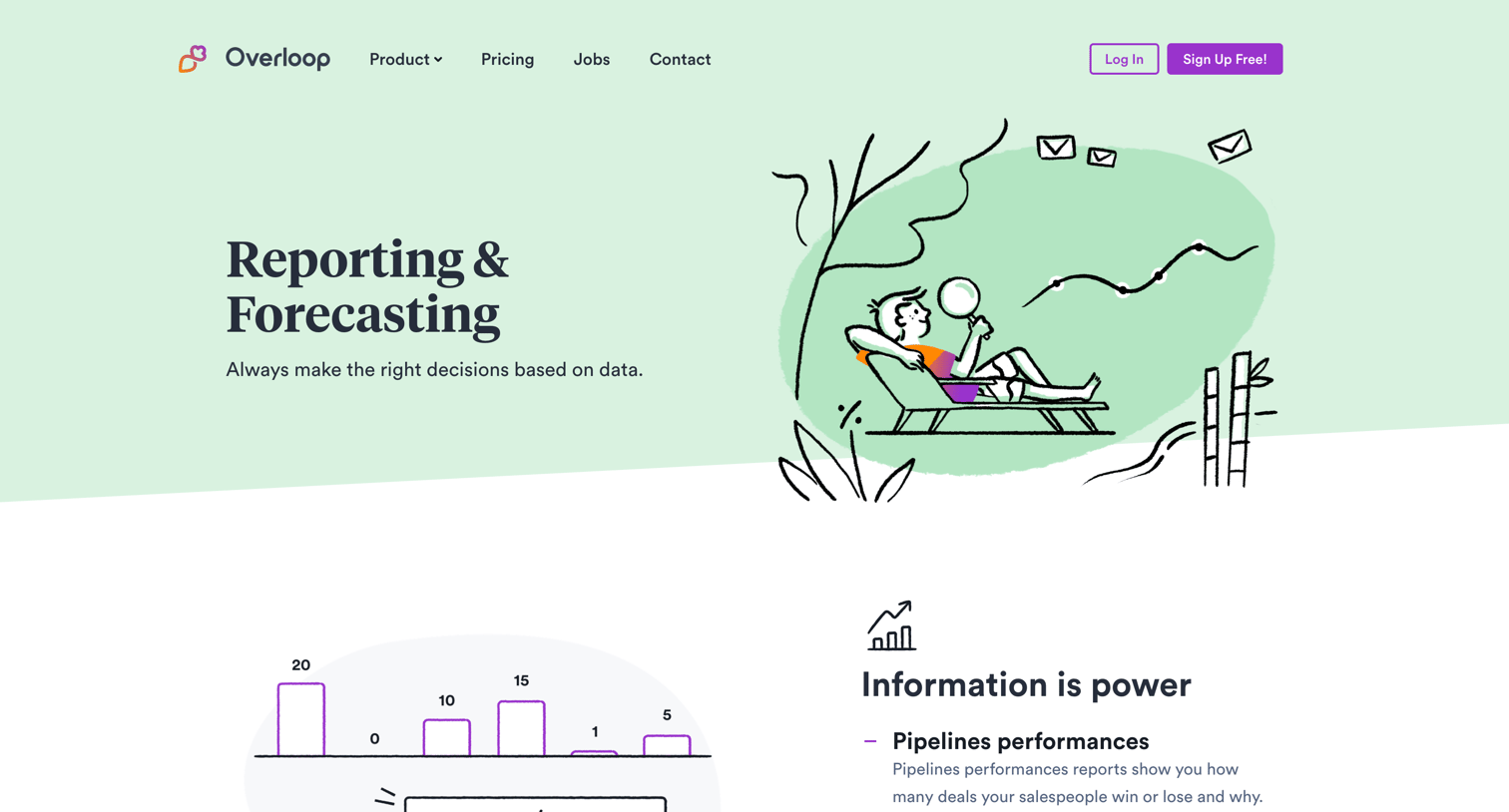
Feature page detailing reporting and forecasting capabilities, including pipeline performance tracking and team leaderboards.
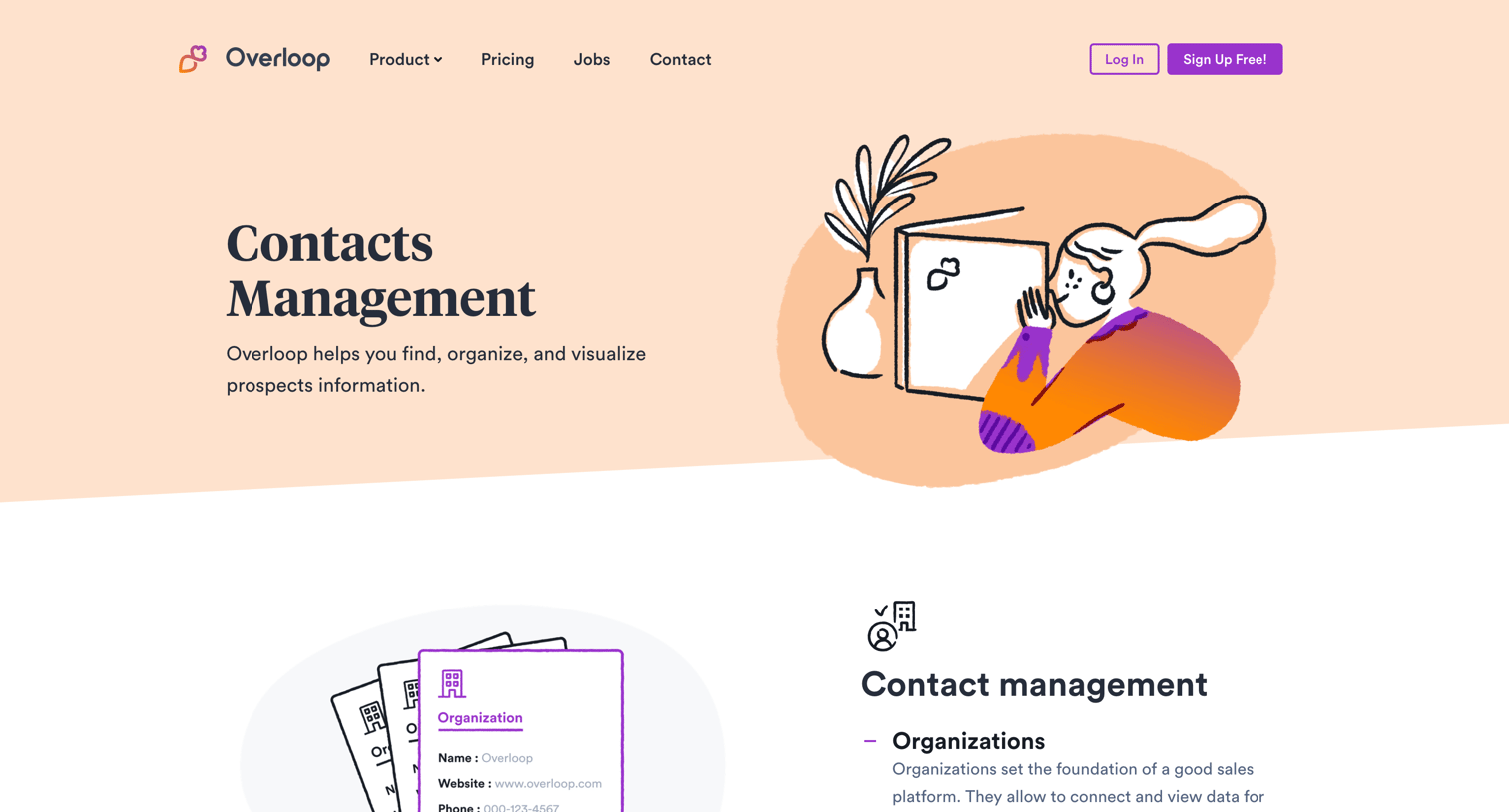
Feature page explaining how to organize and visualize prospect information using lists, smart segments, and custom fields, concluding with a signup prompt.
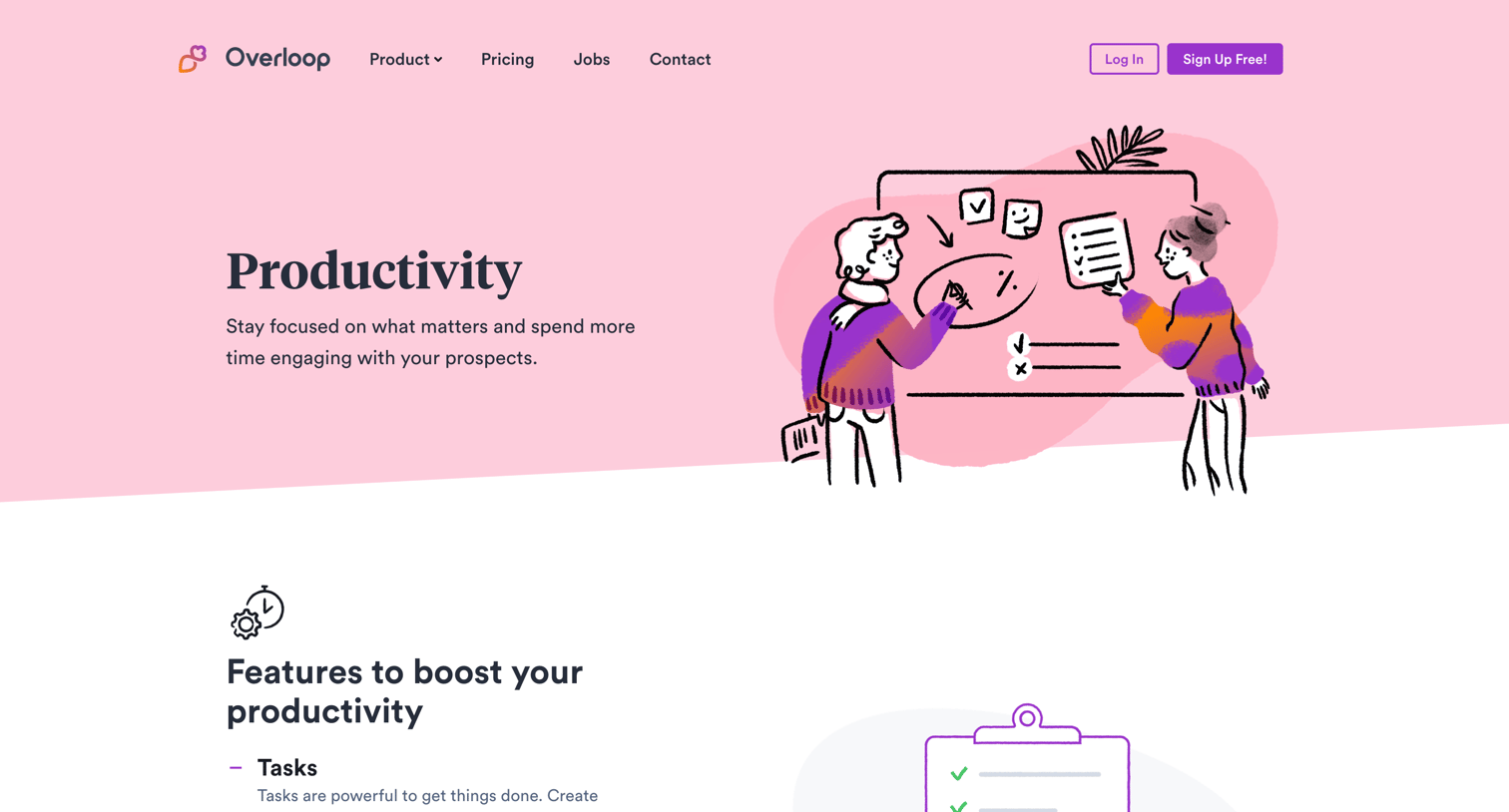
Feature page detailing productivity tools like tasks, emails, and a sales cockpit for sales teams.
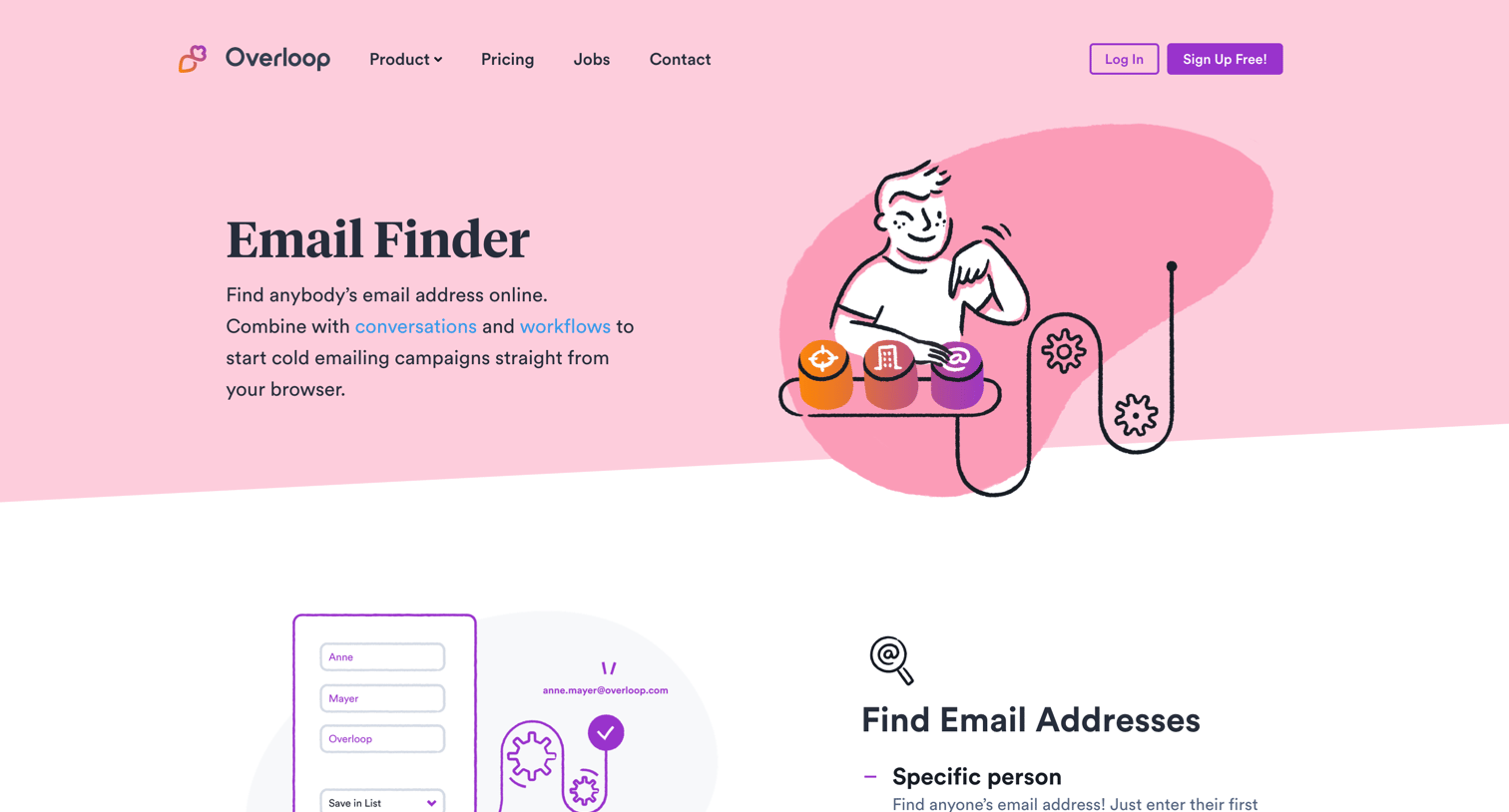
Feature page explaining the email finder tool with capabilities like bulk search, chrome extension, and API access, ending with a signup prompt.
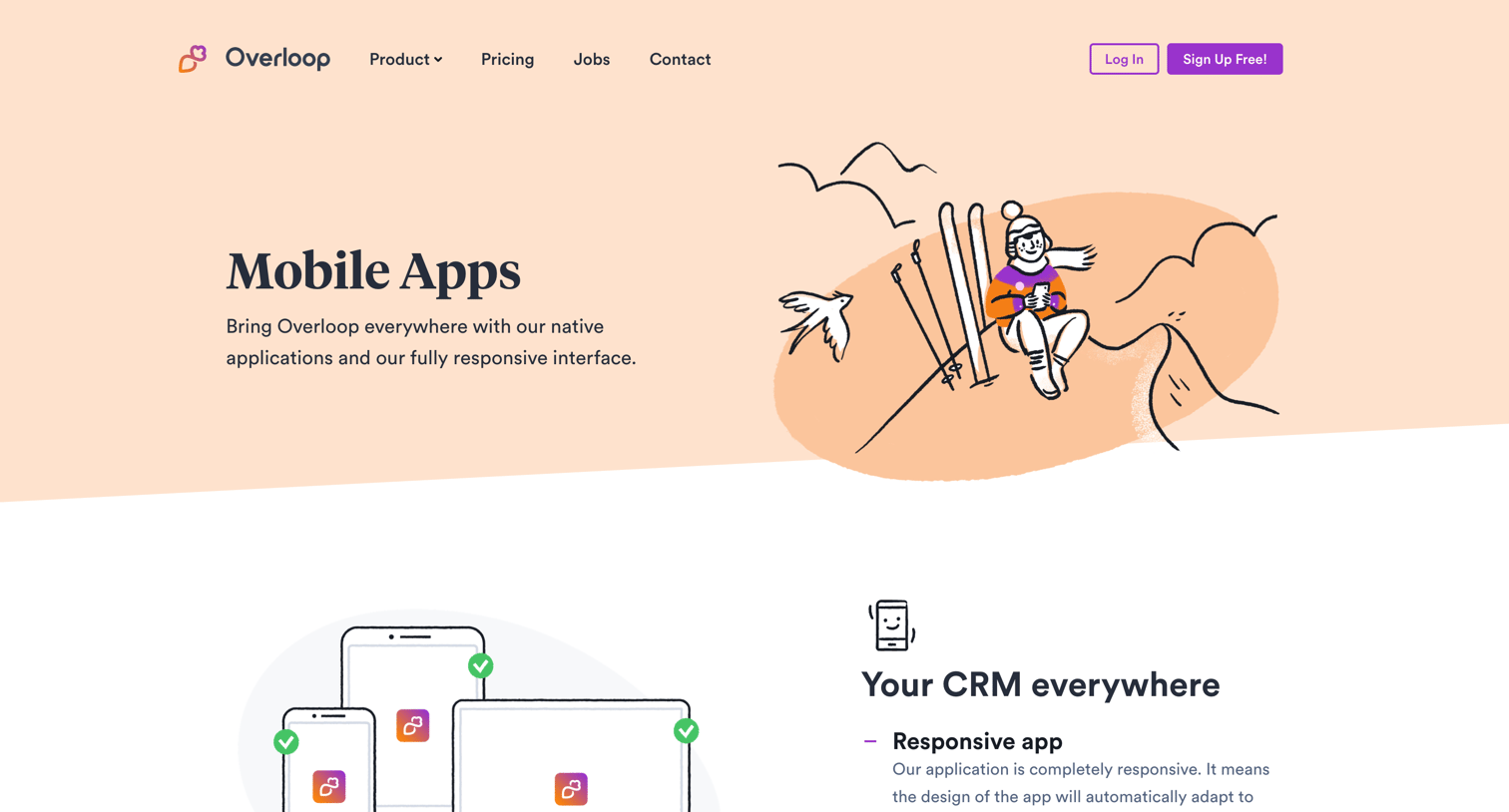
Feature page highlighting the mobile and responsive capabilities of the CRM, including upcoming iOS and Android apps.
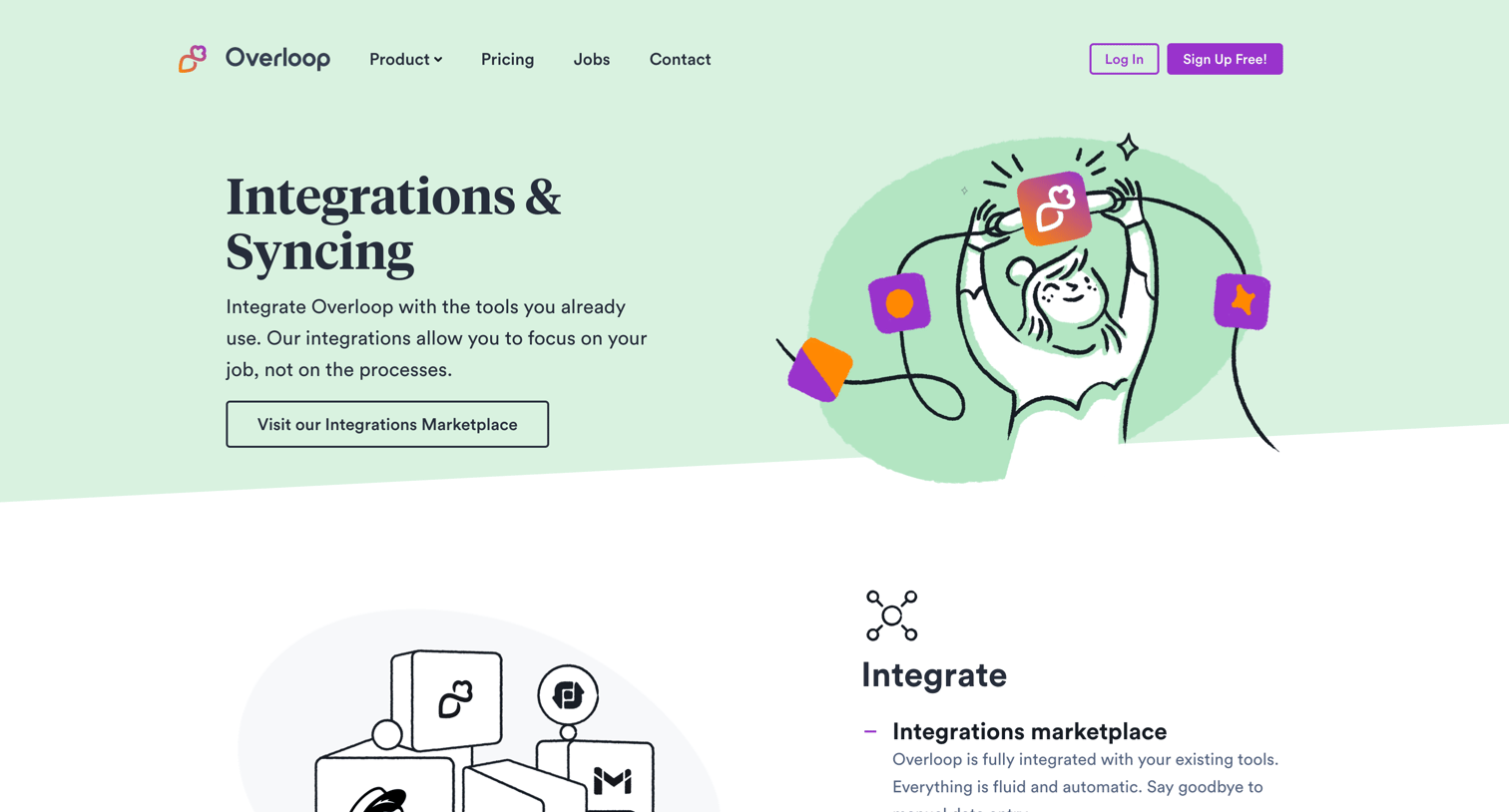
Feature page detailing integration and syncing capabilities with tools like Zapier and Leadsbridge, followed by a grid of additional CRM features and a bottom signup call to action.
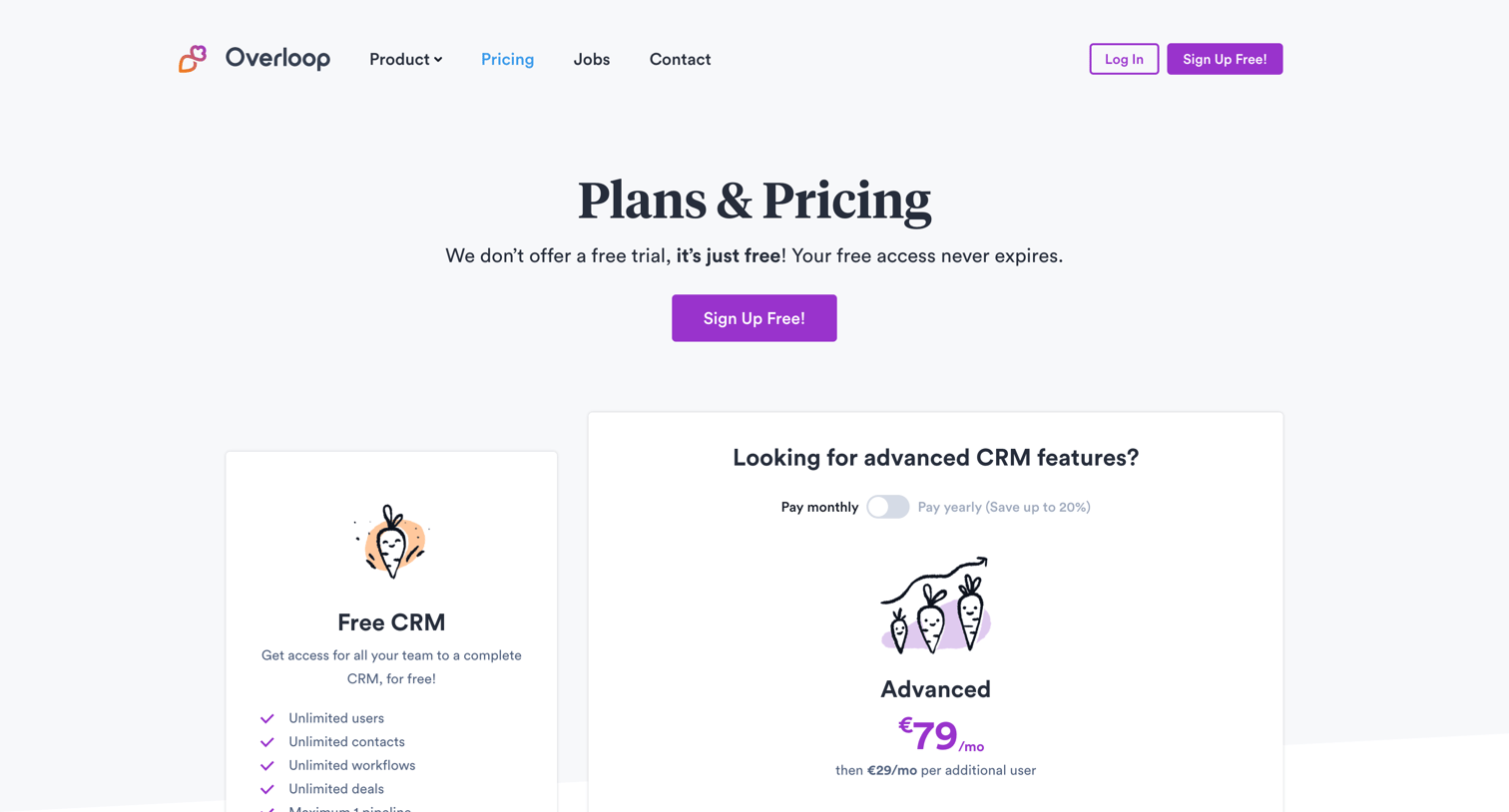
Pricing page where the user compares a free CRM plan against an advanced paid plan, with options to purchase additional email finder credits and a detailed feature comparison table.
Explore the full SaaS screen library
Upgrade to unlock the full library.
Trusted by the best teams







