OkCupid design examples
Explore OkCupid UI design examples. The best dating site on earth
Product screens
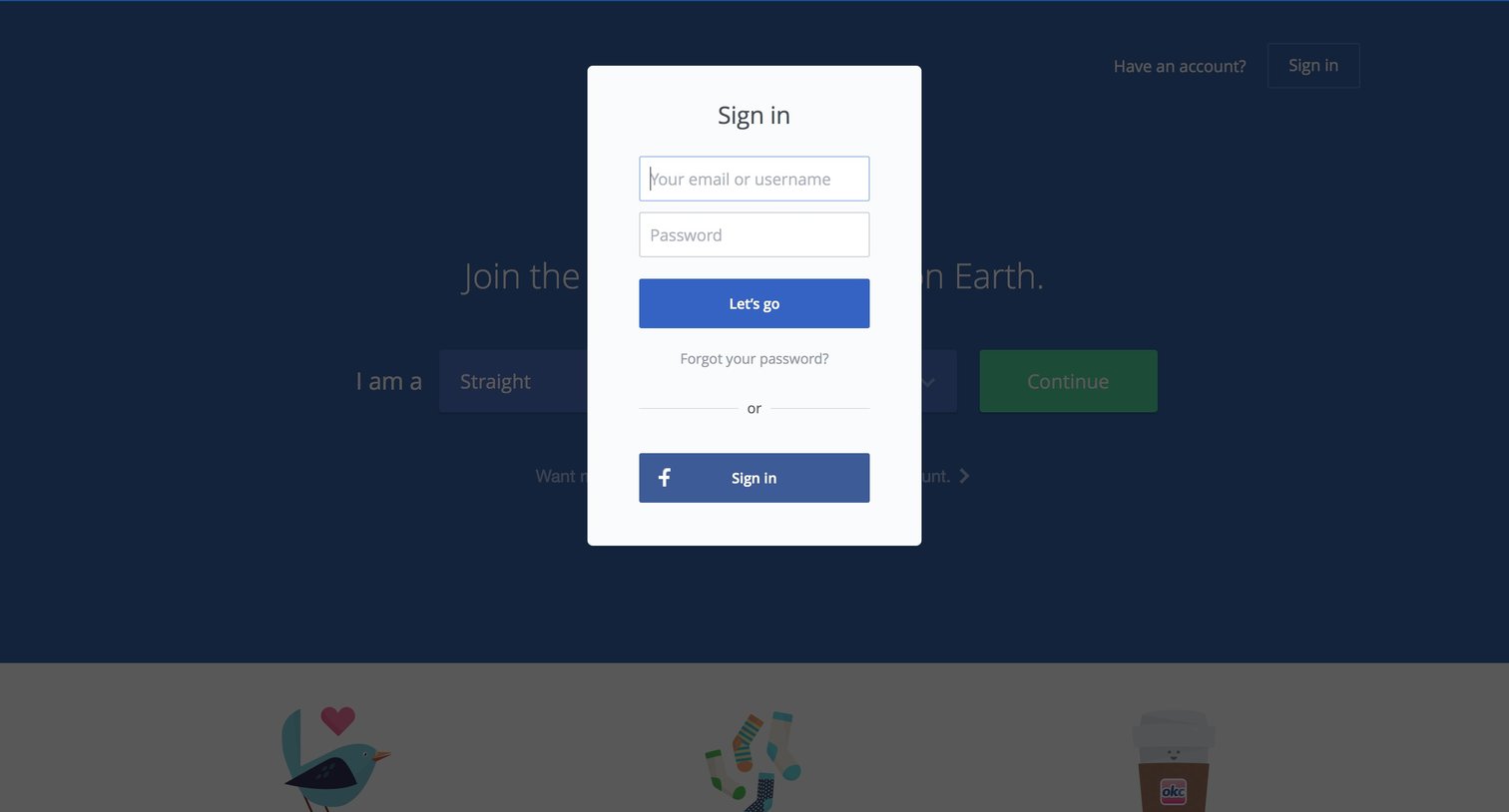

Authentication User authentication Form
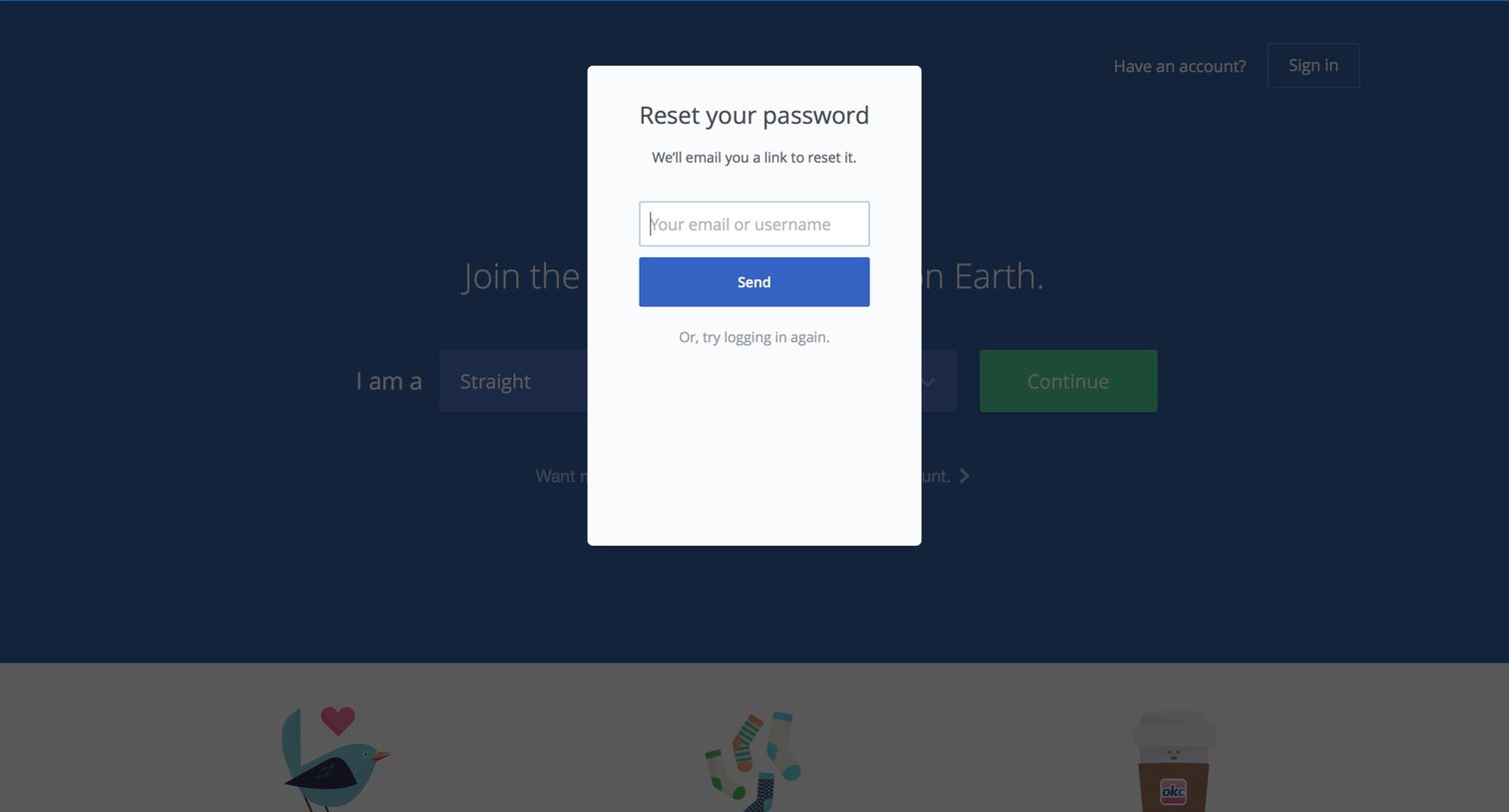
Password recovery modal where the user enters their email or username to receive a reset link.
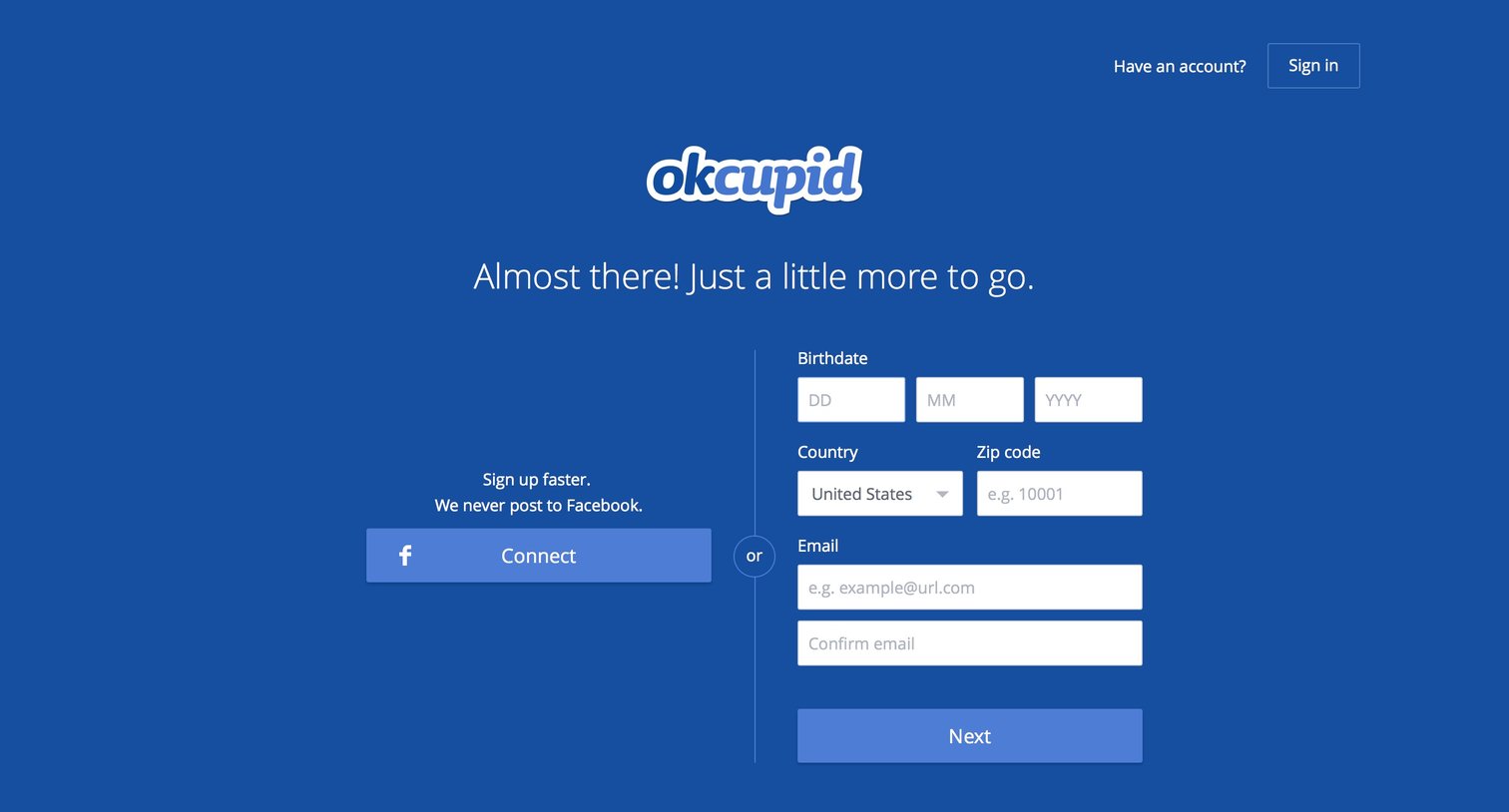
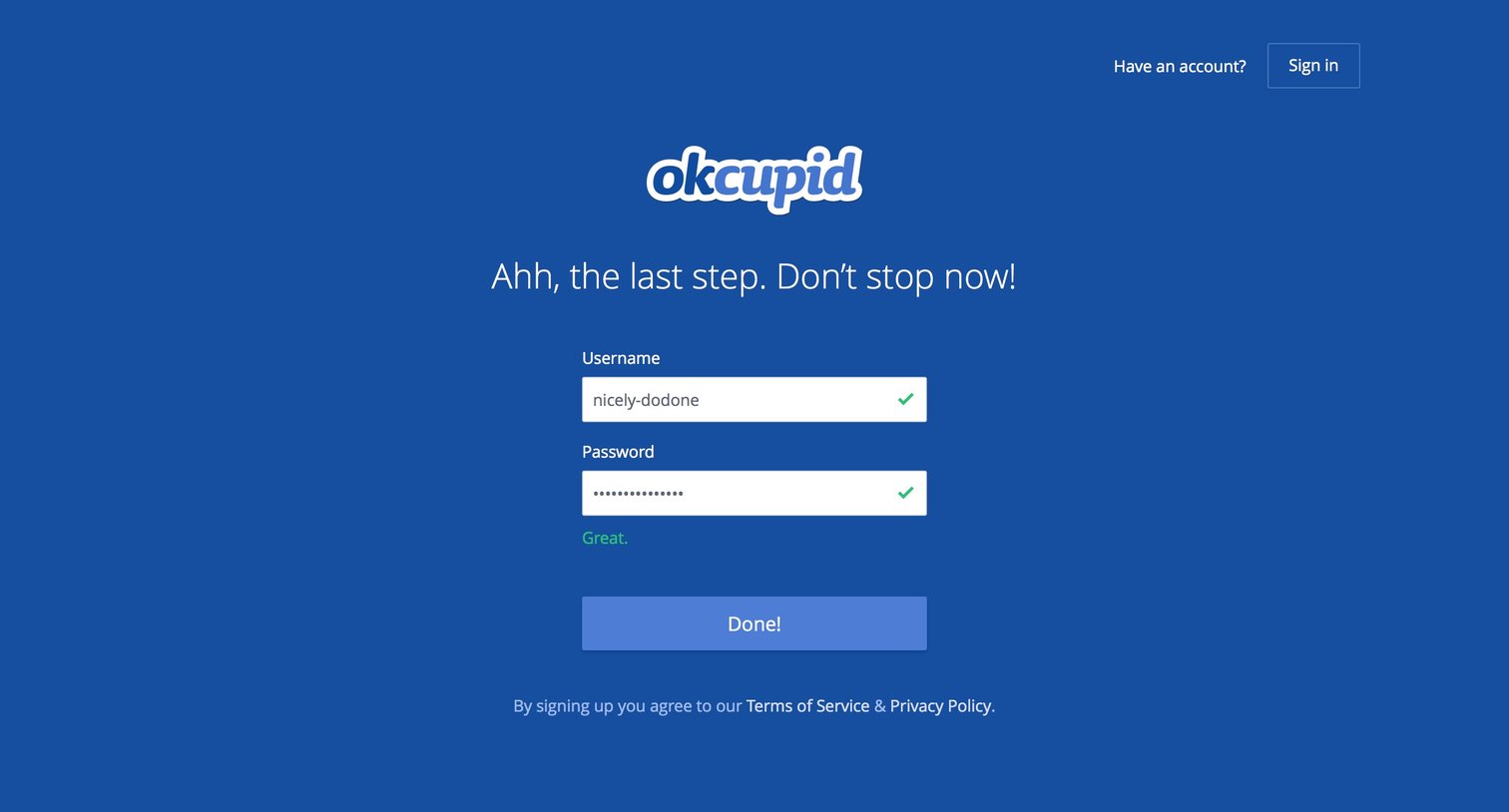
Authentication User authentication Form
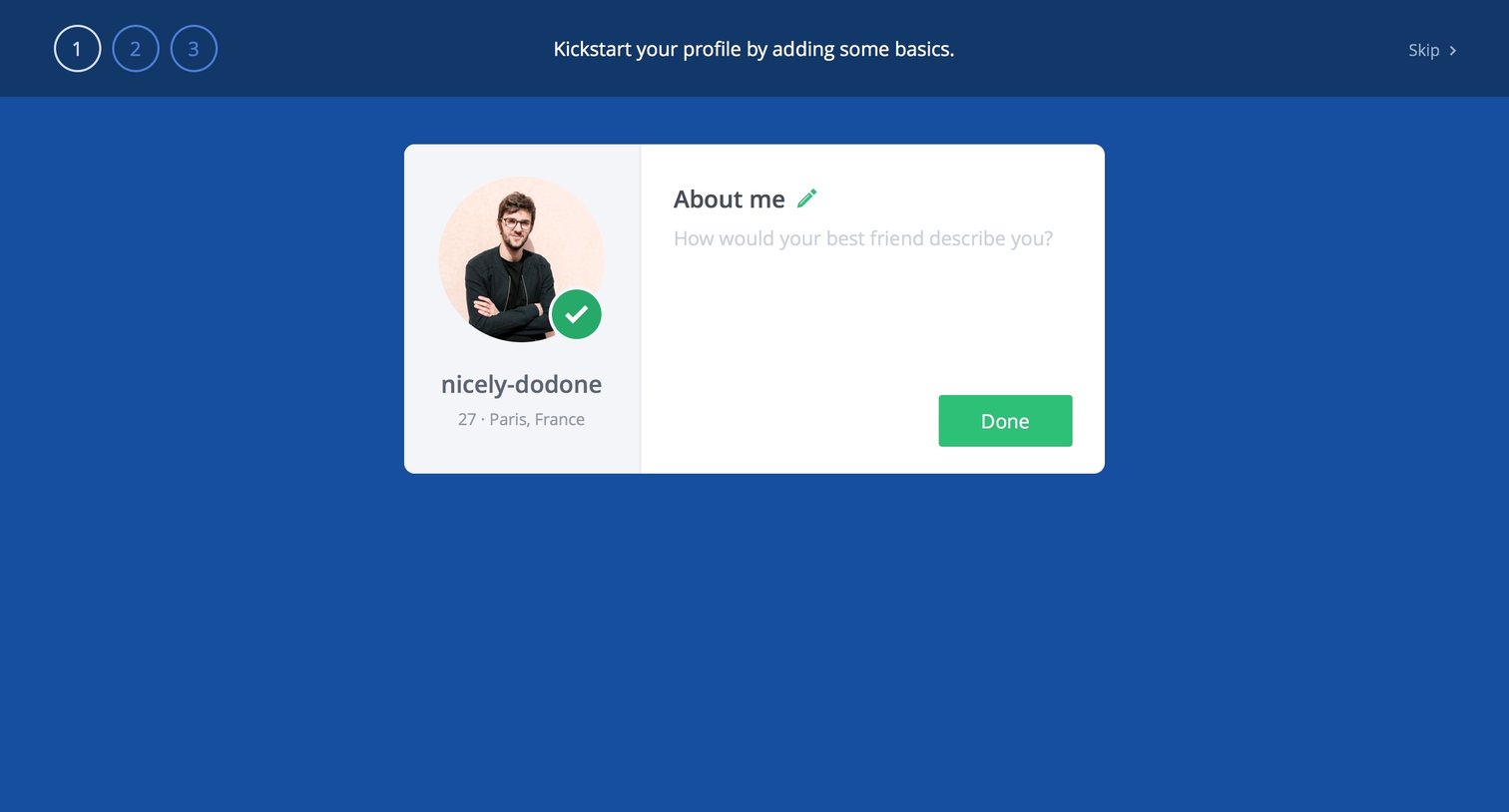
Onboarding step where the user adds an 'About me' description to their profile card.

Onboarding step where the user chooses to upload a profile photo from Facebook, their computer, or Instagram.
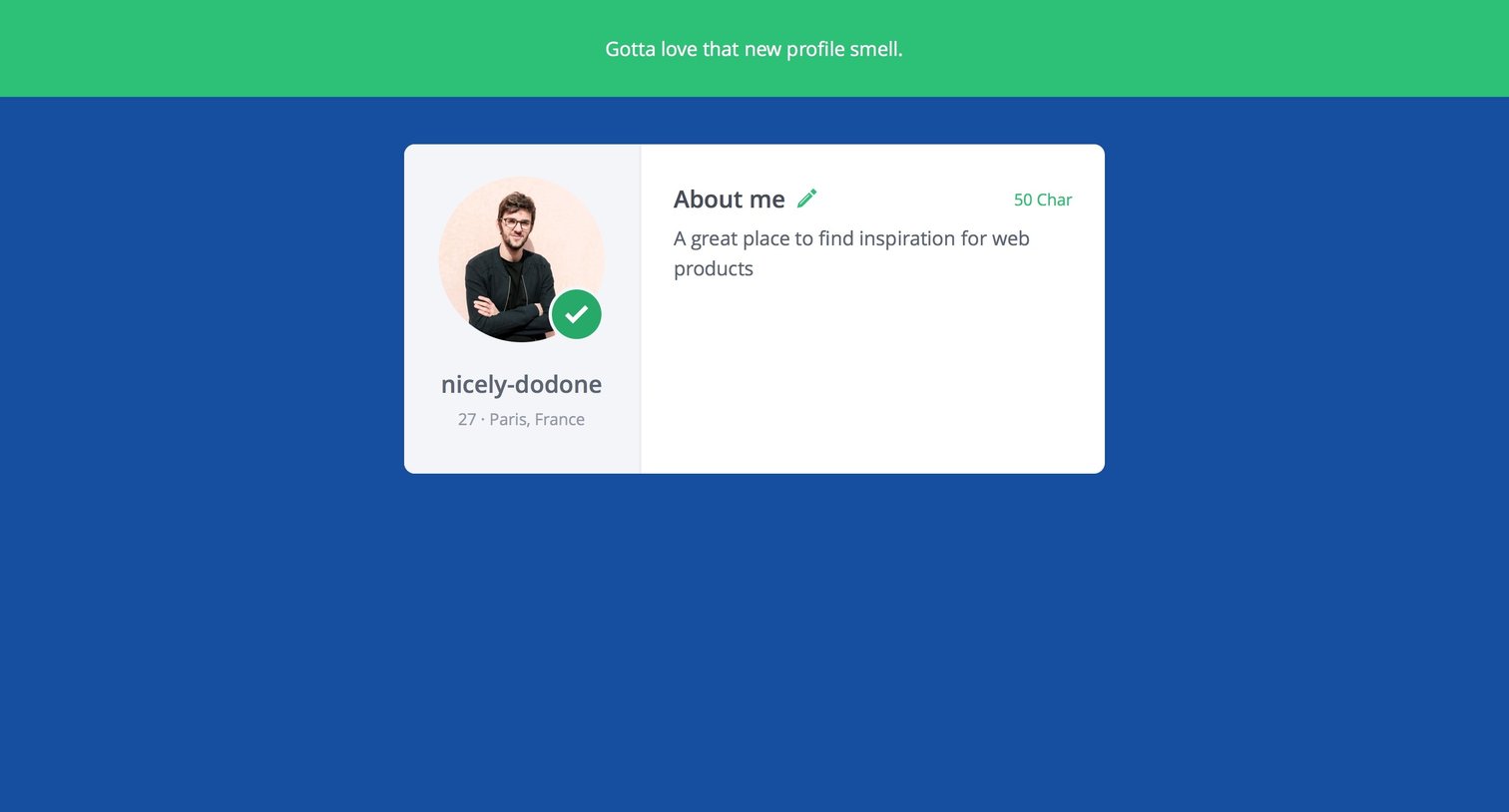
Detail page showing a newly created user profile with an avatar, basic demographic details, and a short bio section.
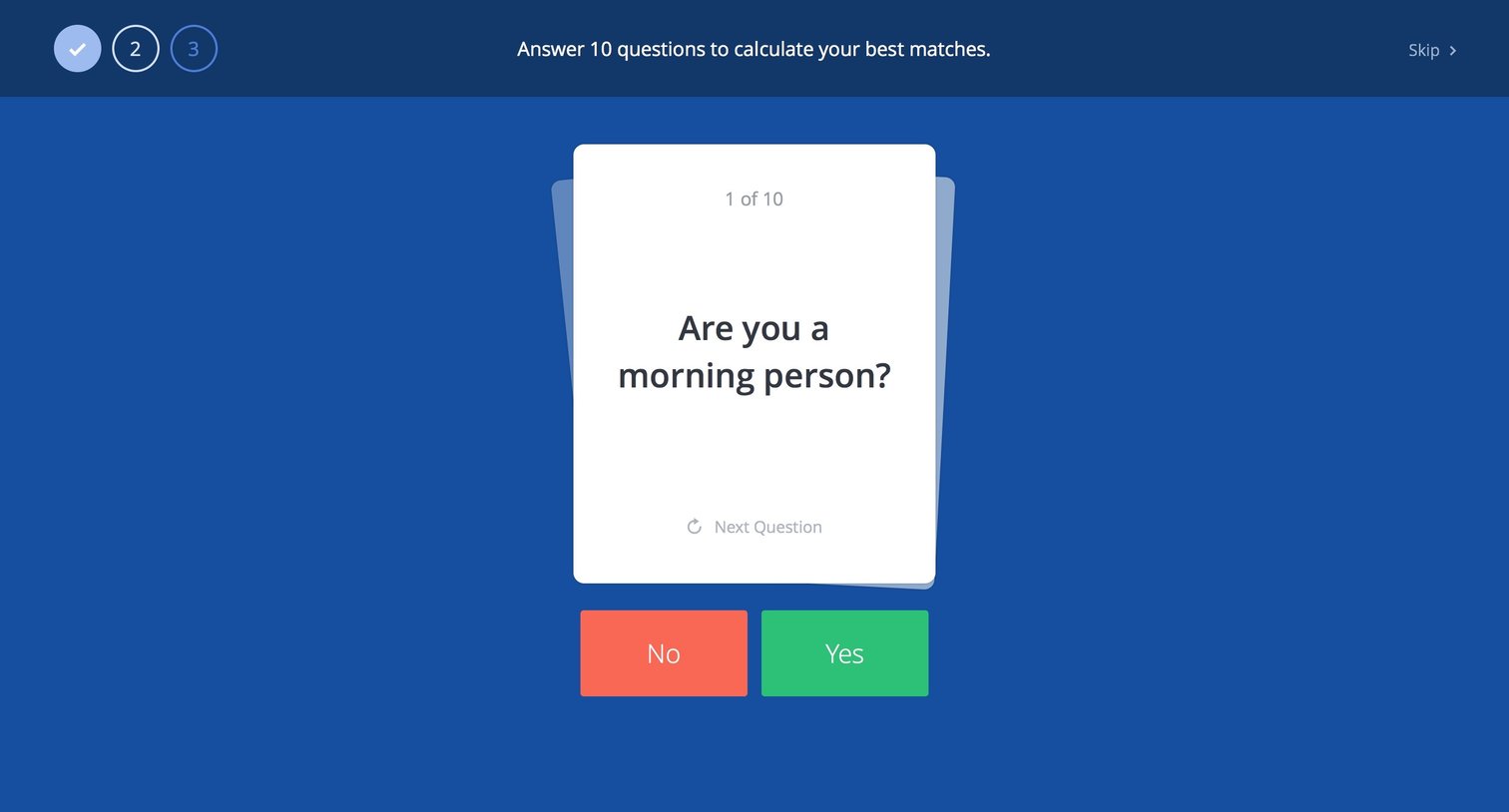
Onboarding Progress indicator Modal screen

Onboarding step where the user selects three profiles they like to teach the app their preferences.


Activity feed where the user views recent profile updates, photo uploads, and public answers from other members.

E-commerce
Browse the full SaaS app library
Explore real SaaS apps with their product screens, marketing screens, flows, and components.
Trusted by the best teams







