Mirror design examples
Explore Mirror UI design examples. Create and connect your world on web3
Product screens
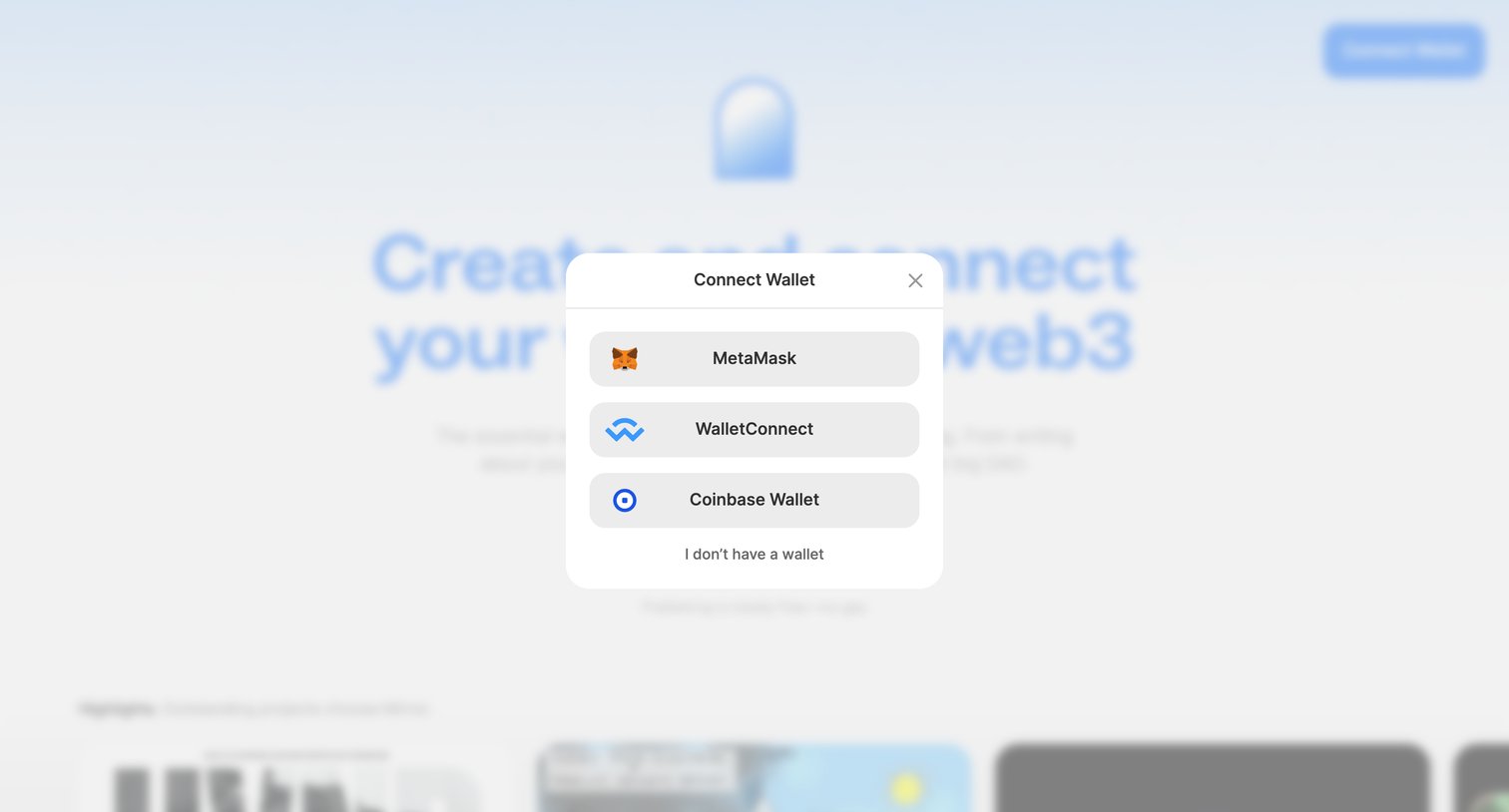
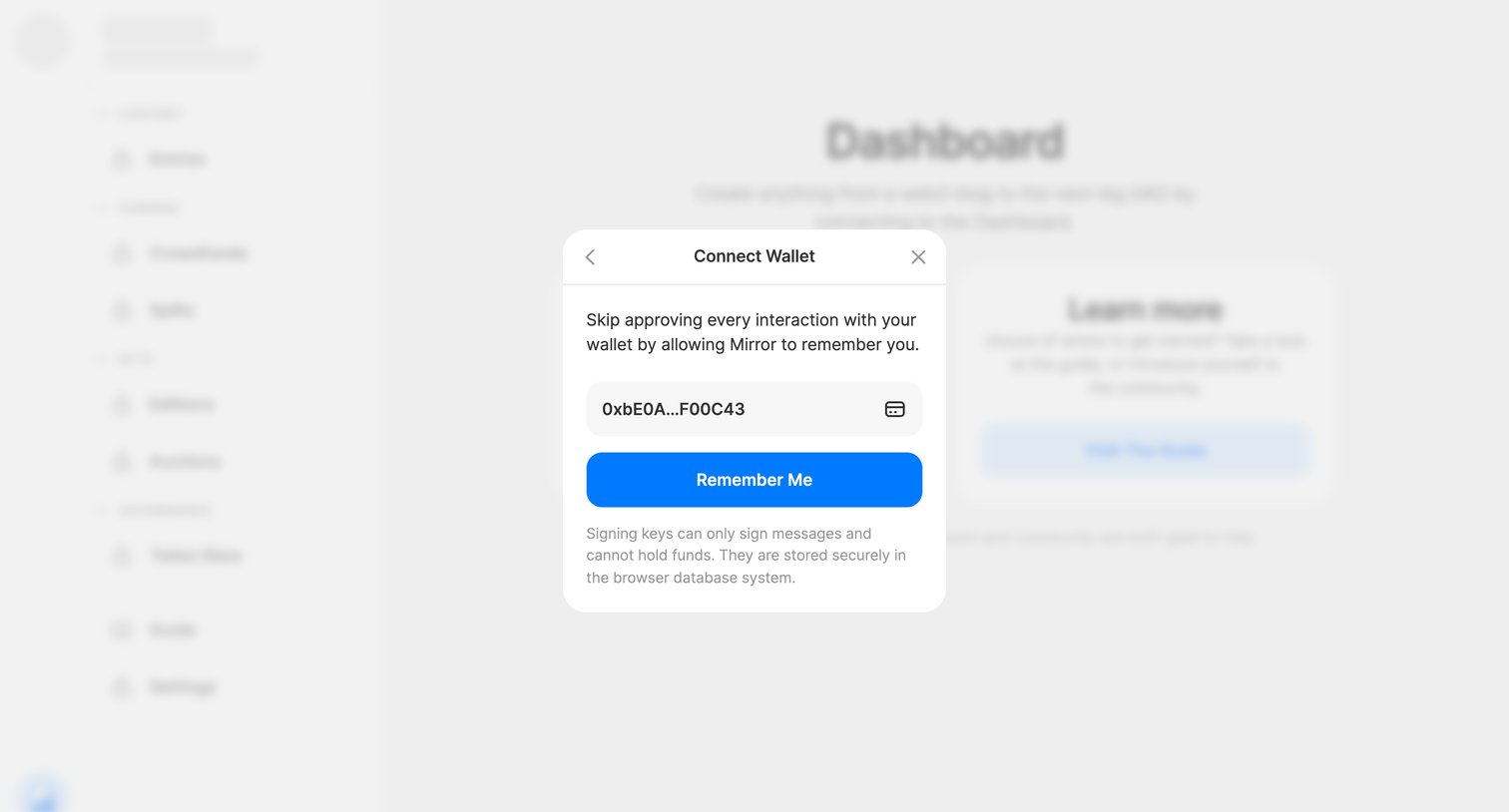

Dashboard with a modal prompting the user to connect their wallet and remember their session to skip future approvals.
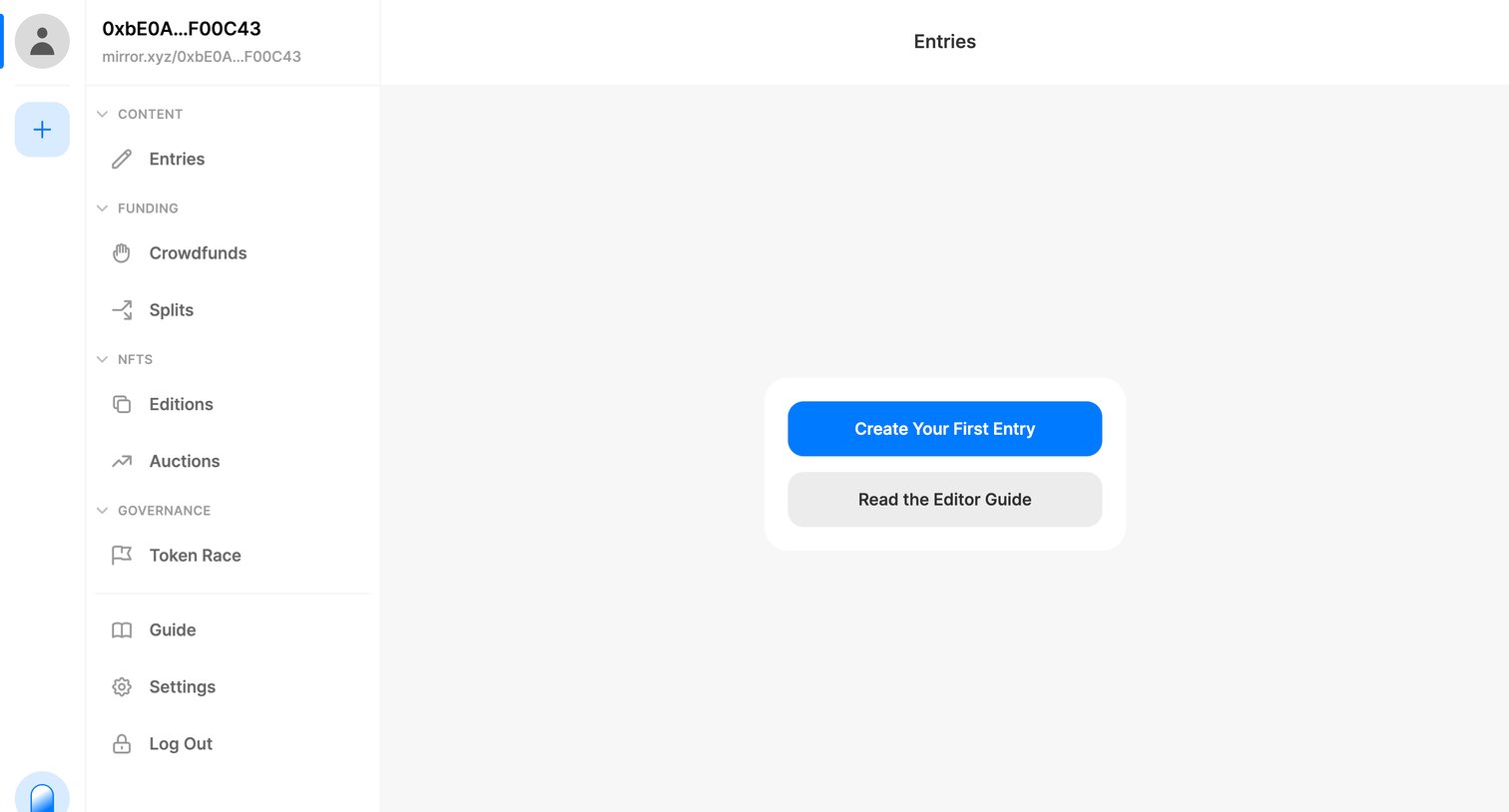
List view for publishing entries where the user is prompted to create their first post or read the editor guide in an empty workspace.
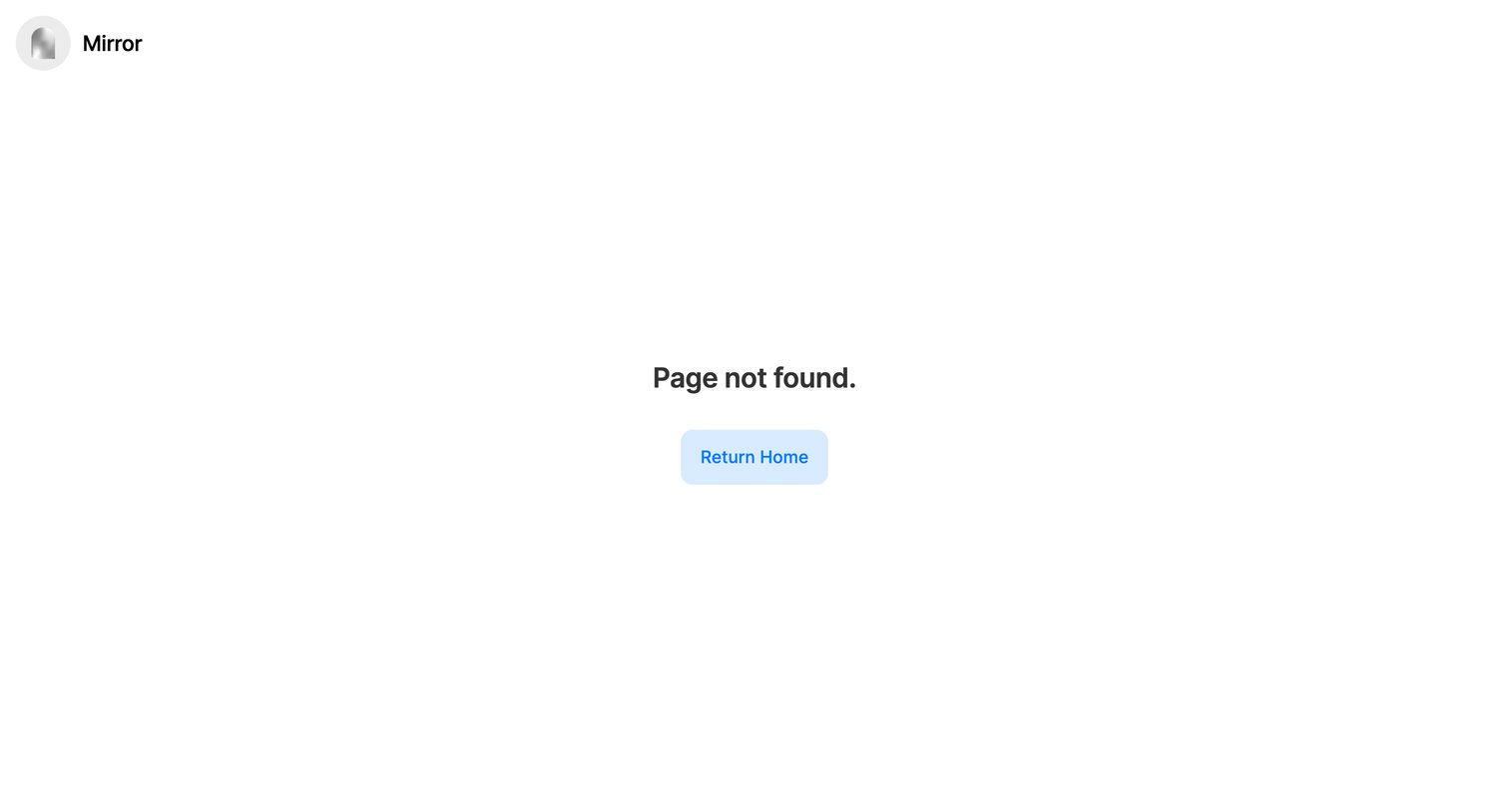
Error page where the user is informed the page was not found and is prompted to return home.
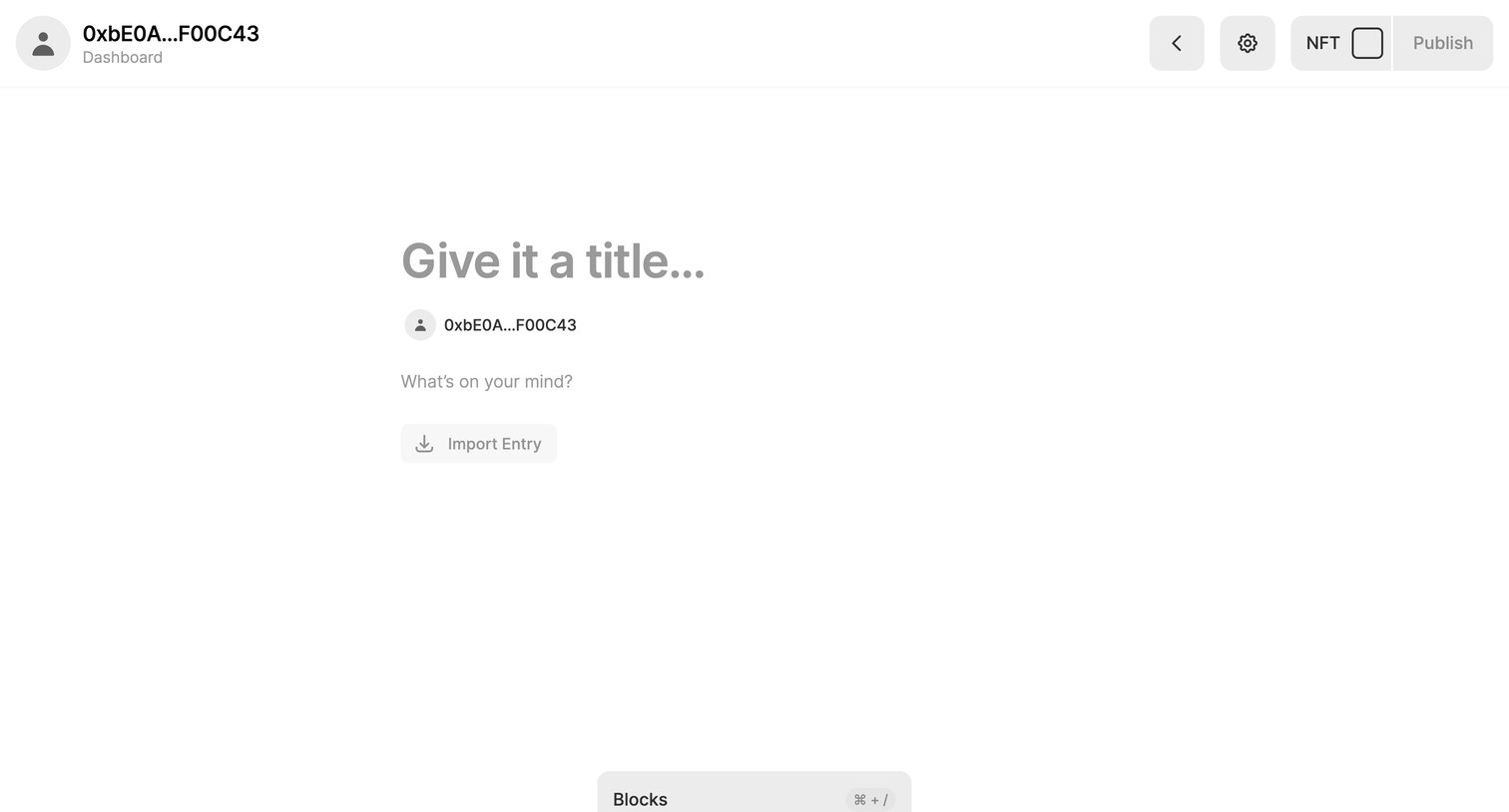
Content editor where the user drafts a new post, with options to import an entry or toggle NFT minting before publishing.
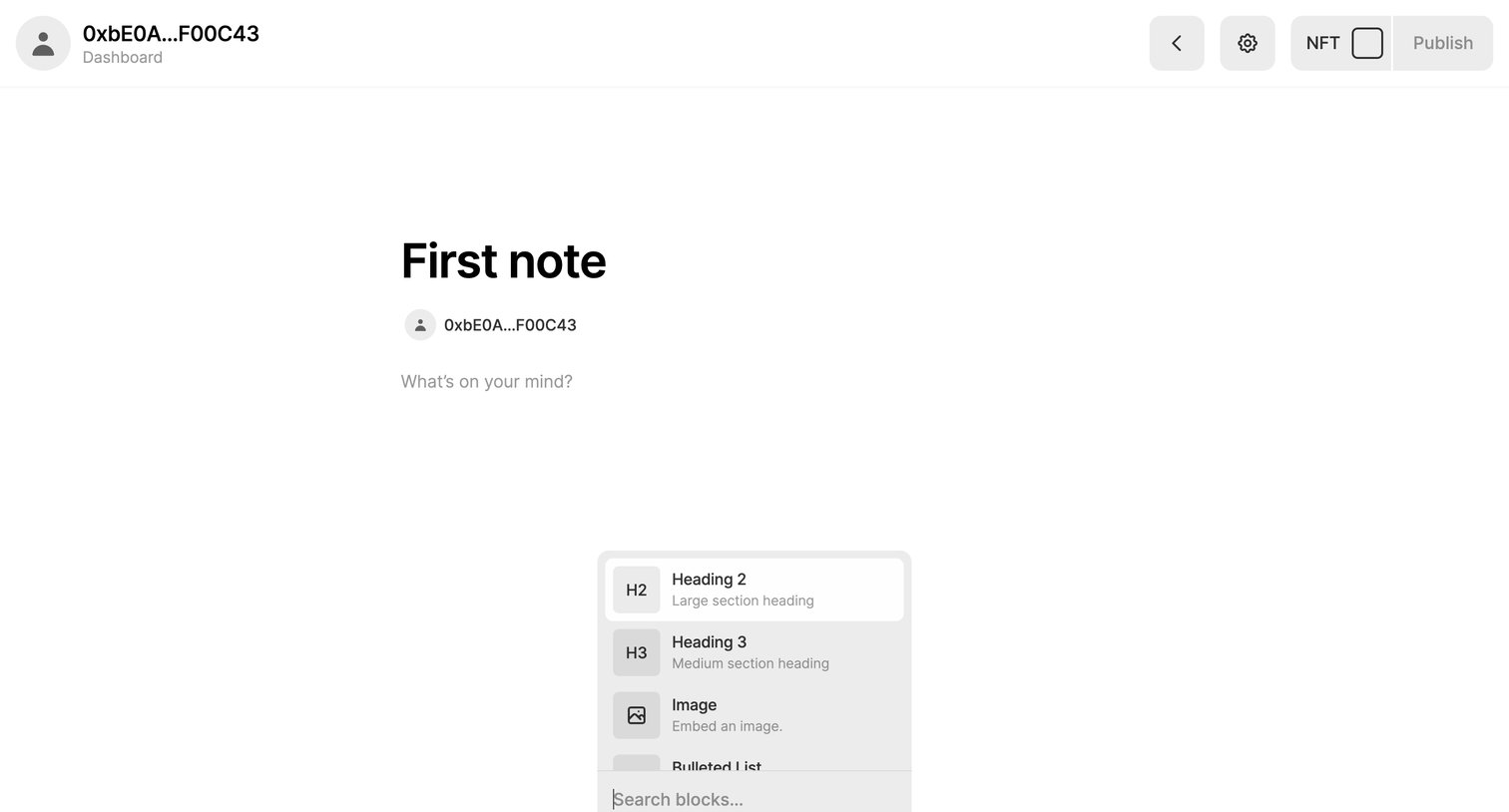
Content editor where the user is drafting a new note and has opened the inline block menu to insert a heading or image.
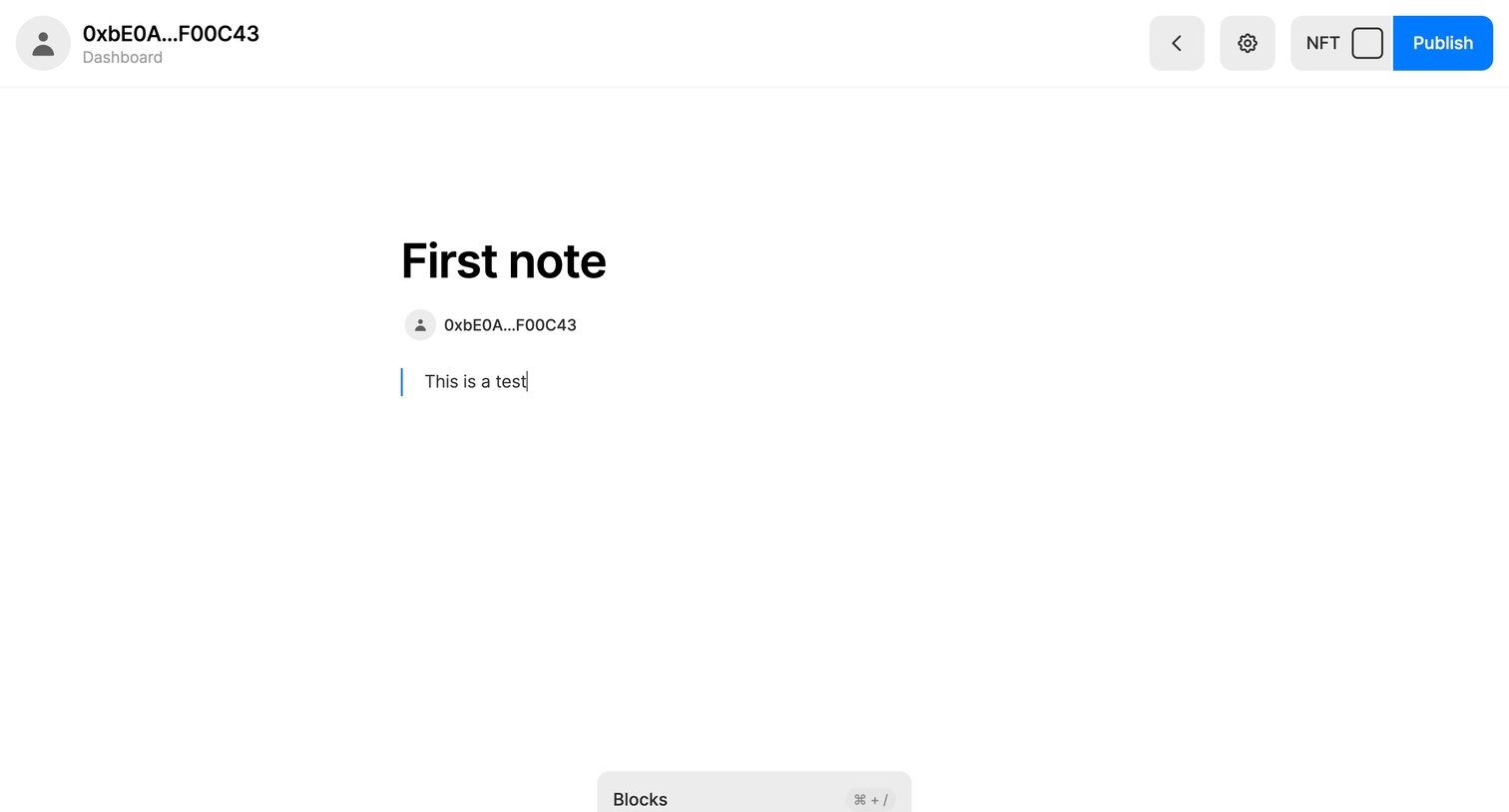
Content editor where the user is drafting a note titled 'First note' with an option to mint it as an NFT before publishing.
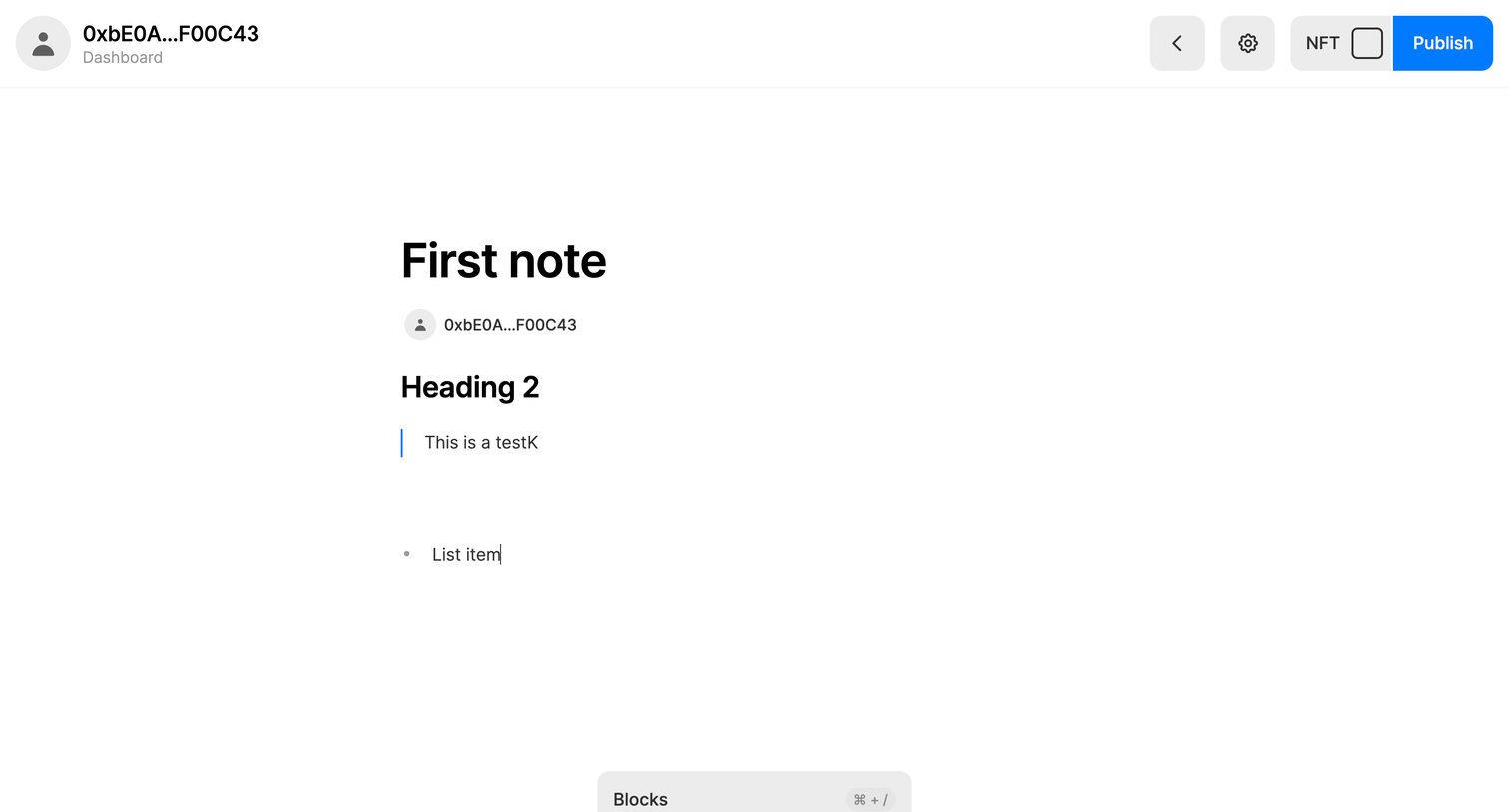
Content editor where the user drafts a note with a title, headings, and lists, with an option to publish it as an NFT.
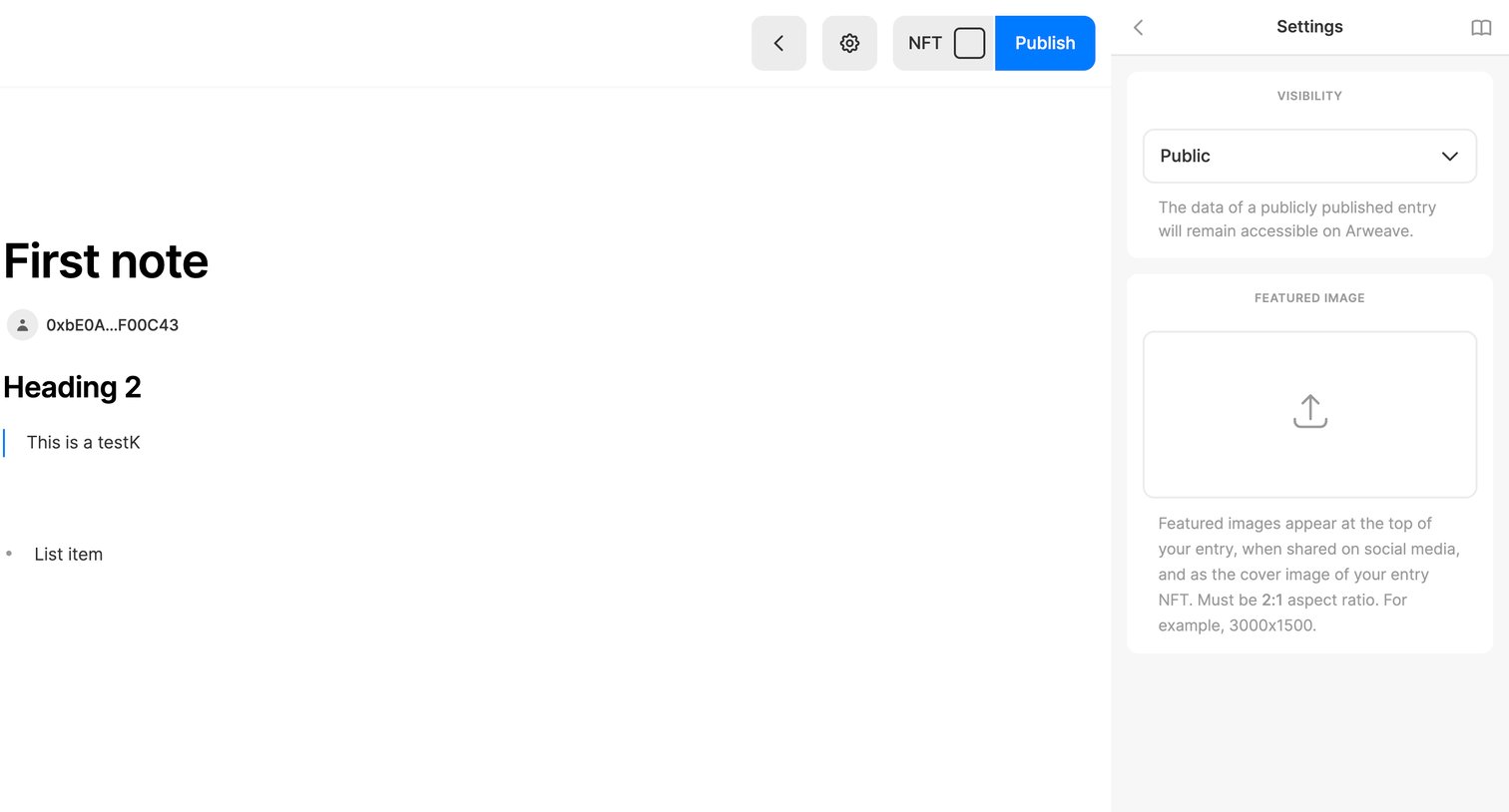
Content editor where the user writes a note, configures public visibility via a dropdown, and uploads a featured image before publishing.
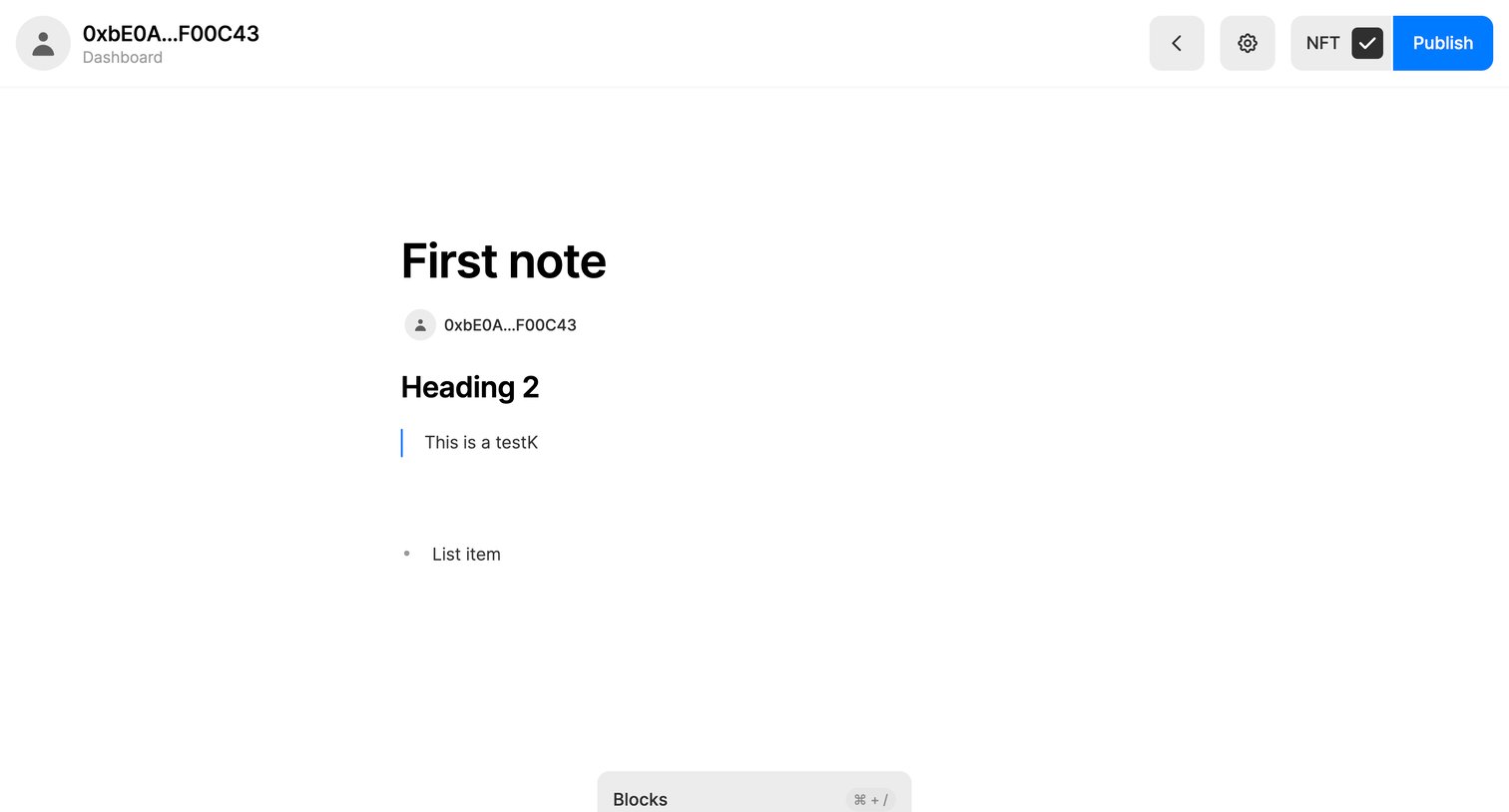
Content editor where the user writes a note using blocks and can publish it as an NFT.
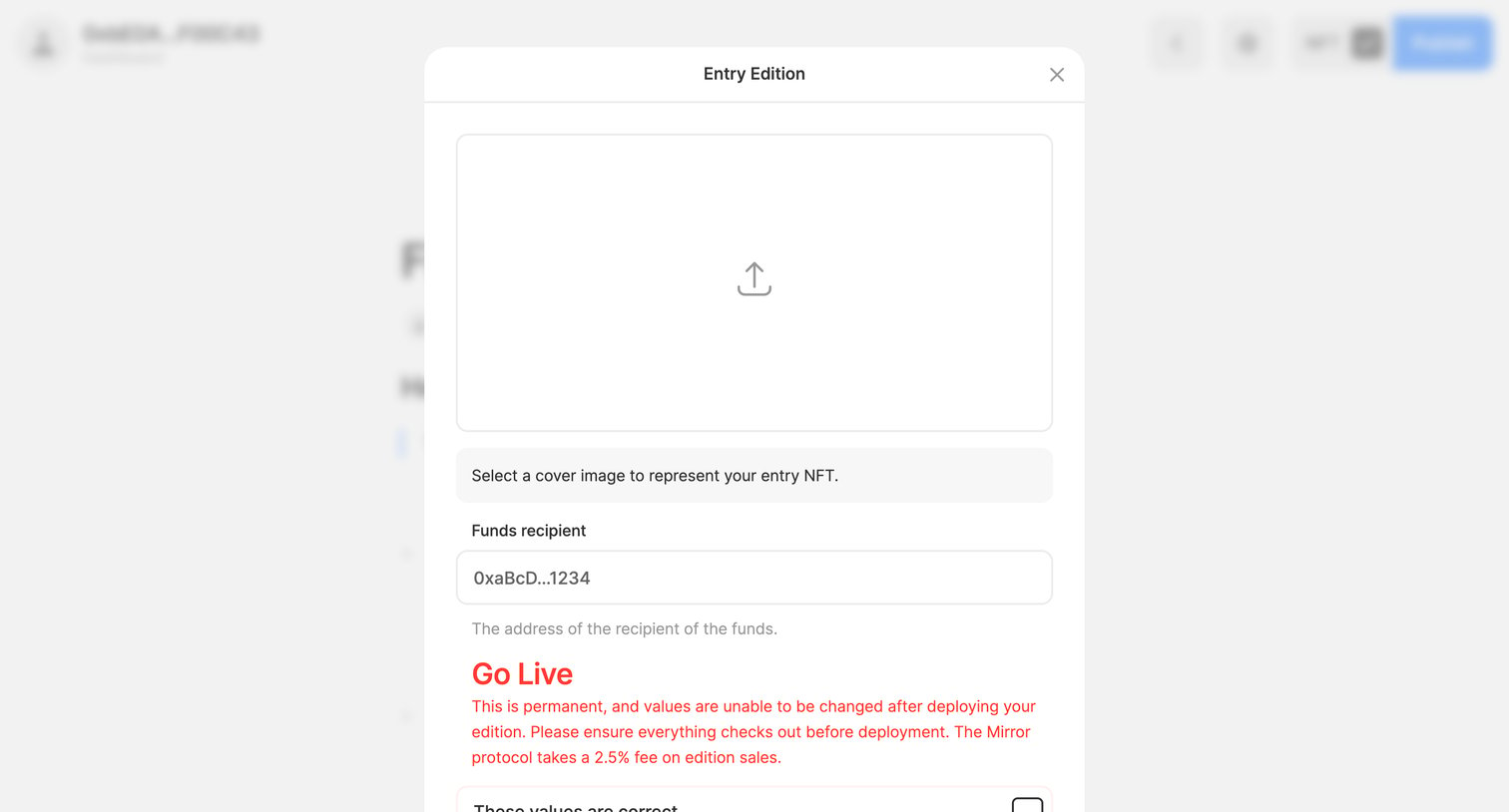
Content editor where the user configures a cover image, sets a funds recipient address, and confirms permanent deployment before minting an entry NFT.
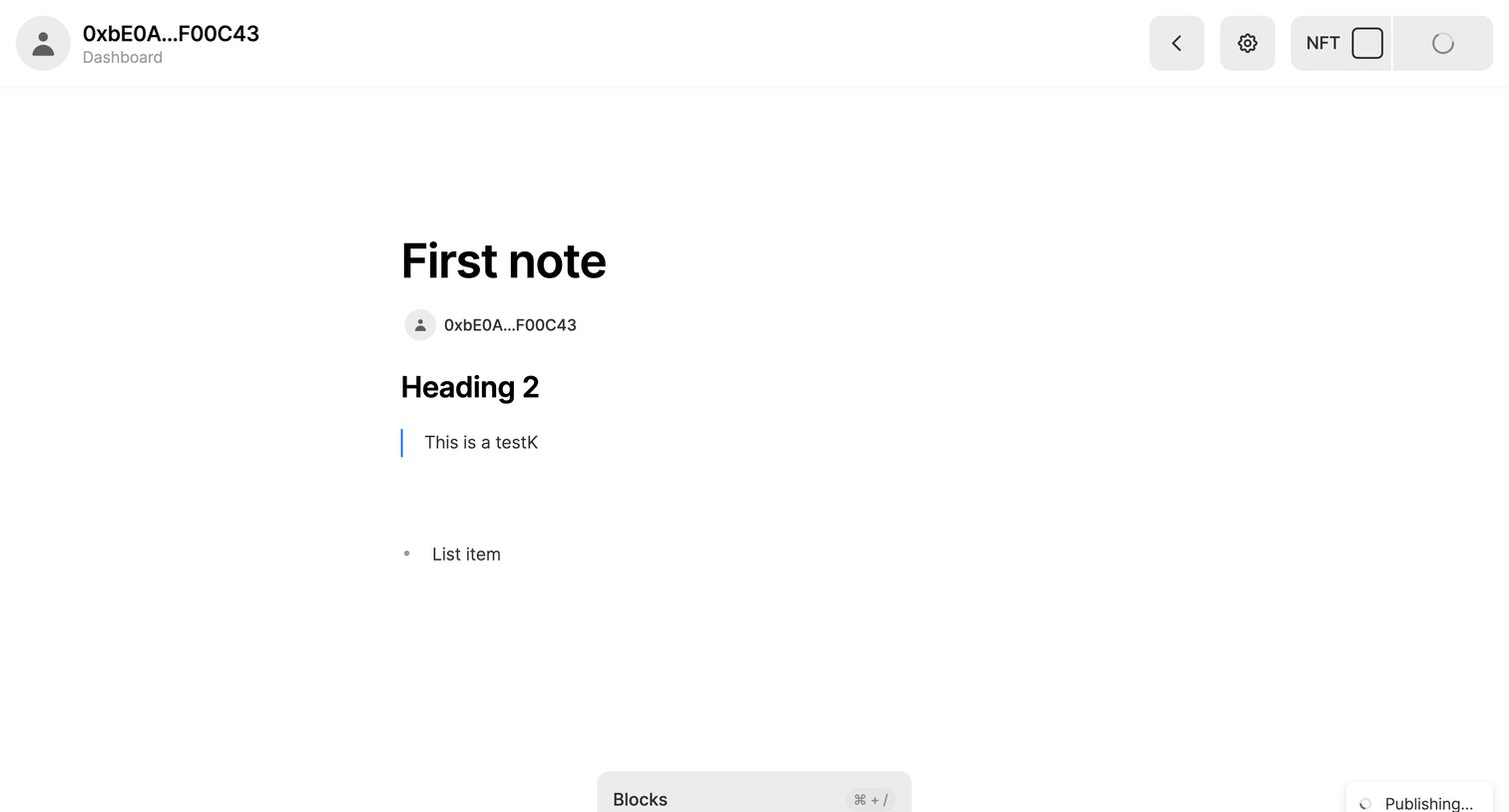
Content editor where the user is drafting a note with a heading, quote, and list item, while a publishing action is in progress.
Browse the full SaaS app library
Explore real SaaS apps with their product screens, marketing screens, flows, and components.
Trusted by the best teams







