Make product screens examples
Browse Make screen design examples. Preview the interface screenshots and explore related UI patterns. Connect apps & design workflows
Explore the examples
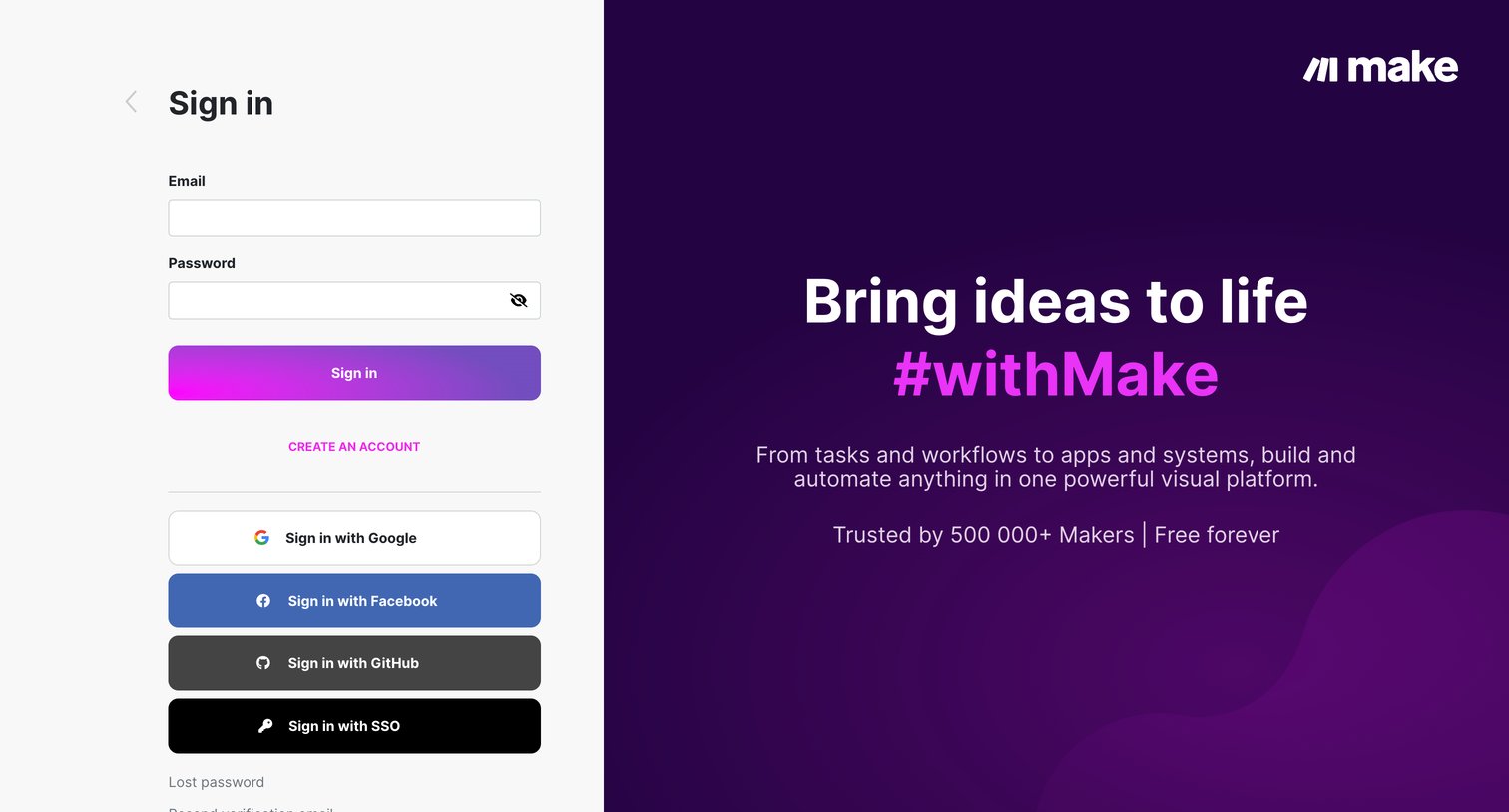
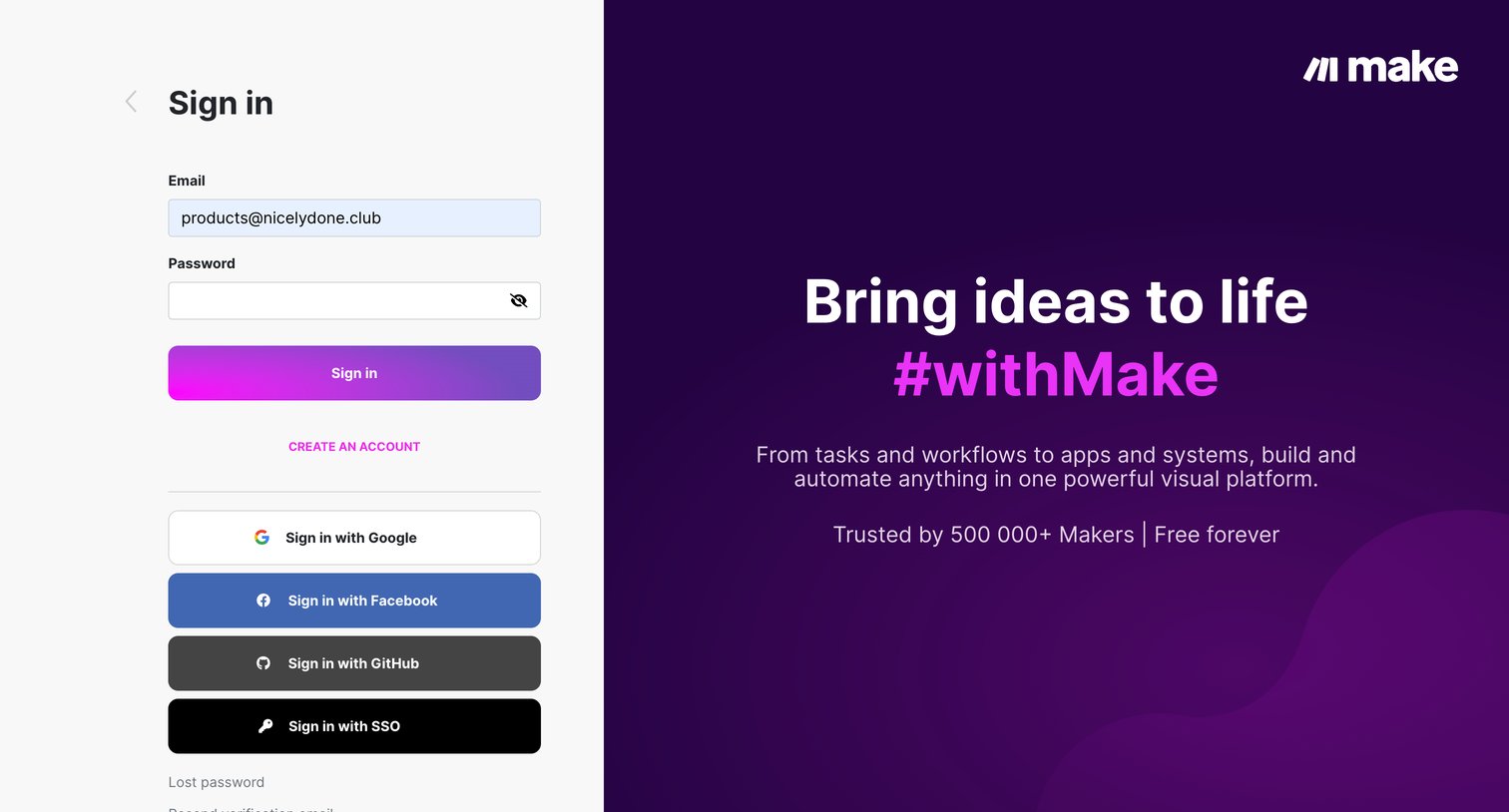
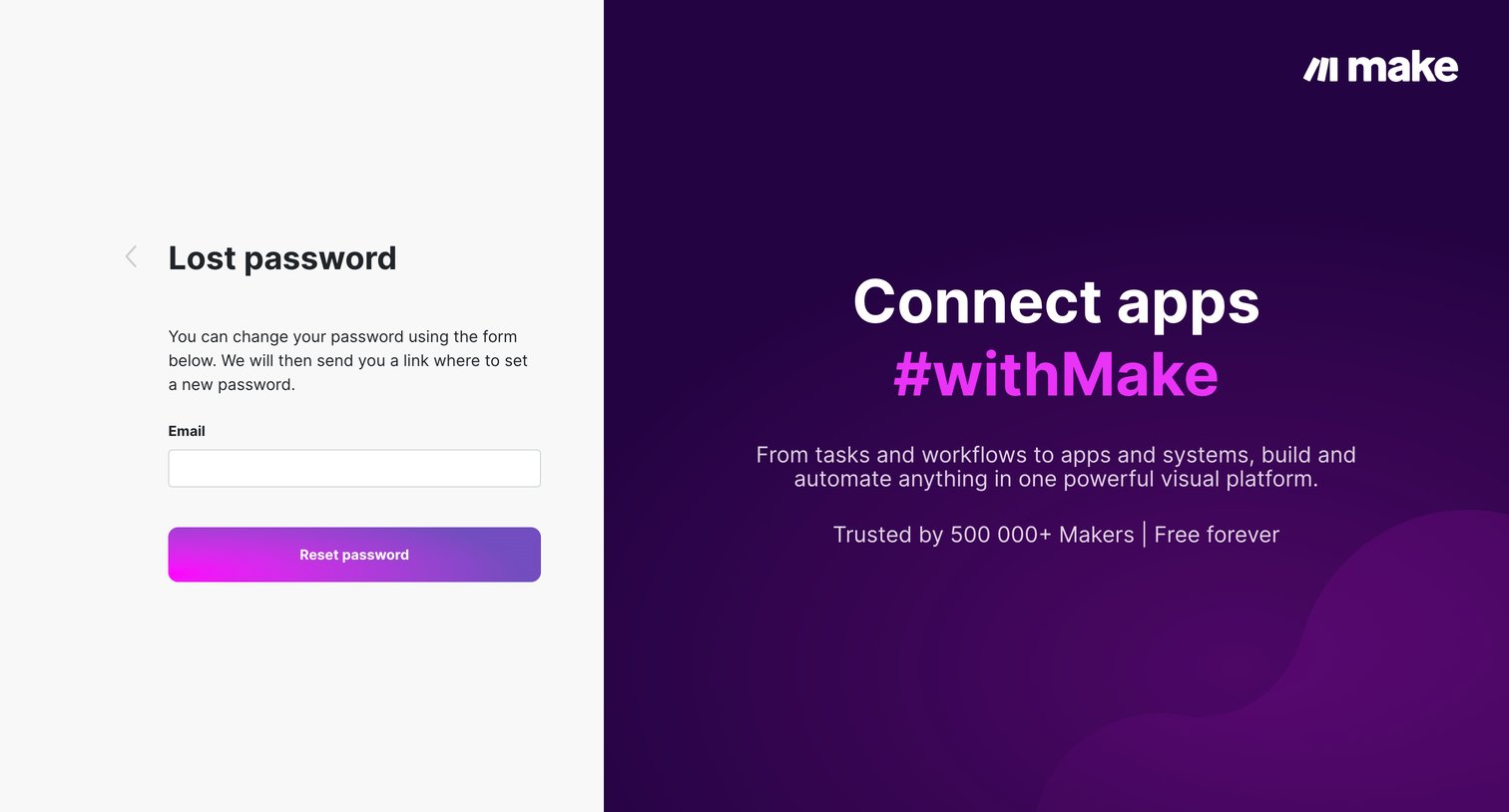
Password recovery screen where the user enters their email address to receive a reset link, accompanied by a promotional panel highlighting platform capabilities and social proof.
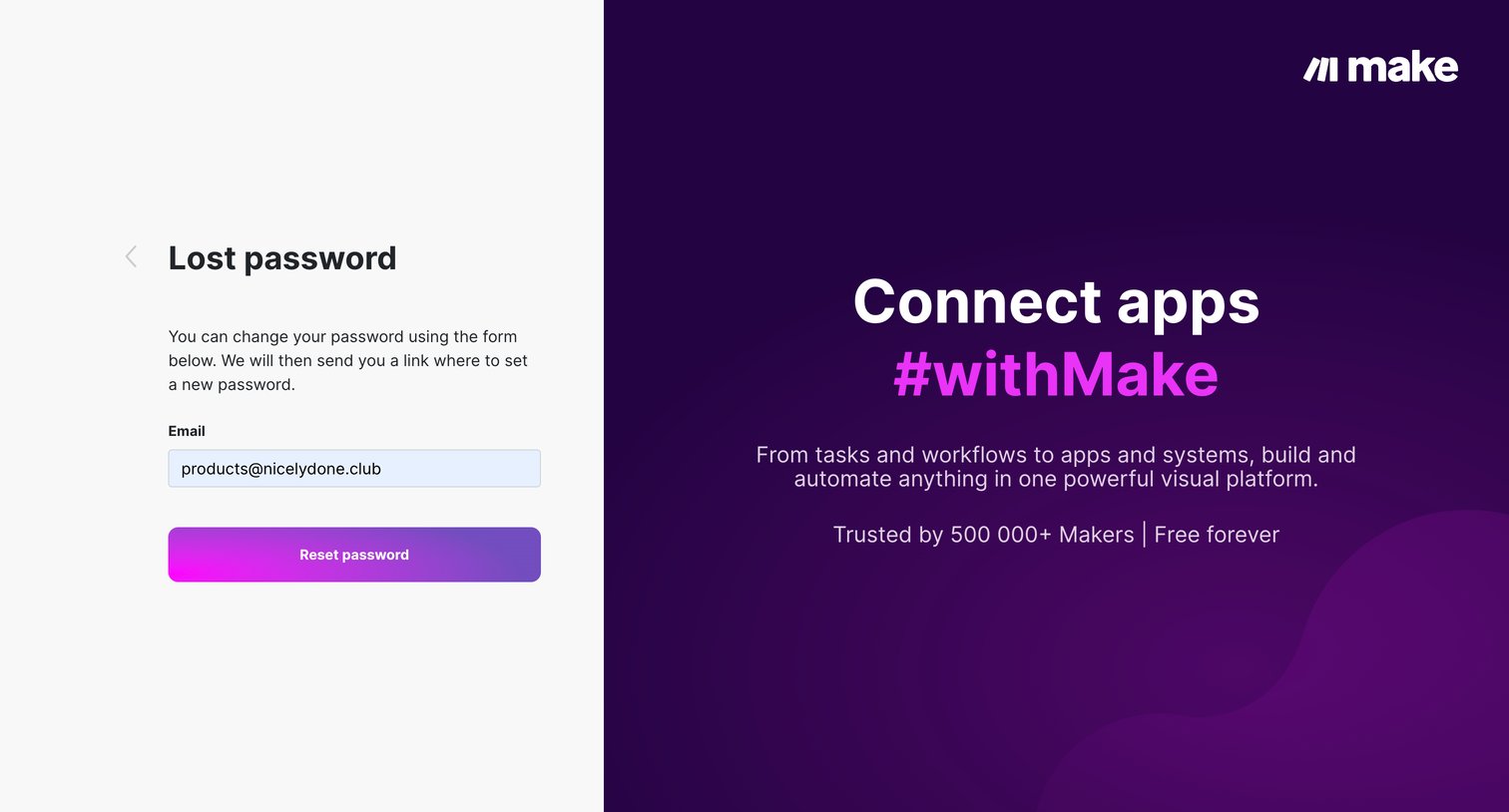
Password recovery screen where the user enters their email address to receive a reset link.
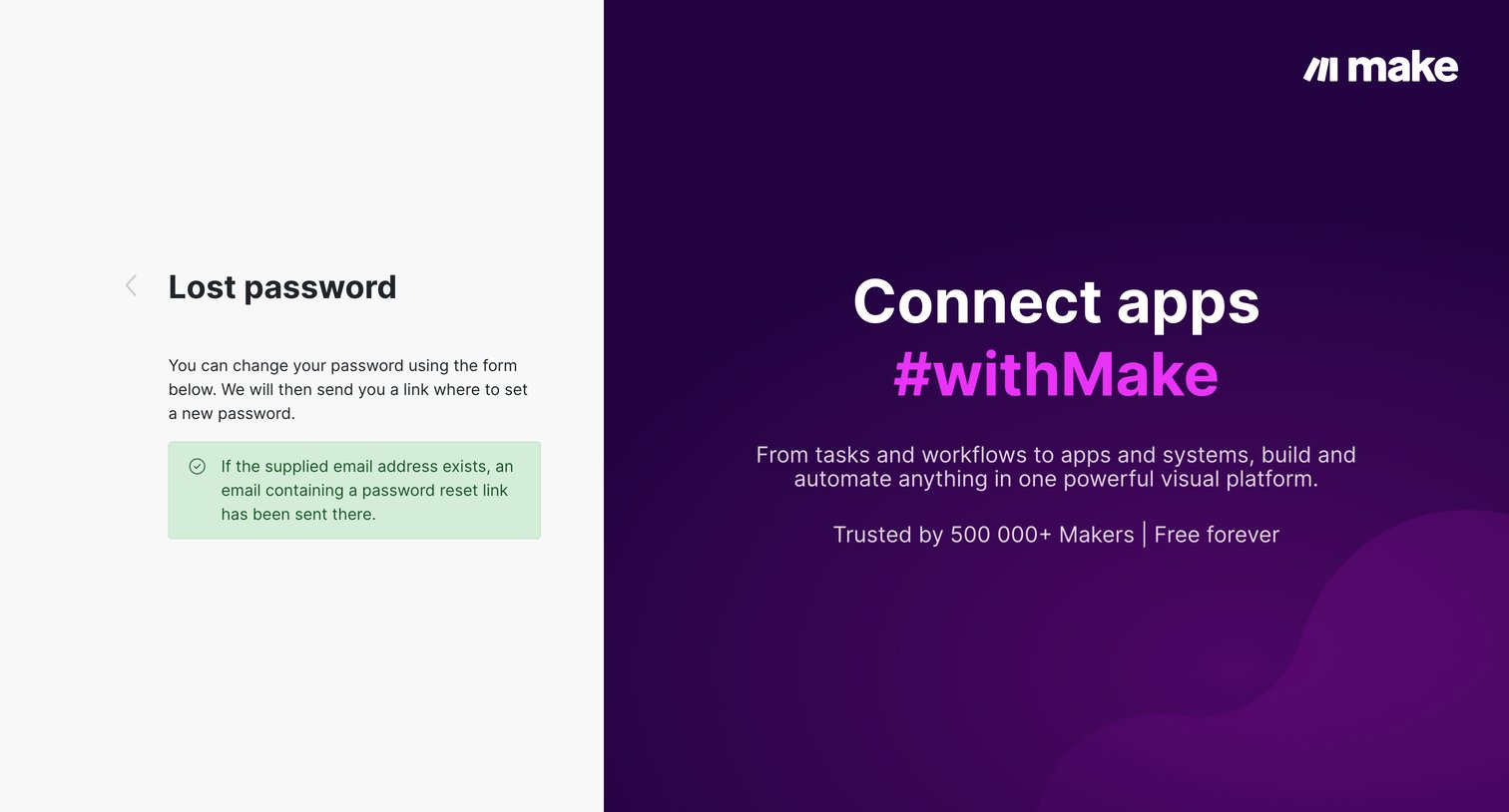
Password recovery screen where a success alert confirms that a reset link has been sent to the supplied email address.
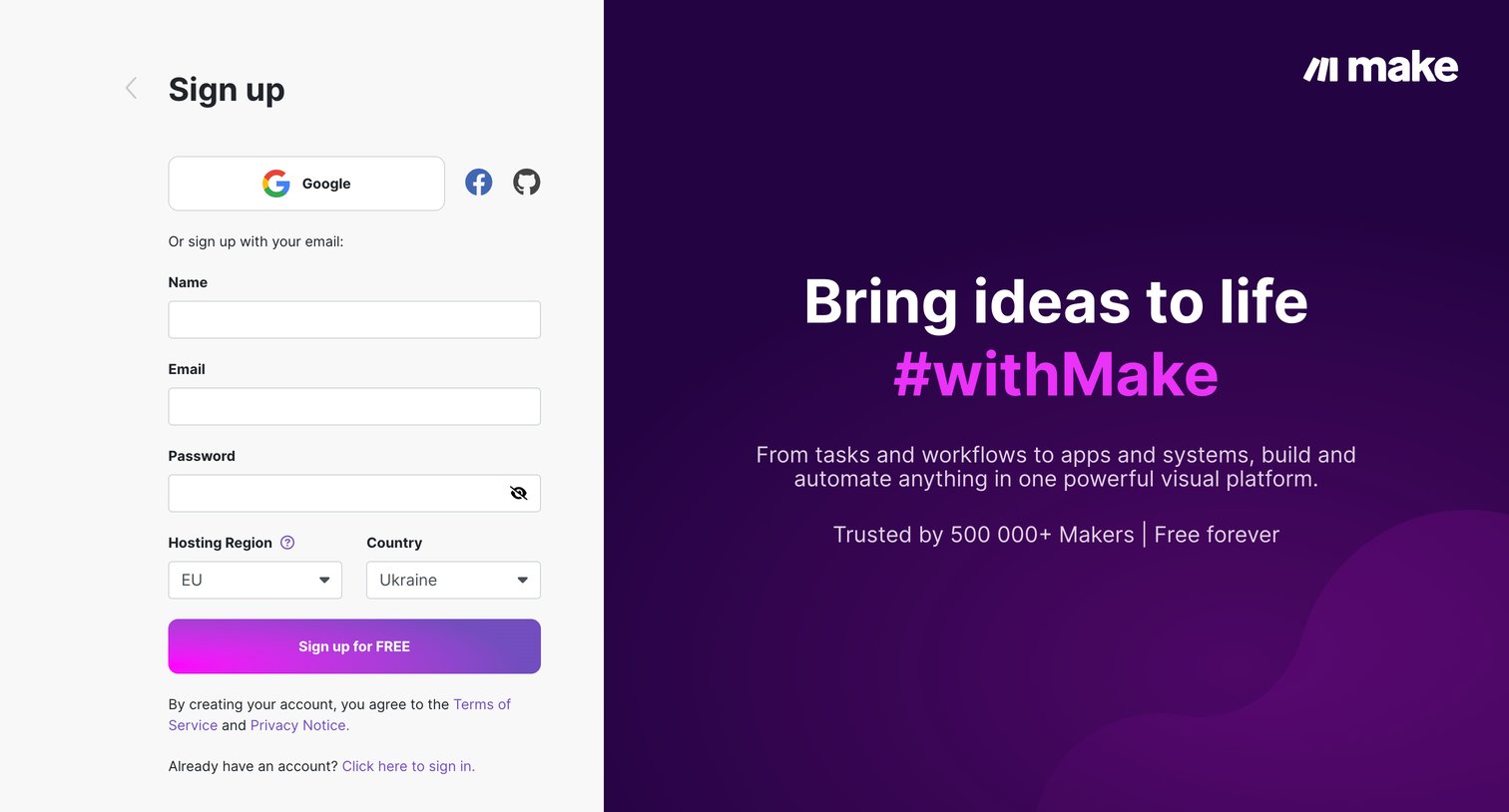
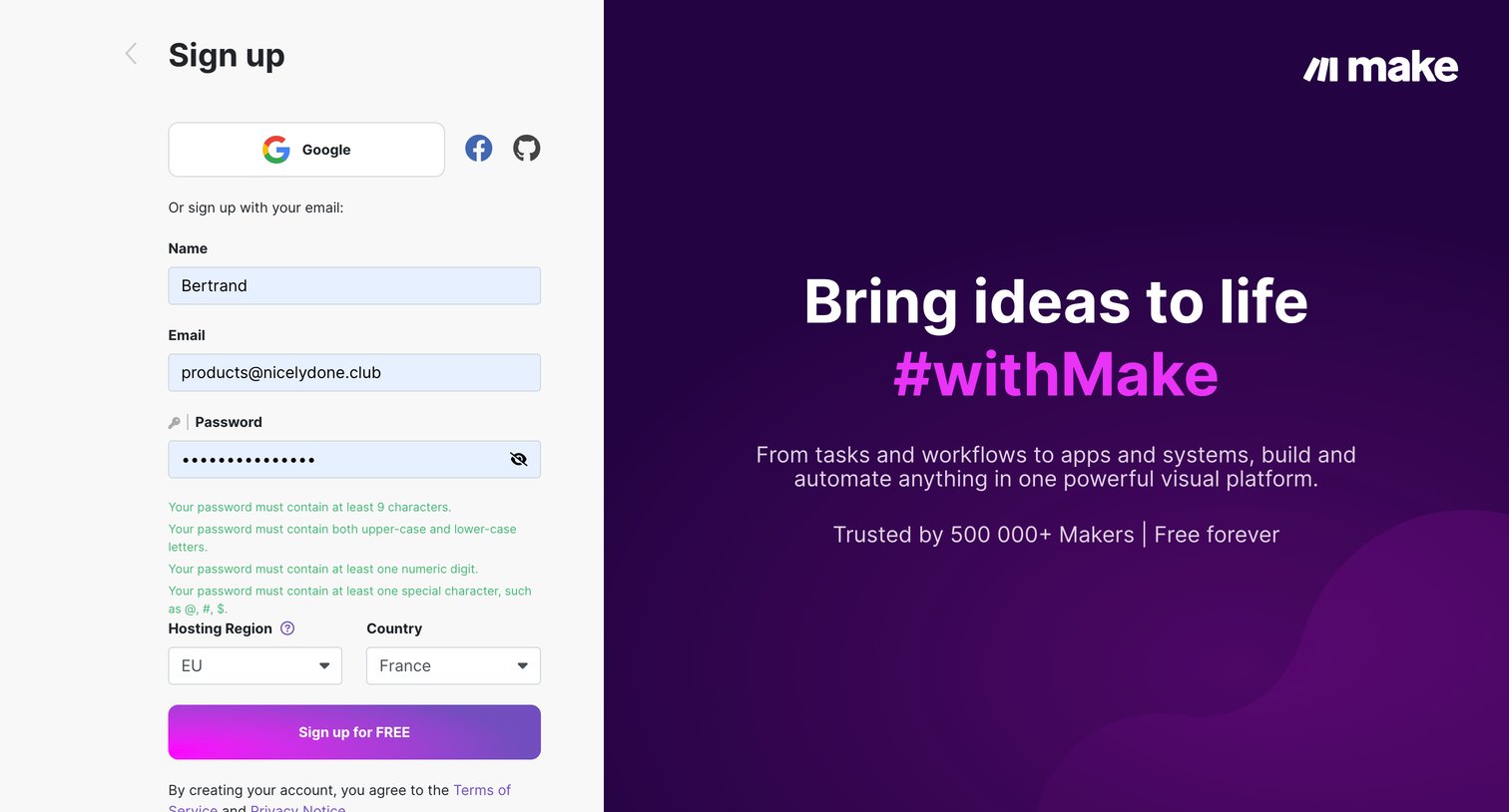
Signup screen where the user creates an account using email, Google, Facebook, or GitHub, featuring a live password requirements checklist and region selection.
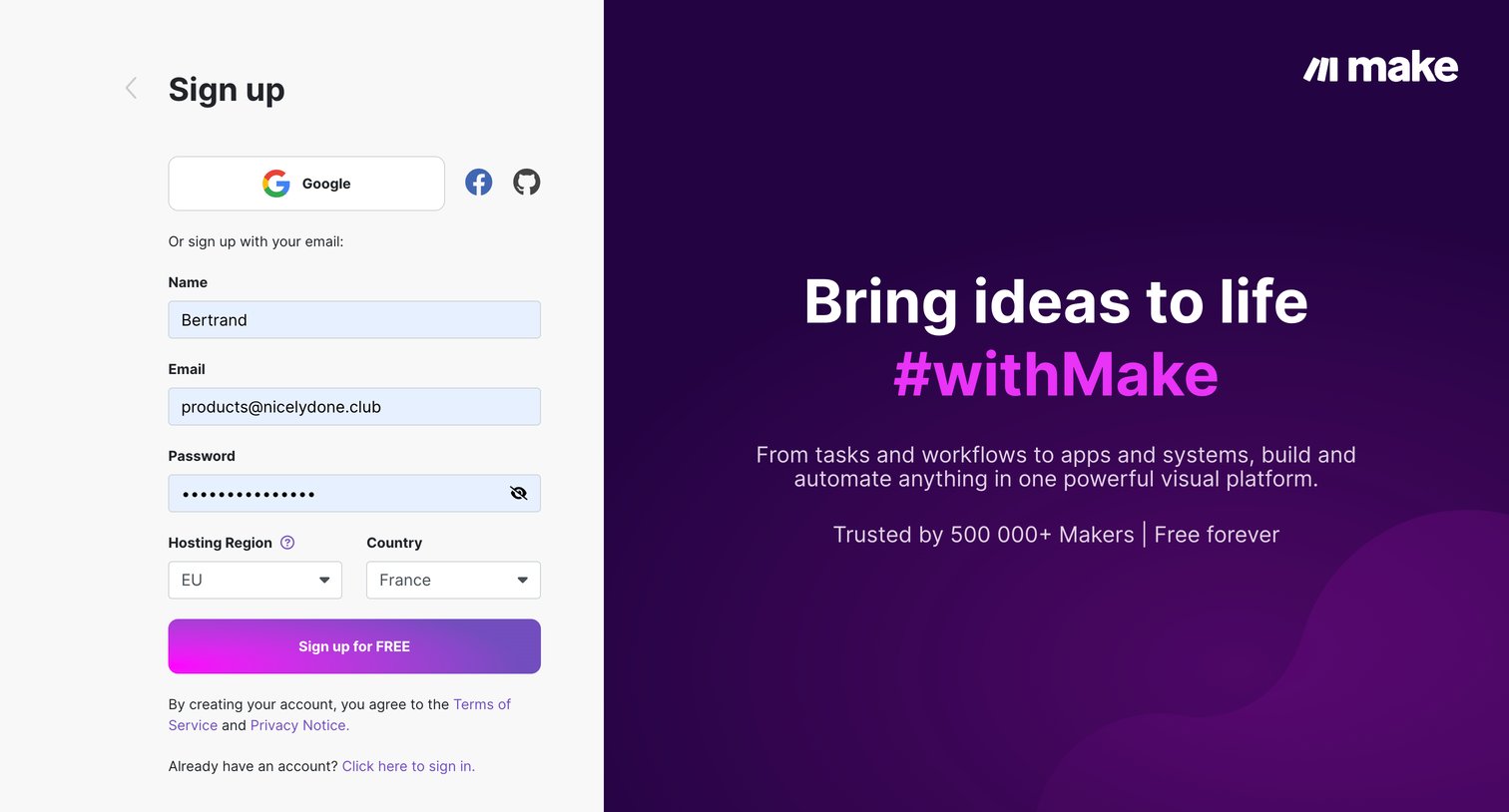
Signup page where the user creates an account using email and password, or via Google, Facebook, or GitHub, while selecting their hosting region and country.
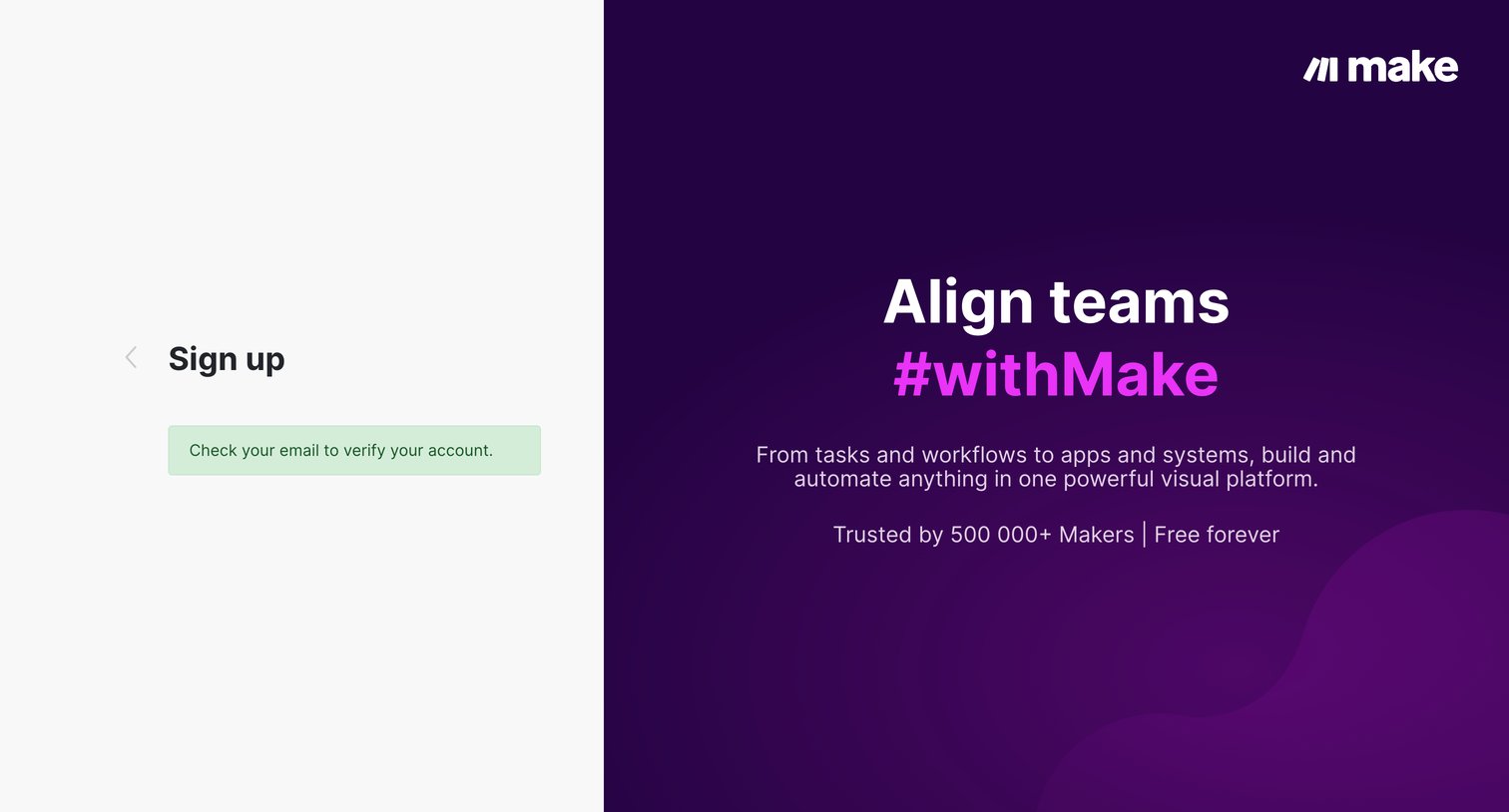
Verification screen where the user is instructed to check their email to complete the signup process.
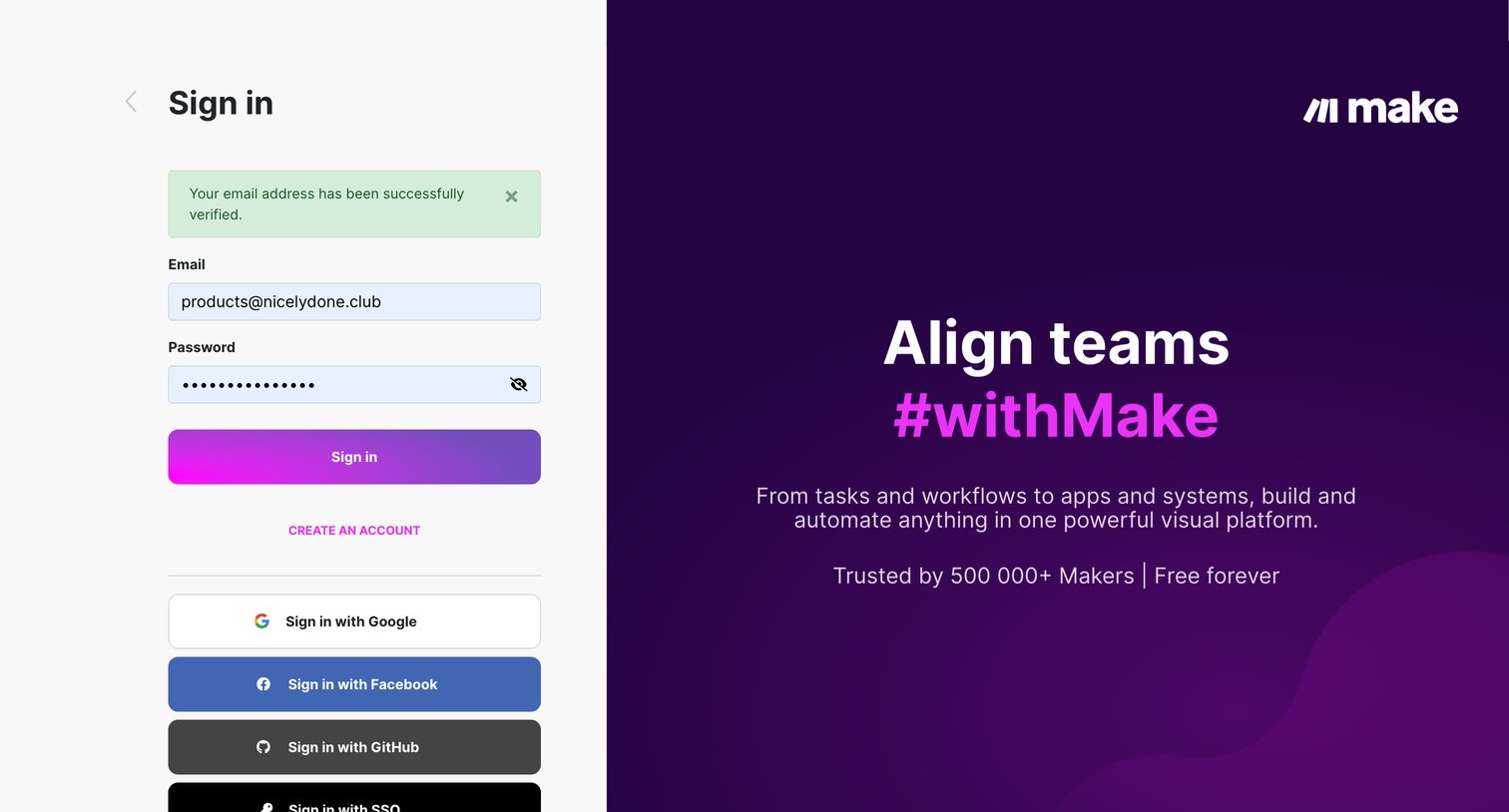
Sign-in screen where the user authenticates with email and password, or via Google, Facebook, GitHub, and SSO, following a successful email verification.
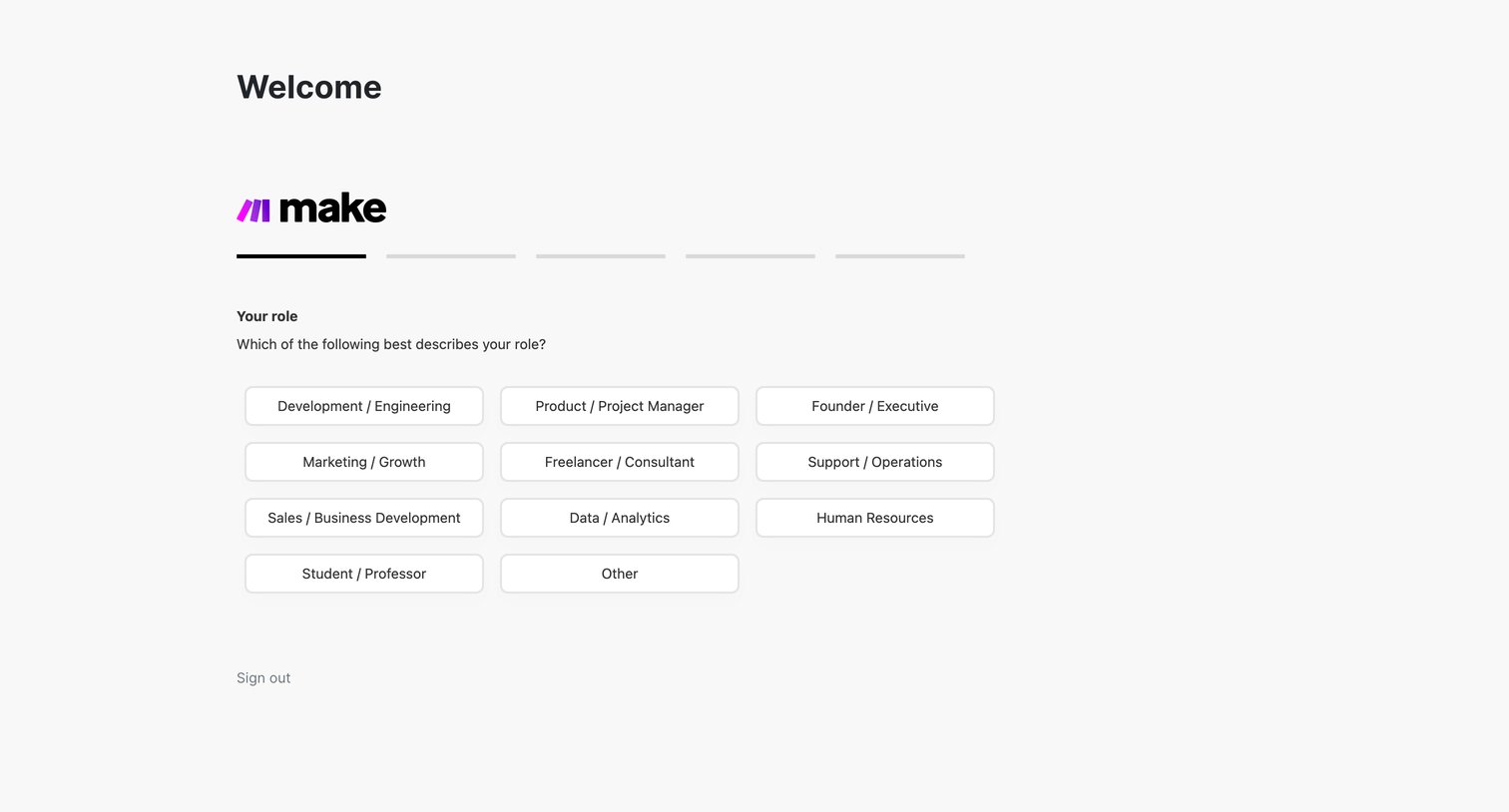
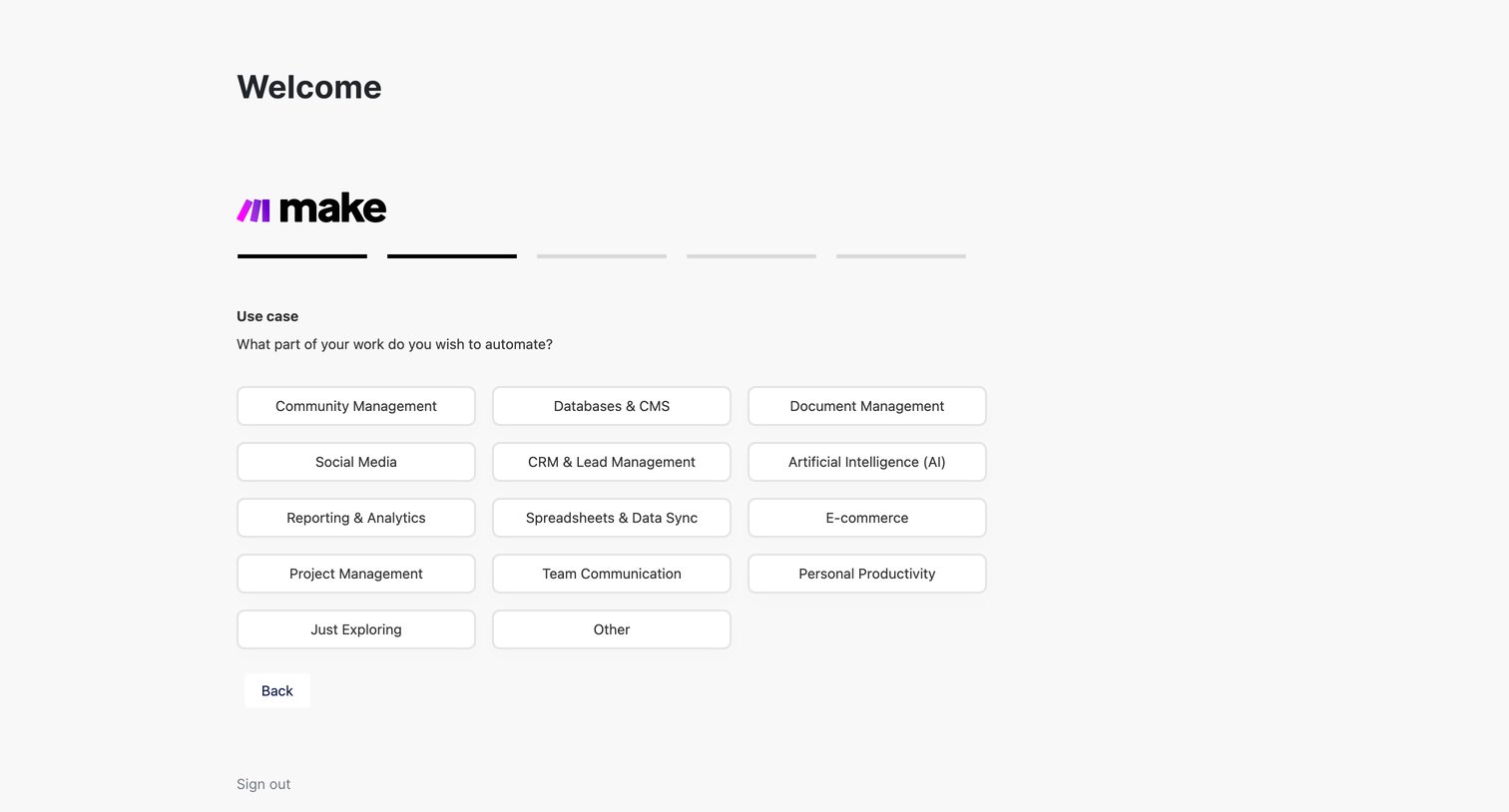
Onboarding step where the user selects their primary use case, such as Community Management, Social Media, or E-commerce, to tailor their automation experience.
Explore the full SaaS screen library
Upgrade to unlock the full library.
Trusted by the best teams







