Make marketing pages examples
Explore Make website design examples. Preview marketing pages and browse related SaaS page designs. Connect apps & design workflows
Explore the examples


Landing page for a visual workflow automation platform highlighting use cases across marketing, sales, and IT, featuring a template library and customer testimonials.
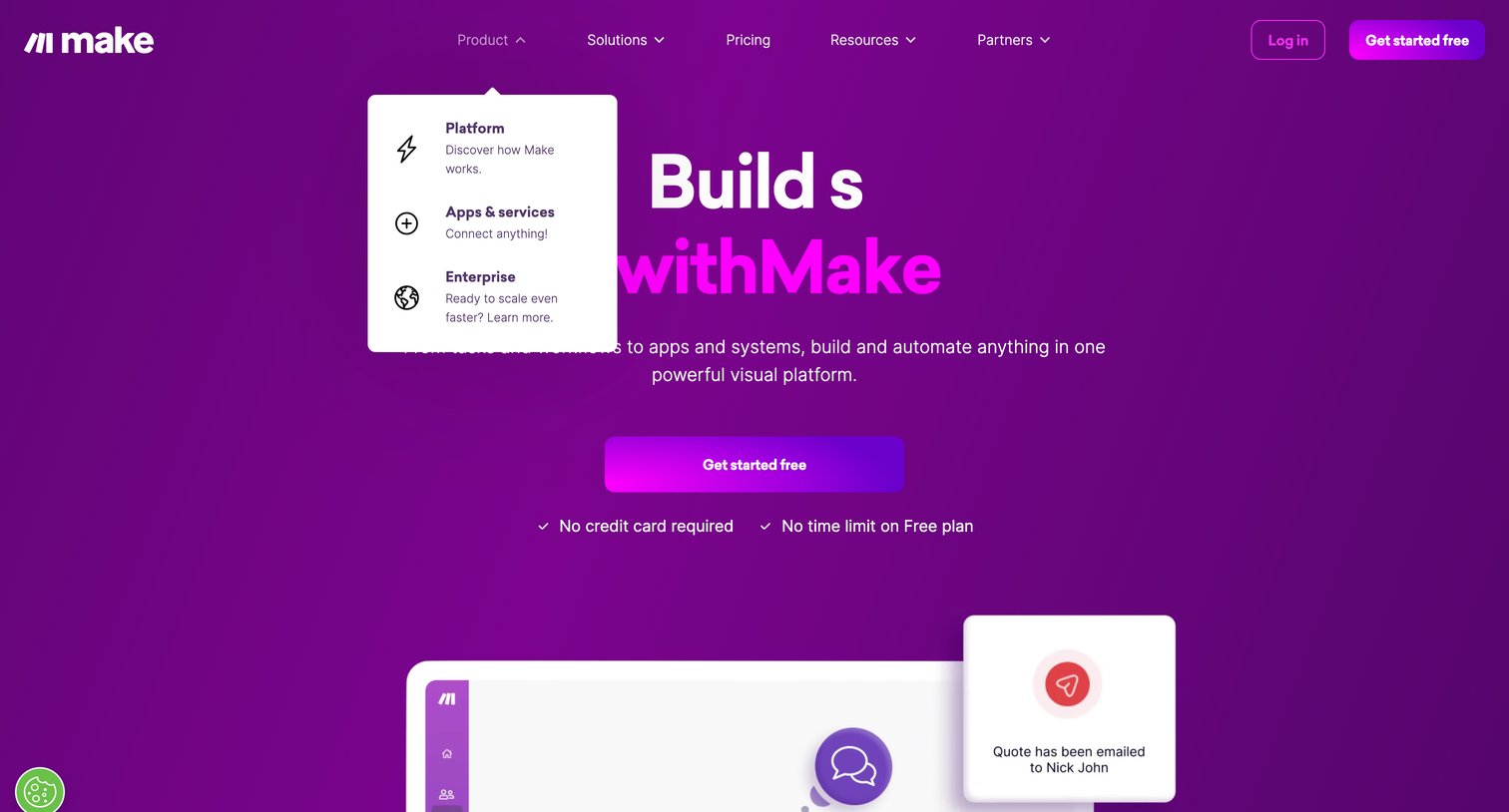
Landing page hero section for a visual automation platform featuring a primary signup call to action, value-prop checkmarks, and an open product navigation dropdown.
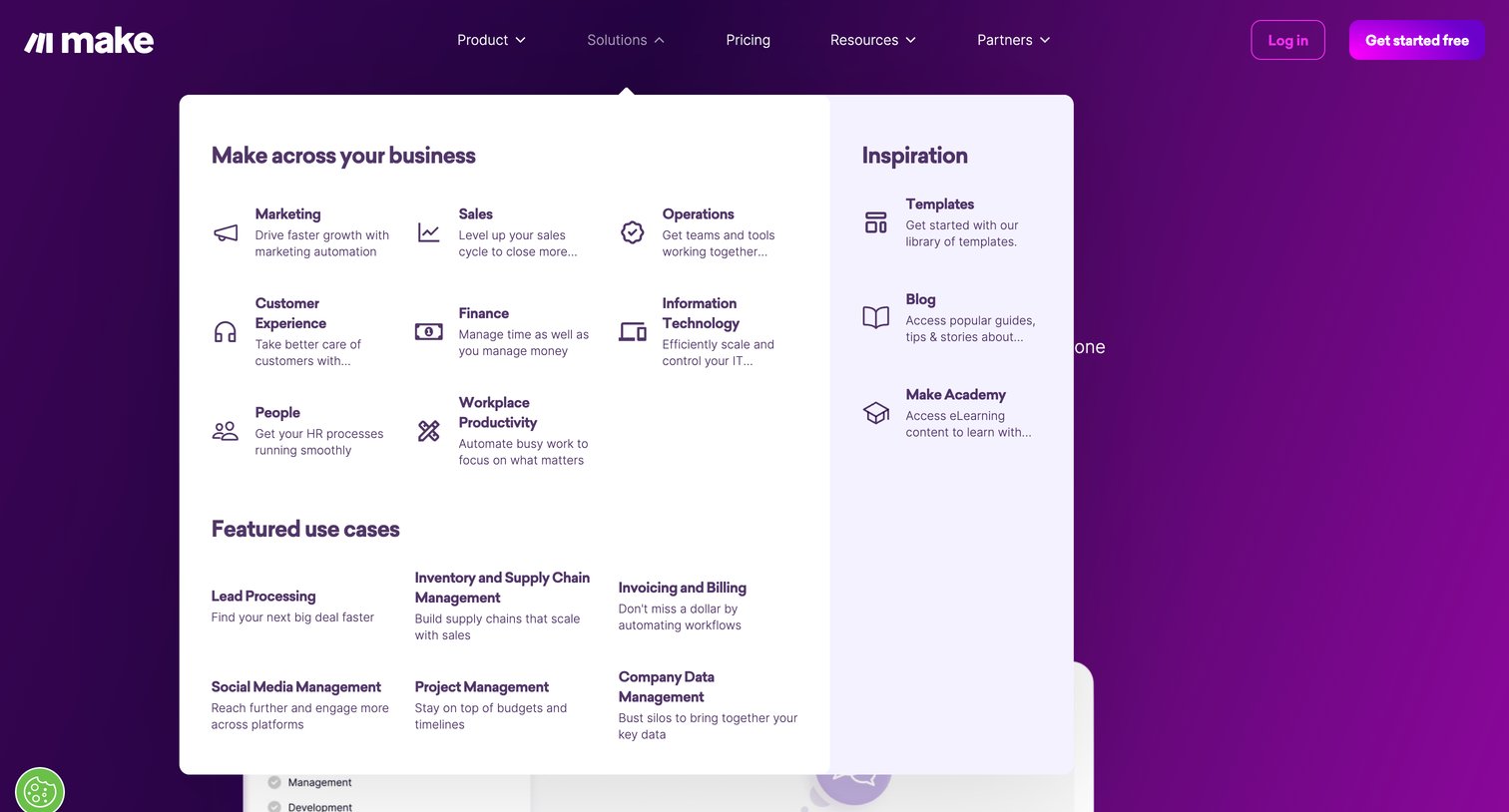
Landing page where the user has opened the Solutions navigation menu to browse automation use cases by department, such as Marketing, Sales, and Operations.
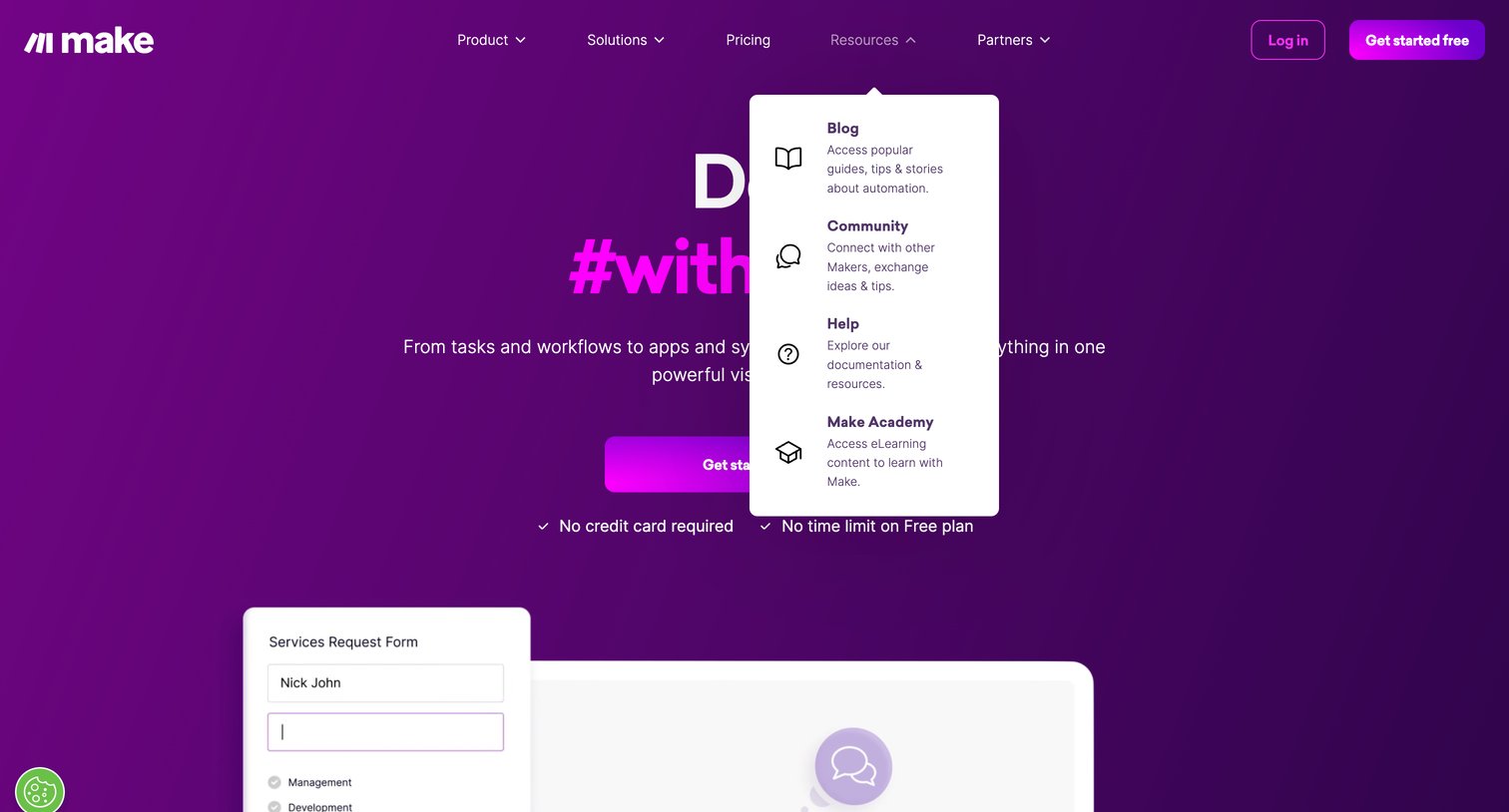
Landing page for an automation platform where the user views the main hero pitch and an open resources dropdown menu.
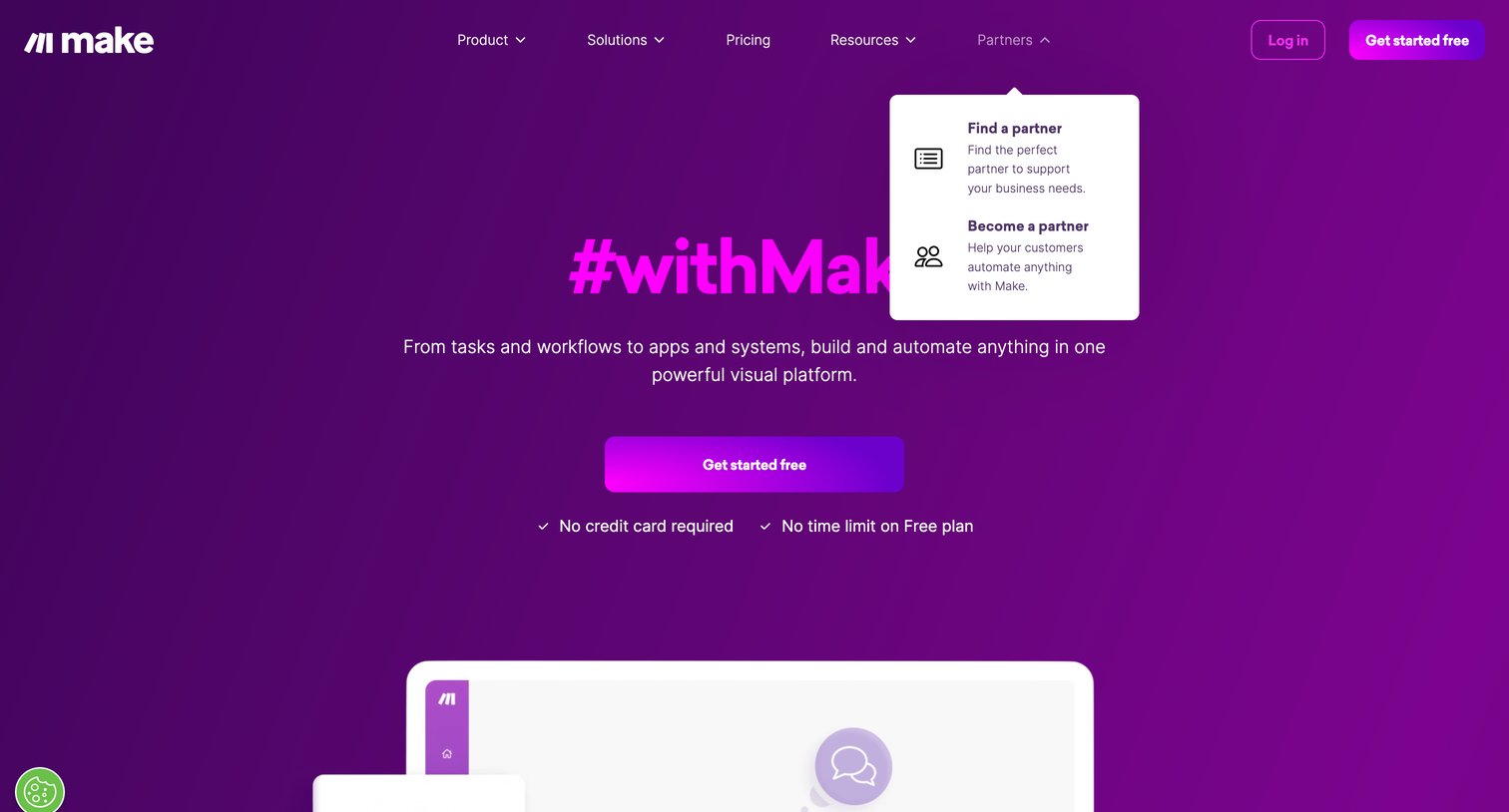
Landing page where the user is pitched a visual automation platform, featuring an open navigation popover for finding or becoming a partner.
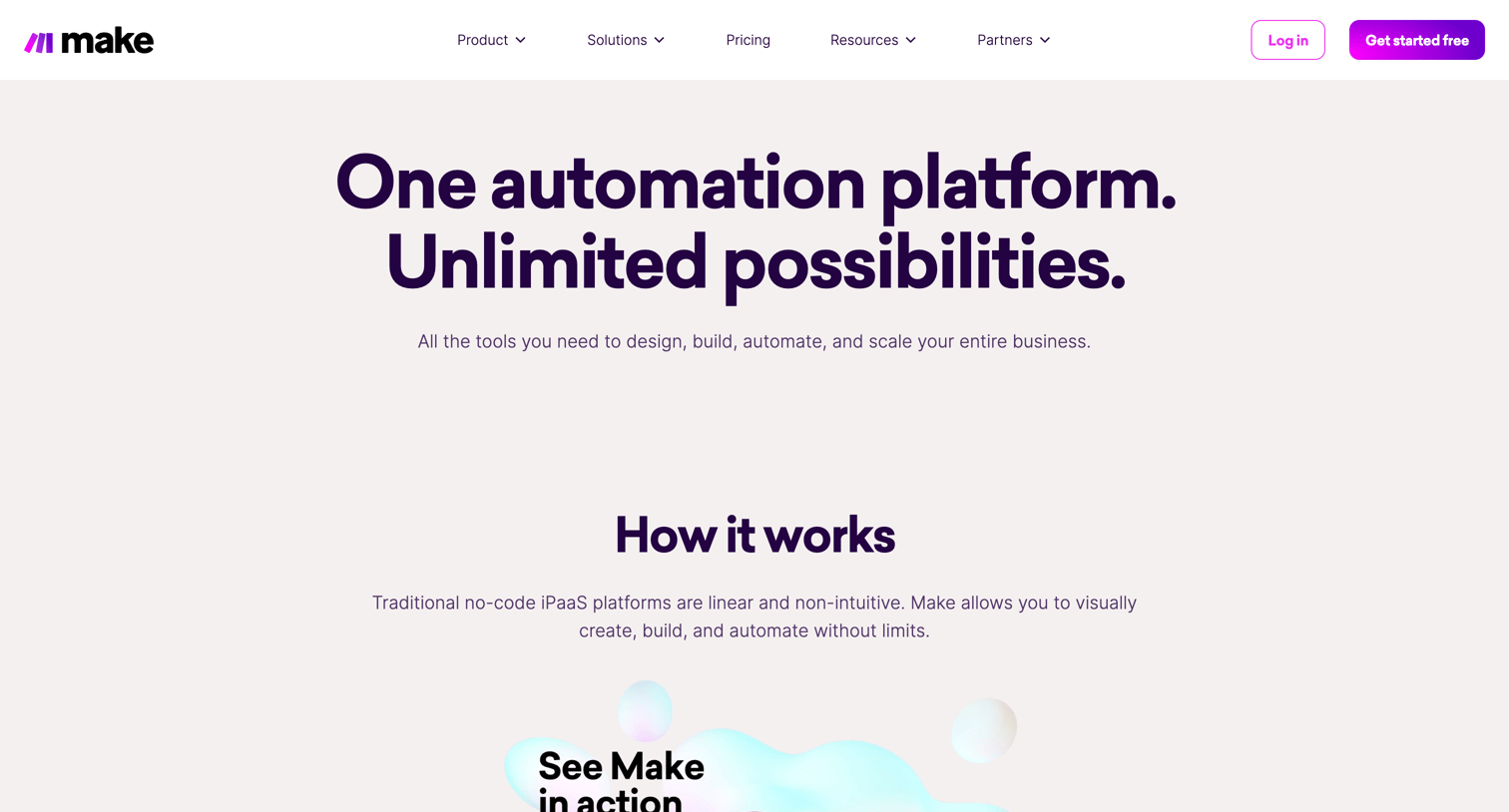
Product page where the user learns about Make's visual automation platform, exploring features like drag-and-drop workflow building, data manipulation, and role-based use cases.
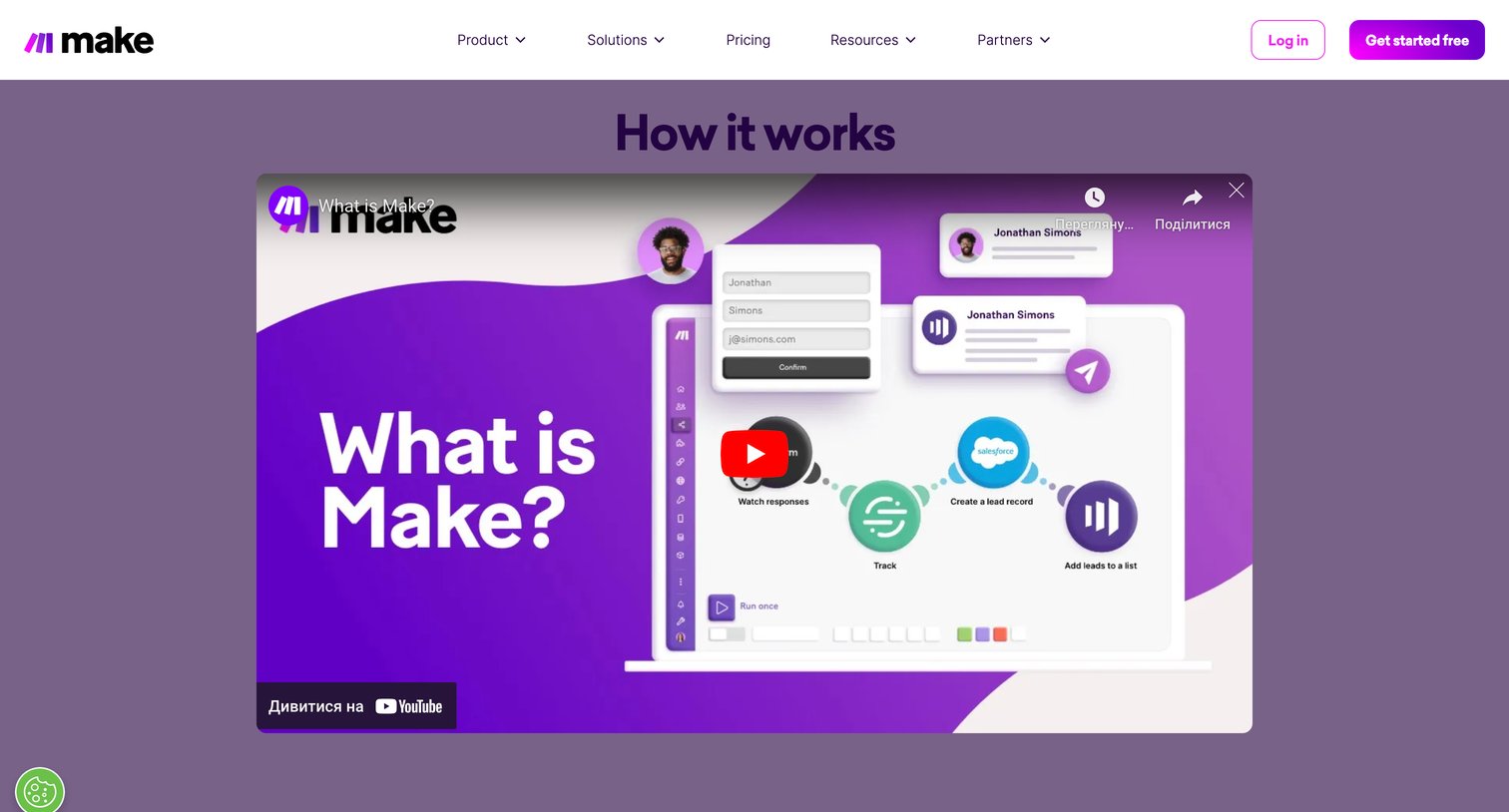
Product page section featuring a large embedded video demonstrating how the automation platform works.
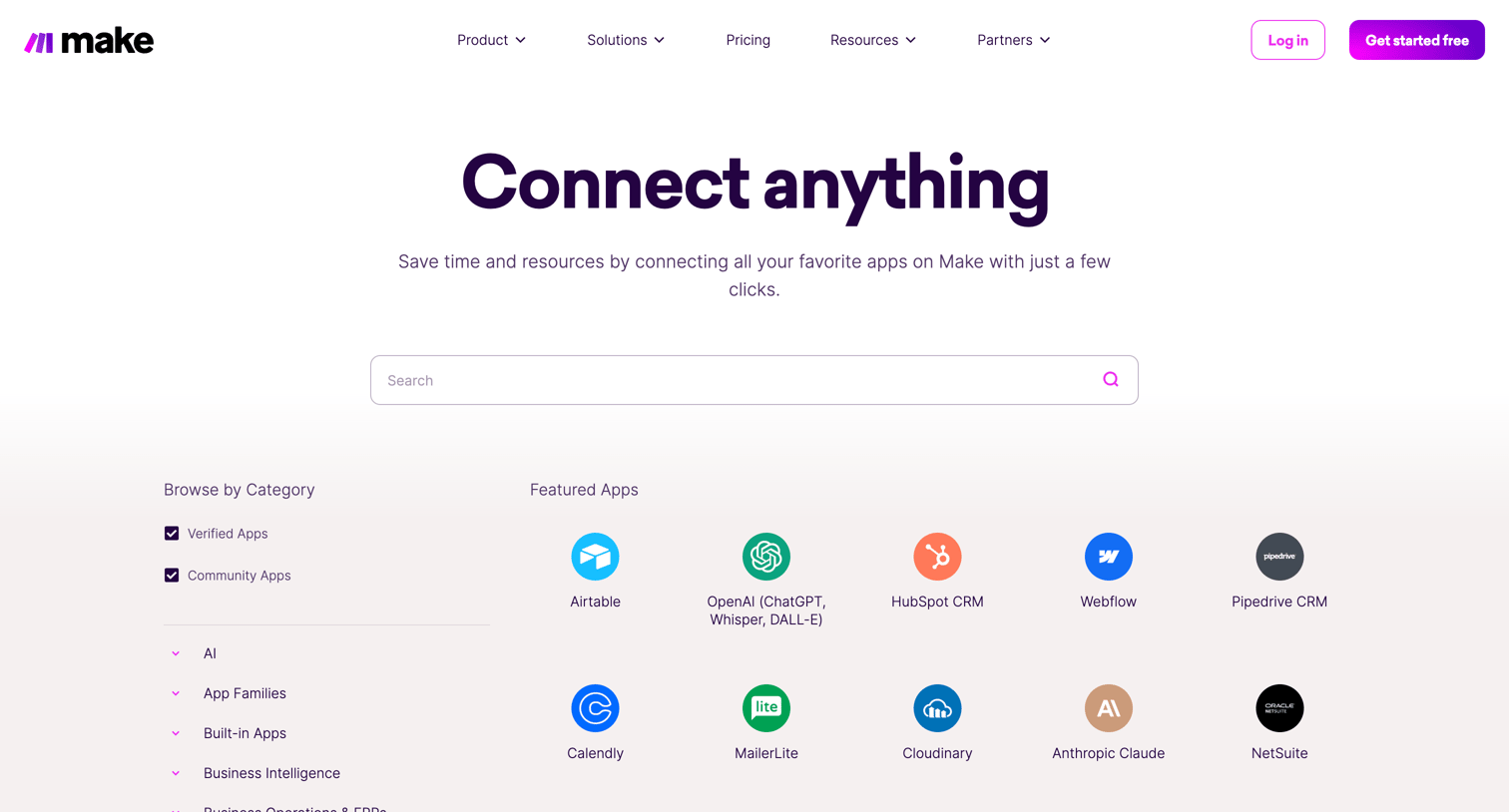
Integration directory where the user searches and filters through a grid of supported apps to connect with Make.
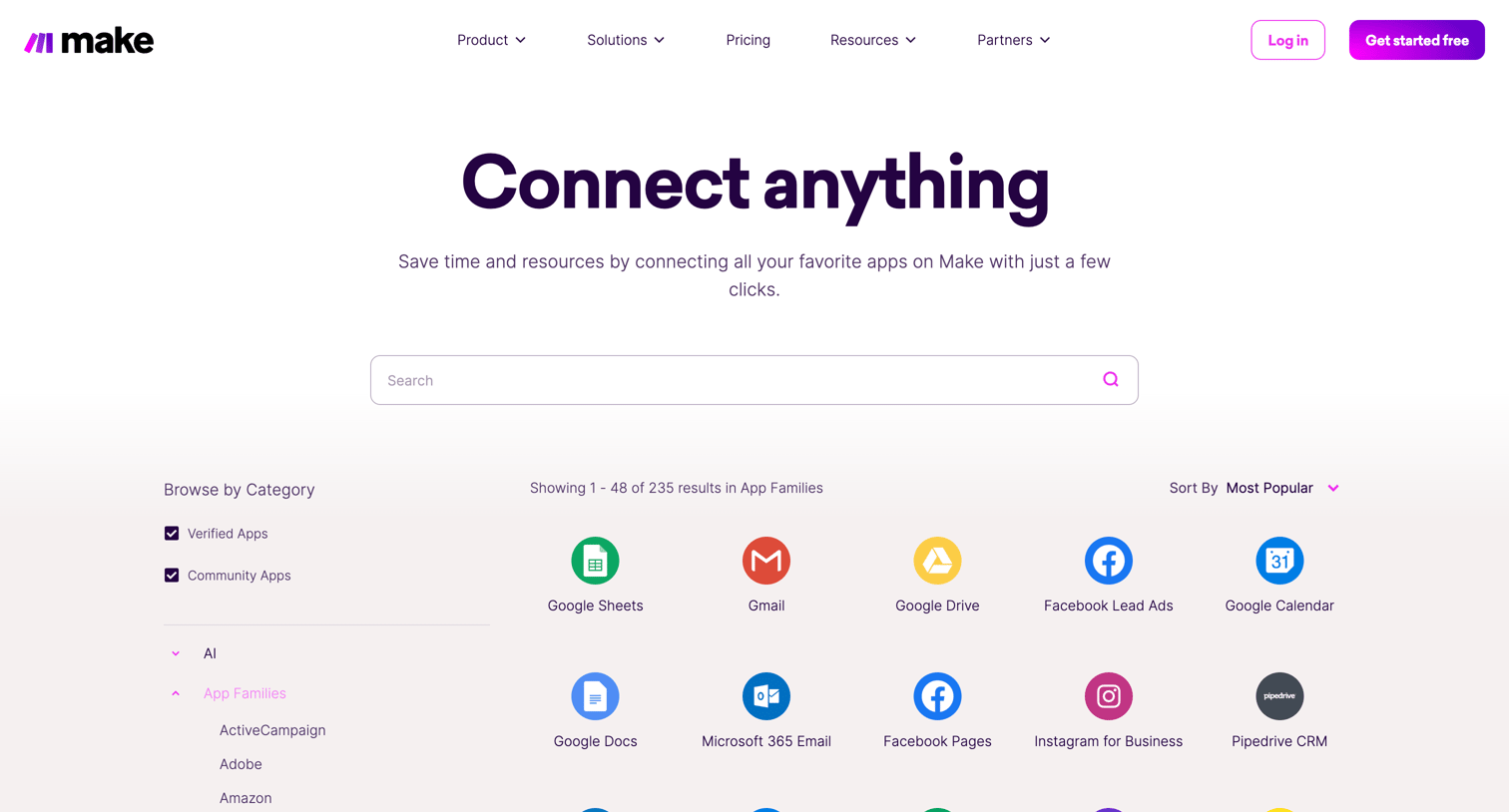
Marketing page where the user browses and searches a directory of supported app integrations, filtered by category and popularity.
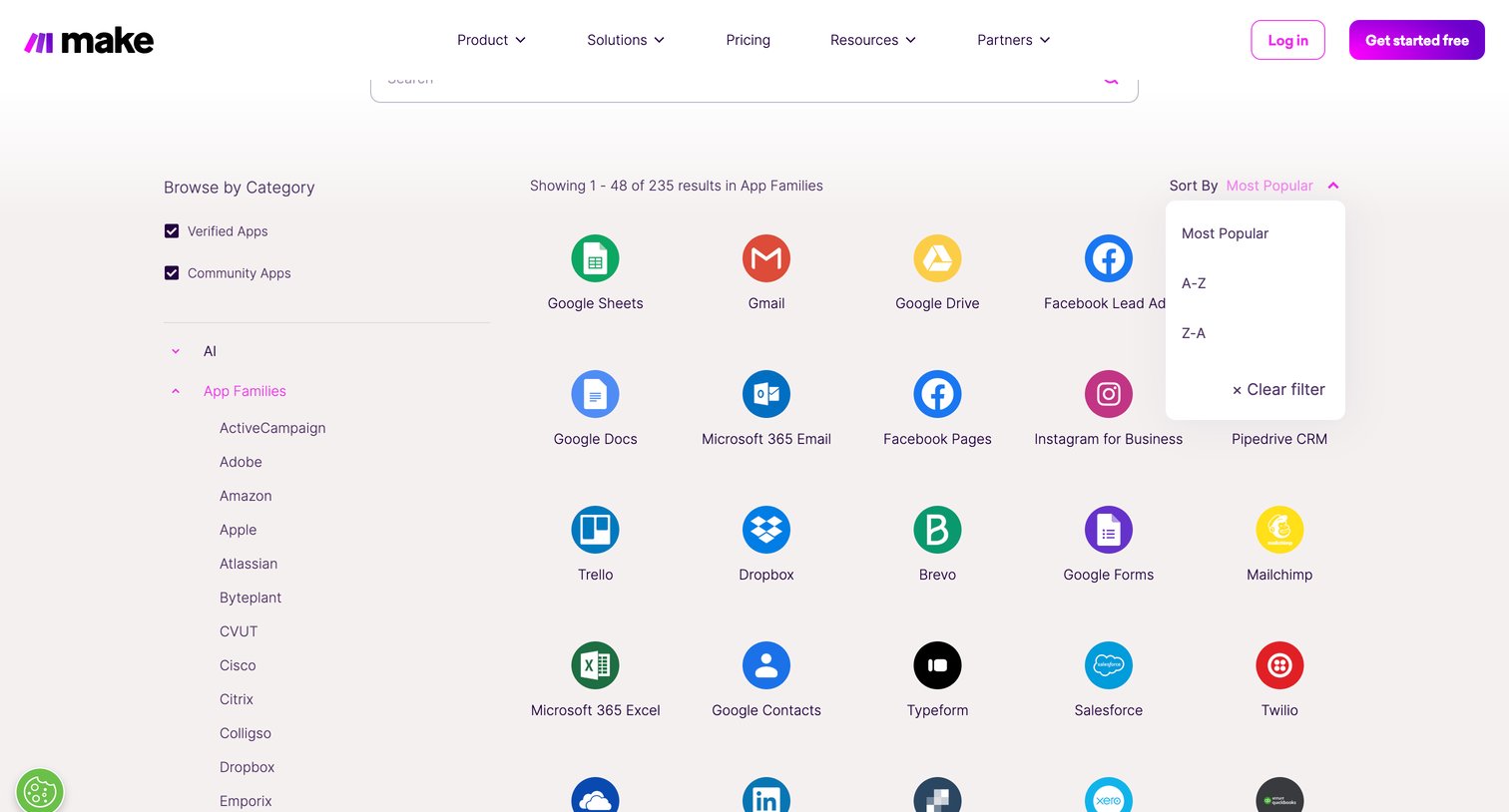
Resources page where the user browses and filters a directory of supported app integrations using a sidebar and sort options.
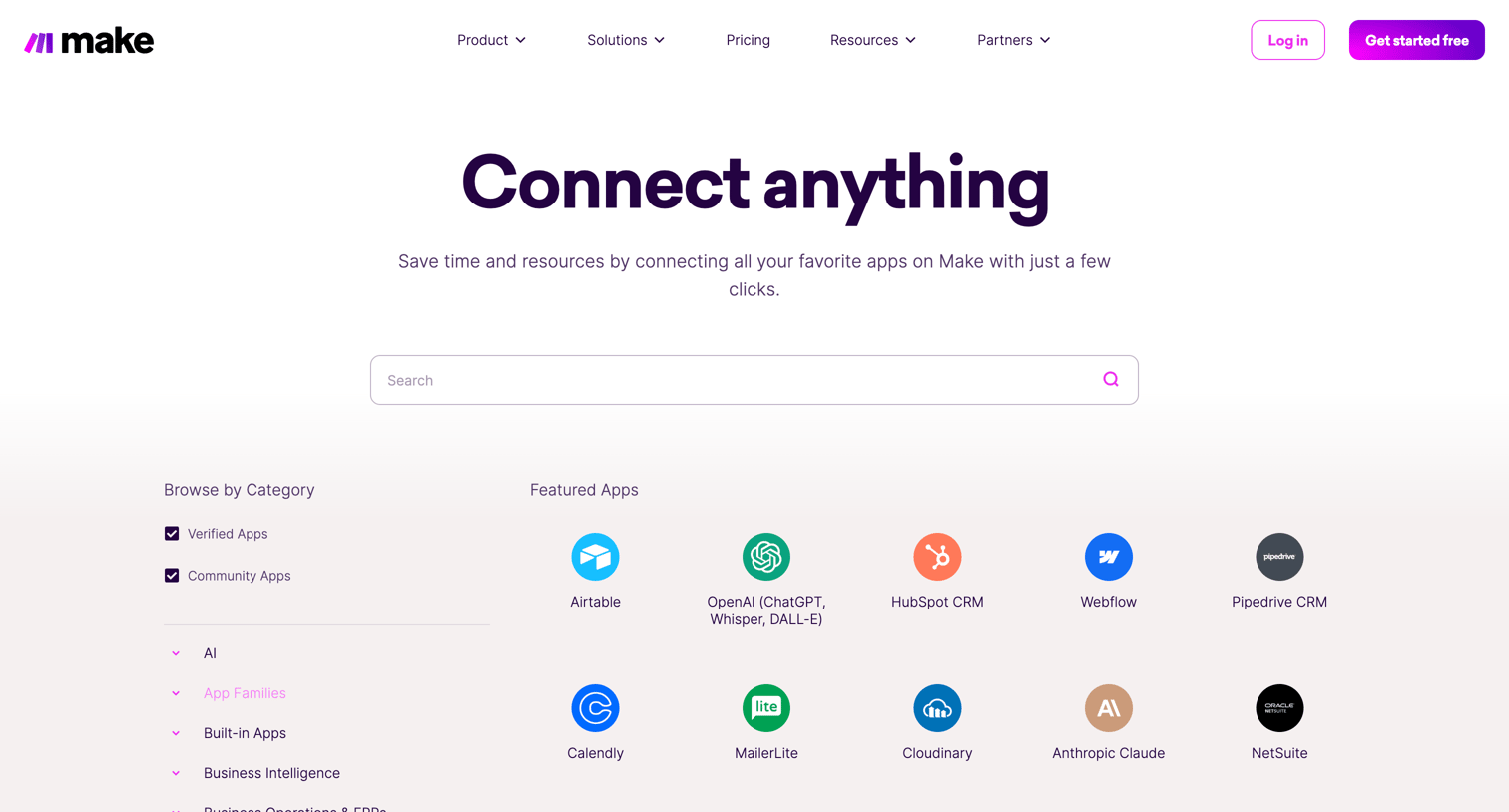
Marketing page where the user browses and searches a directory of supported app integrations, filtered by categories like AI, CRM, and Commerce.
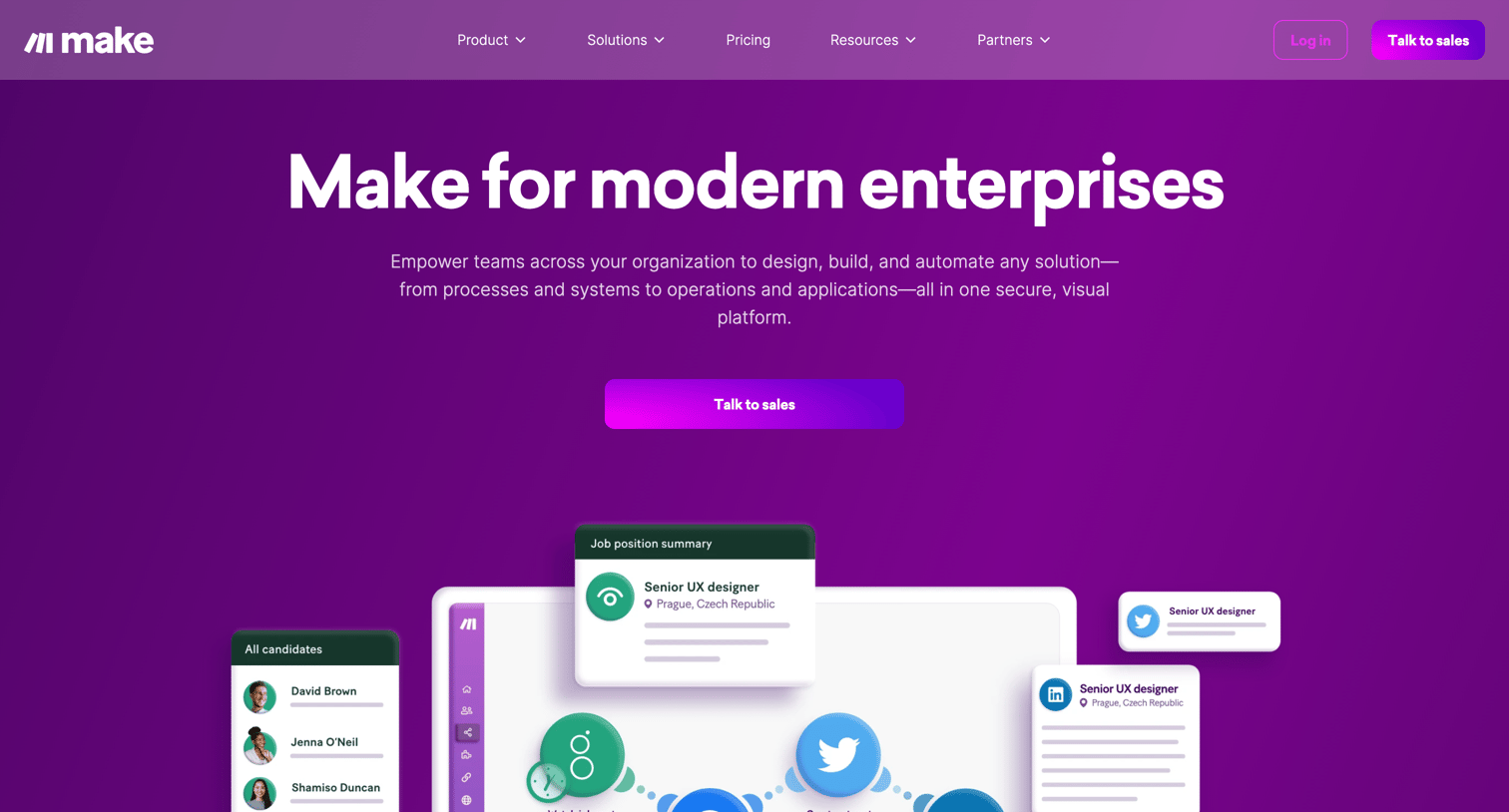
Enterprise marketing page detailing security, governance, and organizational benefits, featuring a prominent 'Talk to sales' call to action and extensive social proof including testimonials and awards.
Explore the full SaaS screen library
Upgrade to unlock the full library.
Trusted by the best teams







