Skip to content

Lugg design examples

Explore Lugg UI design examples. On-Demand Moving & Furniture Delivery

Product screens

Lugg - Sign in screen
Lugg logo
Lugg

Sign-in screen where the user enters their phone number to receive a verification code.

Lugg - Schedule a Lugg screen
Lugg logo
Lugg

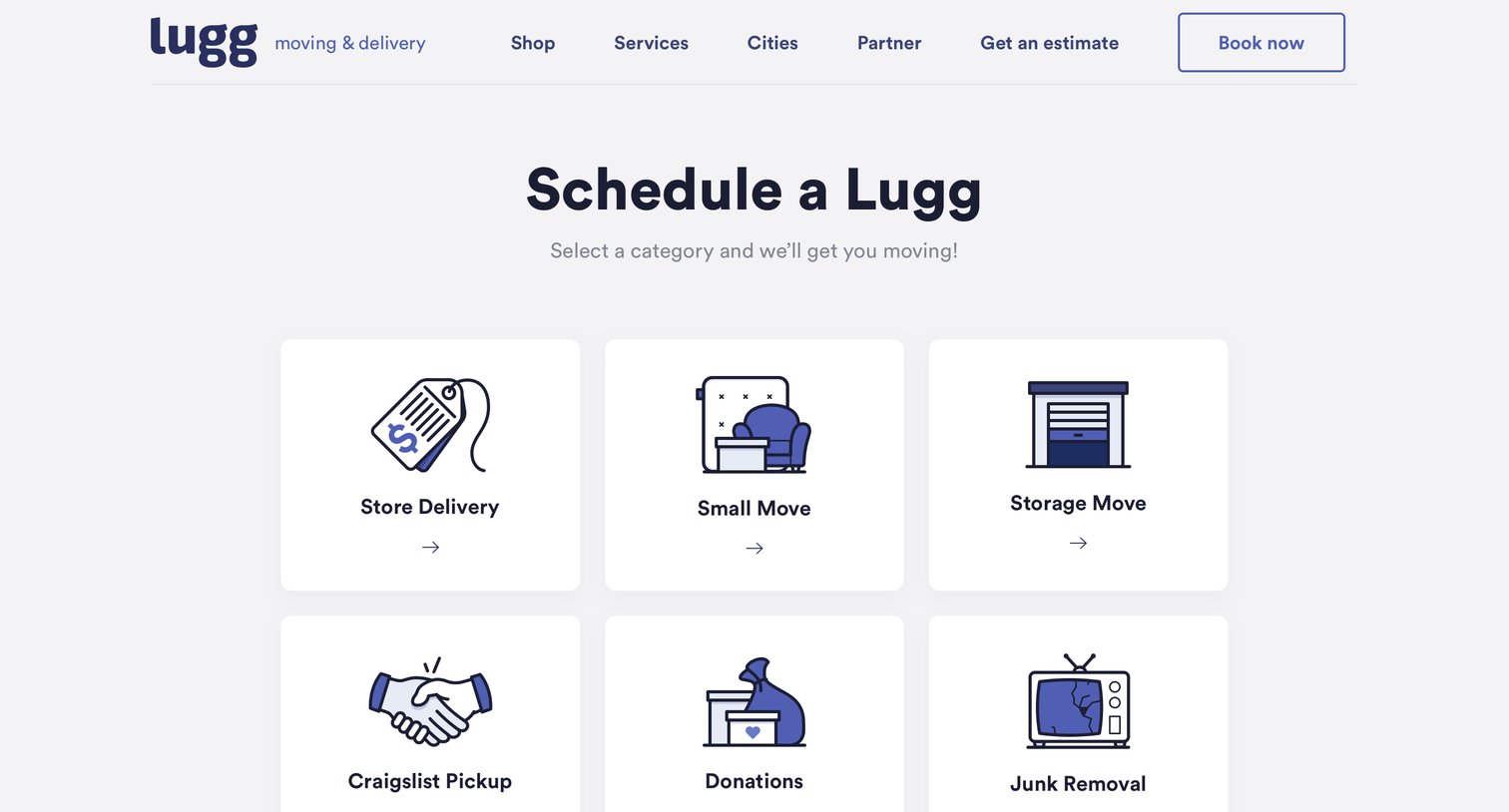
Landing page for a moving and delivery service where users can select a job category, read trust guarantees, and view customer testimonials before booking.

Lugg - Enter address screen
Lugg logo
Lugg

Booking wizard step where the user enters their pickup and drop-off addresses to generate a route on the map.

Lugg - Select a vehicle screen
Lugg logo
Lugg

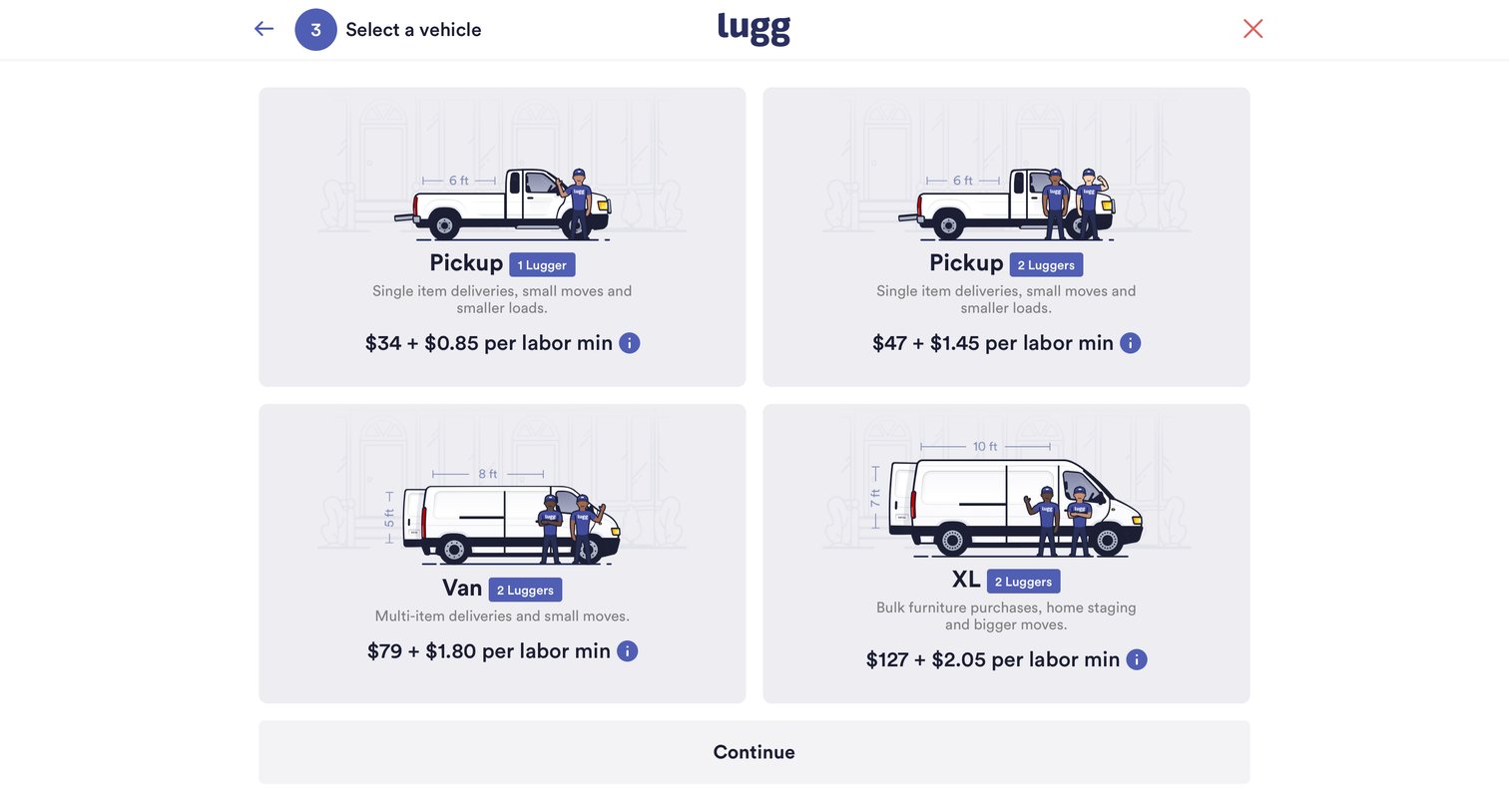
Wizard step where the user selects a vehicle type like Pickup, Van, or XL for their delivery, viewing pricing and labor details.

Lugg - Select date screen
Lugg logo
Lugg

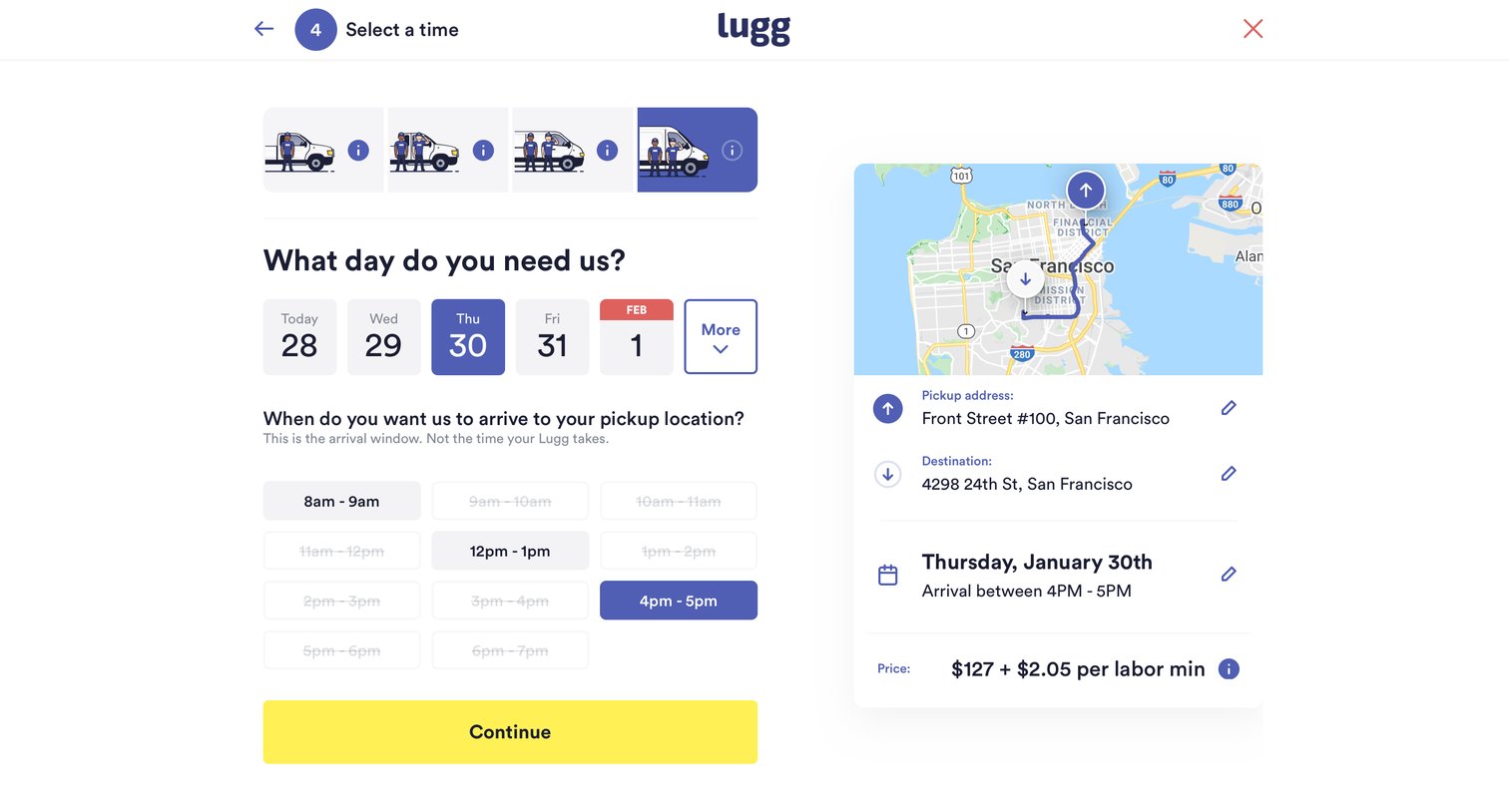
Create booking step where the user selects a vehicle type, date, and time window for their moving service, with a map and price summary visible.

Lugg - Calendar screen
Lugg logo
Lugg

Booking flow step where the user selects a vehicle type and a specific day for their move, with a summary of the route and price shown alongside.
Lugg - Summary screen
Lugg logo
Lugg

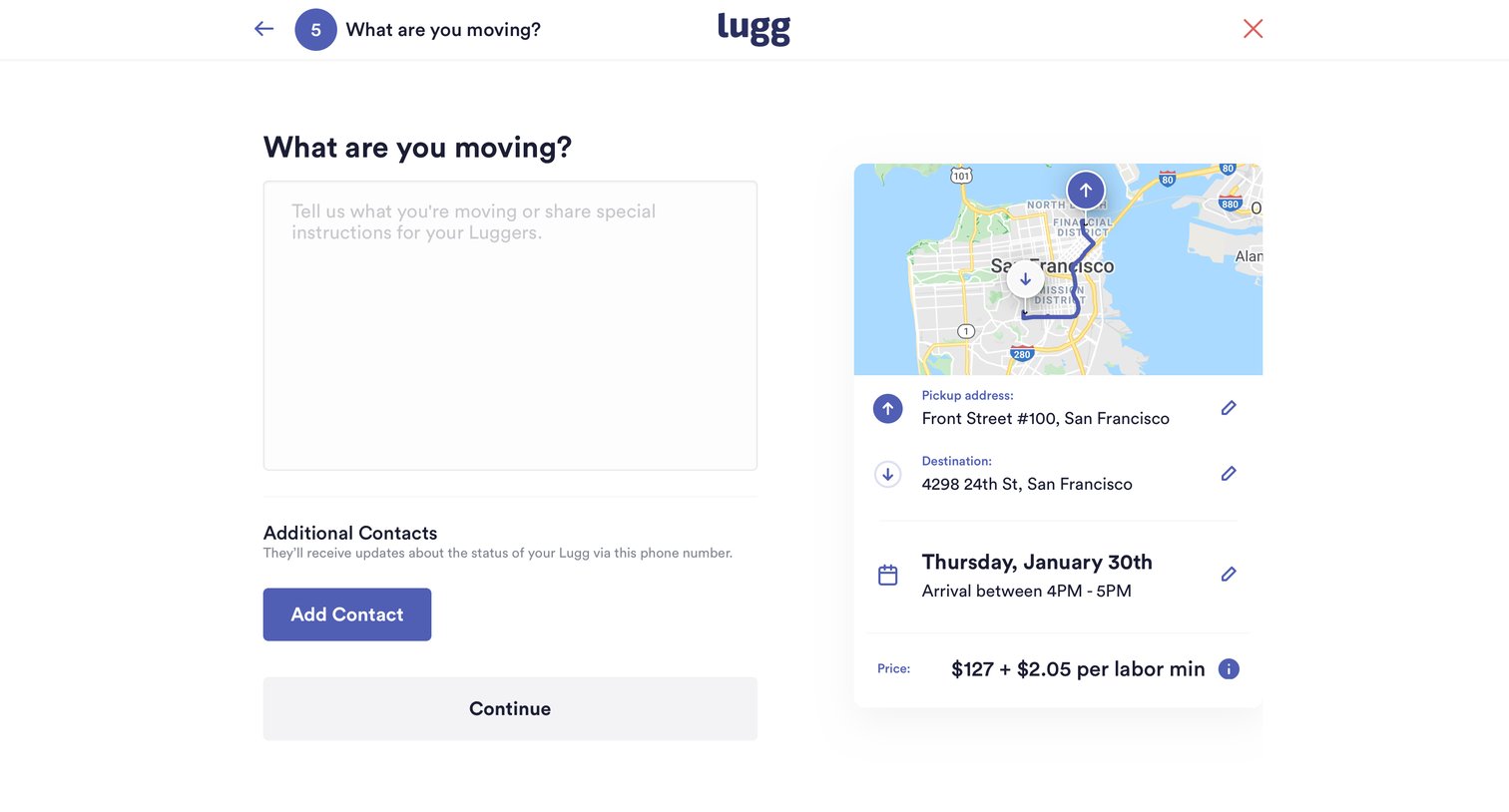
Wizard step where the user provides moving instructions, adds secondary contacts, and reviews the route and estimated price before continuing.

Lugg - Add contact screen
Lugg logo
Lugg

Wizard step where the user provides moving instructions, adds additional contacts, and reviews the route, schedule, and estimated price for their booking.

Browse the full SaaS app library

Explore real SaaS apps with their product screens, marketing screens, flows, and components.

Trusted by the best teams

More from Lugg