Join product screens examples
Browse Join screen design examples. Preview the interface screenshots and explore related UI patterns. Recruiting software that helps you hire faster
Explore the examples


Sign-in screen where the user authenticates with their email and password, with an option to register a new employer account.
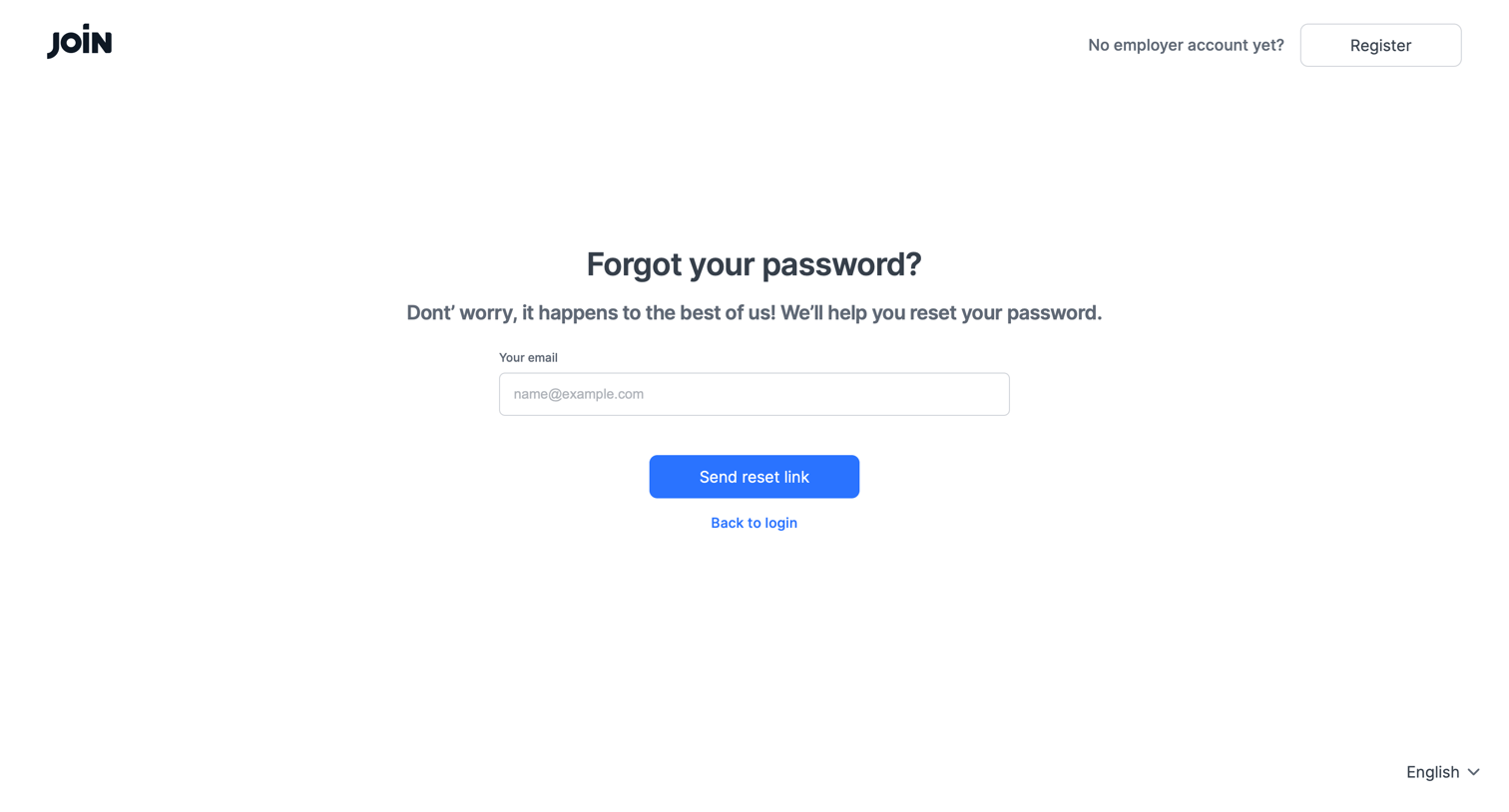
Password recovery screen where the user enters their email address to request a reset link.

Signup page where the user enters their work email to begin account creation, alongside a sidebar highlighting product benefits.

Verification screen where the user is instructed to check their email for an activation link, with options to resend the link or contact support.
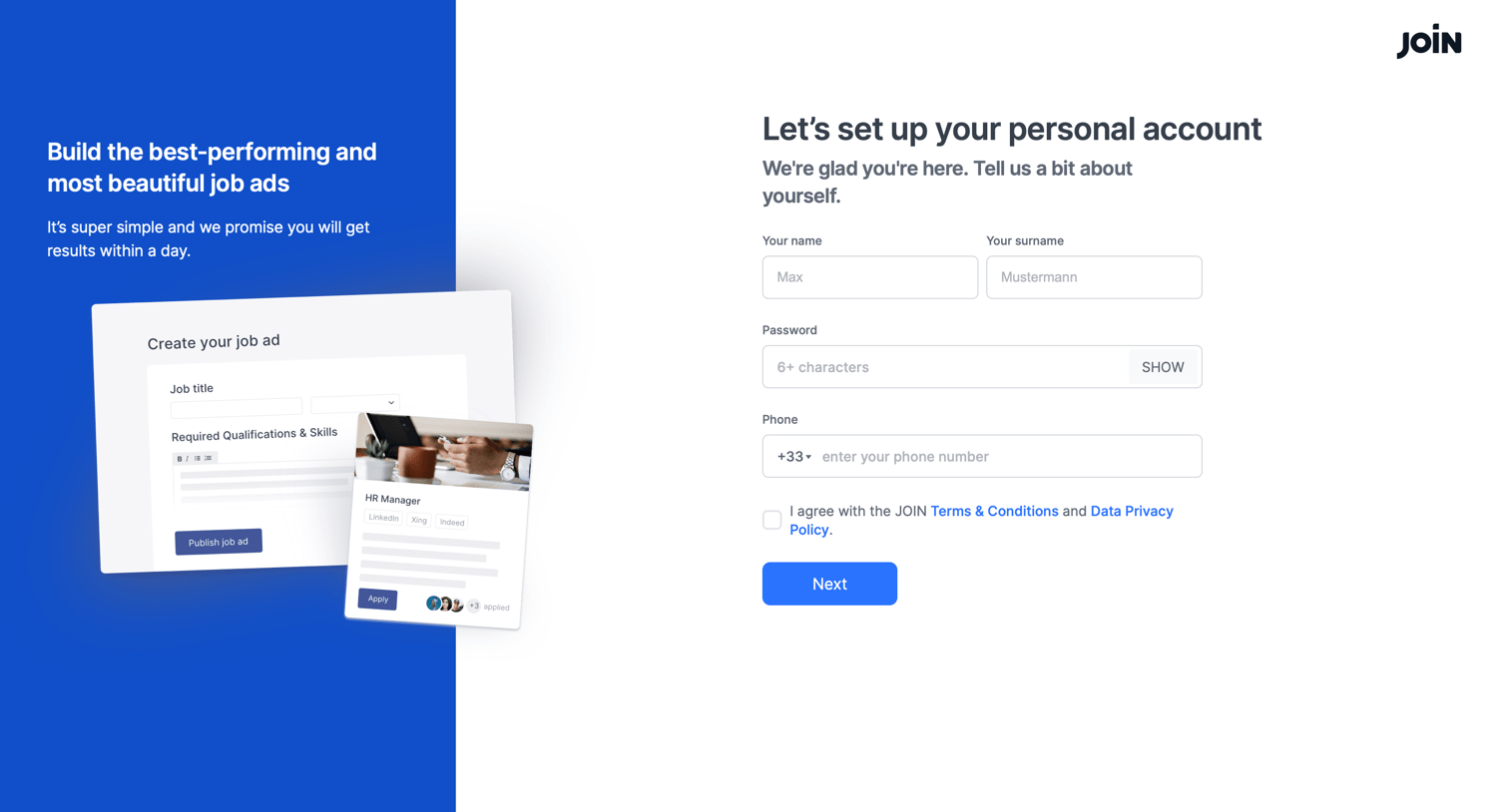
Signup step where the user provides their name, password, and phone number to establish their personal account profile.
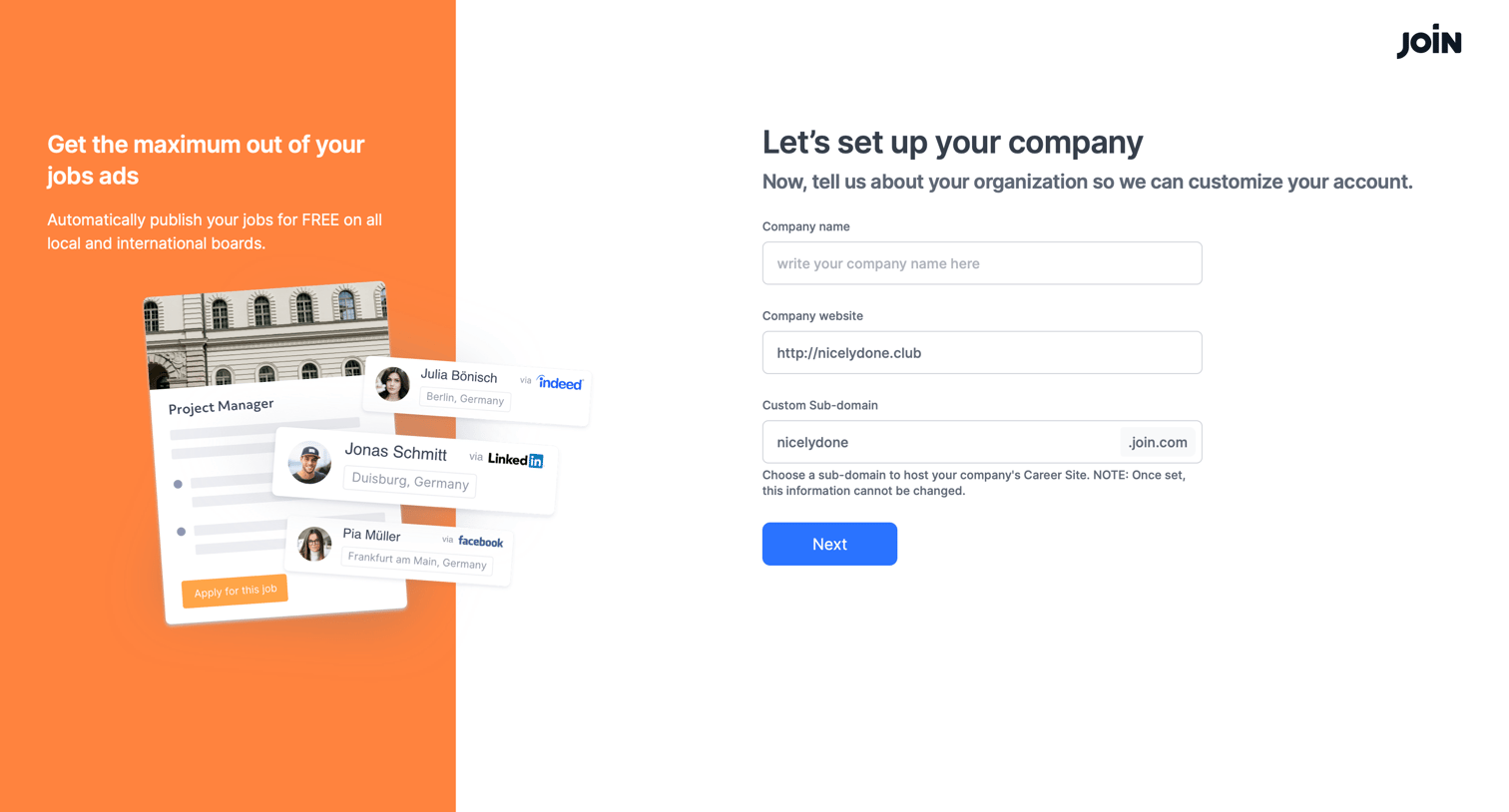
Onboarding step where the user sets up their company profile by providing a name, website, and choosing a custom sub-domain.
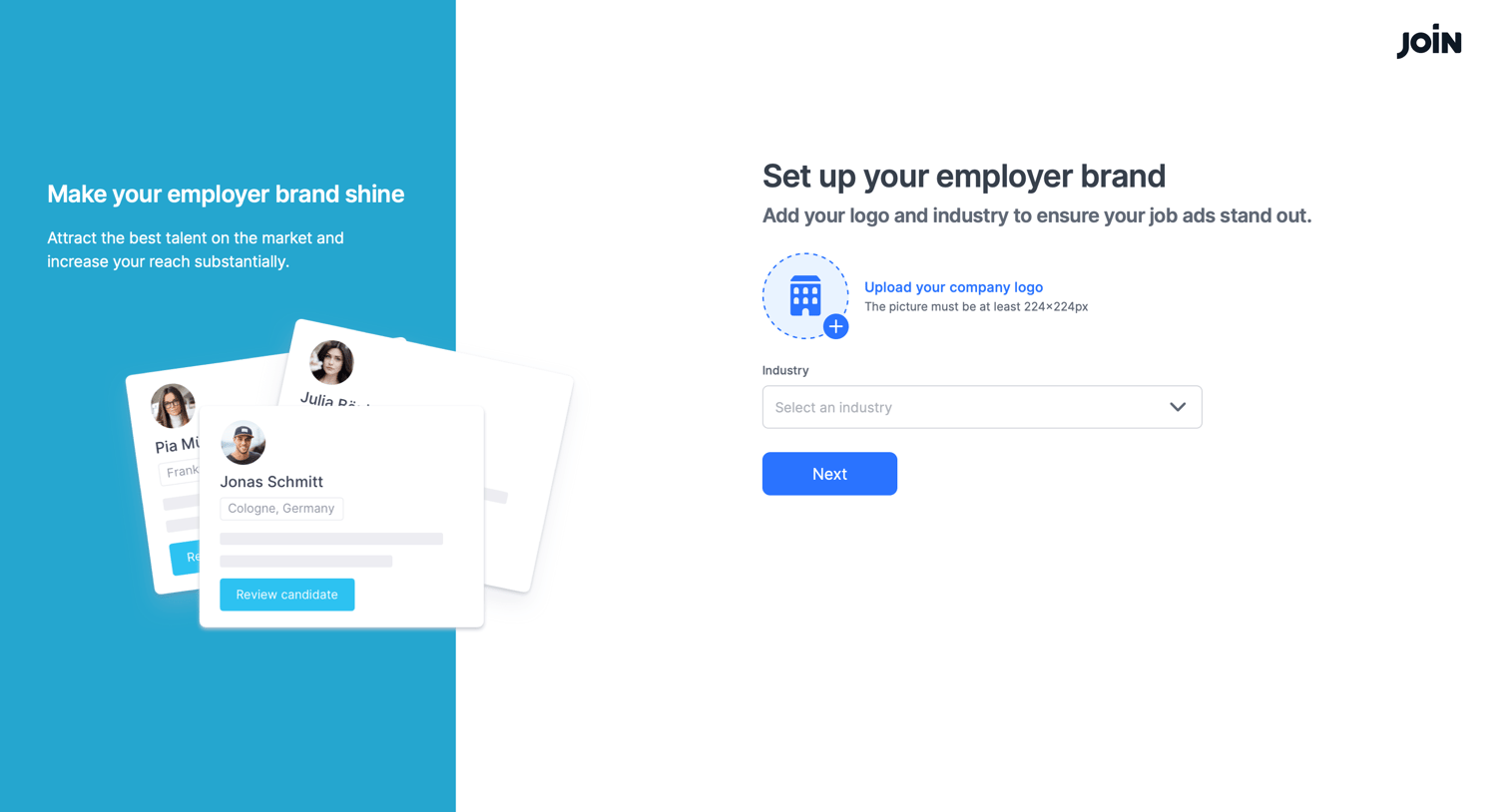
Onboarding step where the user sets up their employer brand by uploading a company logo and selecting an industry.
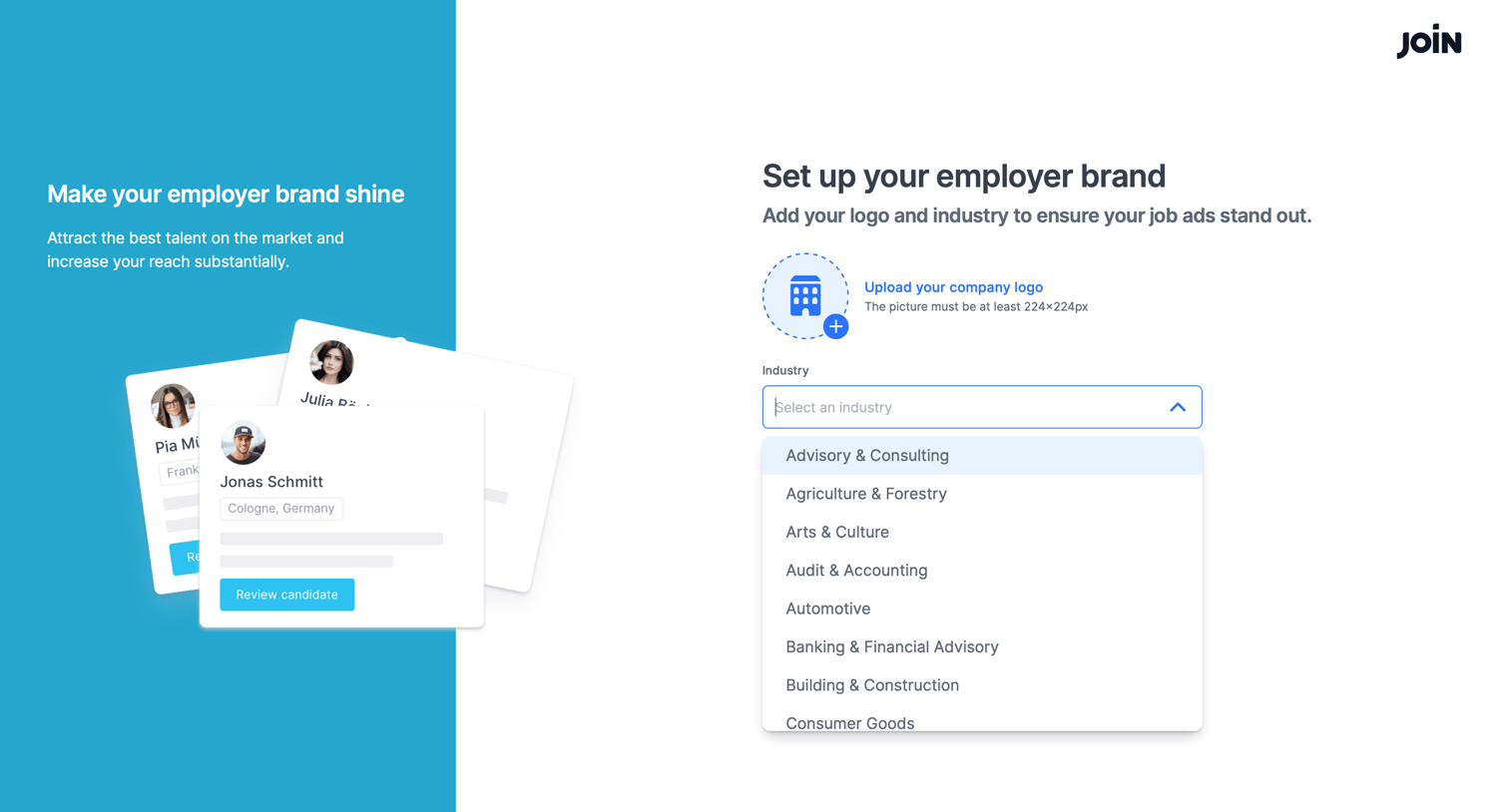
Onboarding step where the user sets up their employer brand by uploading a company logo and selecting their industry from a dropdown.


Dashboard where an onboarding modal prompts the user to create their first job or take a quick tour.
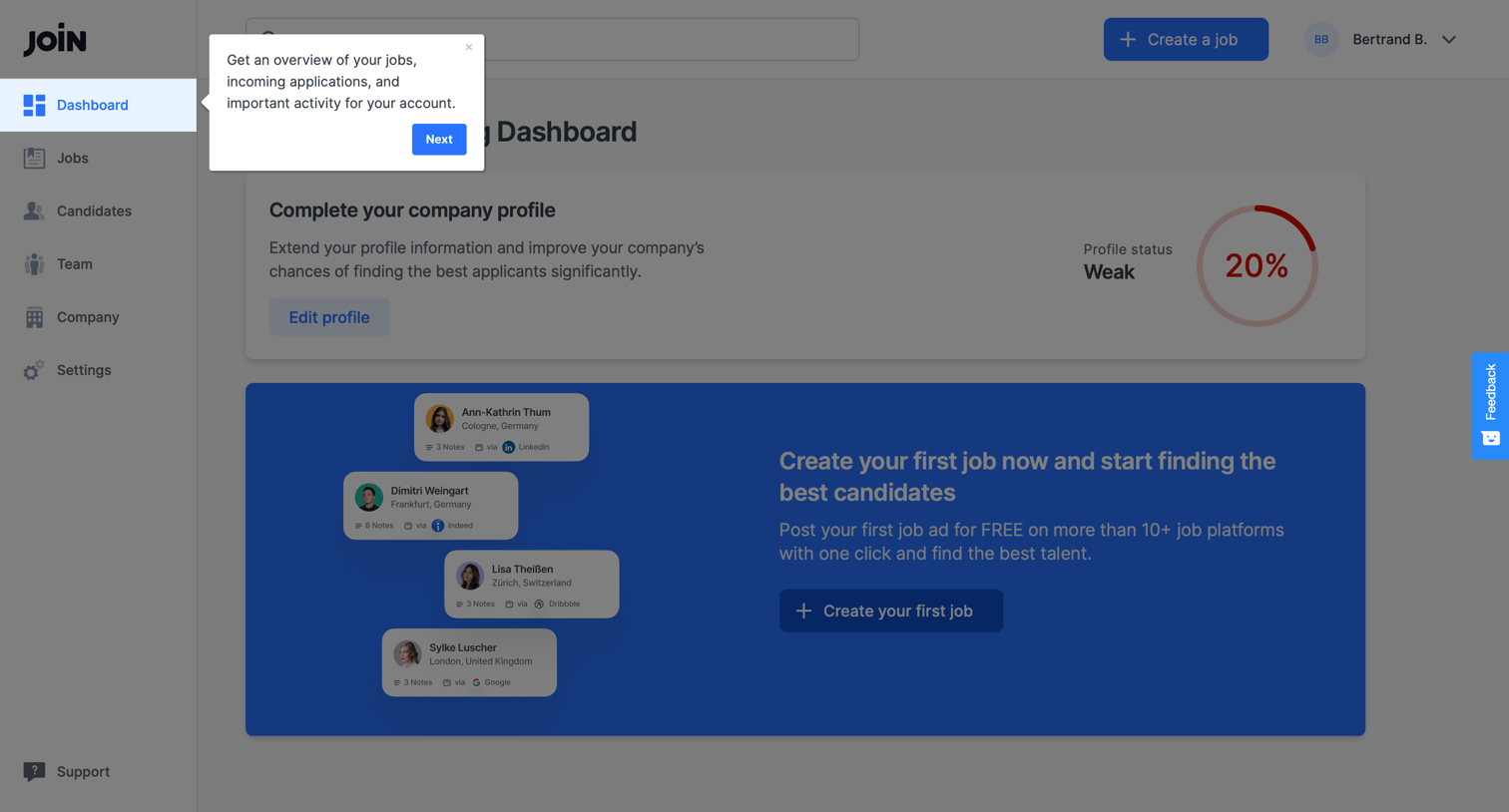
Dashboard where the user is prompted to complete their company profile and create their first job, guided by an onboarding product tour.

Home screen where the user is prompted to complete their company profile and create their first job posting to start finding candidates.
Explore the full SaaS screen library
Upgrade to unlock the full library.
Trusted by the best teams







