Google maps design examples
Explore Google maps UI design examples. Find local businesses, view maps and get driving directions
Product screens
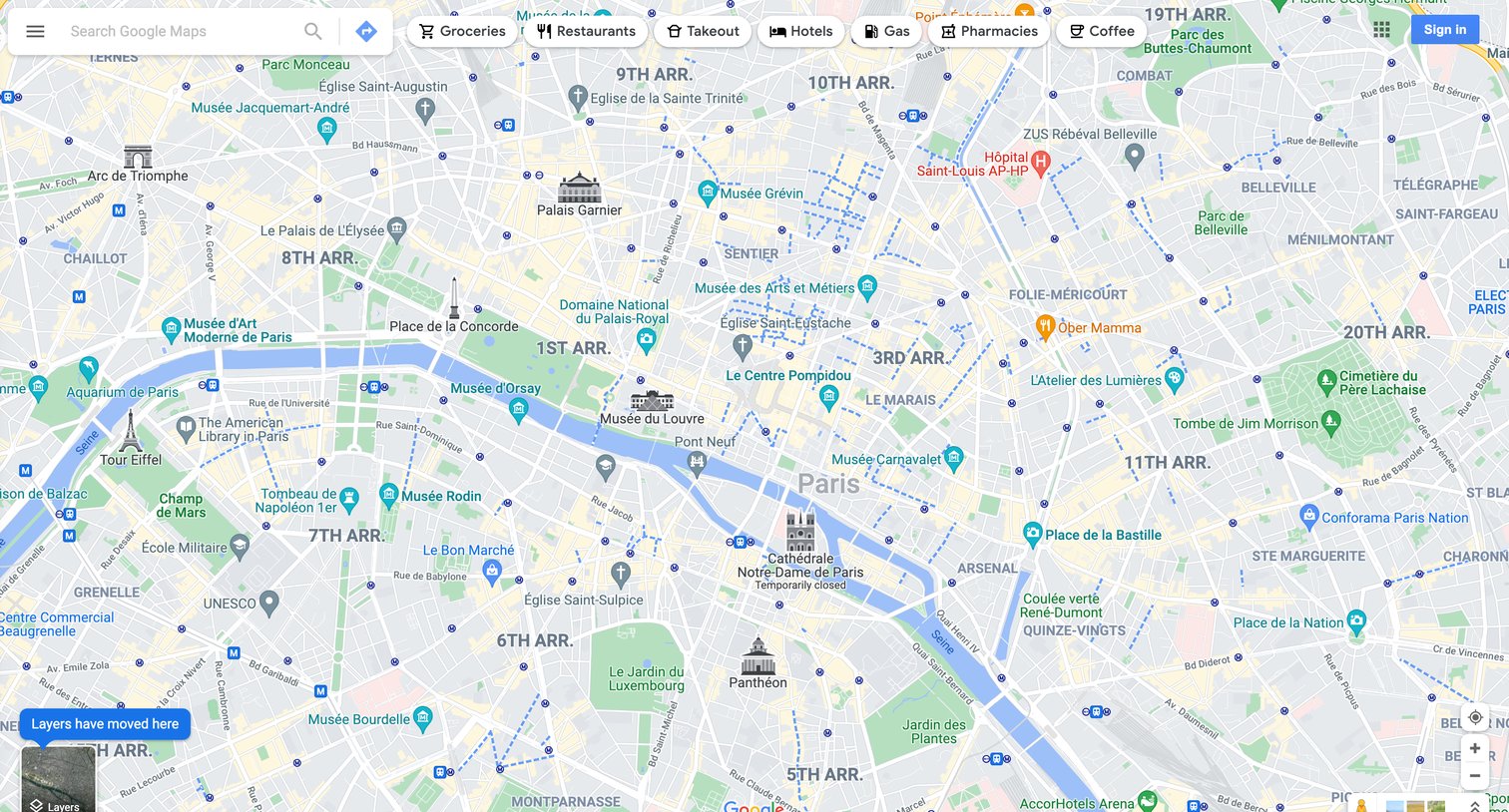

Map interface where the user can search for locations, filter by categories like groceries and restaurants, and explore the city of Paris.
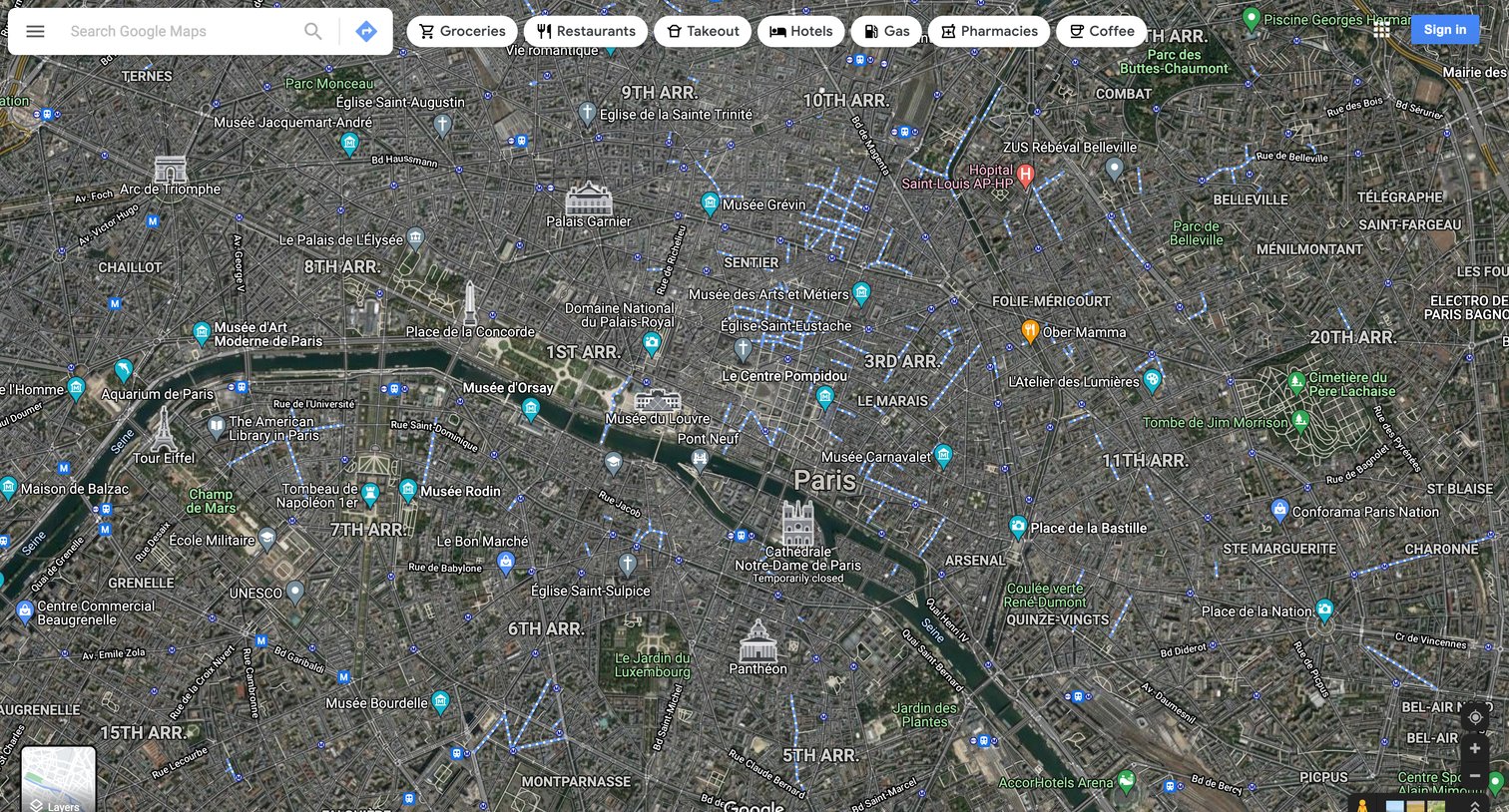
Full-screen satellite map view of Paris with a floating search bar and quick category filters for exploring places.
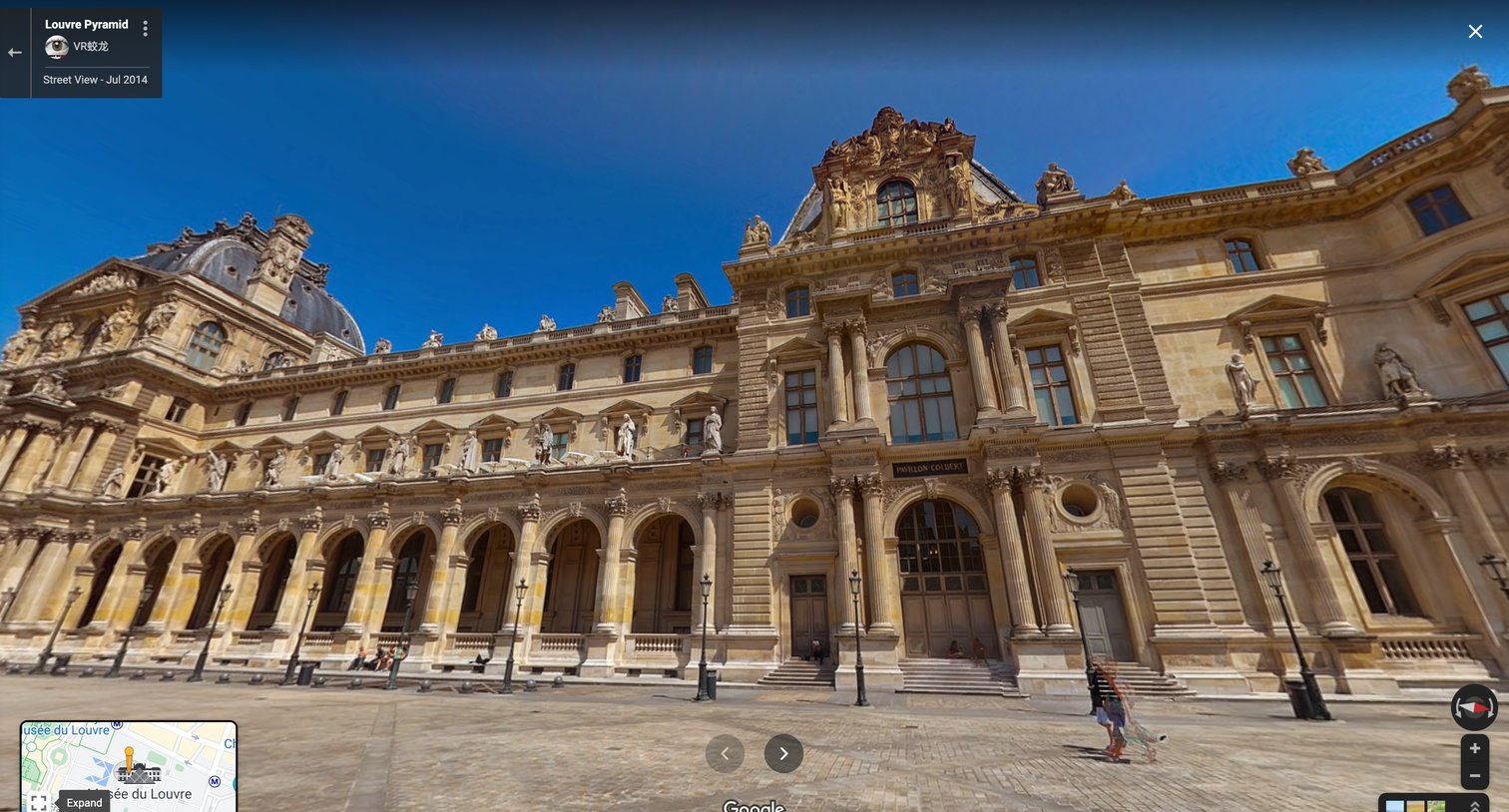
Full-screen Street View panorama of the Louvre Pyramid with floating navigation controls, a mini-map inset, and a location information panel.
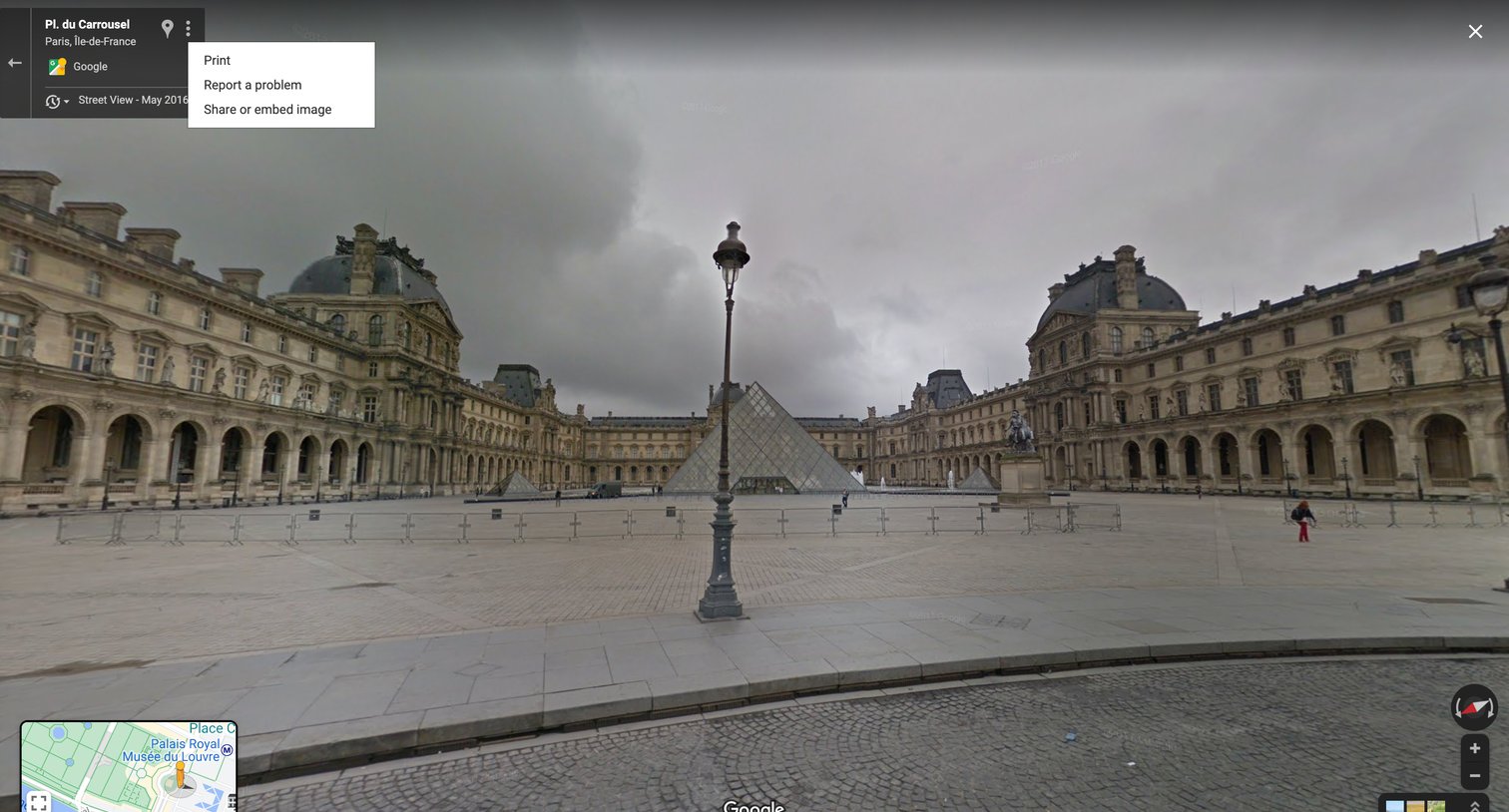
Full-screen immersive street view of a location with floating navigation controls, a mini-map inset, and an open context menu for sharing or printing.
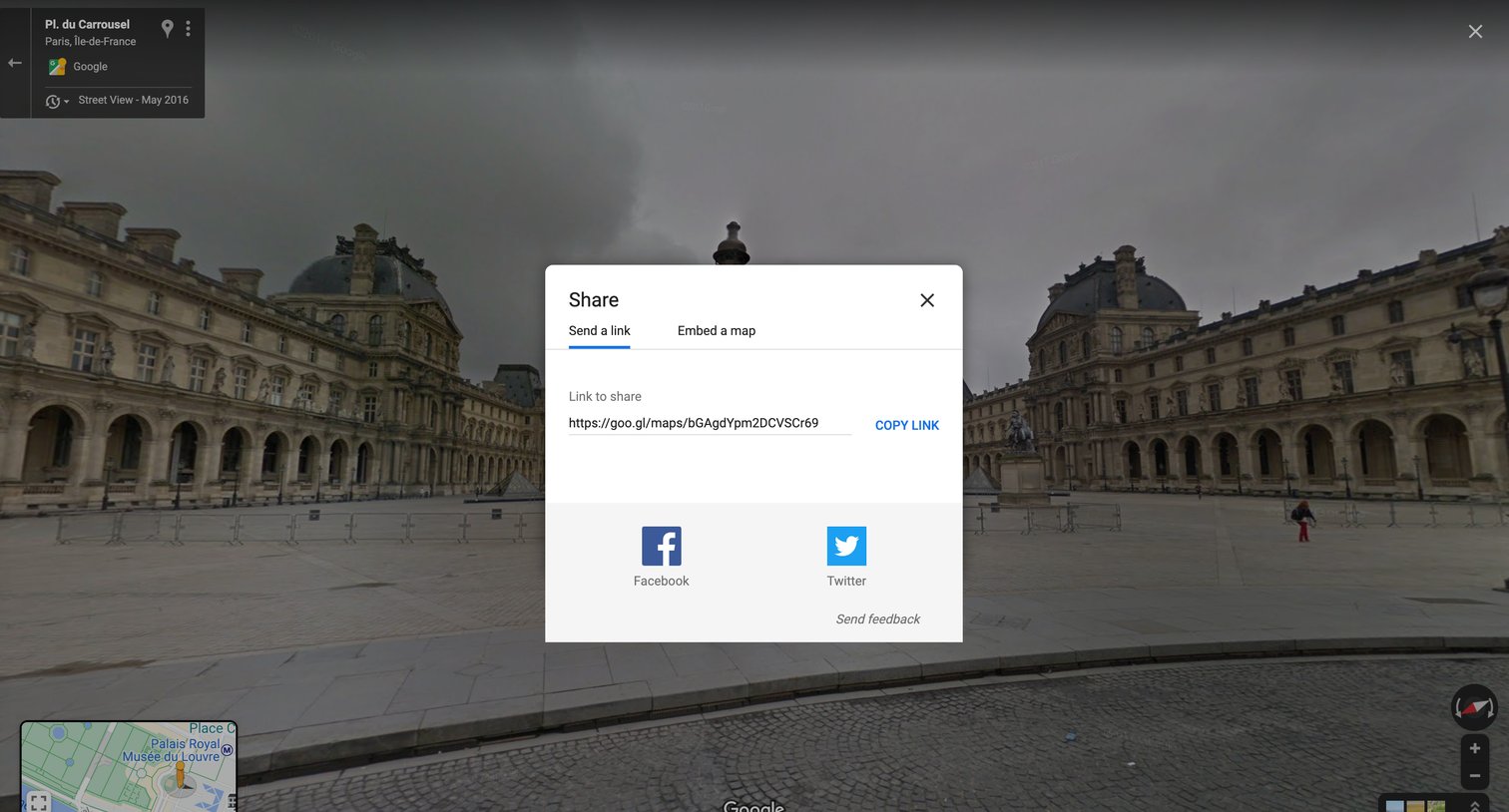
Detail page where the user can share a Street View location by copying a link or posting directly to Facebook and Twitter.
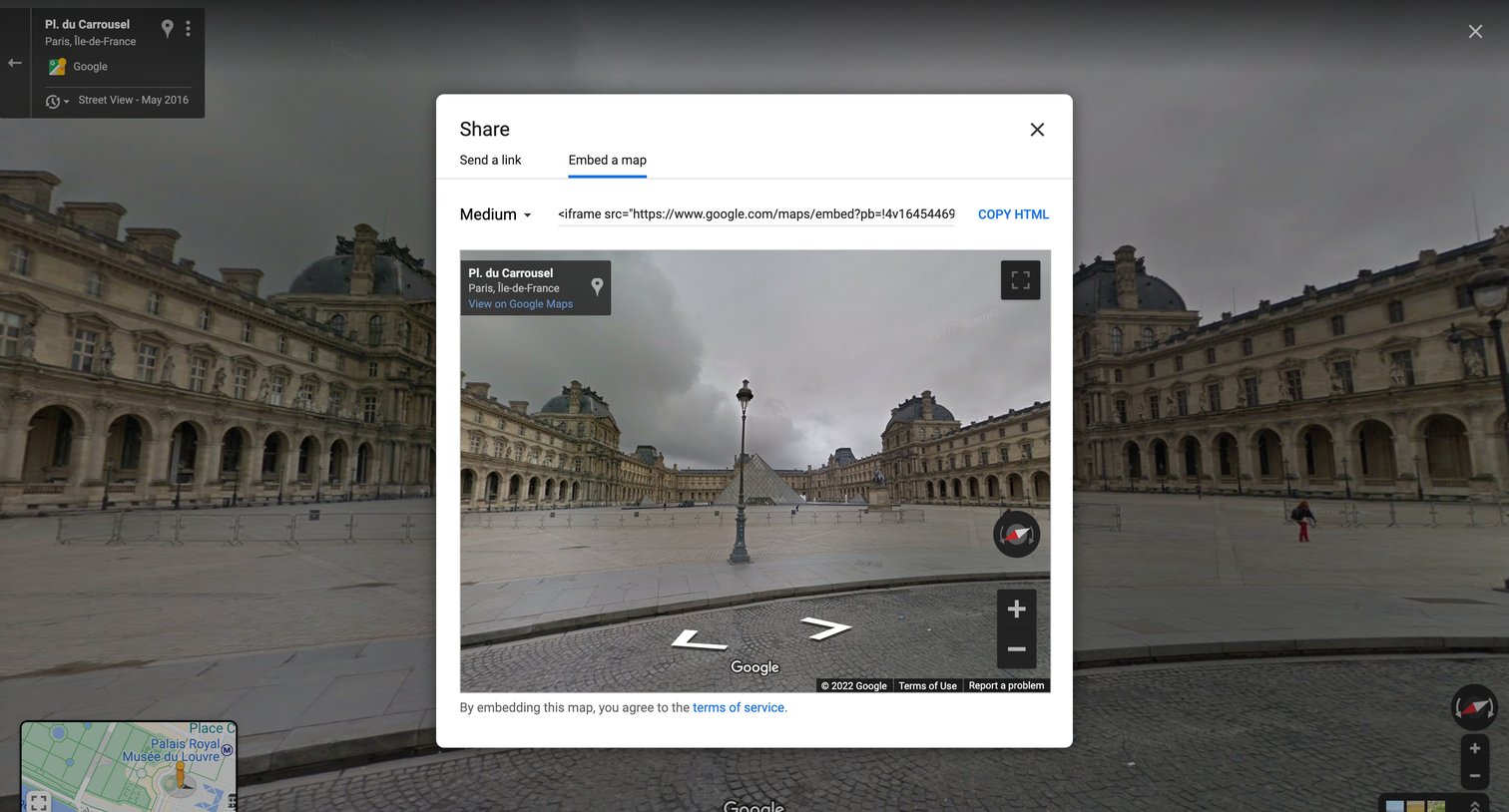
Detail page where the user can copy an HTML iframe snippet to embed a specific Street View panorama on their own website.
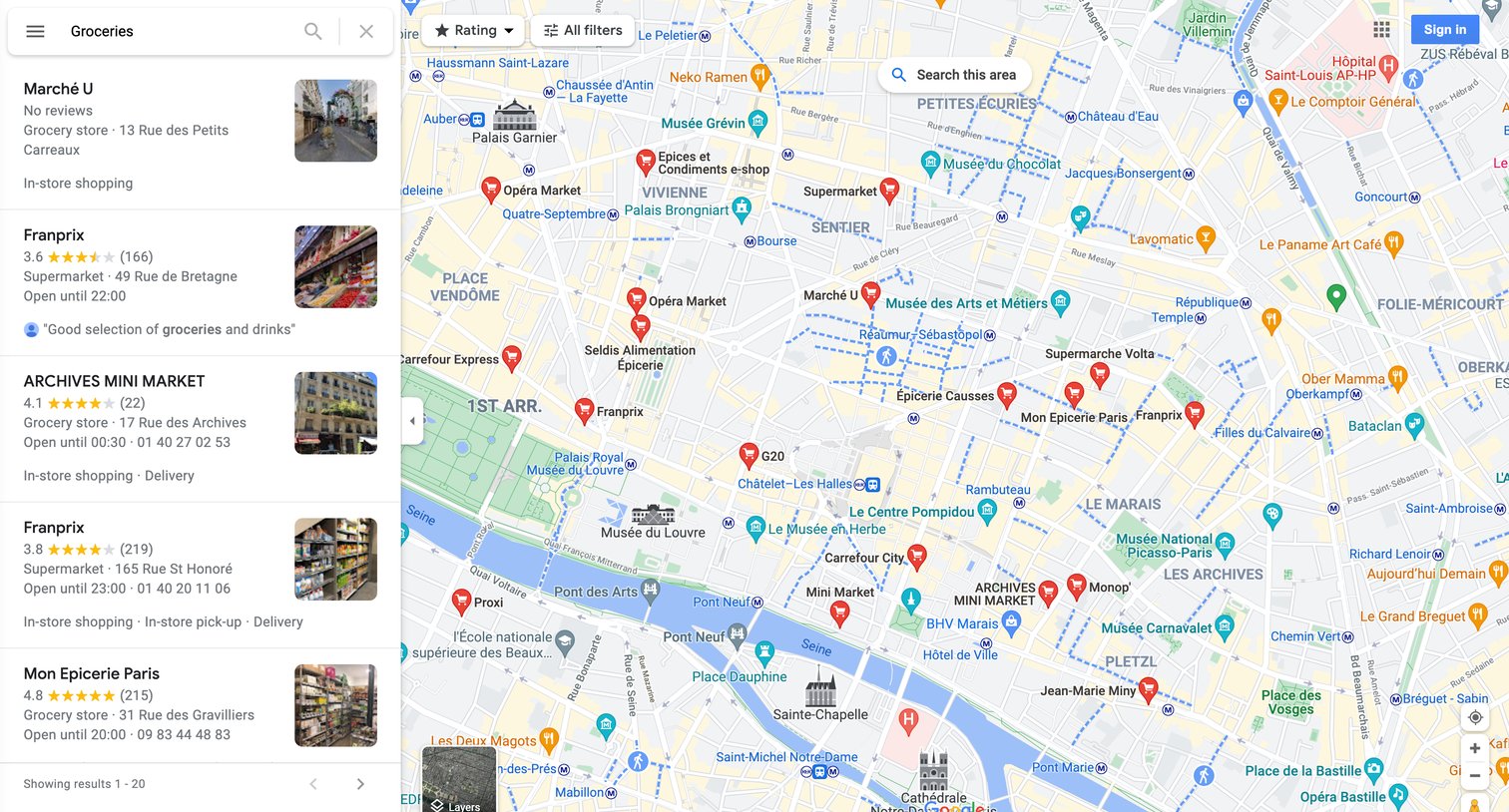
Search results page where the user views grocery stores in Paris on an interactive map and in a side list.
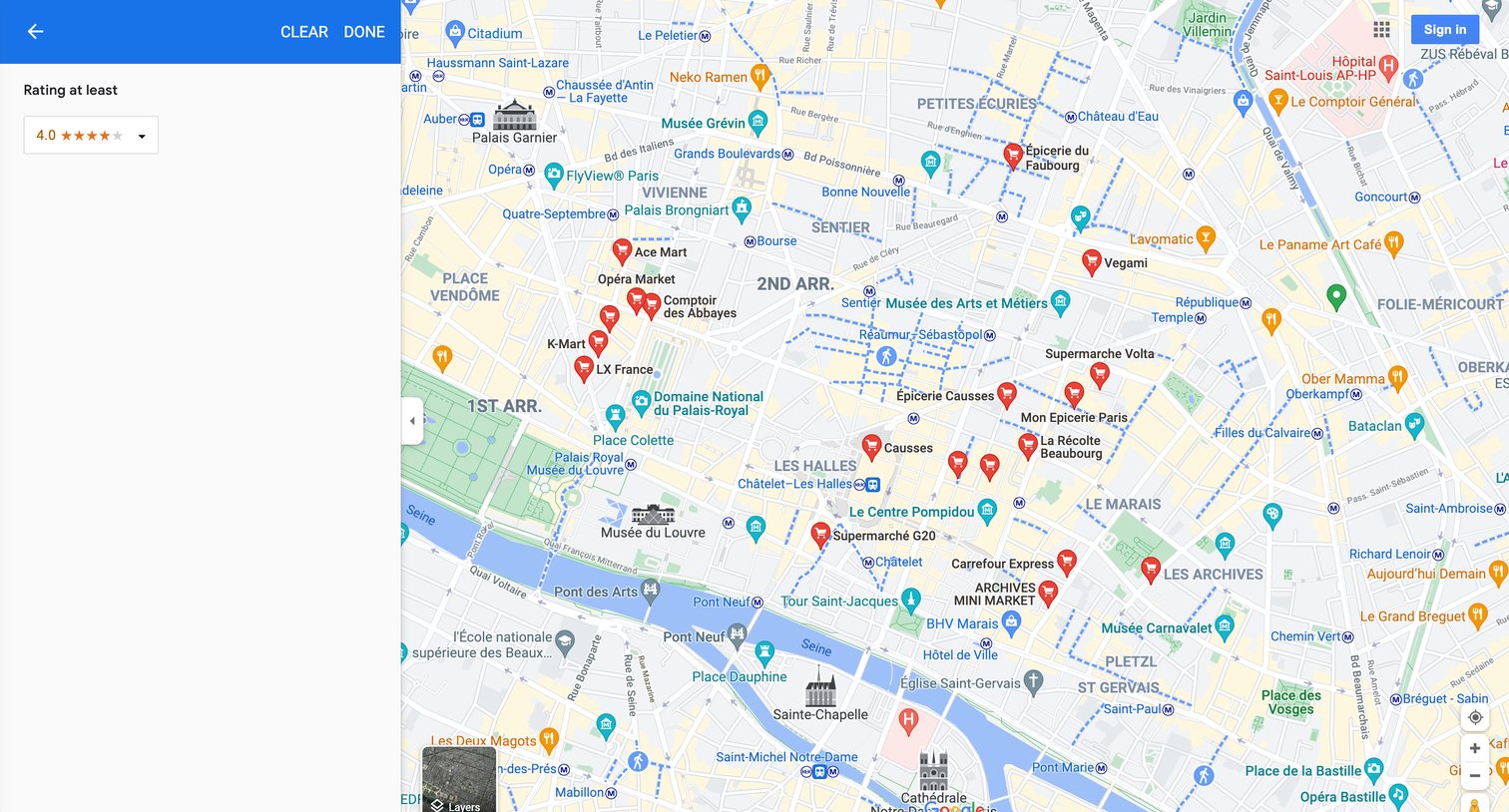
Map view where the user filters grocery store search results in Paris by a minimum rating of 4.0 using a left sidebar.
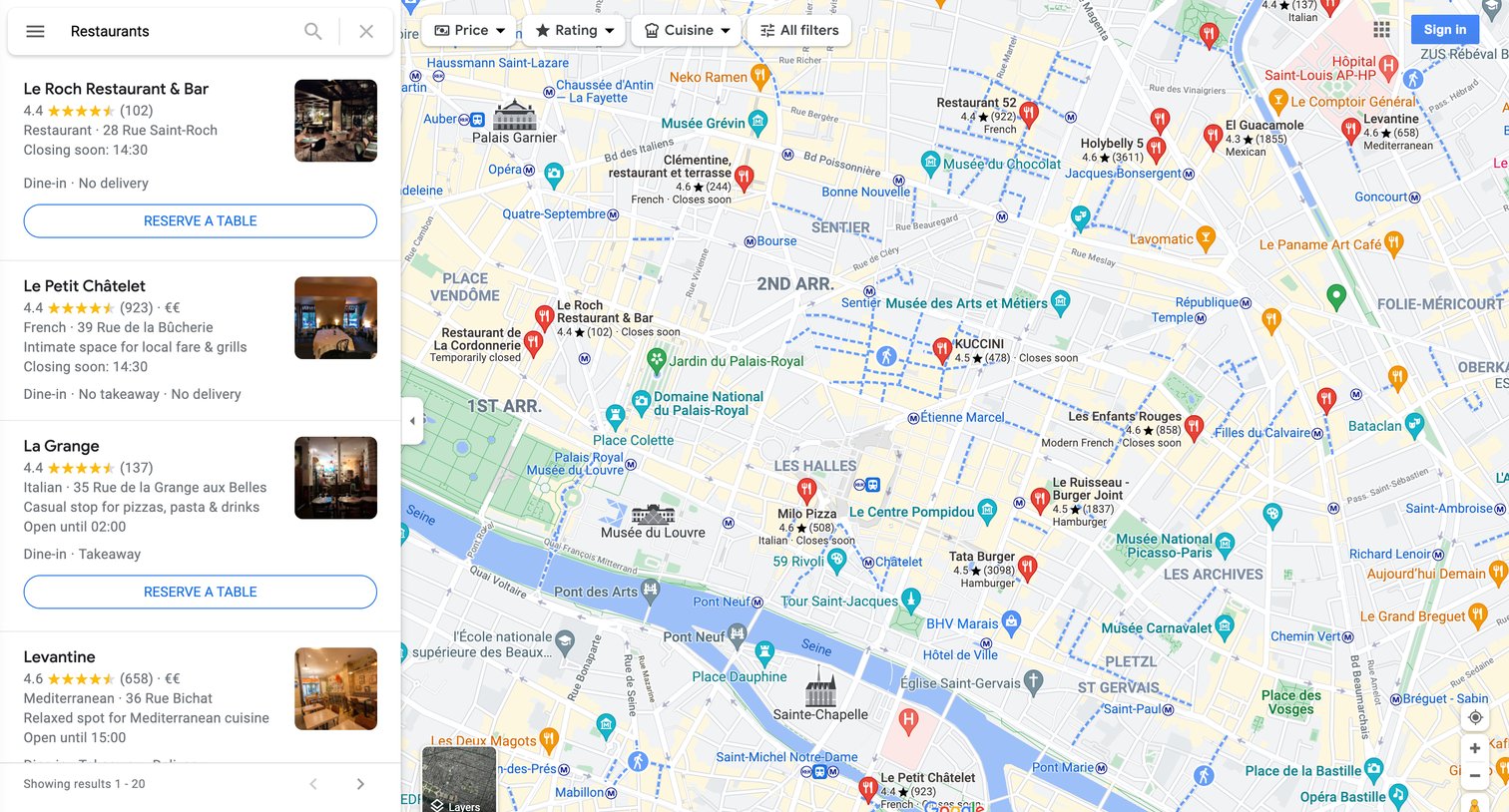
Search results page where the user views a list and interactive map of restaurants in Paris, with filters for price, rating, and cuisine.
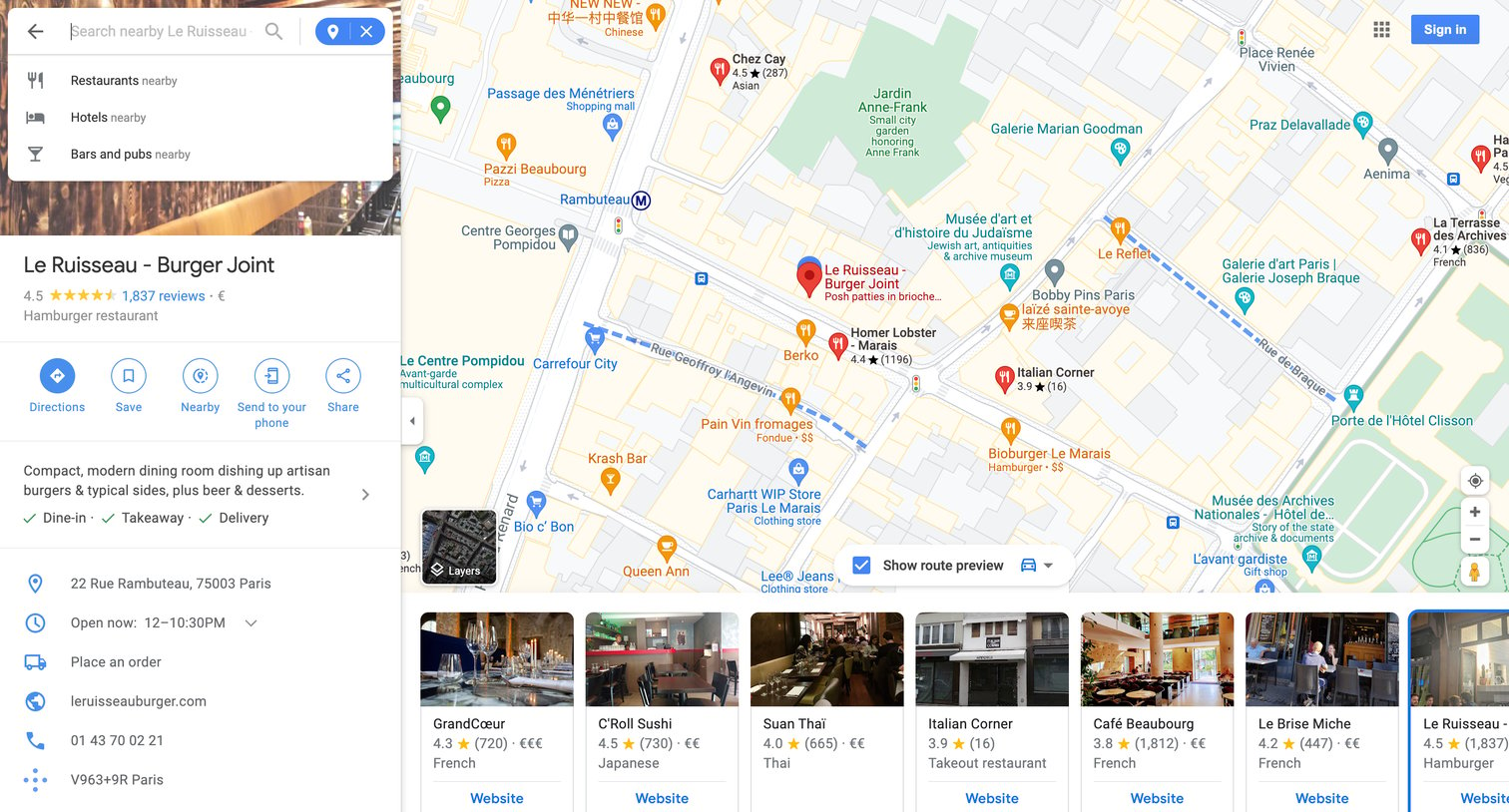
Map interface showing details for a specific restaurant, including ratings, hours, and contact information, alongside a carousel of similar nearby places.
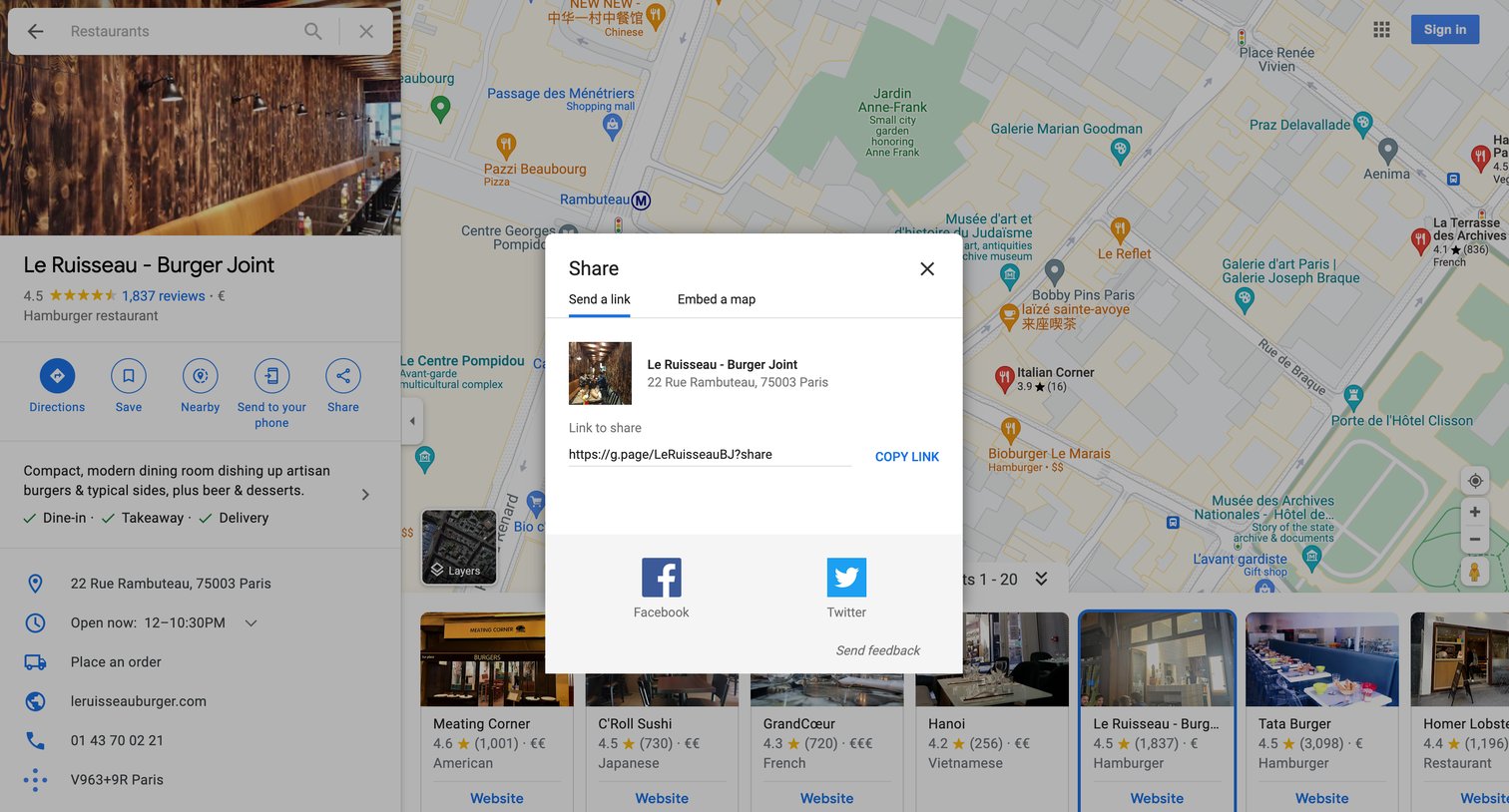
Detail page for a restaurant where the user has opened a modal to share the location via link, Facebook, or Twitter.
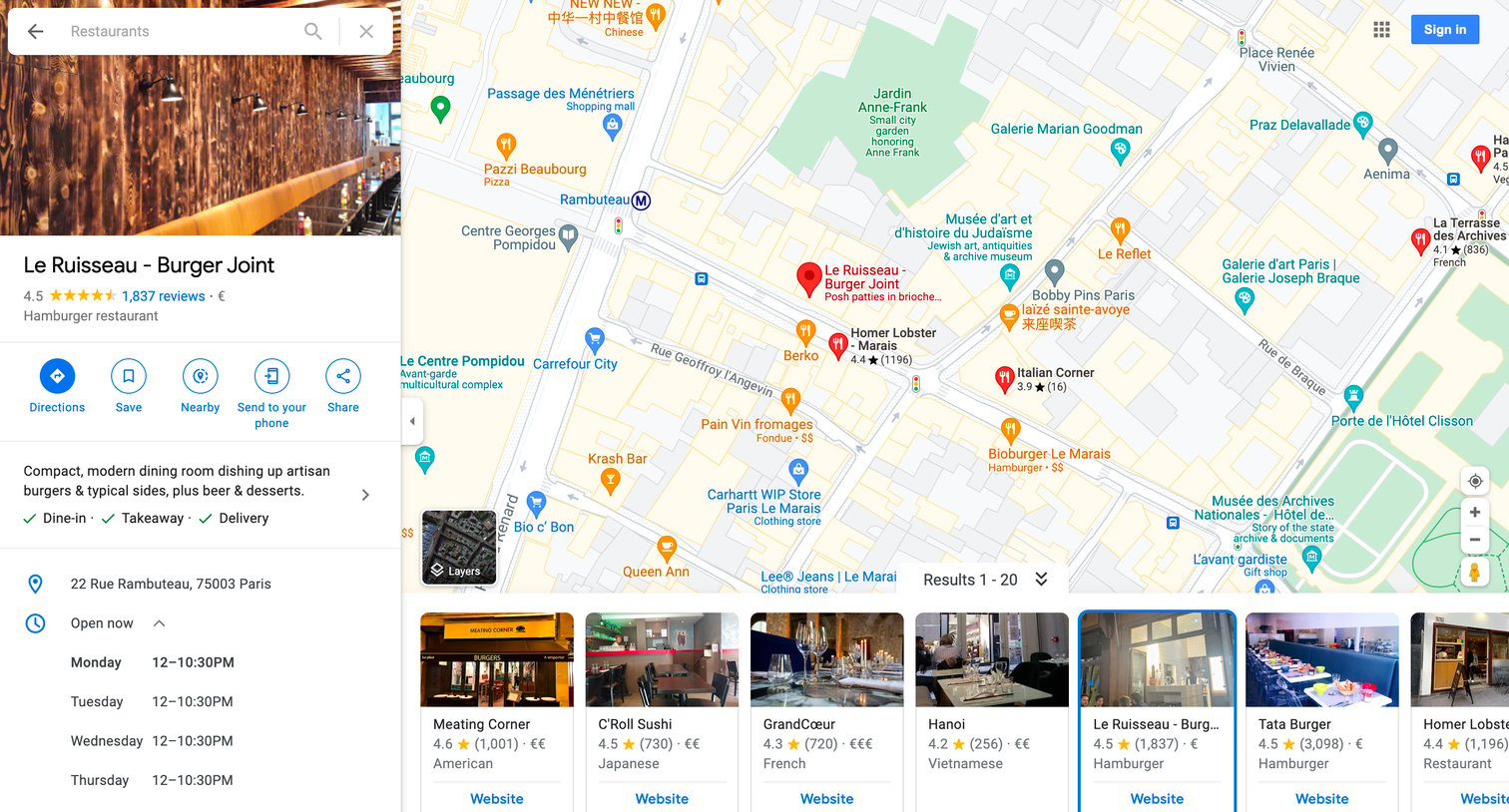
Detail page where the user views information, reviews, popular times, and photos for a specific restaurant alongside an interactive map.
Browse the full SaaS app library
Explore real SaaS apps with their product screens, marketing screens, flows, and components.
Trusted by the best teams







