Dynaboard product screens examples
Browse Dynaboard screen design examples. Preview the interface screenshots and explore related UI patterns. Build a web app in 60 seconds
Explore the examples

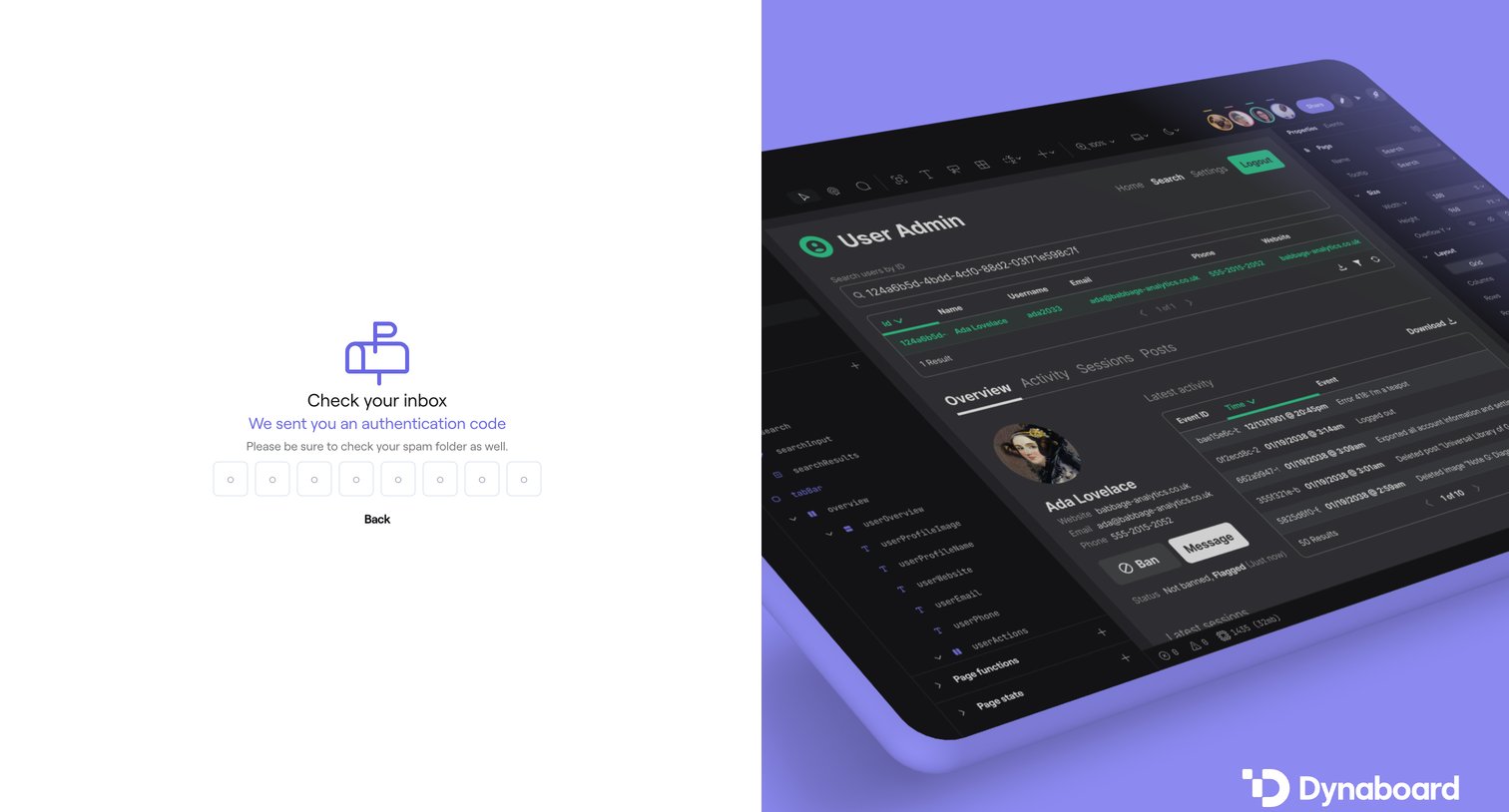

Verification screen where the user enters an 8-digit authentication code sent to their email to proceed with login.
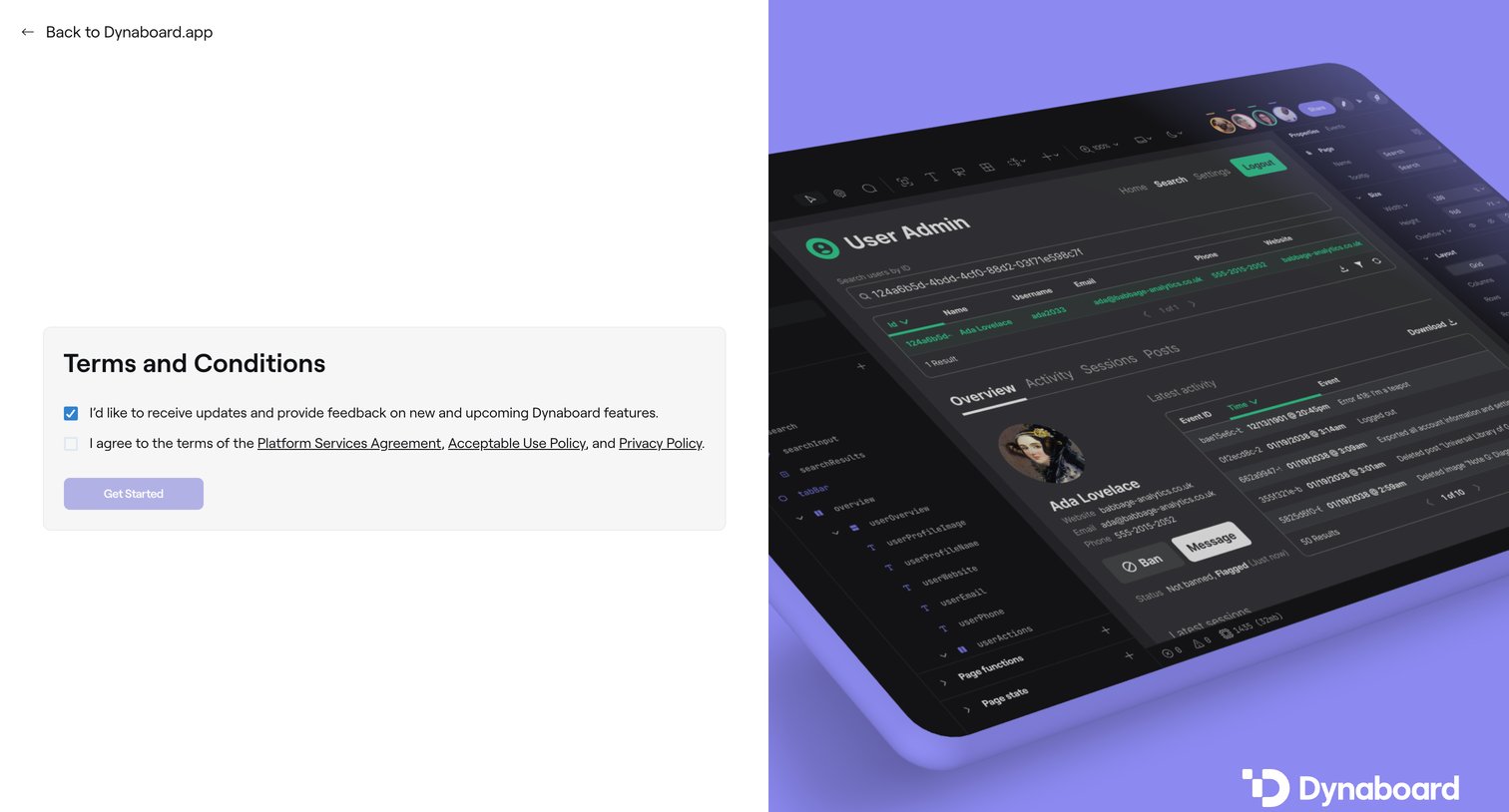
Signup step where the user must agree to the platform services agreement, acceptable use policy, and privacy policy before getting started.
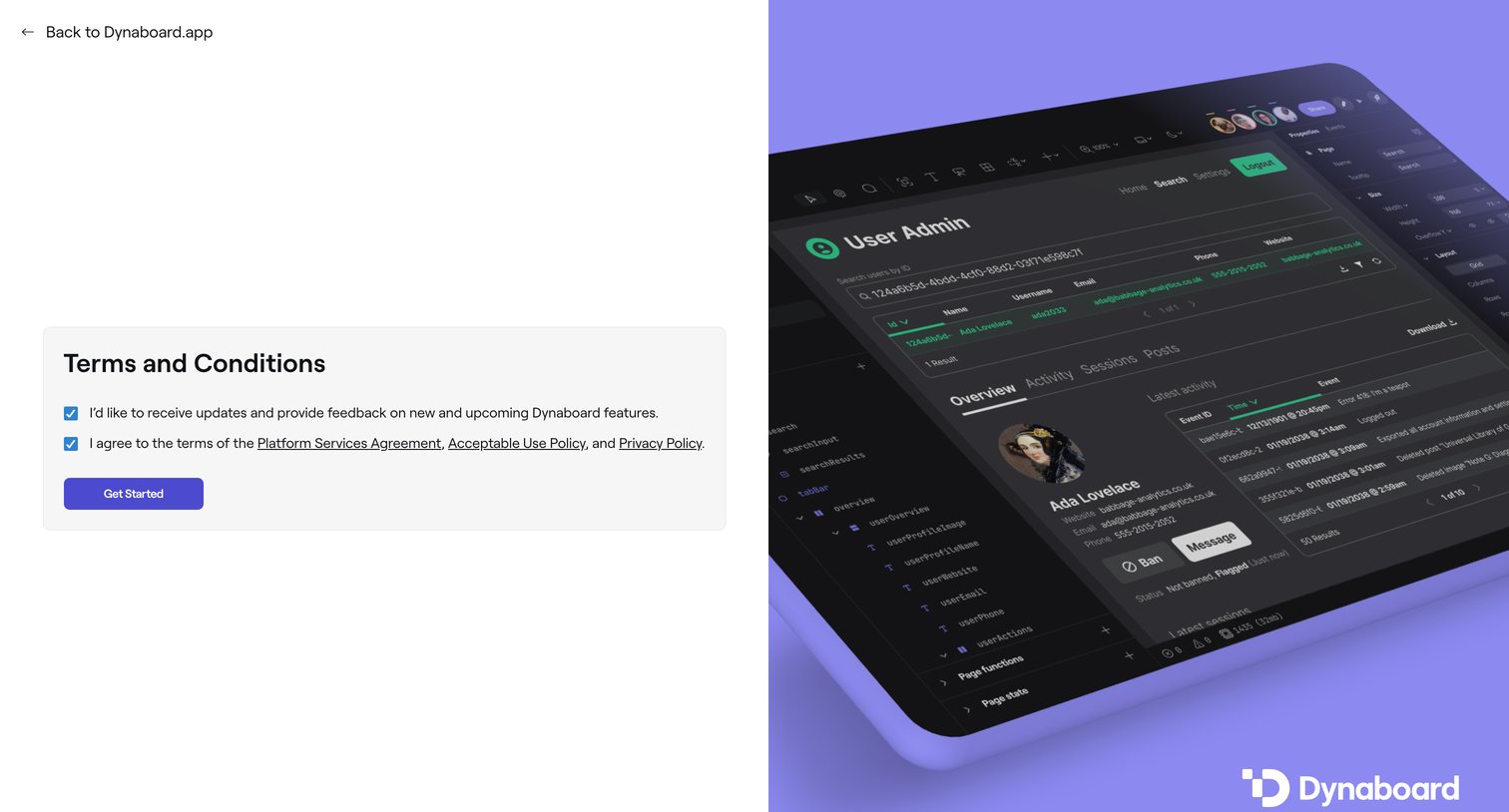
Signup step where the user must agree to the Platform Services Agreement, Acceptable Use Policy, and Privacy Policy to get started.
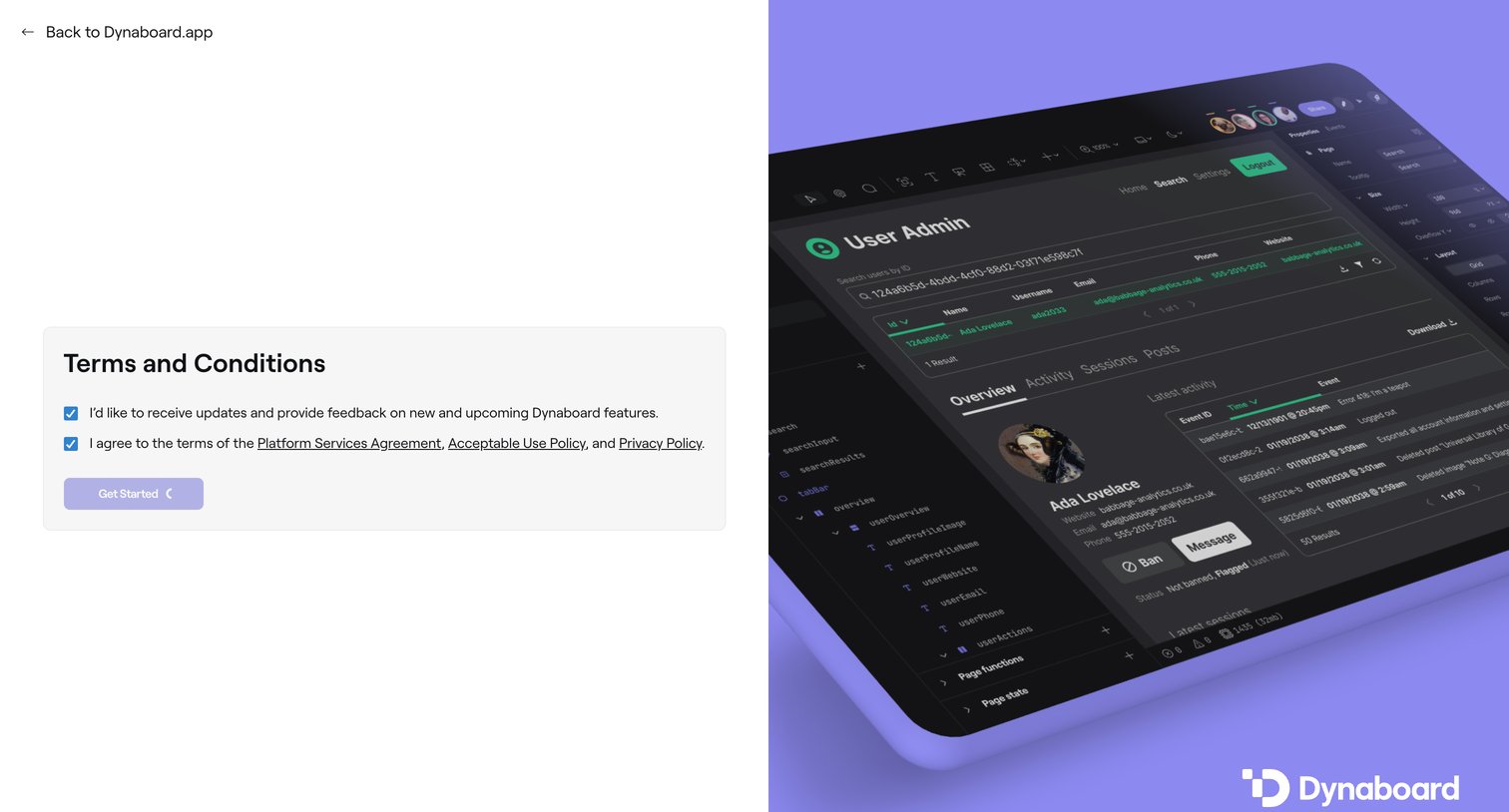
Signup step where the user must agree to the platform services agreement, acceptable use policy, and privacy policy before getting started.
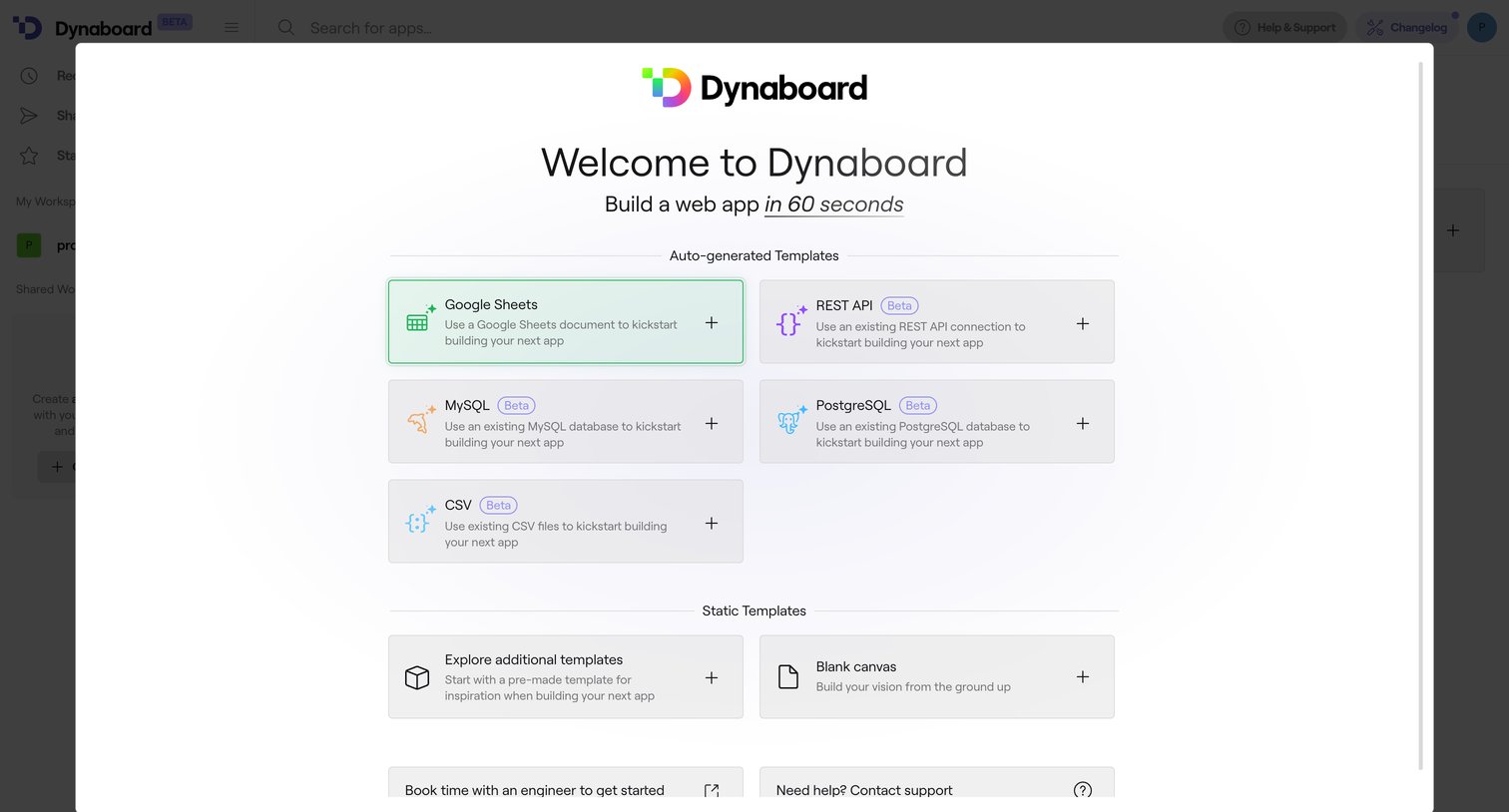
Onboarding modal where the user selects a data source template like Google Sheets, MySQL, or a blank canvas to kickstart their new app.
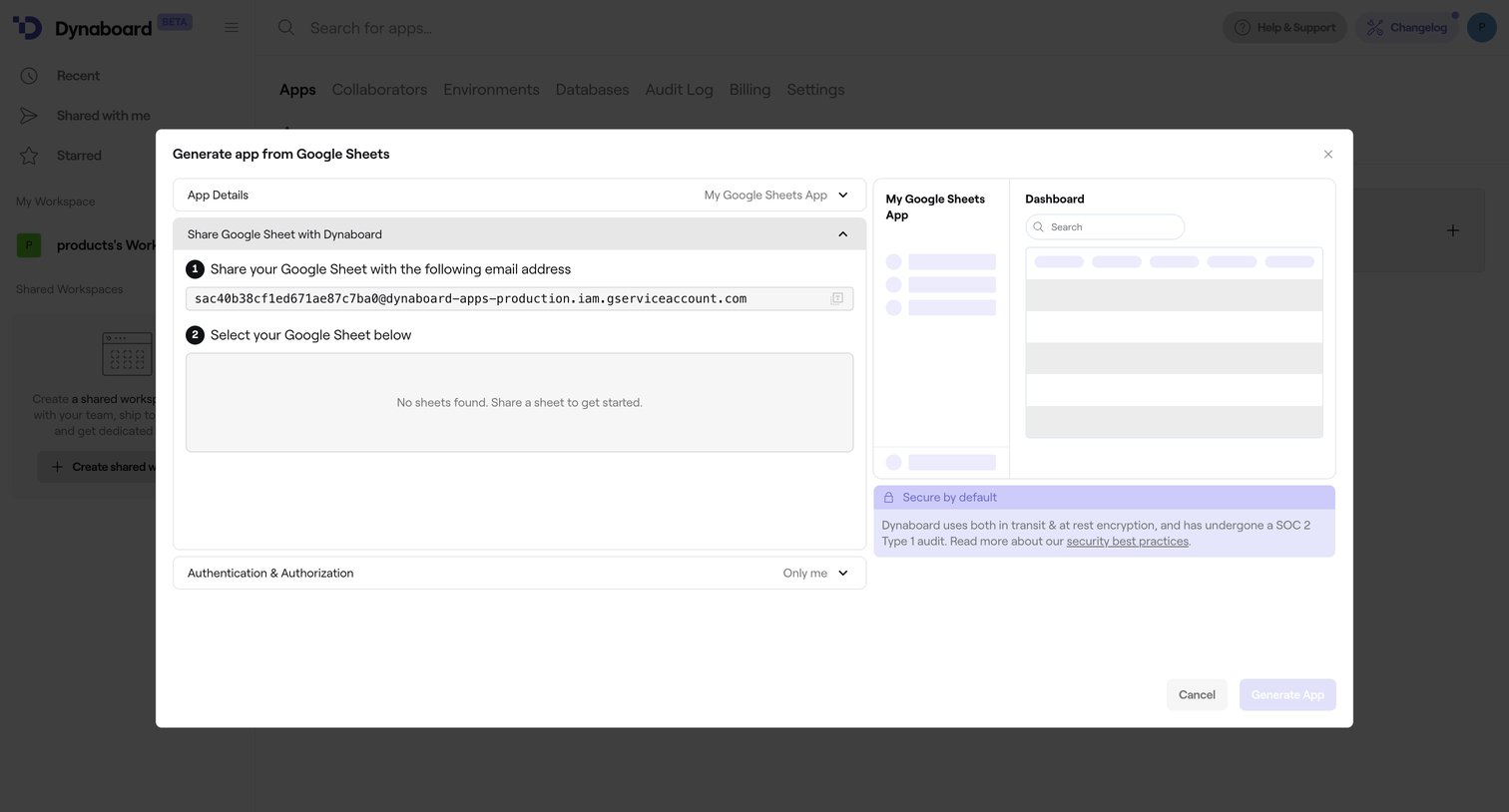
Creation modal where the user generates a new app by importing data from a shared Google Sheet.
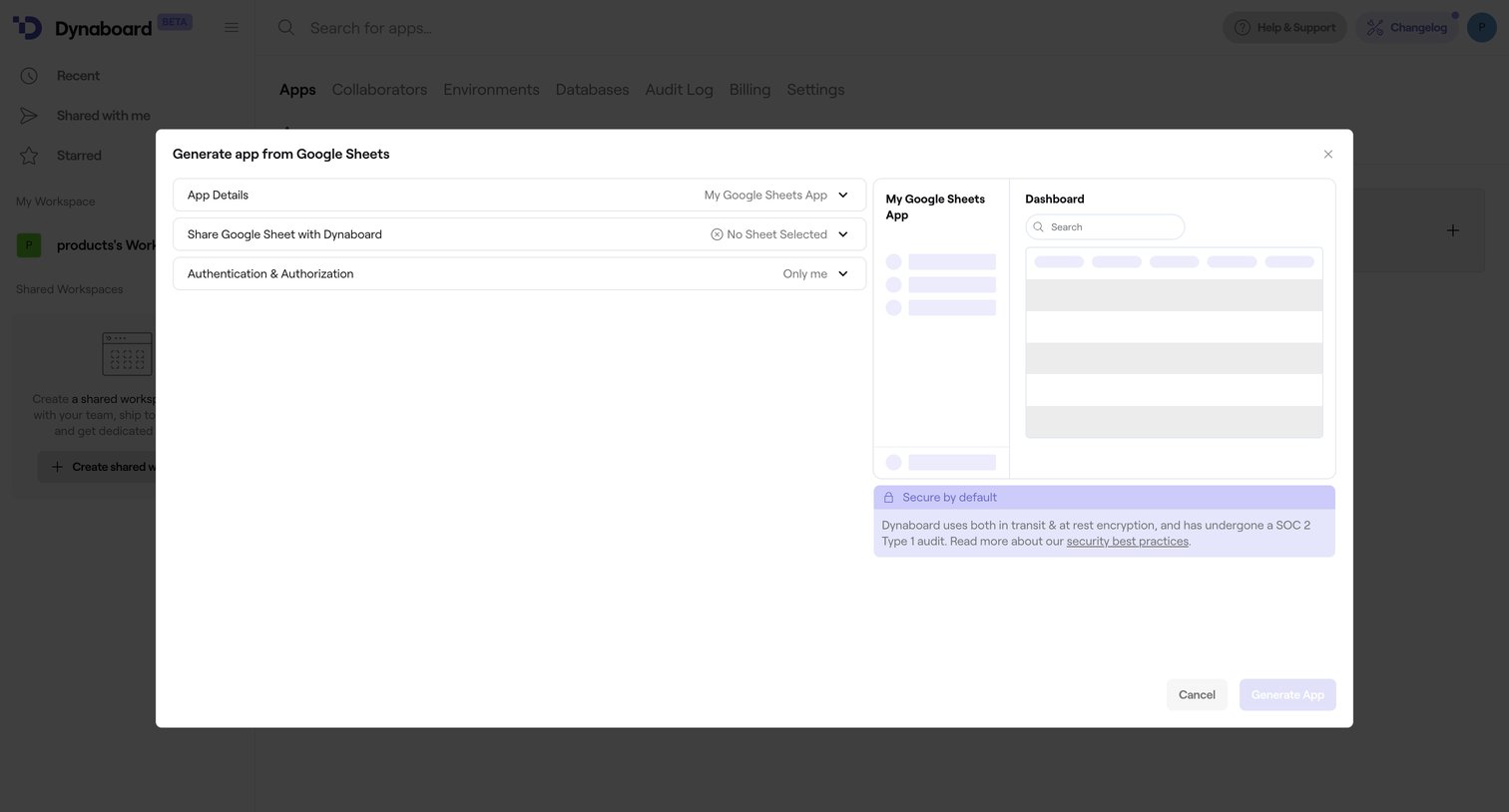
Create screen where the user configures a new application by connecting a Google Sheet, setting authorization levels, and viewing a structural preview of the generated UI.
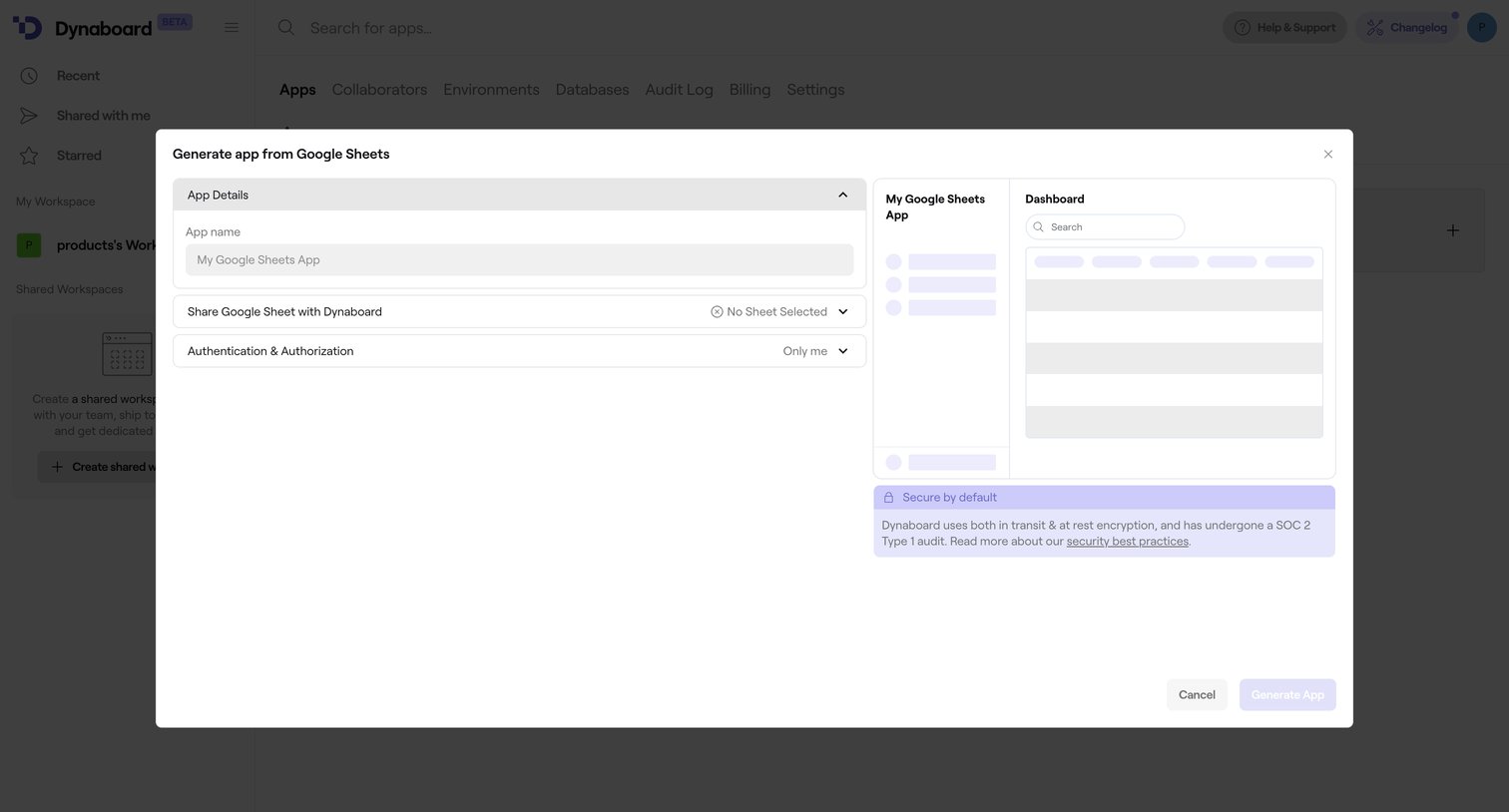
Create overlay where the user generates a new app by importing data from a Google Sheet, featuring a live skeleton preview of the resulting dashboard.
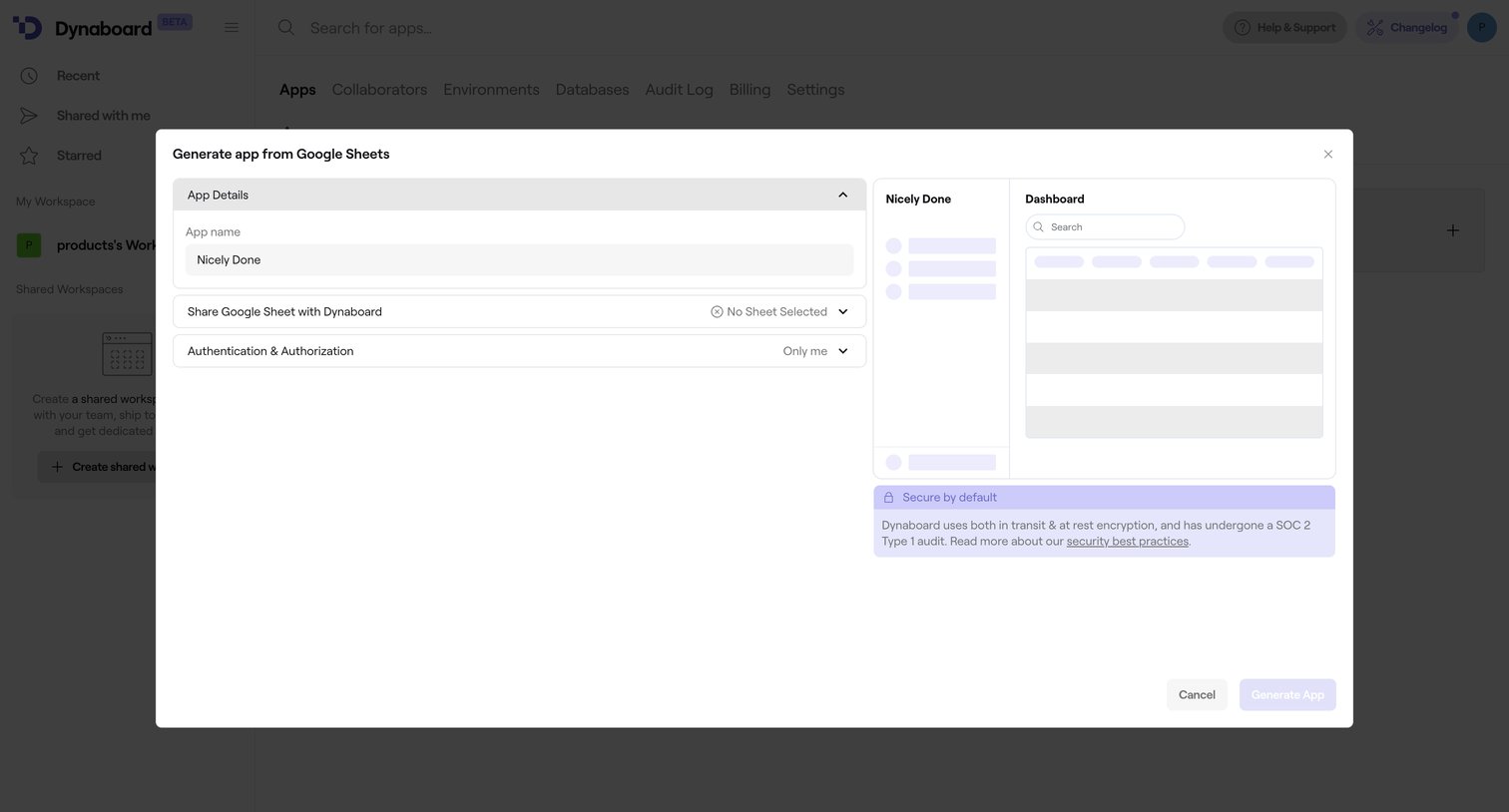
Modal where the user configures details to generate a new application from a Google Sheet, including naming the app and setting sharing permissions, alongside a structural preview.
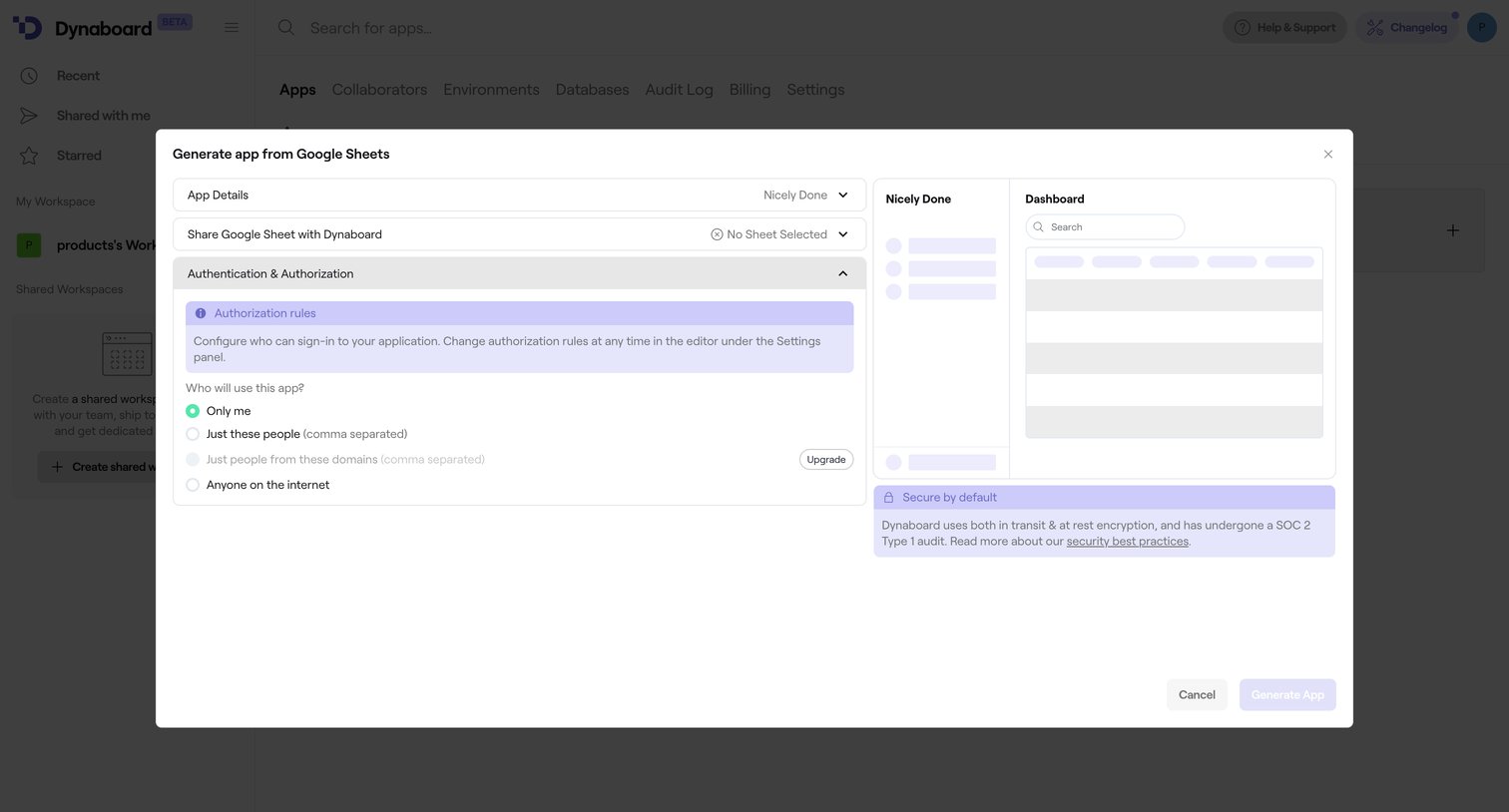
Creation modal where the user configures authentication rules and previews the layout before generating an app from a Google Sheet.
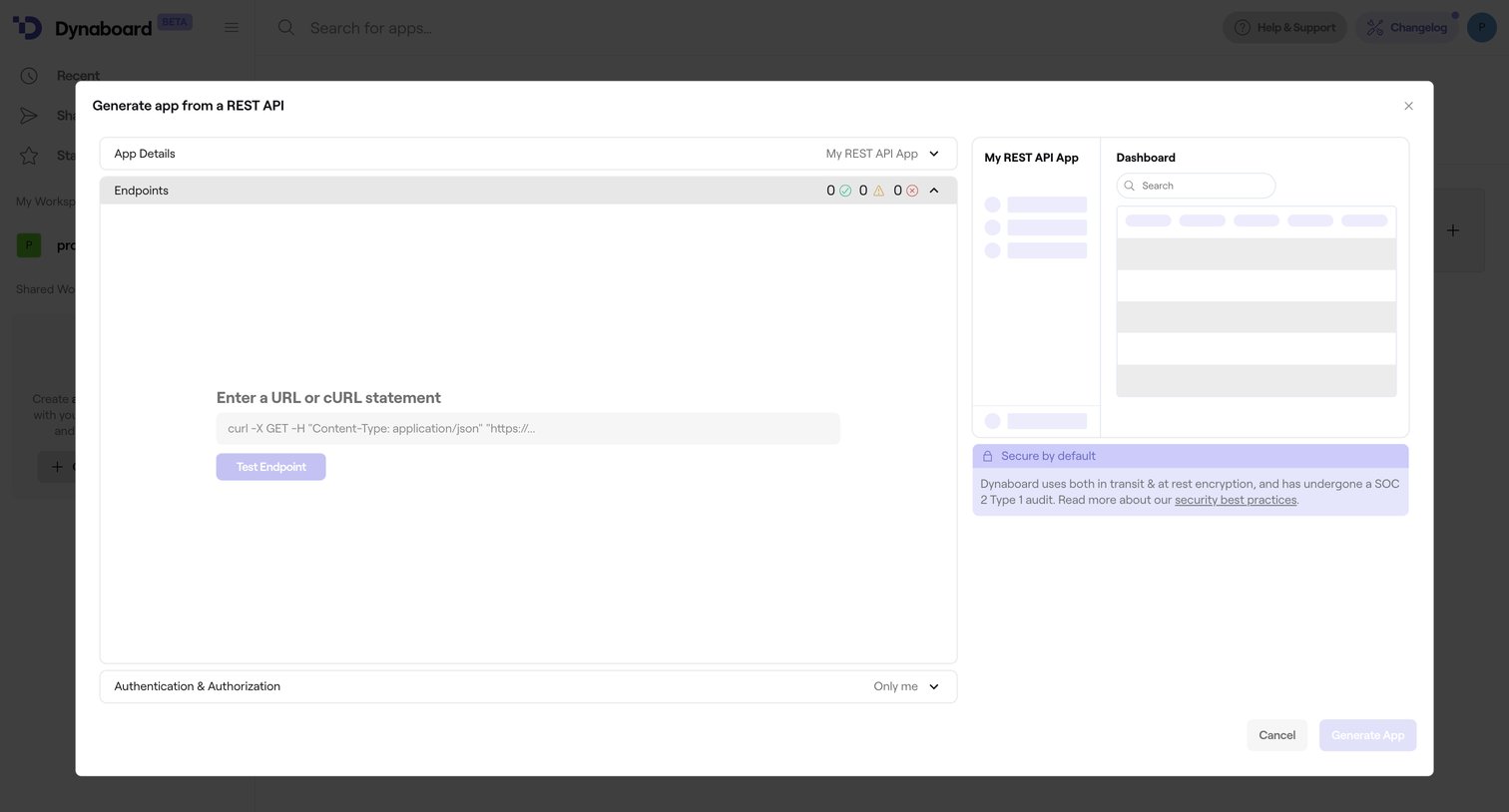
Creation modal where the user generates a new app by providing a REST API URL or cURL statement, featuring a live skeleton preview of the resulting interface.
Explore the full SaaS screen library
Upgrade to unlock the full library.
Trusted by the best teams







