Skip to content

Deepnote product screens examples

Browse Deepnote screen design examples. Preview the interface screenshots and explore related UI patterns. Data science notebook for teams

Explore the examples

Deepnote - Sign in screen
Deepnote logo
Deepnote

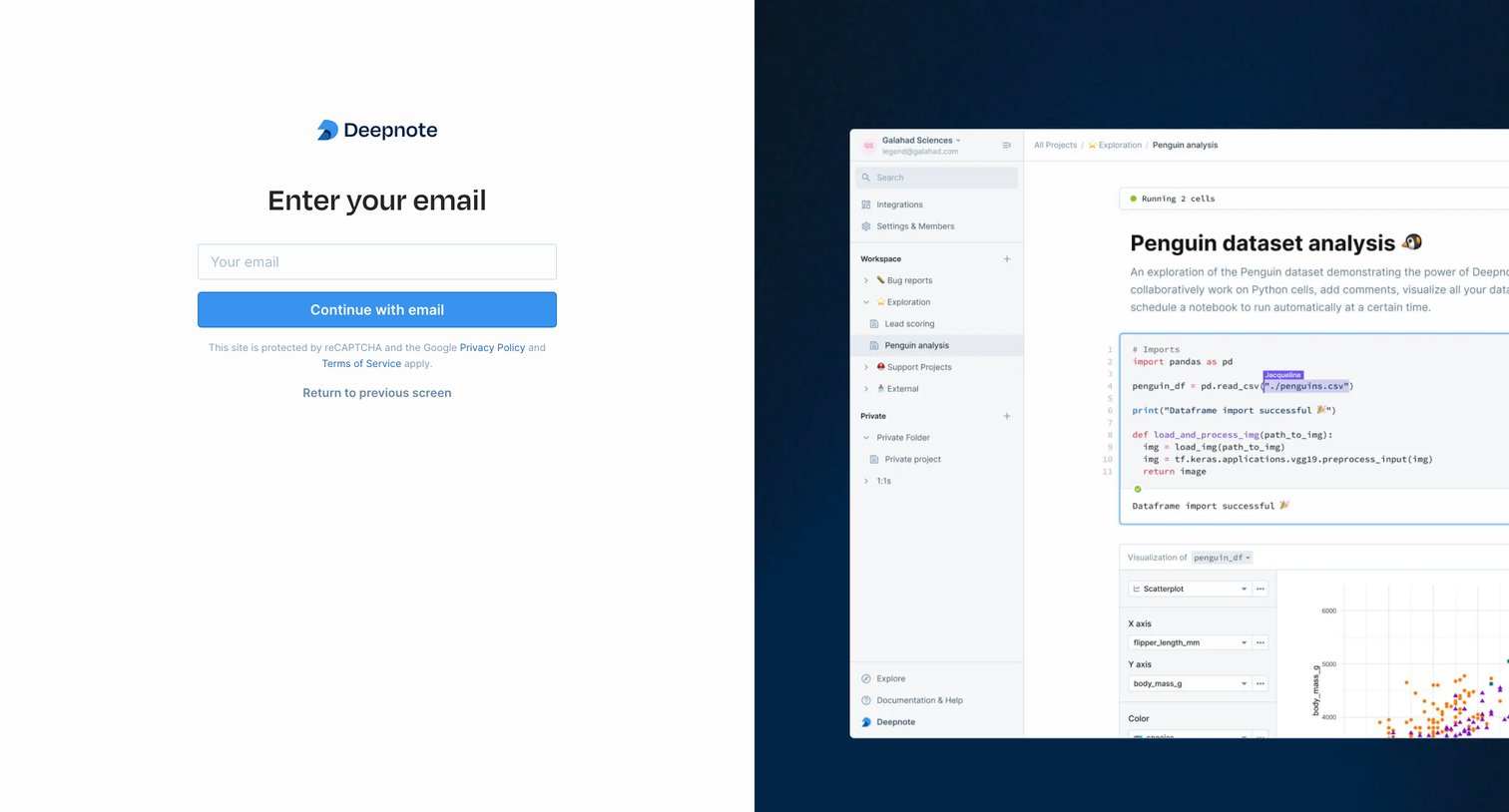
Sign-in screen where the user authenticates with Google, GitHub, email, or SSO alongside a product preview.

Deepnote - Sign in screen
Deepnote logo
Deepnote

Sign-in screen where the user enters their email to receive a magic link, featuring a collaborative Python notebook product preview alongside the form.

Deepnote - Sign in screen
Deepnote logo
Deepnote

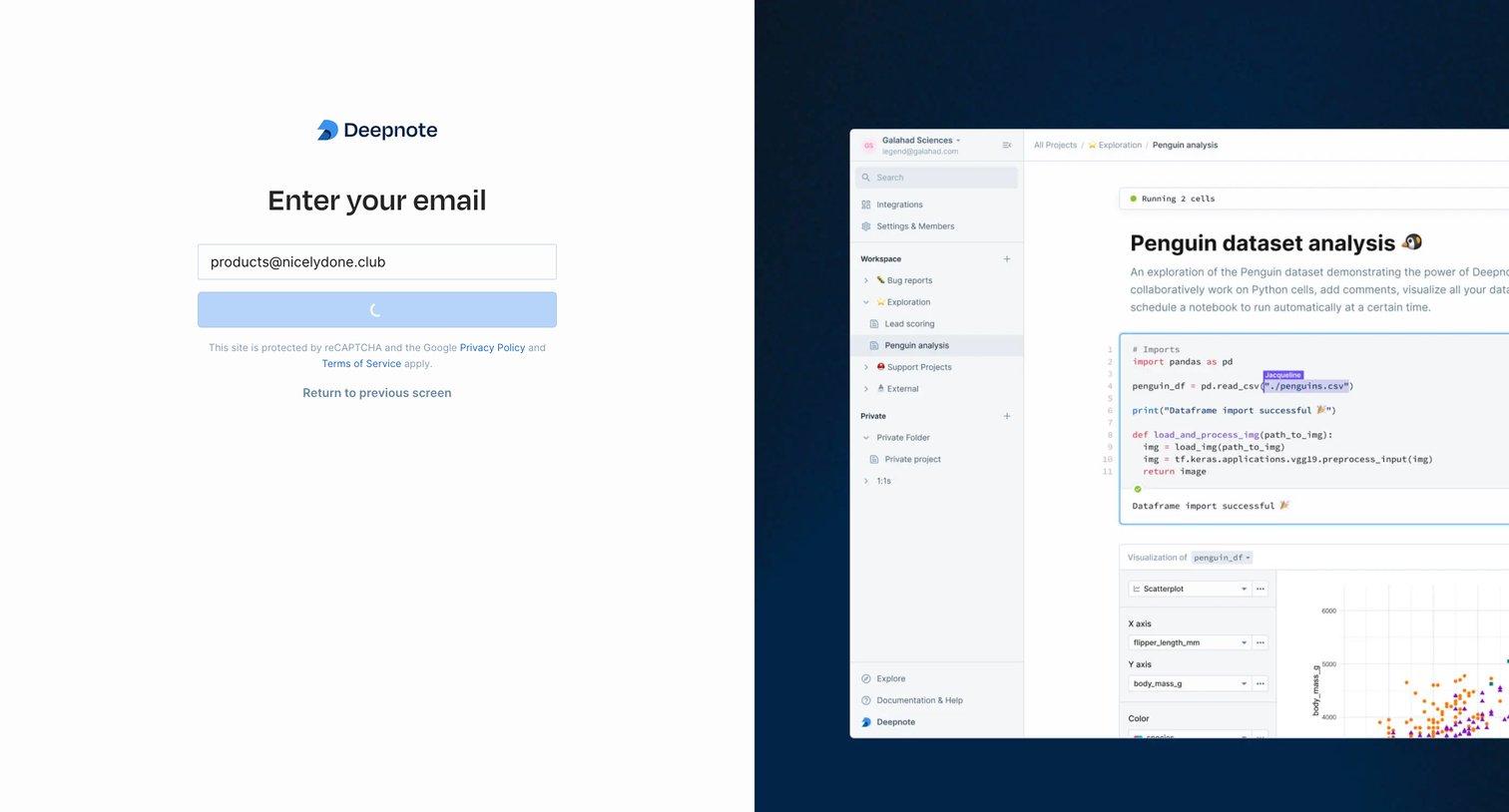
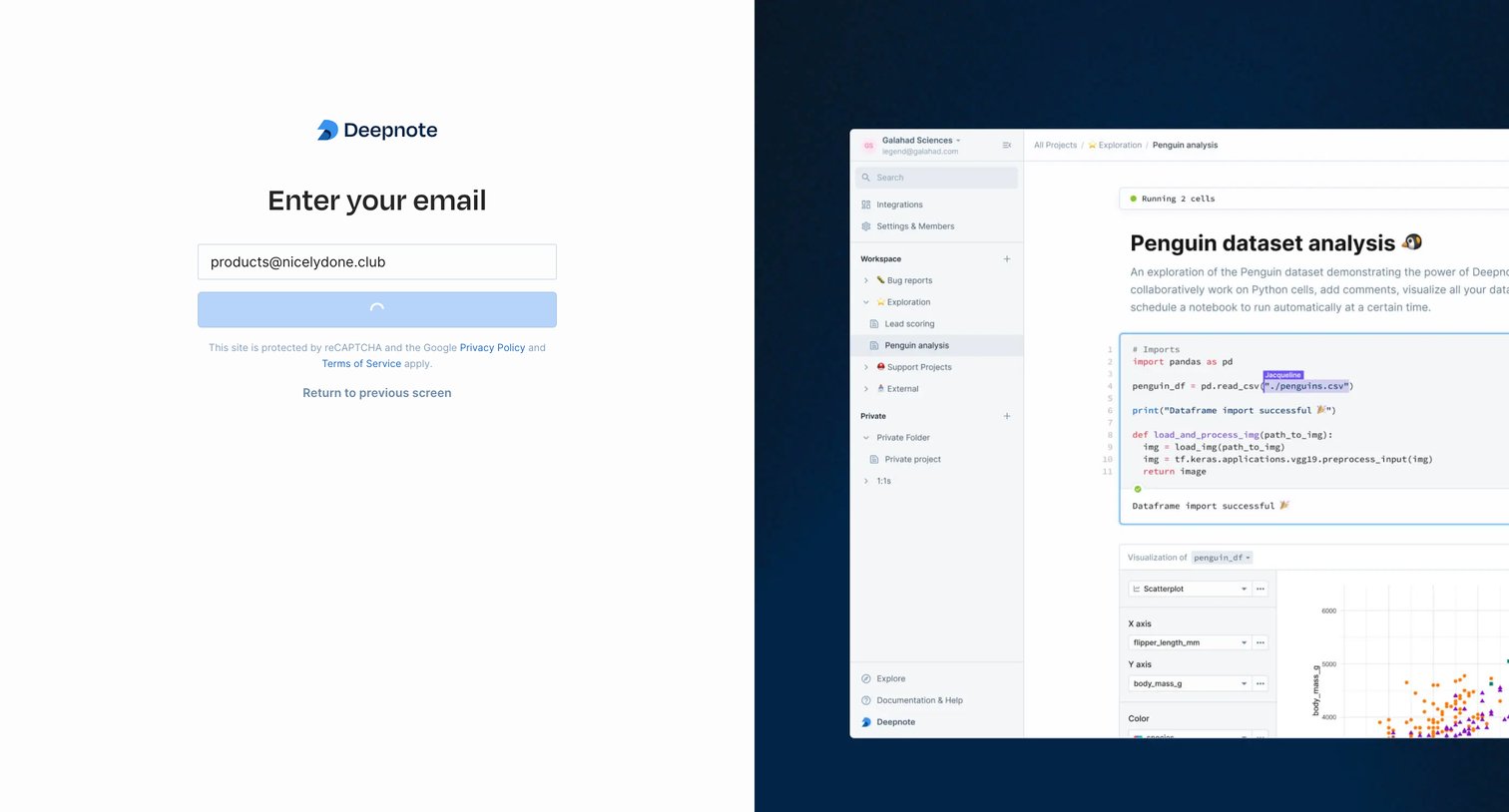
Sign-in screen where the user submits their email address, currently displaying a loading spinner on the primary button while a product preview is shown on the right.

Deepnote - Sign in screen
Deepnote logo
Deepnote

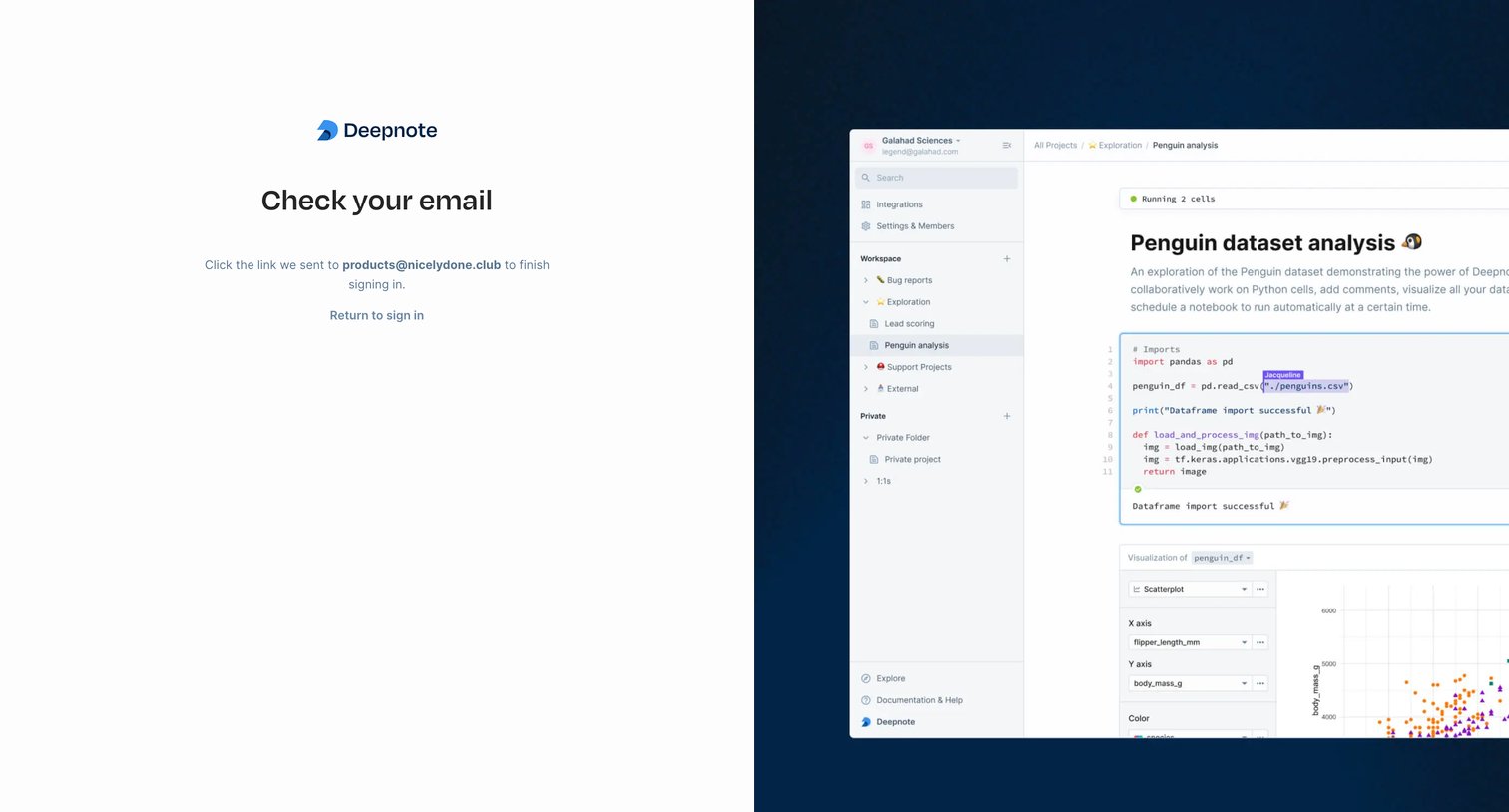
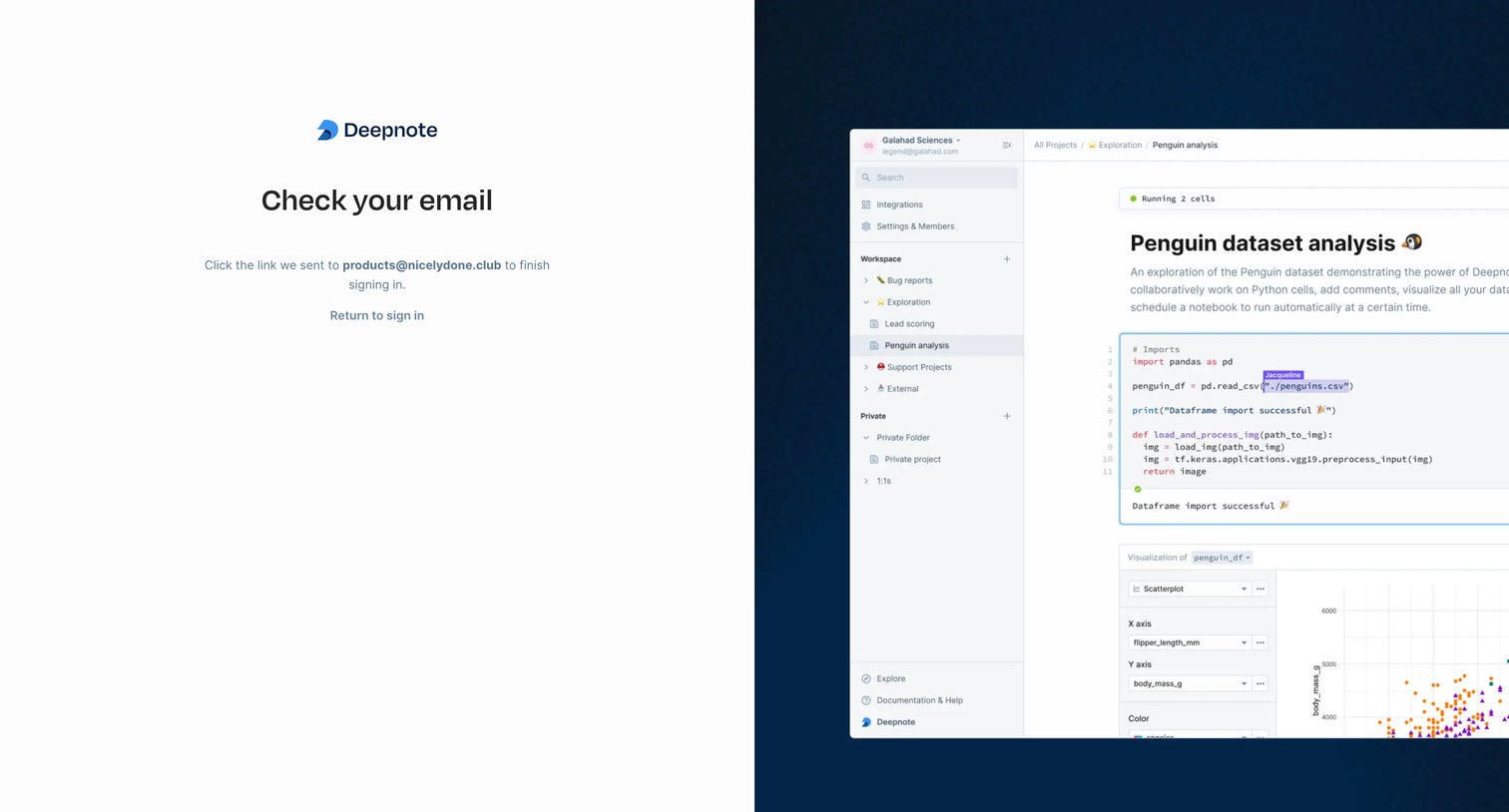
Sign-in verification screen where the user is instructed to check their email for a magic link to complete authentication.
Deepnote - Sign in screen
Deepnote logo
Deepnote

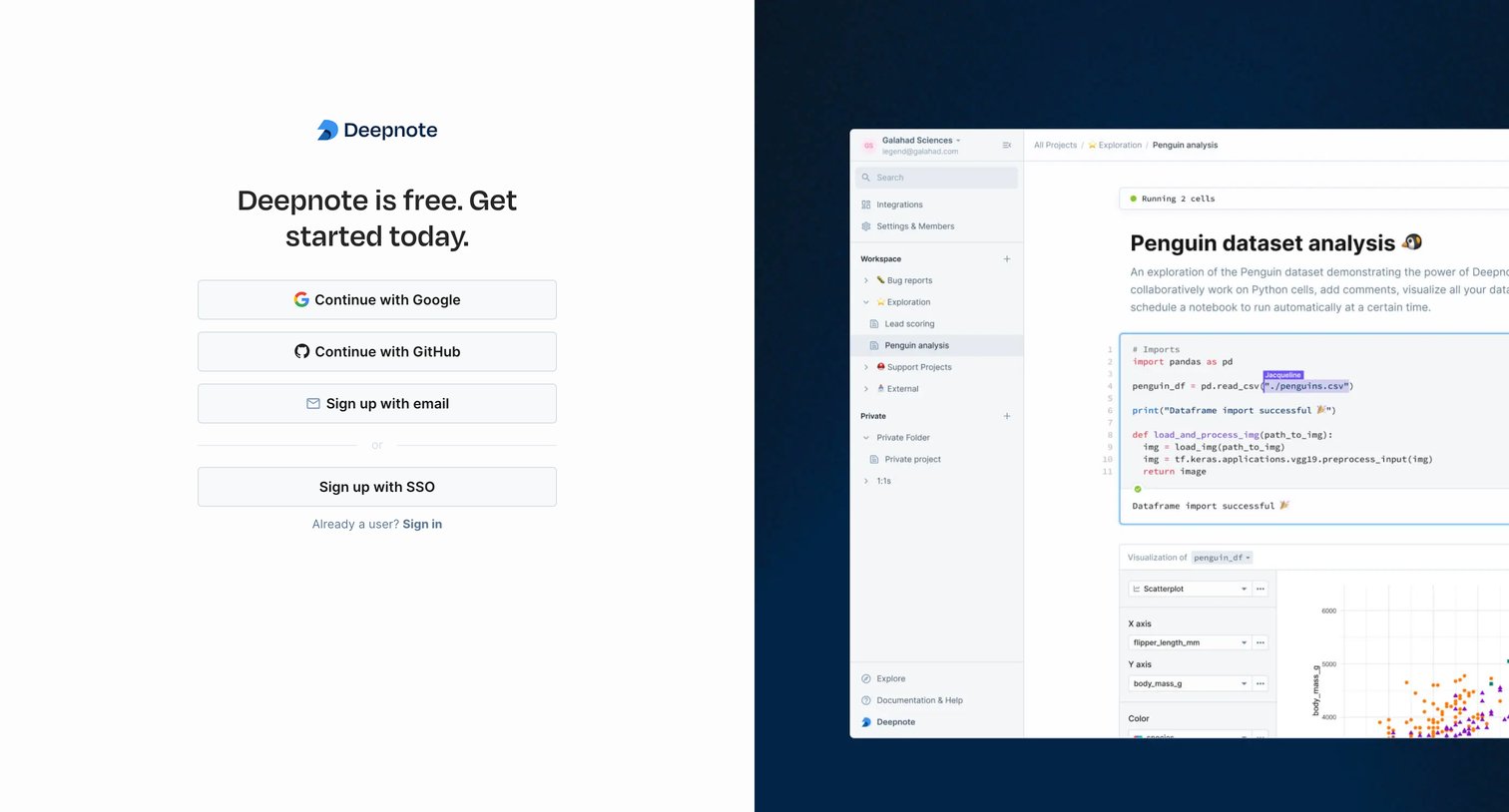
Signup screen where the user can create an account using Google, GitHub, email, or SSO, featuring a detailed product preview of a Python data notebook on the right.
Deepnote - Sign in screen
Deepnote logo
Deepnote

Signup screen where the user enters their email address, currently showing a loading state after submission, alongside a prominent product preview.

Deepnote - Sign in screen
Deepnote logo
Deepnote

Auth screen where the user is instructed to check their email for a verification link to finish signing in.
Deepnote - Invalid link screen
Deepnote logo
Deepnote

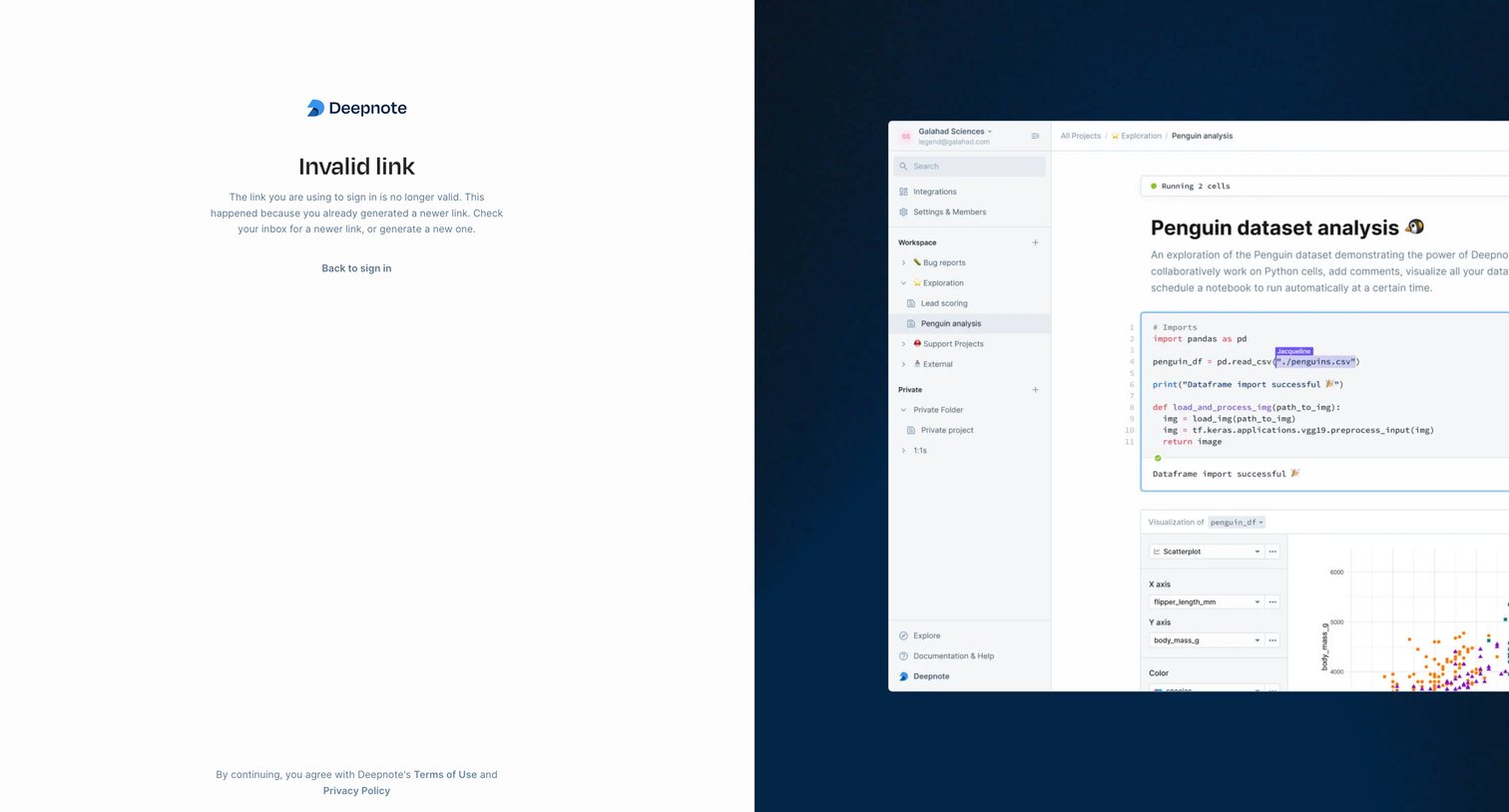
Authentication error screen where the user is informed their magic link is invalid and provided a button to return to the sign-in flow.

Deepnote screen
Deepnote logo
Deepnote

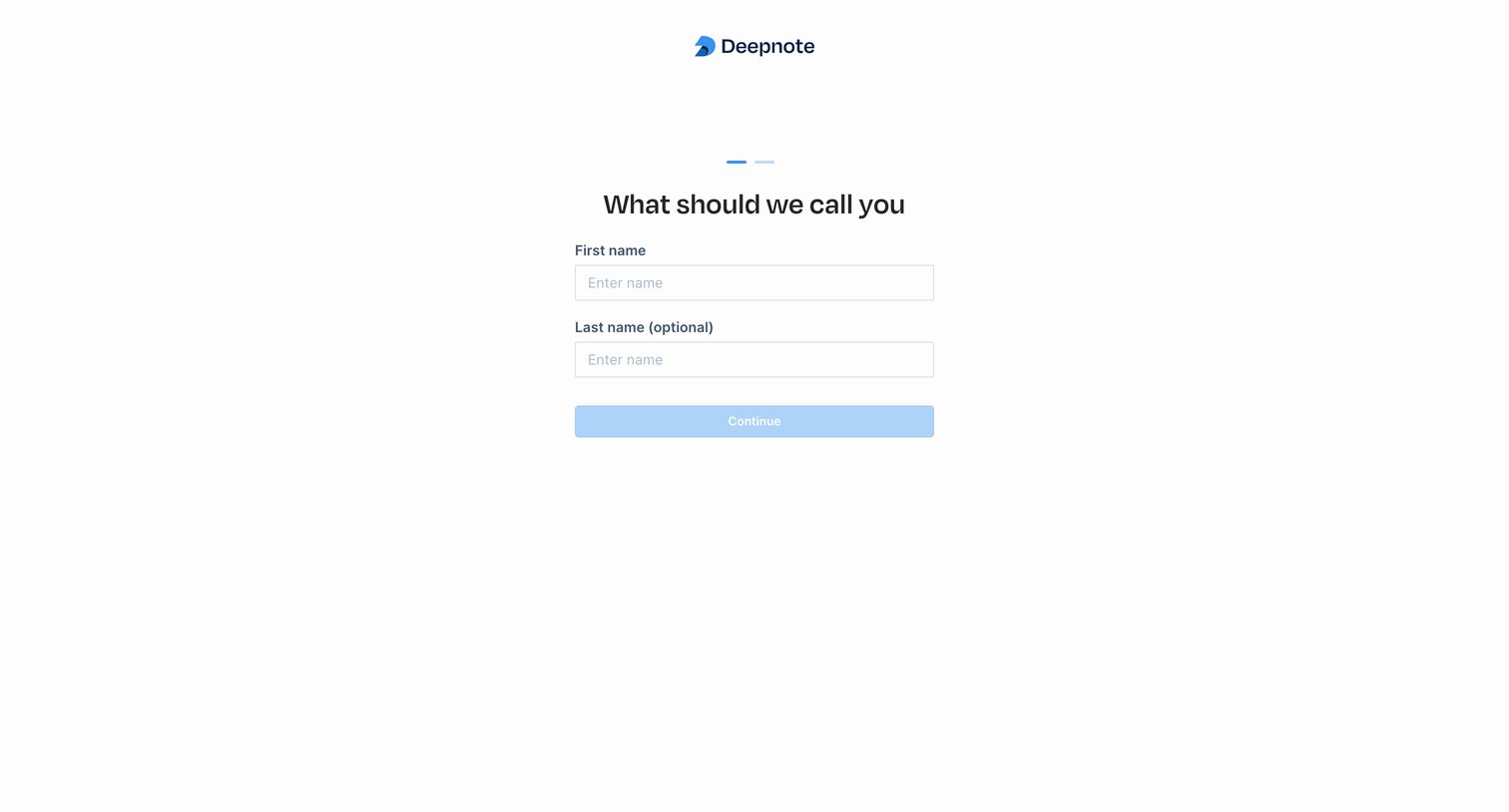
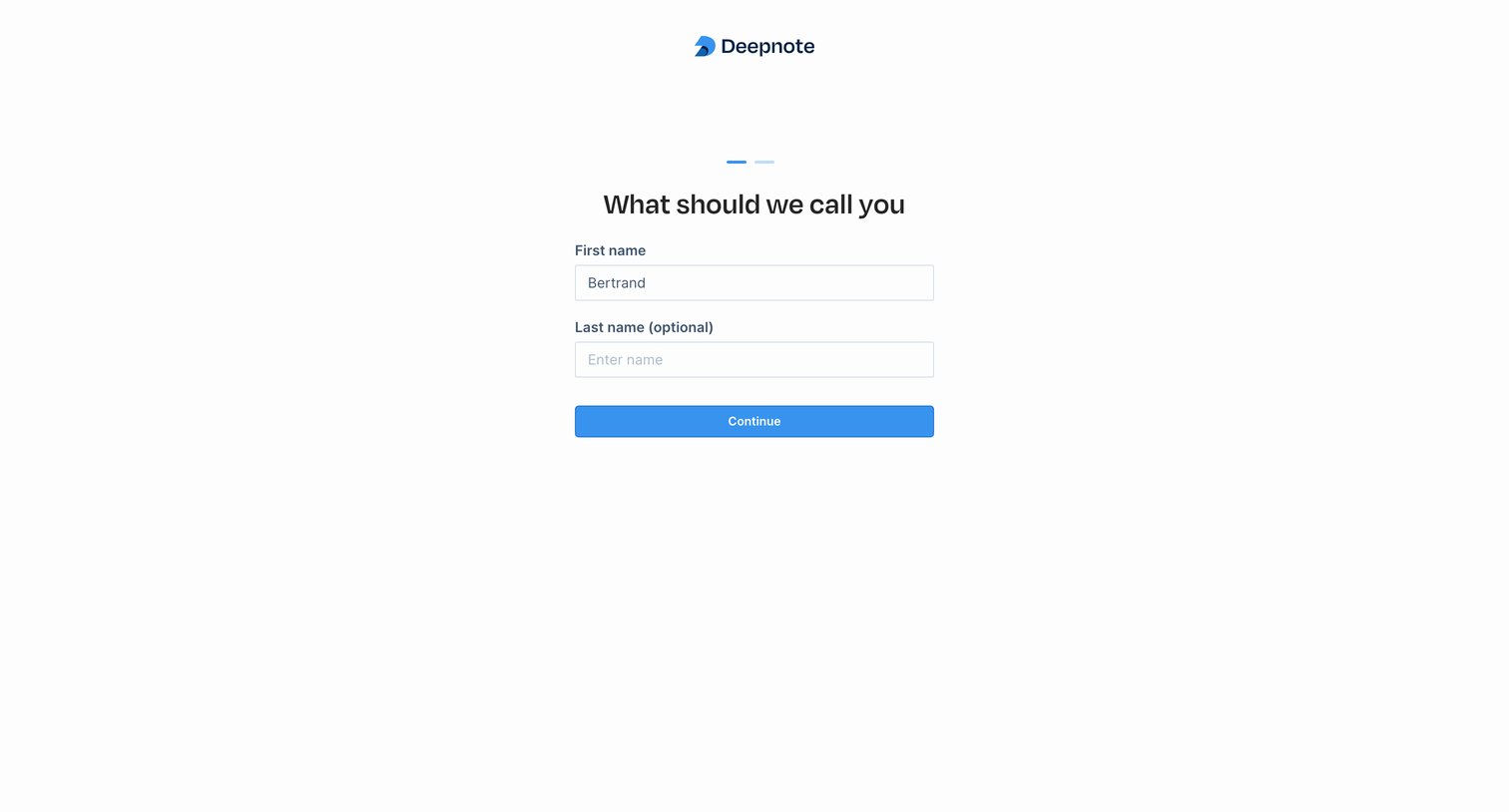
Onboarding step where the user enters their first and optional last name to set up their profile.
Deepnote screen
Deepnote logo
Deepnote

Onboarding step where the user enters their first and optional last name to set up their profile.
Deepnote screen
Deepnote logo
Deepnote

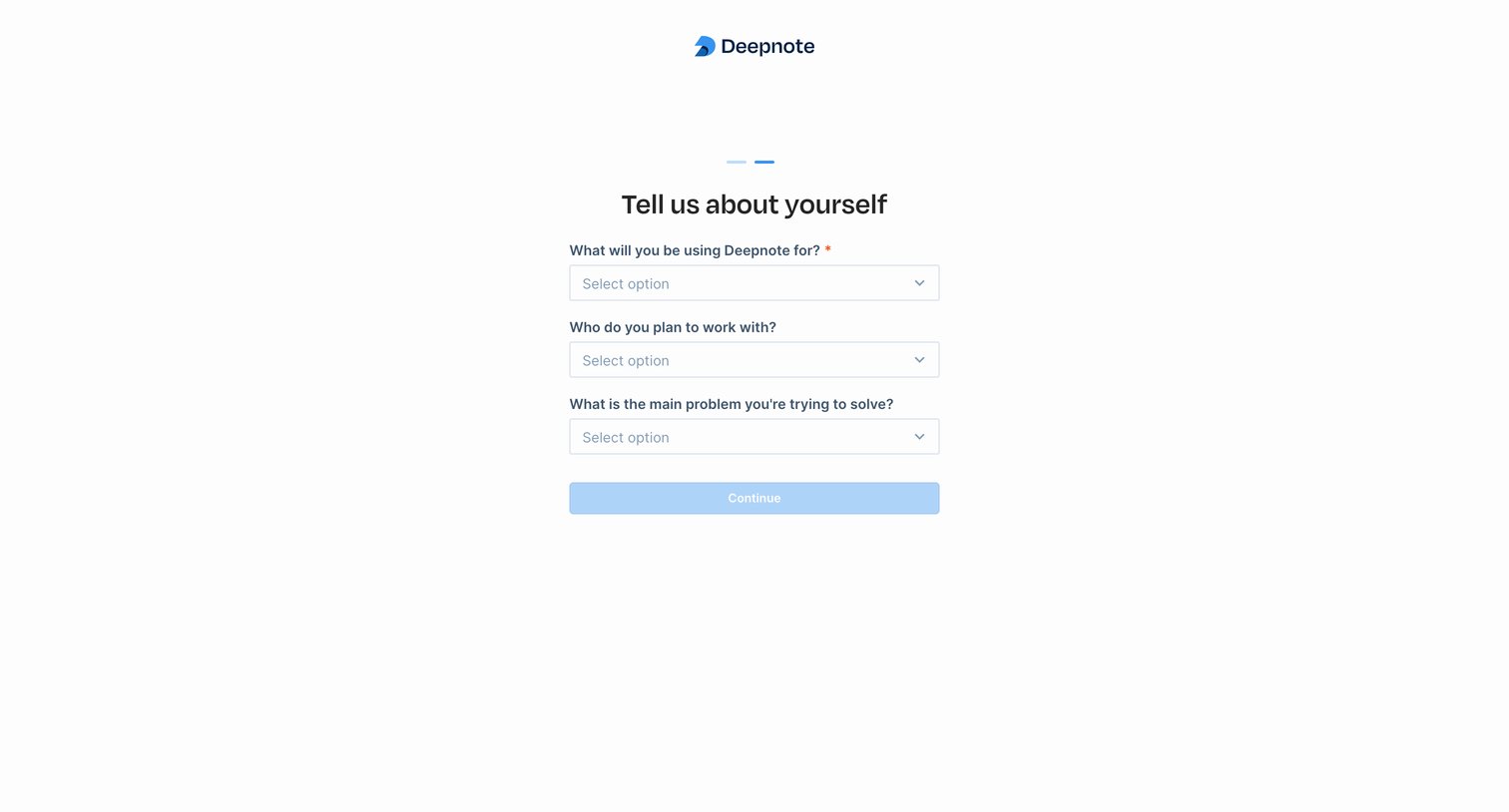
Onboarding step where the user answers profiling questions about their intended use case, team size, and main problem to solve via a series of dropdowns.
Deepnote screen
Deepnote logo
Deepnote

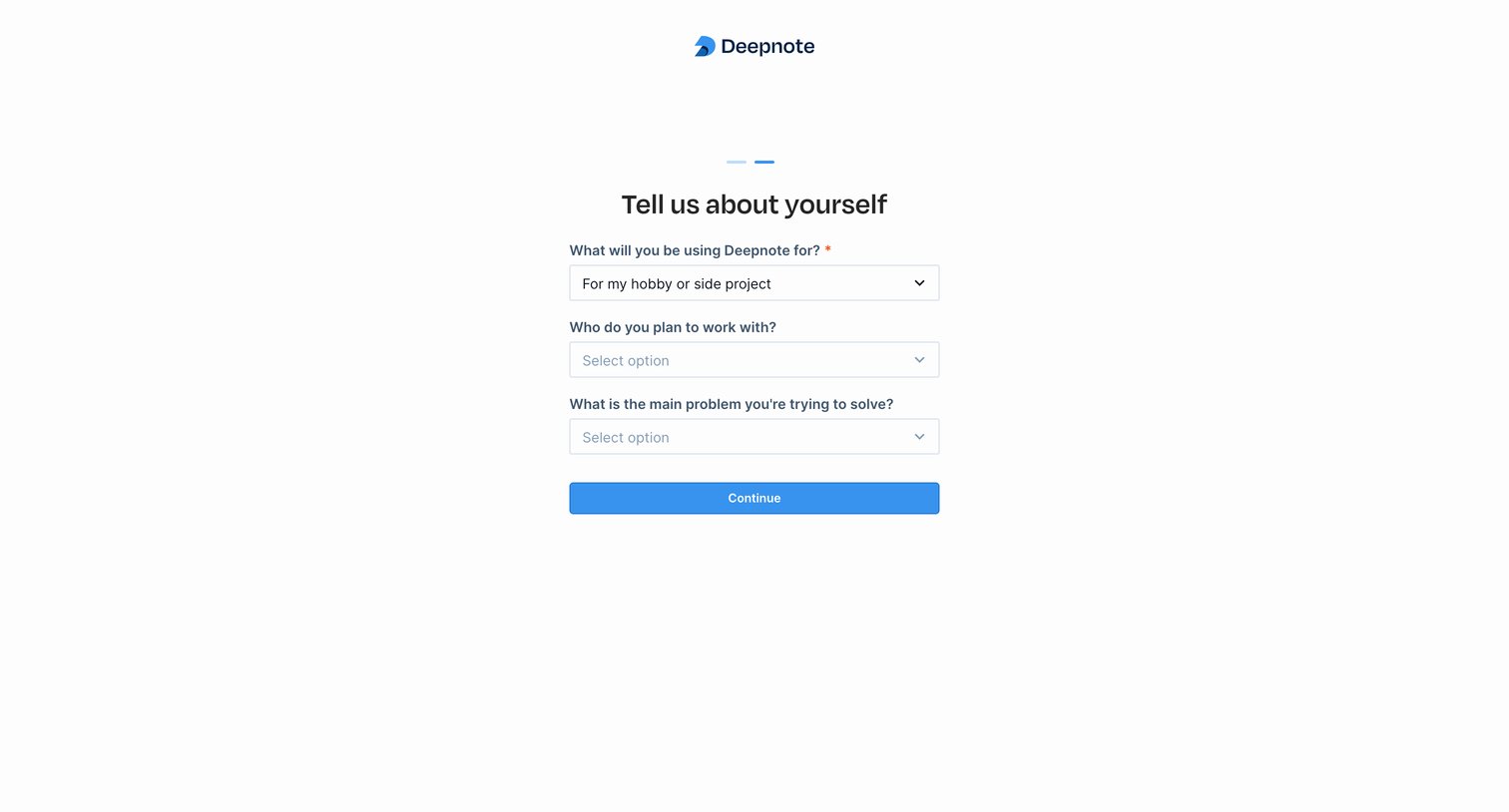
Onboarding step where the user answers profiling questions about their use case, team size, and goals.

Explore the full SaaS screen library

Upgrade to unlock the full library.

Trusted by the best teams