Skip to content

Deepnote UI components examples

Browse Deepnote UI component design examples. Preview individual interface elements and explore related component categories. Data science notebook for teams

Explore the examples
Deepnote — Table component
Deepnote logo
Deepnote

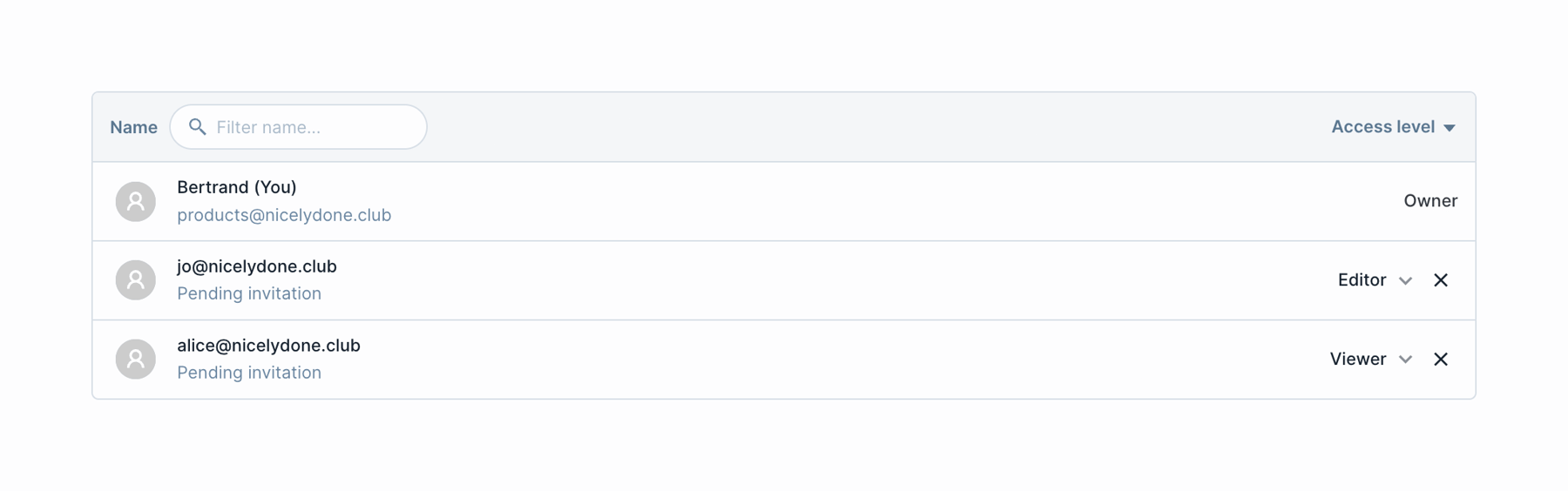
A table displaying workspace members with their names, emails, and access levels. It includes a search filter in the header and dropdowns to change access levels for pending invitations.

Deepnote — Tips component
Deepnote logo
Deepnote

A single line of text providing keyboard shortcut instructions for navigating and interacting with a command palette or menu.

Deepnote — Dropdown menu component
Deepnote logo
Deepnote

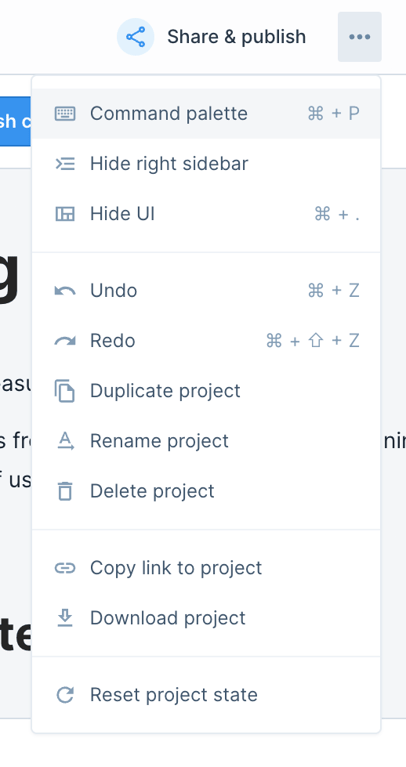
A dropdown menu with project actions.

Deepnote — Click to copy component
Deepnote logo
Deepnote

A read-only input field displaying a truncated URL with a copy icon button.

Deepnote — Timeline & history component
Deepnote logo
Deepnote

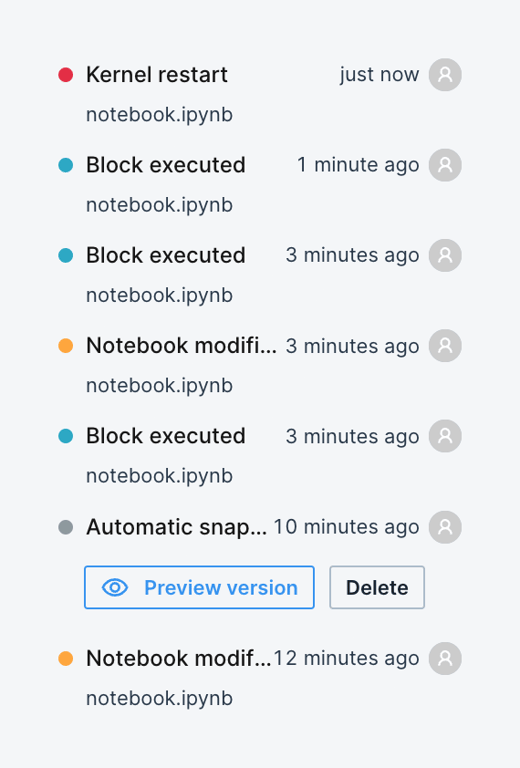
A vertical list of recent events in a notebook, showing the action taken, the file affected, relative timestamps, and the user who performed the action. One item is expanded to show action buttons.
Deepnote — Click to copy component
Deepnote logo
Deepnote

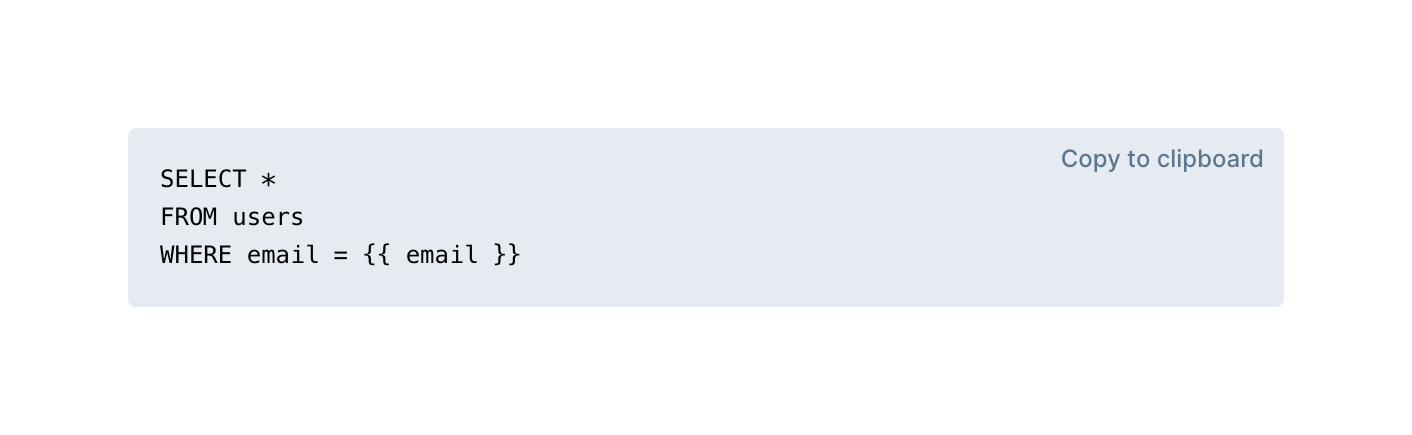
A light gray code block displaying a SQL query with a 'Copy to clipboard' action in the top right corner.


Deepnote — Tips component
Deepnote logo
Deepnote

A blue pill-shaped tooltip or helper text that appears inline, instructing the user on how to edit a block of content.

Deepnote — Tabs component
Deepnote logo
Deepnote

A horizontal row of text-based tabs used for navigating between different sections of a project workspace. The 'Project' tab is currently active, indicated by bolder, darker text.

Deepnote — Button component
Deepnote logo
Deepnote

A split button with a primary action to run a notebook and a dropdown for additional options.

Deepnote — Code block component
Deepnote logo
Deepnote

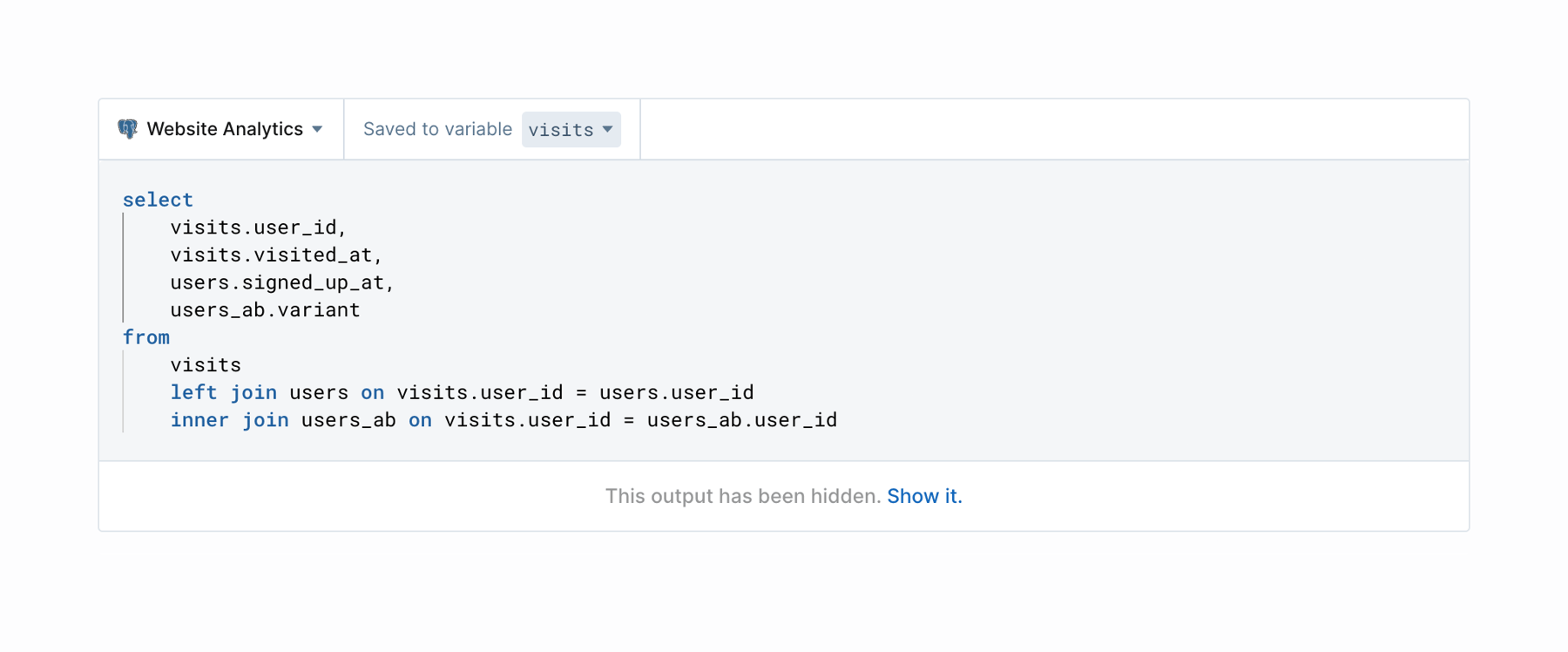
A code block component displaying a SQL query with syntax highlighting. It includes a top toolbar for selecting the database connection and saving to a variable, and a bottom footer indicating hidden output with a link to show it.

Deepnote — Vertical navigation component
Deepnote logo
Deepnote

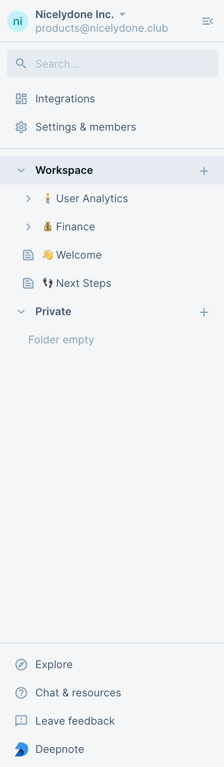
This is a side navigation menu with a search bar and a list of options.

Deepnote — Breadcrumb component
Deepnote logo
Deepnote

A simple two-level breadcrumb showing the current location within a workspace.

Browse the full component library

Browse the full UI component library.

Trusted by the best teams