Daybridge design examples
Explore Daybridge UI design examples. Daybridge is a new calendar to help you make time for what matters
Product screens
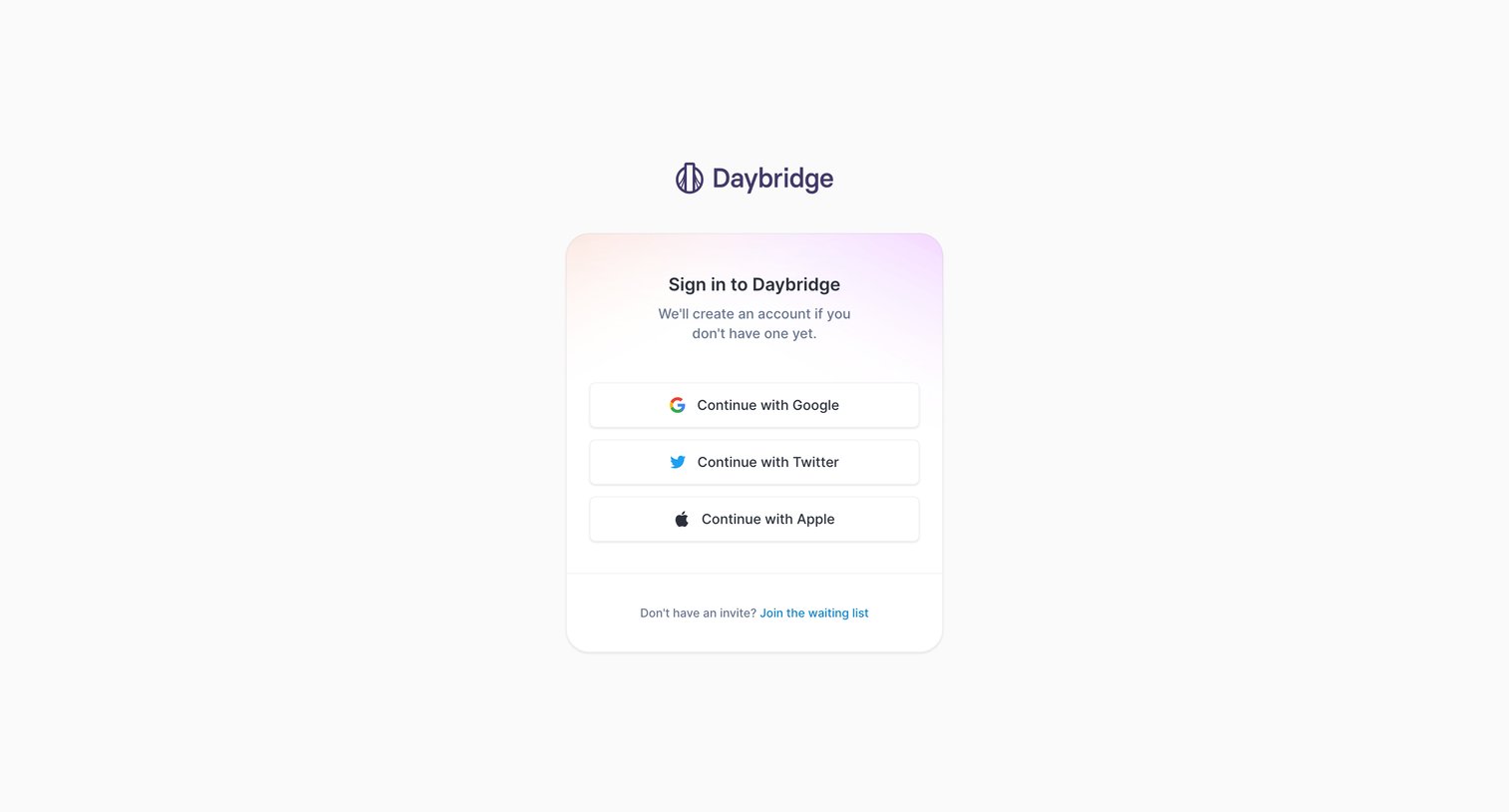

Sign-in screen where the user authenticates with Google, Twitter, or Apple, with a fallback link to join the waitlist.
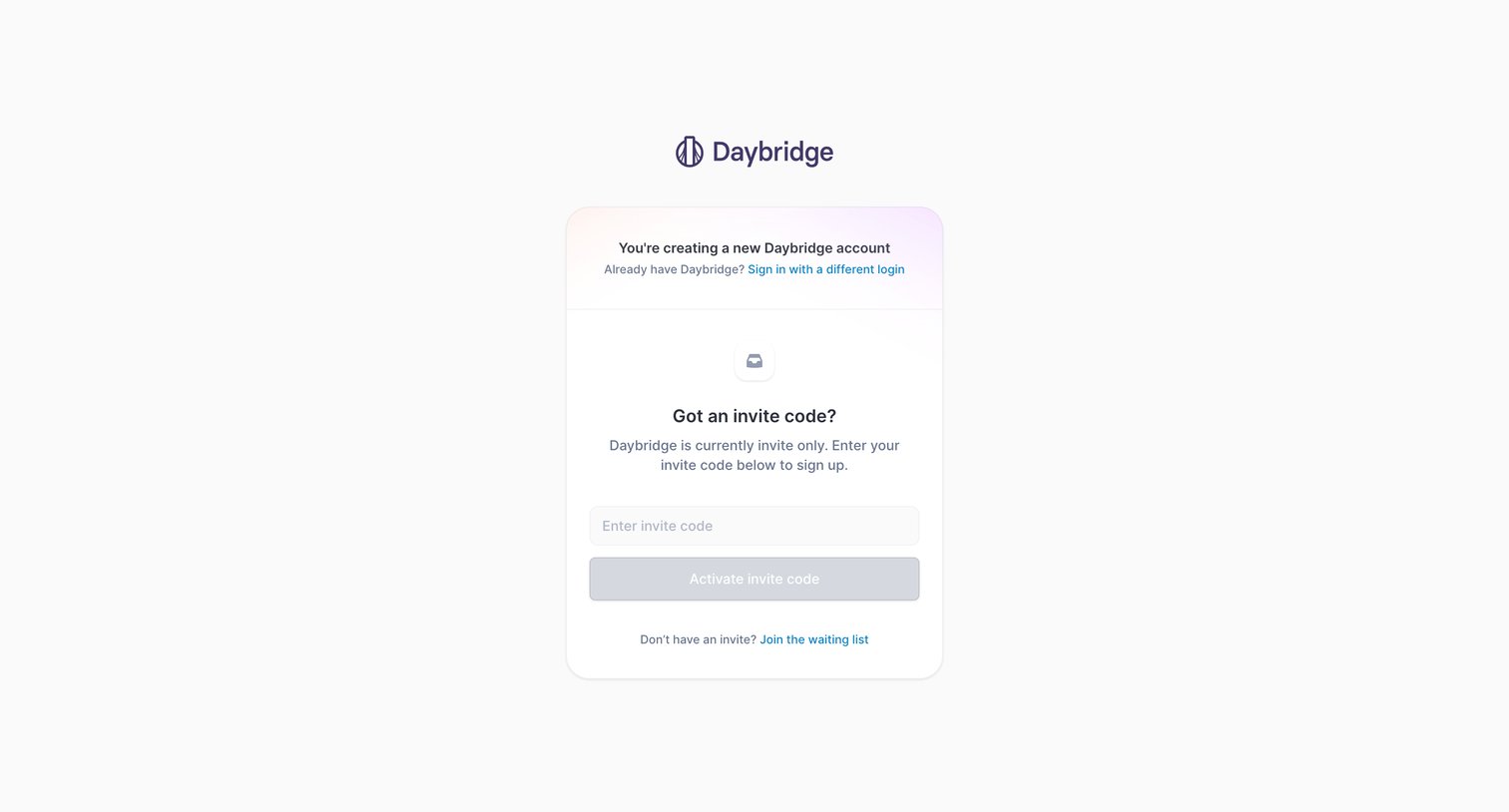
Signup screen where the user enters an invite code to create a new account or joins the waitlist.
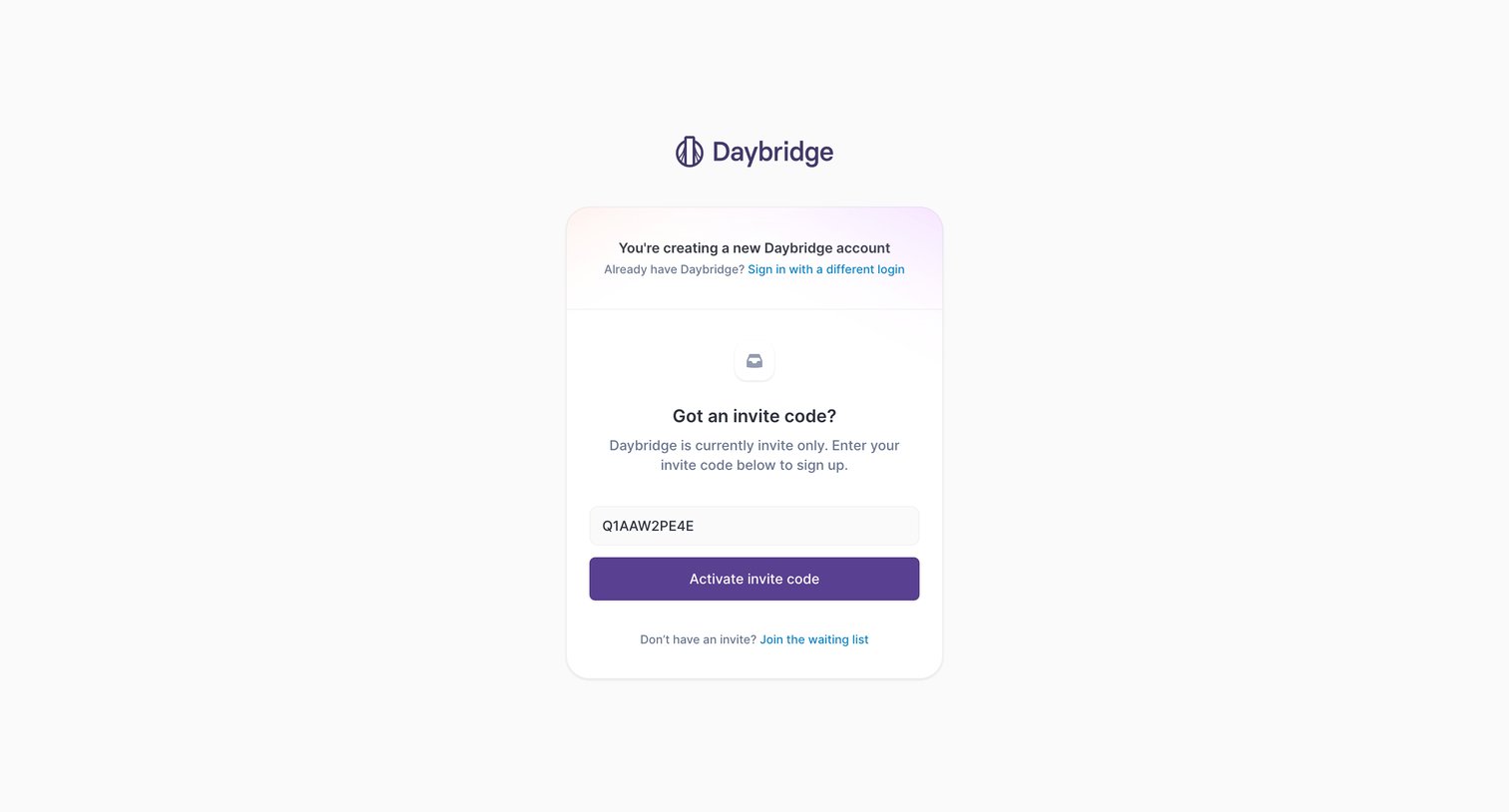
Signup screen where the user enters an invite code to activate their new Daybridge account.
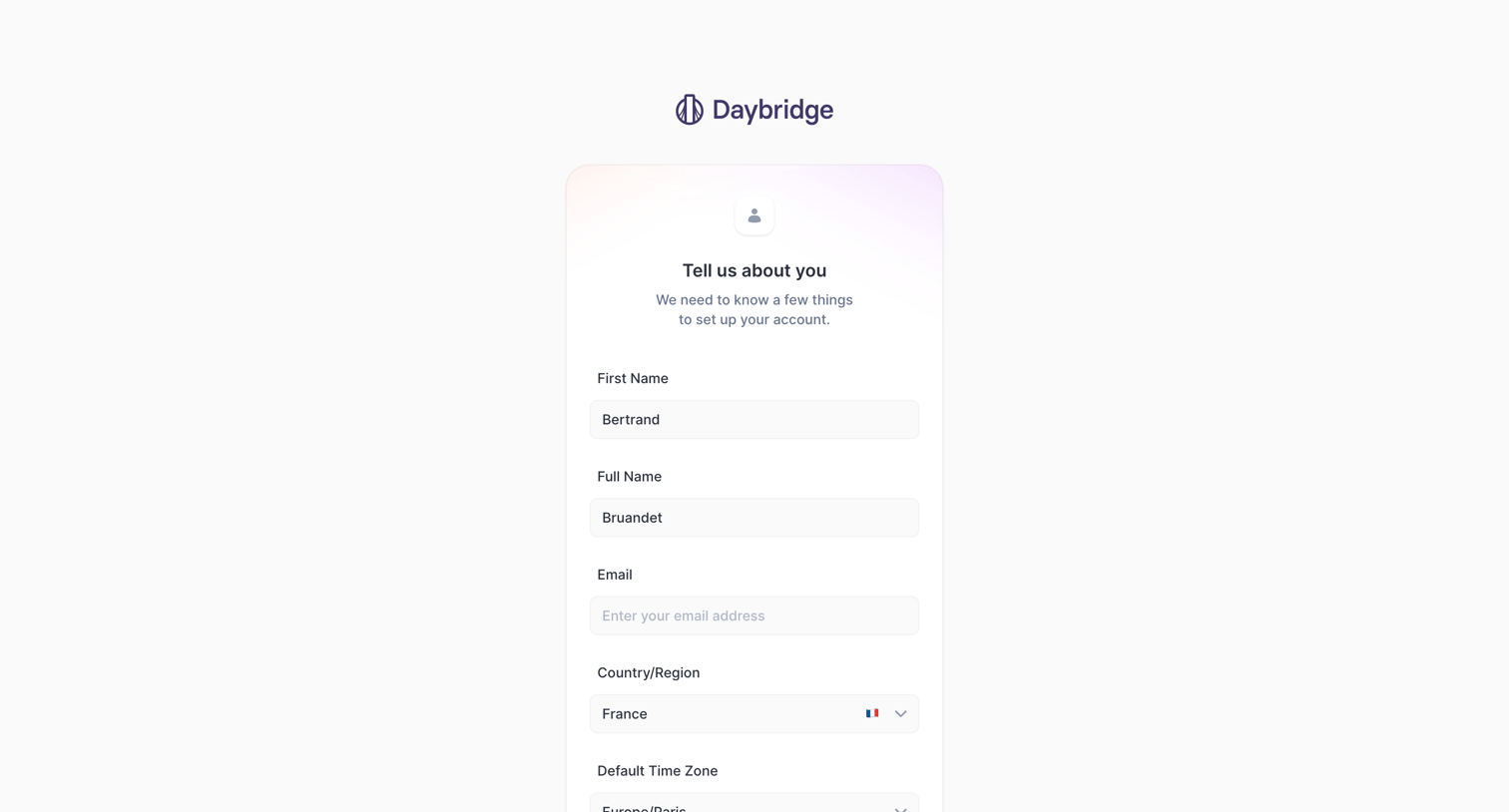
Signup screen where the user provides their name, email, country, and timezone to finish setting up their account.
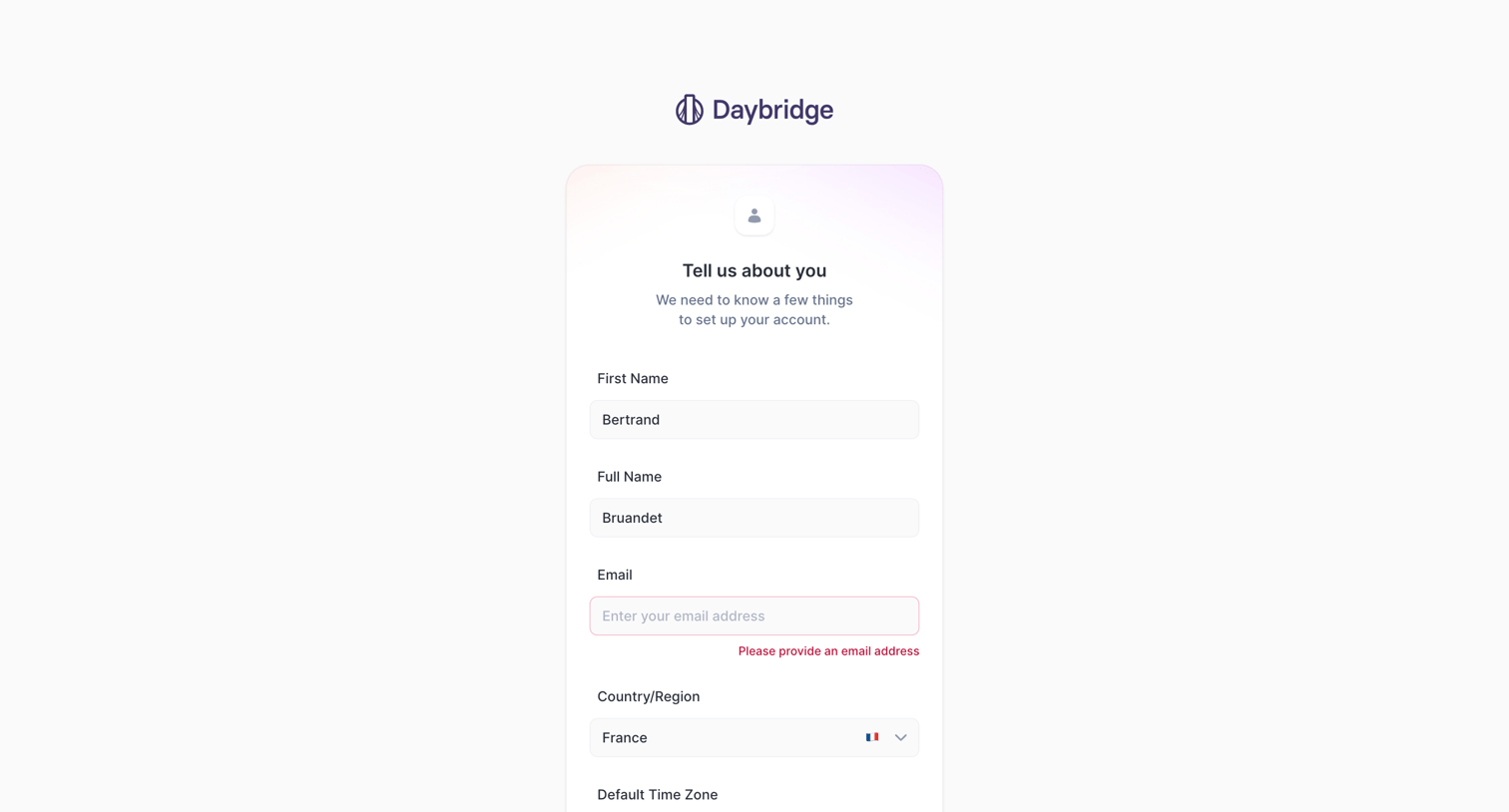
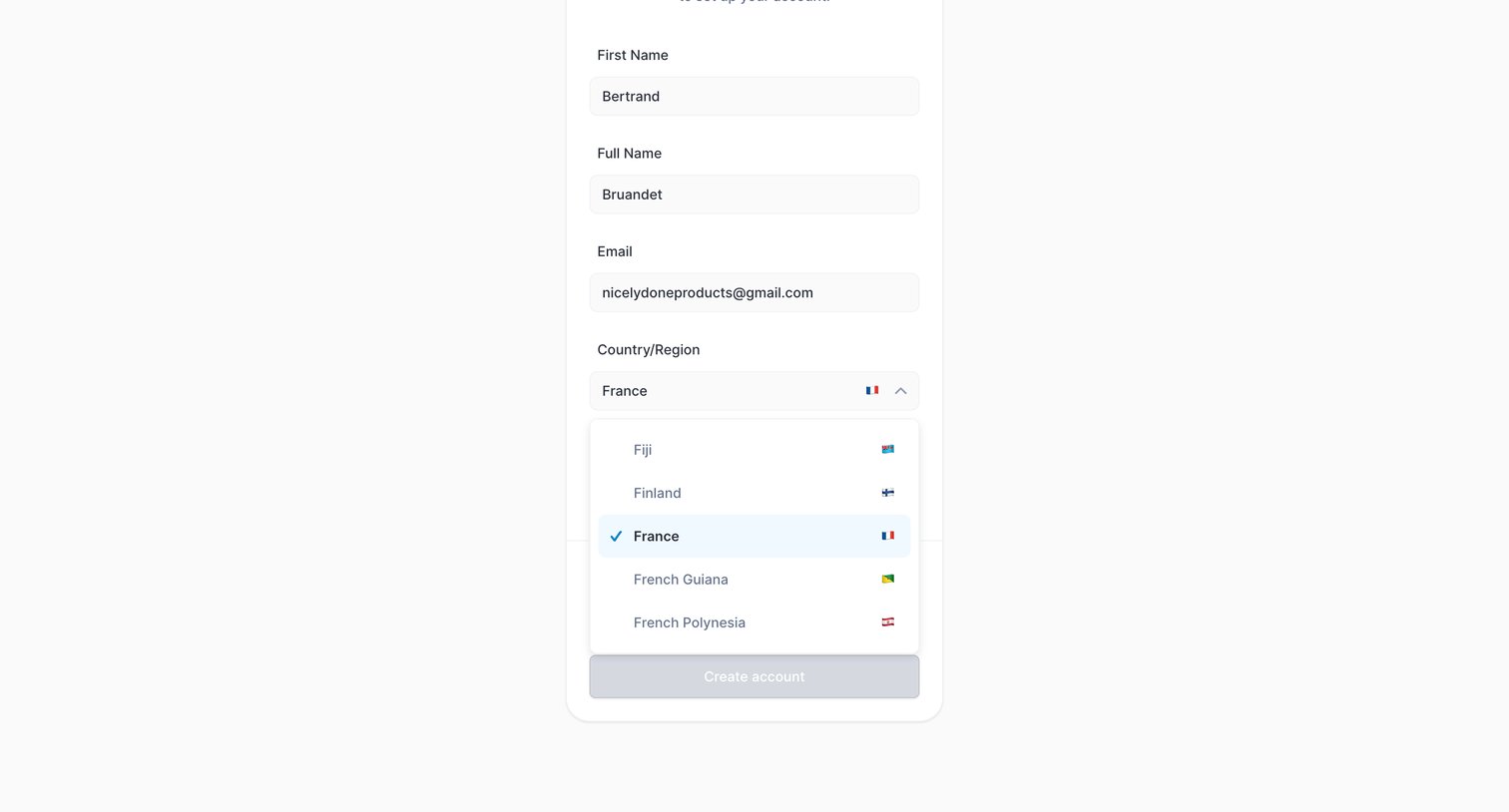
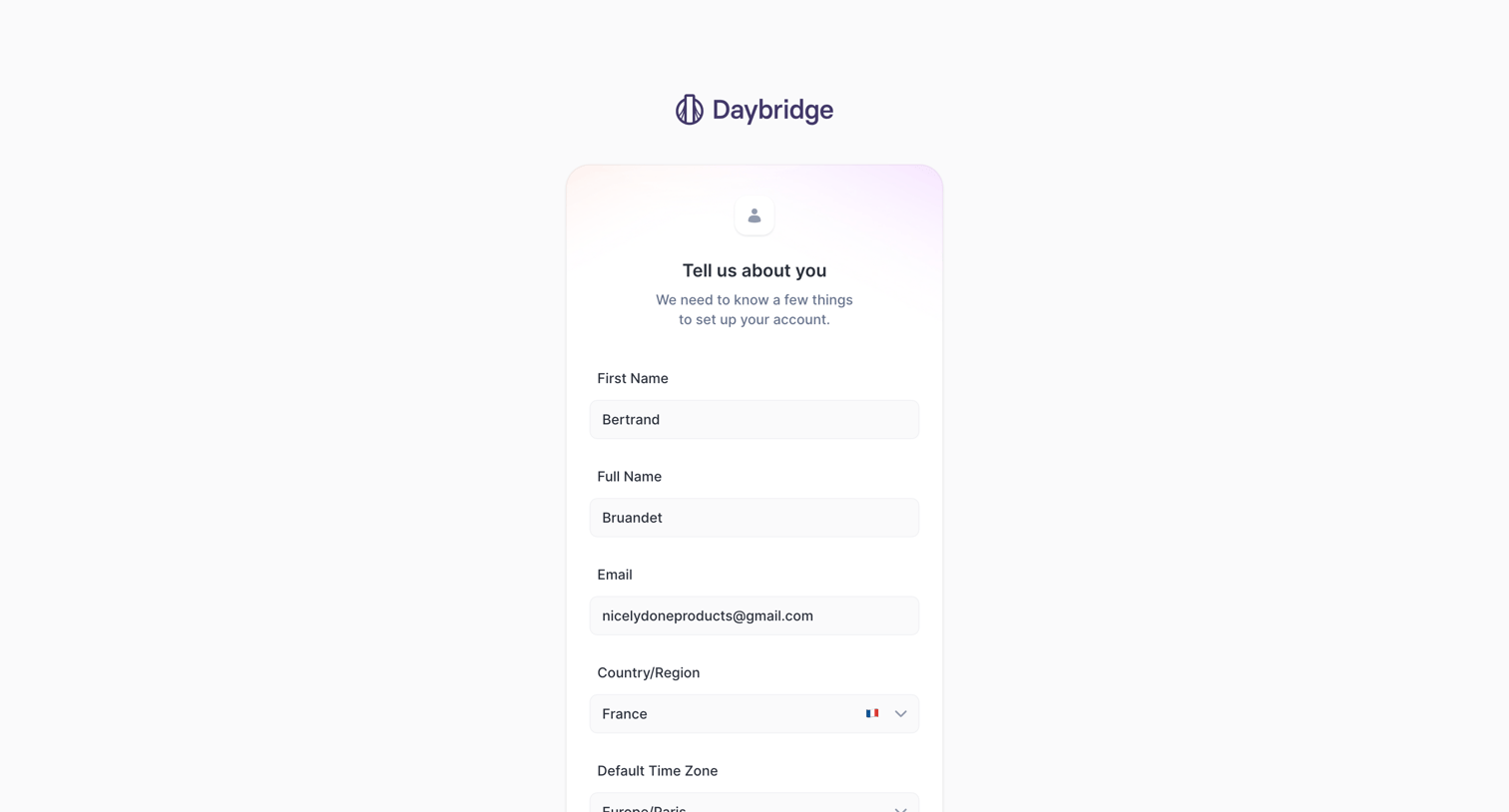
Signup screen where the user provides their name, email, country, and time zone to finish setting up their account.

Onboarding step where a welcome message is displayed above a preview of the calendar interface, prompting the user to get started.
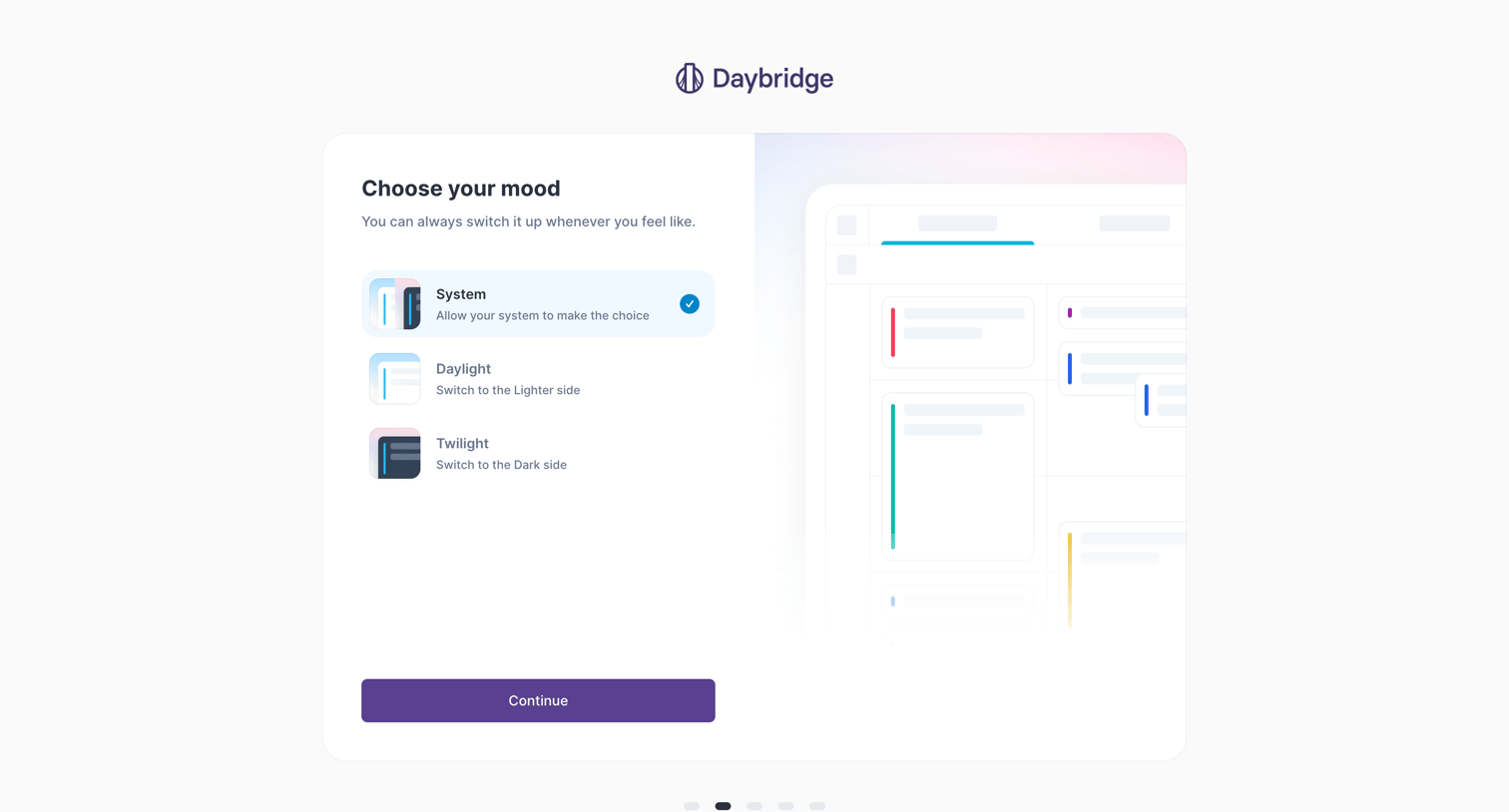
Onboarding step where the user selects their preferred app appearance from system, daylight, or twilight options.
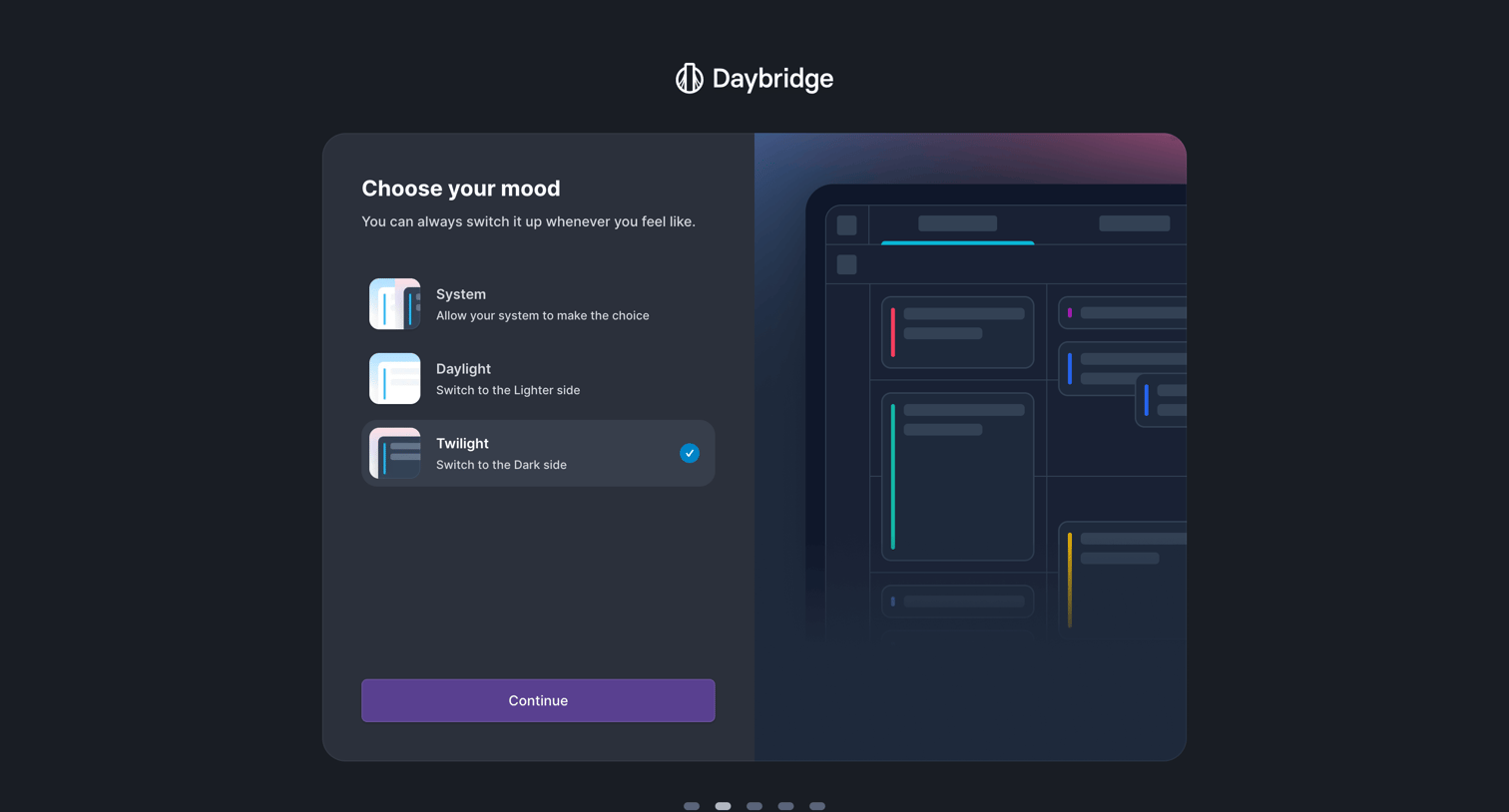
Onboarding step where the user selects their preferred app theme between system, daylight, and twilight options.
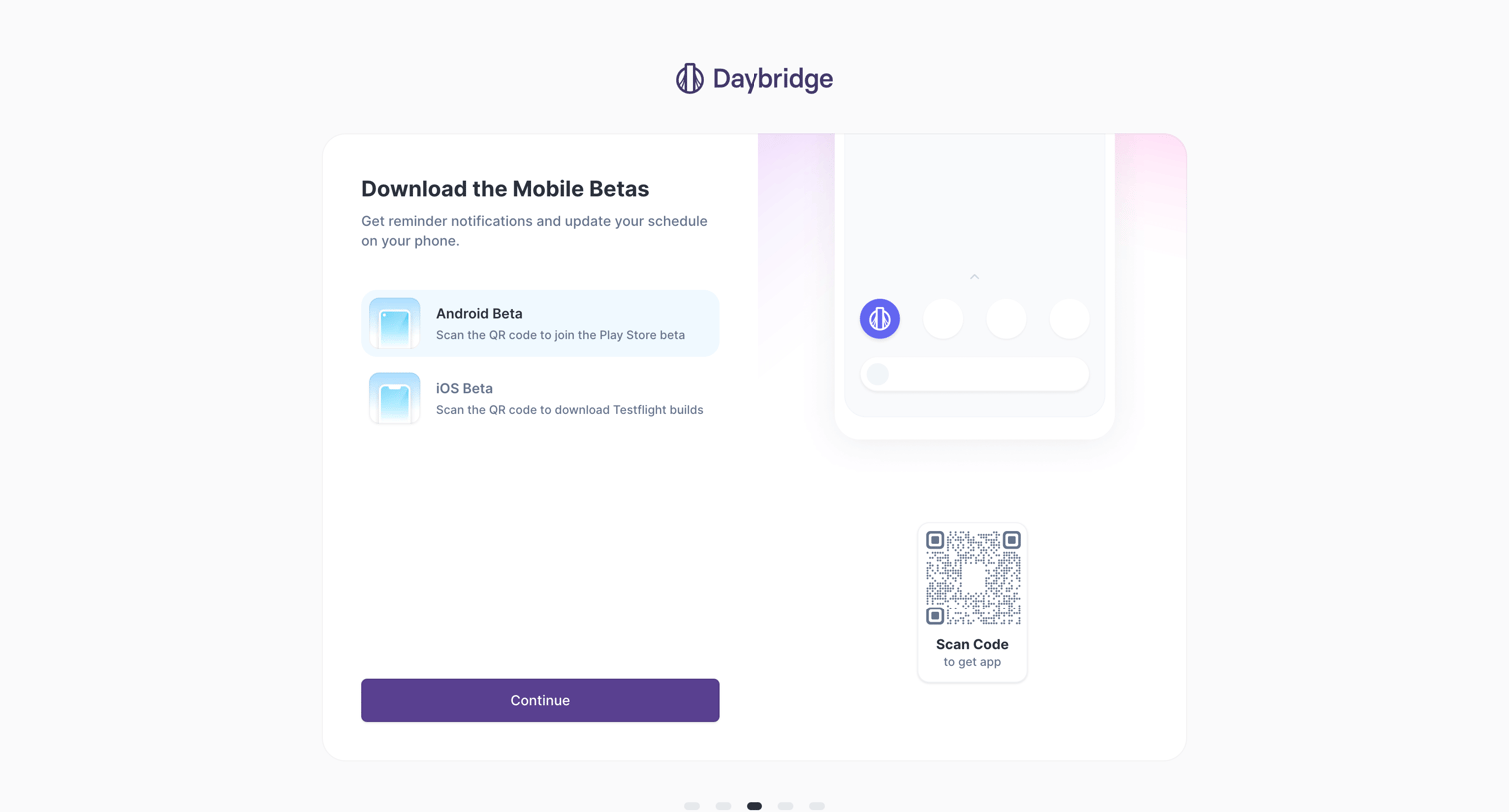
Onboarding step where the user is prompted to download the Android or iOS beta mobile app via a QR code.
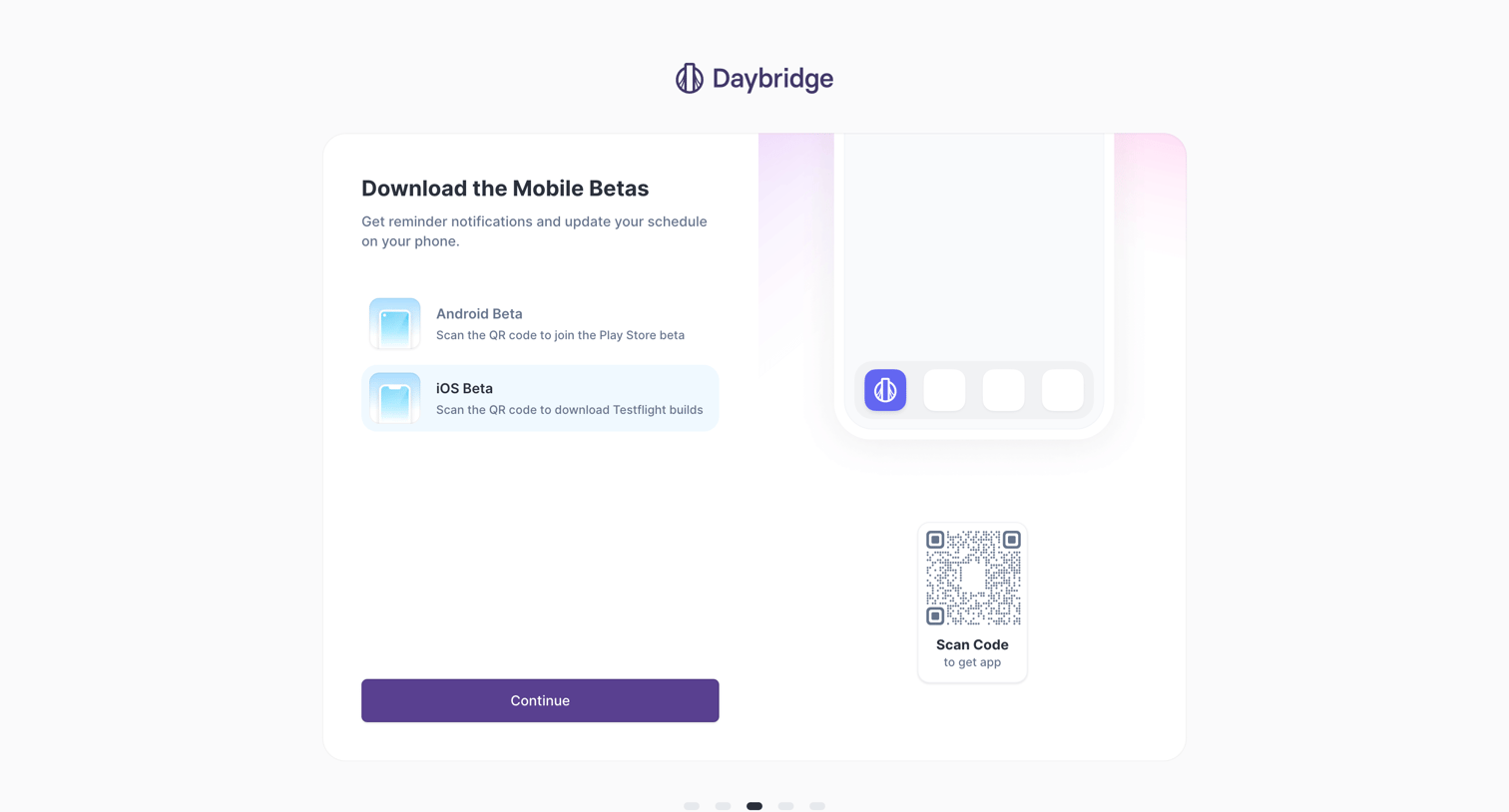
Onboarding step where the user is prompted to download the iOS or Android beta apps via a QR code before continuing.
Browse the full SaaS app library
Explore real SaaS apps with their product screens, marketing screens, flows, and components.
Trusted by the best teams







