Chargetrip design examples
Explore Chargetrip UI design examples. Smart Navigation for Electric Mobility
Product screens
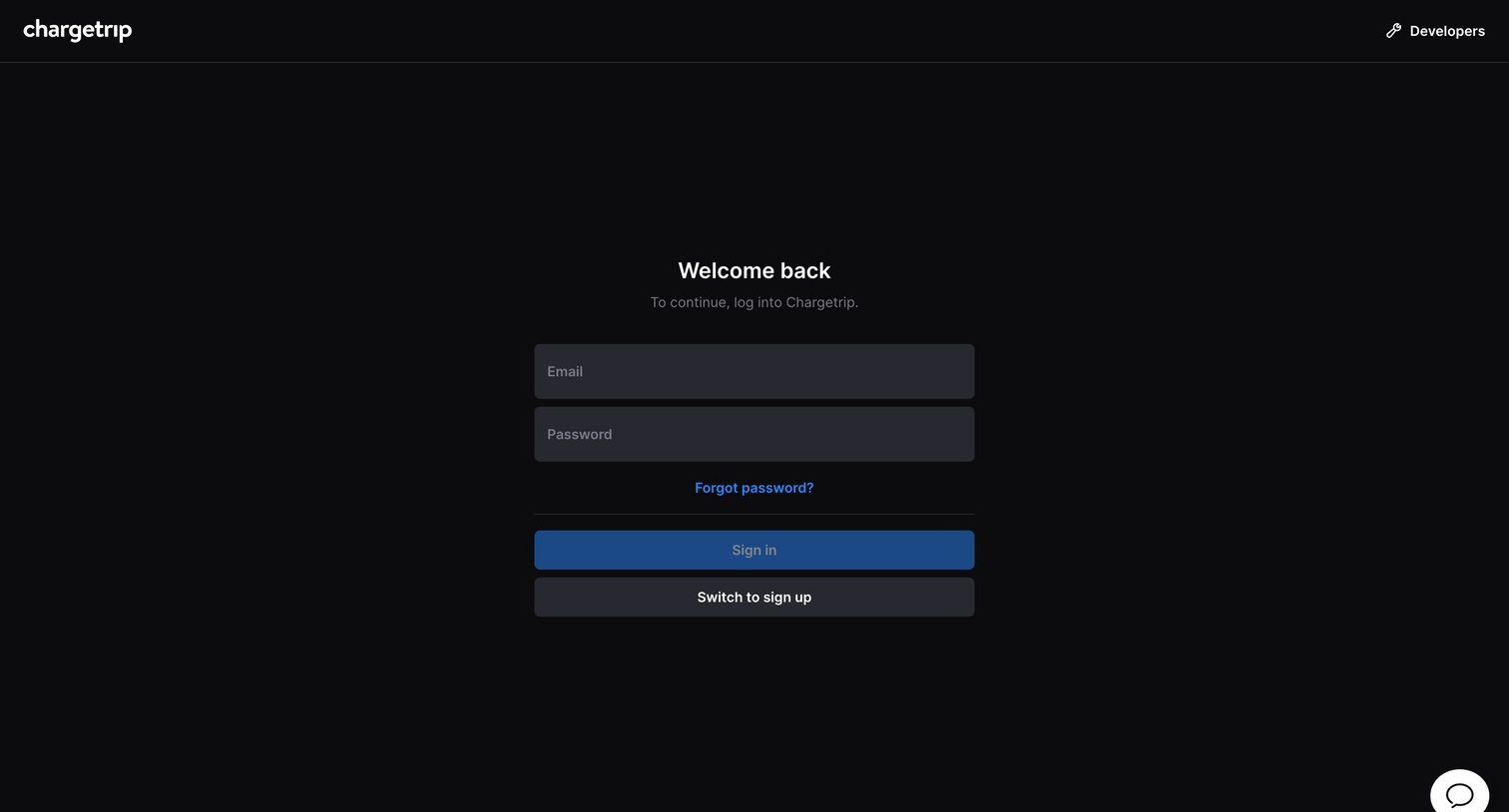

Sign-in screen where the user authenticates with email and password to access the Chargetrip developer portal.
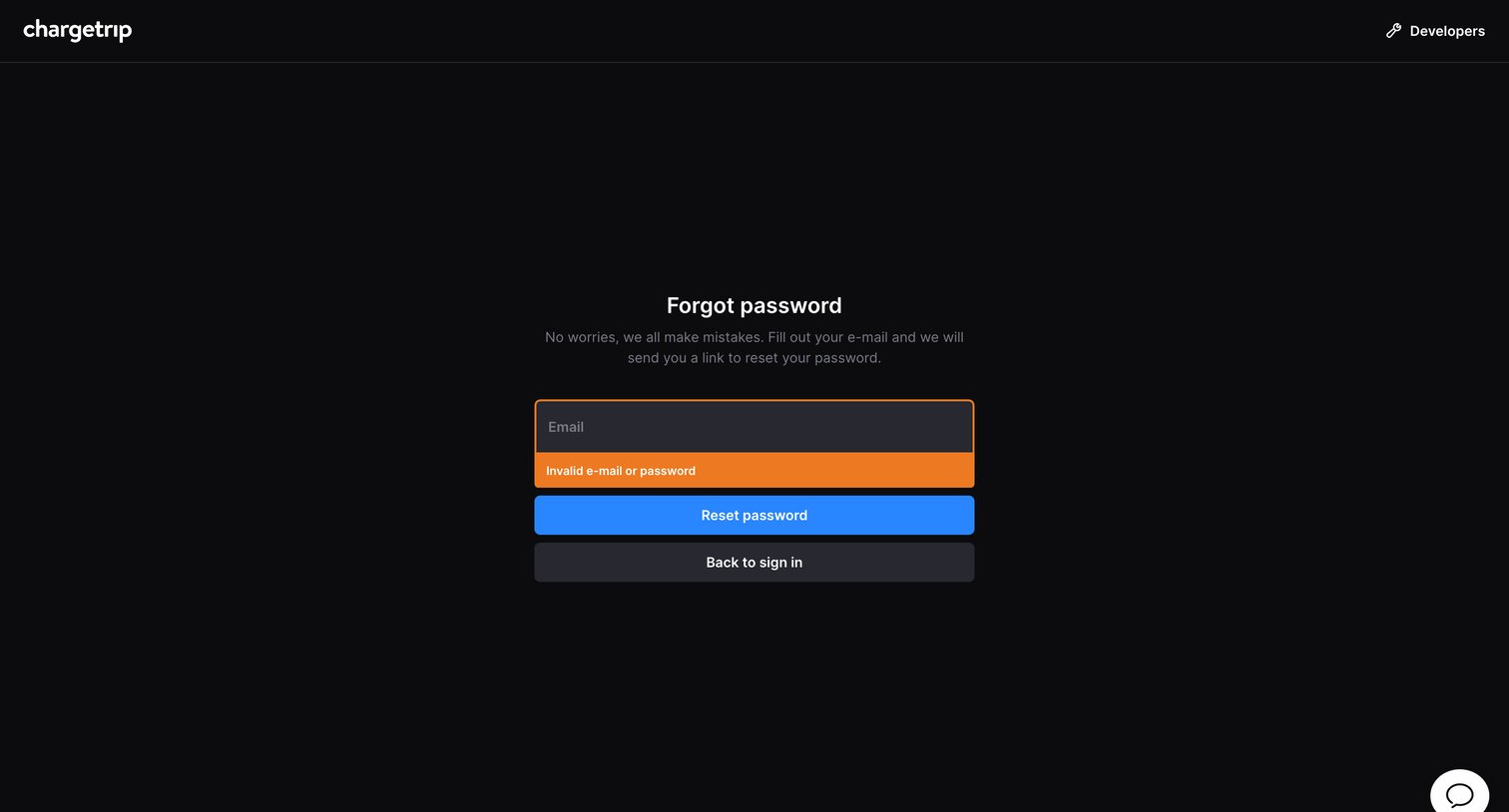
Password recovery screen where the user enters their email to receive a reset link, currently showing an invalid email validation error.
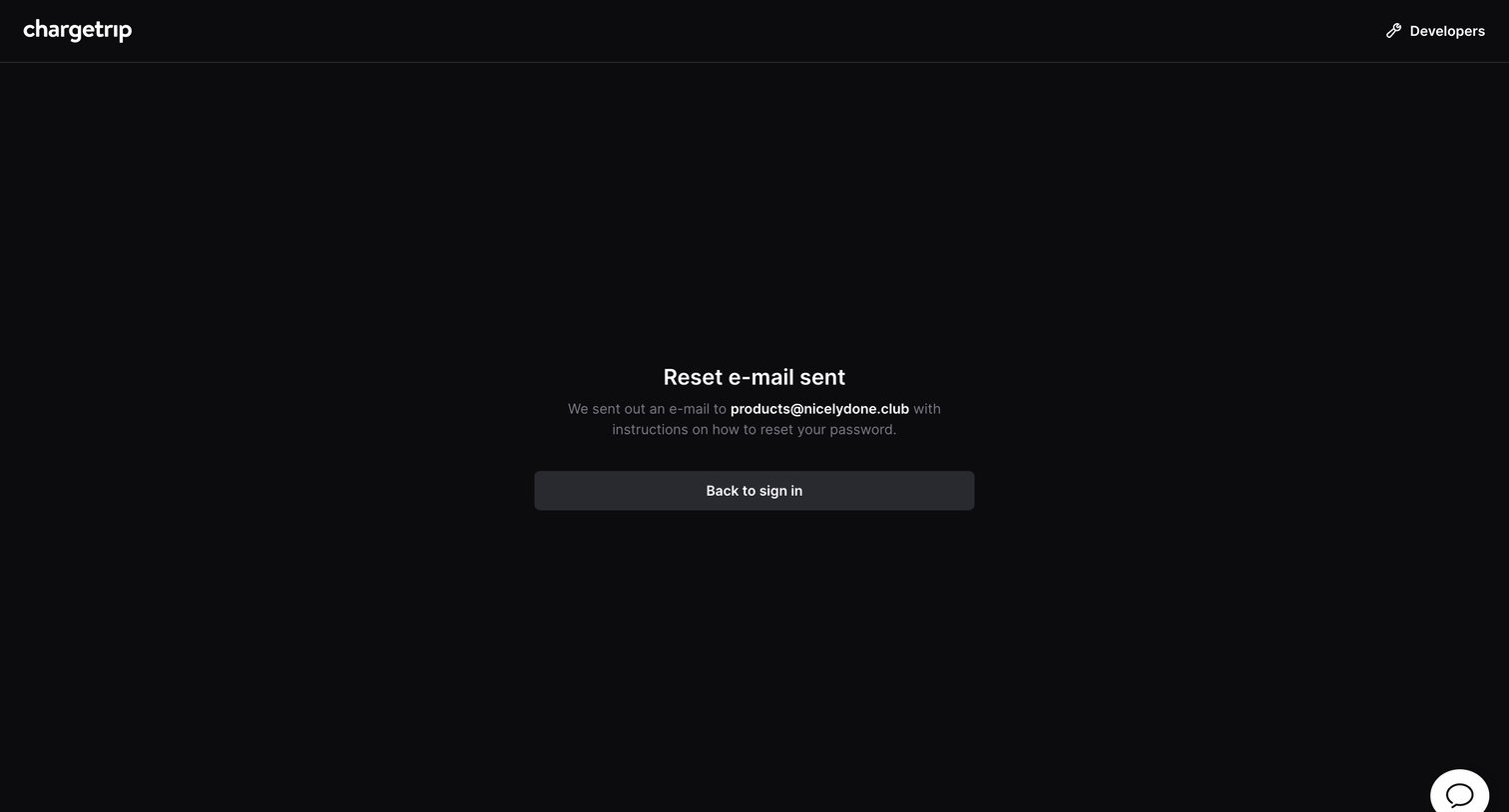
Password recovery screen confirming that a reset link has been sent to the user's email address, with an option to return to the sign-in page.
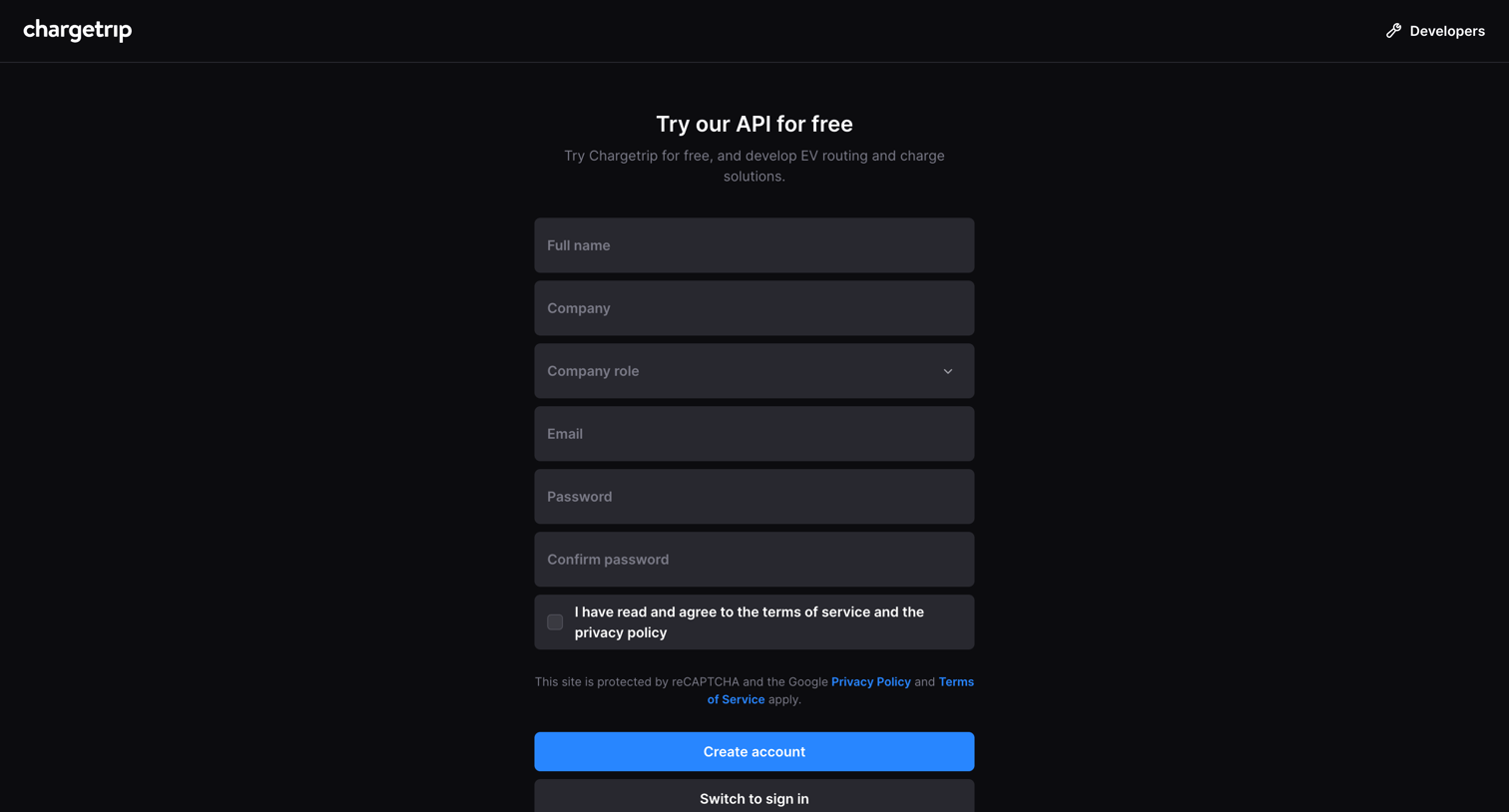
Signup page where the user creates an account to try the API for free by providing their name, company details, and email.
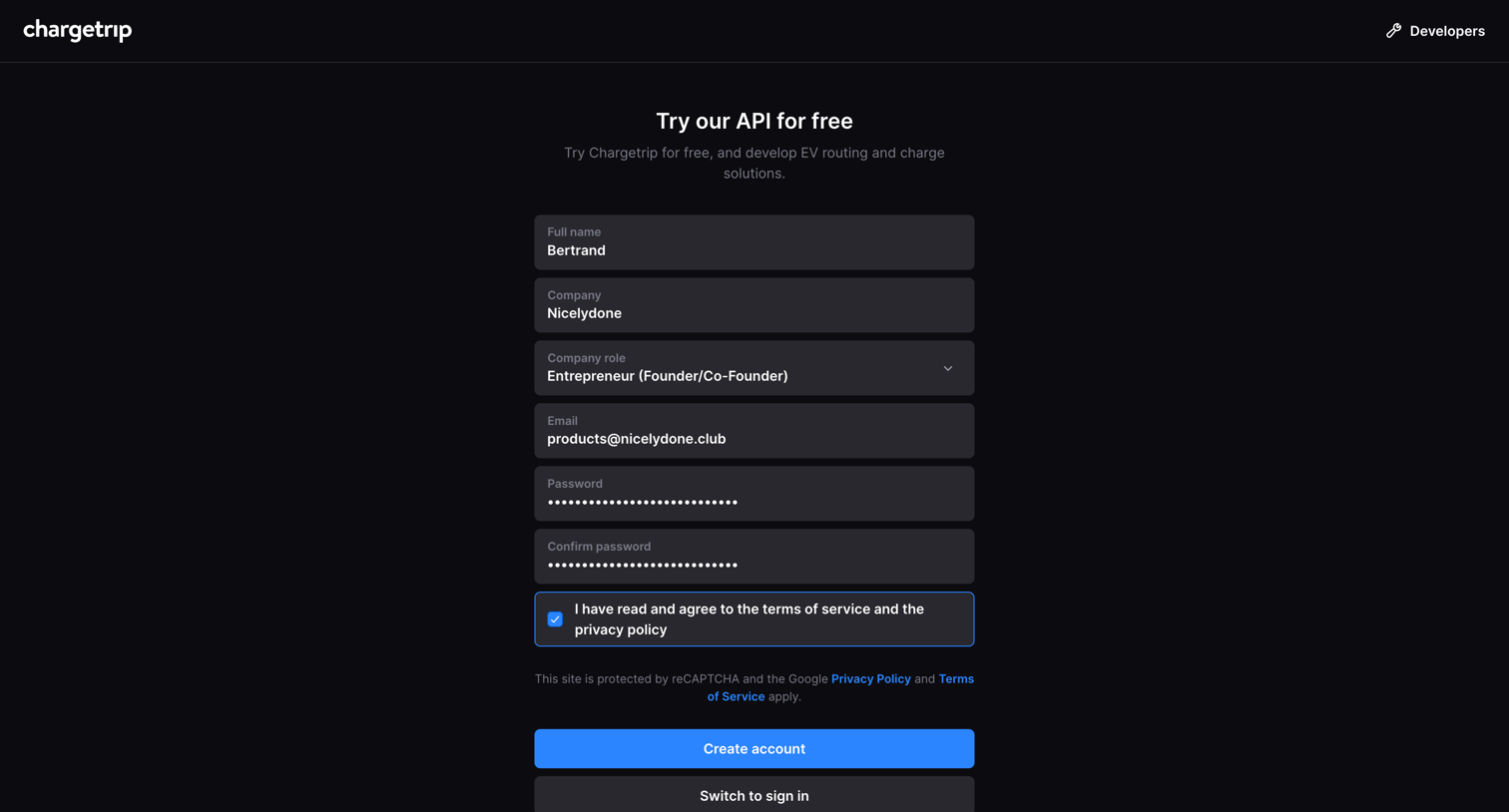
Signup page where the user creates a developer account by providing their name, company details, and credentials to access EV routing solutions.
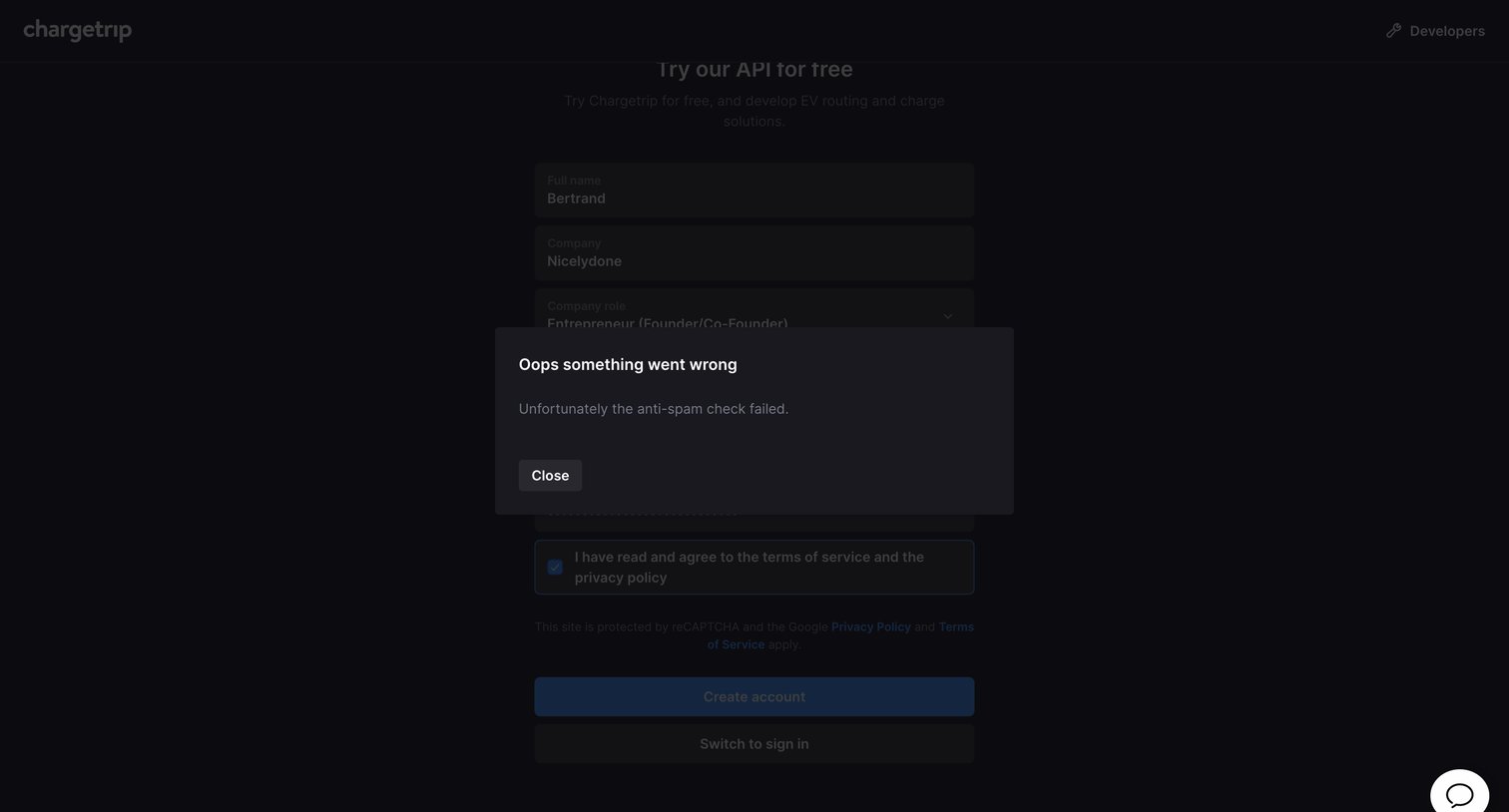
Signup page where an anti-spam check failure triggers a modal blocking the user from creating an API account.
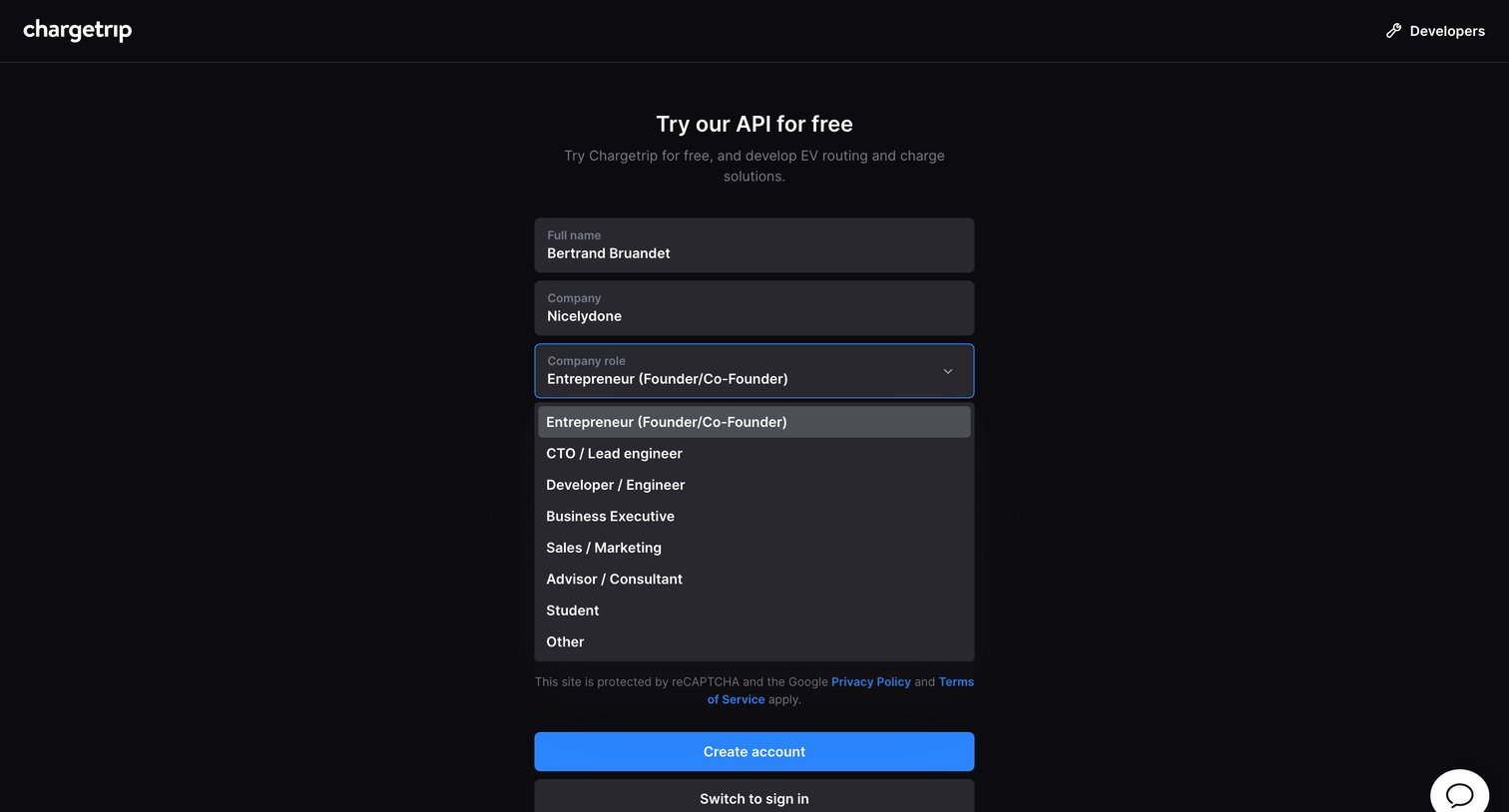
Sign-up screen where the user provides their name, company, and role to create a free developer account.
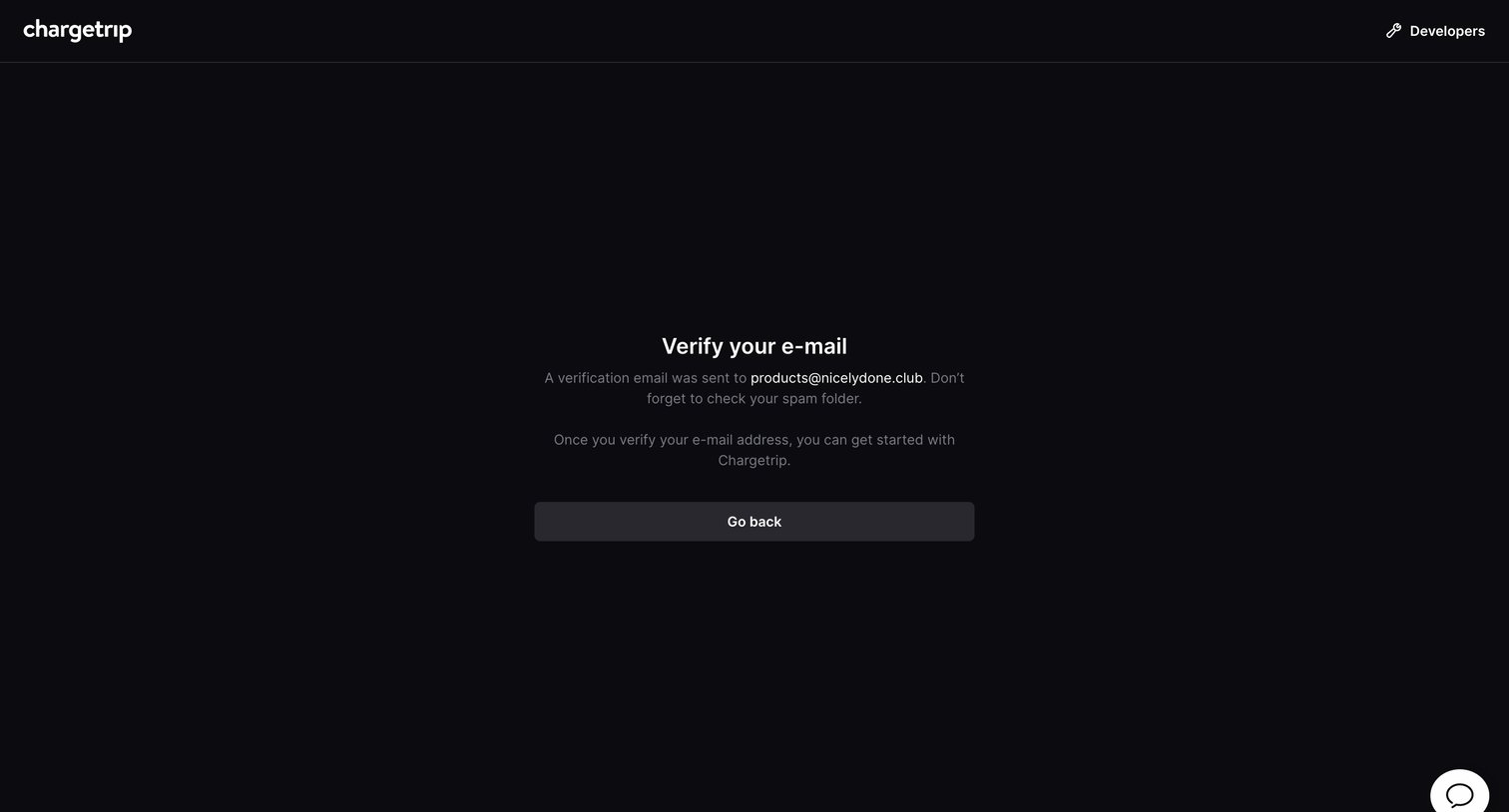
Verification screen where the user is instructed to check their inbox for a link to activate their account.
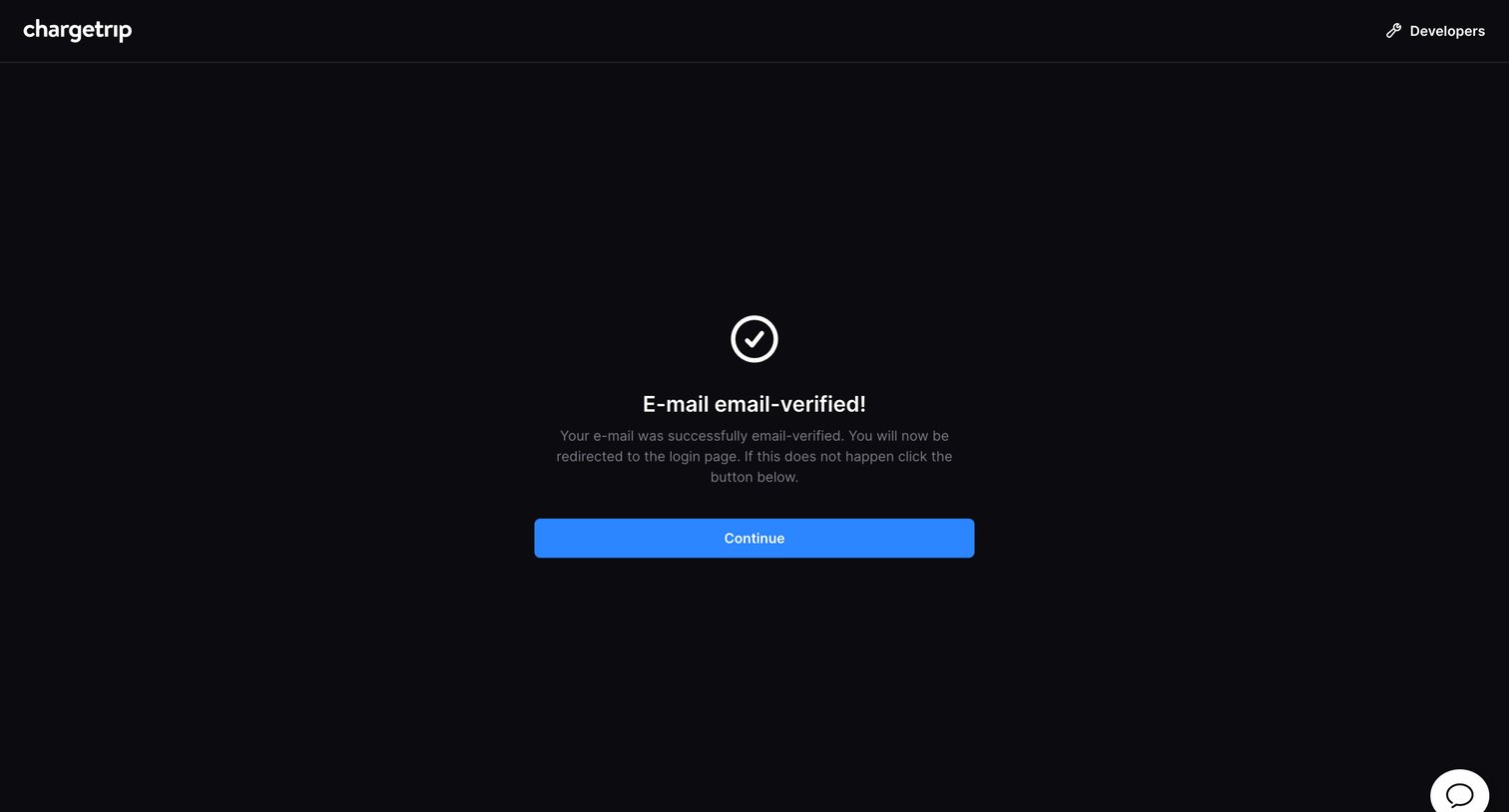
Success screen confirming the user's email has been verified, with a prompt to continue to the login page.
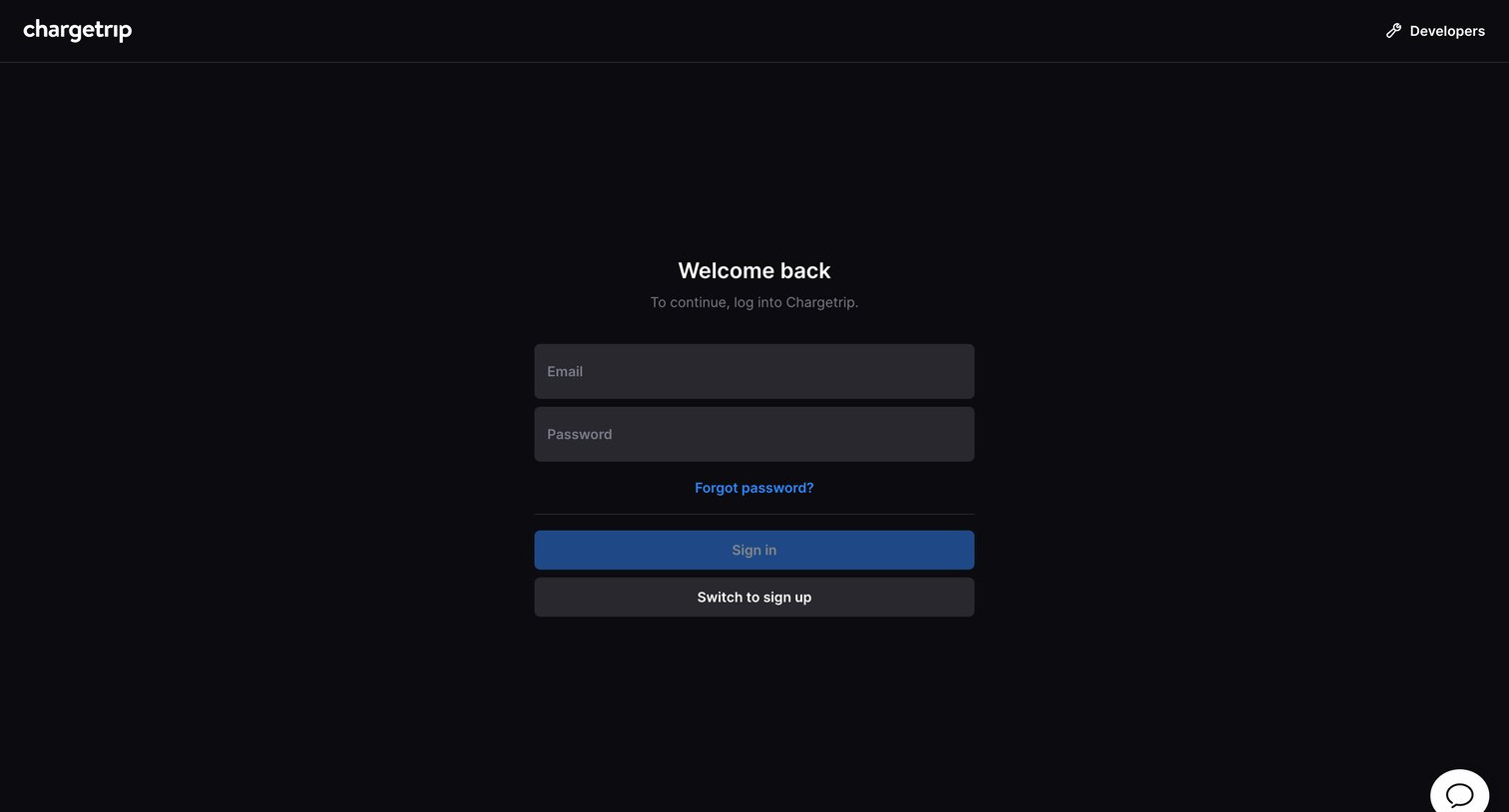
Sign-in screen where the user authenticates with their email and password to access the platform.
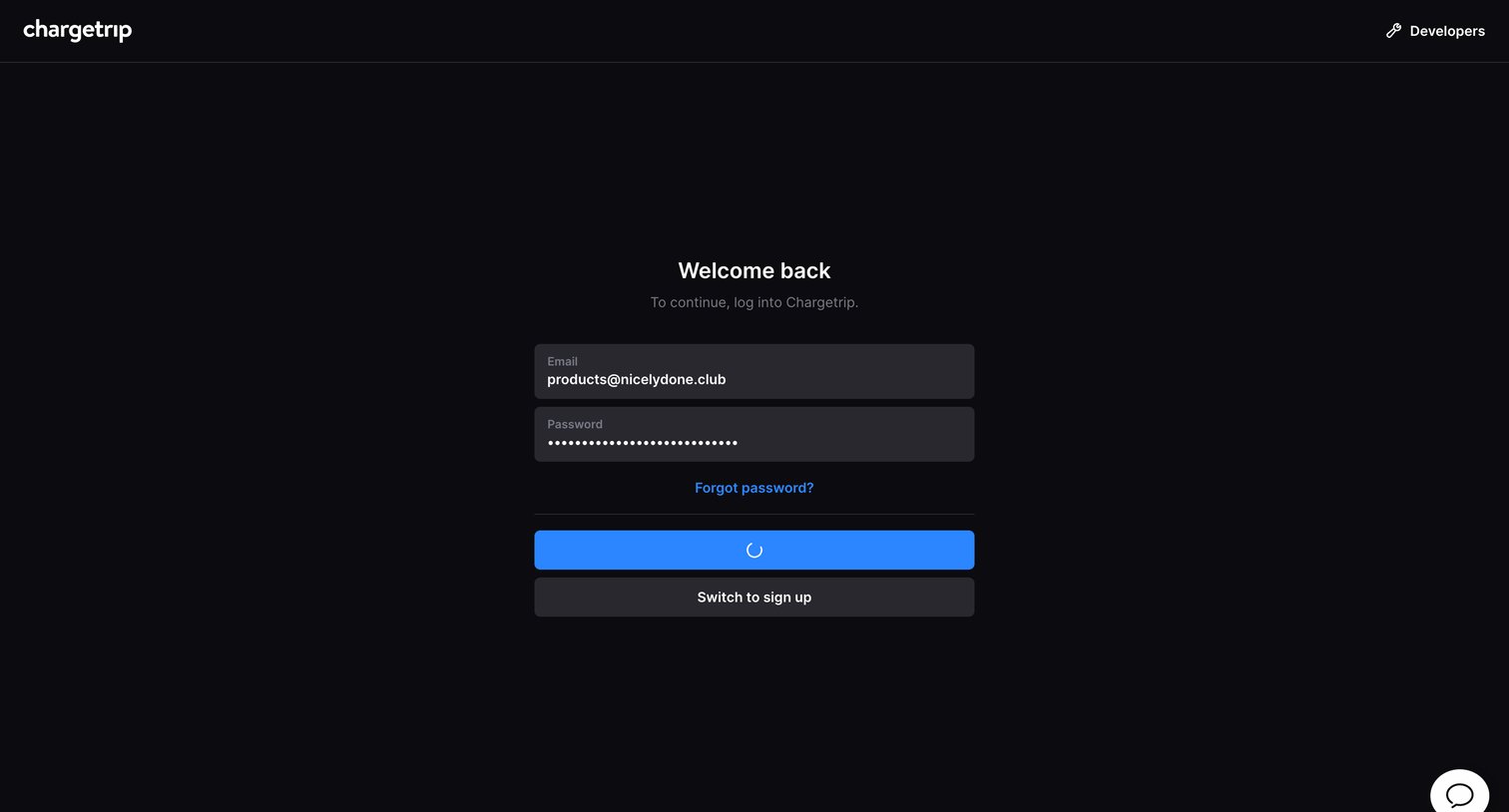
Sign-in screen where the user authenticates with their email and password, currently showing a loading state upon submission.
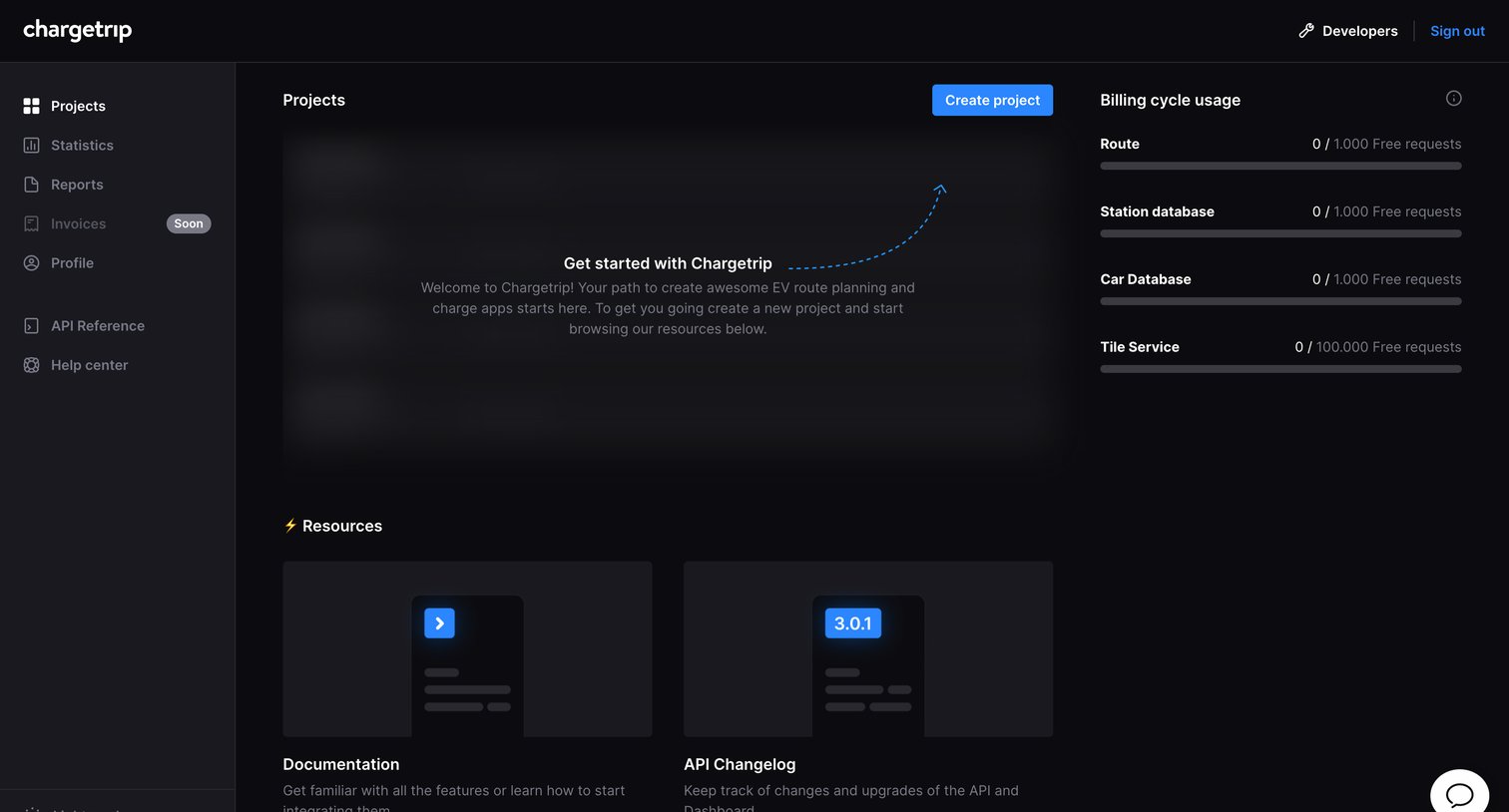
Dashboard empty state prompting the user to create their first project, alongside current API billing usage and documentation resources.
Browse the full SaaS app library
Explore real SaaS apps with their product screens, marketing screens, flows, and components.
Trusted by the best teams







