
Canvas product screens examples
Browse Canvas screen design examples. Preview the interface screenshots and explore related UI patterns. Write, with your team
Explore the examples
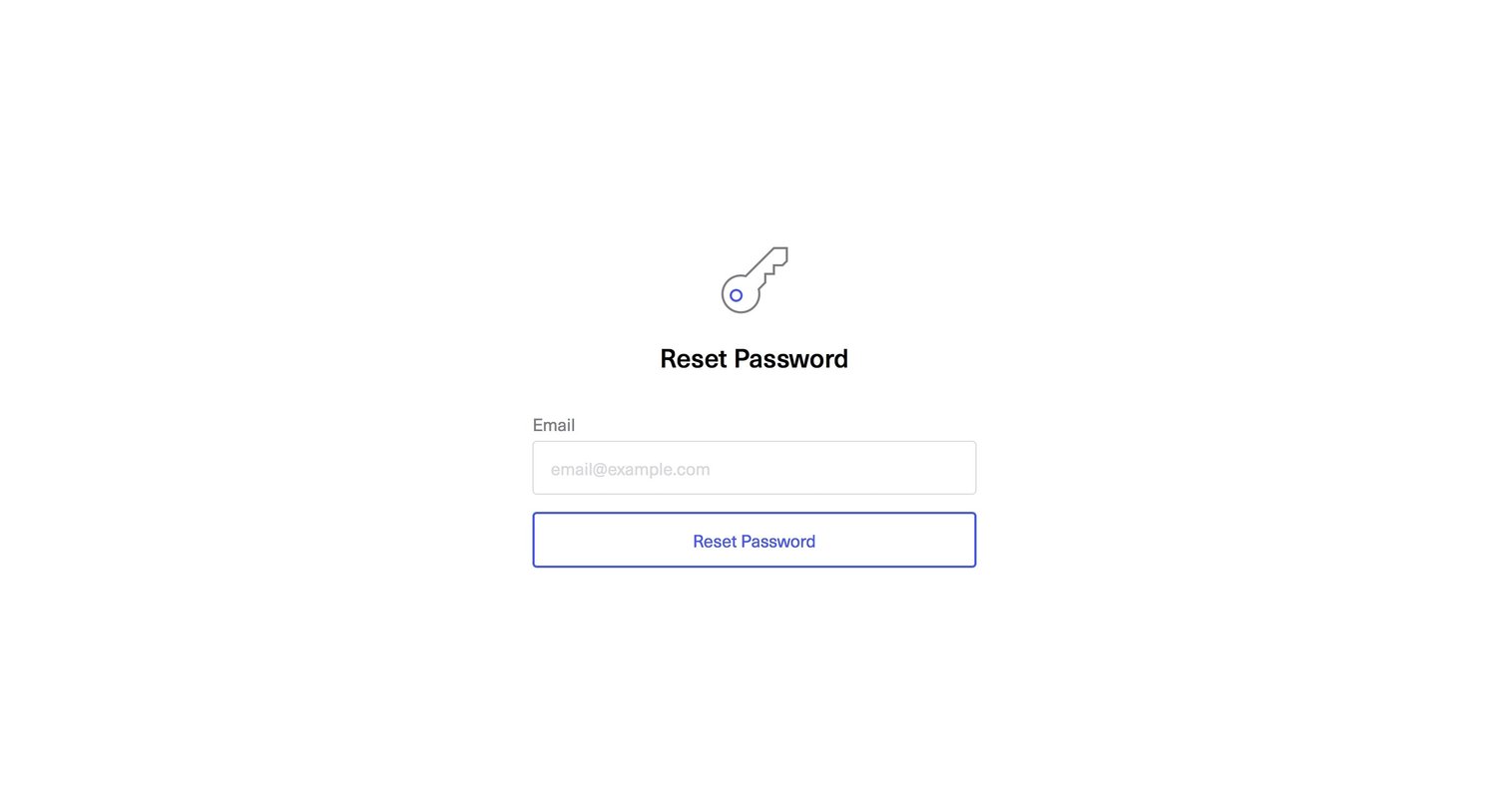
Password recovery screen where the user enters their email address to request a reset link.
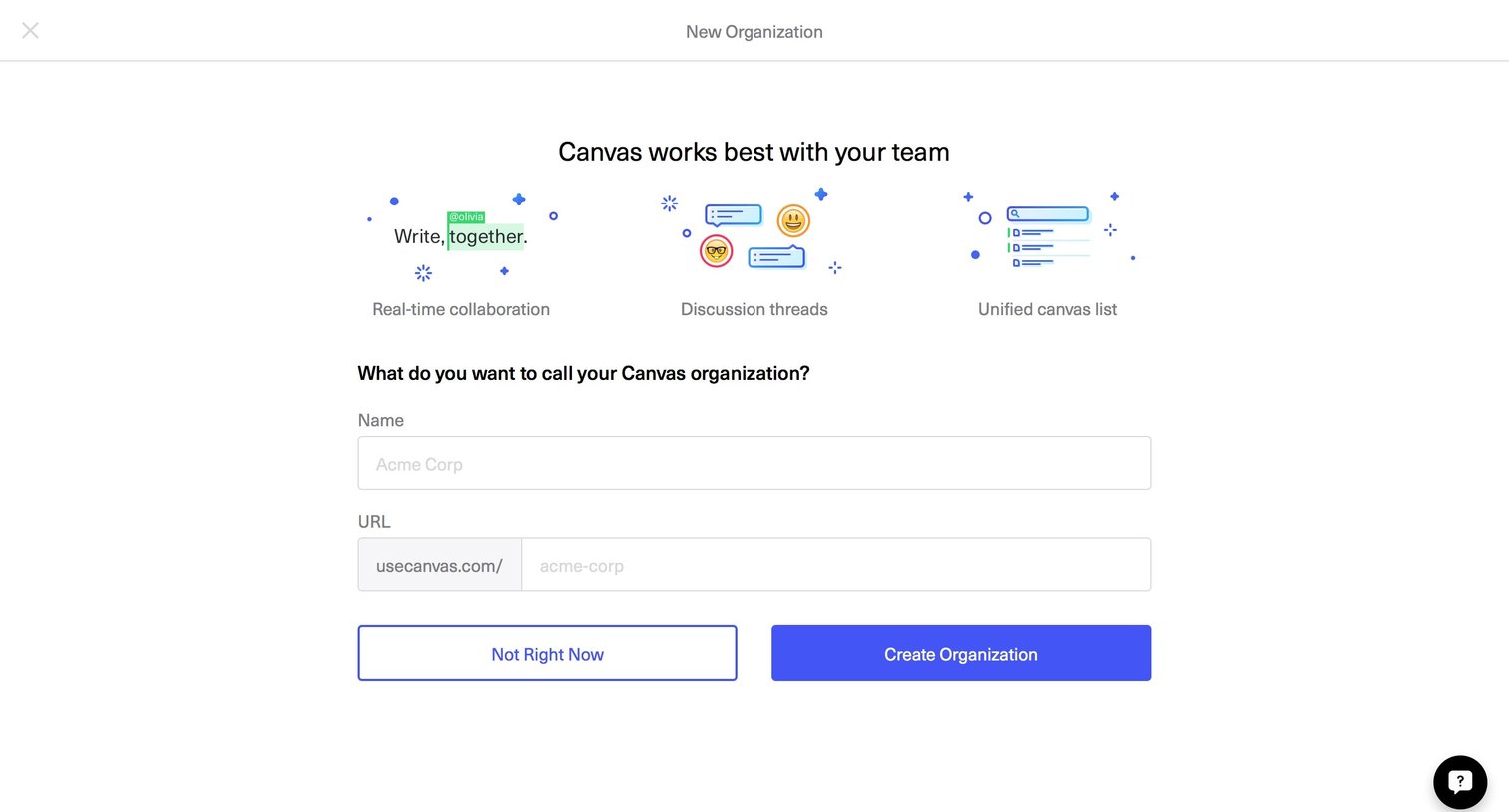
Onboarding step where the user names their Canvas organization and sets a custom workspace URL.
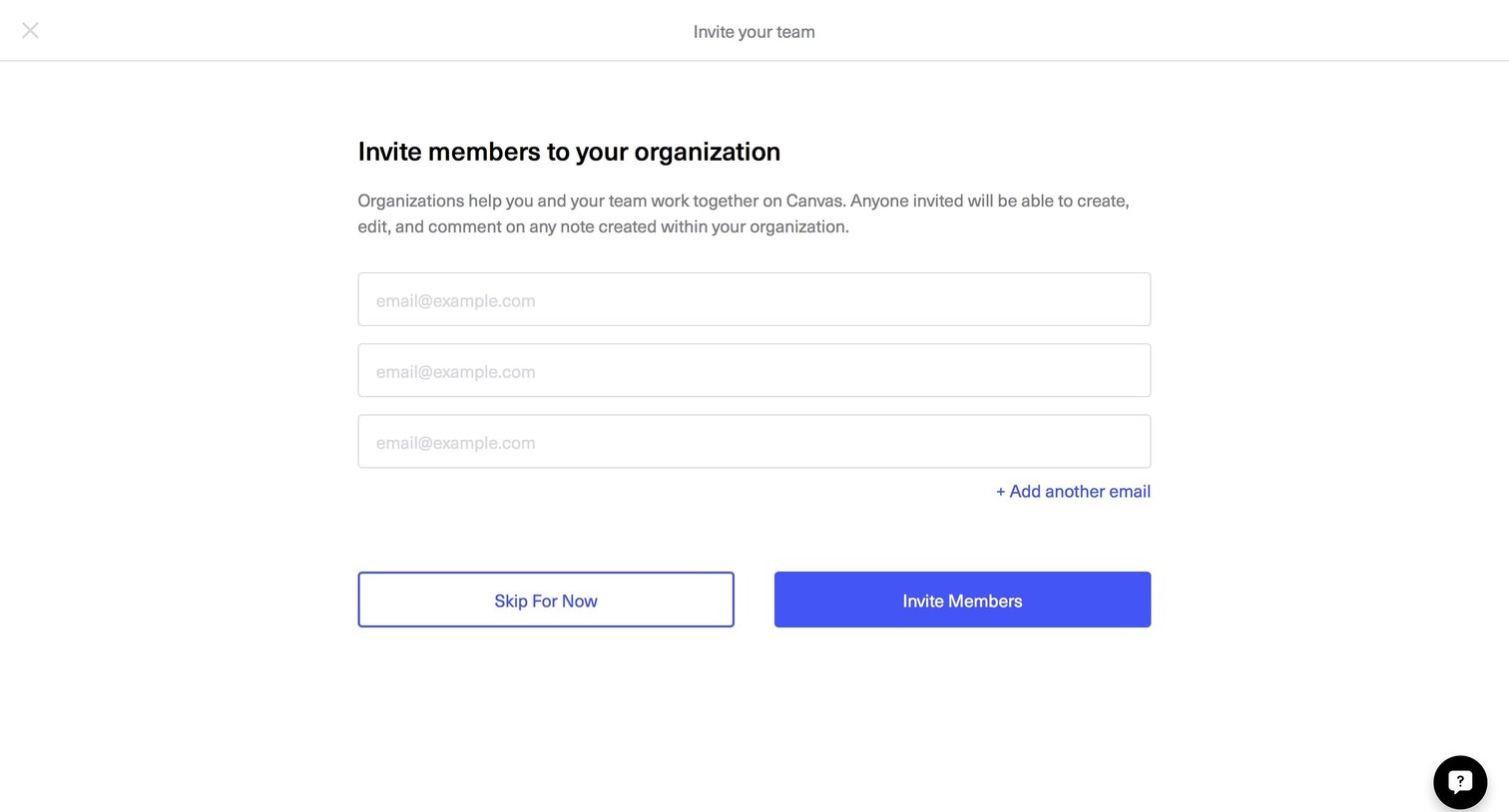
Onboarding step where the user invites teammates to their organization by entering email addresses, with an option to skip.
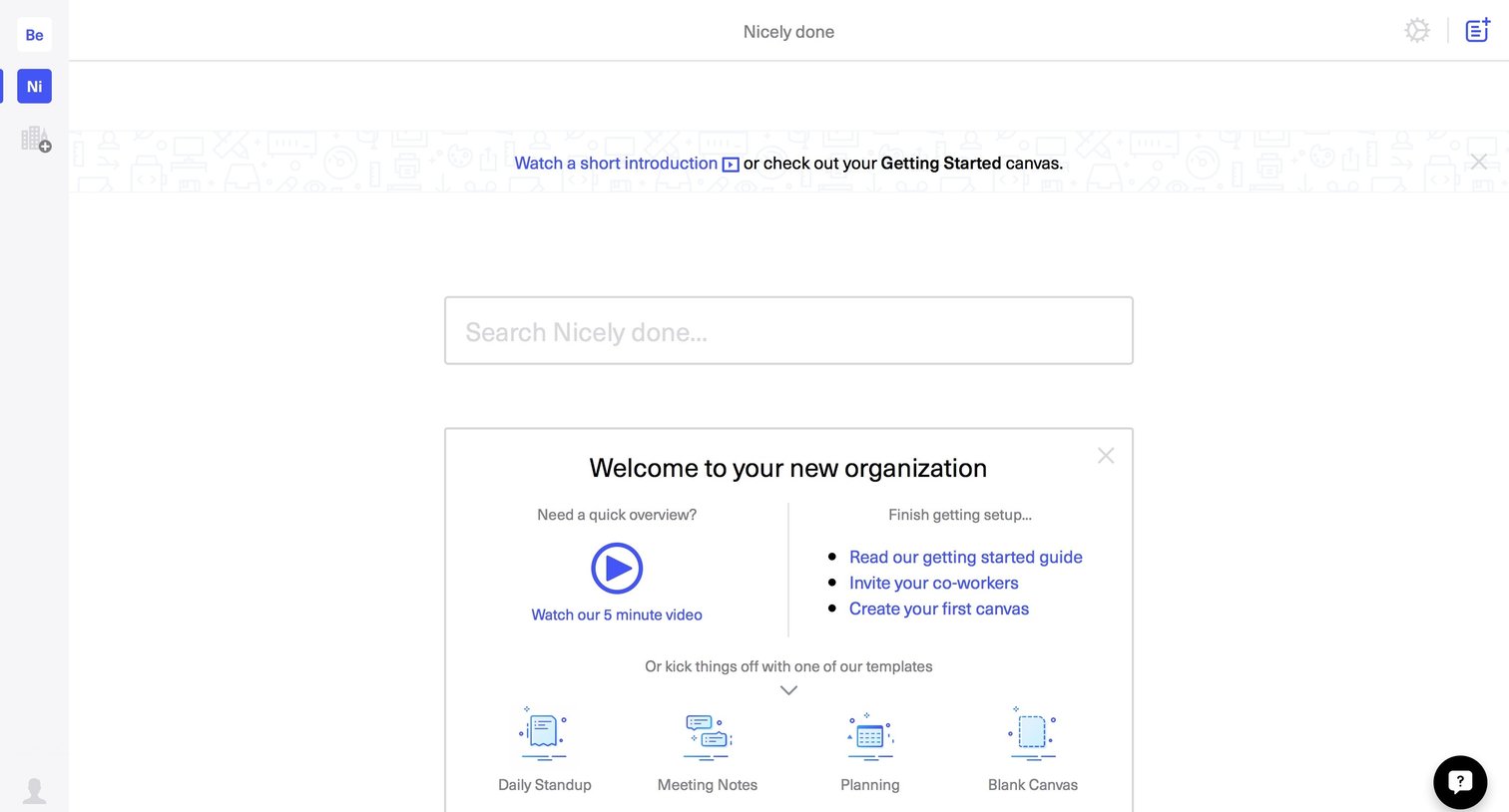
Onboarding screen where the user is welcomed to their new organization and prompted to watch an introductory video, read a guide, invite coworkers, or start with a canvas template.
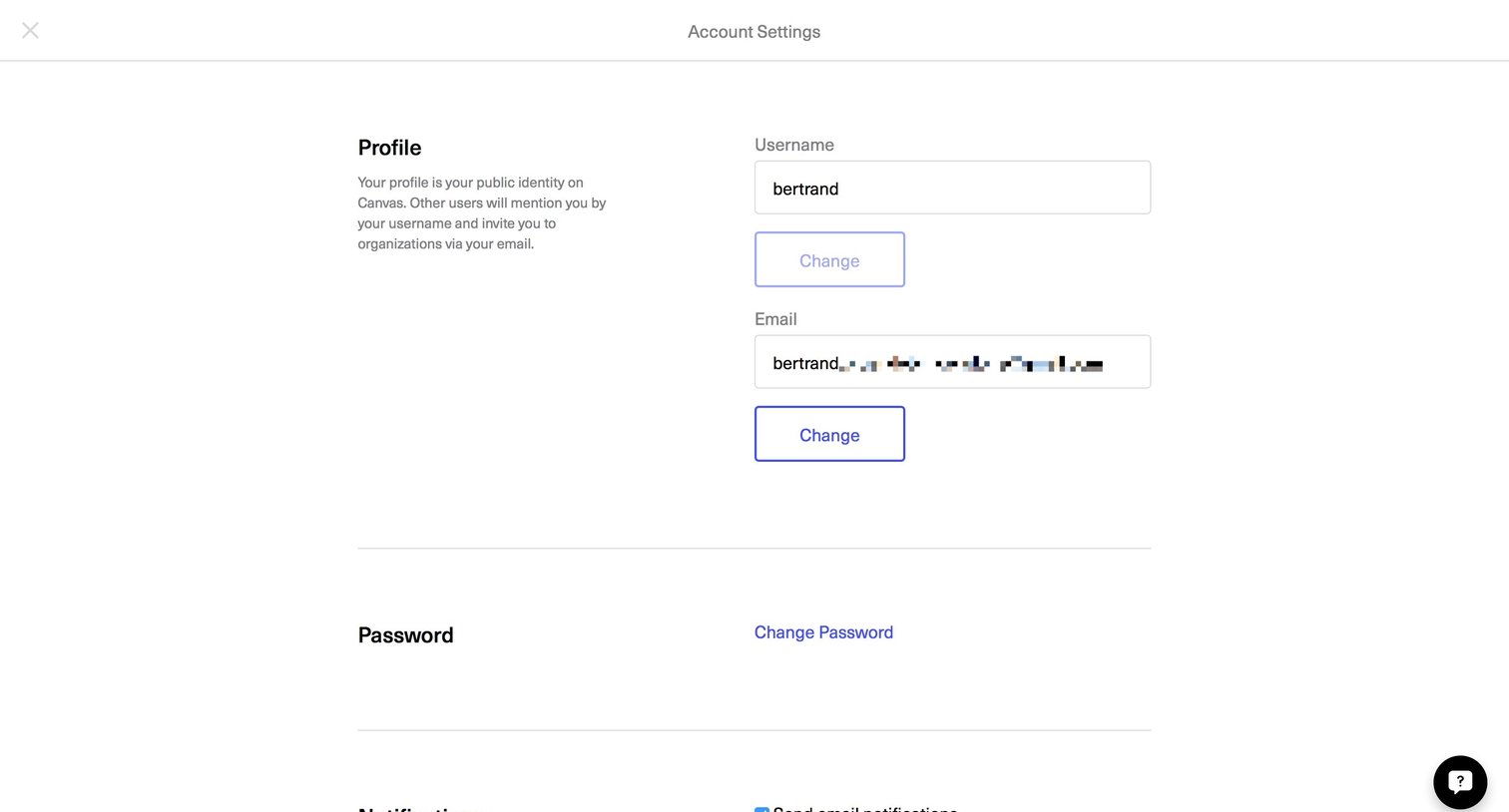
Full-screen account settings modal where the user can update their profile information, password, and email notification preferences.
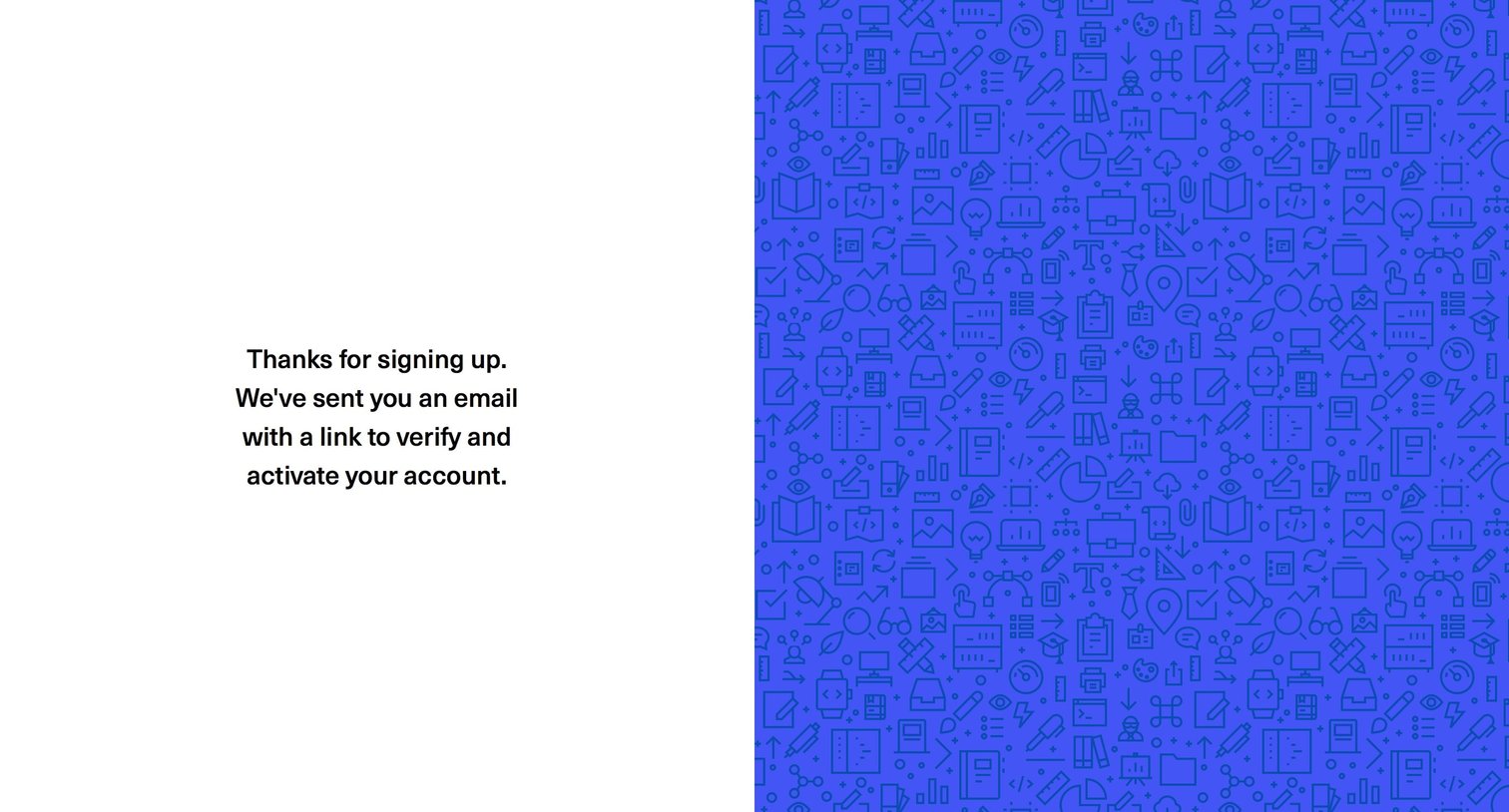
Account creation Onboarding Confirmation Confirmation screen
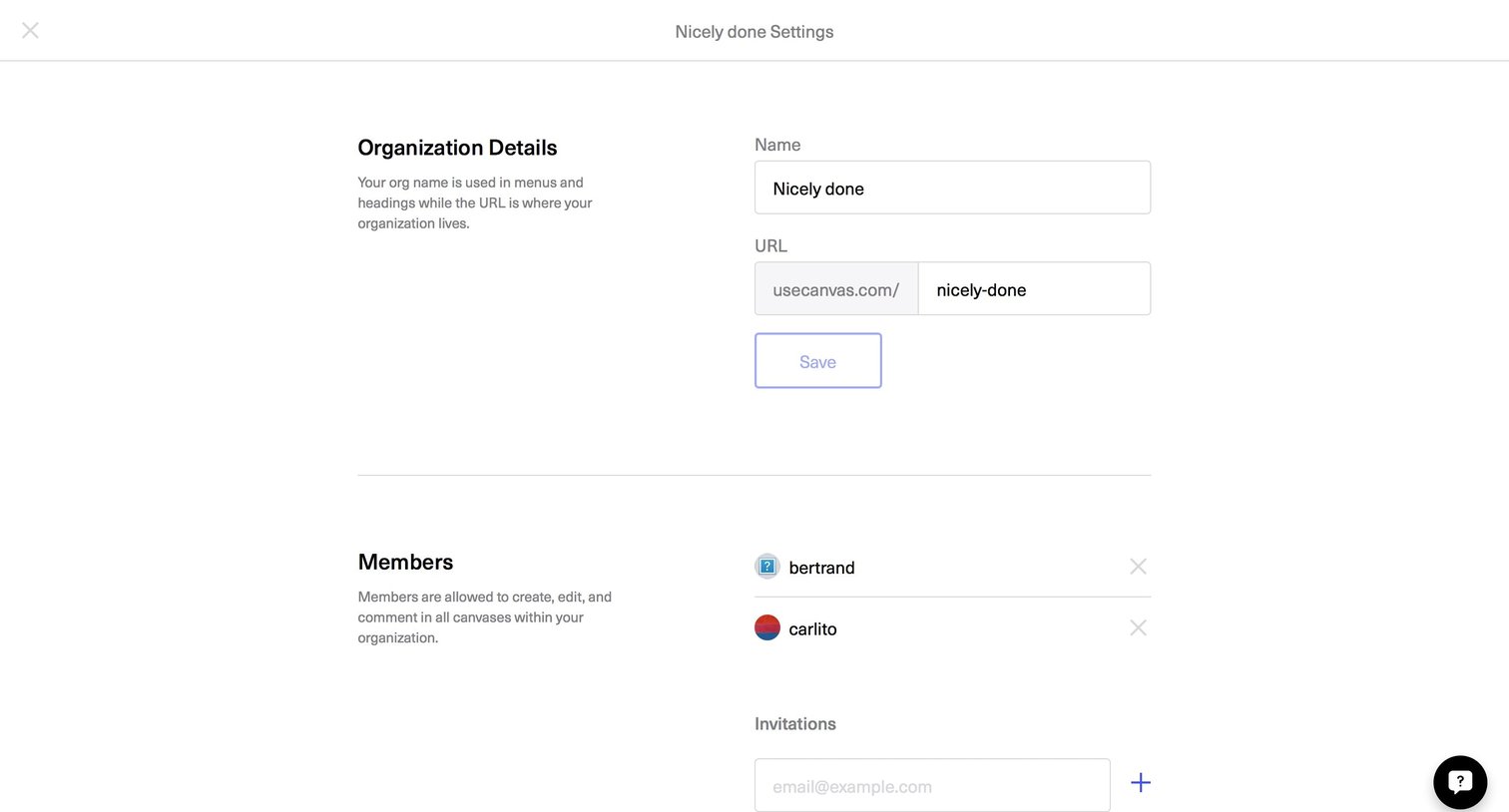
Settings page where the user updates their organization name and custom URL, and manages team members by sending email invitations or removing existing users.
Explore the full SaaS screen library
Upgrade to unlock the full library.
Trusted by the best teams







