Skip to content

Cal.com product screens examples

Browse Cal.com screen design examples. Preview the interface screenshots and explore related UI patterns. Open Scheduling Infrastructure

Explore the examples
Cal.com - Login | Cal.com screen
Cal.com logo
Cal.com

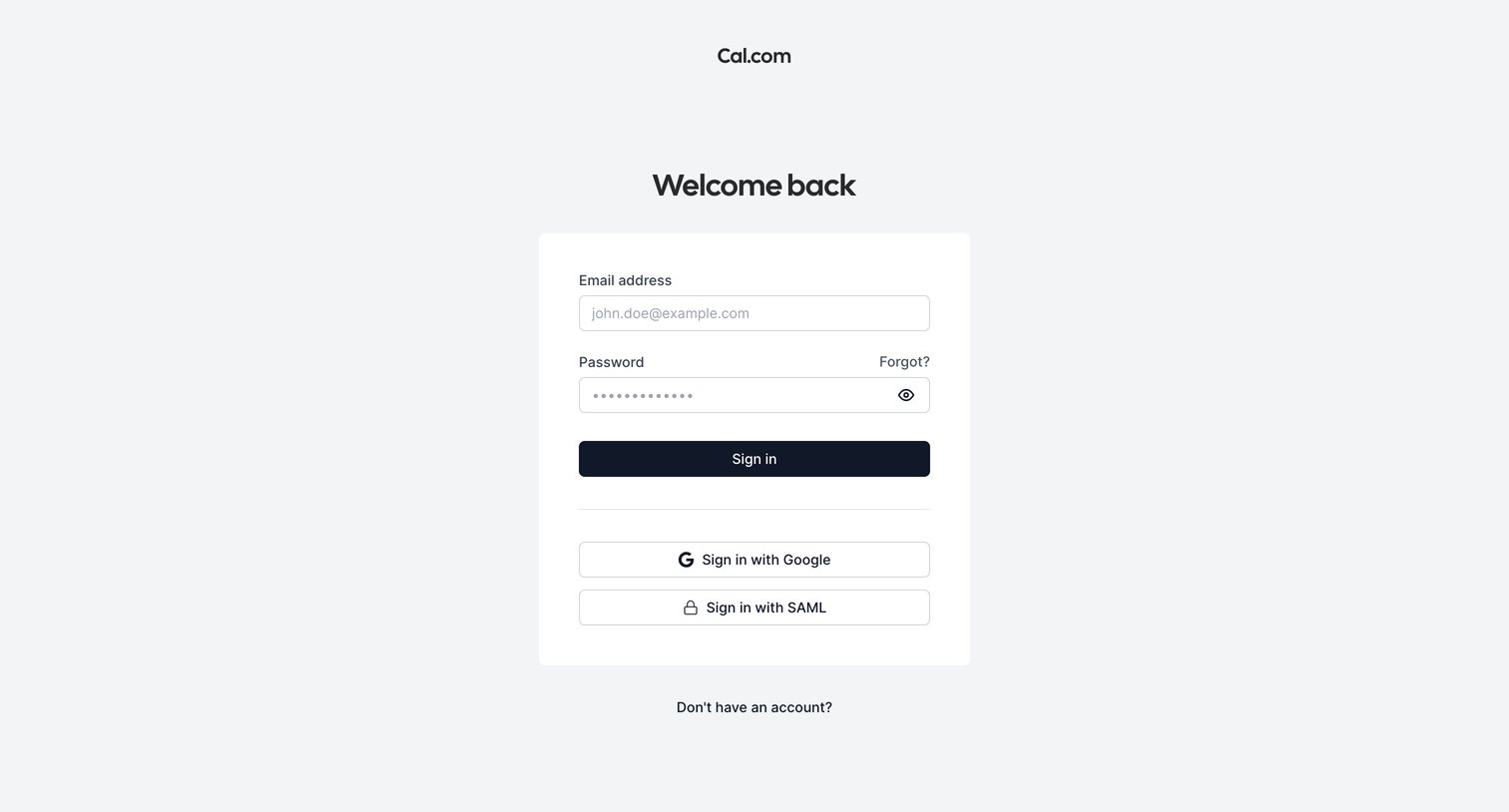
Sign-in screen where the user authenticates with email and password, Google, or SAML.
Cal.com - Login | Cal.com screen
Cal.com logo
Cal.com

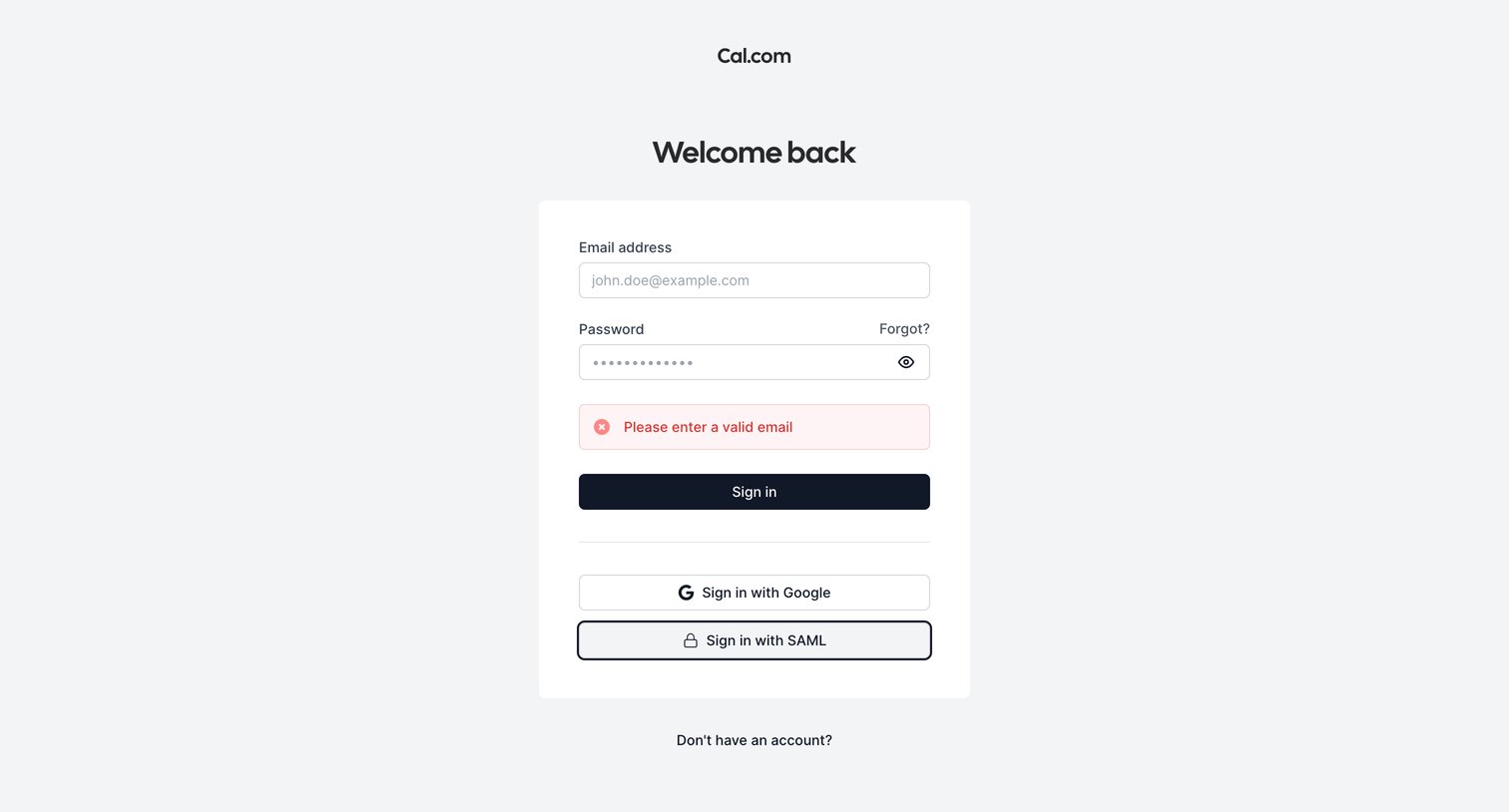
Sign-in screen where the user is blocked by an invalid email validation error, offering email, Google, and SAML authentication options.

Cal.com - Forgot Password | Cal.com screen
Cal.com logo
Cal.com

Password recovery screen where the user enters their email address to request a reset link.
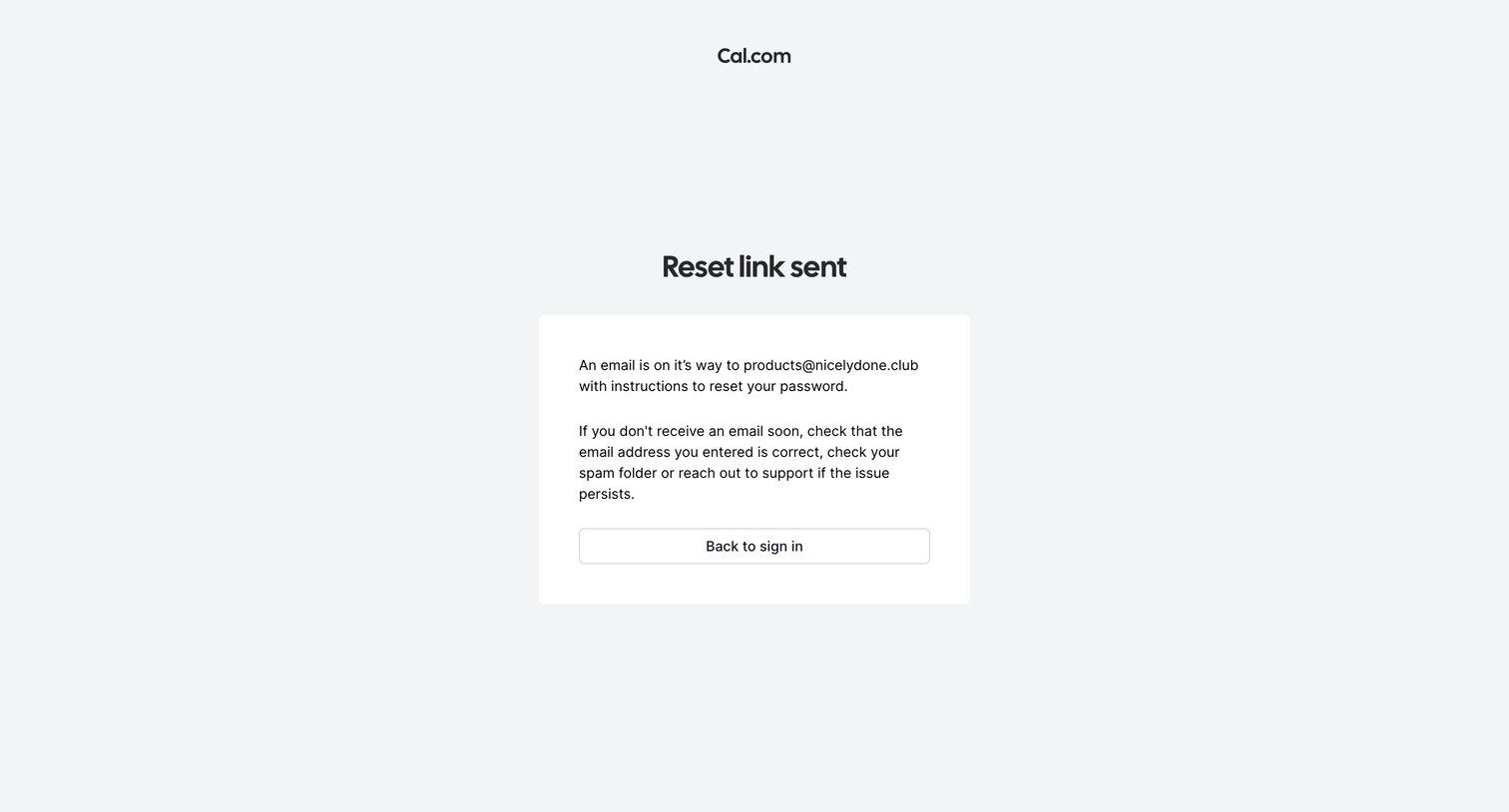
Cal.com - Reset link sent | Cal.com screen
Cal.com logo
Cal.com

Password recovery screen confirming that a reset link has been sent to the user's email address.
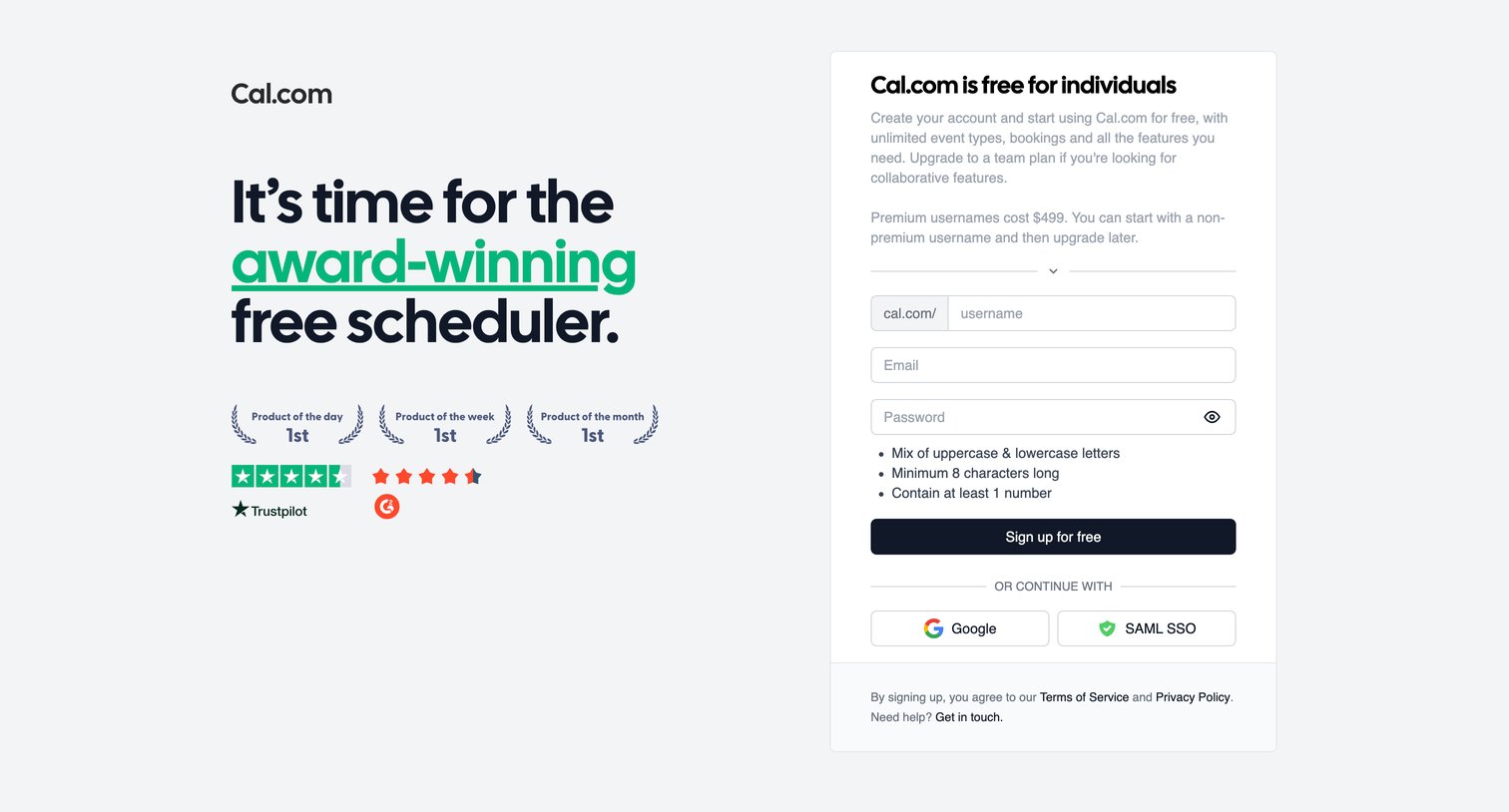
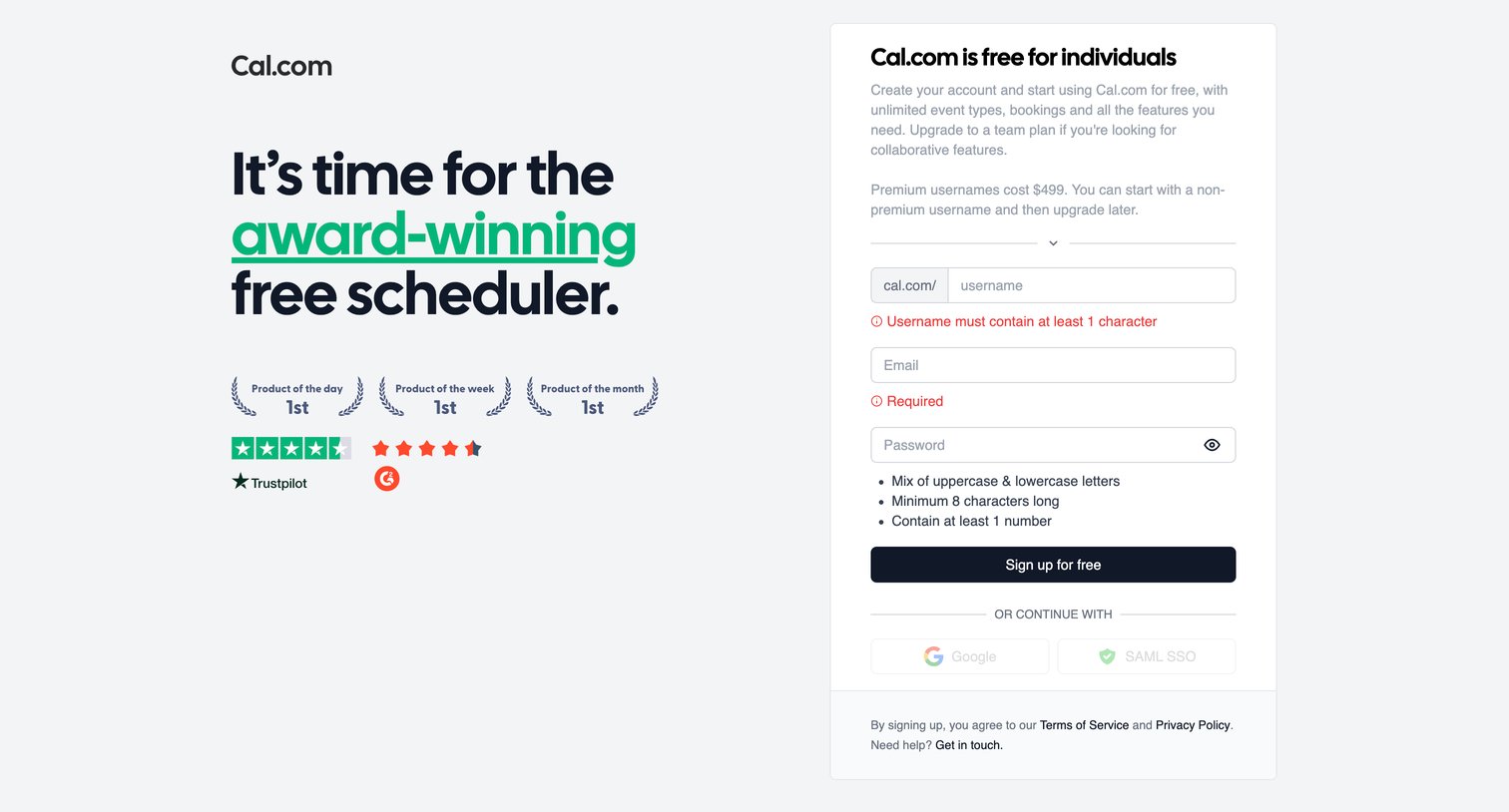
Cal.com - Cal.com | Sign Up screen
Cal.com logo
Cal.com

Signup page where the user creates a Cal.com account by choosing a custom username, entering an email and password, or continuing with Google or SAML SSO.

Cal.com - Cal.com | Sign Up screen
Cal.com logo
Cal.com

Signup screen where the user creates an account by choosing a username, entering email and password, or continuing with Google or SAML SSO, alongside social proof awards.

Cal.com - Cal.com | Sign Up screen
Cal.com logo
Cal.com

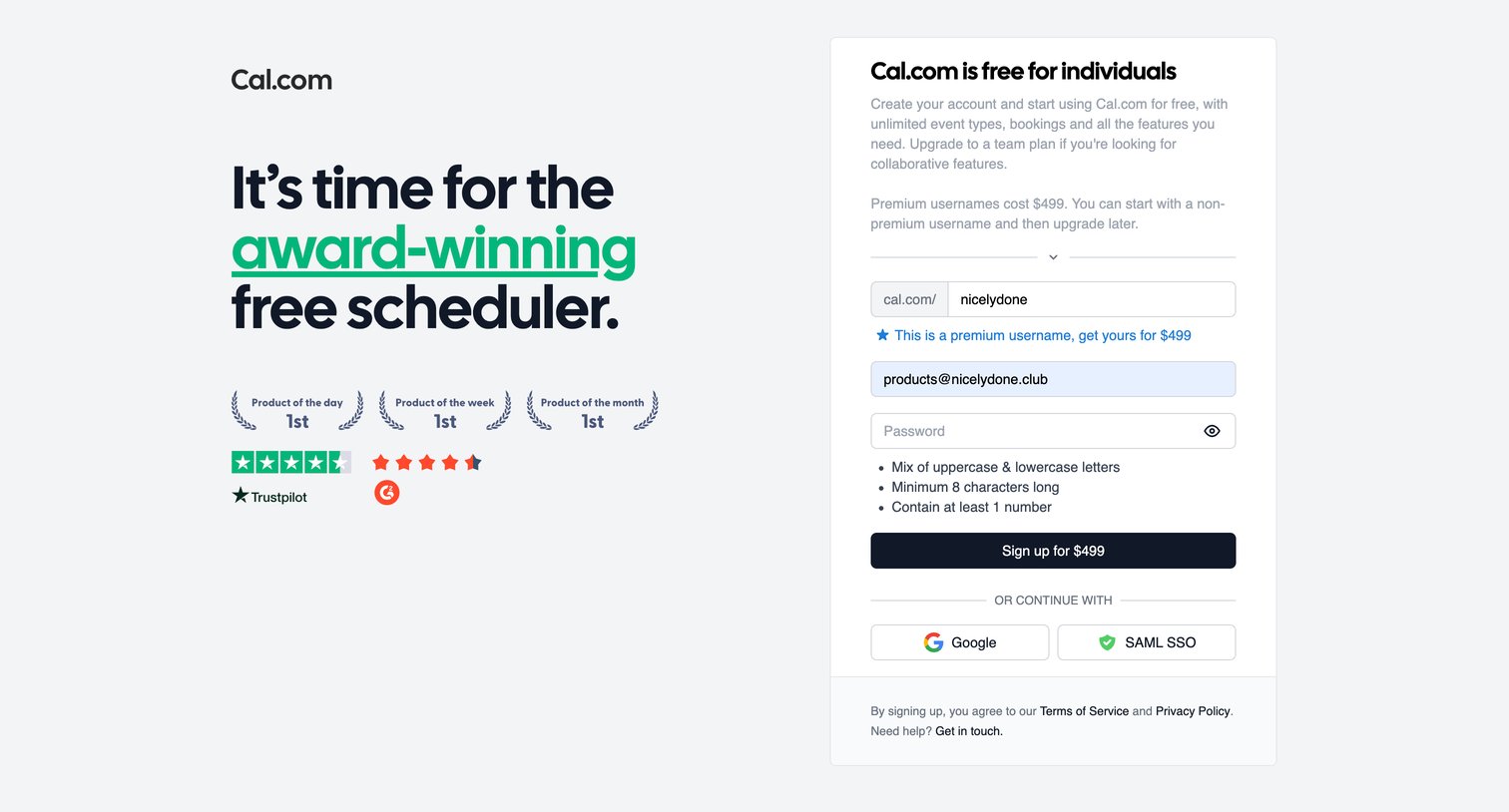
Signup page where the user creates an account, selects a premium username, and views password requirements, with options for Google and SAML SSO.

Cal.com - No Agenda Catchup | Matt Evans  Cal.com screen
Cal.com logo
Cal.com

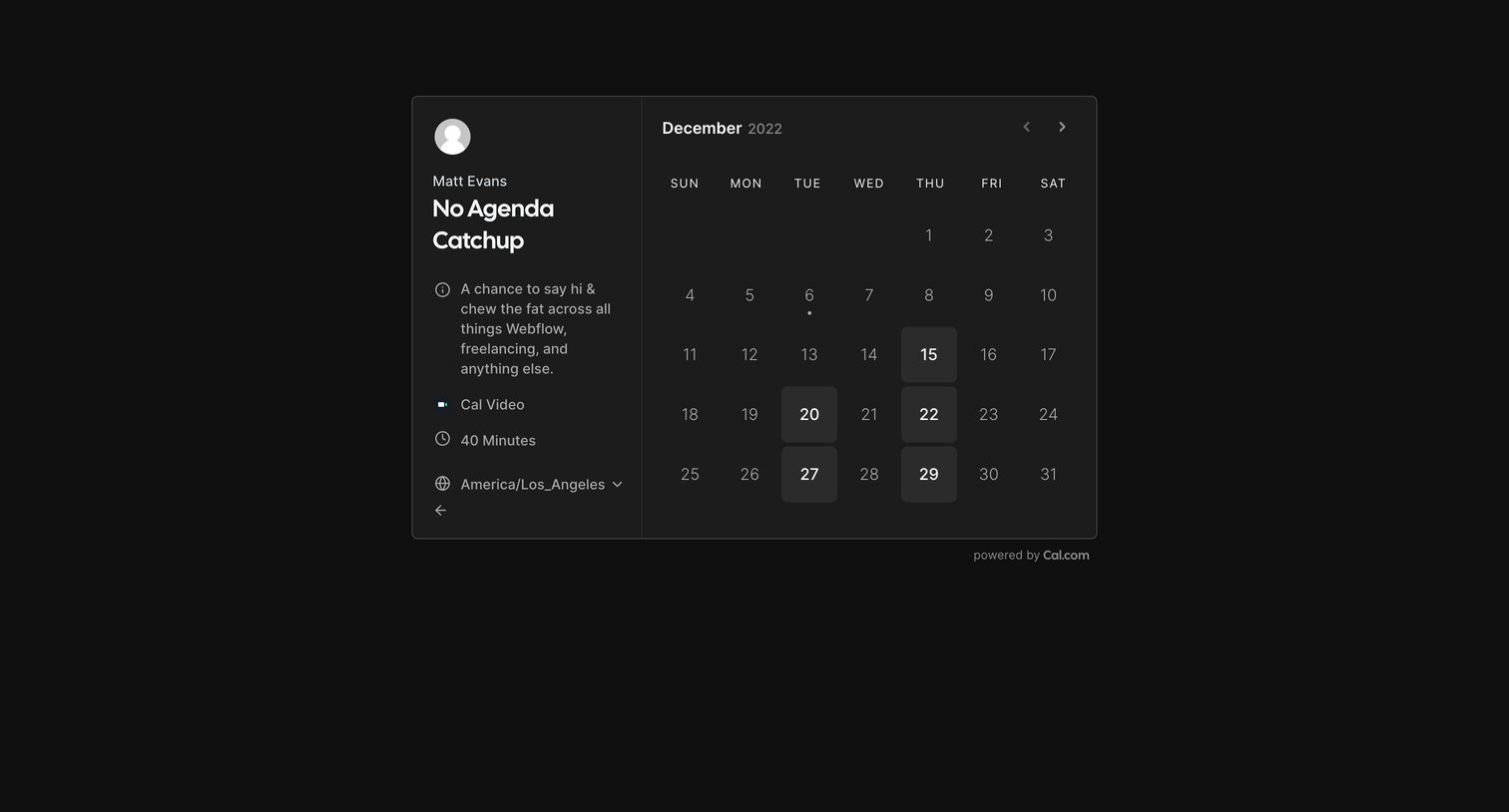
Detail page where a guest views meeting details for a No Agenda Catchup and selects a date from a calendar to schedule the appointment.
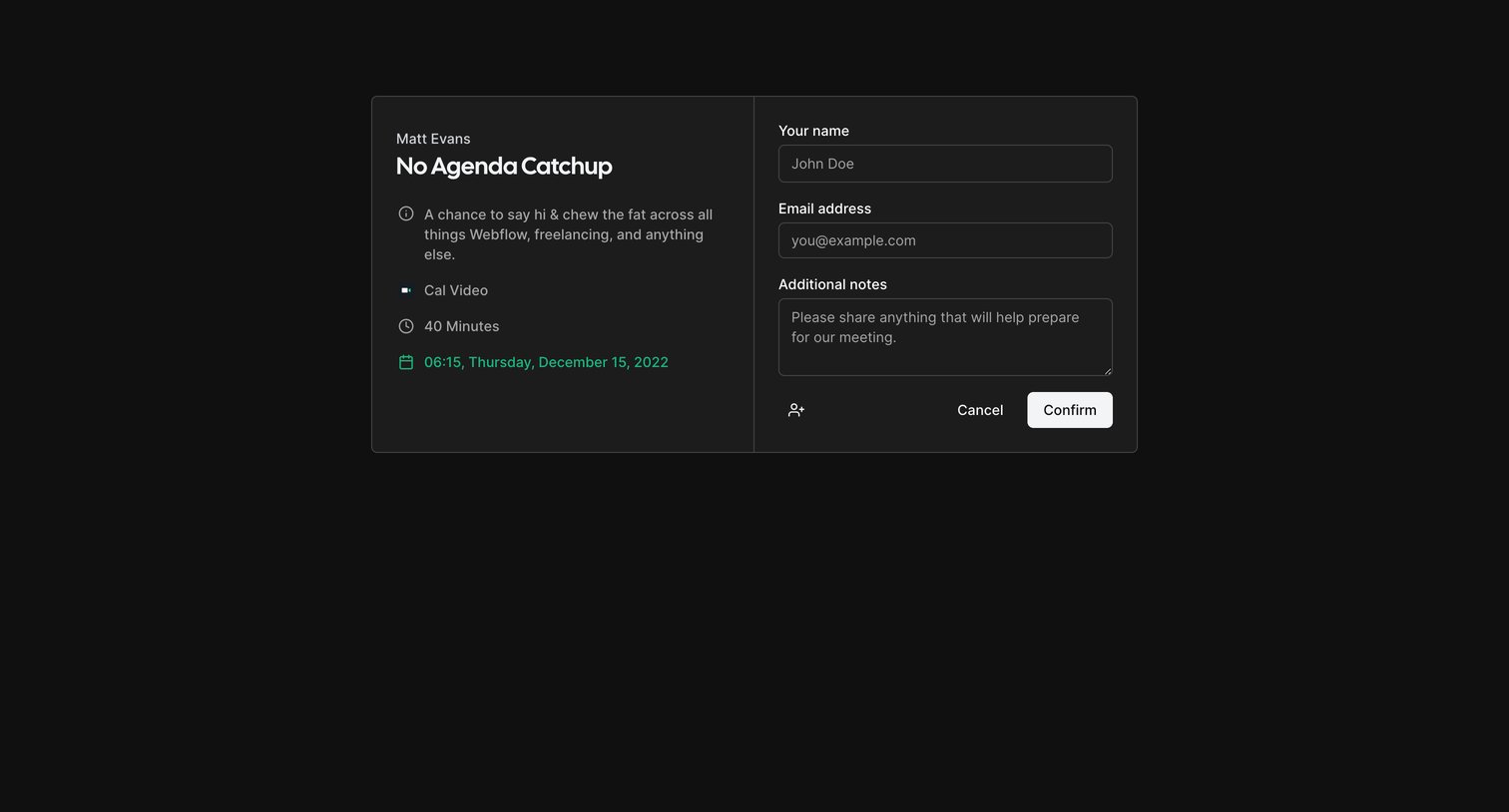
Cal.com - Confirm your No Agenda Catchup with Matt Evans | Cal.com screen
Cal.com logo
Cal.com

Booking page where the user confirms their name, email, and notes to schedule a 40-minute No Agenda Catchup.
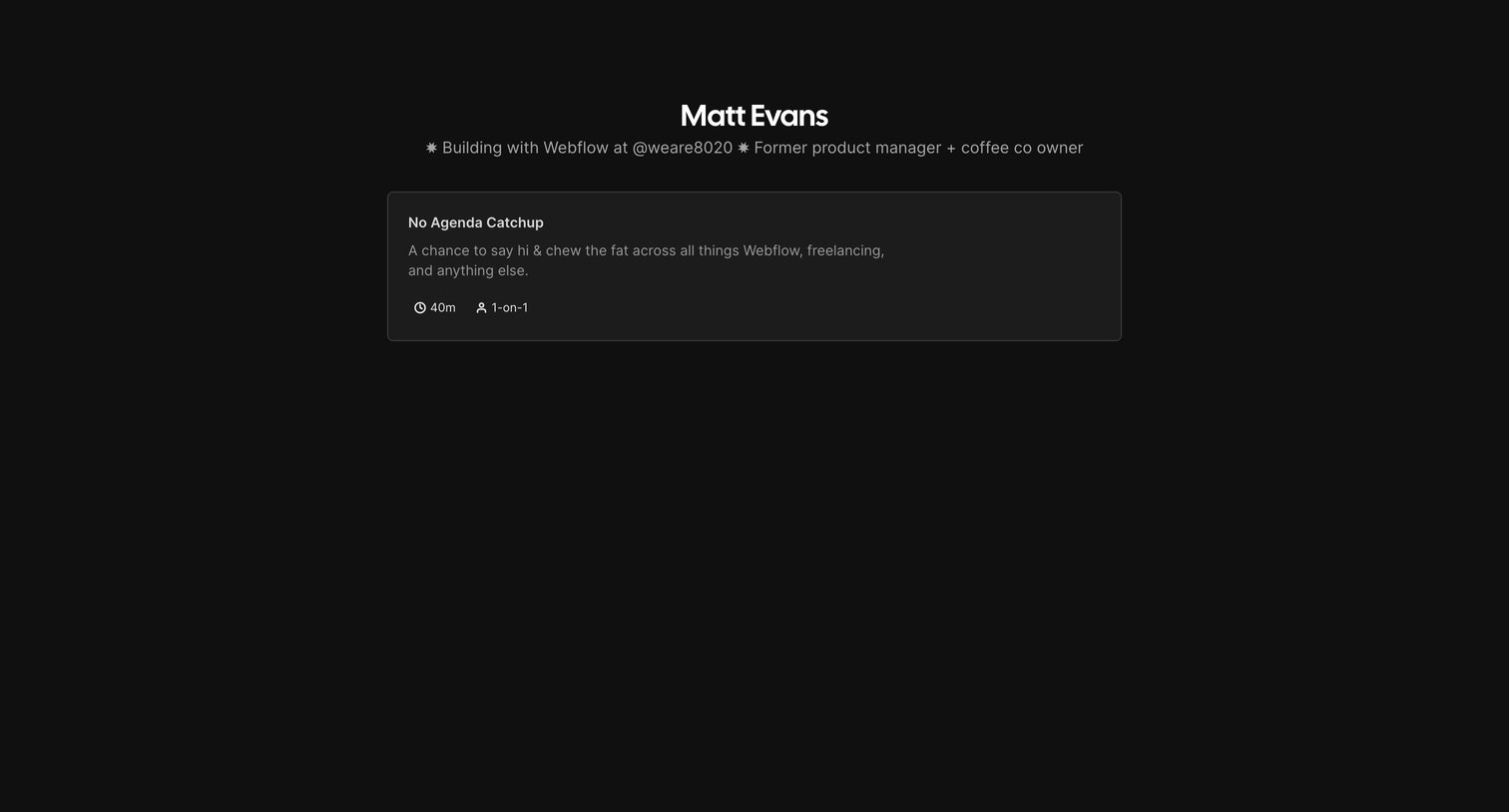
Cal.com - Matt Evans | Cal.com screen
Cal.com logo
Cal.com

Public profile page where a user lists their available meeting types, currently showing a single option for a casual catchup.
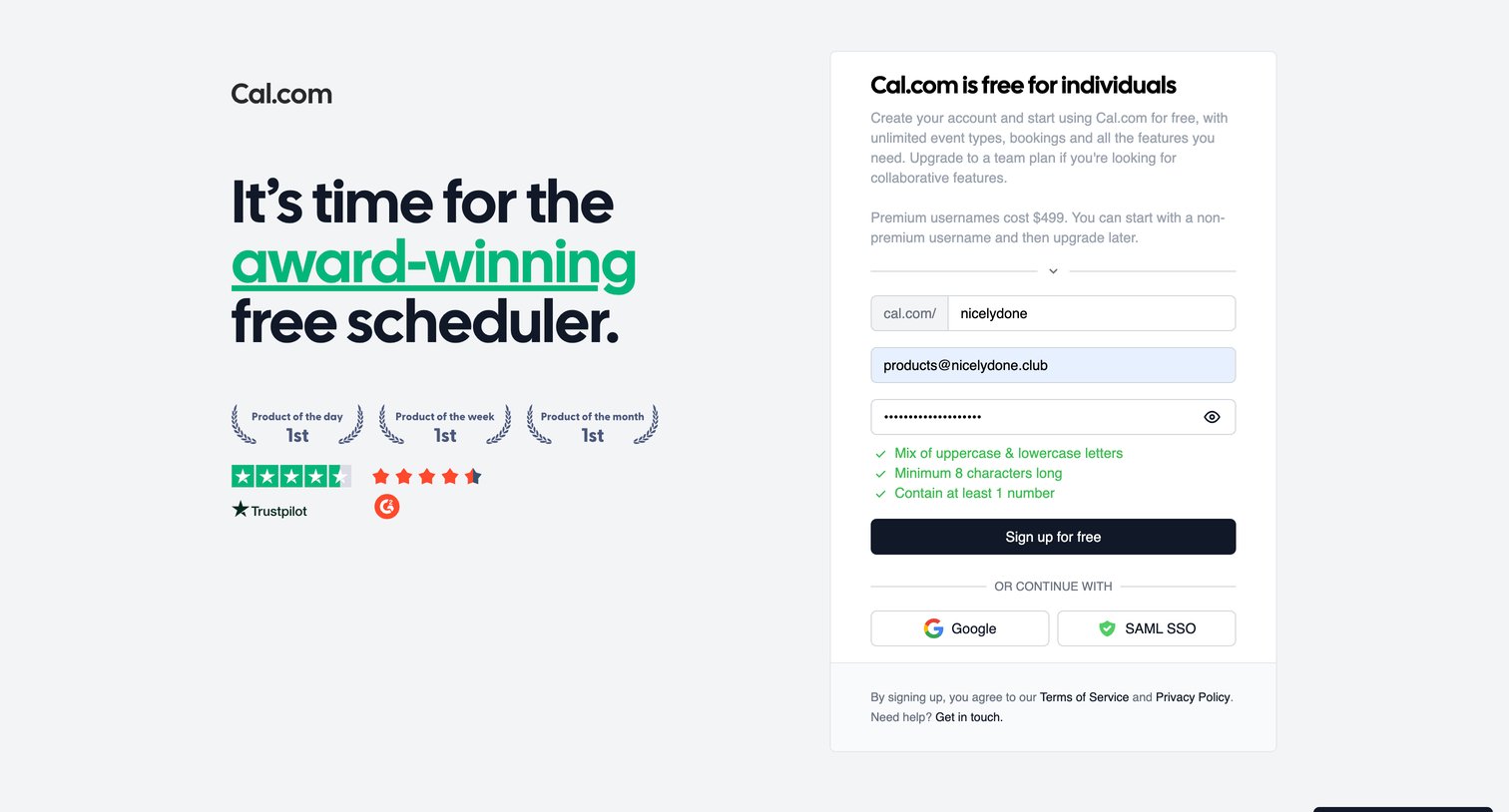
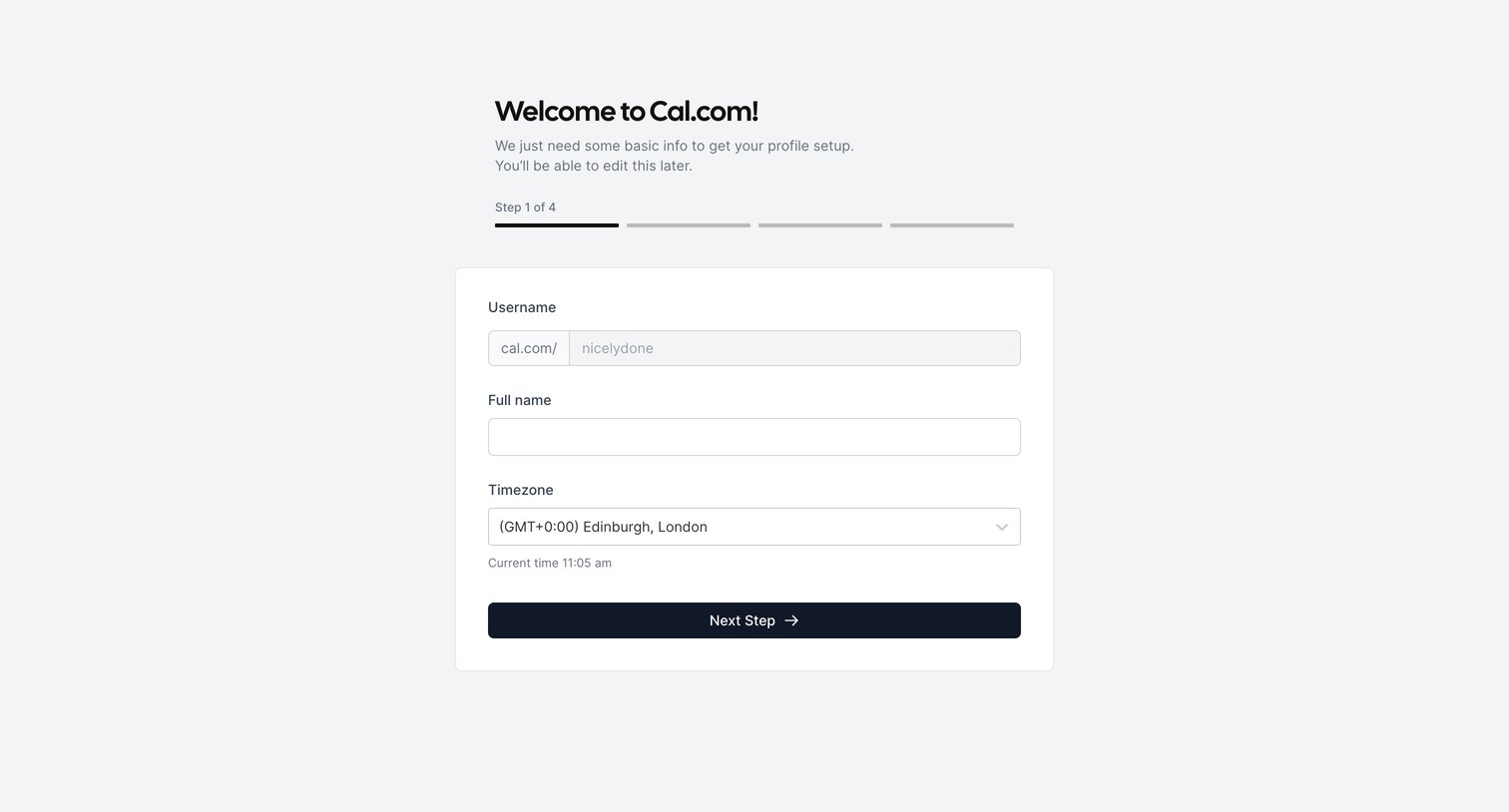
Cal.com - Cal.com | Sign Up screen
Cal.com logo
Cal.com

Signup screen where the user creates a Cal.com account by claiming a username and providing an email and password, or by authenticating via Google or SAML SSO, showing a successful completion toast.

Cal.com - Cal.com - Getting Started screen
Cal.com logo
Cal.com

Onboarding step where the user sets their username, full name, and timezone to complete their profile setup.

Explore the full SaaS screen library

Upgrade to unlock the full library.

Trusted by the best teams