Cal.com user flows examples
Explore Cal.com user flow examples. Preview the opening screens and steps for each task. Open Scheduling Infrastructure
Preview these flows

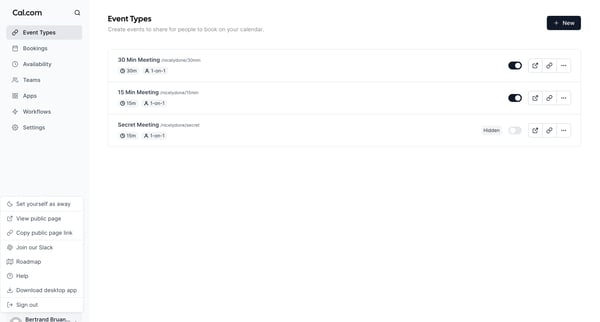
This flow enables the user to manage their calendar by setting availability, creating event types, and sharing their booking page.
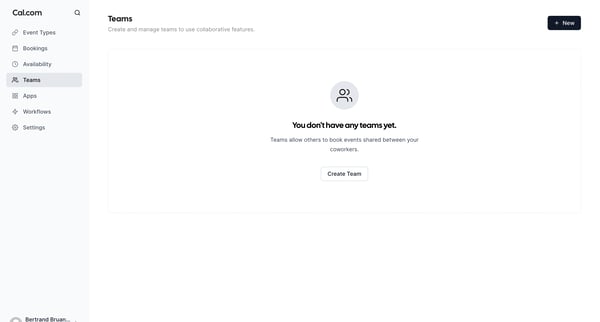
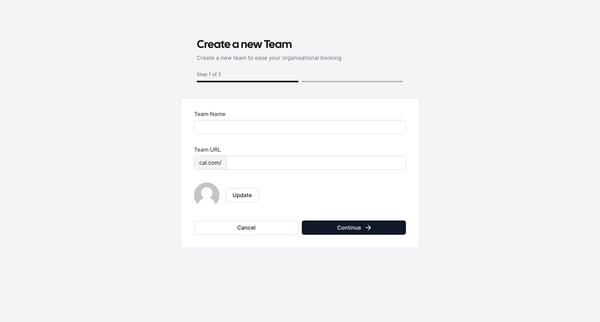
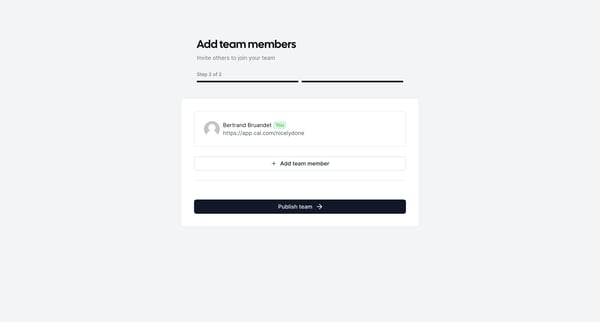
This flow illustrates the process of creating a team within Cal.com, allowing for collaborative event bookings among coworkers.
Explore the full SaaS flow library
Browse the full SaaS flow library.
Trusted by the best teams







