Blink Health design examples
Explore Blink Health UI design examples. The cure for high drug prices
Product screens
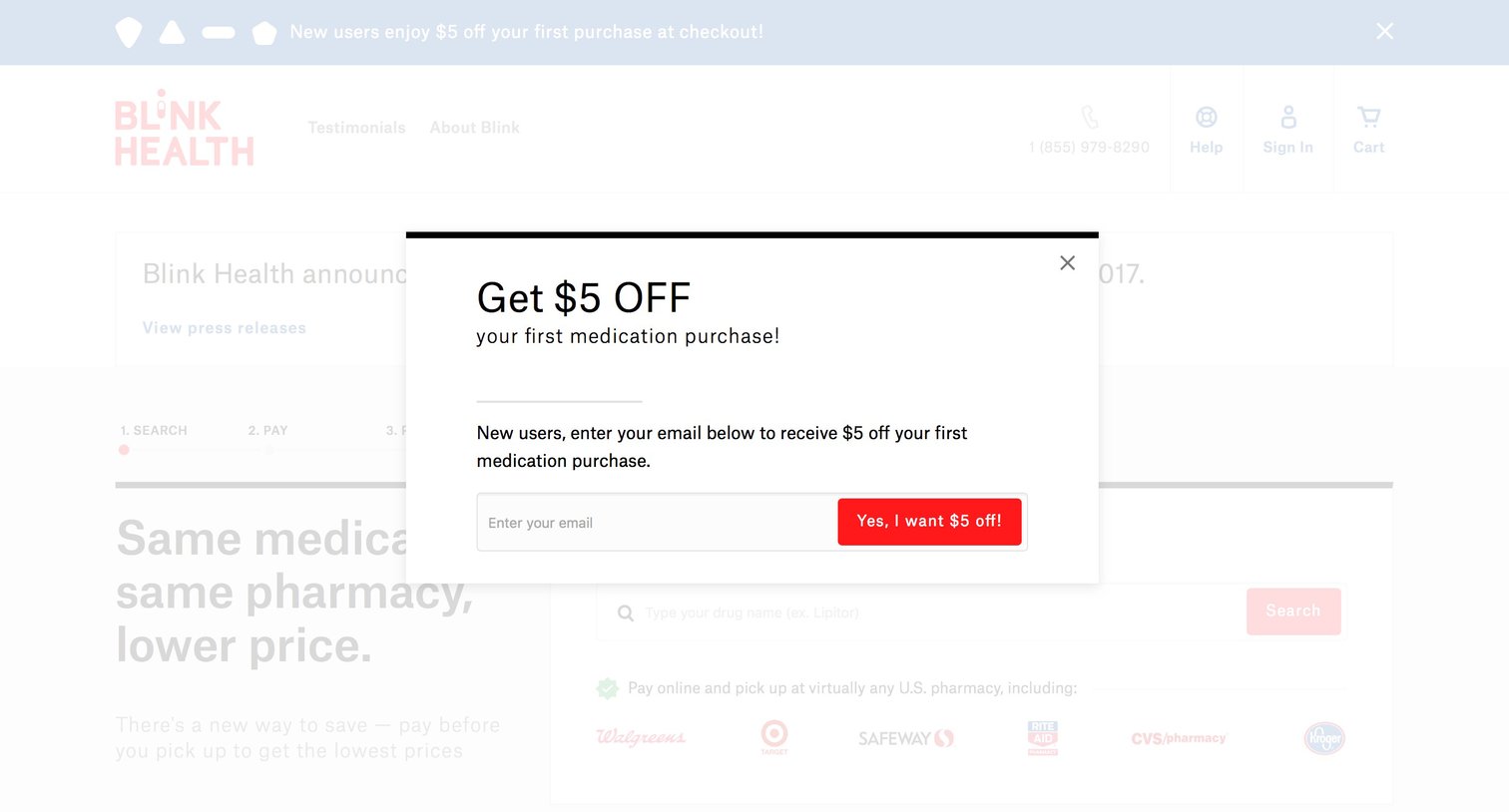

Landing page with a modal overlay prompting the user to enter their email for a $5 discount on their first medication purchase.
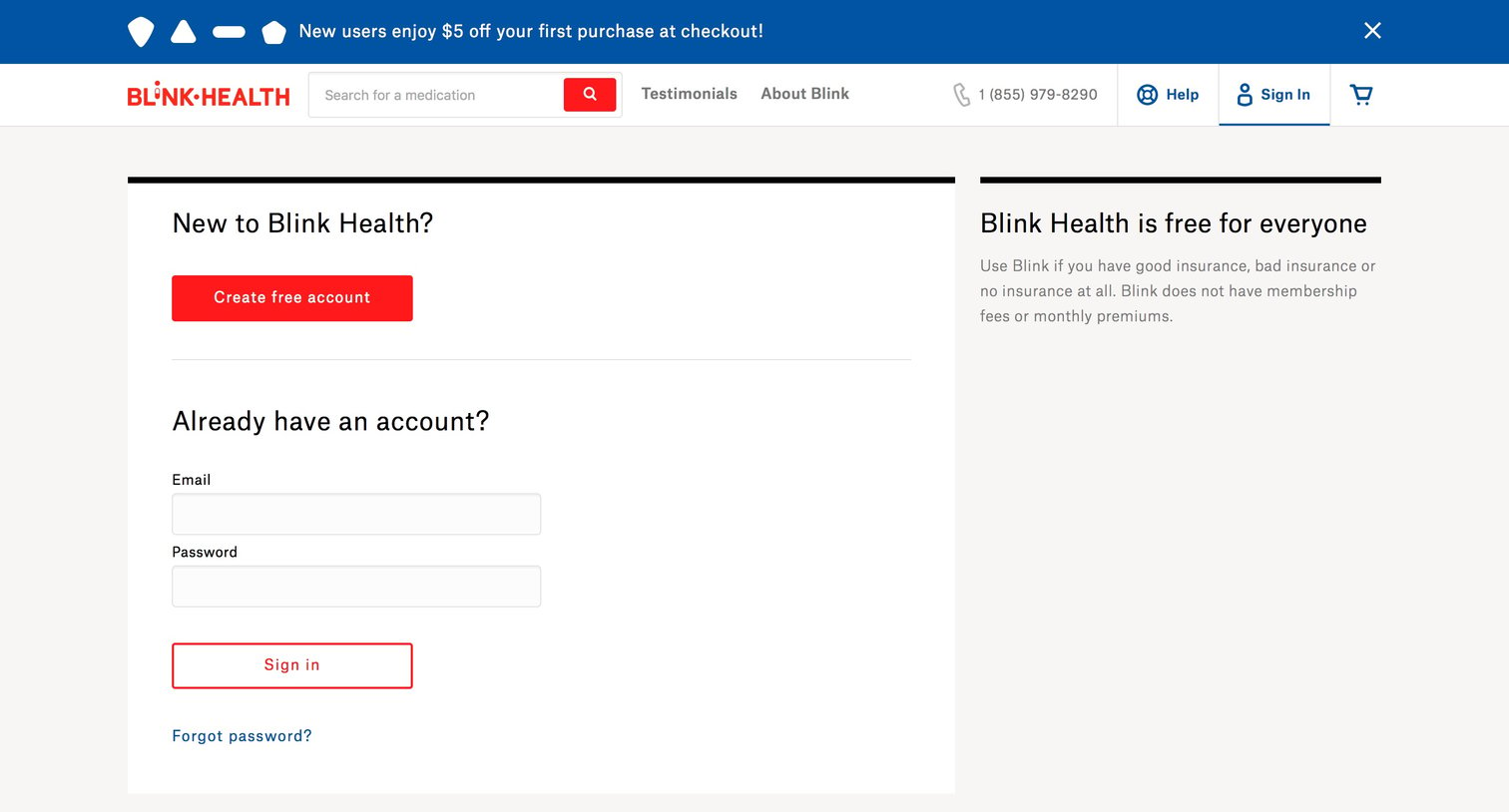
Authentication screen where the user can either create a new free account or sign in to their existing Blink Health account.
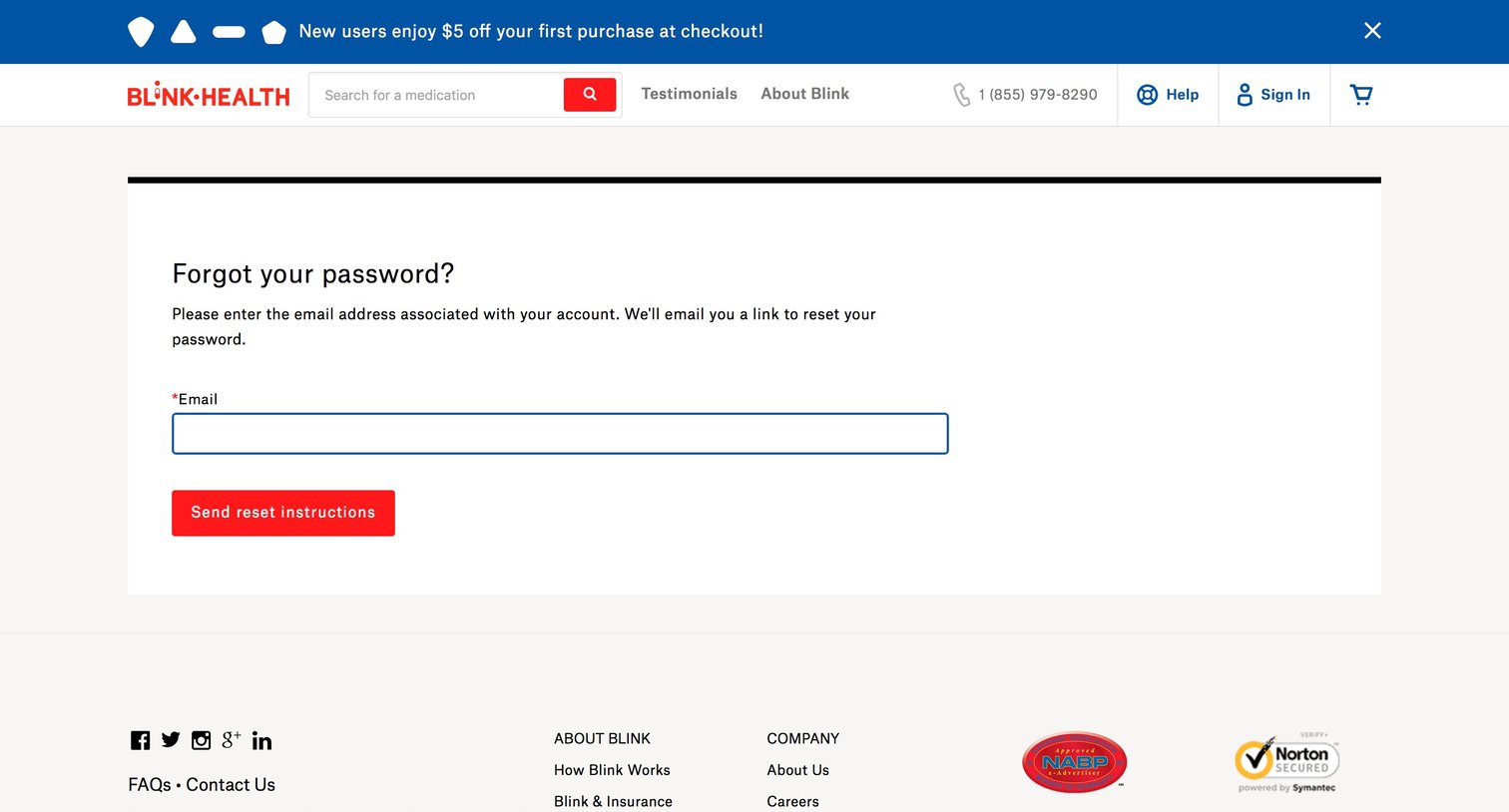
Password recovery screen where the user enters their email address to receive reset instructions.
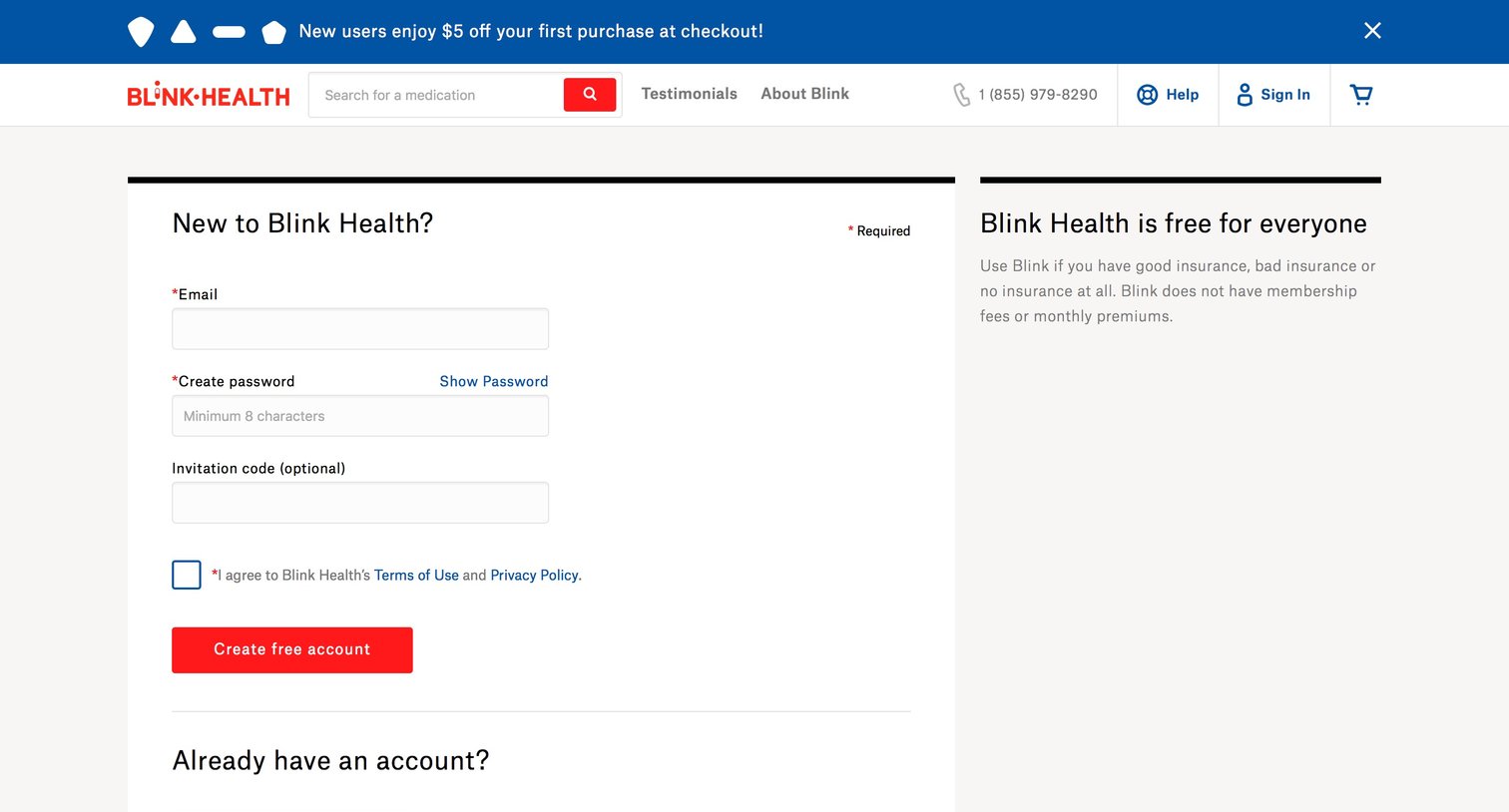
Signup page where a new user creates an account using their email and a password, with an option to enter an invitation code.
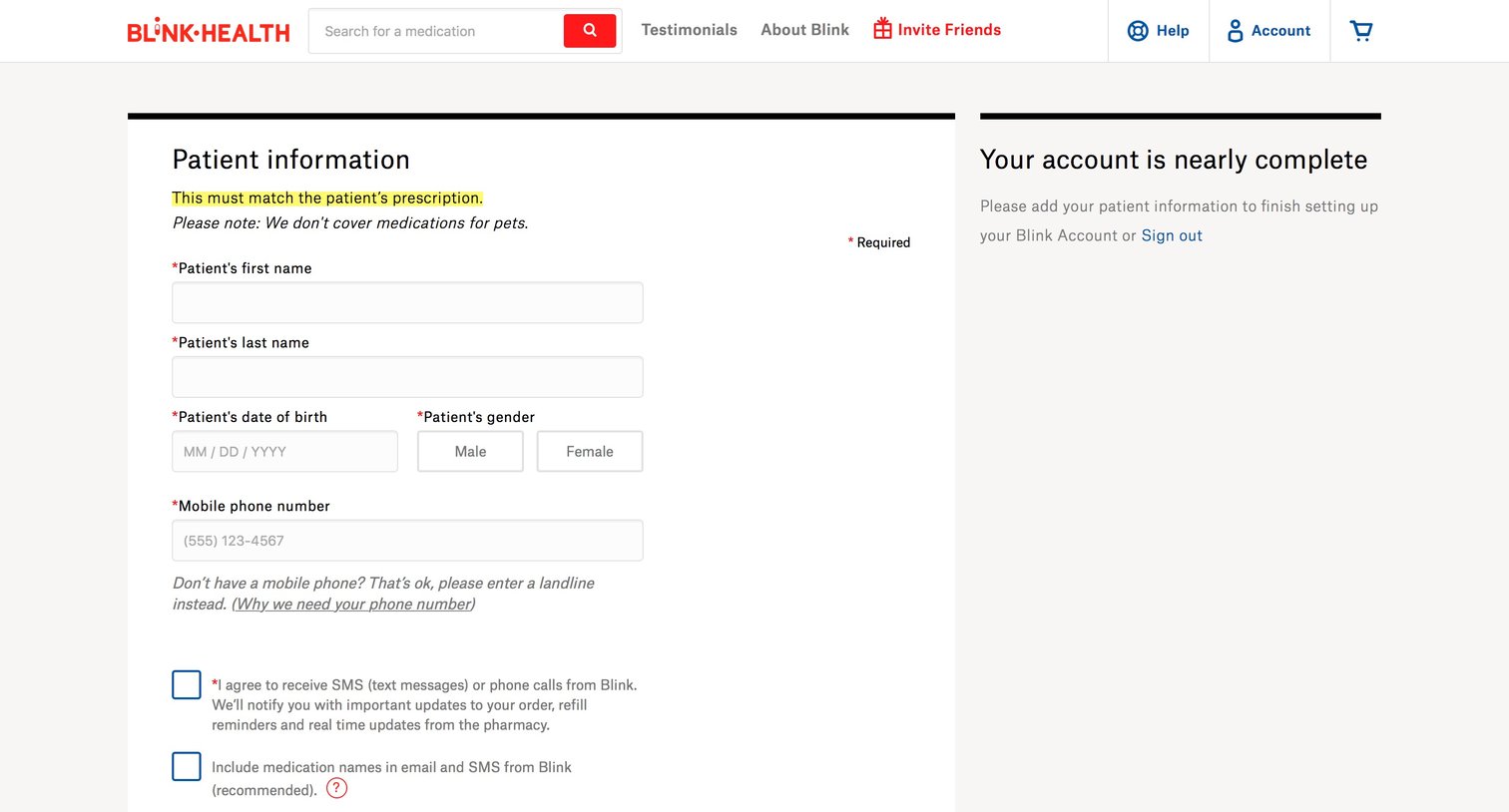
Onboarding step where the user provides patient information like name, date of birth, gender, and phone number to complete their account setup.

Account settings page where the user can manage their profile, view medication order history, check their wallet balance, and access their pharmacy card.

Landing page where a logged-in user can search for prescriptions, view a promotional banner, and access their account menu.
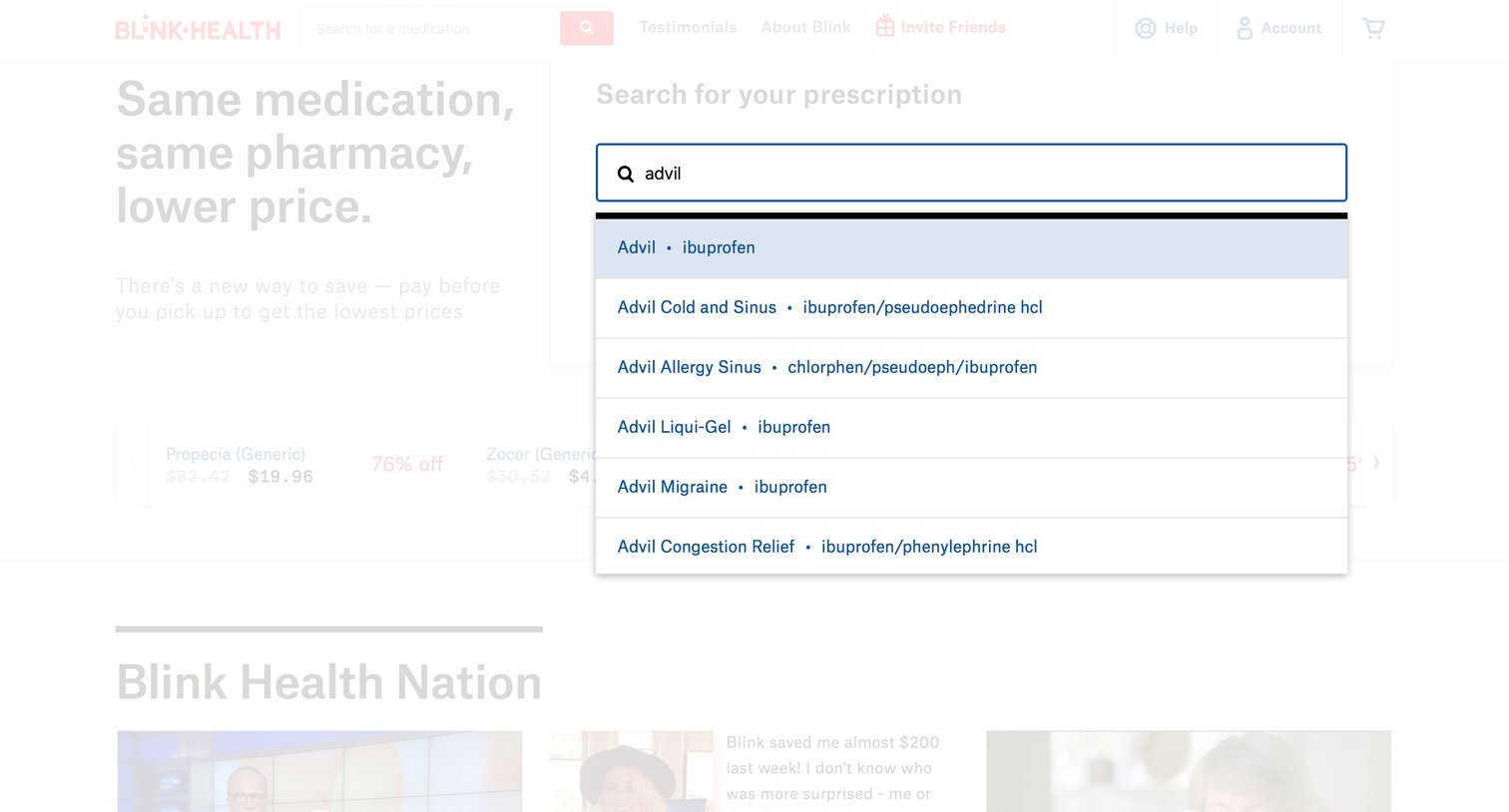
Landing page where the user searches for their prescription medication to find discounted prices.
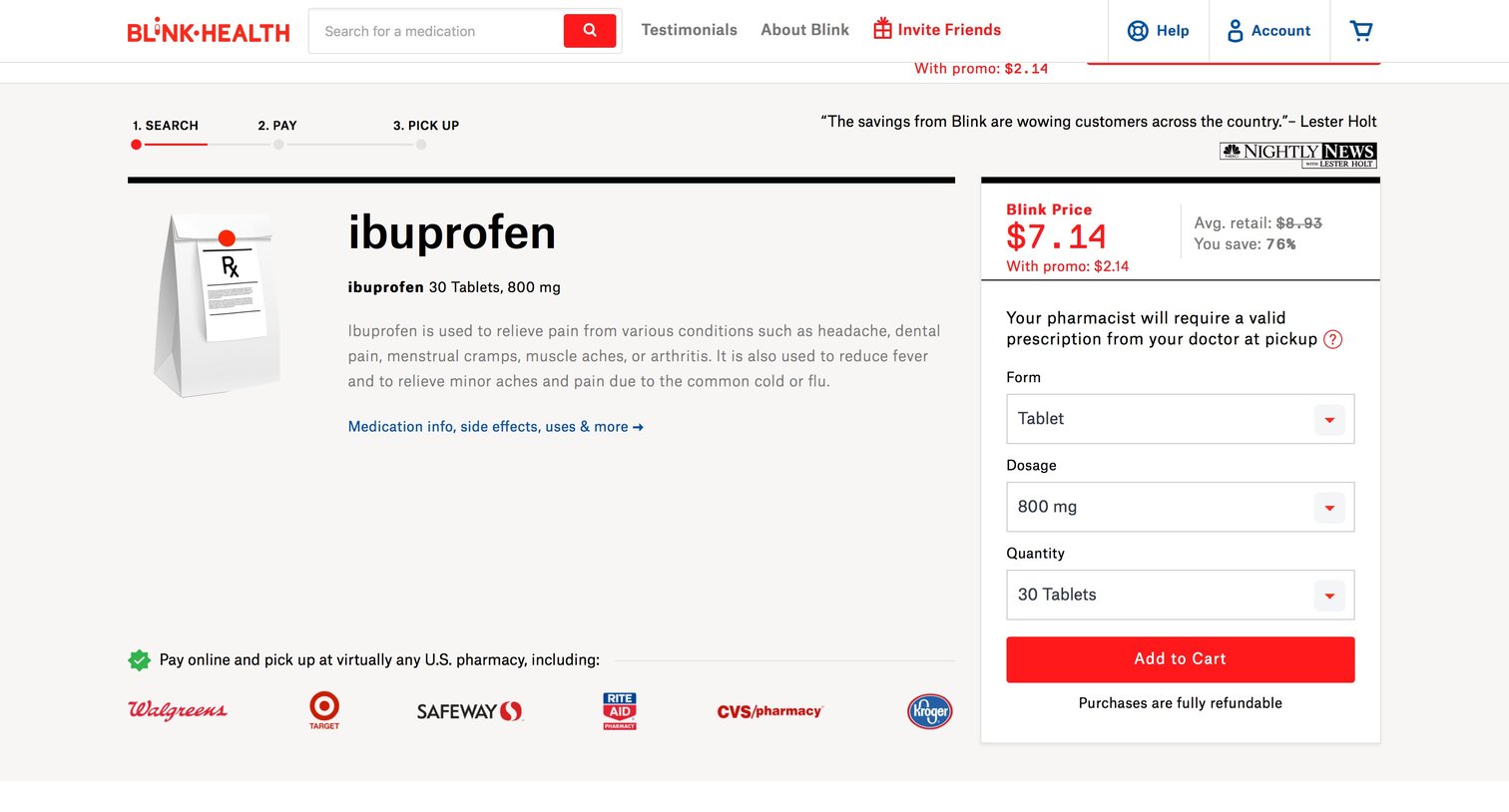
Product page for a specific medication where the user can select form, dosage, and quantity to see the discounted price and add it to their cart, while also viewing participating pharmacies on a map.
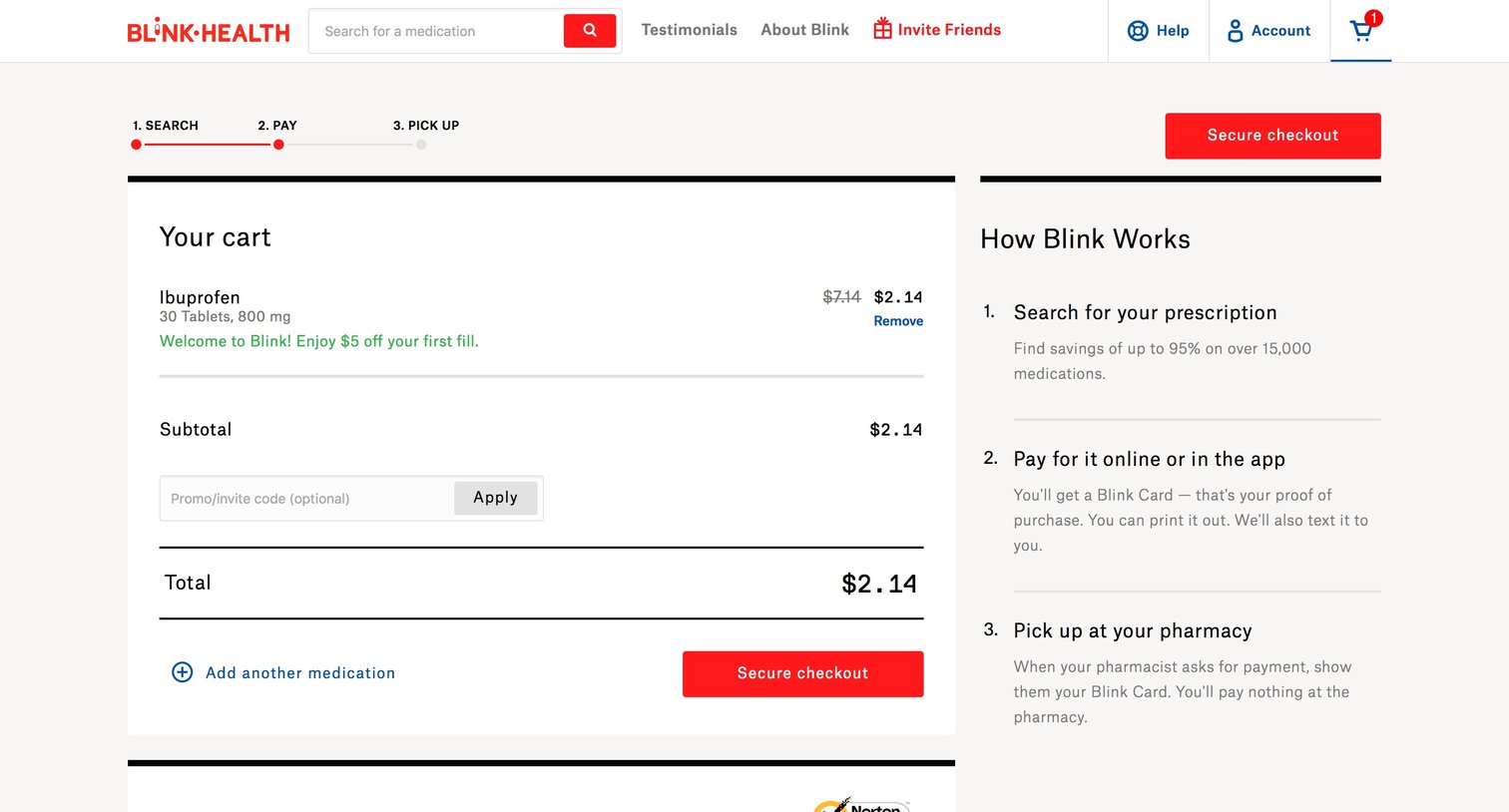
Checkout page where the user reviews their cart containing Ibuprofen, applies a promo code, and proceeds to secure payment.
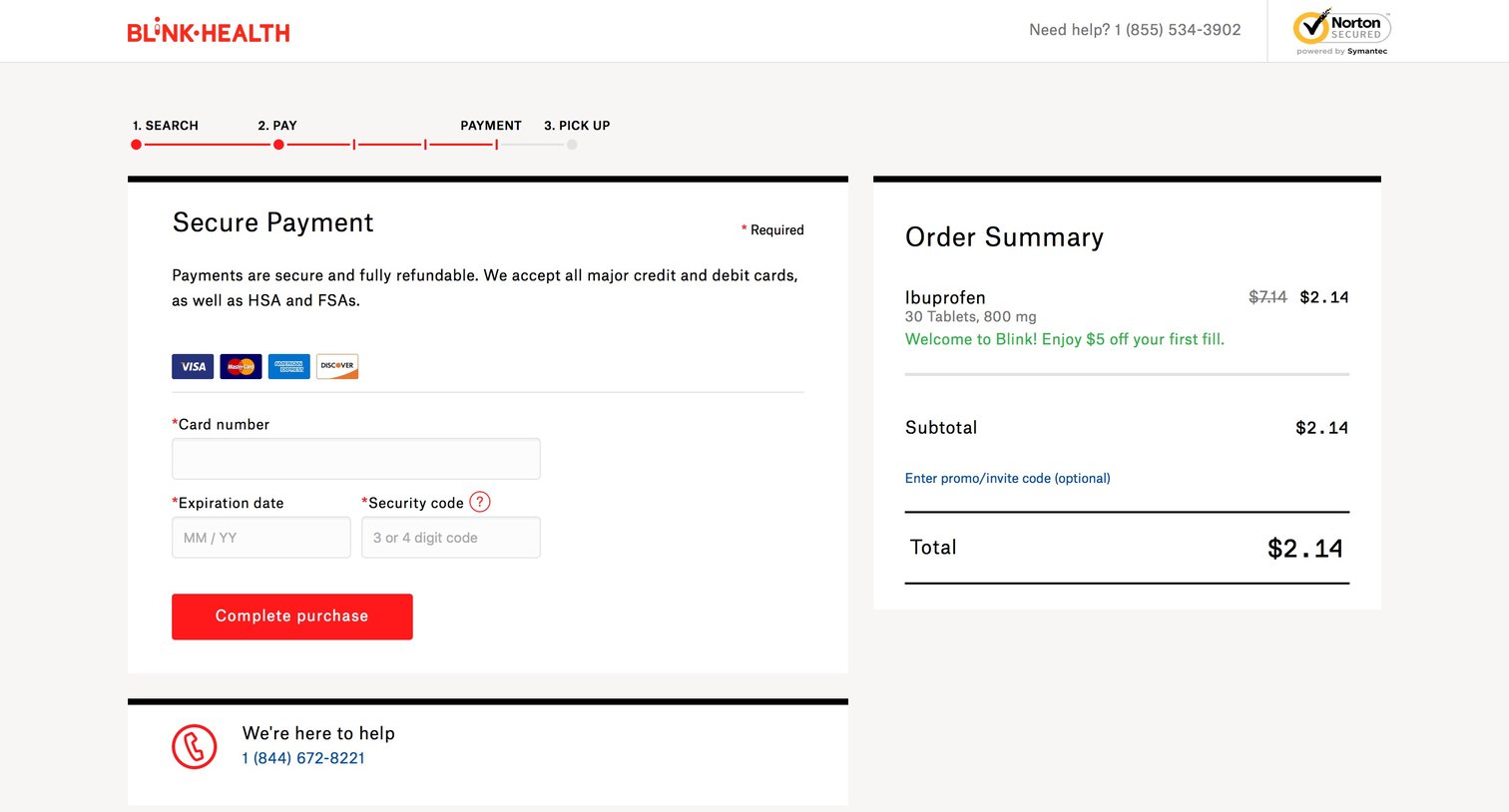
Checkout page where the user enters their credit card details to complete the purchase of a medication.
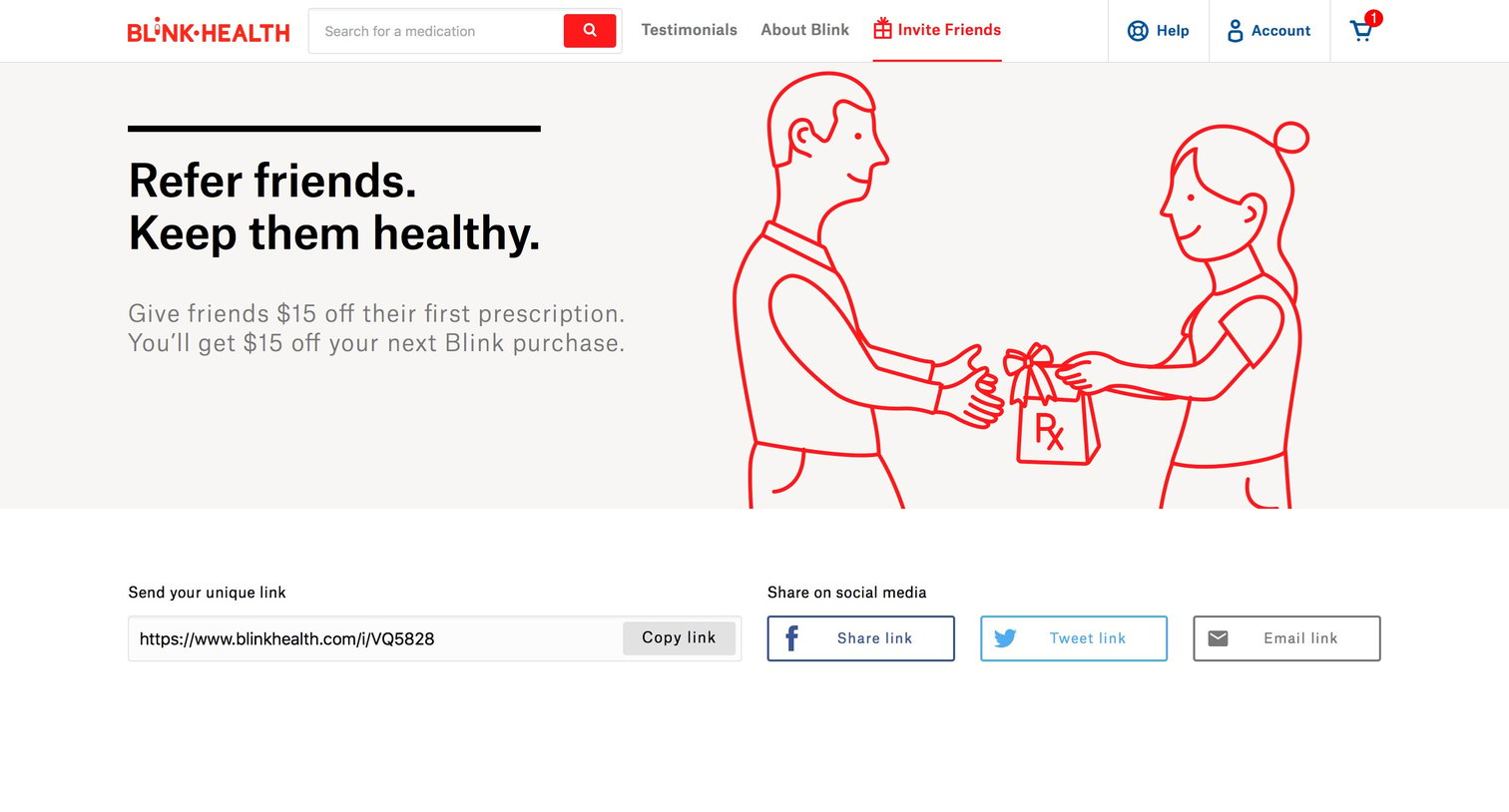
Marketing landing page where the user can refer friends to Blink Health via a unique link or social media to give and receive a $15 discount.
Browse the full SaaS app library
Explore real SaaS apps with their product screens, marketing screens, flows, and components.
Trusted by the best teams







