Airfocus product screens examples
Browse Airfocus screen design examples. Preview the interface screenshots and explore related UI patterns. A platform built for the new way of doing product management
Explore the examples
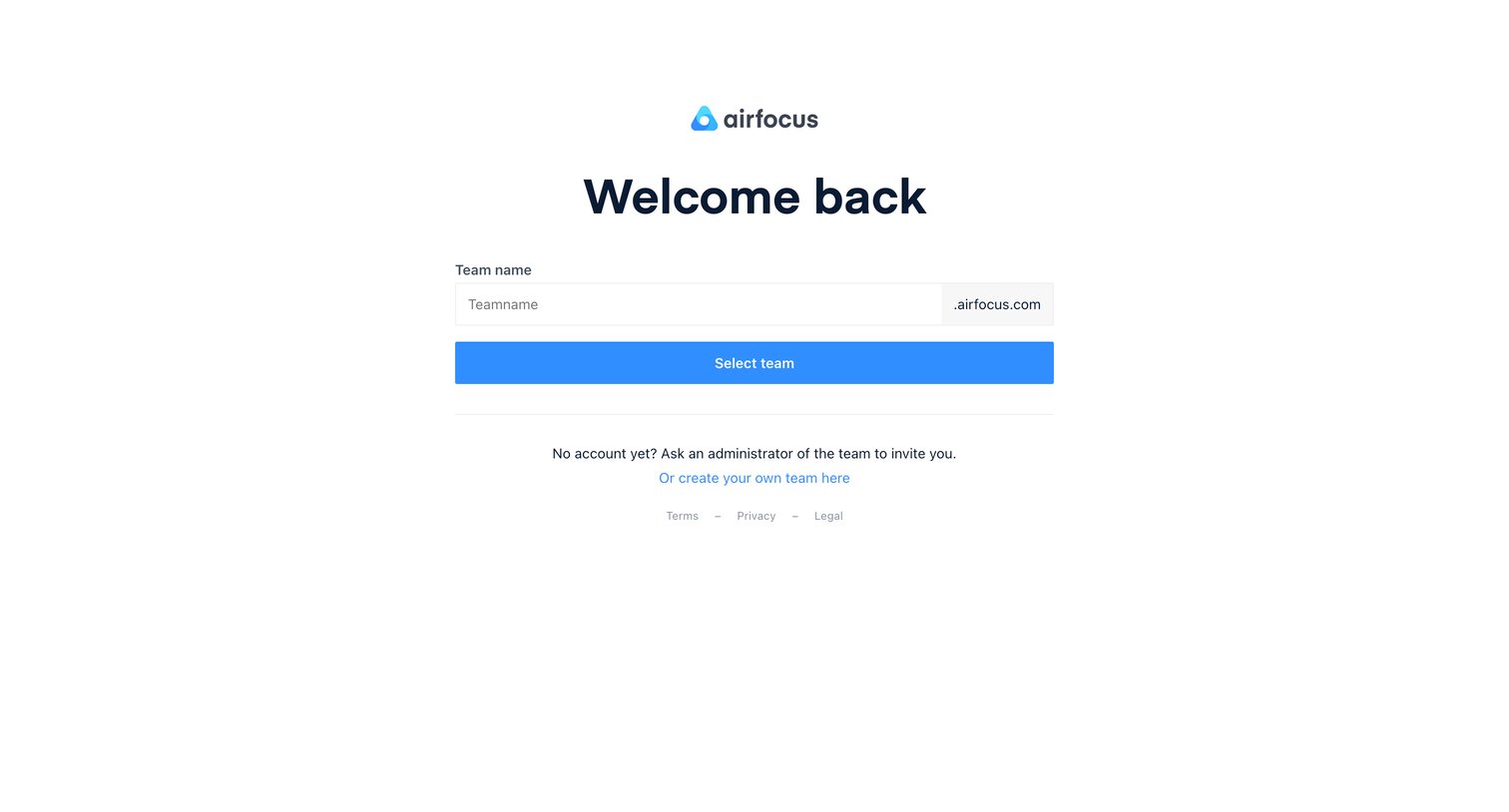

Sign-in screen where the user enters their team name to route to their specific workspace subdomain.
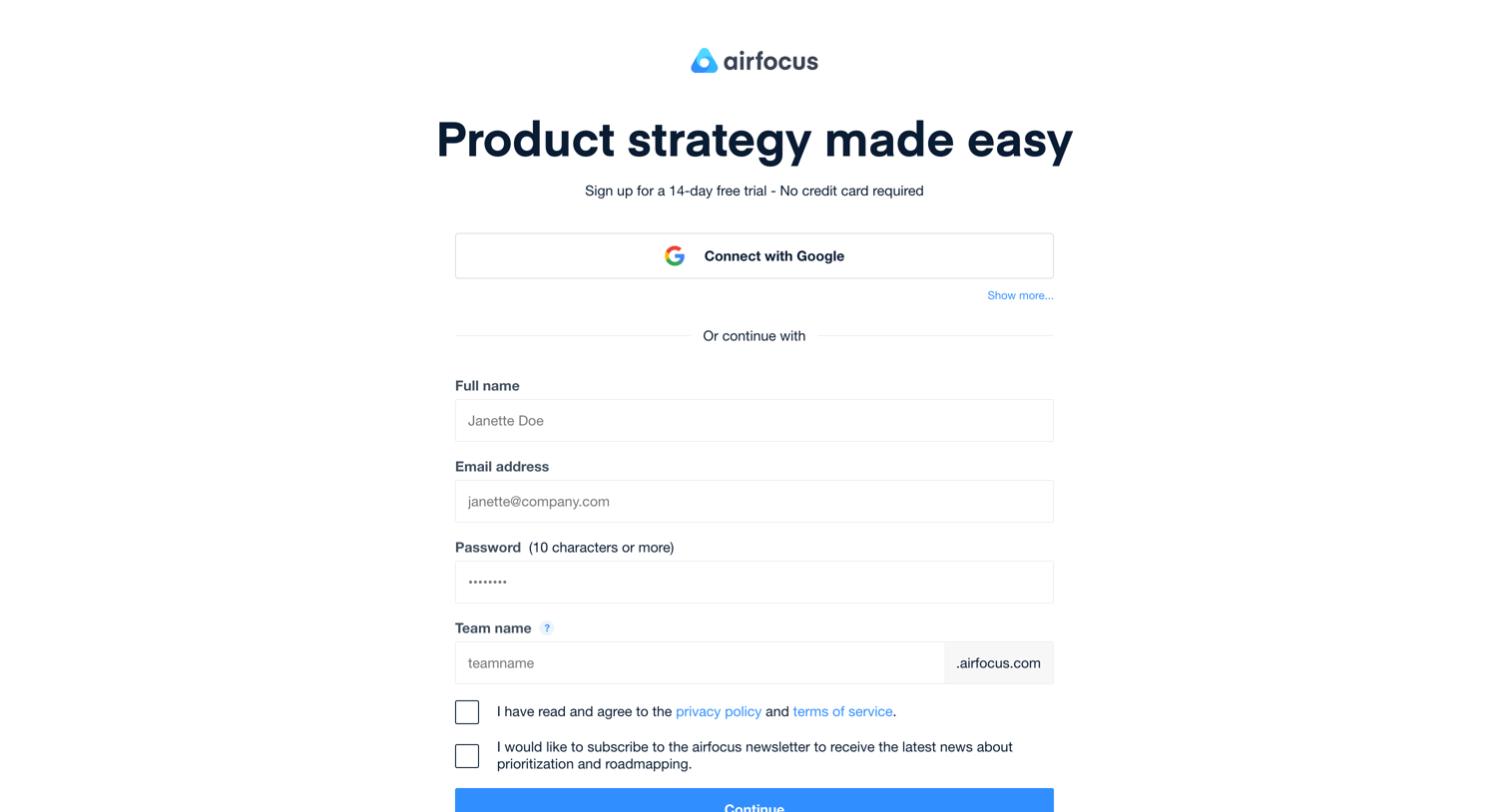
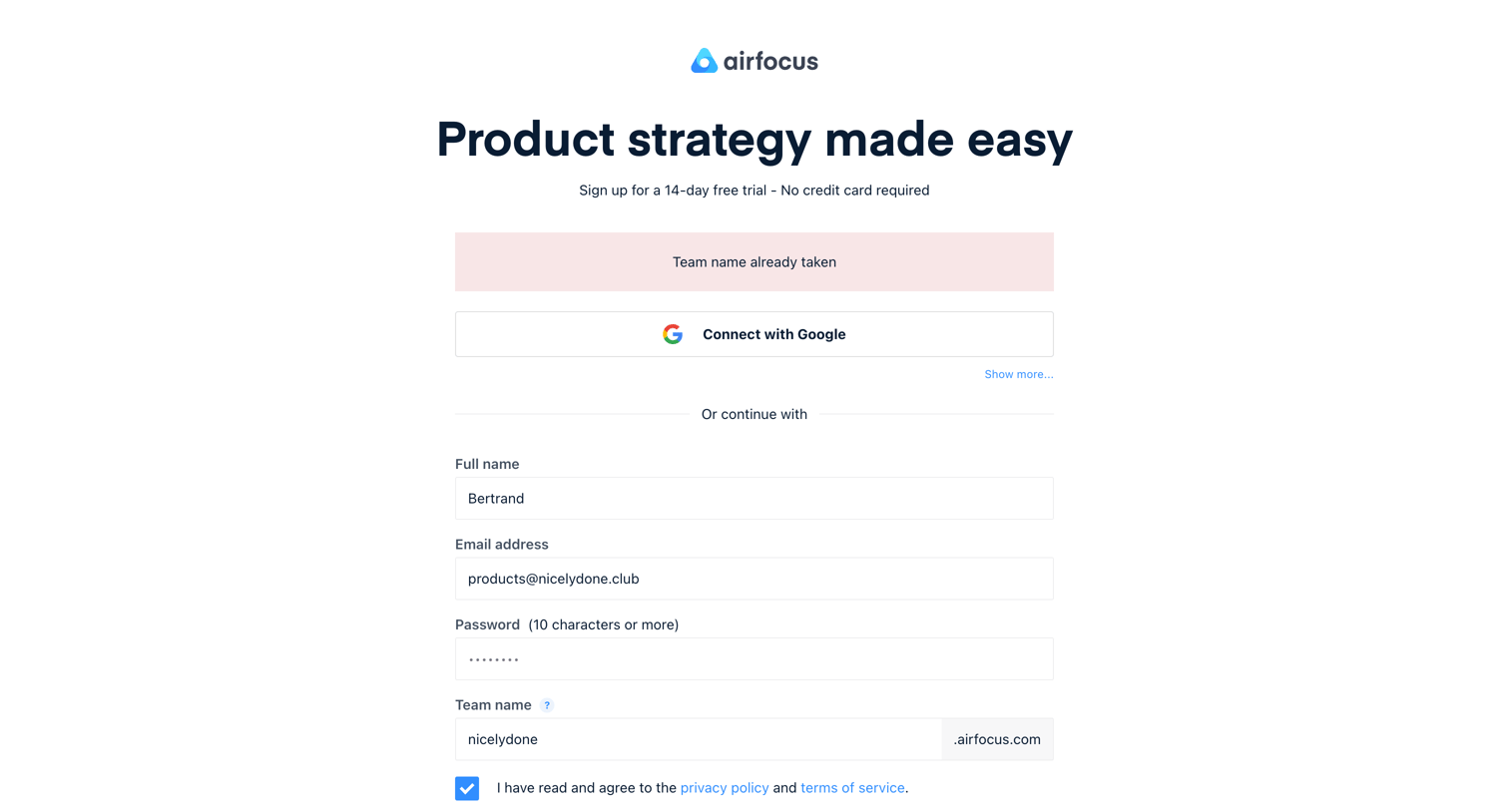
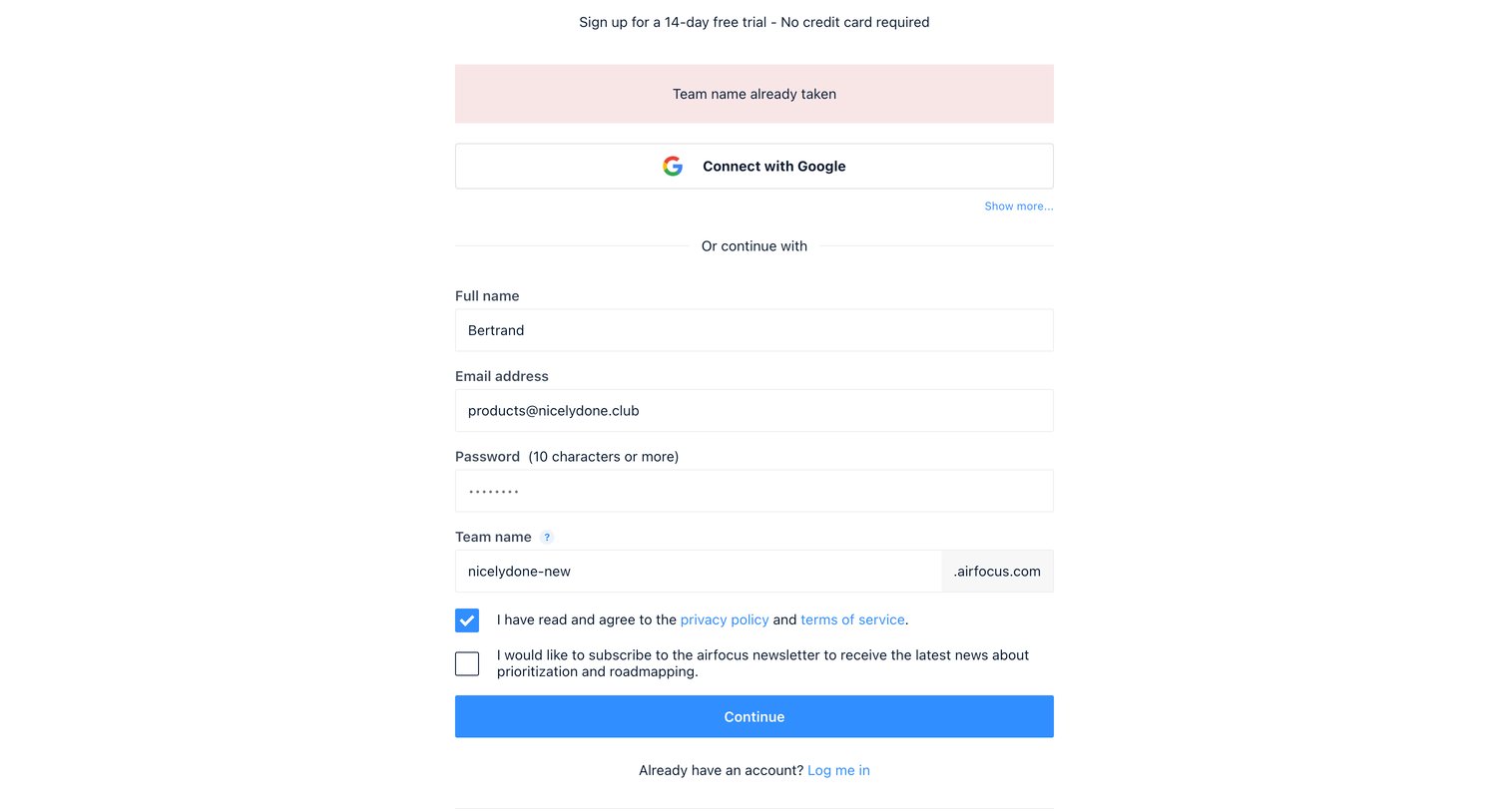
Signup page where the user creates an account using Google or by providing their name, email, password, and a custom team workspace URL.
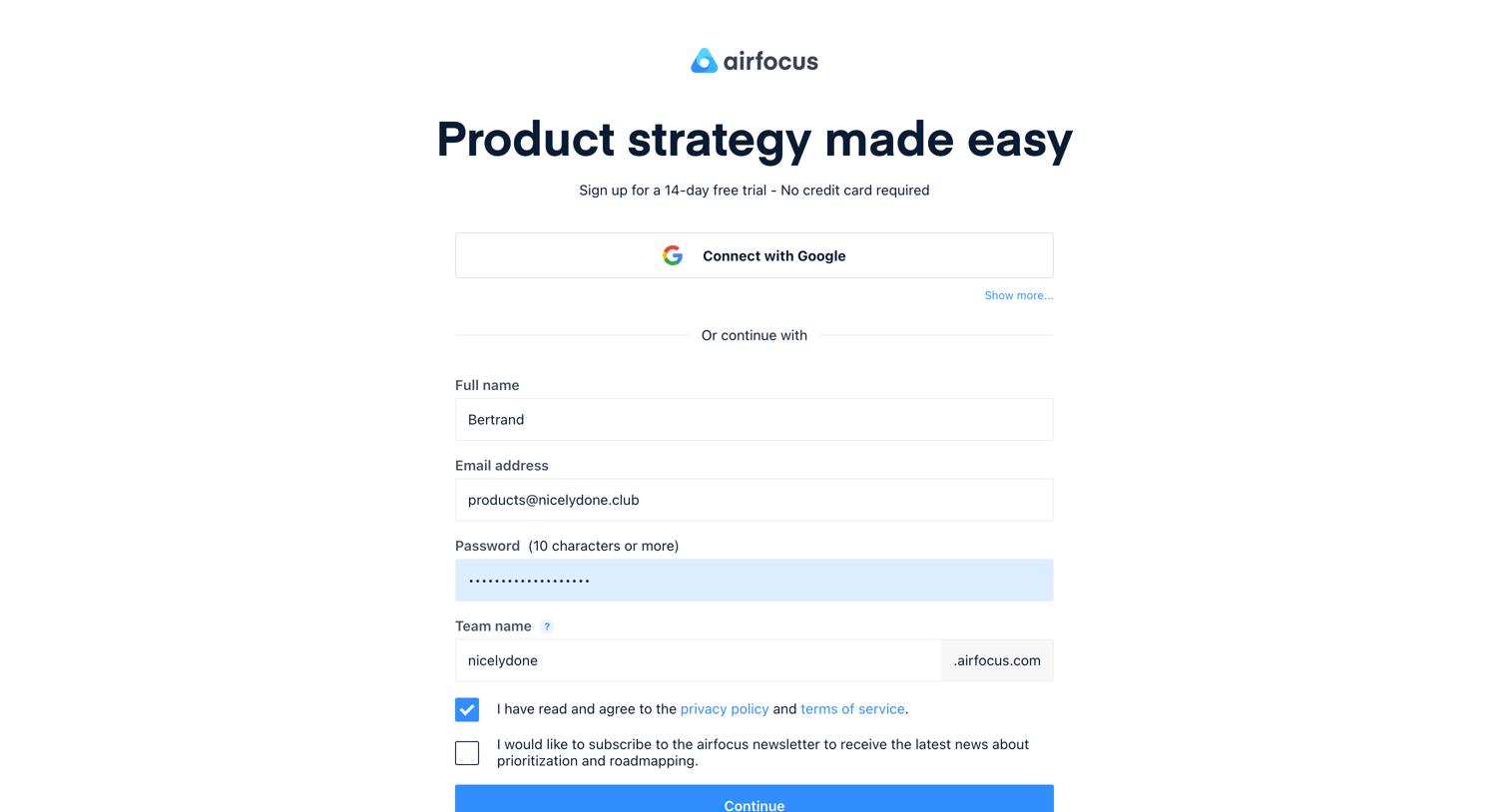
Signup page where the user enters their details, team name, and password to start a 14-day free trial, with an option to connect via Google.

Onboarding step where the user sets up their account by selecting their company size, role, and entering a phone number.
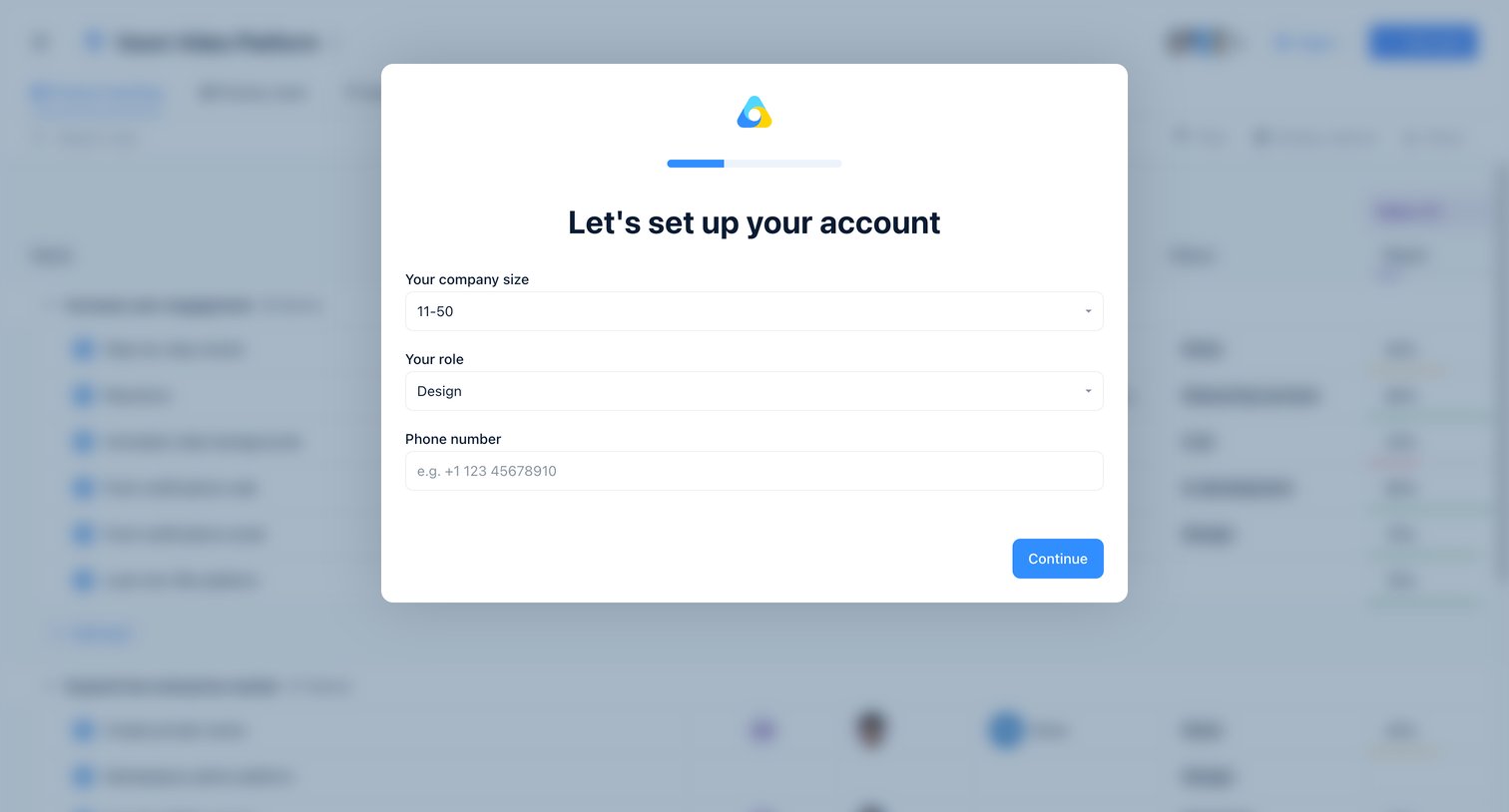
Onboarding step where the user selects their company size and role, and provides a phone number to set up their account.
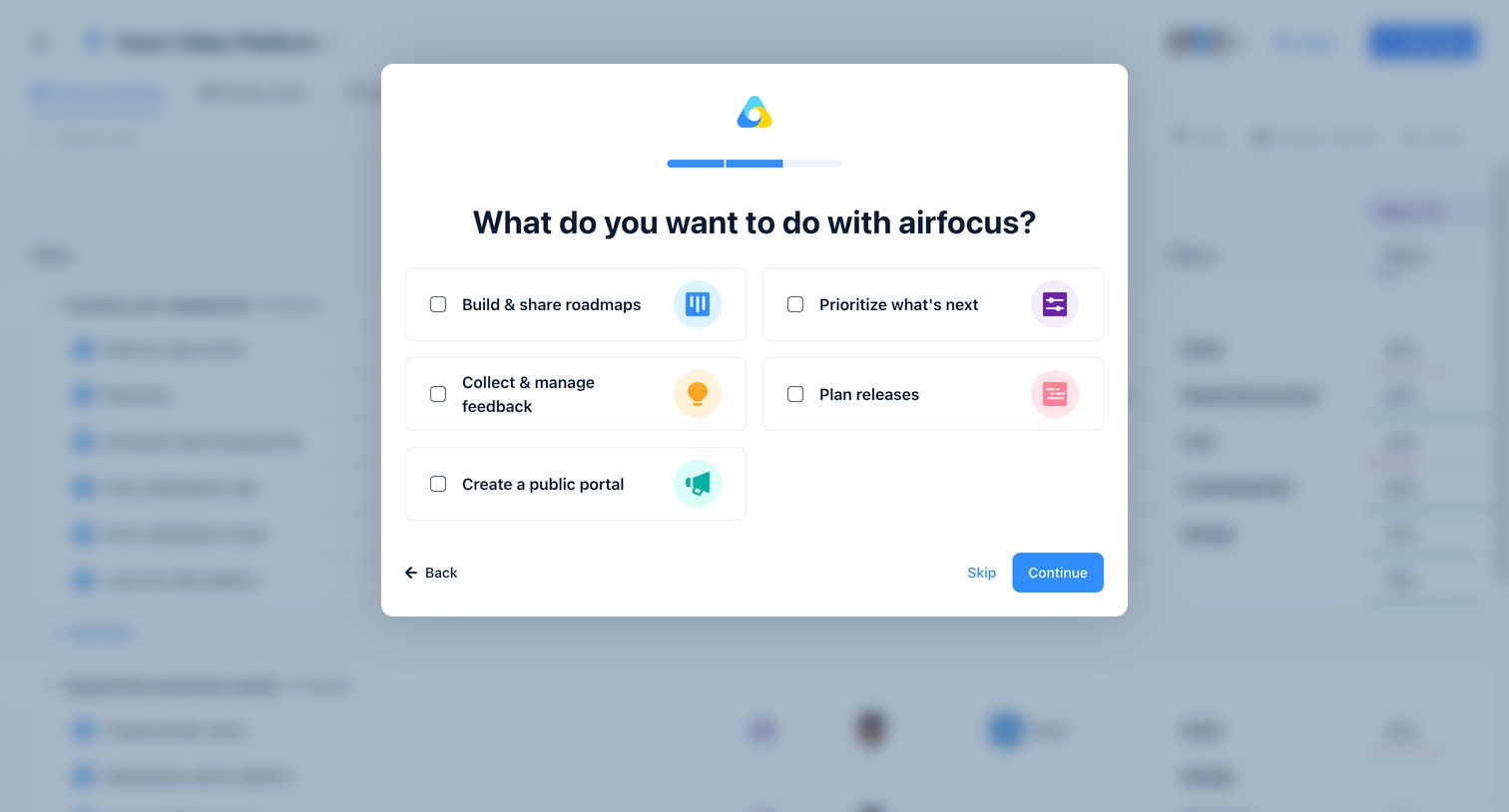
Onboarding step where the user selects their primary use cases, such as building roadmaps or managing feedback, to customize their workspace.
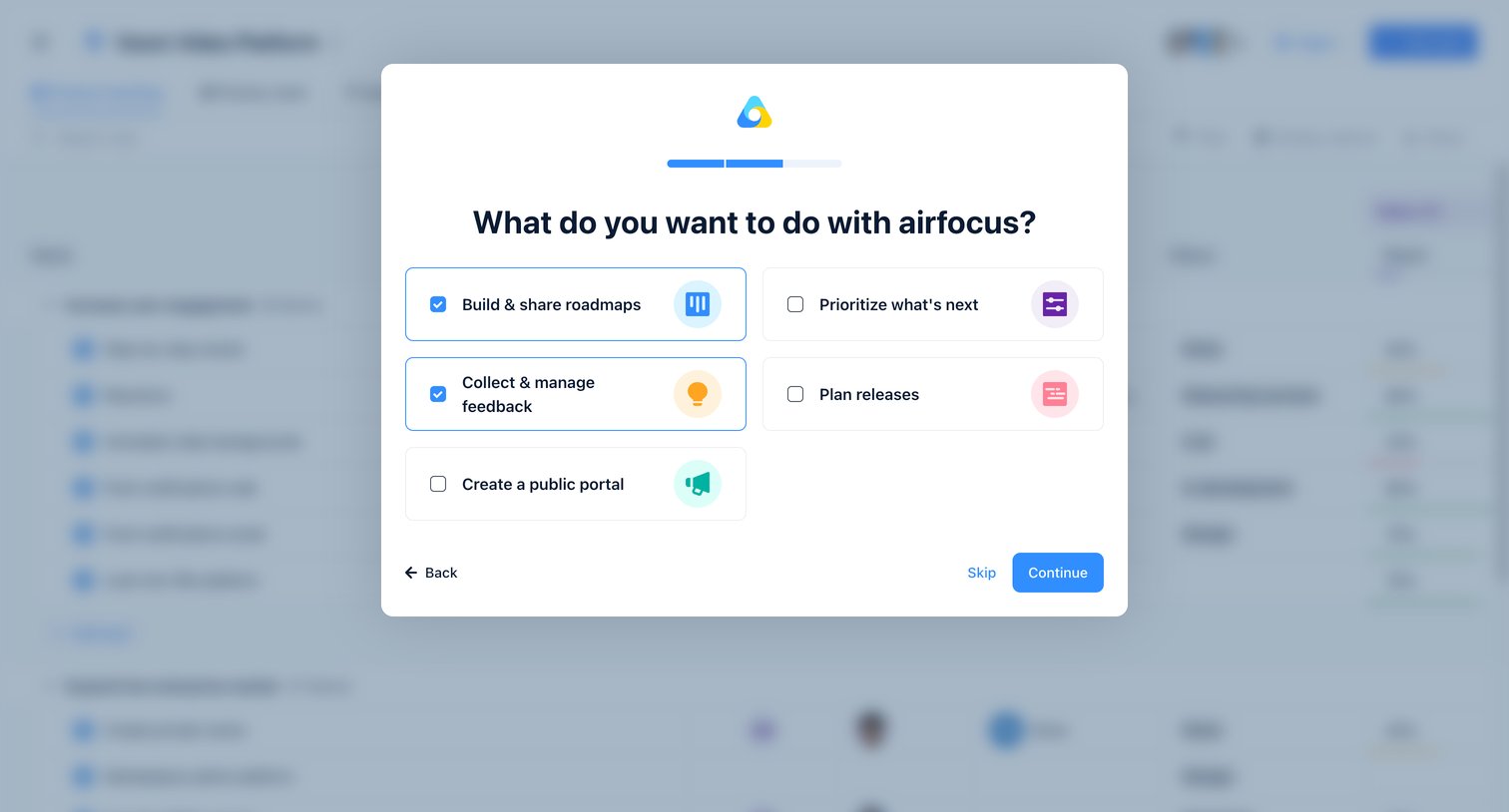
Onboarding step where the user selects their primary use cases, such as building roadmaps or managing feedback, to configure their new workspace.
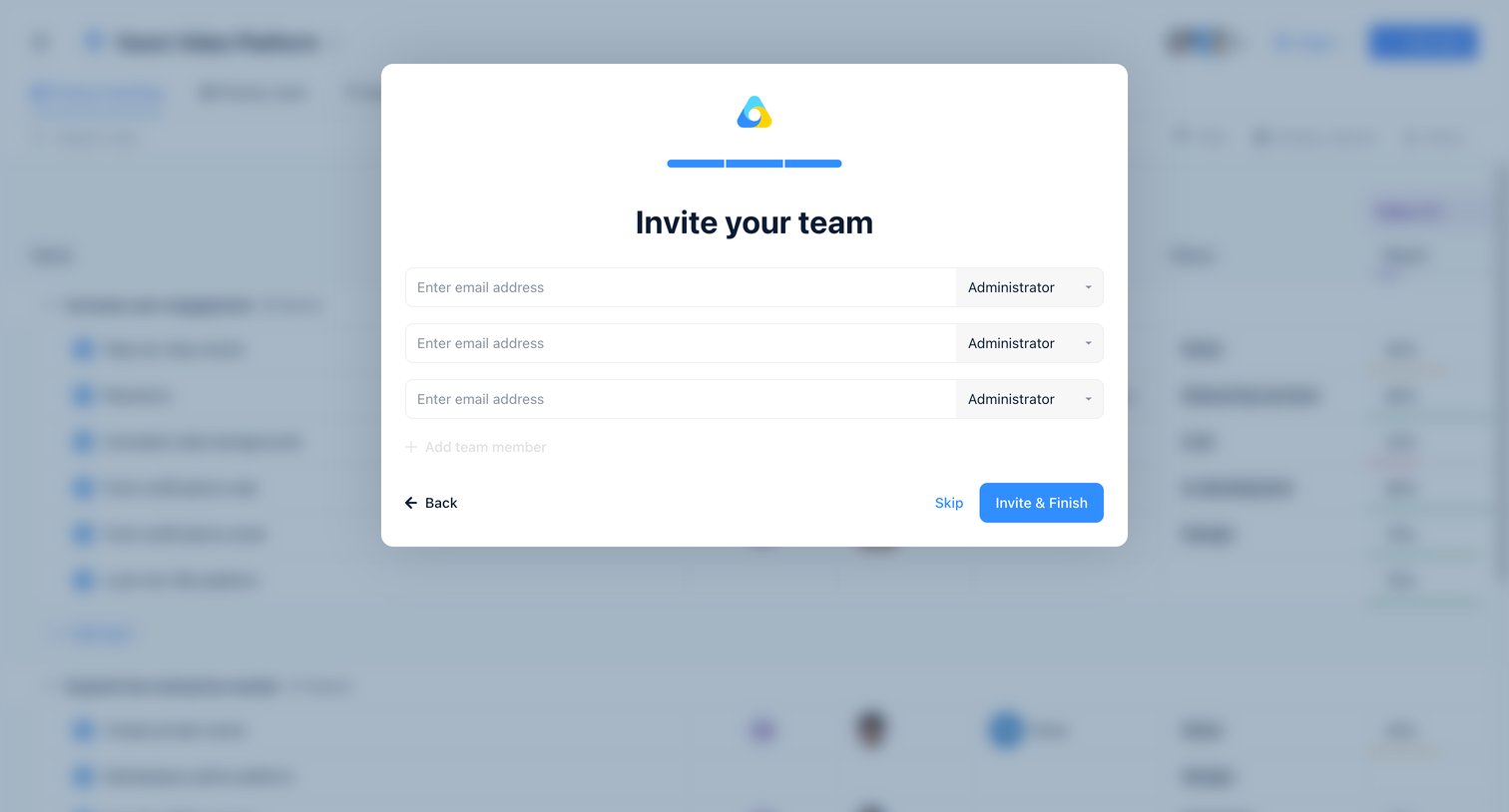
Onboarding step where the user invites teammates by entering their email addresses and assigning roles like Administrator before finishing setup.
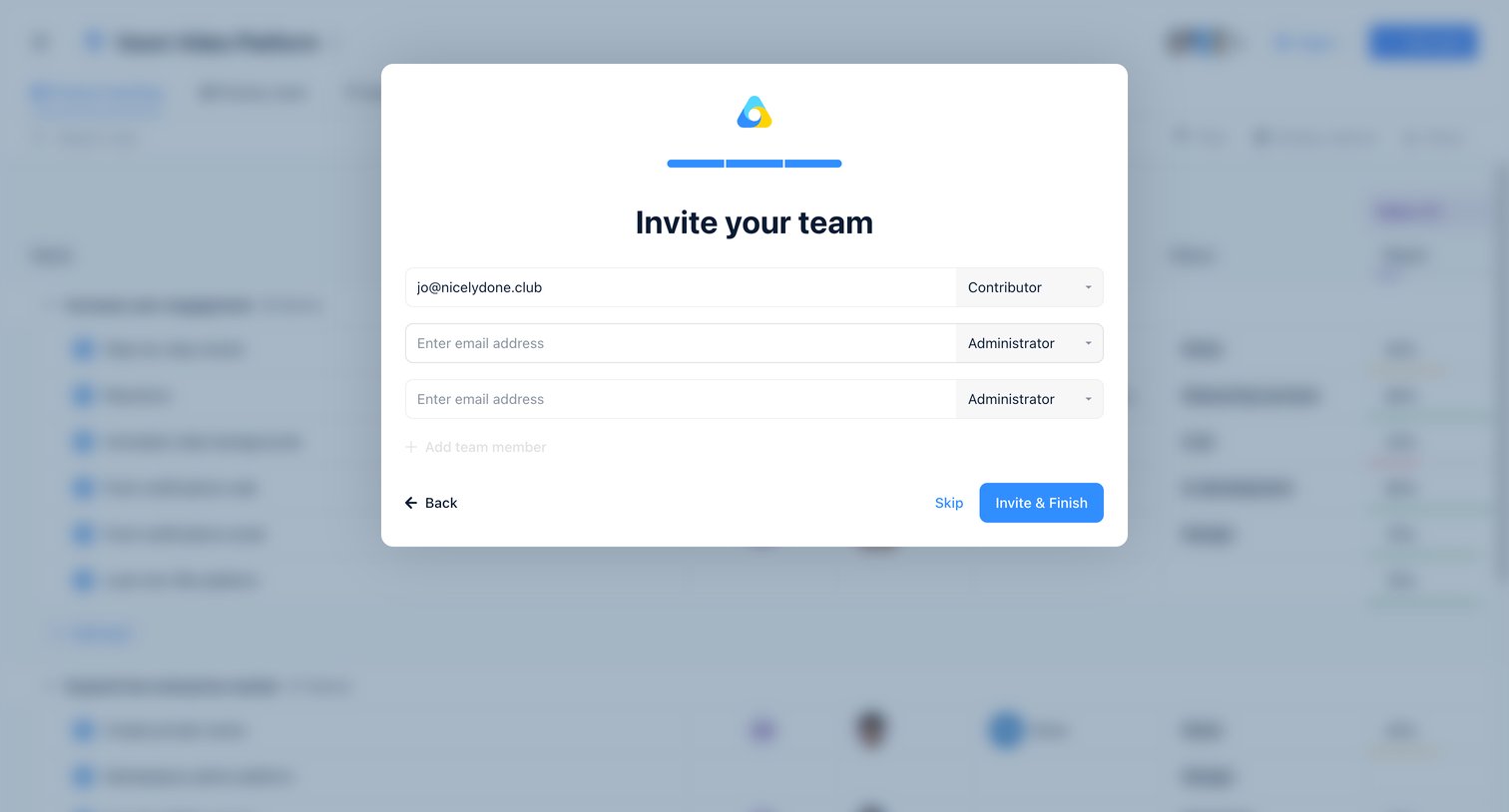
Onboarding step where the user invites teammates by entering their email addresses and assigning roles like Contributor or Administrator.
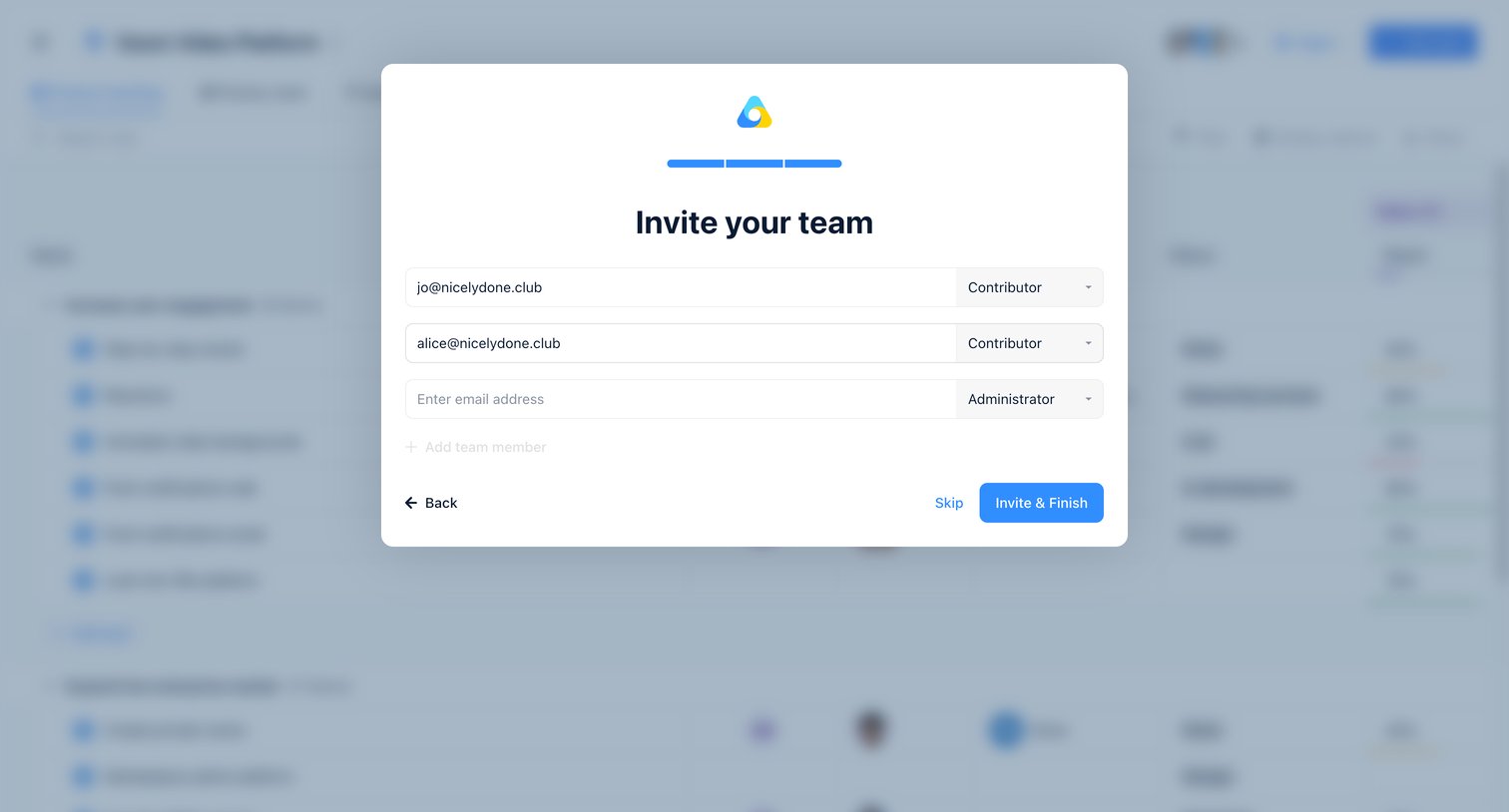
Onboarding step where the user invites teammates by entering their email addresses and assigning roles like Contributor or Administrator.
Explore the full SaaS screen library
Upgrade to unlock the full library.
Trusted by the best teams







