Presumi design examples
Explore Presumi UI design examples. Apply for jobs... with superpowers
Product screens
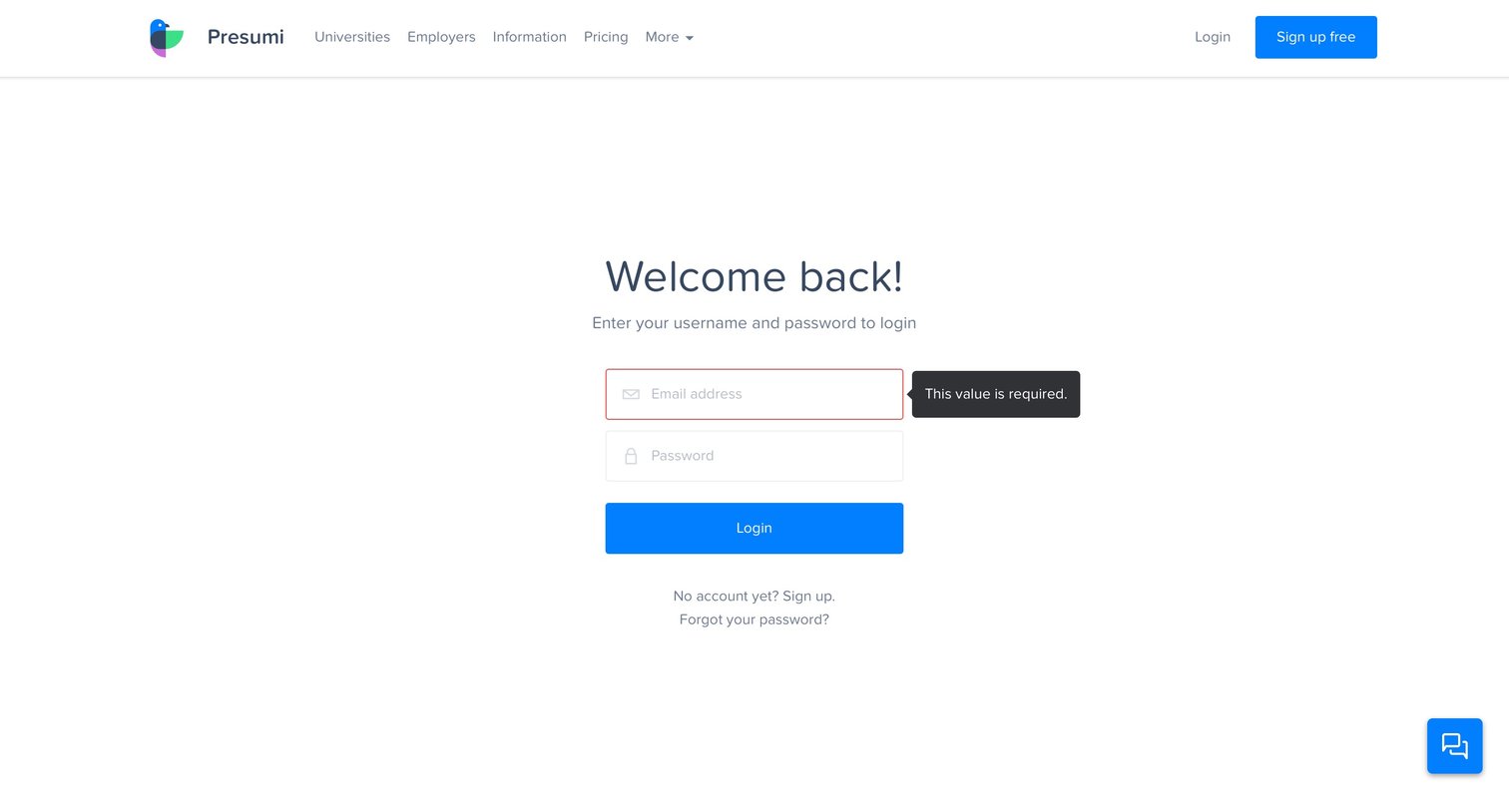


Password recovery screen where the user enters their email address to request a reset link.


Verification screen where the user is instructed to click a link sent to their email address before proceeding with onboarding.
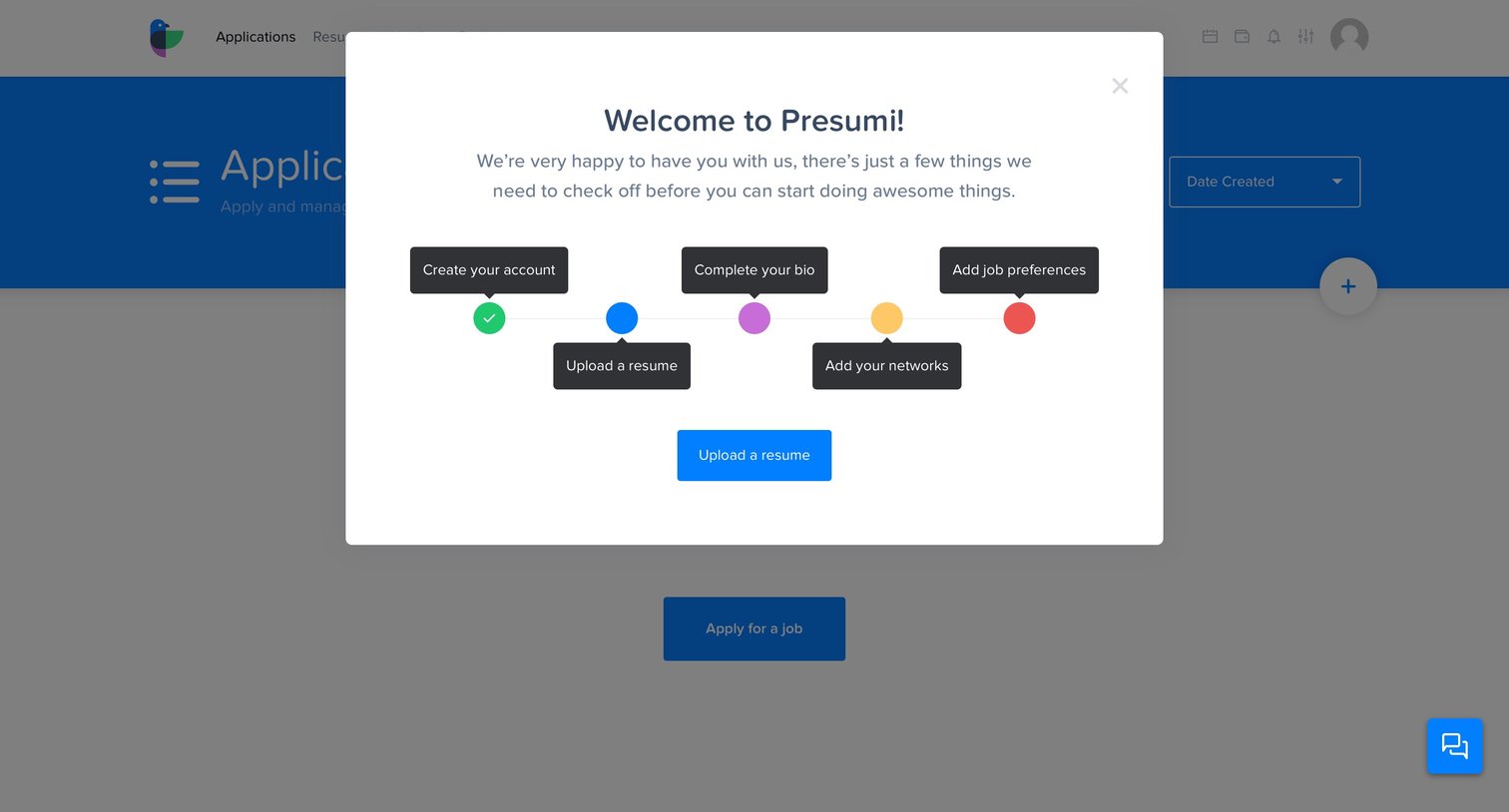
Onboarding modal welcoming the user to Presumi with a five-step setup stepper, prompting them to upload a resume as the next action.
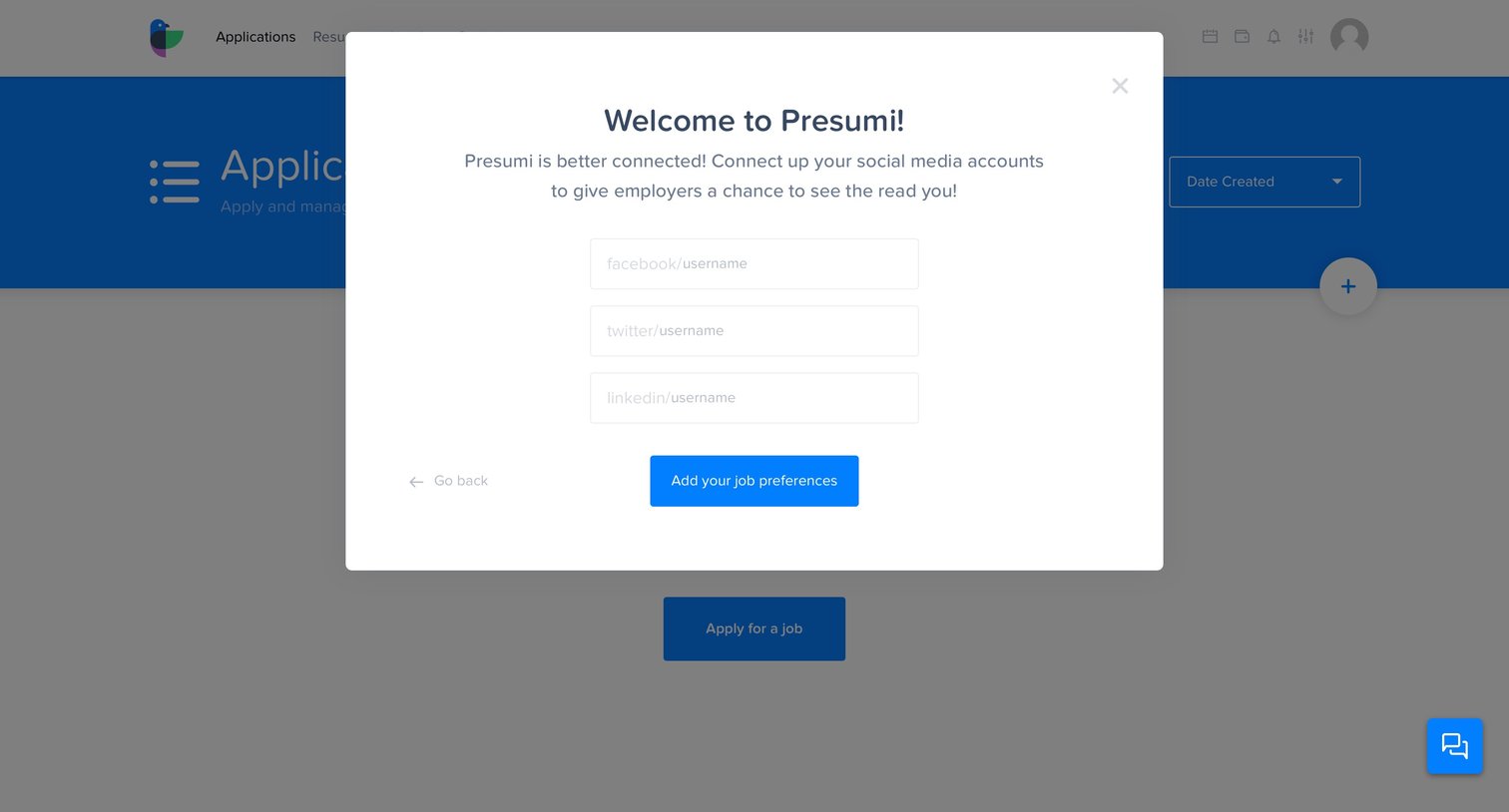
Onboarding step where the user connects their Facebook, Twitter, and LinkedIn accounts to build their profile.

Onboarding modal where the user provides their phone number, location, and a short bio to complete their profile setup.

Onboarding step where the user is welcomed and prompted to upload their resume or complete their bio.

Onboarding completion modal where the user is rewarded with free credits after finishing welcome tasks.

Onboarding modal where the user enters their current, next, and dream job to personalize job recommendations.

Empty list view for job applications where the user has opened a profile popover to edit their account details.
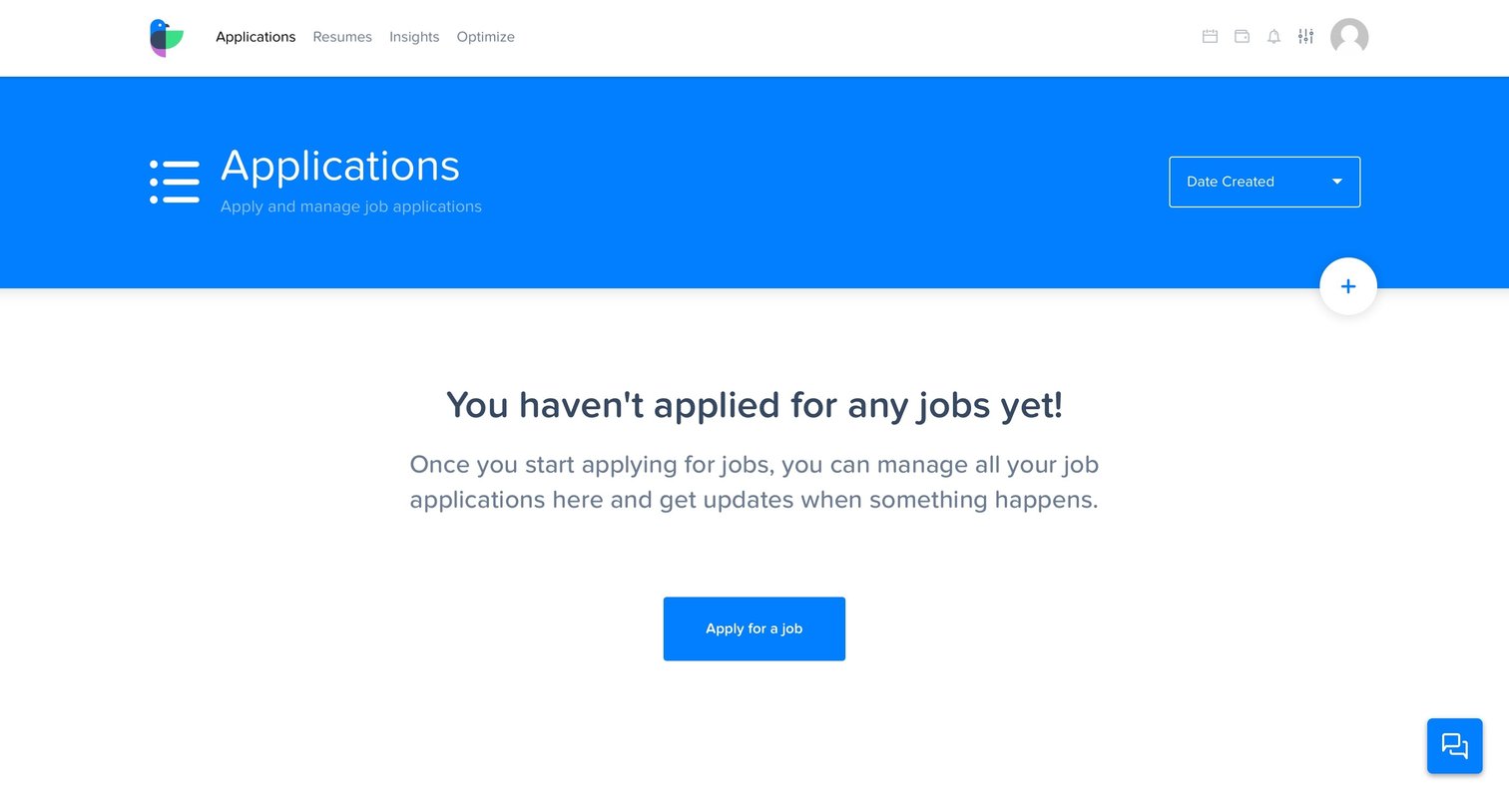
List view where the user manages job applications, currently showing an empty state with a prompt to apply for their first job.
Browse the full SaaS app library
Explore real SaaS apps with their product screens, marketing screens, flows, and components.
Trusted by the best teams







