Skip to content
Slate logo

Slate design examples

Explore Slate UI design examples. Simple planning for freelancers

Product screens
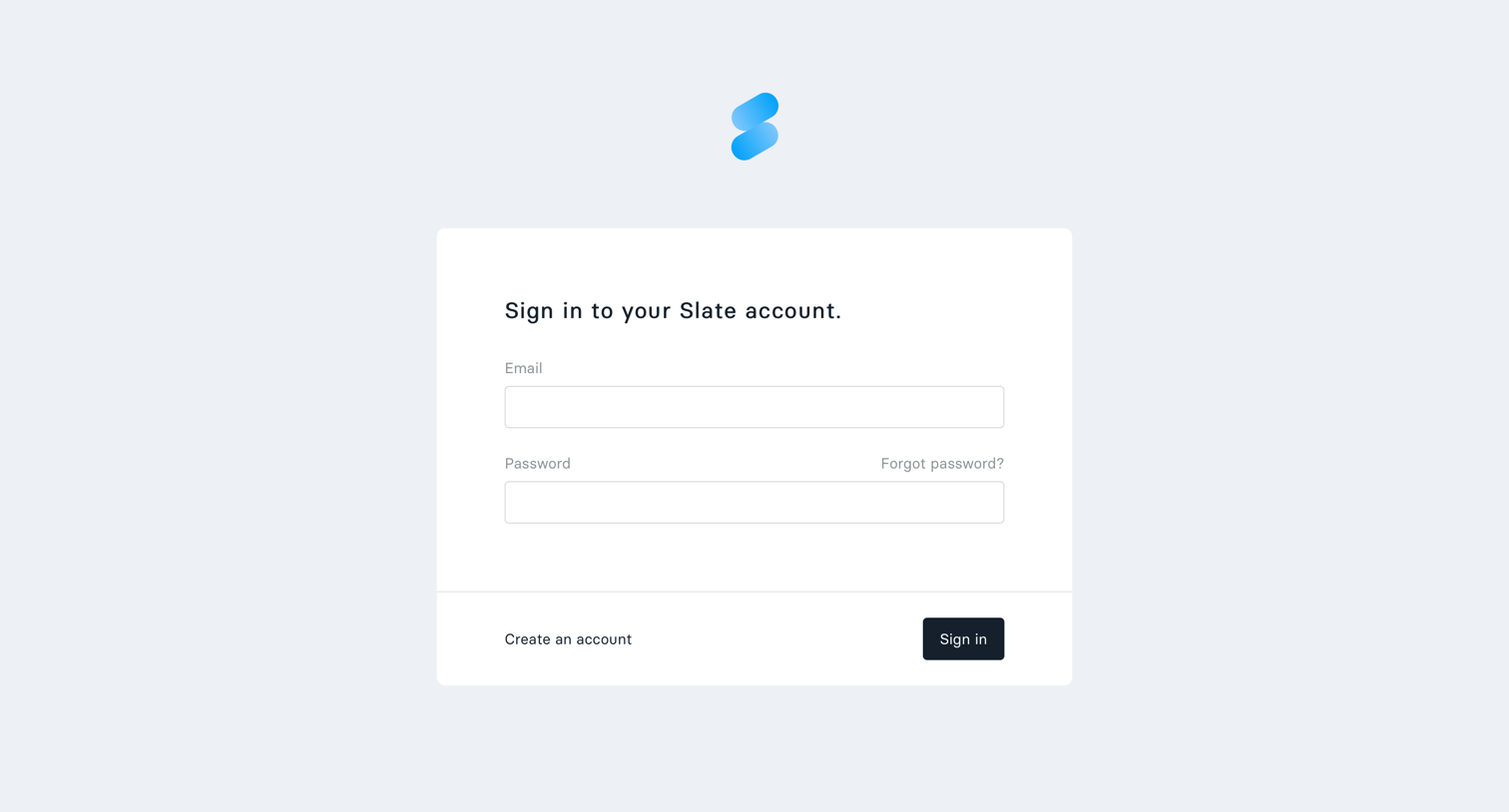
Slate - Sign in screen
Slate logo
Slate

Sign-in screen where the user authenticates into their Slate account using an email and password.

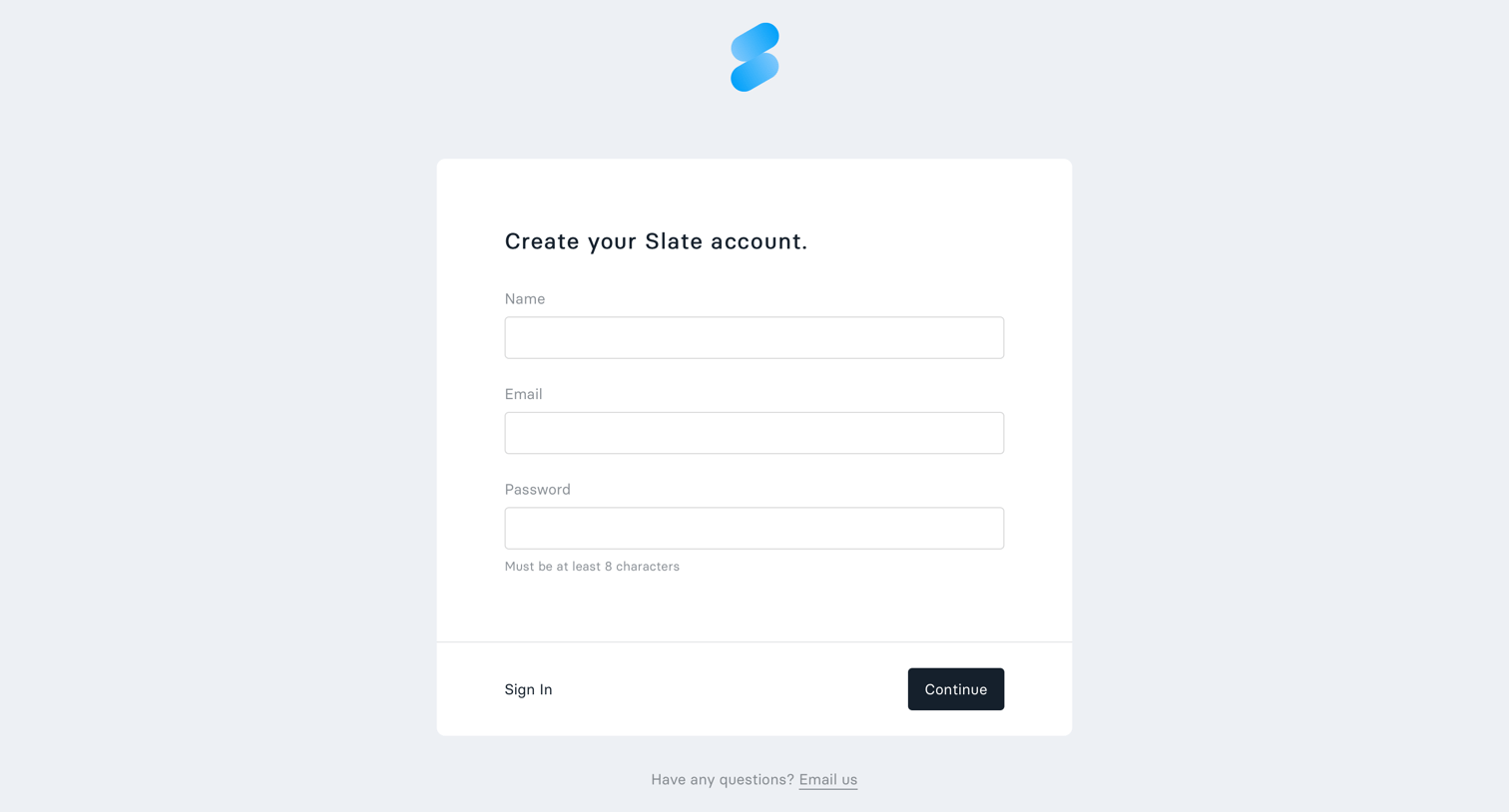
Slate - Sign up screen
Slate logo
Slate

Signup screen where the user creates a new account by providing their name, email, and a password.

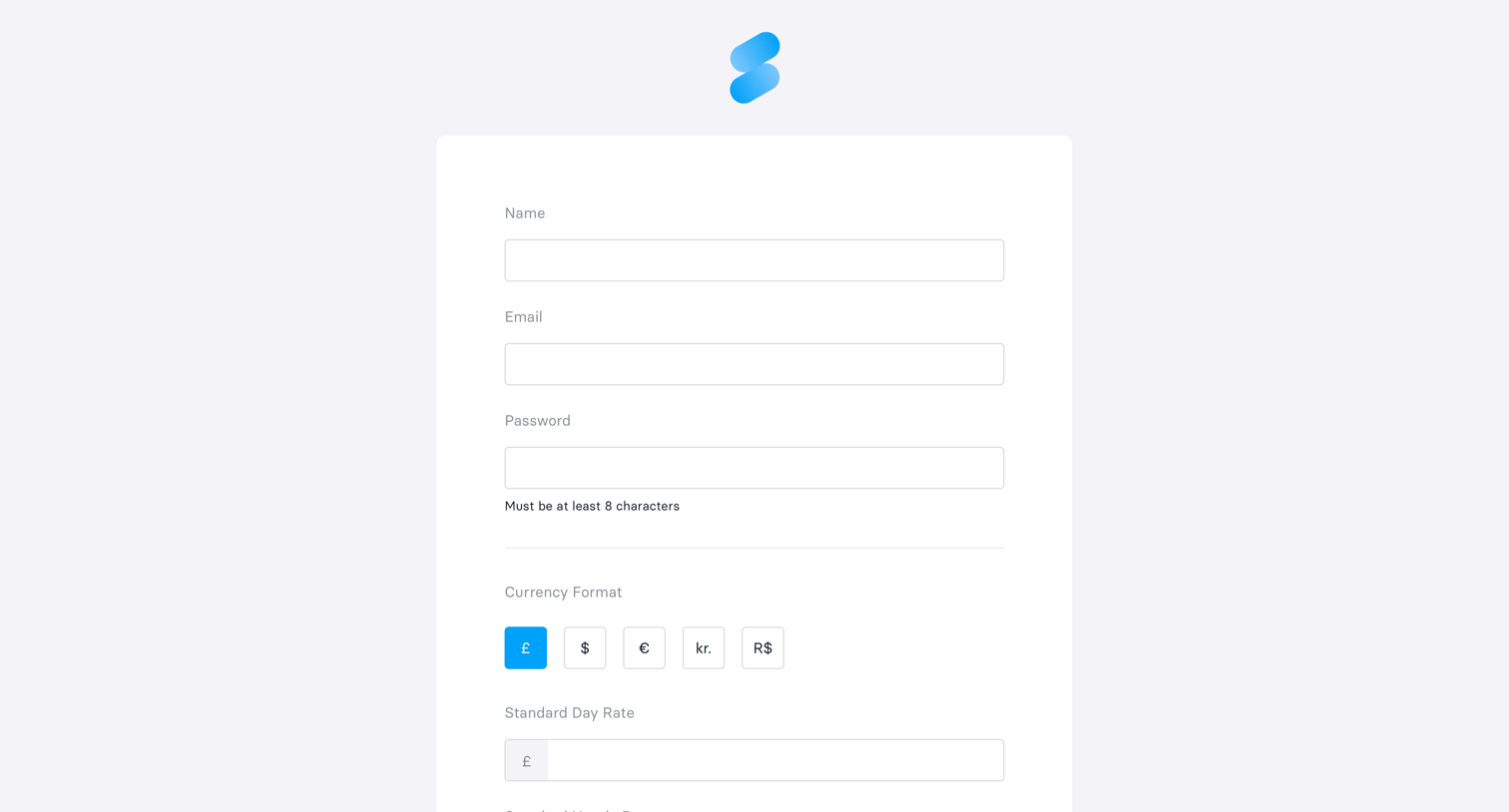
Slate - Onboarding screen
Slate logo
Slate

Signup screen where the user enters their name, email, and password, and configures their preferred currency format and standard day rate.
Slate - Home screen
Slate logo
Slate

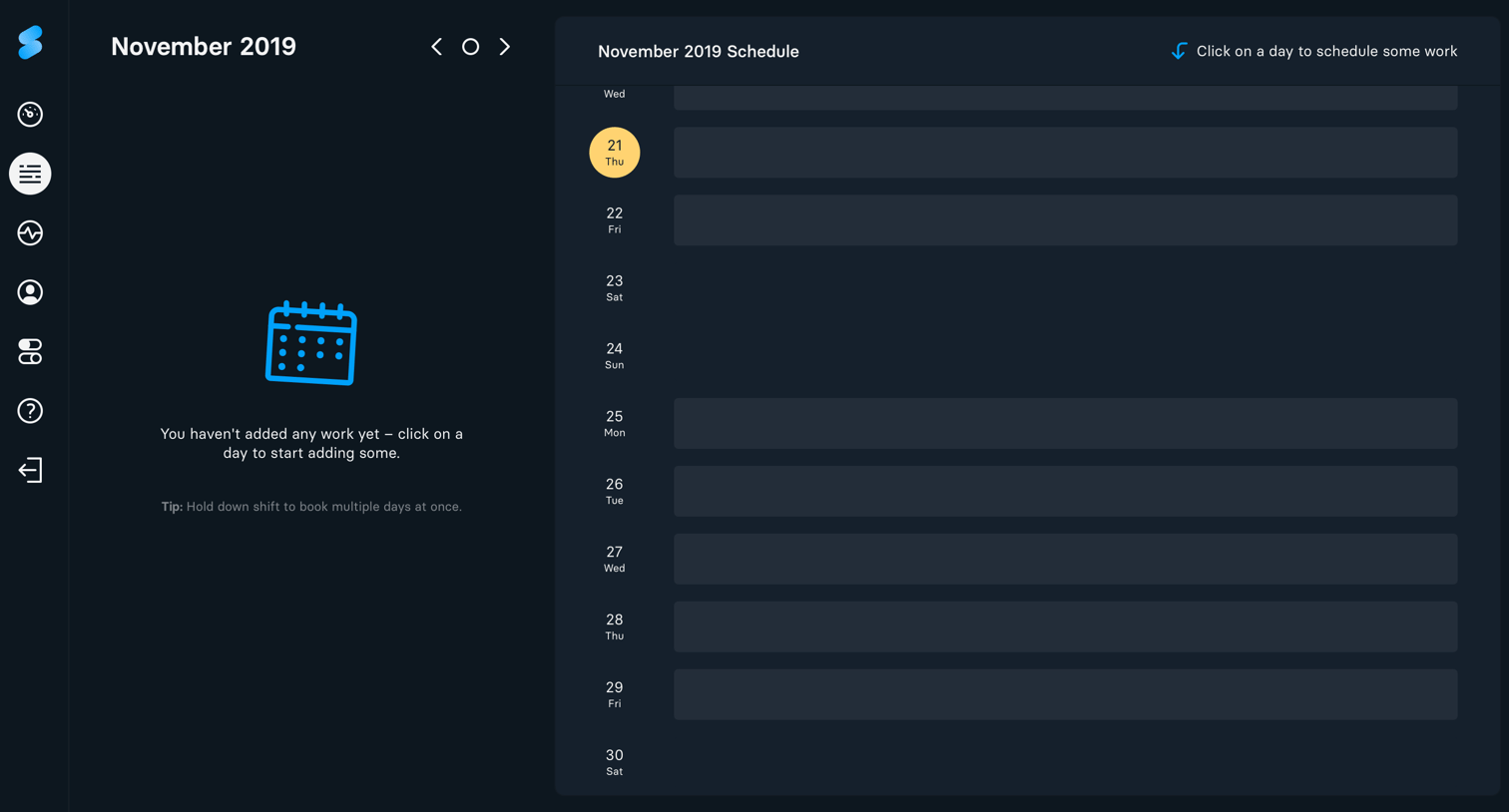
Schedule view where the user is prompted to click on specific days in the month list to book work.
Slate - Dashboard screen
Slate logo
Slate

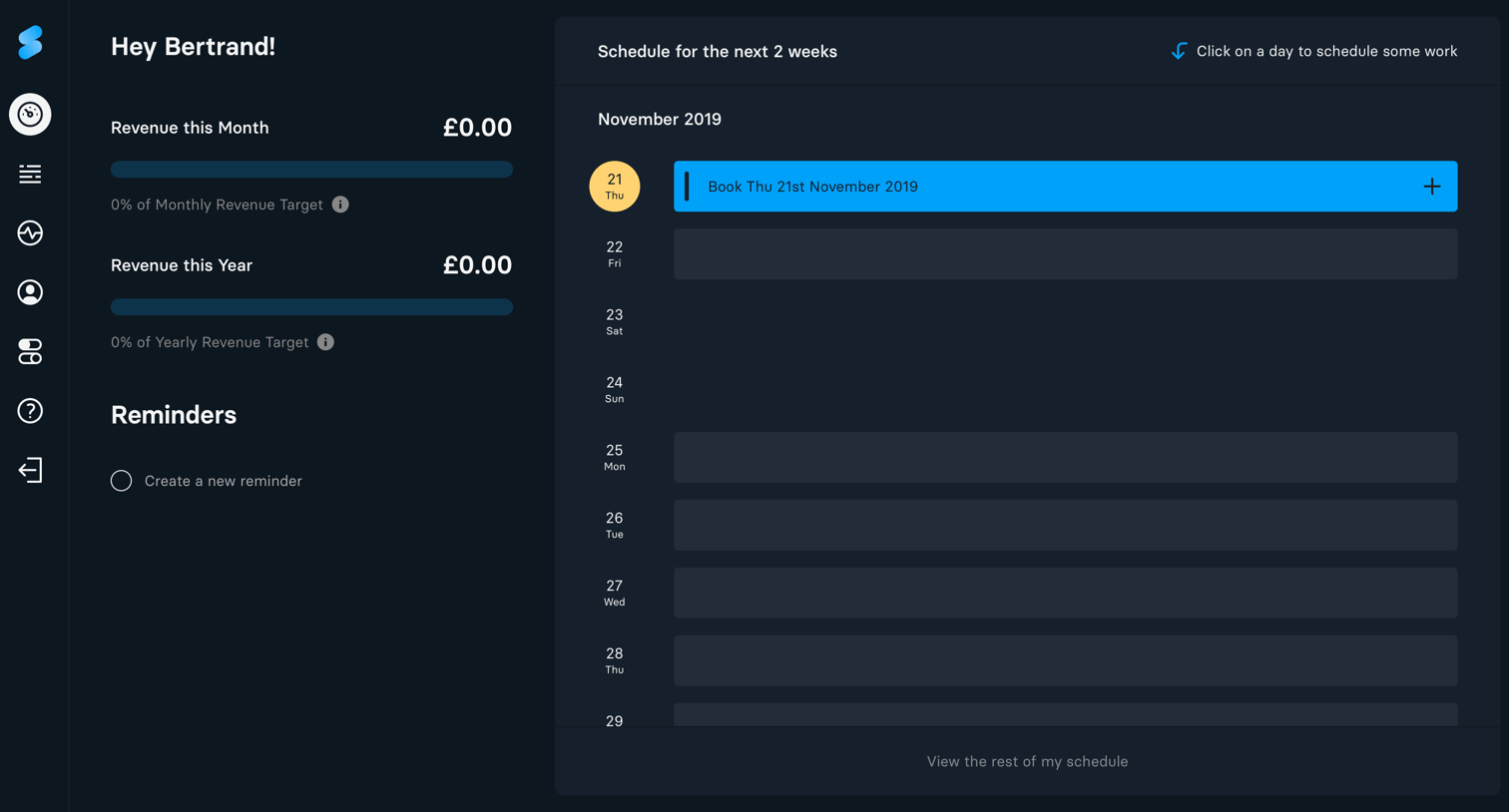
Home dashboard where the user can track monthly and yearly revenue progress, add quick reminders, and book work slots in their upcoming two-week schedule.

Slate - Empty state screen
Slate logo
Slate

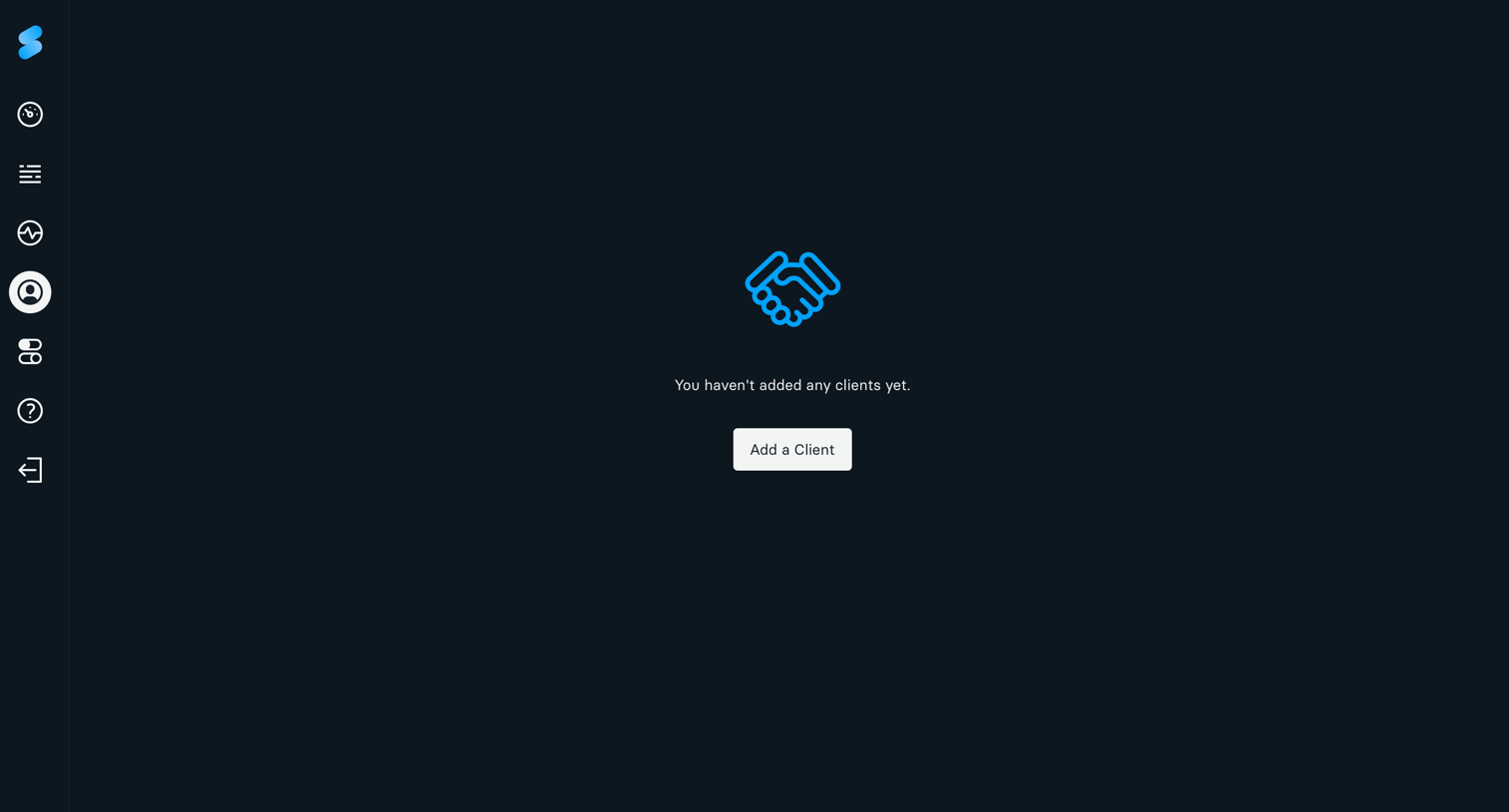
List view for clients in an empty state, prompting the user to add their first client.
Slate - Settings screen
Slate logo
Slate

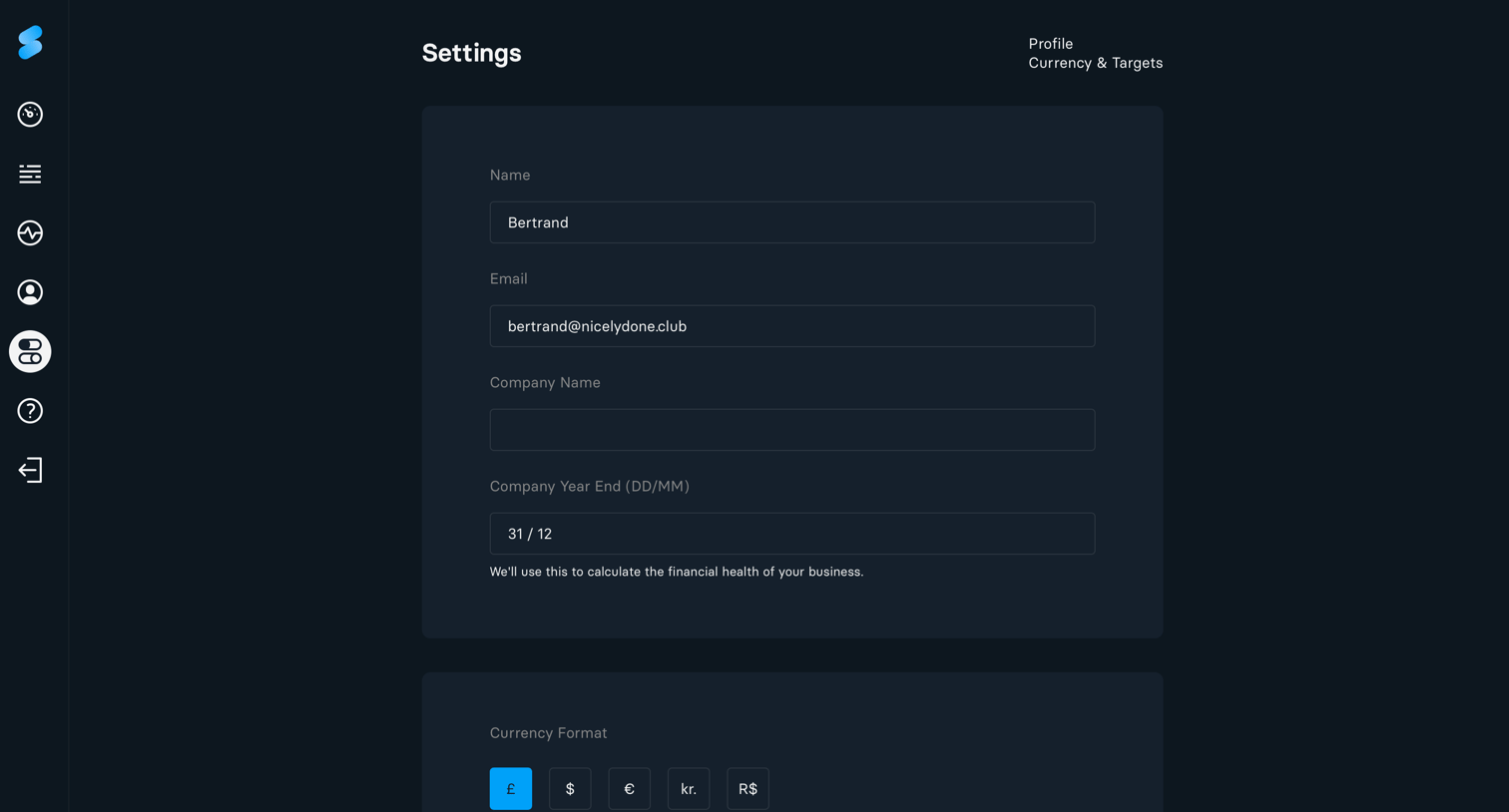
Settings page where the user configures their personal profile details, company name, financial year end, and preferred currency format.
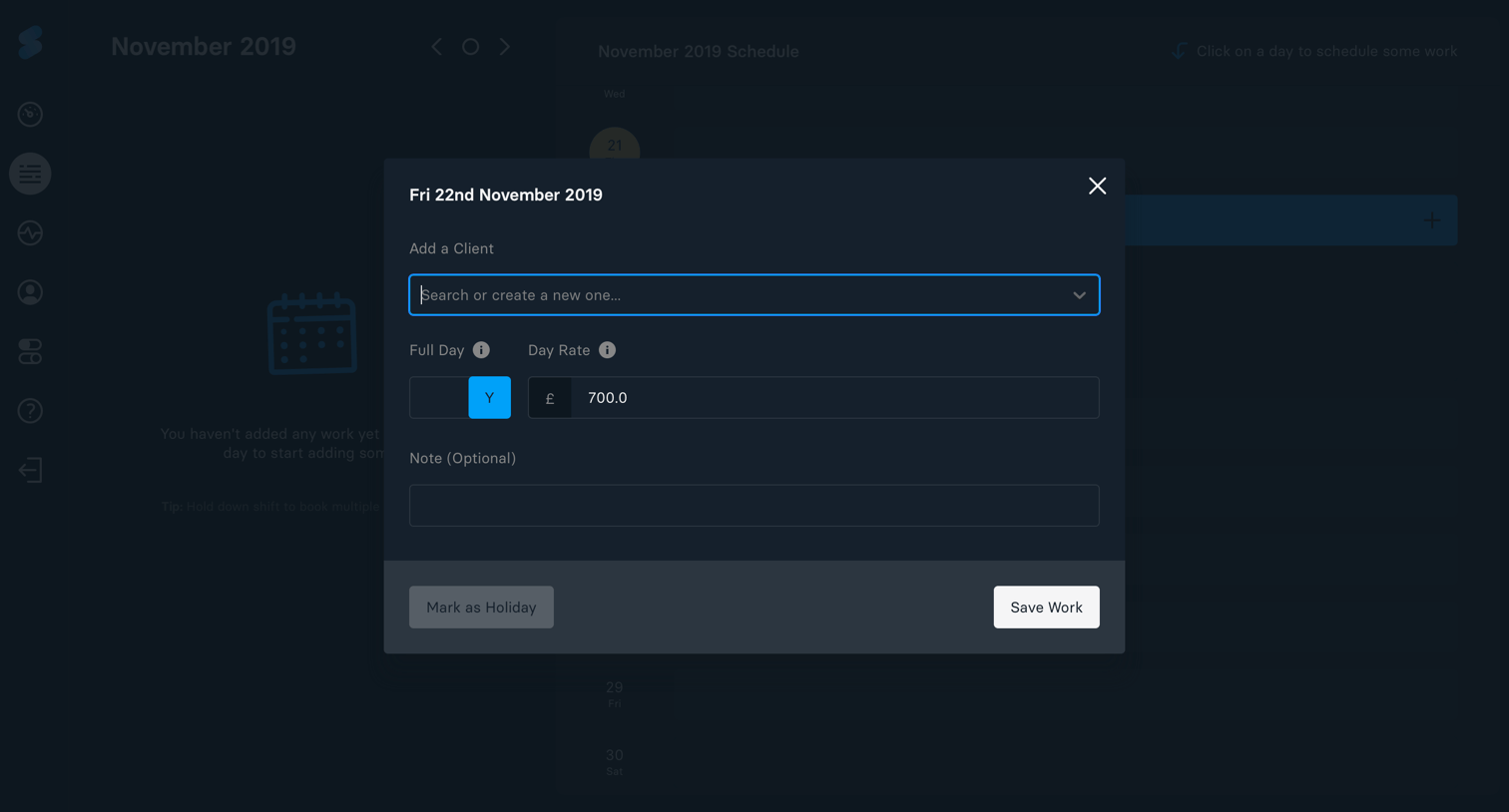
Slate - Schedule work screen
Slate logo
Slate

Modal where the user schedules work by assigning a client, setting a day rate, and adding optional notes for a specific date.

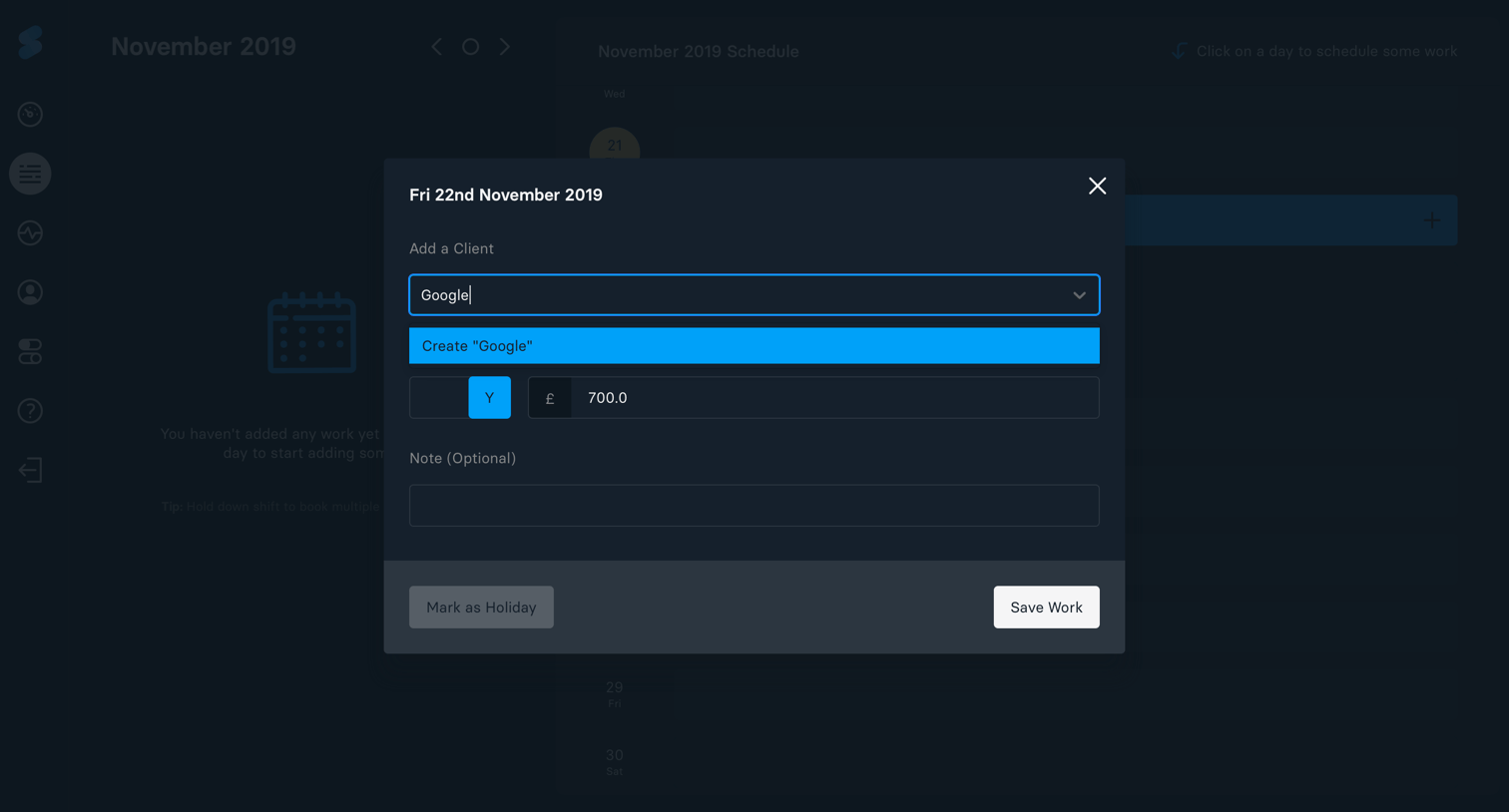
Slate - Create new client screen
Slate logo
Slate

Modal where the user schedules work for a specific date by selecting a client, entering a fee amount, and adding optional notes.

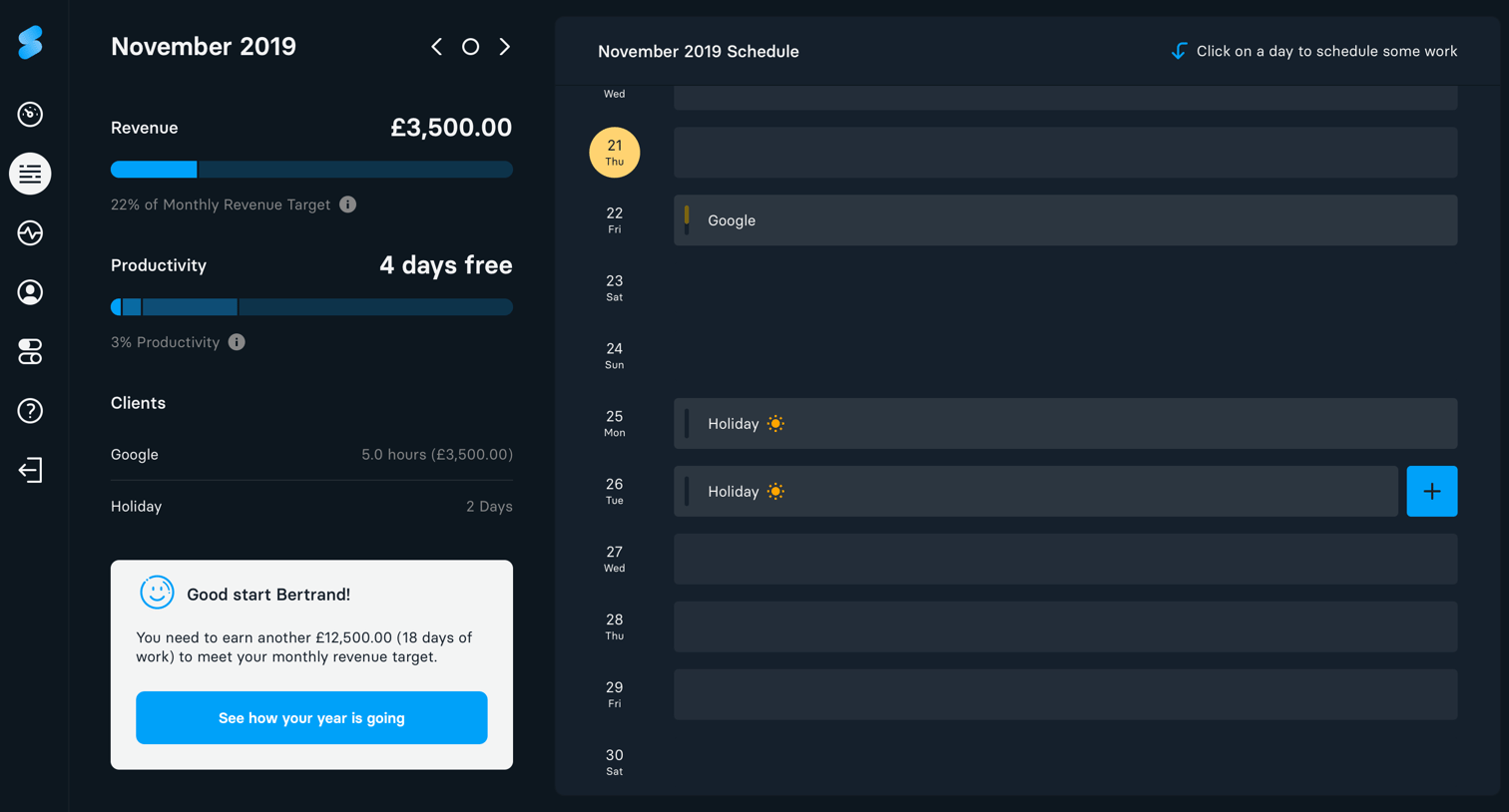
Slate - Statistics screen
Slate logo
Slate

Dashboard showing monthly revenue and productivity progress alongside a daily schedule list.

Browse the full SaaS app library

Explore real SaaS apps with their product screens, marketing screens, flows, and components.

Trusted by the best teams

More from Slate