Quill design examples
Explore Quill UI design examples. Messaging for teams that focus
Product screens
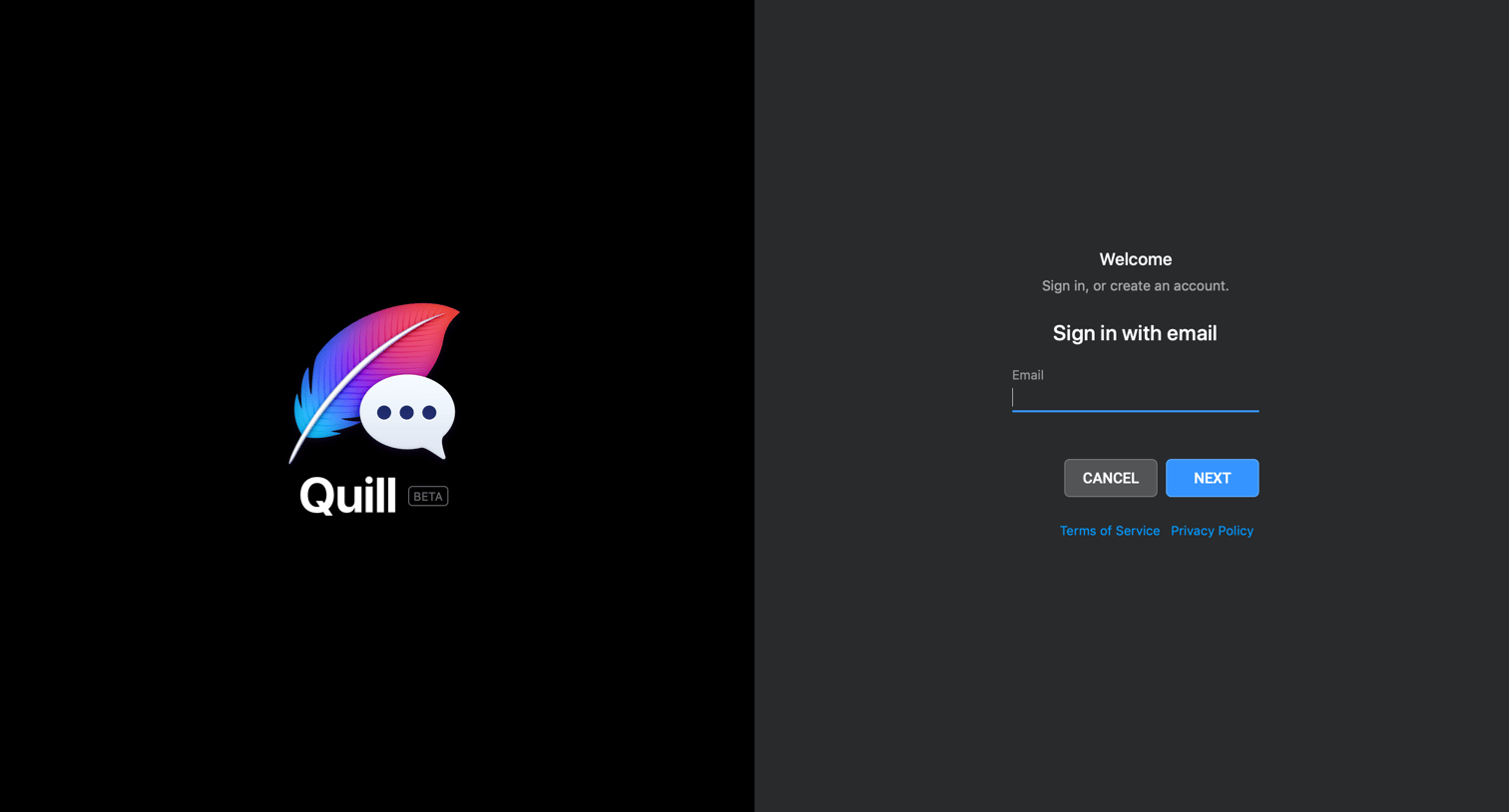
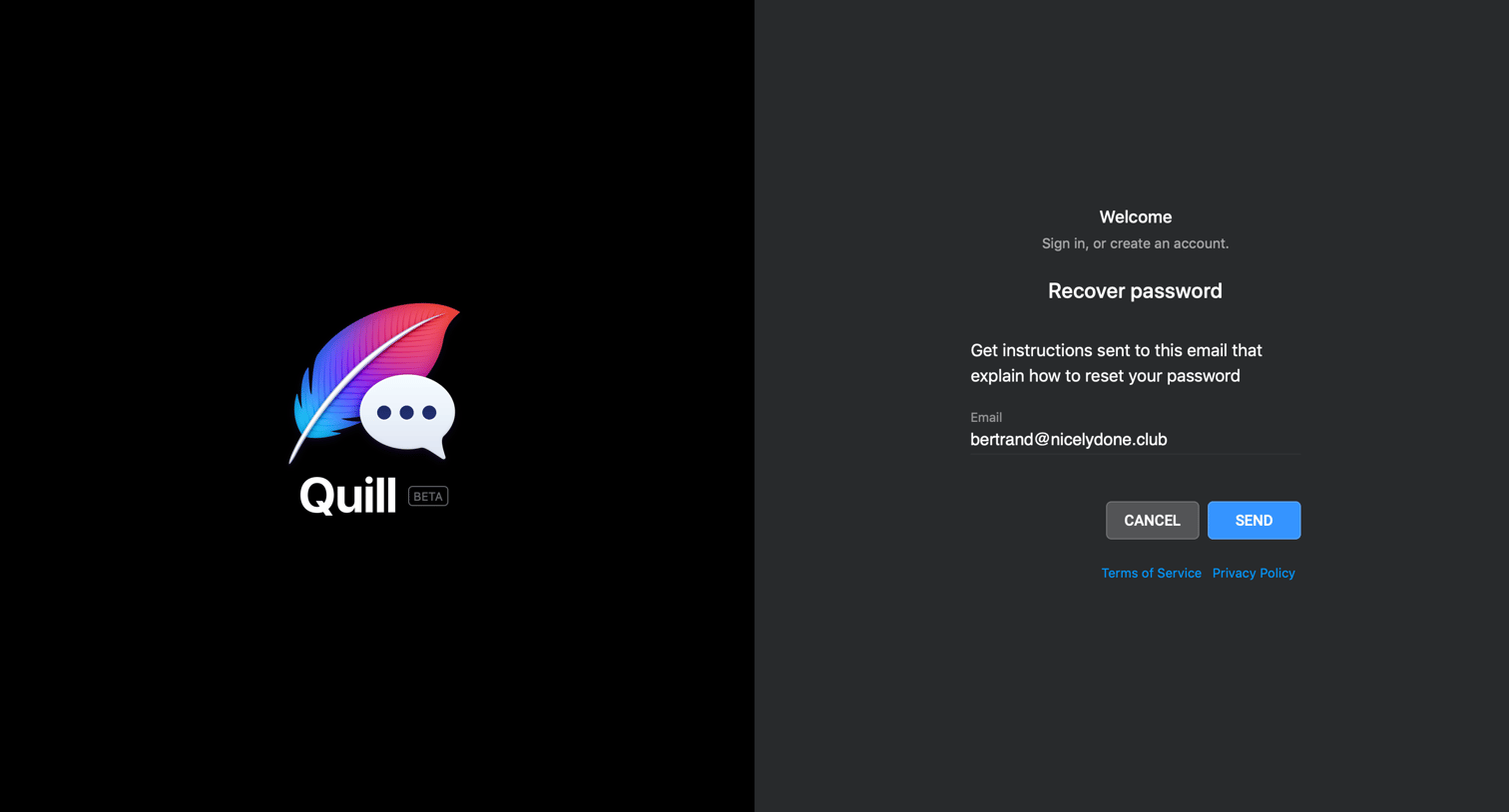

Password recovery screen where the user requests a reset link for their pre-filled email address.
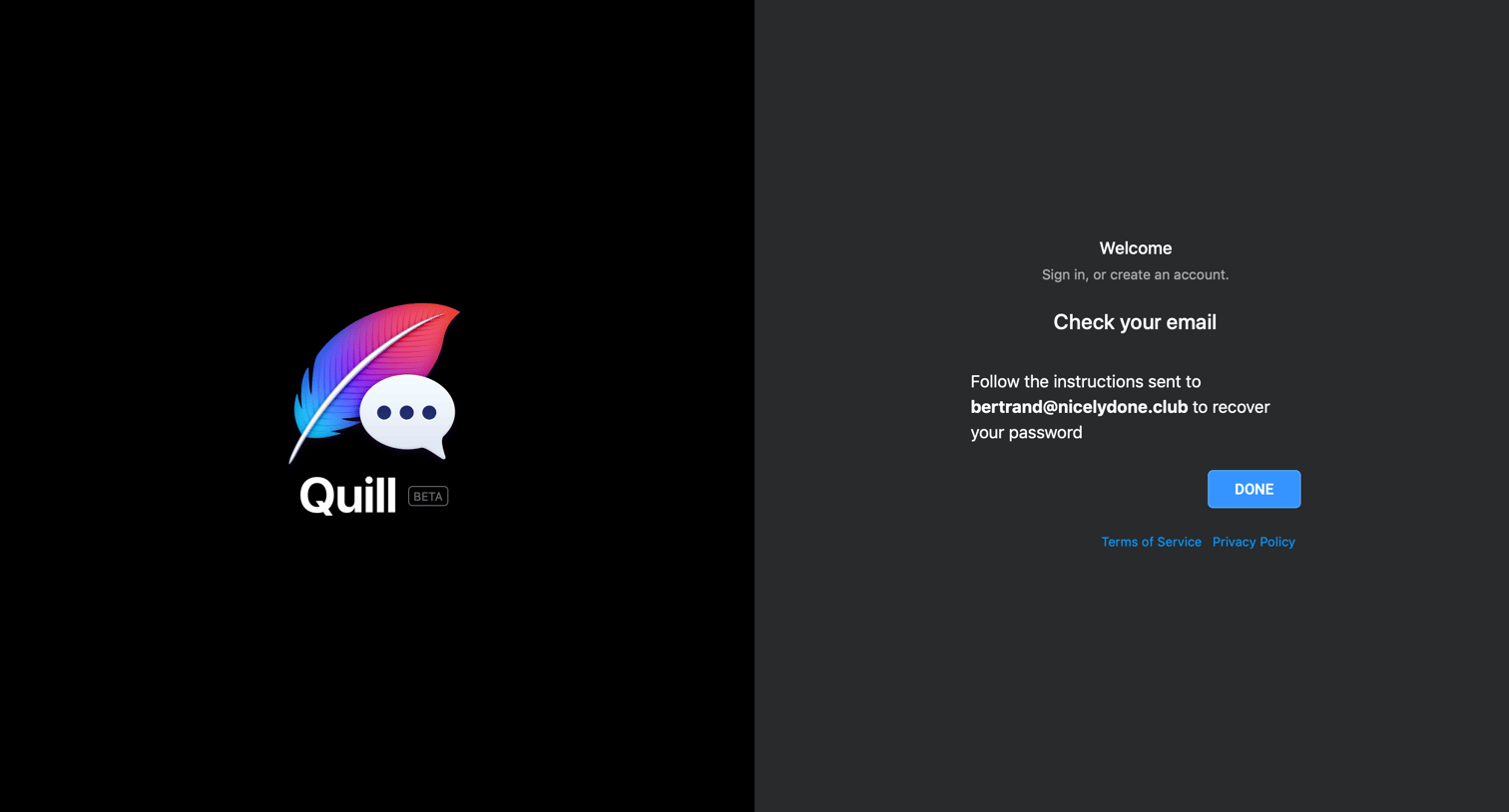
Authentication screen confirming that a password recovery link has been sent to the user's email address, providing a button to dismiss the view.
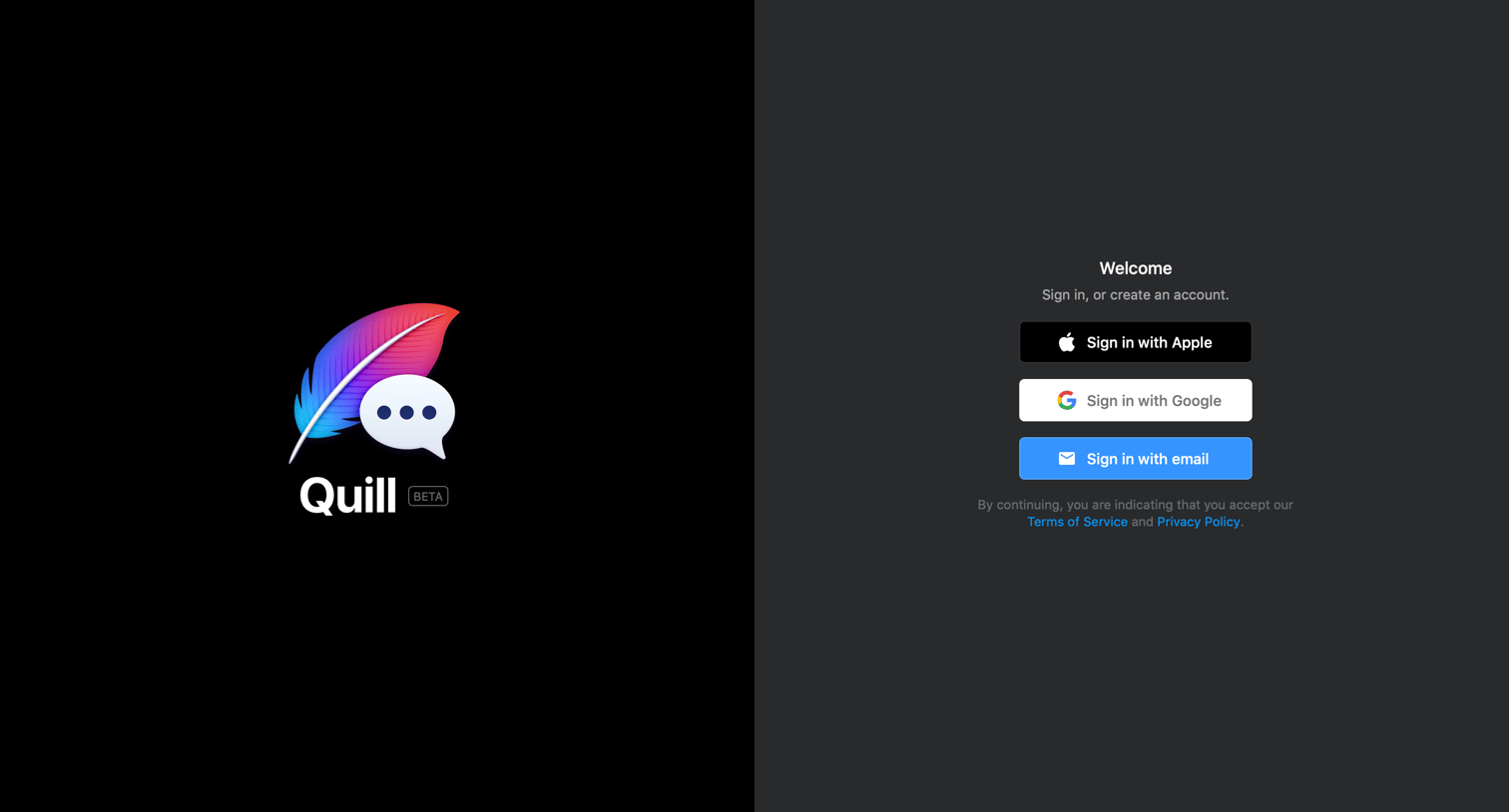
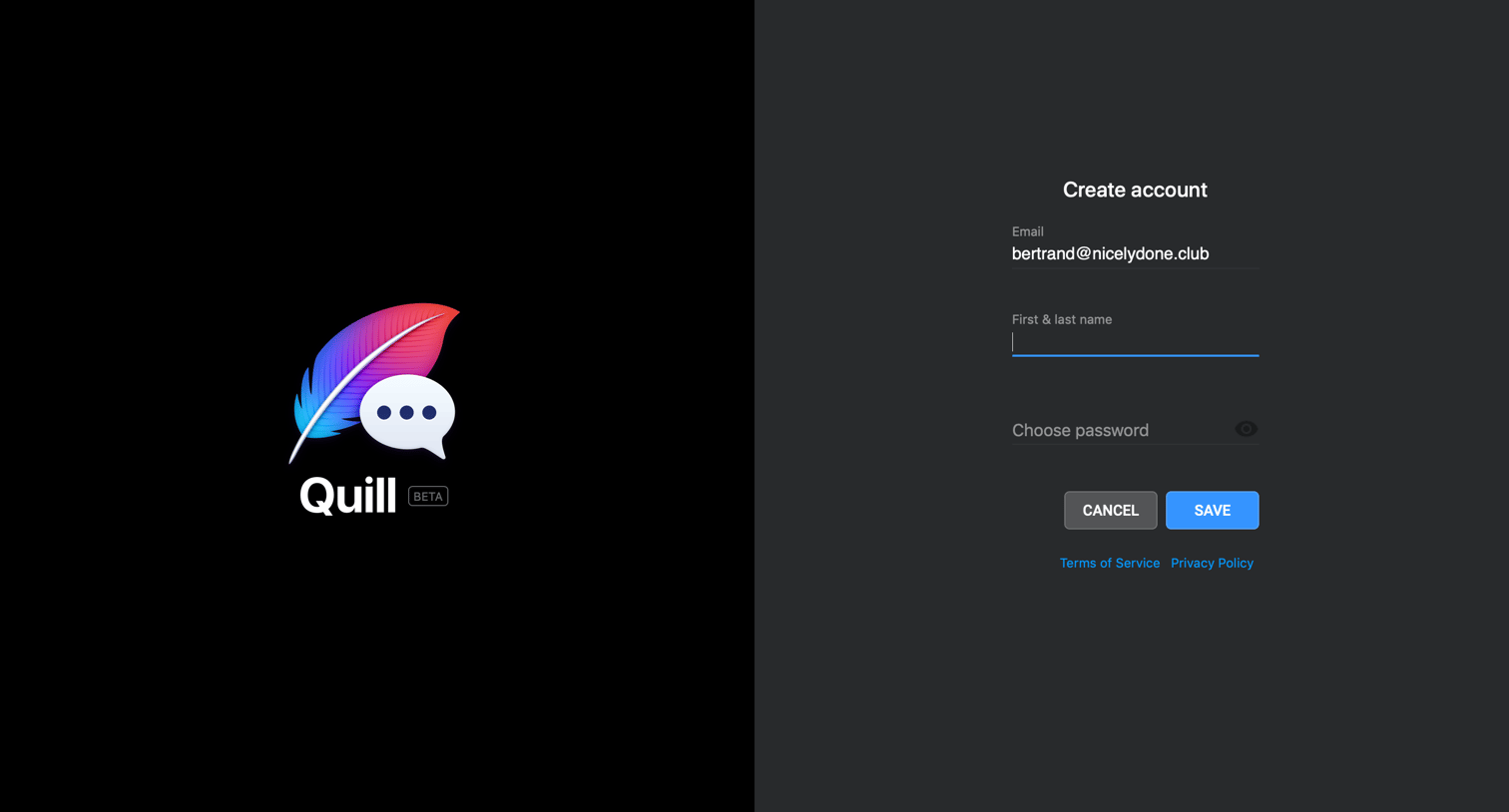
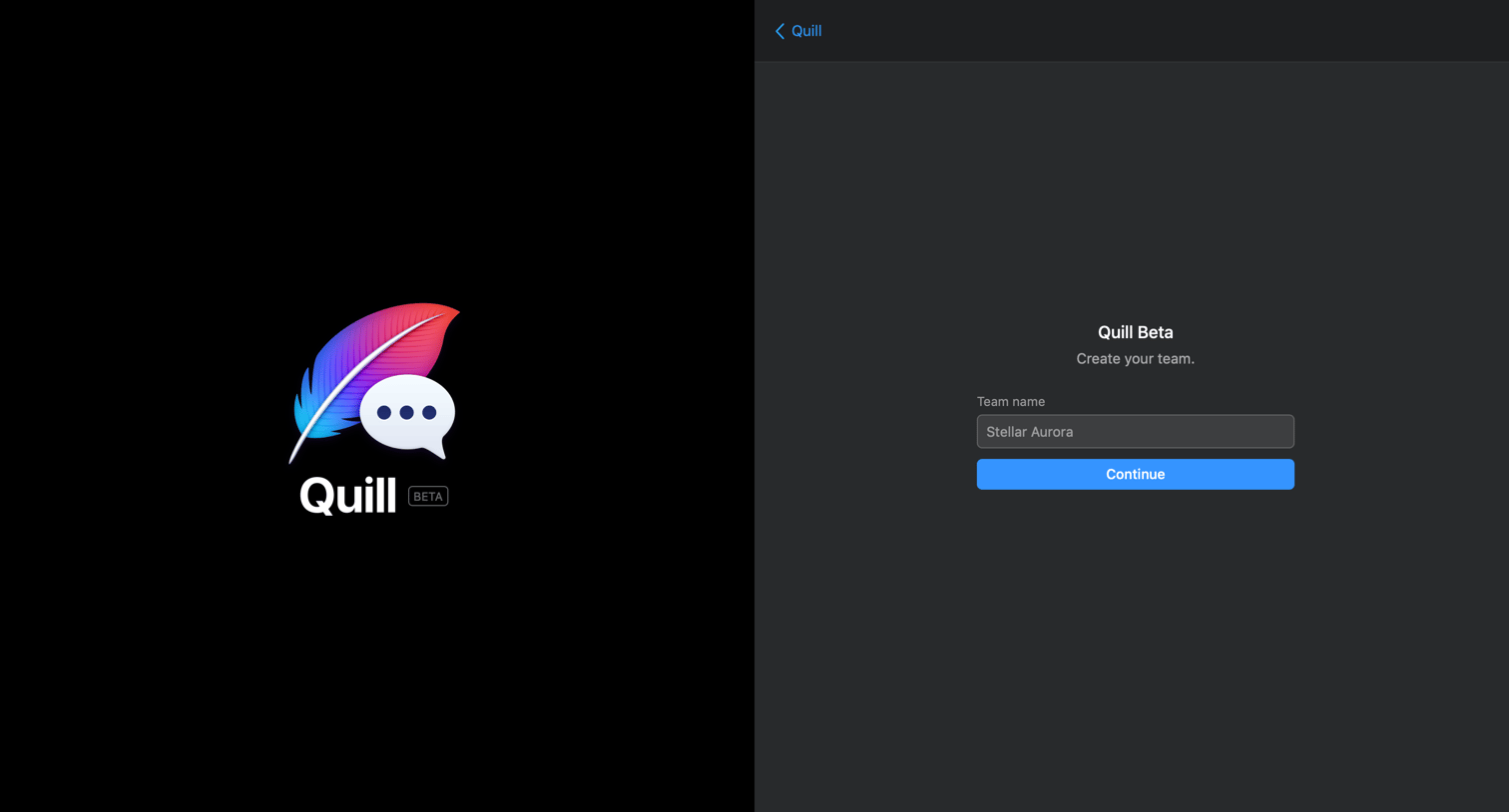
Onboarding step where the user names their new team to set up their workspace in the Quill beta.
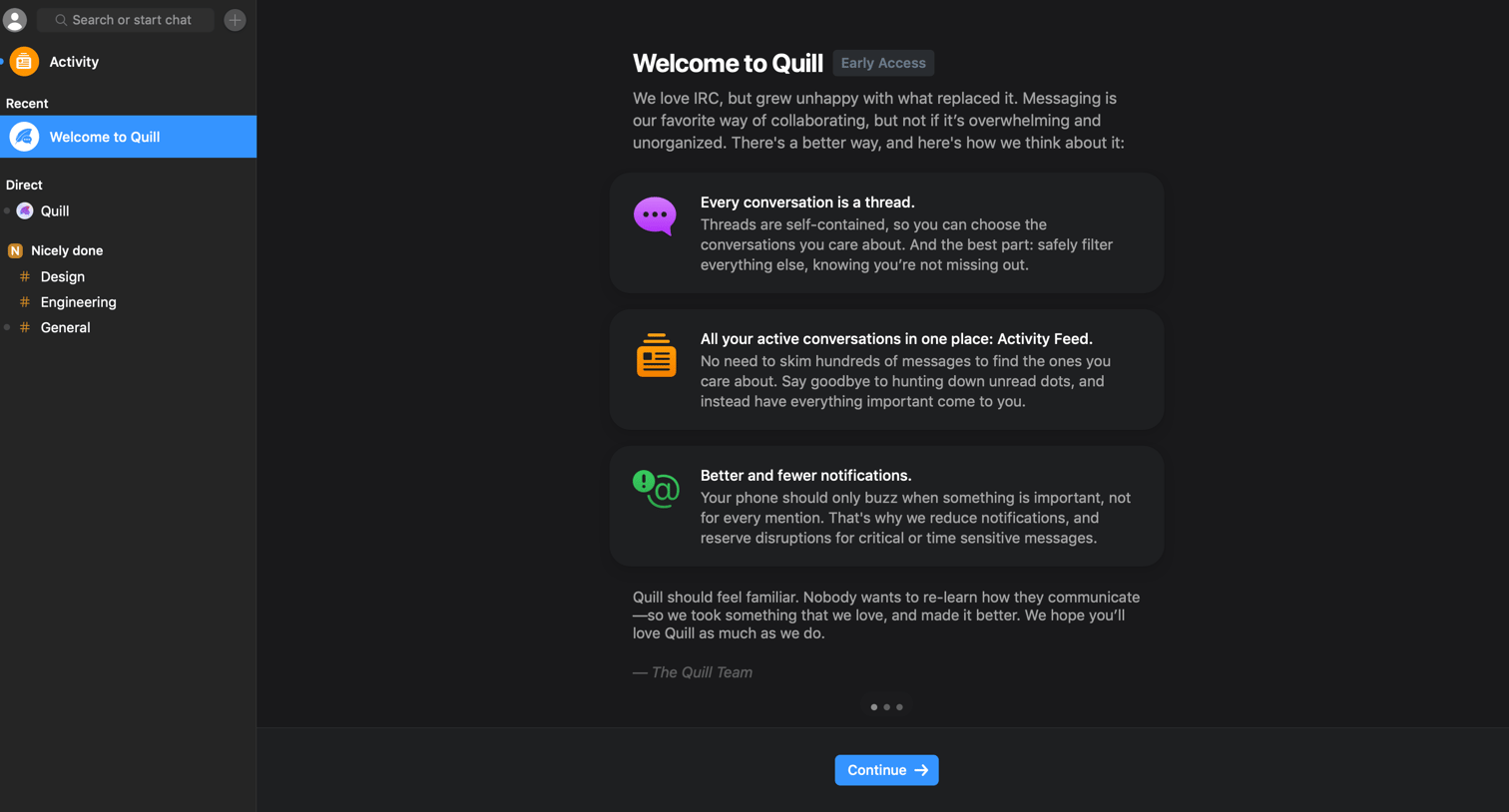
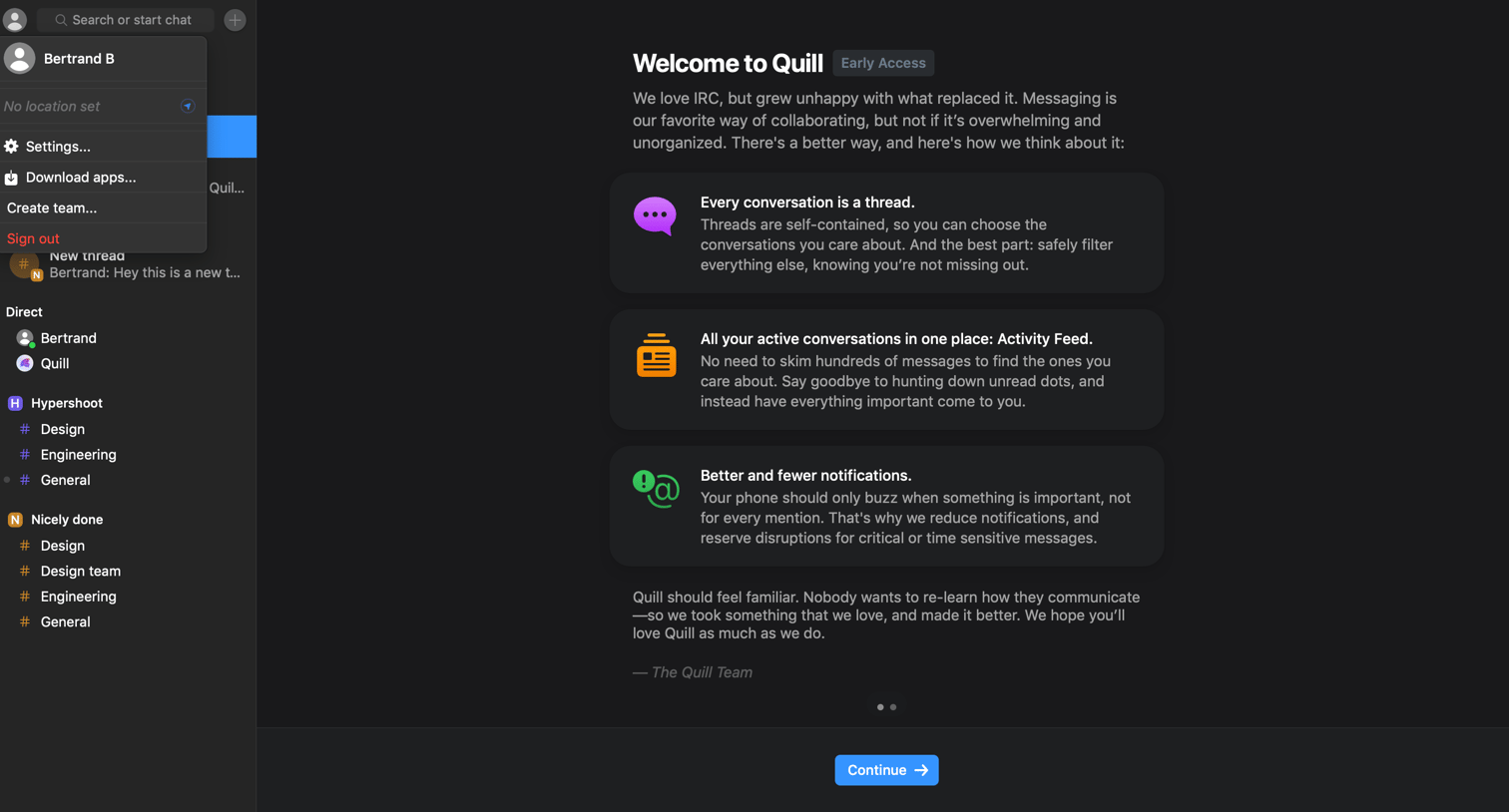
Onboarding screen where a welcome message explains the product's core concepts like threads, activity feeds, and notifications before the user continues.
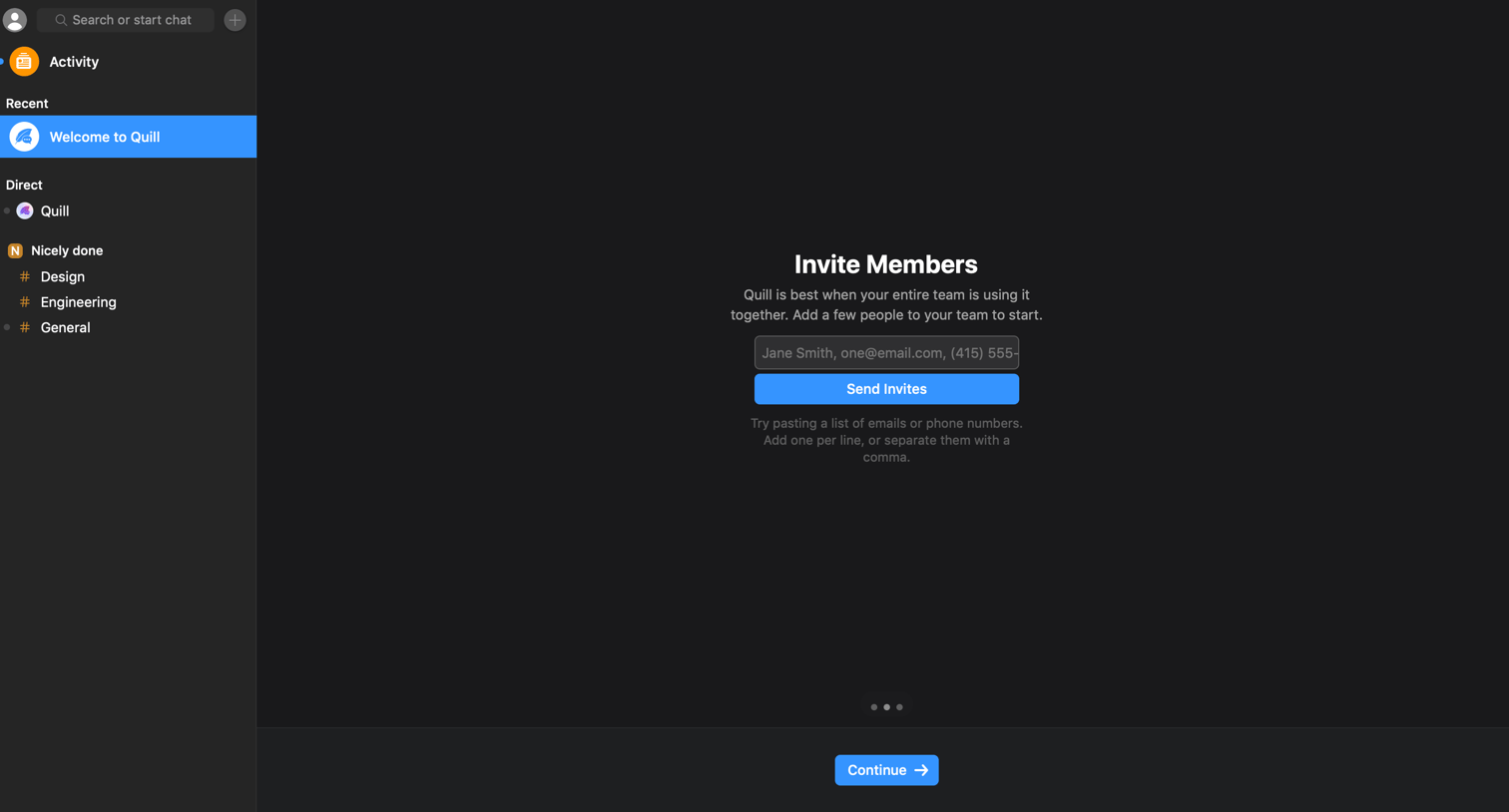
Onboarding step where the user can invite teammates by entering their email addresses or phone numbers into a central form.
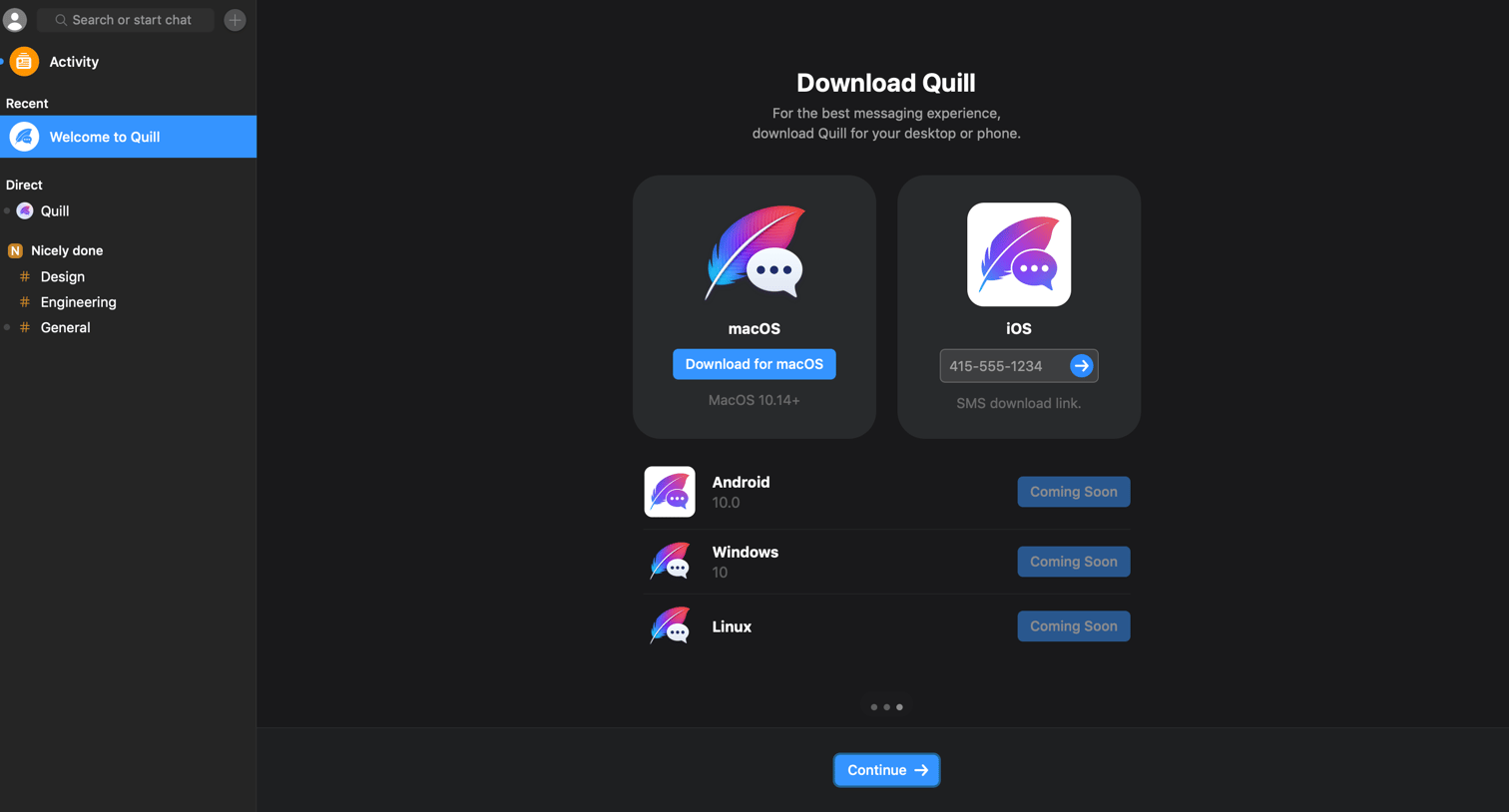
Onboarding step where the user is prompted to download the macOS desktop app or send an SMS link for the iOS app.
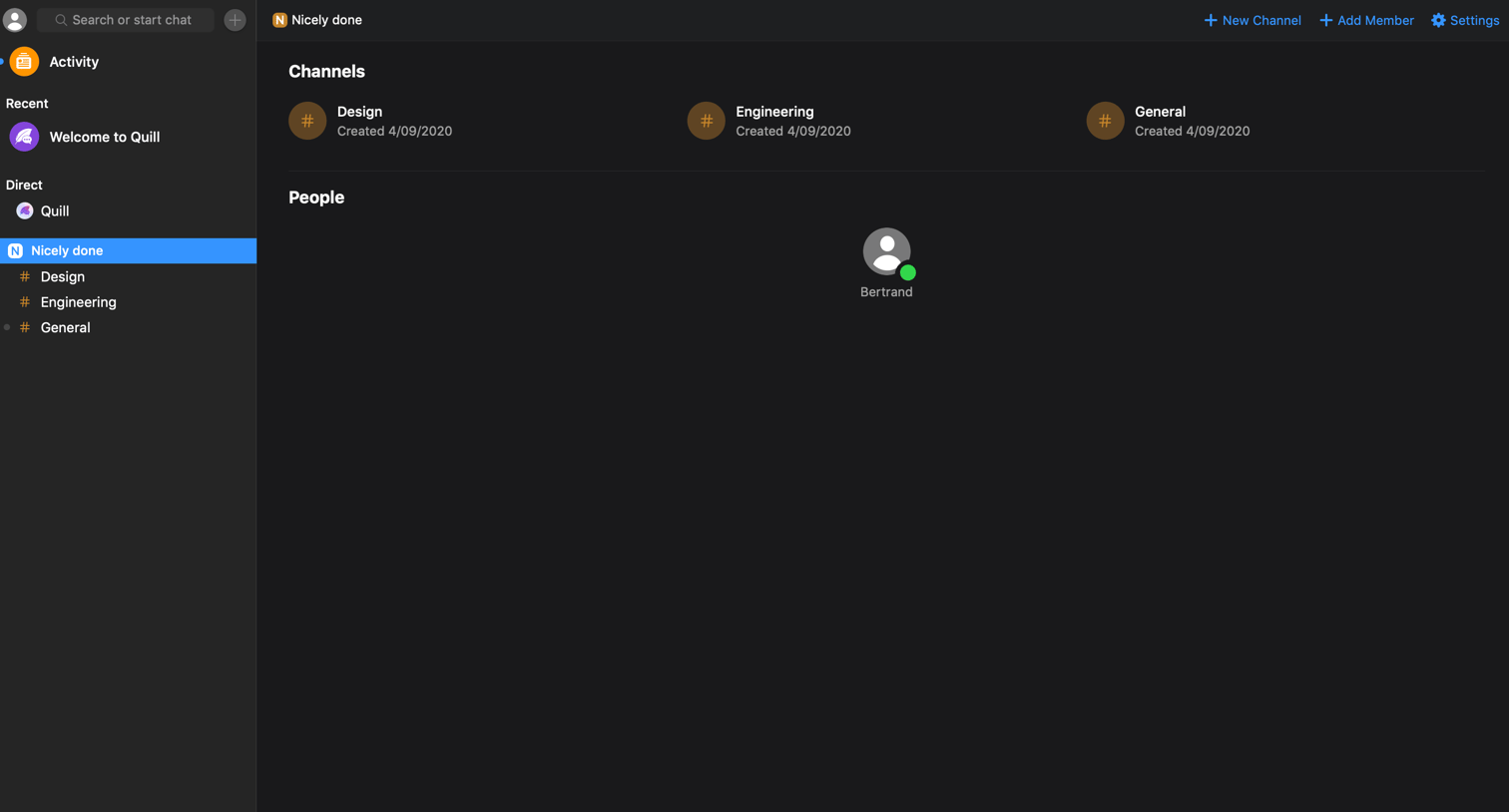
Detail page for a workspace displaying its associated channels and a directory of team members.
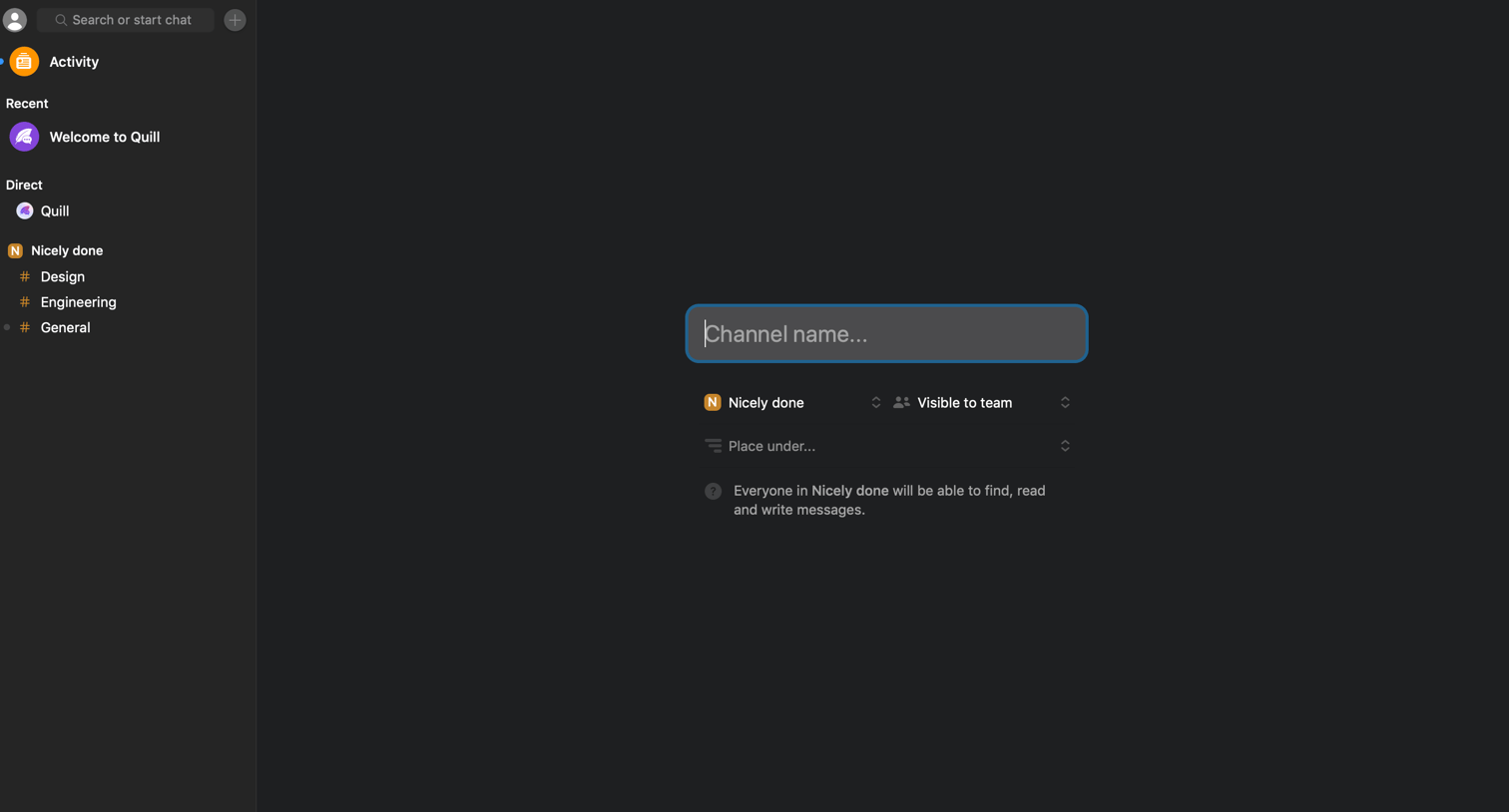
Creation screen where the user names a new channel and configures its workspace, visibility, and placement.
Browse the full SaaS app library
Explore real SaaS apps with their product screens, marketing screens, flows, and components.
Trusted by the best teams







