SeatGeek Flow Example: Activating two-factor authentication
Preview this SeatGeek user flow: Activating two-factor authentication. Explore the opening screens.
Preview these flows

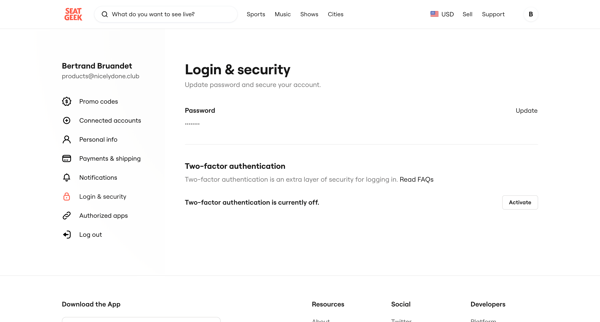
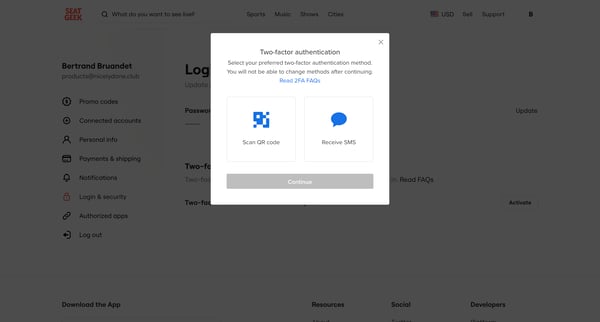
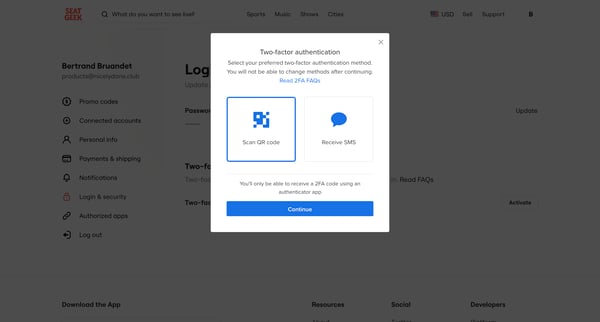
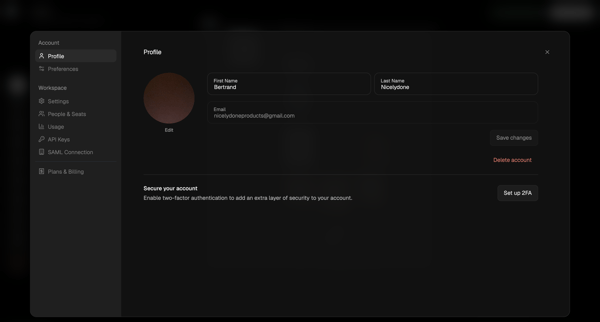
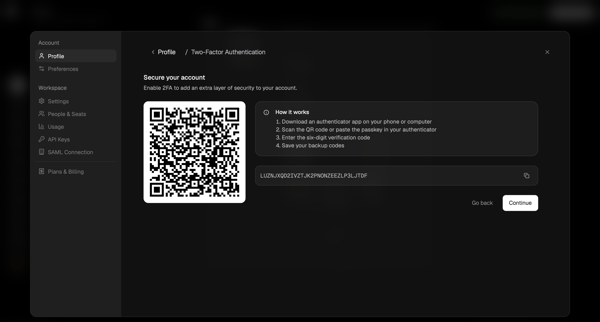
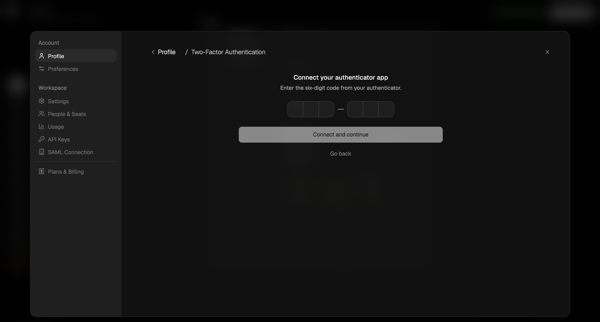
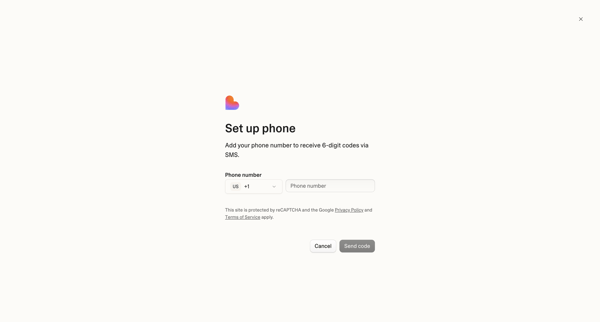
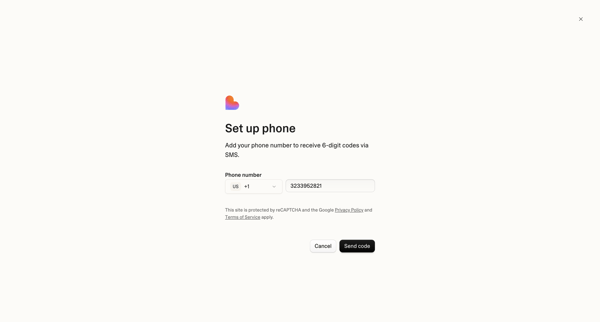
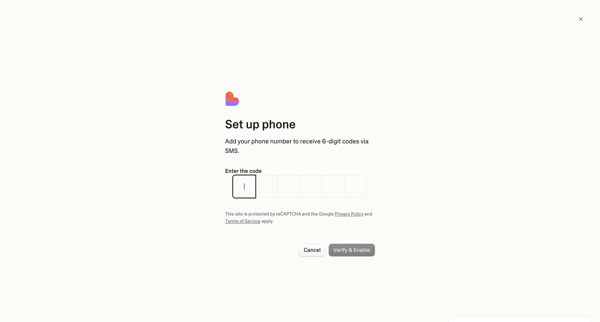
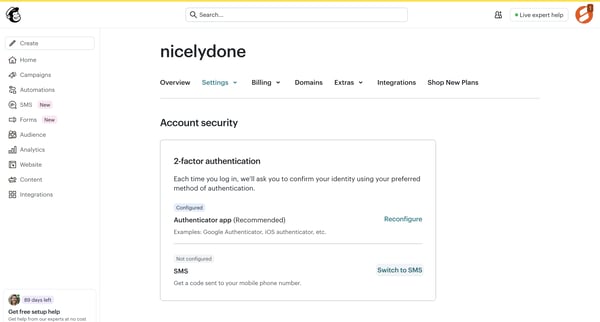
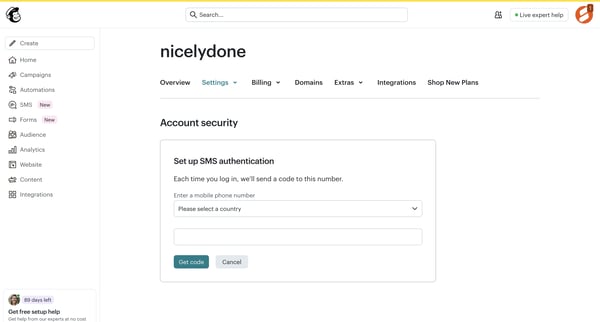
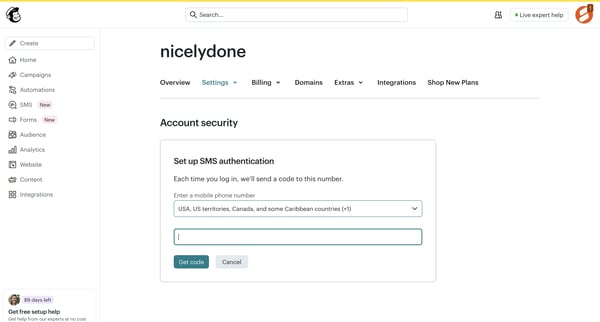
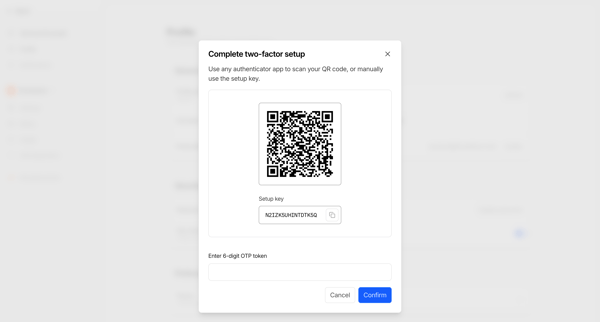
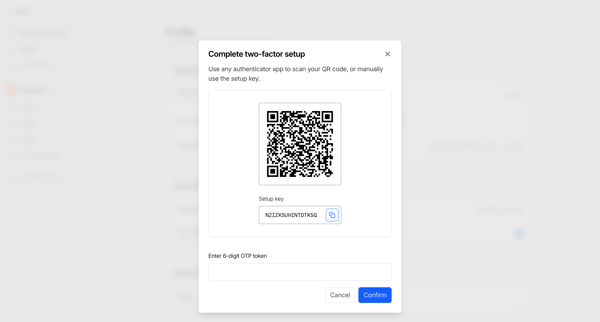
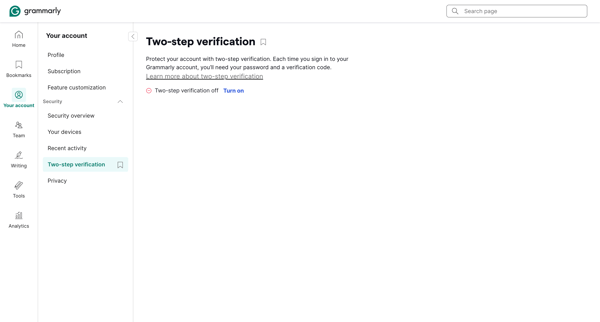
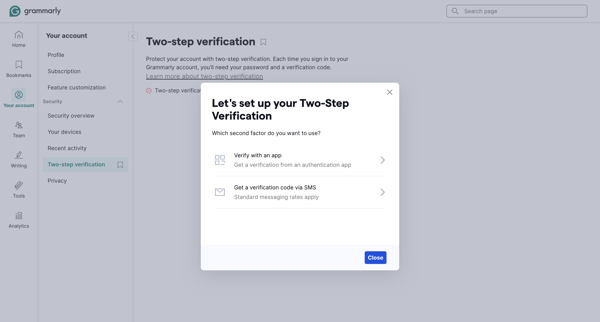
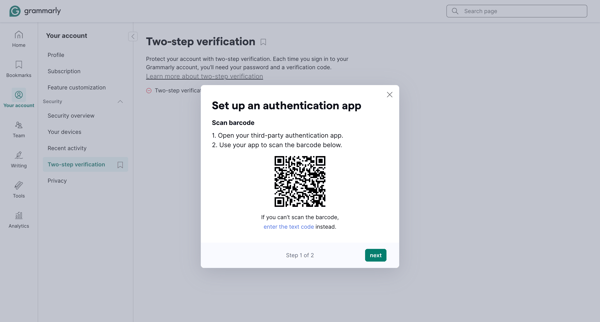
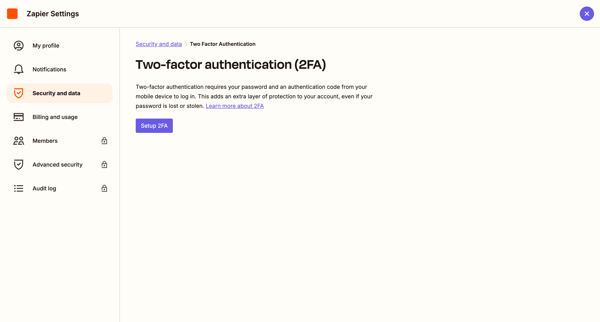
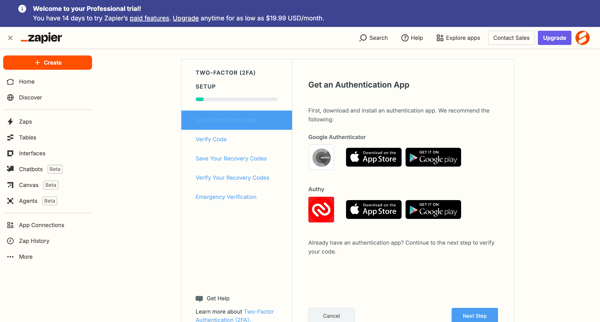
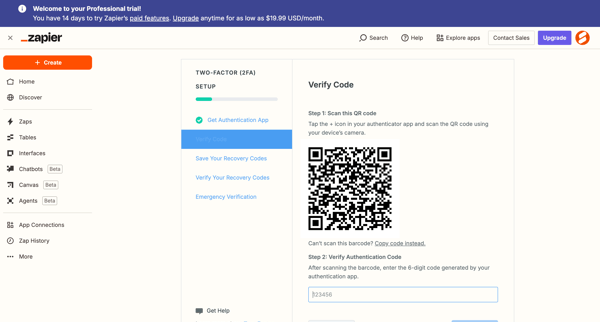
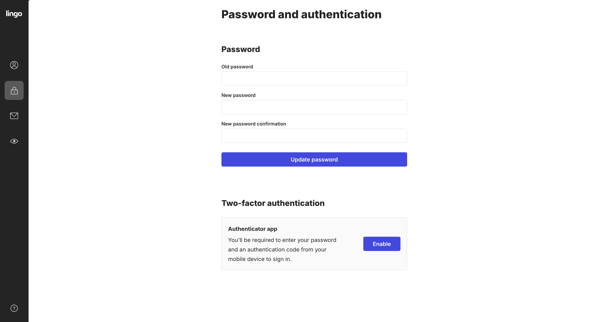
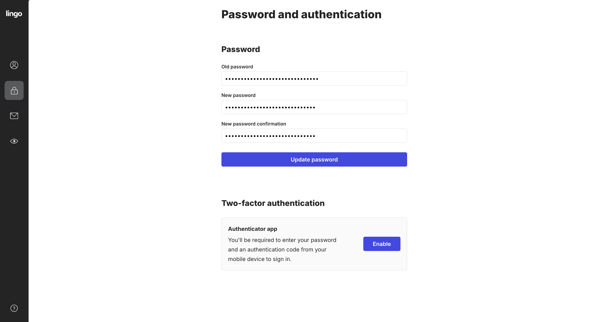
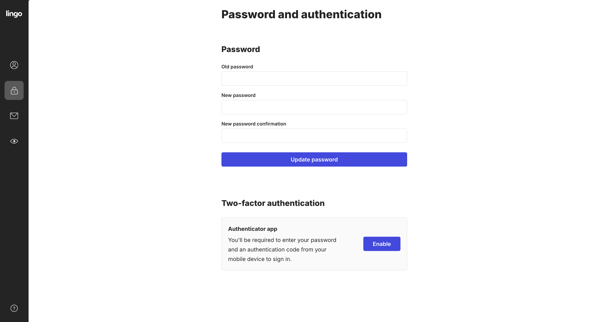
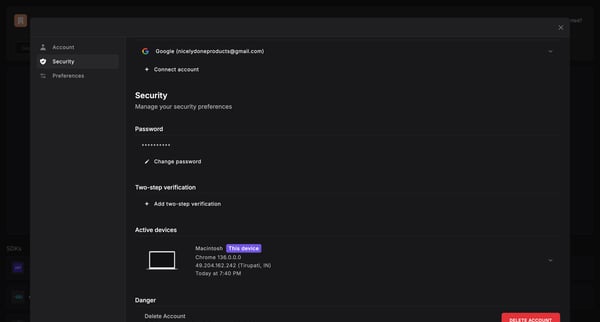
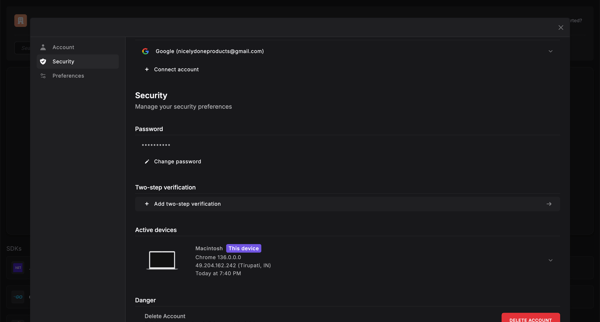
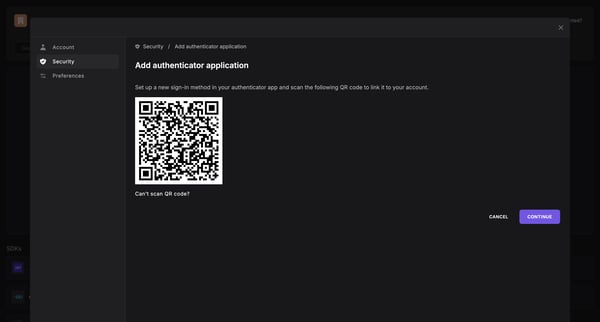
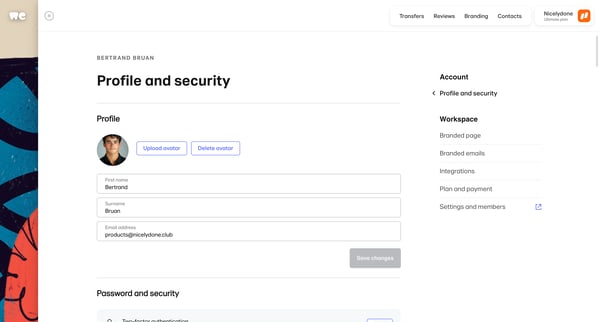
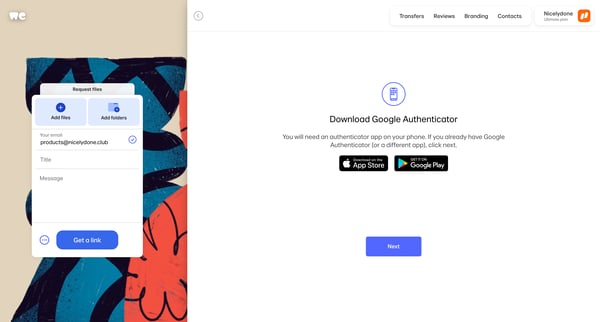
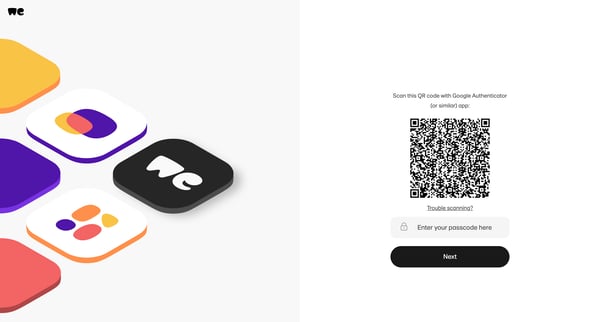
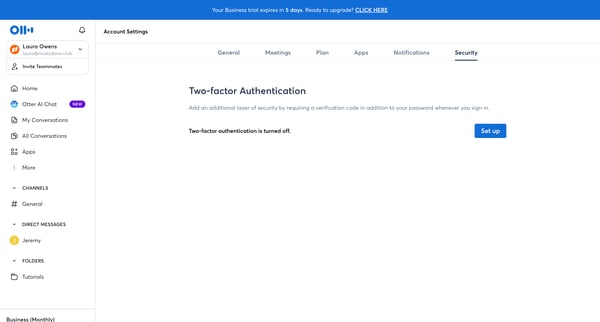
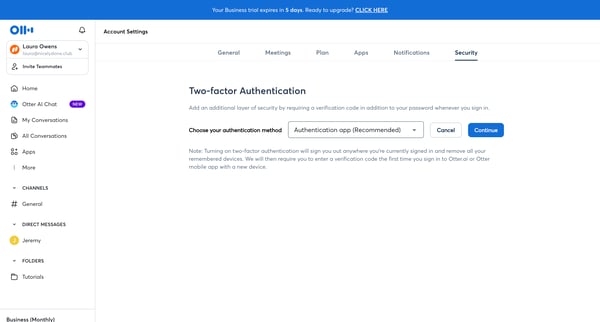
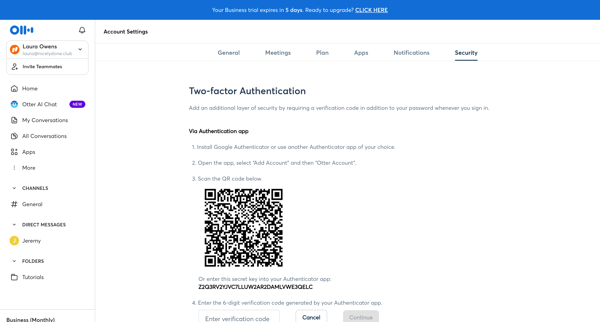
This user flow enables users to set up multi-factor authentication (MFA) for their accounts, enhancing security by requiring a second form of verification.
Related user flows

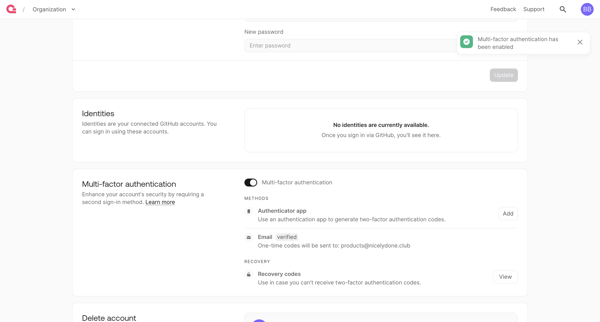
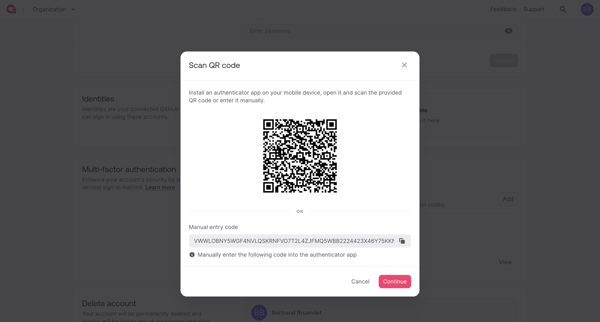
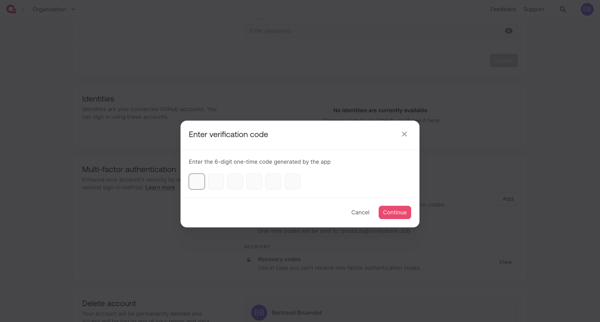
User enables multi-factor authentication from account security settings by scanning QR code, verifying OTP, and saving recovery codes

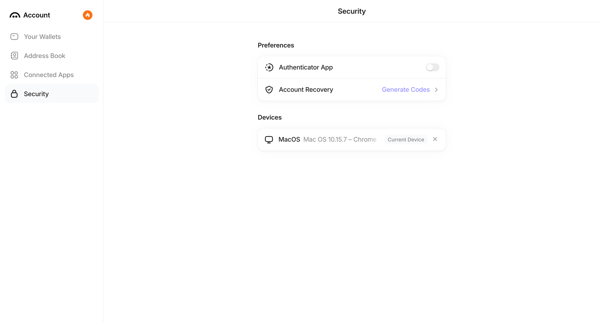
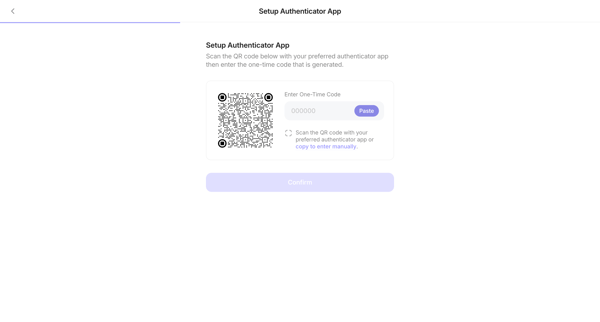
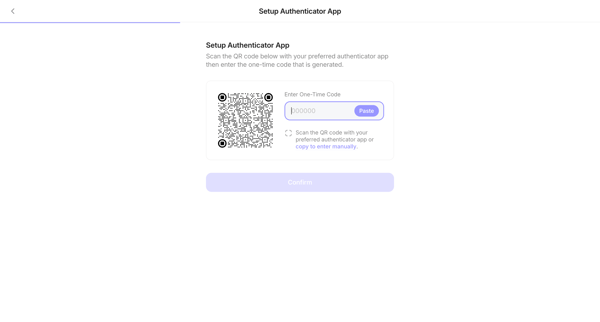
User navigates from account security settings to enable authenticator app MFA, scans QR code, enters one-time code, saves backup code, and returns to updated security settings showing MFA enabled.










Explore the full SaaS flow library
Browse the full SaaS flow library.
Trusted by the best teams







