Quick keys screen examples
Quick keys screen design examples from SaaS apps. Browse examples from Notion Mail, Sora, Reflect.
Explore the examples
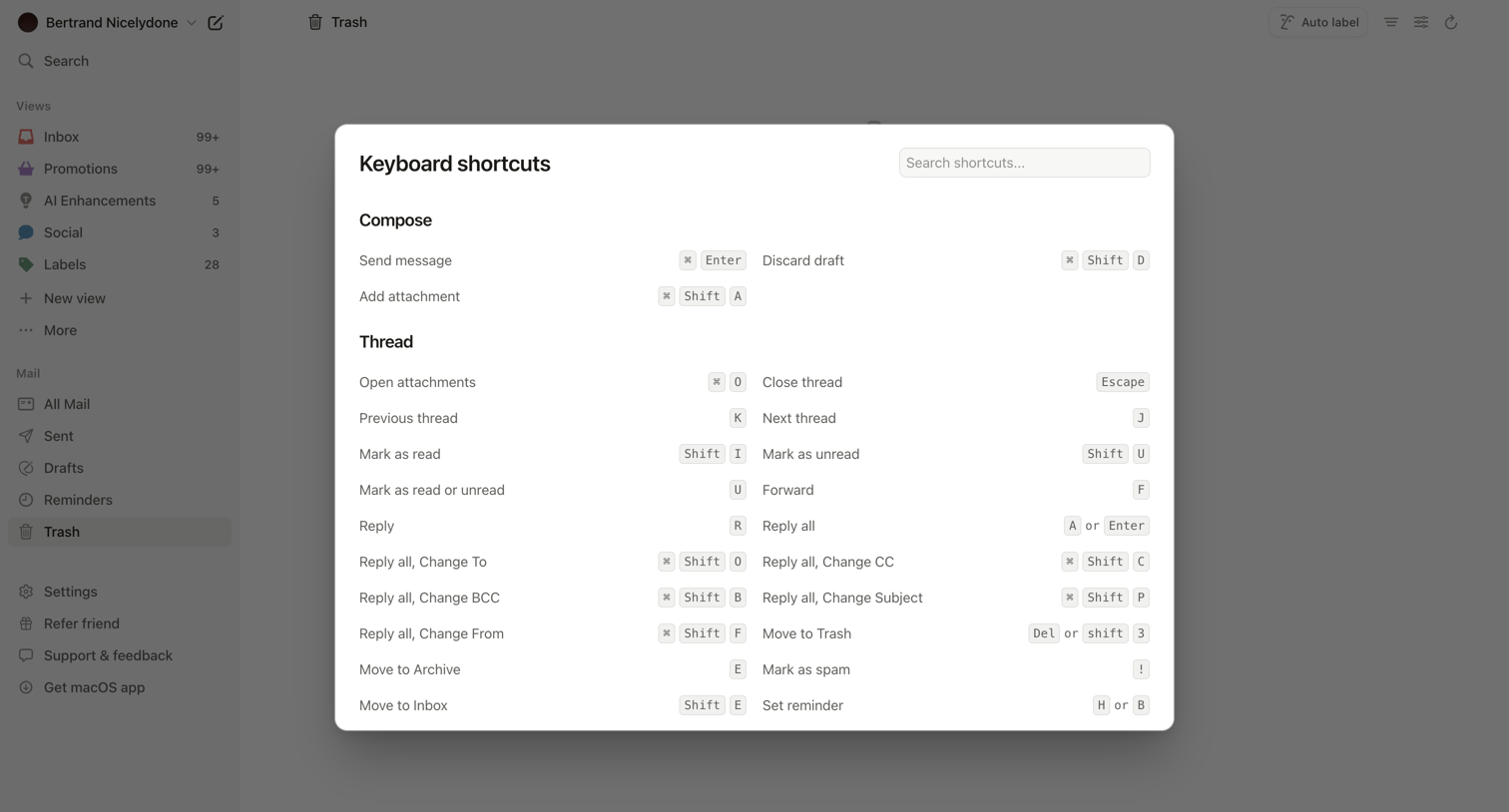

Email inbox where the user is viewing a modal listing all available keyboard shortcuts for composing and managing threads.
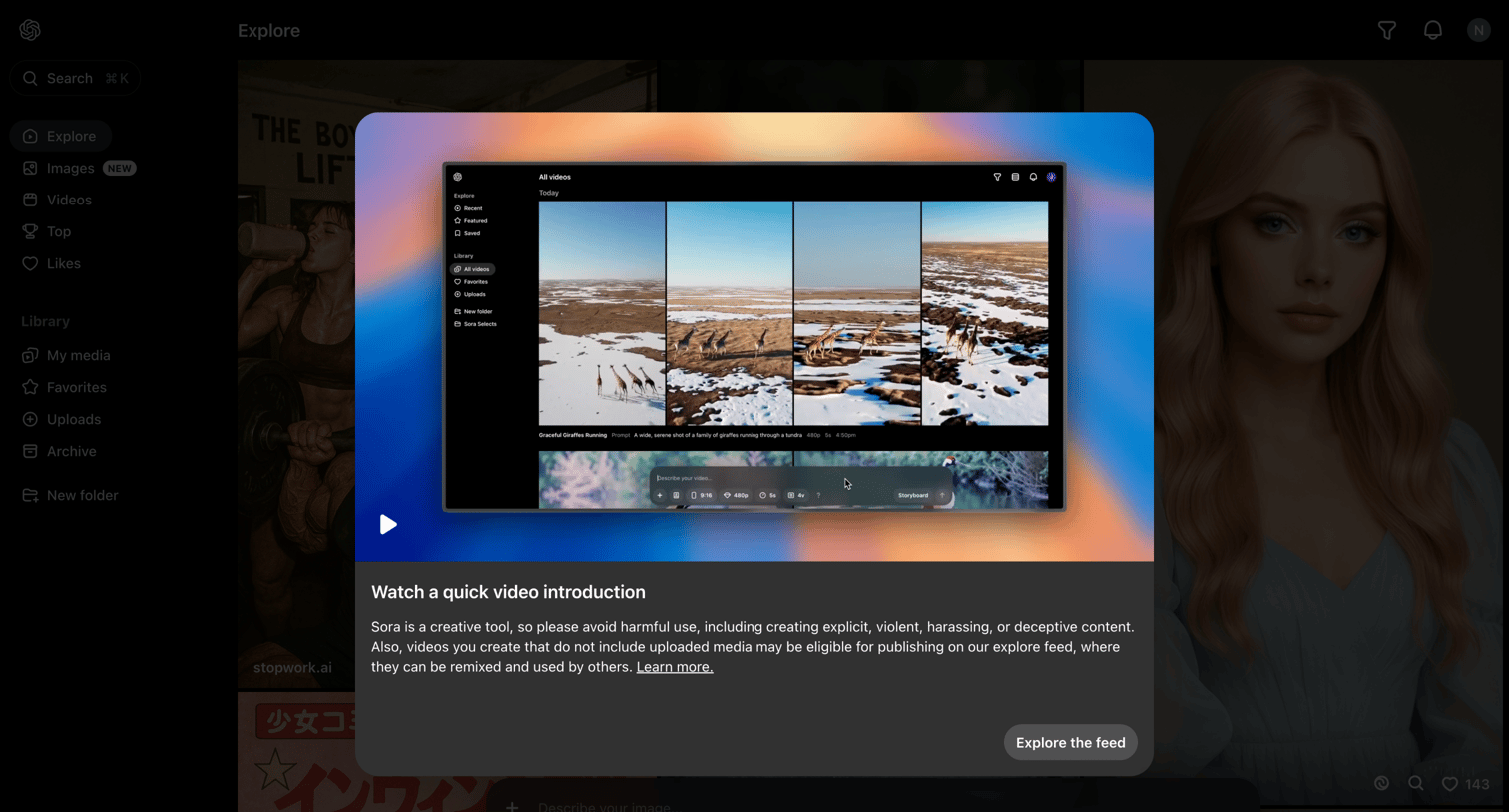

Explore feed with a welcome modal prompting the user to watch a quick video introduction before starting.
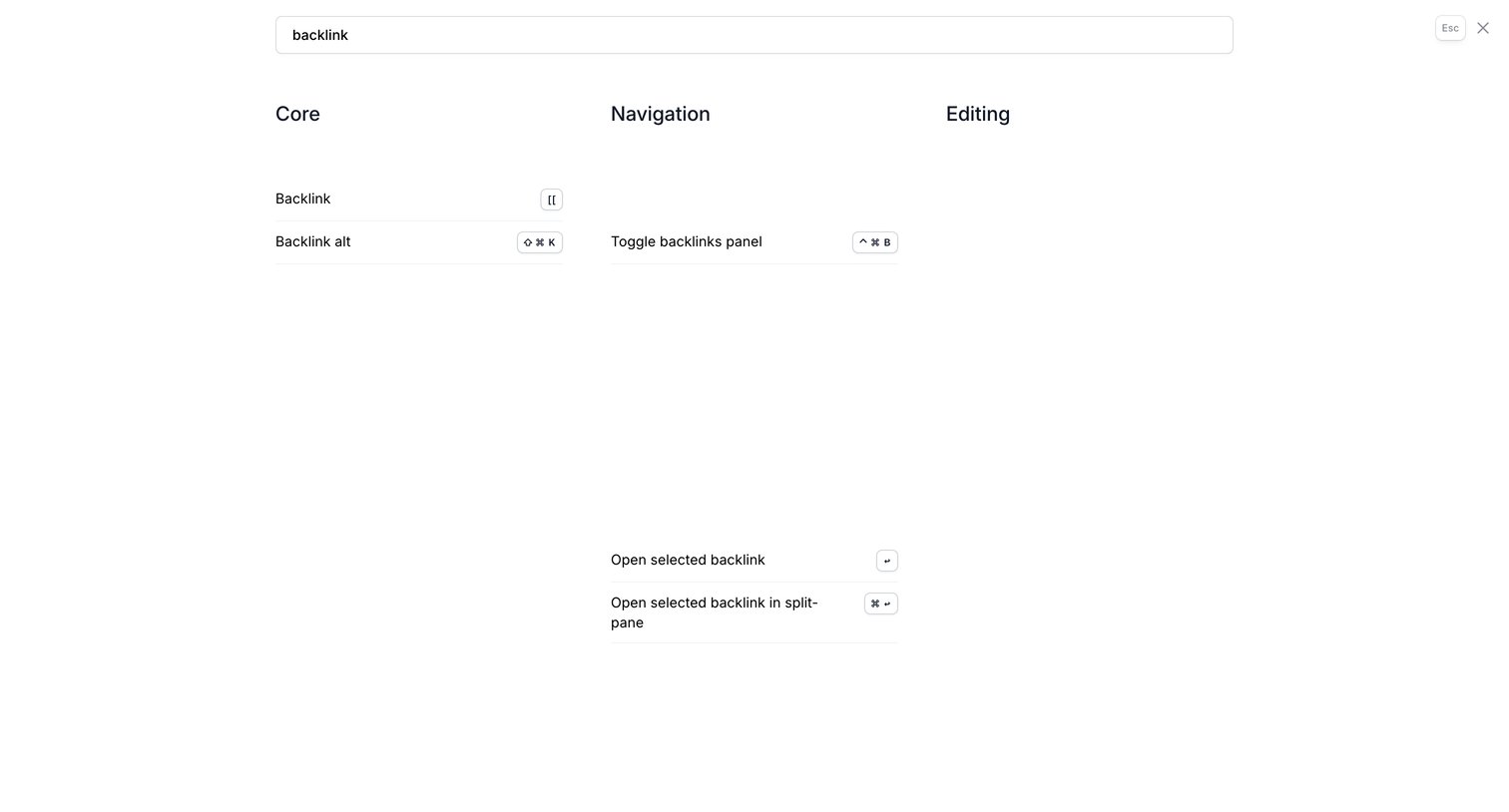

Search overlay where the user filters a directory of keyboard shortcuts by typing 'backlink' to find related core and navigation commands.
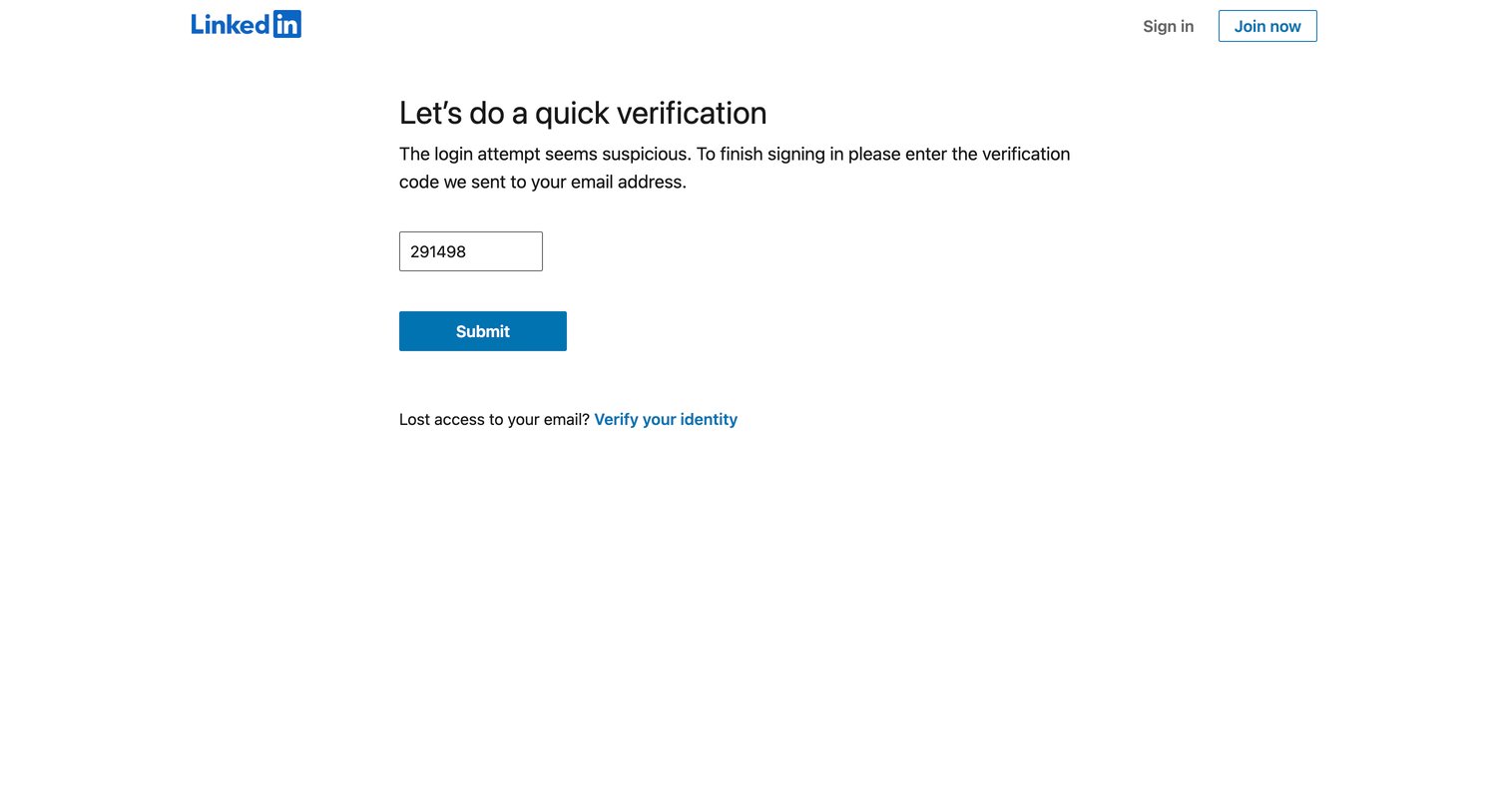

Verification screen where the user enters a code sent to their email to authorize a suspicious login attempt.
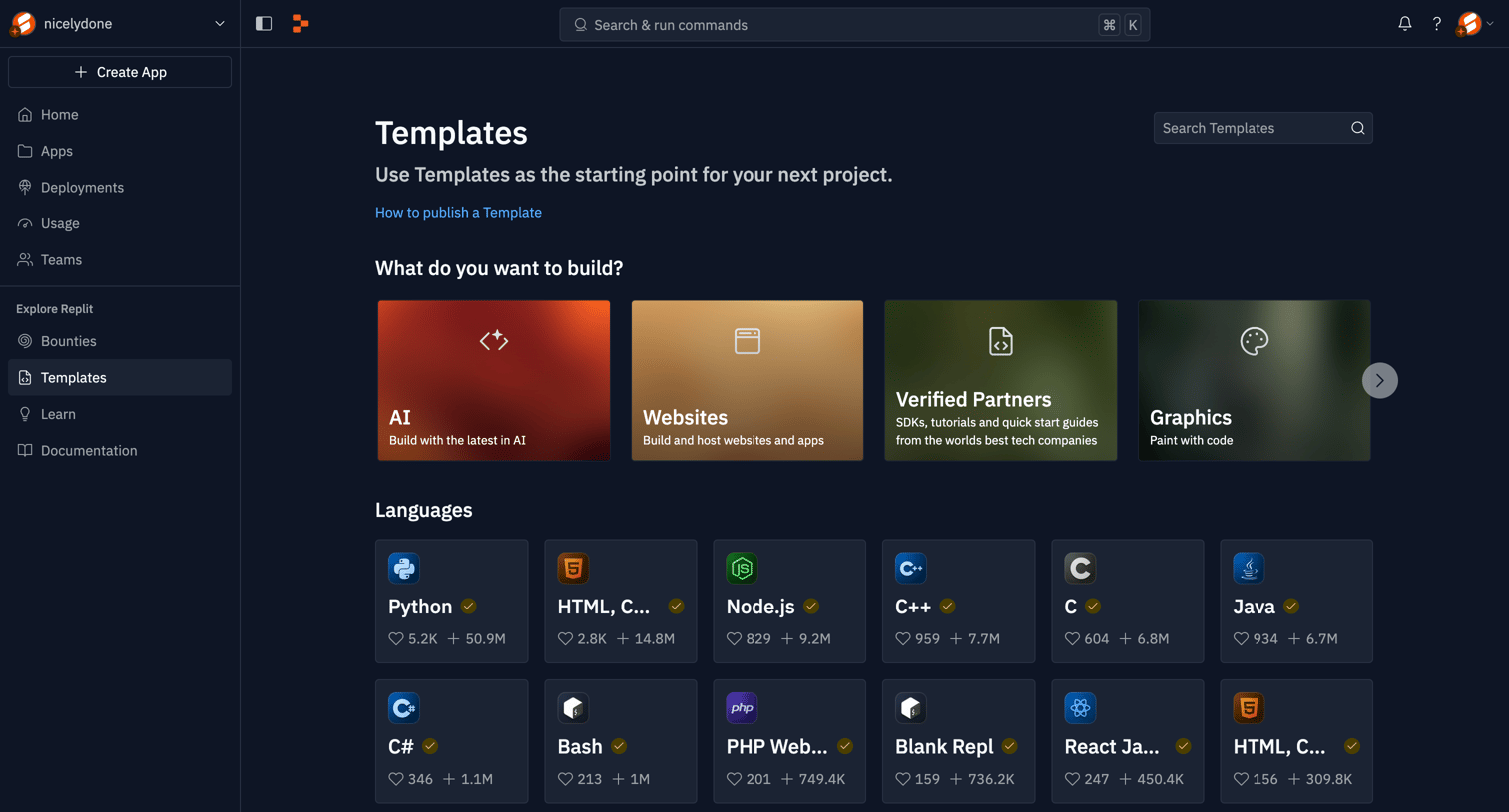

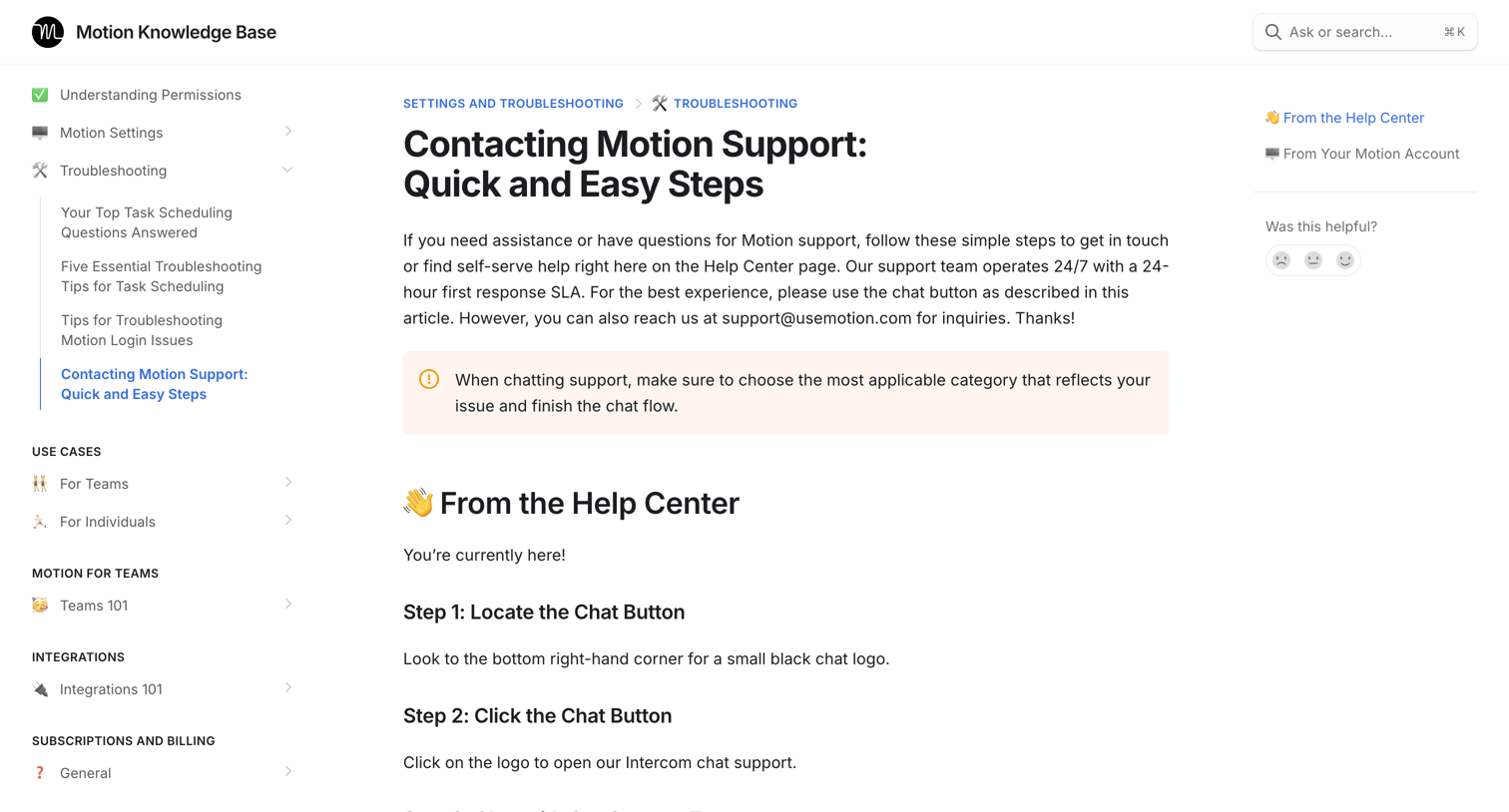

Help center article explaining how to contact support via chat or search, featuring step-by-step instructions, embedded walkthroughs, and a helpfulness feedback widget.
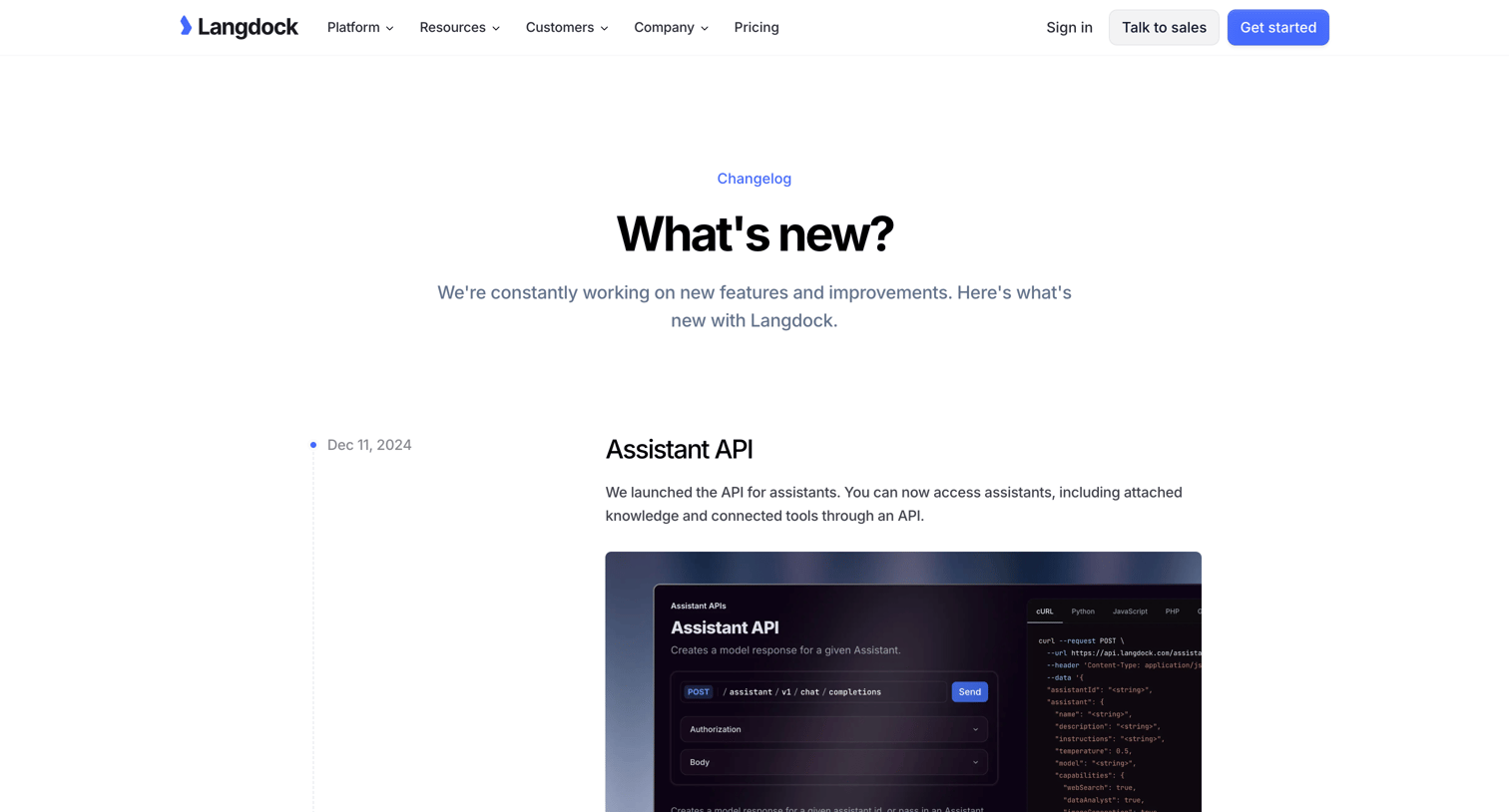

Changelog page where the user reads a timeline of product updates including the Assistant API, Share Chats, and Command Bar.
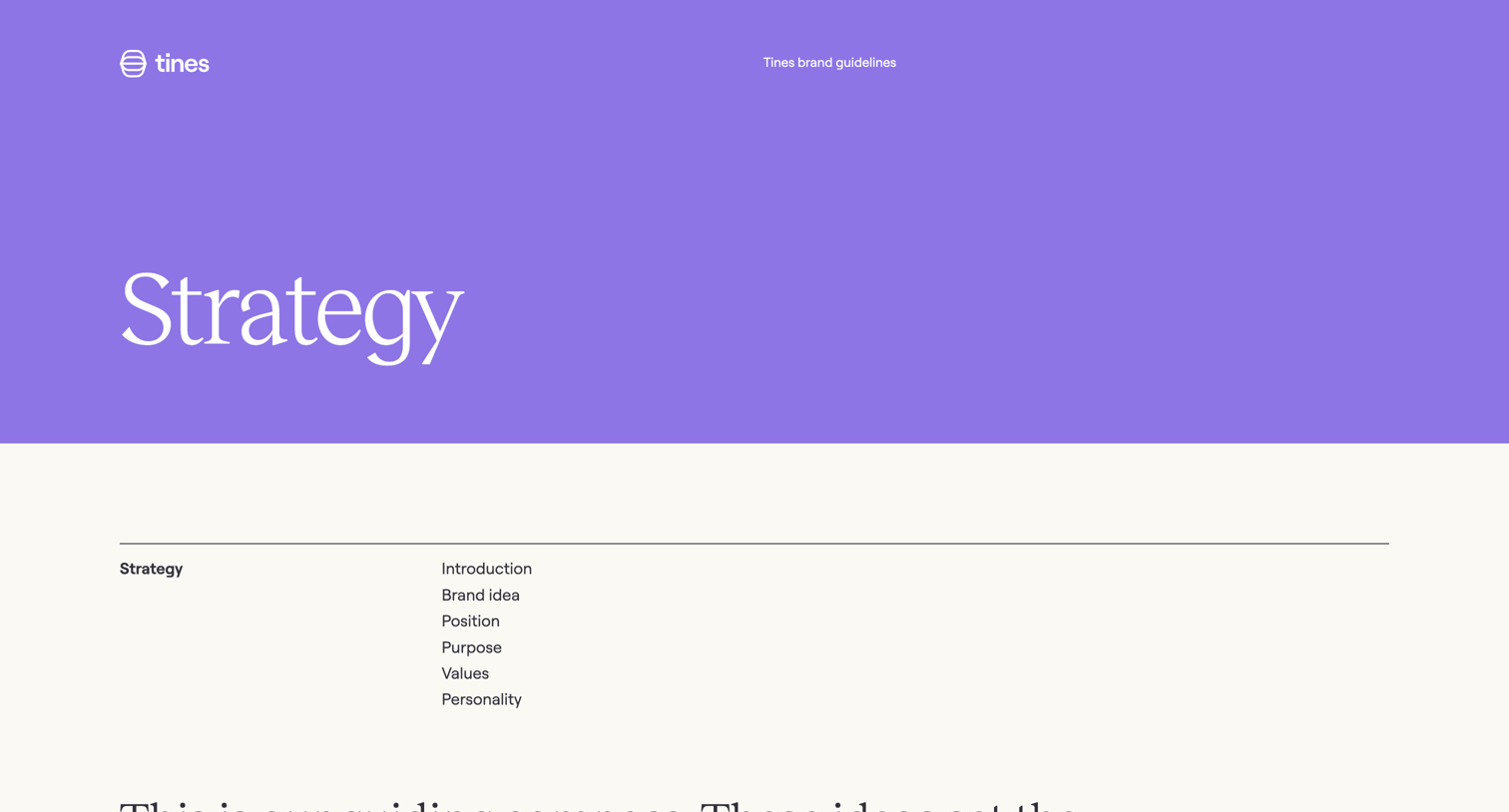

Brand guidelines page detailing the company's core strategy, including its brand idea, position, purpose, values, and personality traits.
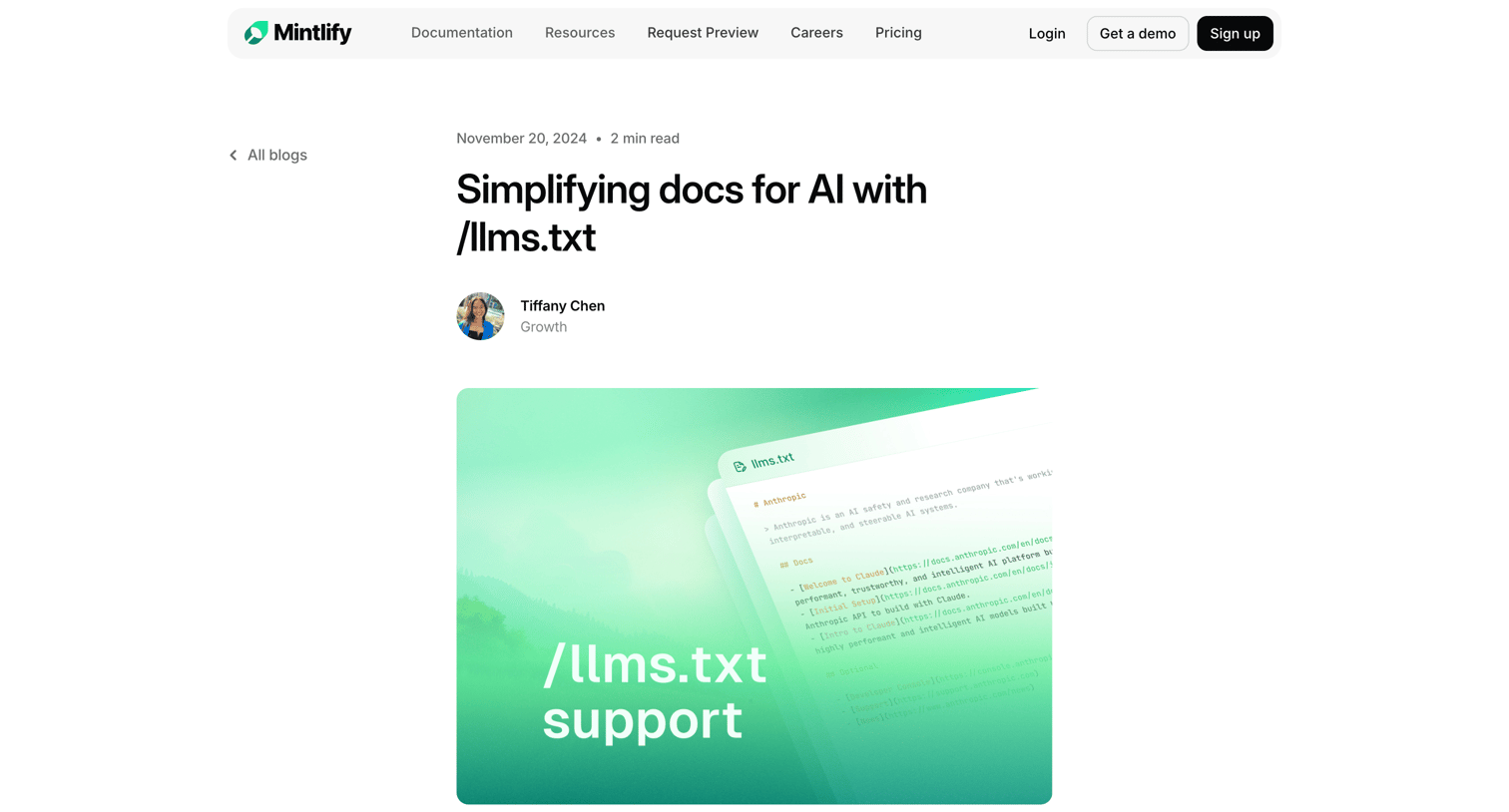

Article announcing support for llms.txt to help AI models ingest documentation, featuring a hero image, embedded tweet, and related posts.
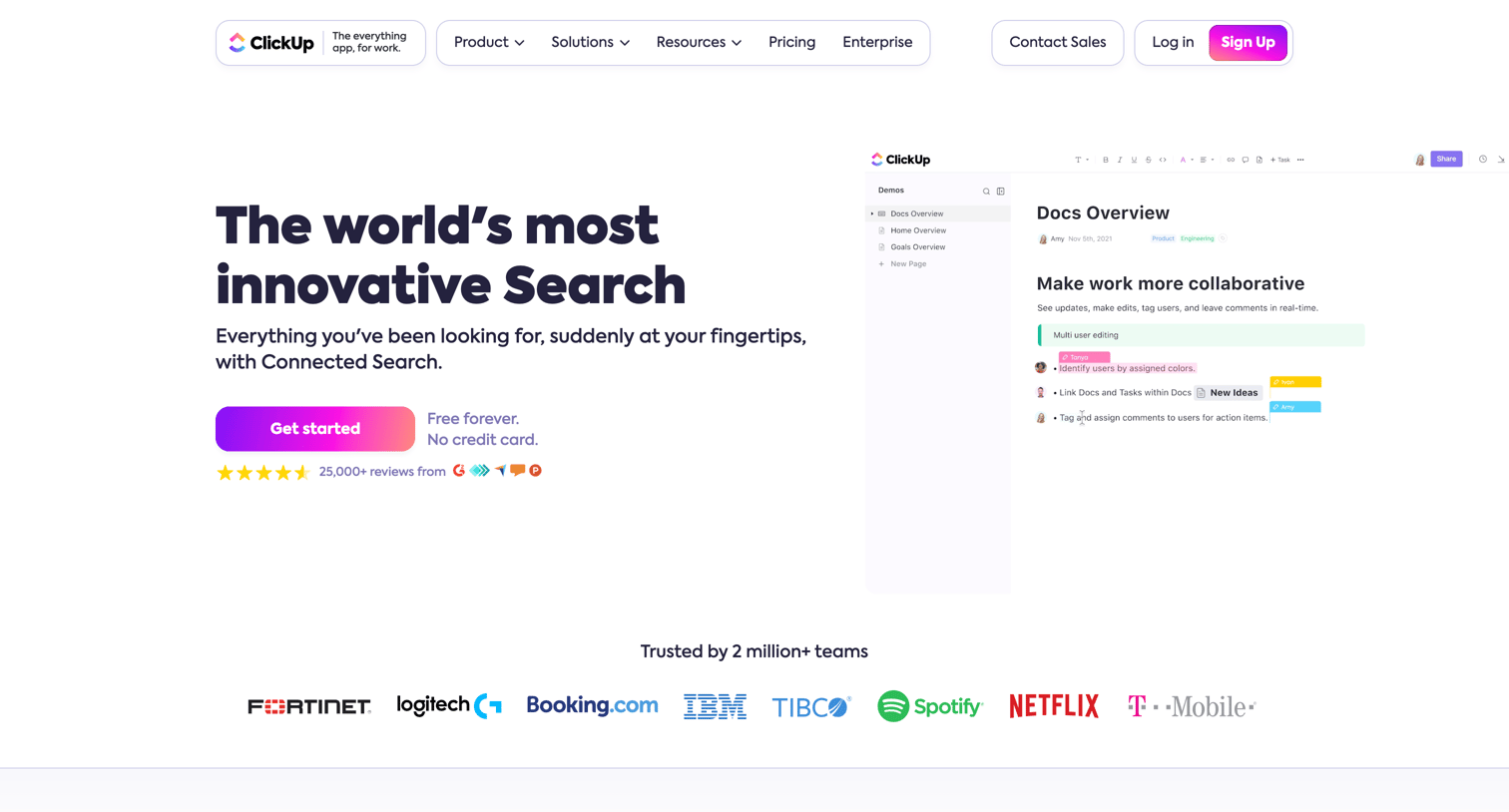

Feature page detailing a connected search capability that integrates with external apps like Google Drive, Slack, and GitHub to find files and information across tools.
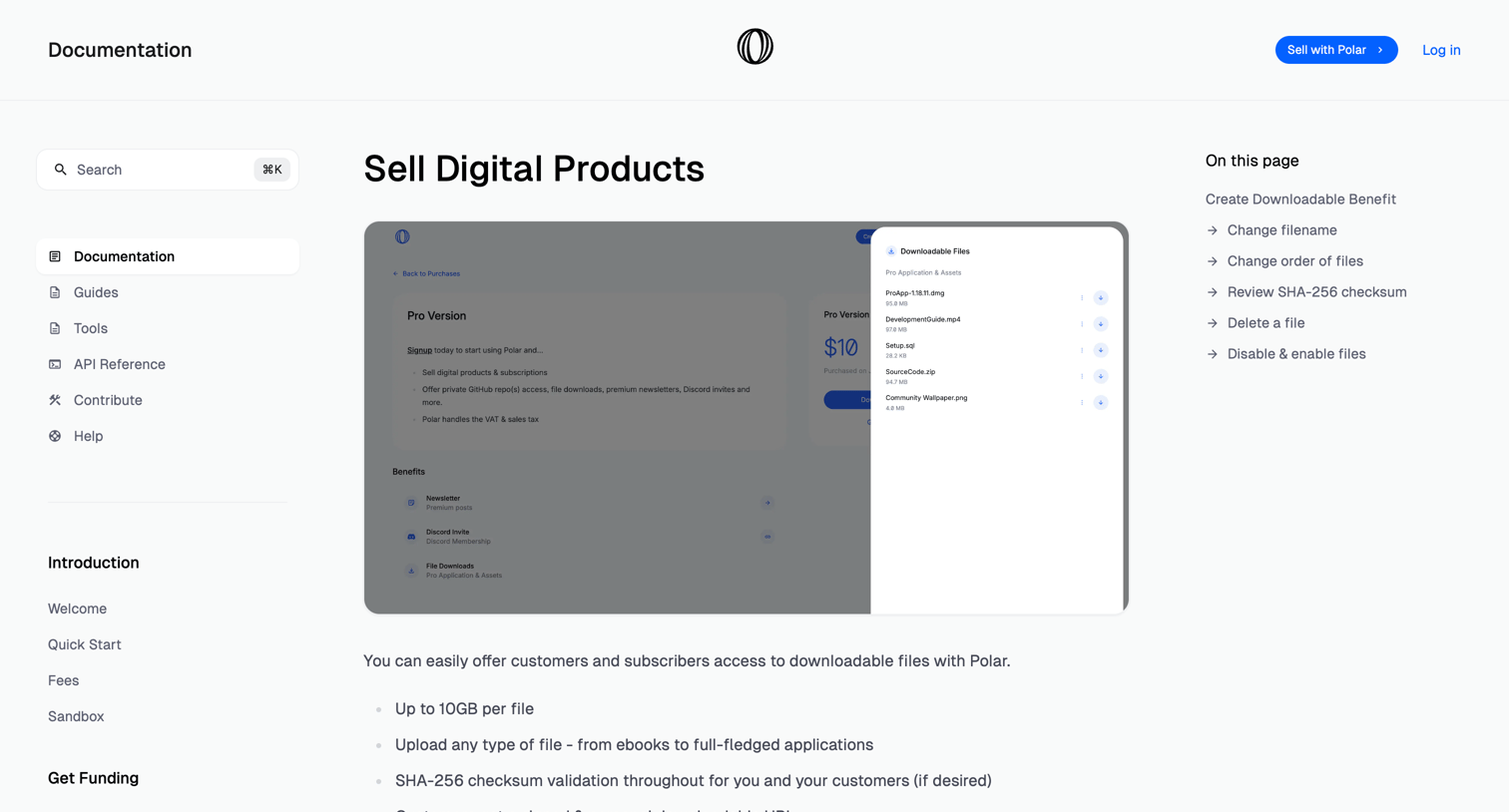

Documentation article explaining how to create and manage downloadable file benefits for digital products.
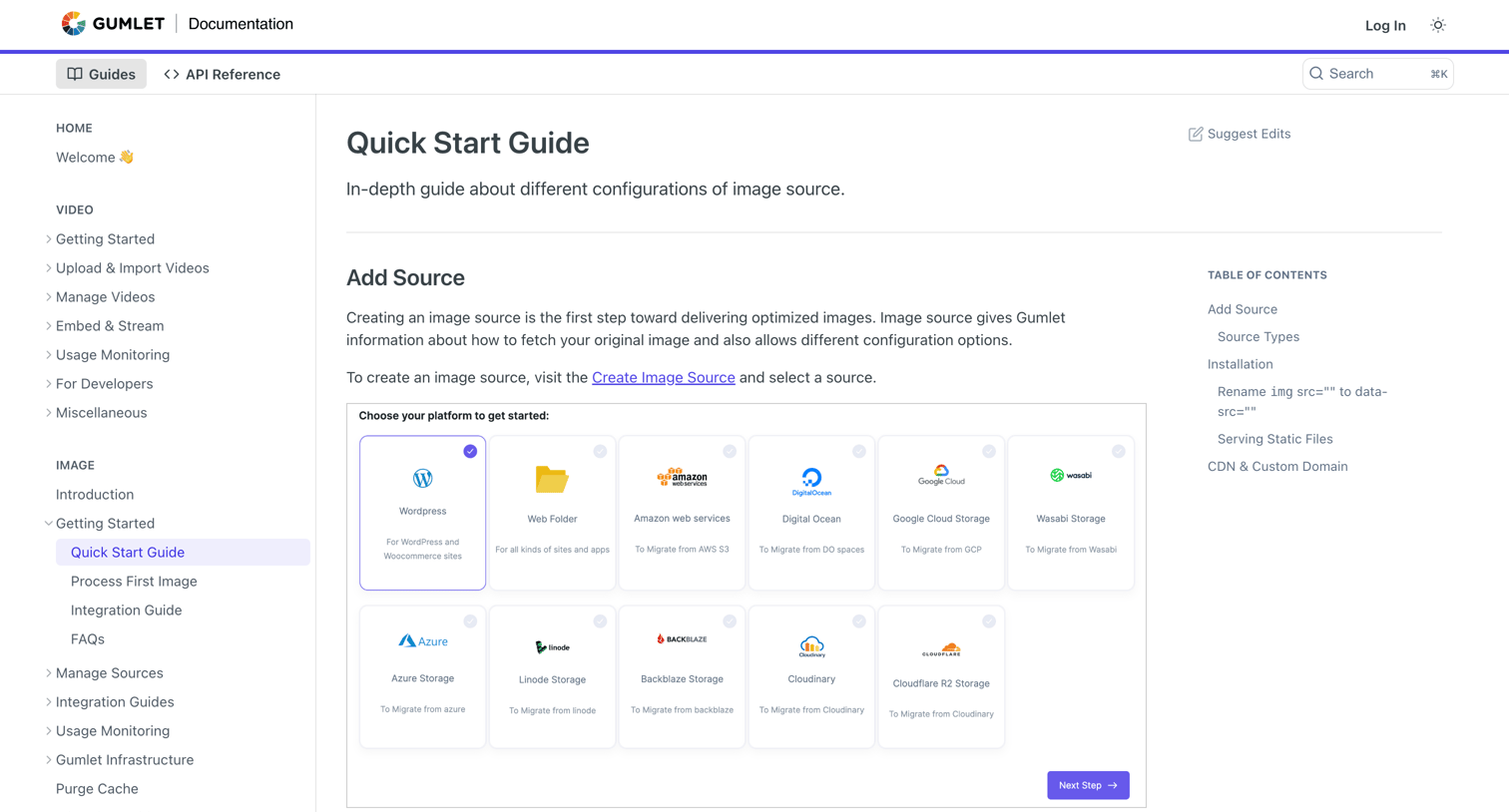

Developer documentation page providing a quick start guide for configuring image sources and installing Gumlet via HTML script tags.
Explore the full SaaS screen library
Upgrade to unlock the full library.
Trusted by the best teams







