HRIS integration screen examples
HRIS integration screen design examples from SaaS apps. Browse examples from Okta, Travelperk, Qatalog.
Explore the examples
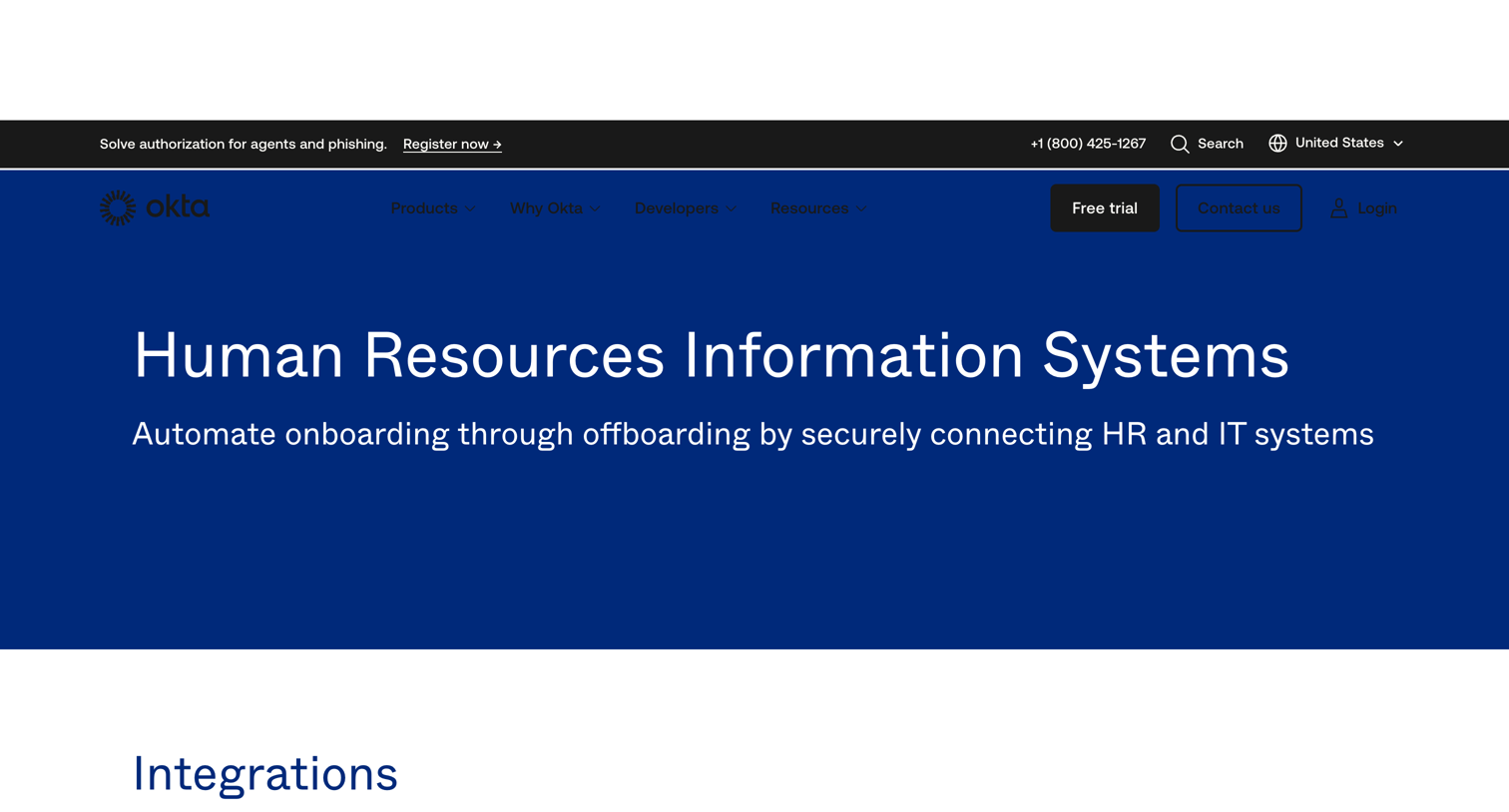

Use case page explaining how the product automates employee onboarding and offboarding by connecting HR and IT systems.
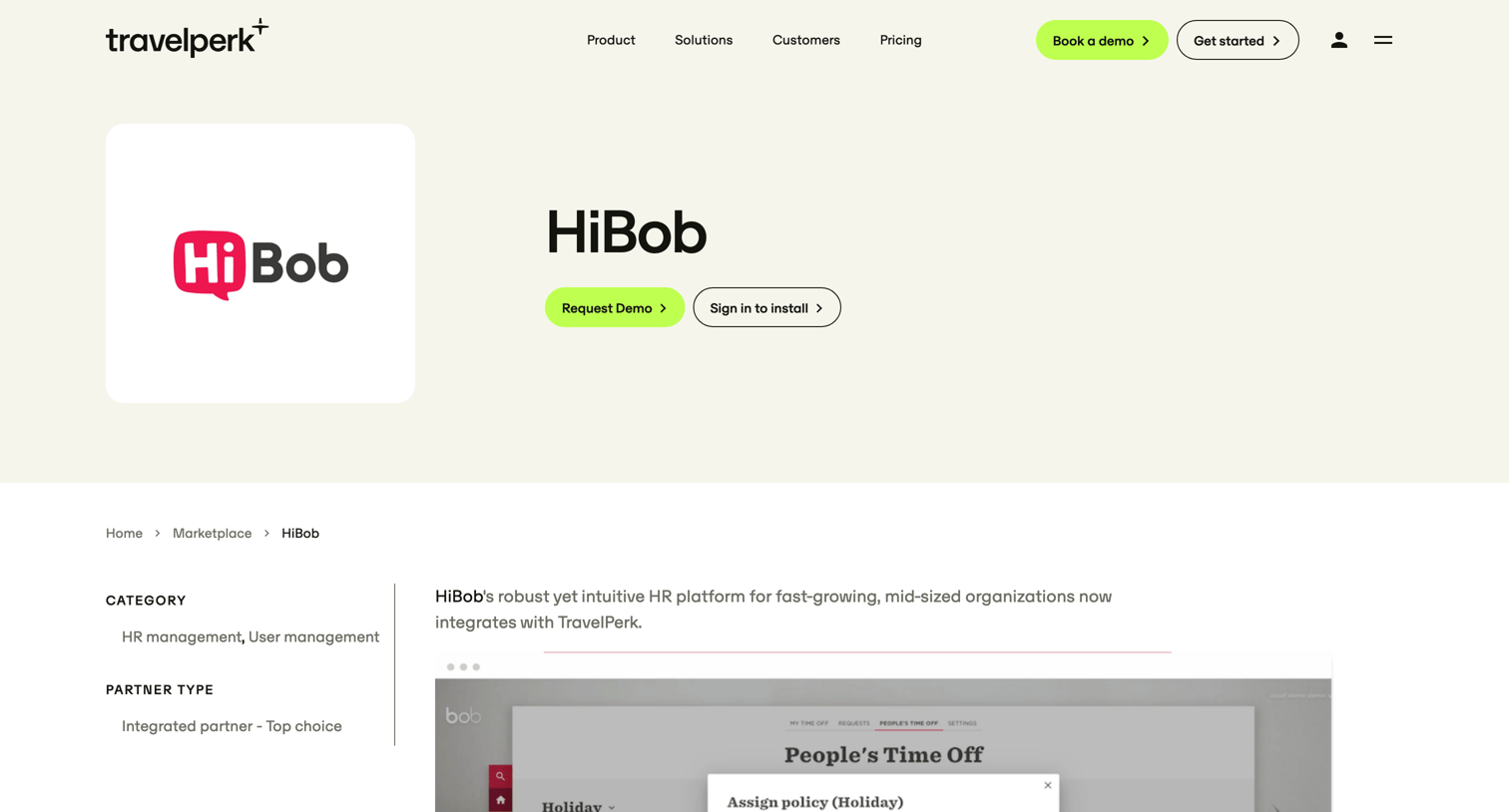

Integration detail page for HiBob on the TravelPerk marketplace, outlining key HR features, integration capabilities, and providing CTAs to request a demo or install the app.
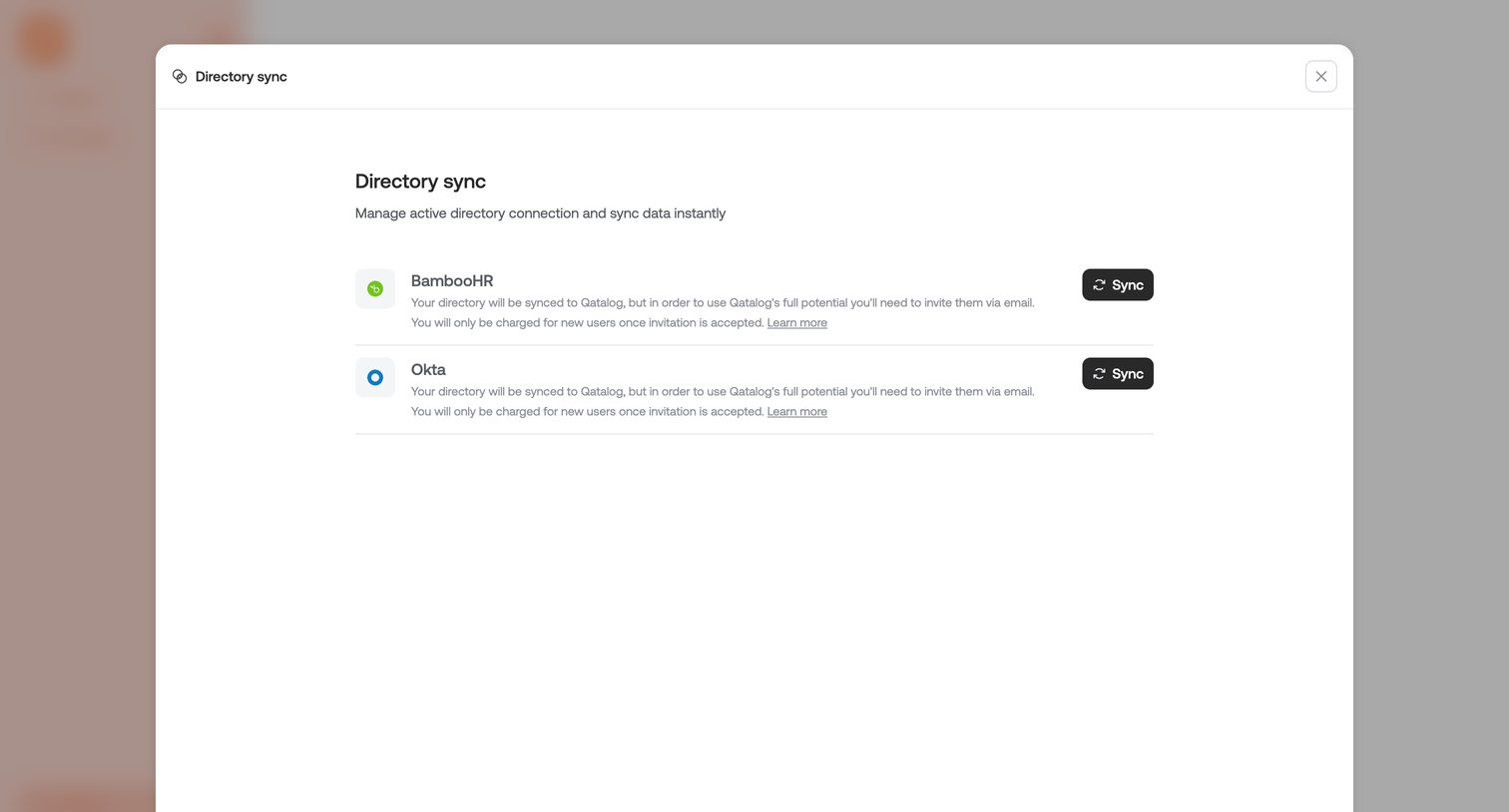

Settings modal where the user manages active directory connections and triggers manual data syncs for BambooHR or Okta.
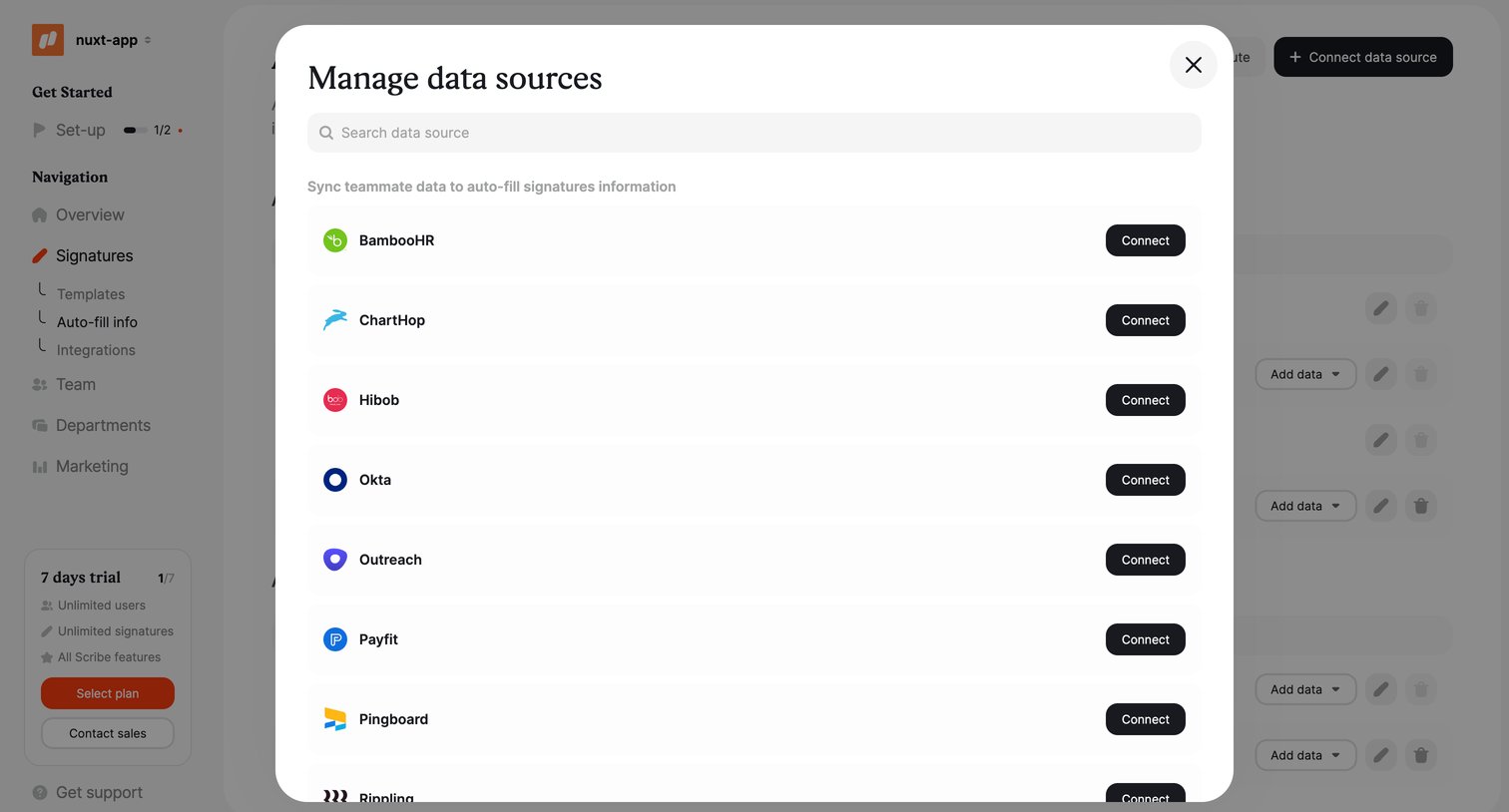

Settings modal where the user searches and connects third-party HR and identity platforms like BambooHR and Okta to sync teammate data.
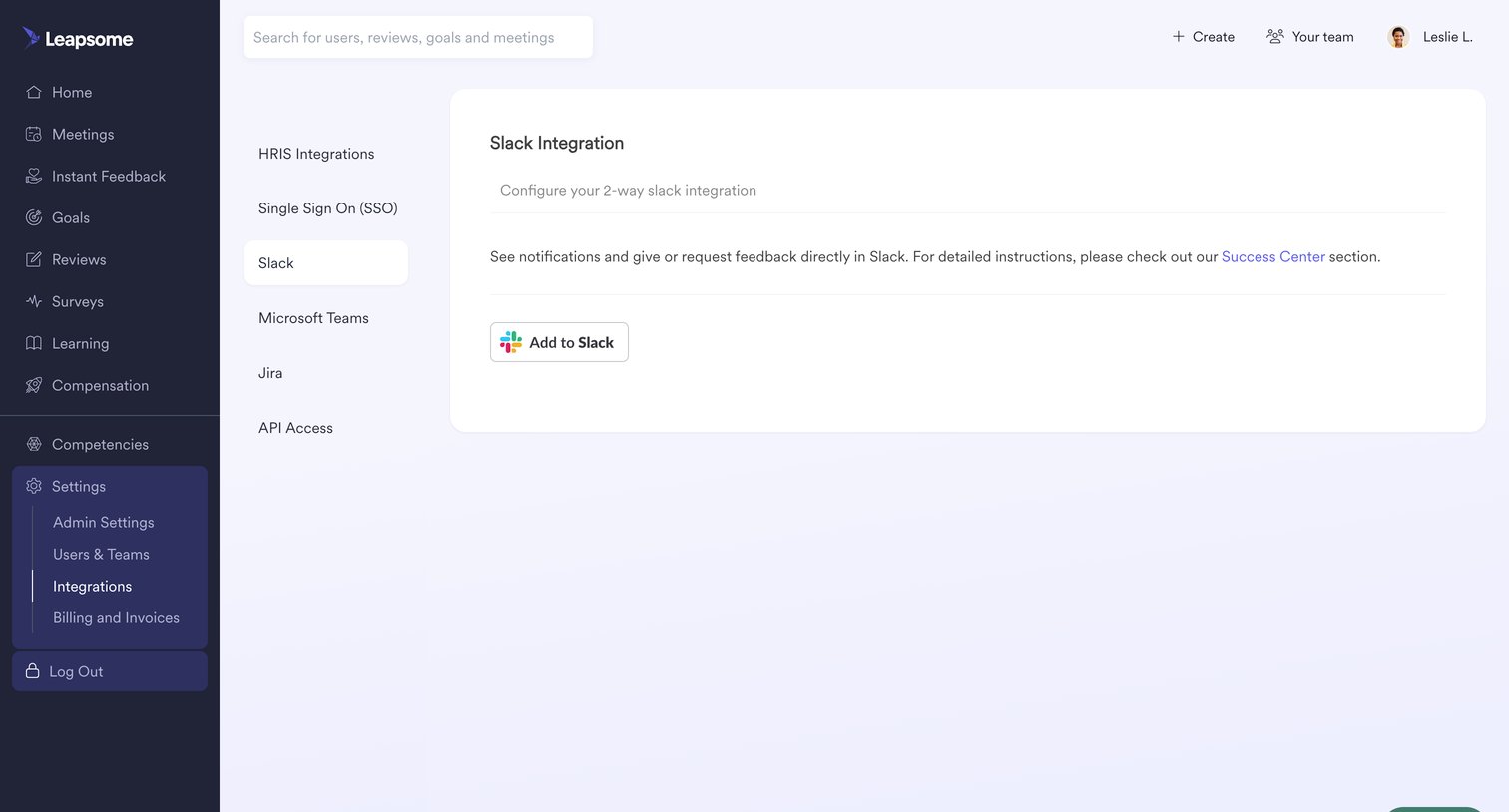

Settings page where the user can configure a 2-way Slack integration by adding the app to their workspace.
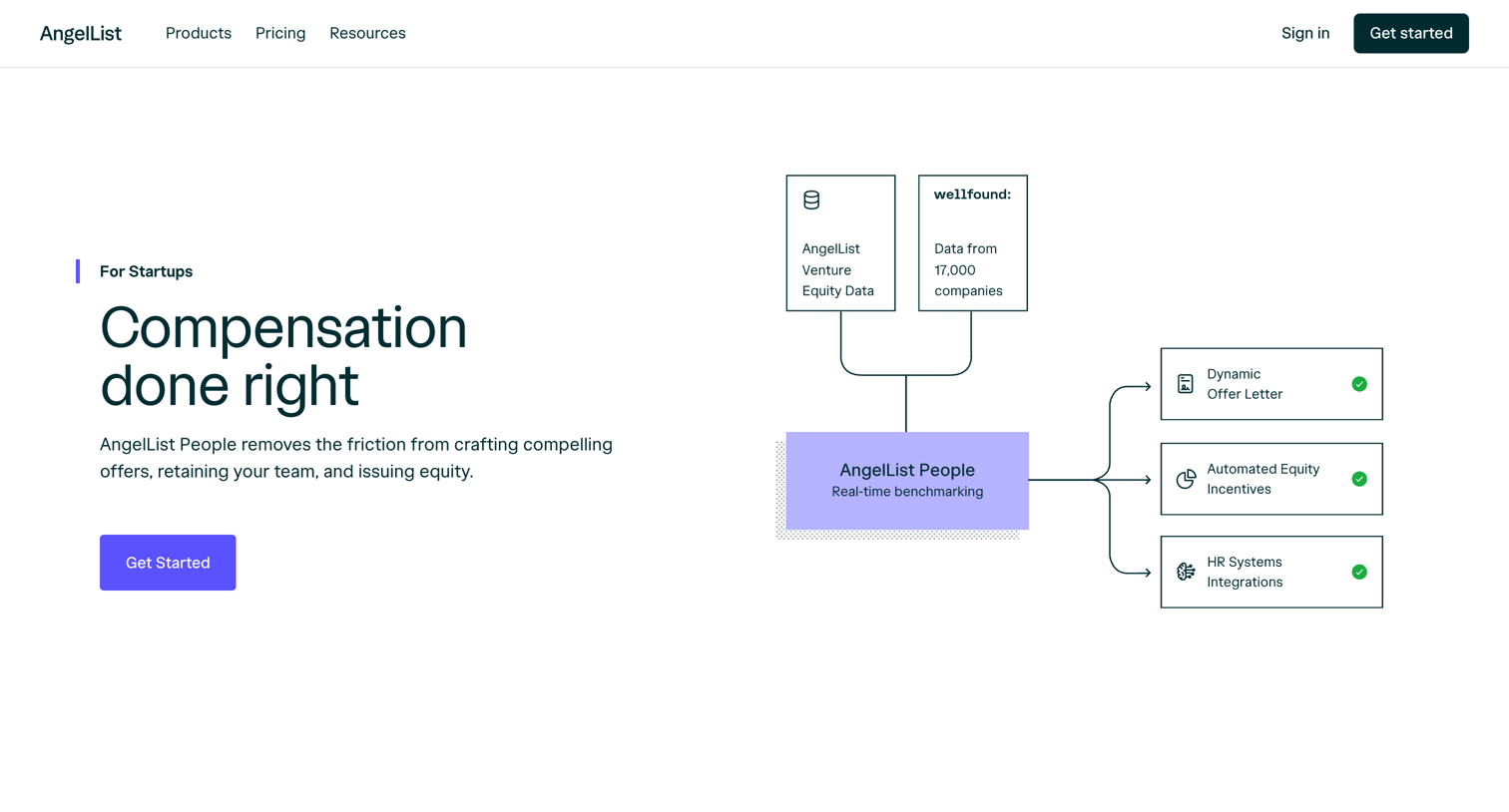

Product page for a startup compensation tool detailing features like market benchmarking, automated offers, and leveling, alongside tiered pricing and integration partners.
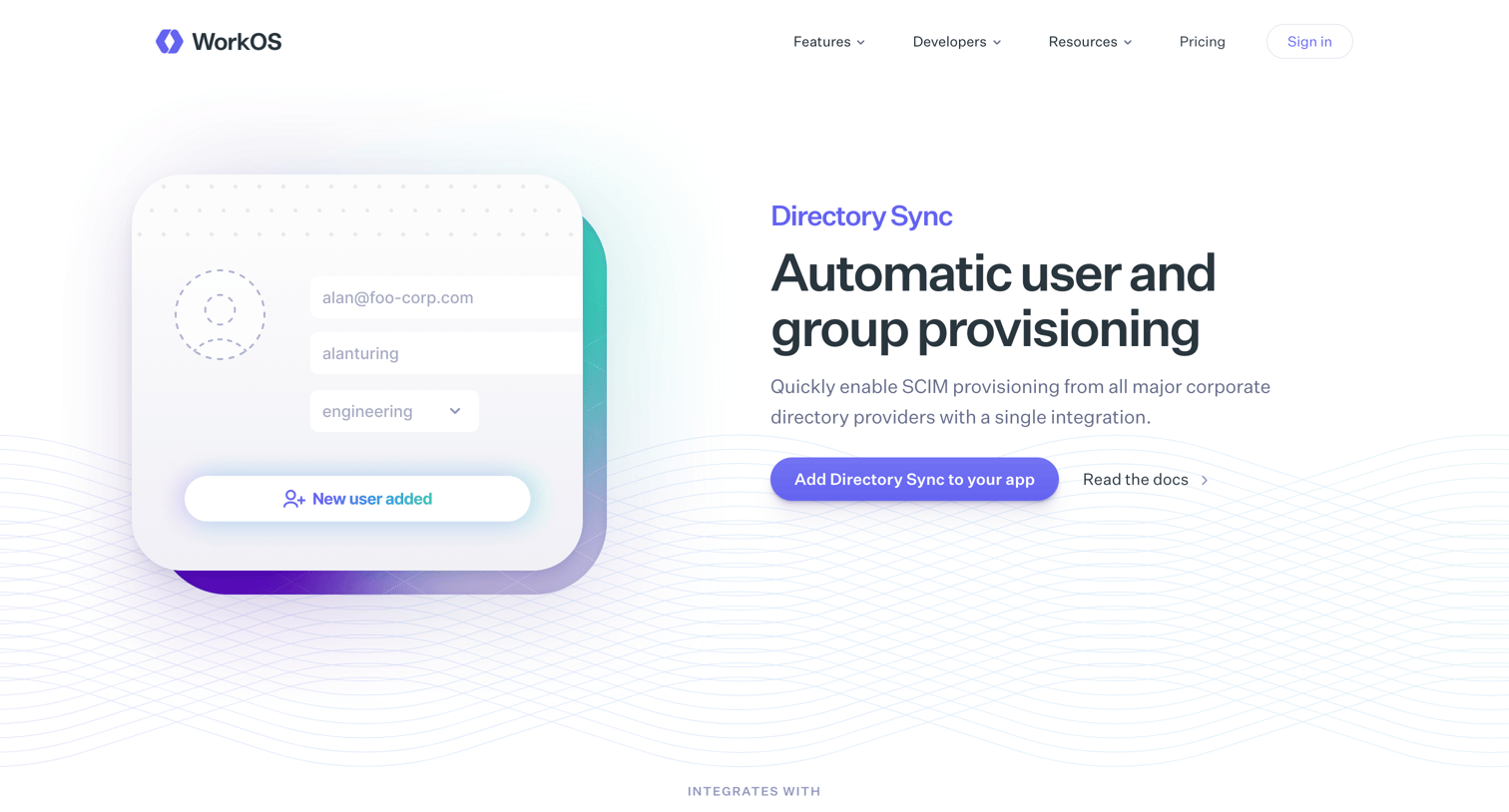

Feature page for Directory Sync detailing SCIM provisioning, HRIS integrations, code examples, and transparent pricing for developers.
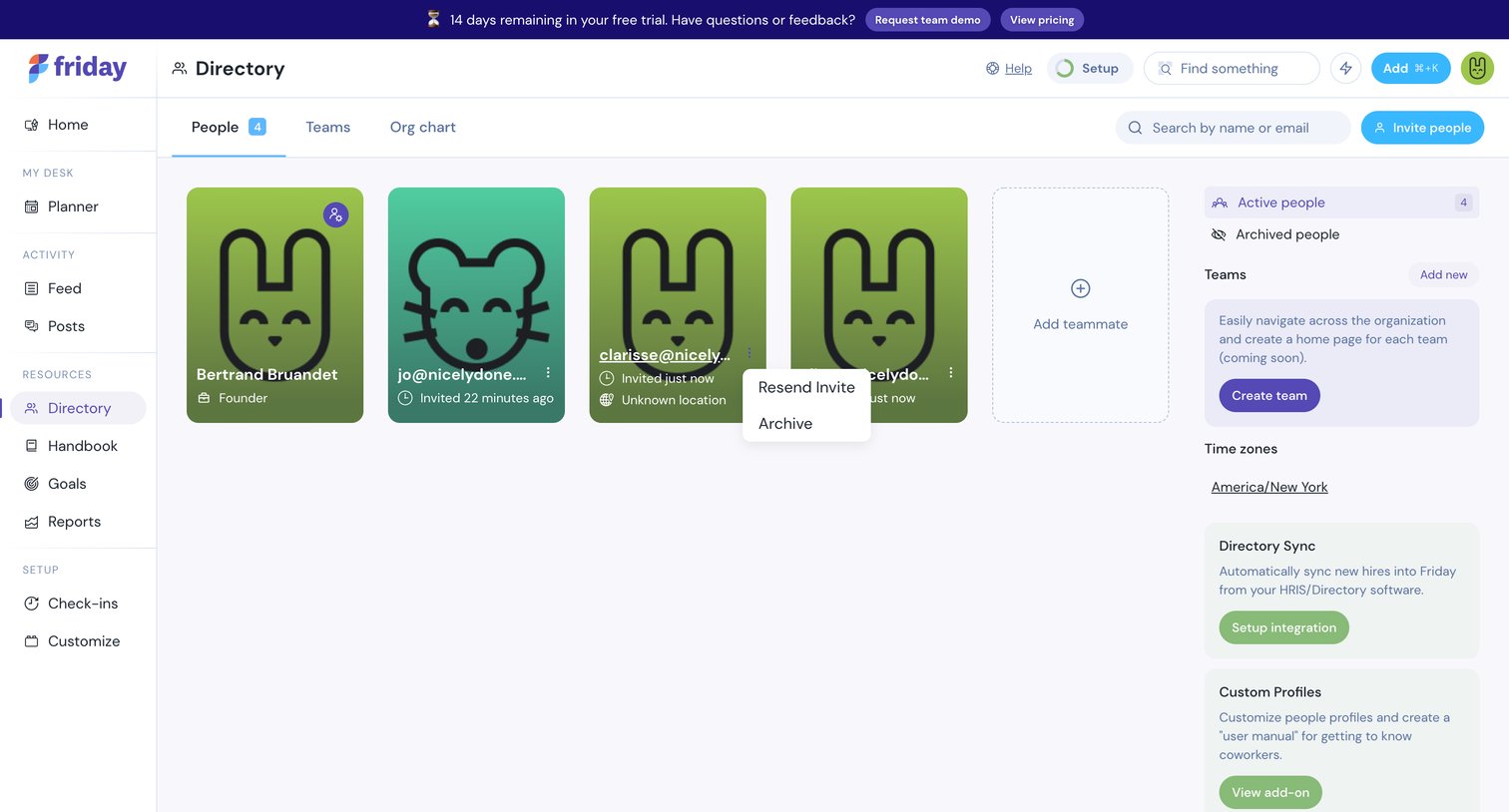

Directory page where the user views active people, can invite new teammates, and manages teams and integrations.
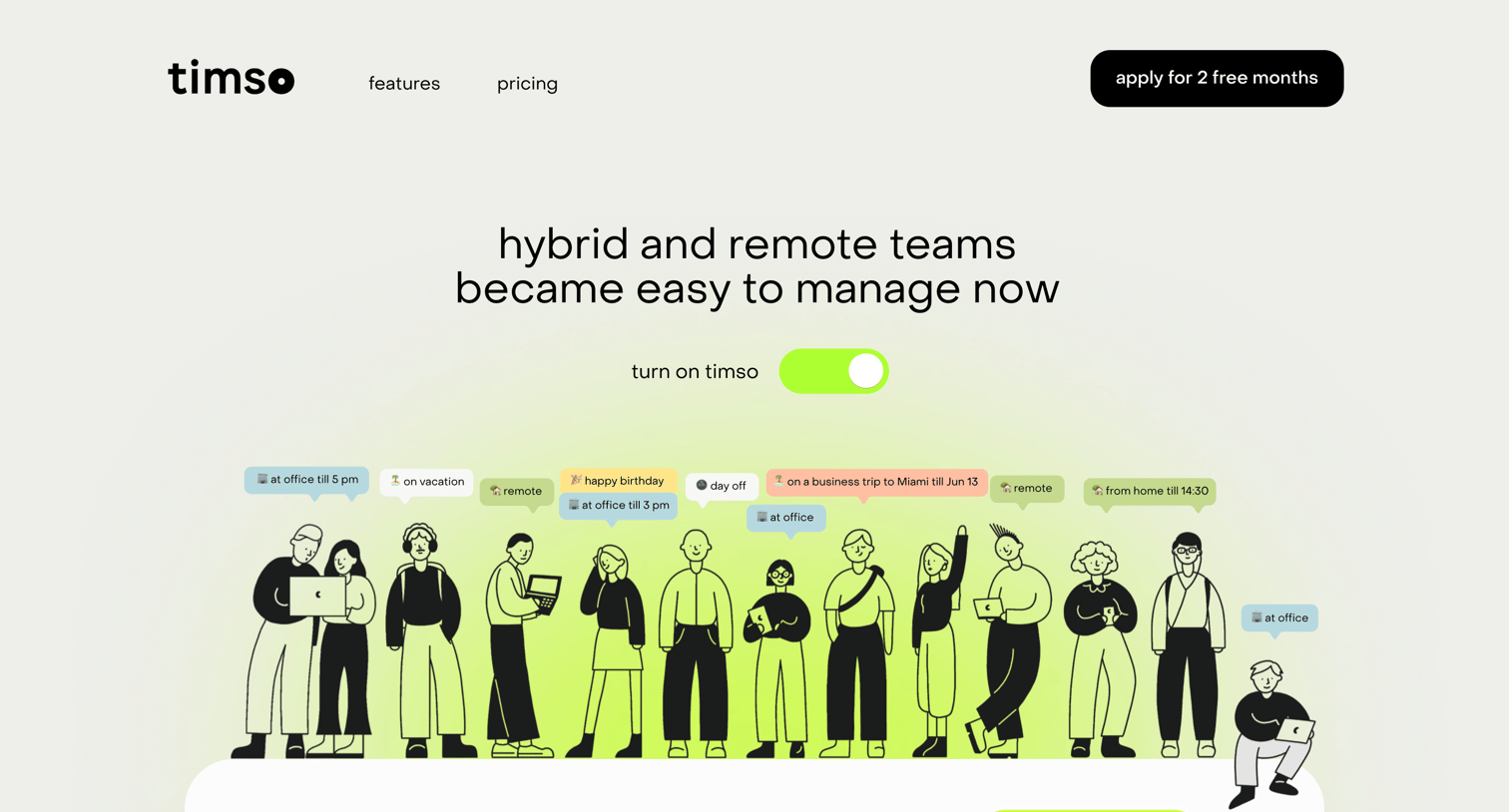

Landing page for a hybrid team management tool highlighting features like custom statuses, office space booking, and HRIS integrations, ending with a free trial signup form.
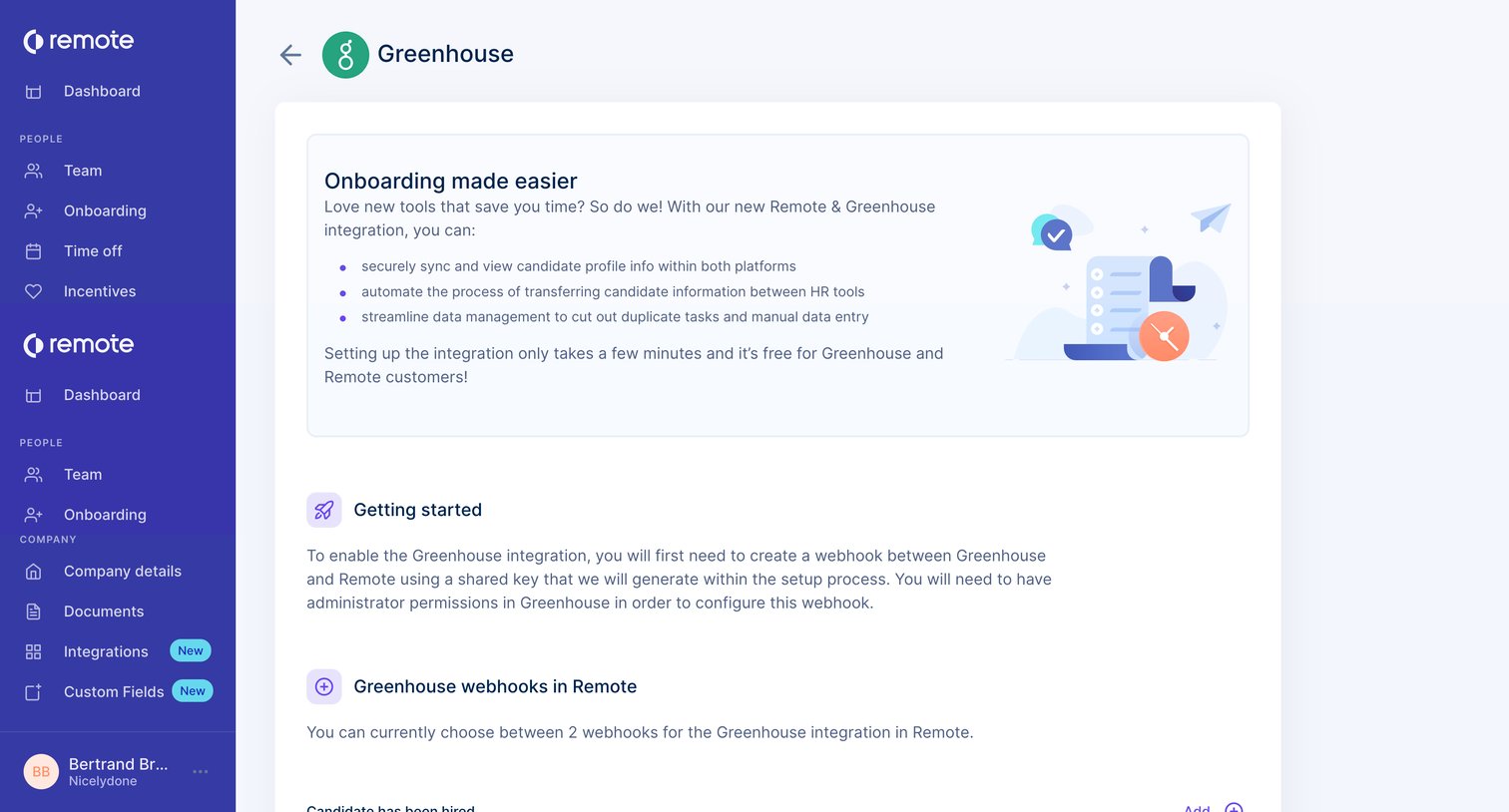

Settings page where the user configures the Greenhouse integration by adding webhooks for candidate hired and offer created events.
Explore the full SaaS screen library
Upgrade to unlock the full library.
Trusted by the best teams







