Gemini Flow Example: Sharing AI feedback
Preview this Gemini user flow: Sharing AI feedback. Explore the opening screens.
Preview these flows

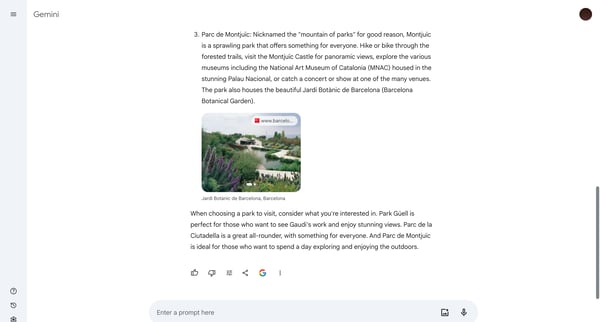
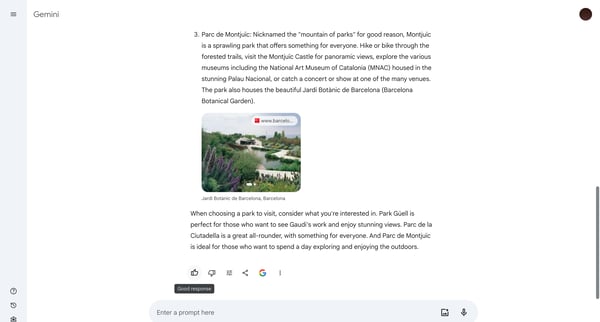
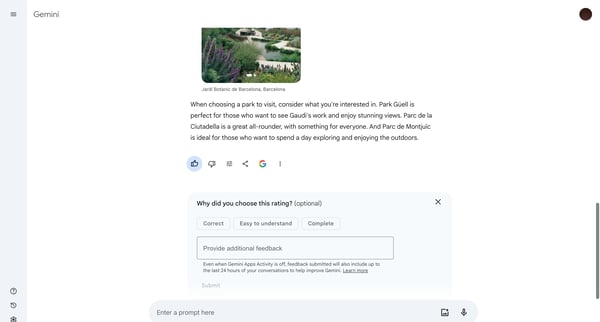
This user flow facilitates users in sharing their feedback on information provided by an AI system within Gemini, improving the system's accuracy and user experience over time.
Related user flows

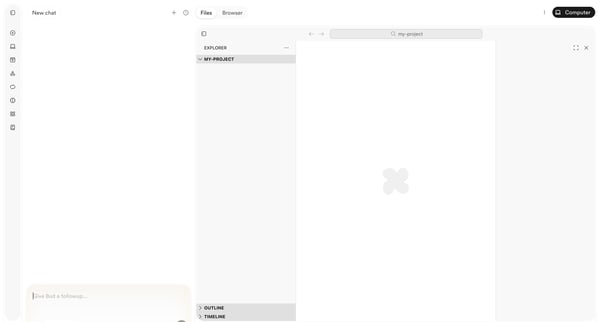
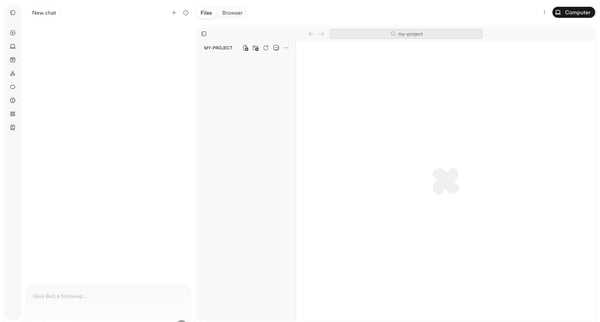
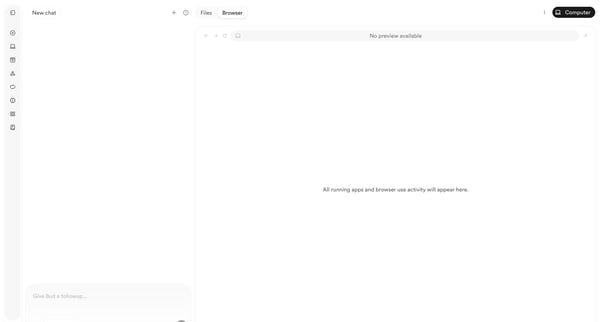
User starts in AI chat workspace and progresses through empty project states to browser preview with deployment menu while chatting with Bud agent

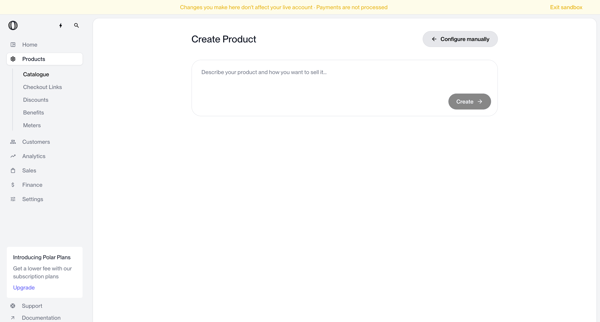
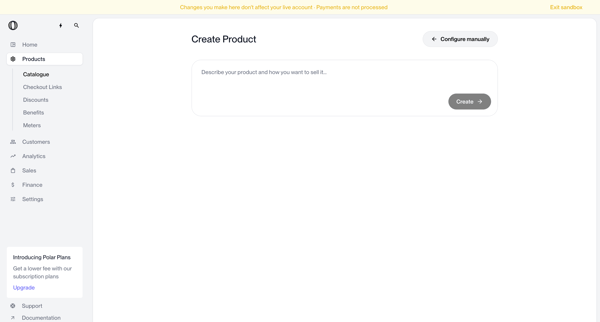
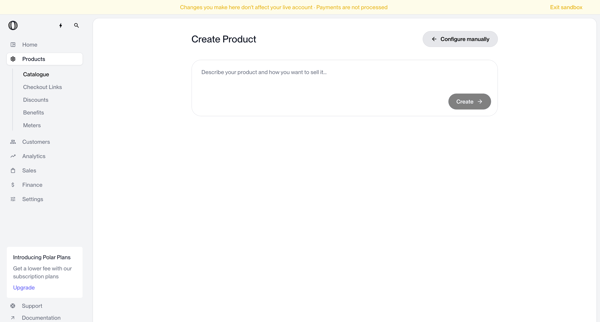
User enters natural language description on create page to generate a new product via AI, with manual configuration option available

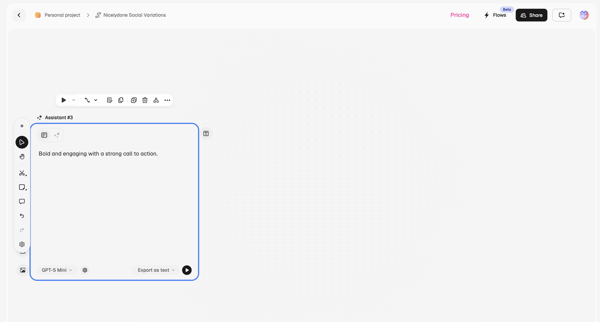
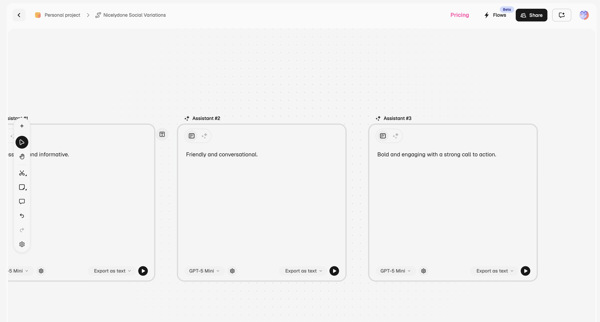
User configures AI assistant nodes on workflow canvas with prompt and model selection, then compares multiple prompts side-by-side on prompt canvas

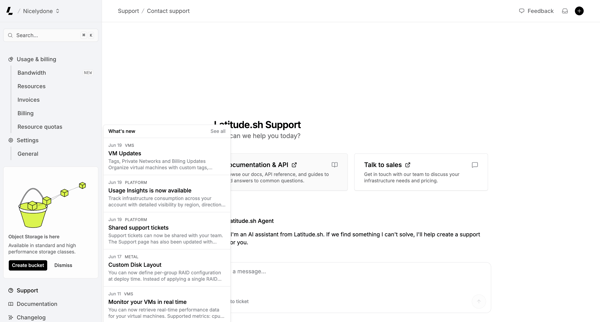
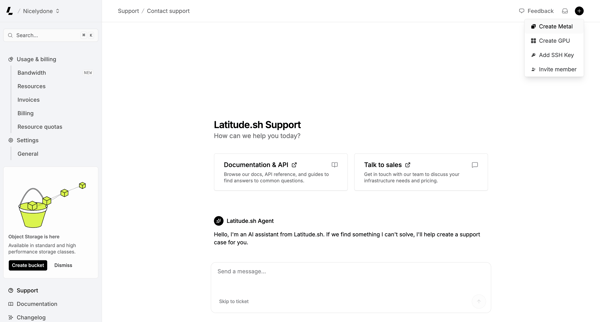
User engages with AI assistant on support page to resolve issues, browse documentation, or contact sales while viewing platform updates




User opens a video asset detail page, reviews playback with timestamped comments from teammates, enters text or voice feedback via floating composer or sidebar, and shares the asset link

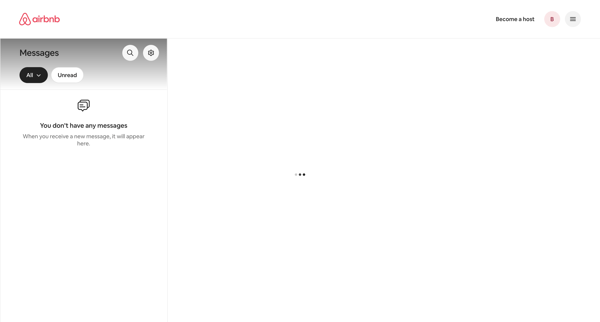
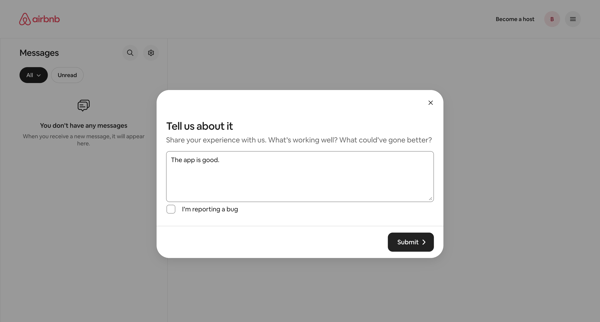
From empty messages inbox, opening feedback modal to share experience or report bug

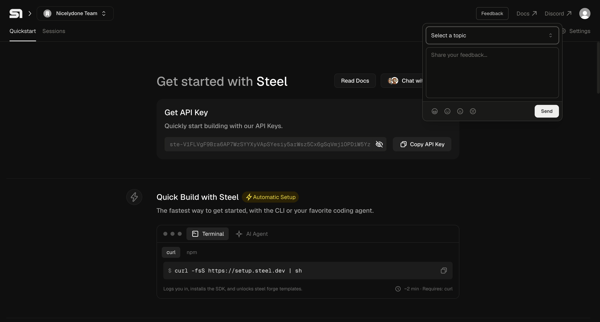
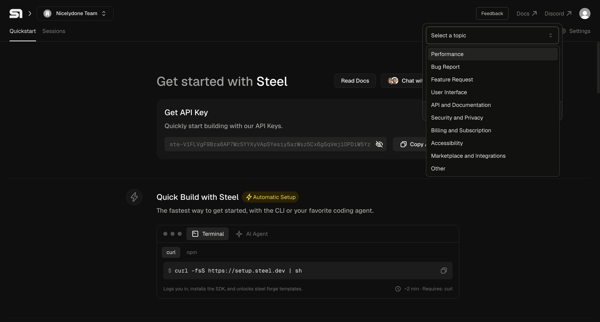
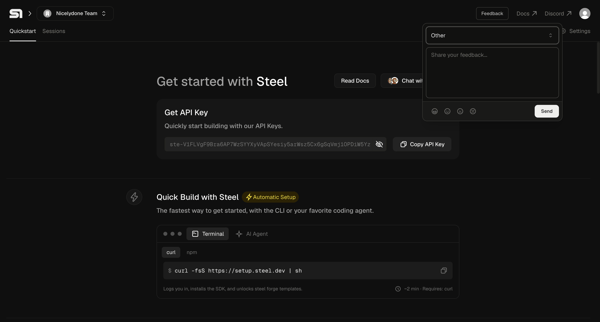
Developer opens feedback popover on Steel quickstart onboarding page, selects topic, and submits comment

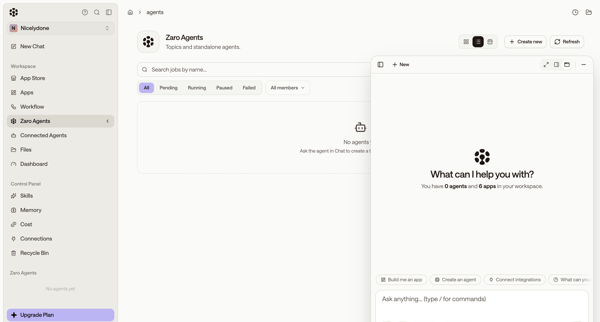
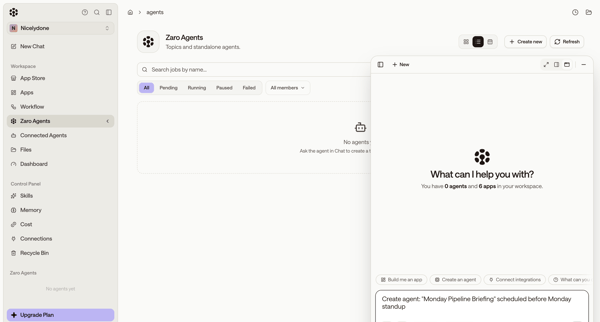
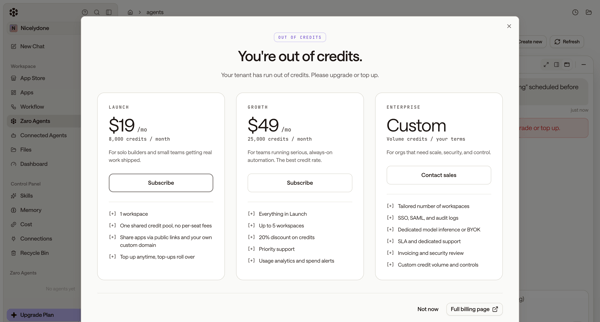
User starts from empty agents list, uses floating AI chat to request agent creation, then encounters out-of-credits paywall and error state

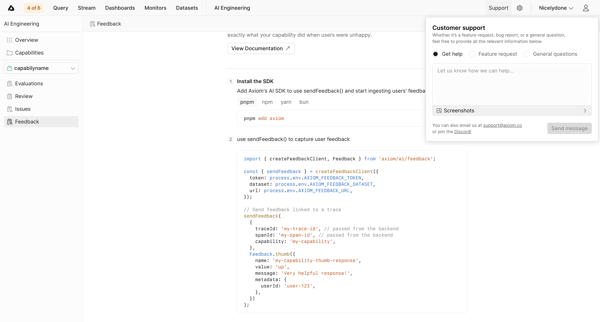
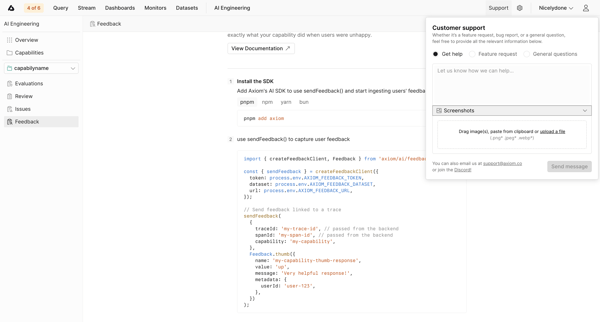
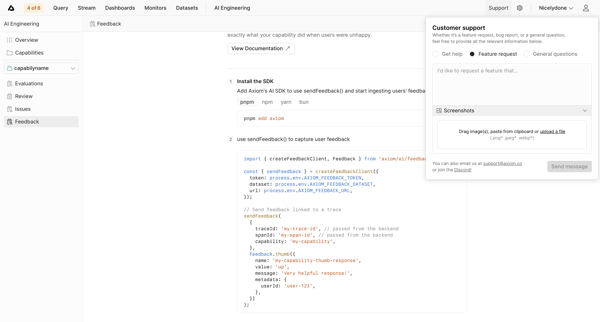
User enters AI capability feedback setup in empty state and opens customer support popover to submit feature requests, bug reports, or general questions

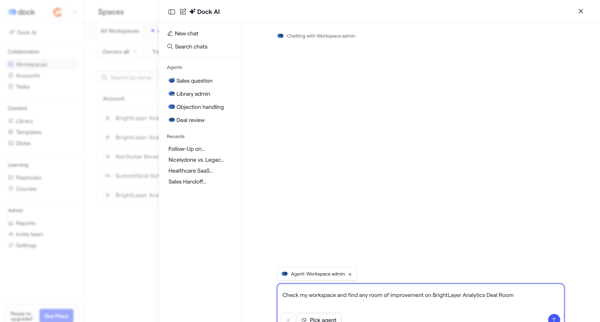
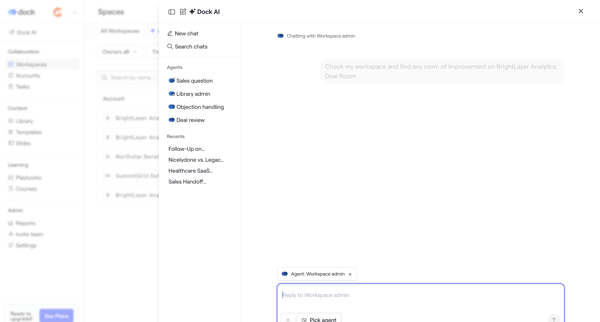
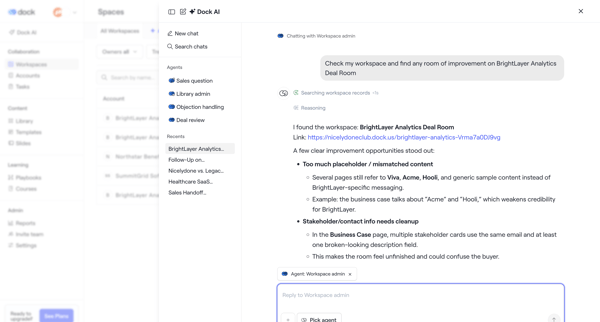
User opens AI chat drawer or overlay to converse with Workspace admin agent for deal room analysis, recommendations, metrics review, and rewrite planning

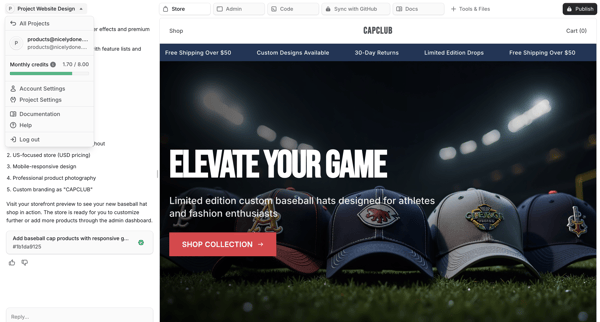
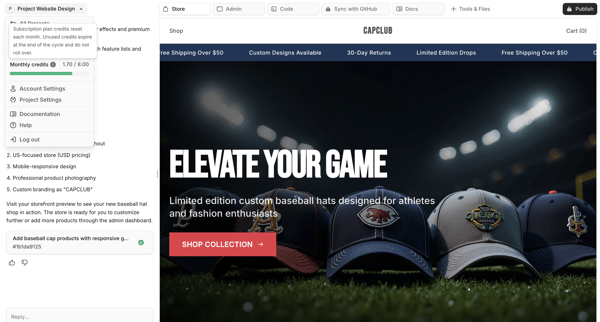
User chats with AI assistant to generate and refine an e-commerce storefront while previewing live results on the right pane

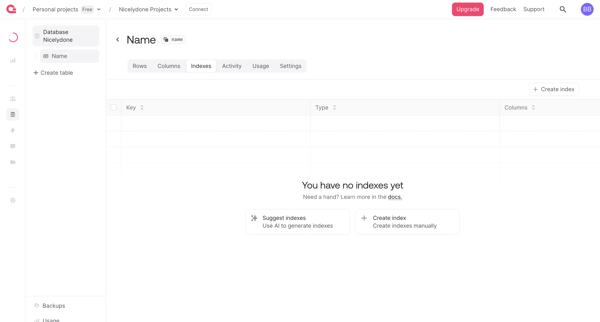
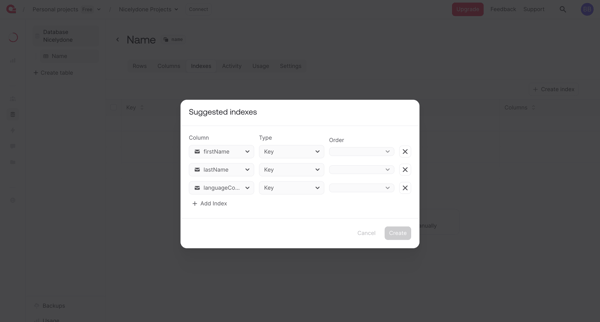
User creates database table indexes from an empty list view using manual creation or AI-generated suggestions in Appwrite
Explore the full SaaS flow library
Browse the full SaaS flow library.
Trusted by the best teams







