Axiom Flow Example: Adding dashboard spacer
Preview this Axiom user flow: Adding dashboard spacer. Explore the opening screens.
Preview these flows

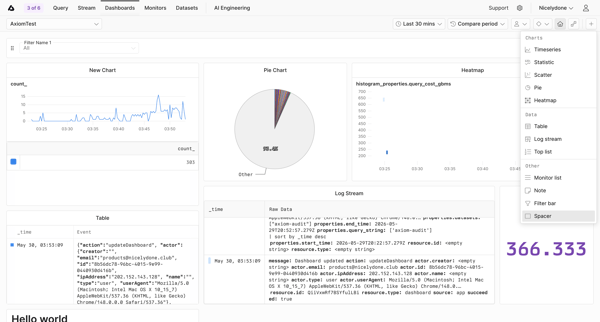
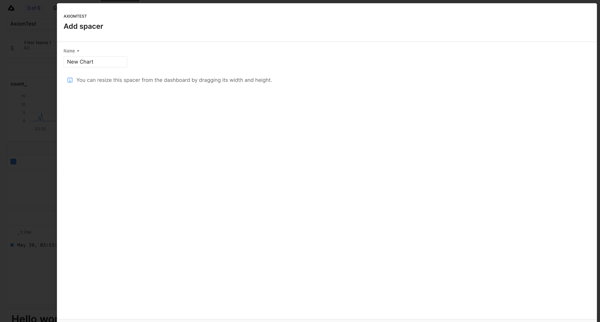
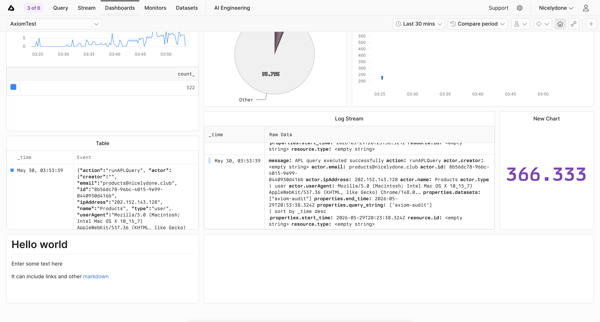
User opens widget popover on dashboard, selects Spacer, names it in modal, and sees unsaved changes banner on dashboard
Related user flows

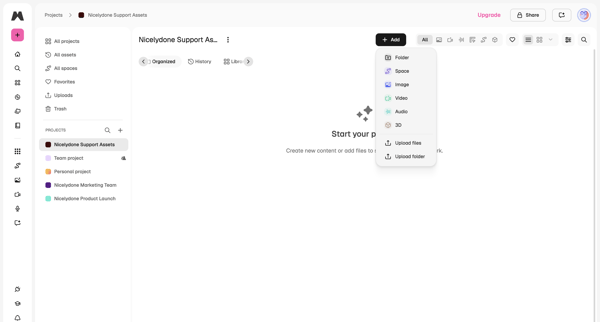
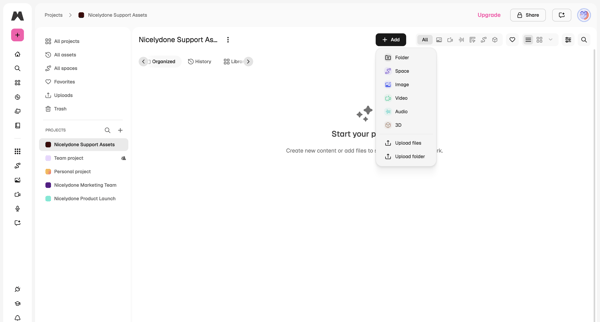
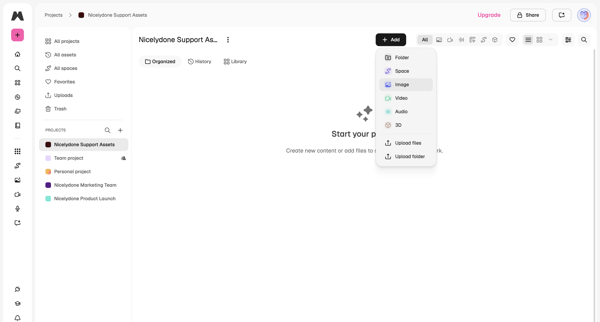
User lands on empty project workspace and opens add menu offering folder, space, image, video, audio, 3D, upload files or upload folder

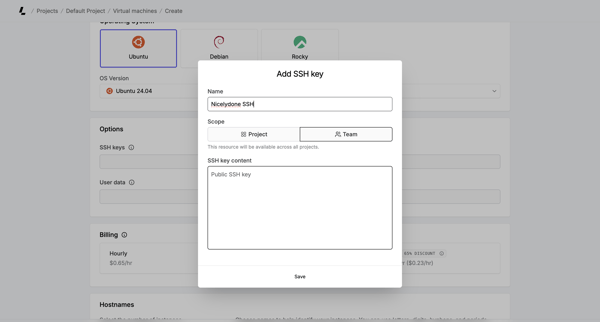
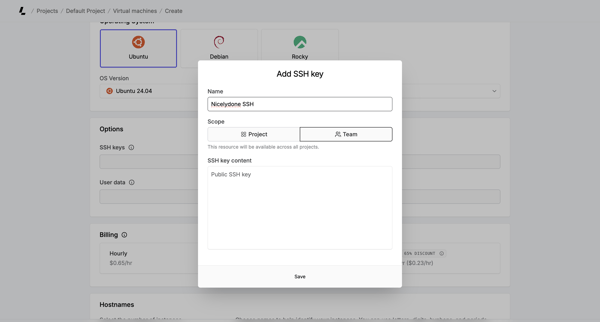
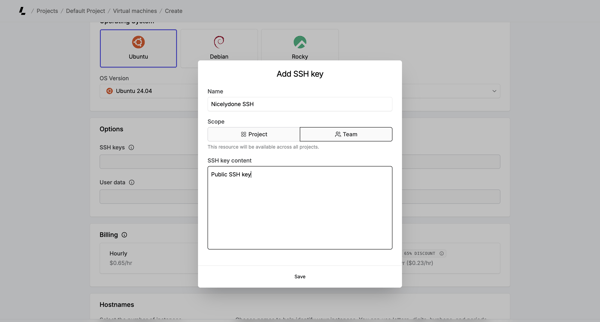
User opens Add SSH Key modal during virtual machine creation to provide name, scope, and public key content

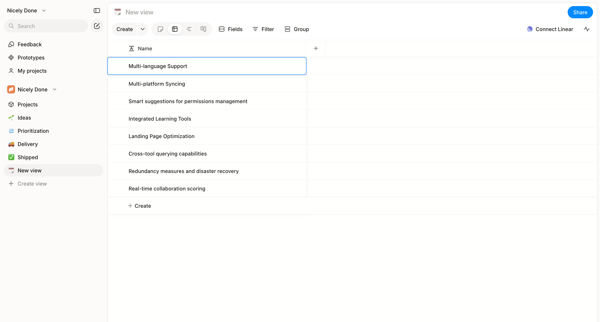
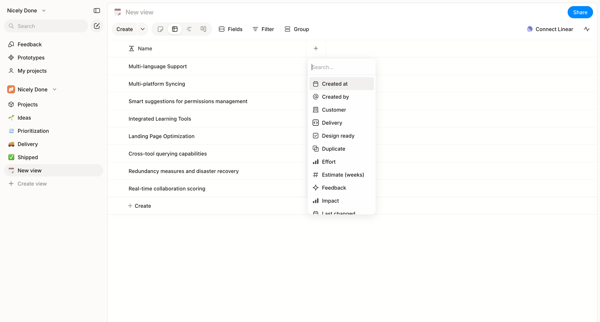
User starts in custom list view and adds columns to a data table via searchable picker in Alloy

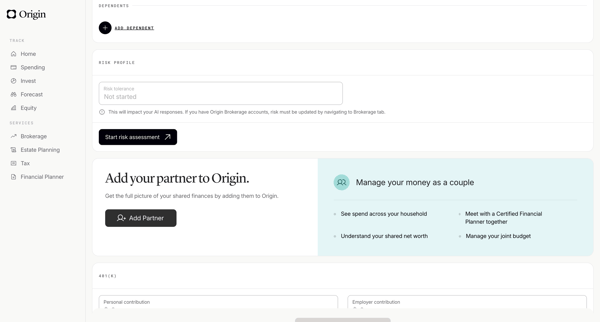
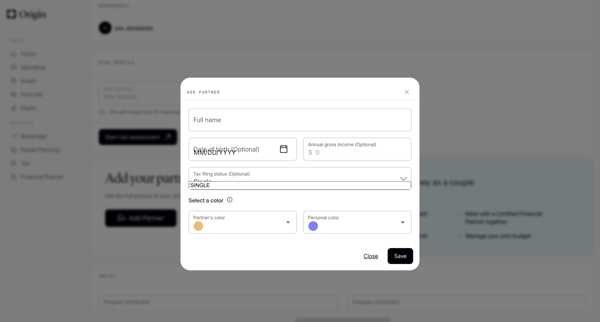
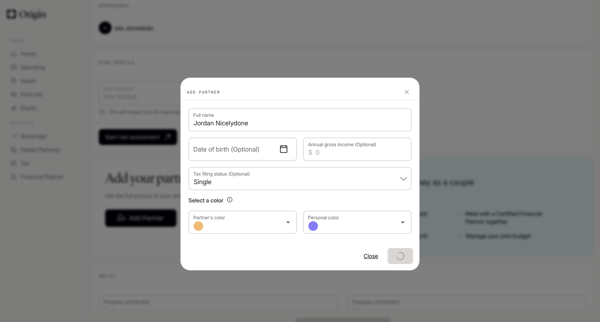
User opens profile settings and completes a modal form to add a partner with name, DOB, income, tax status, and color assignment

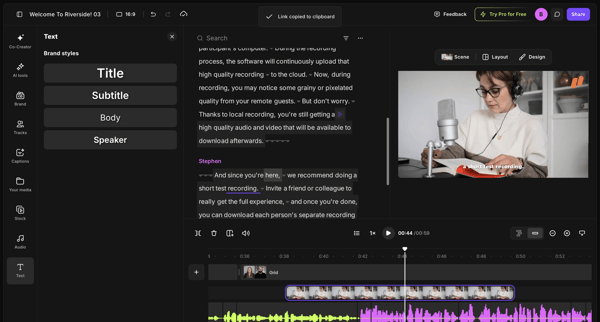
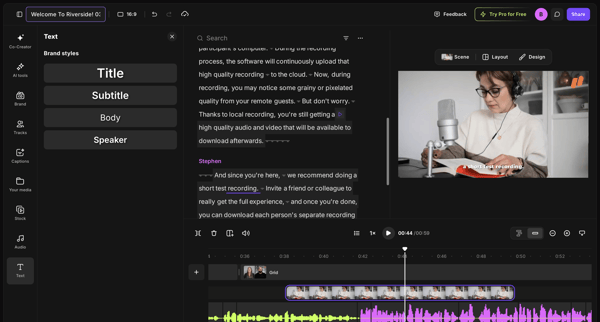
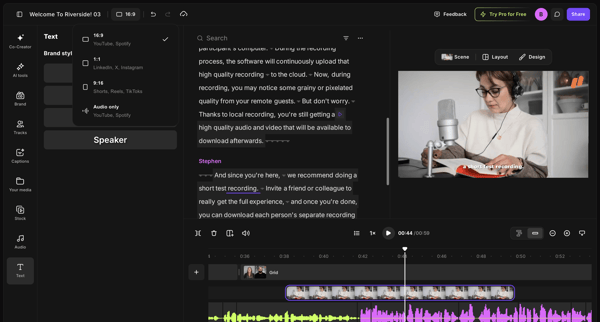
Editing brand styles, text elements, and timeline tracks in the video editor workspace

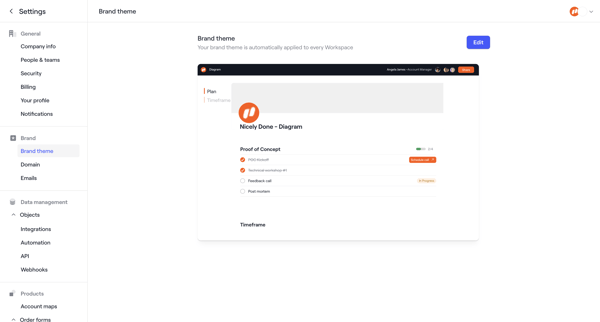
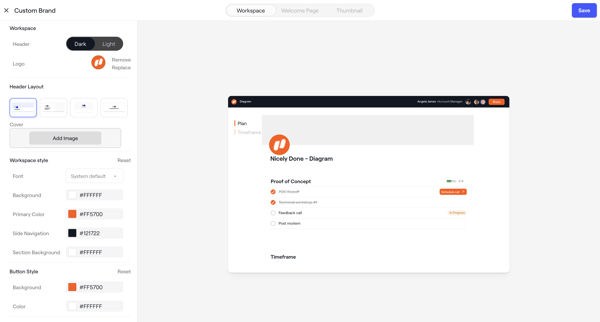
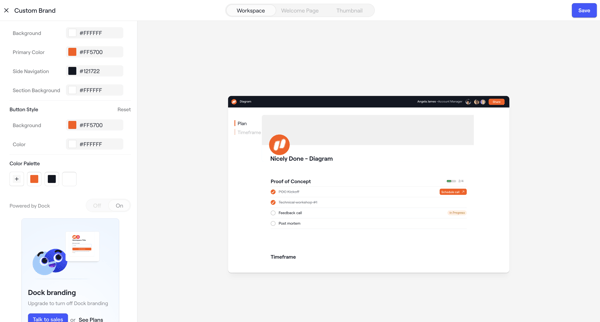
Admin configures workspace brand theme across appearance settings screens with live client portal preview, color/layout/font controls, asset uploads, and upgrade prompts

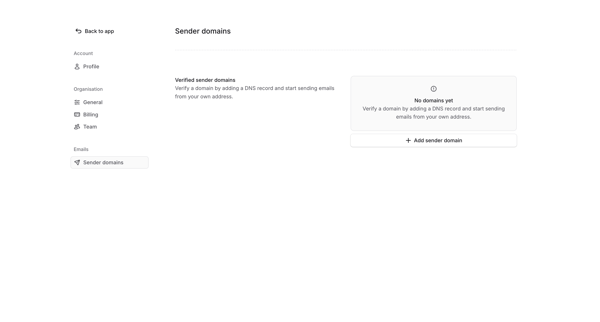
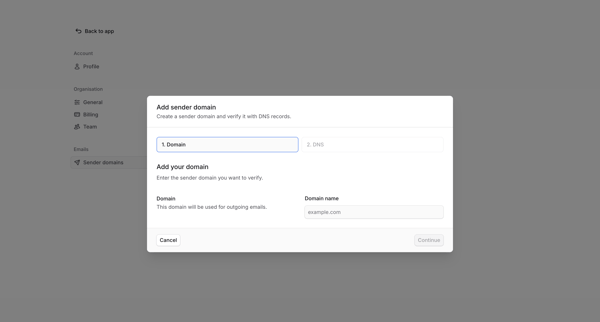
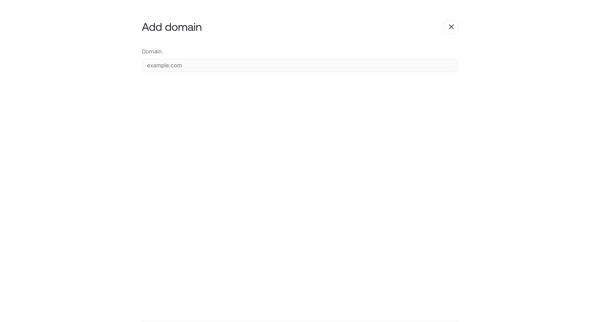
User views empty sender domains settings and opens multi-step modal to begin adding a domain for DNS verification

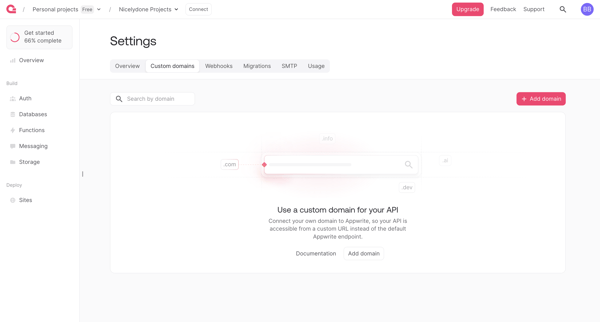
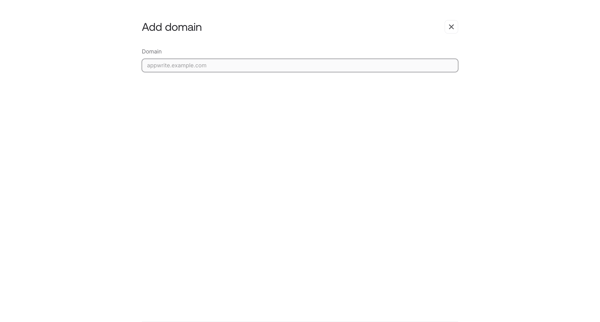

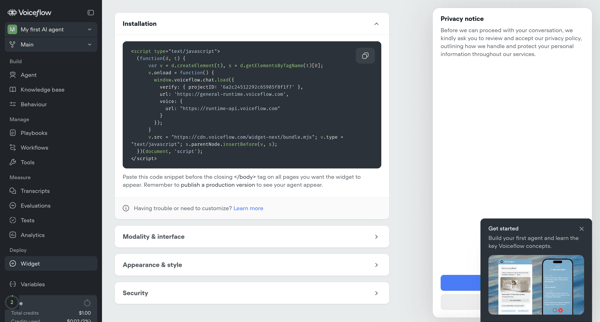
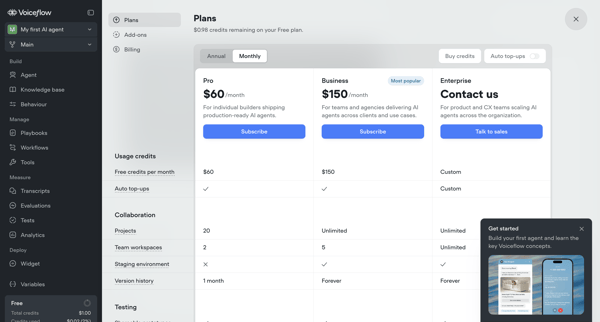
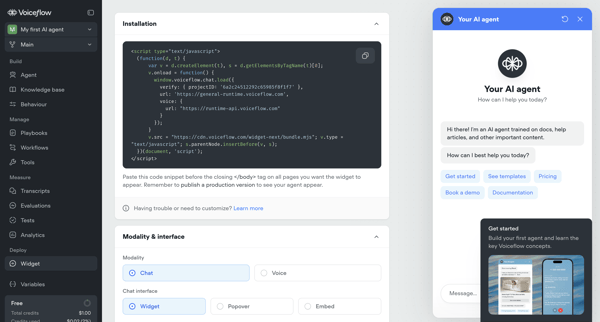
User configures installation snippet, appearance, security, and deployment options for Voiceflow AI agent's webchat widget across multiple settings screens, with upgrade prompts for advanced features

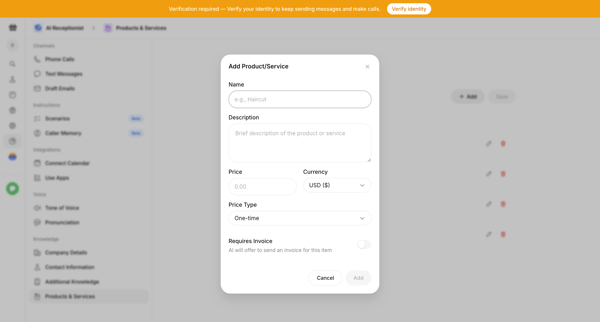
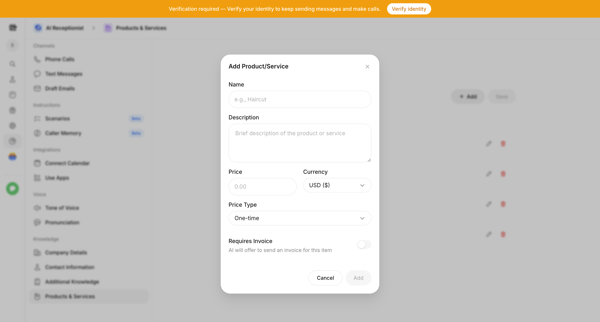
User opens Add Product Modal from AI Settings to define name, description, price, and invoice options for the AI receptionist's knowledge base

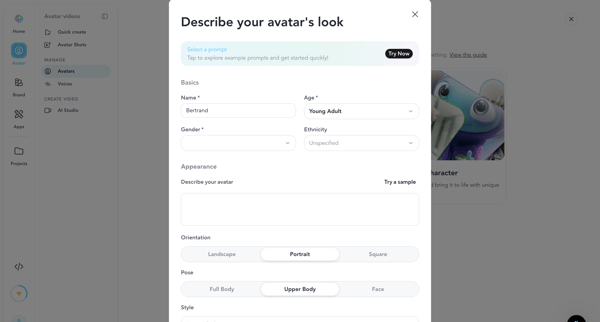
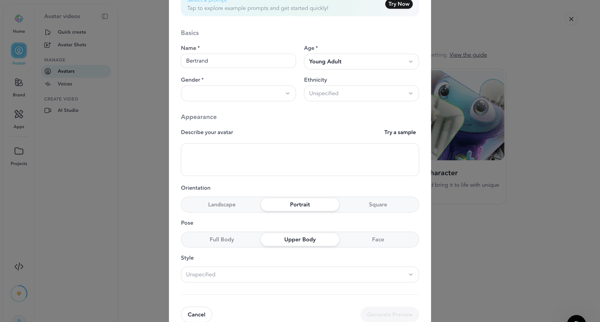
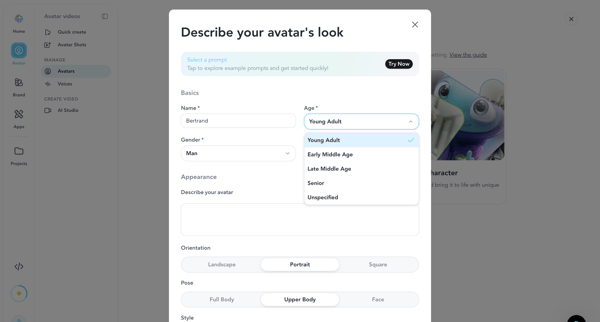
User configures AI avatar name, demographics, appearance prompt, orientation, pose and style inside creation modal before generating preview image or video

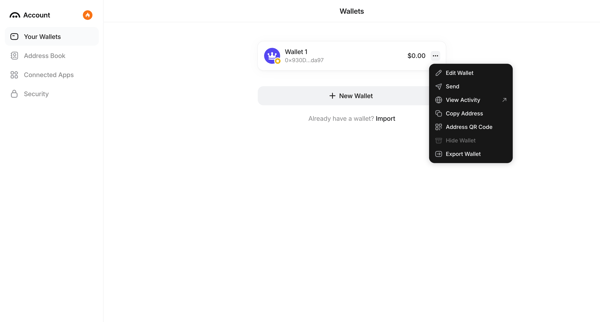
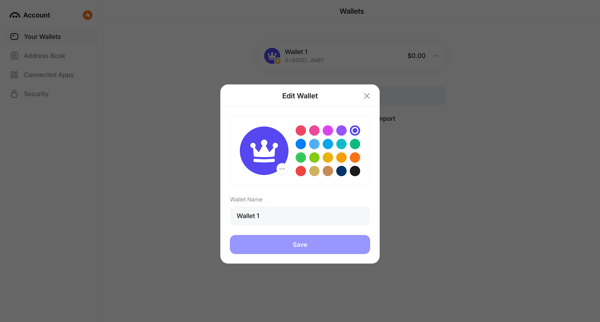
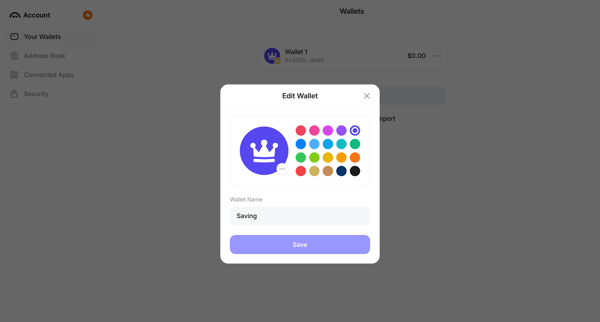
User opens context menu on a wallet in settings and edits its name and color identifier in a modal
Explore the full SaaS flow library
Browse the full SaaS flow library.
Trusted by the best teams







